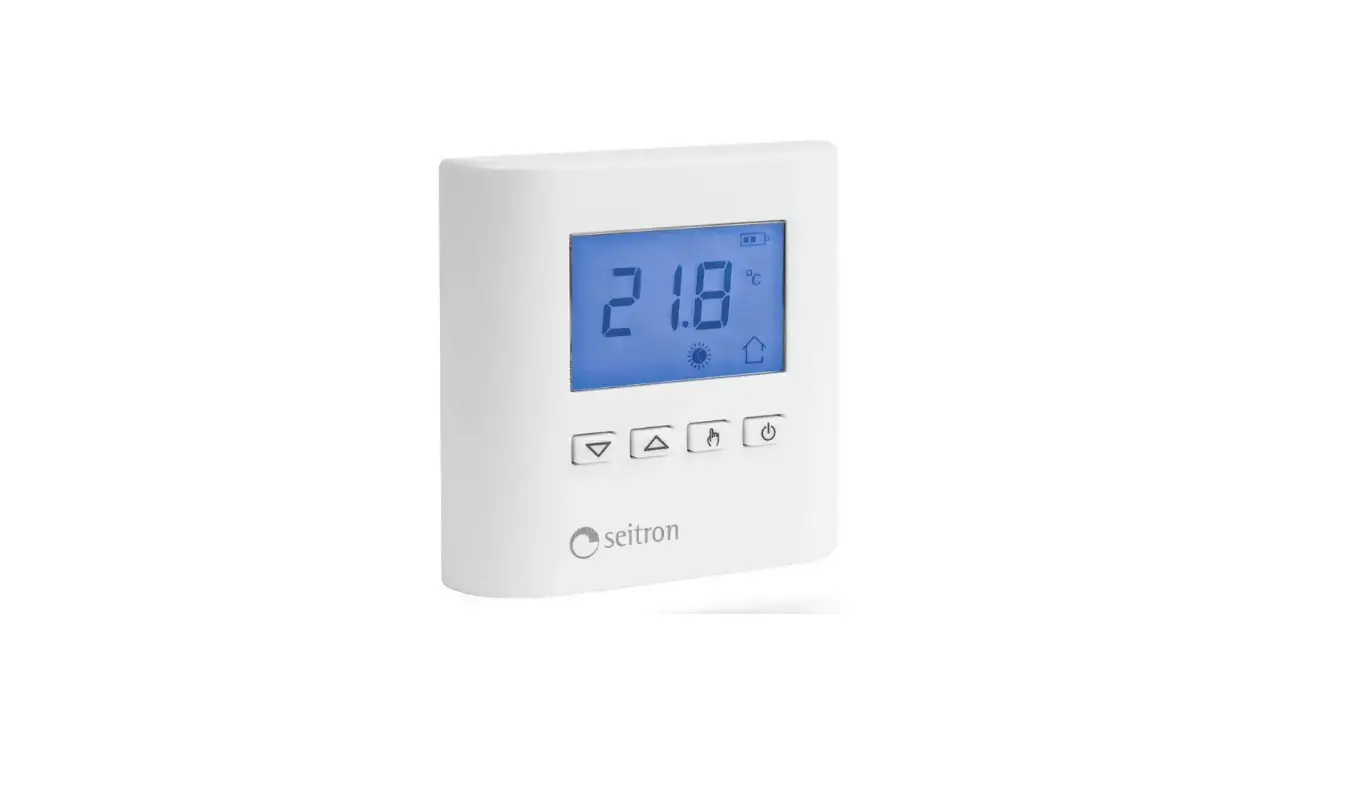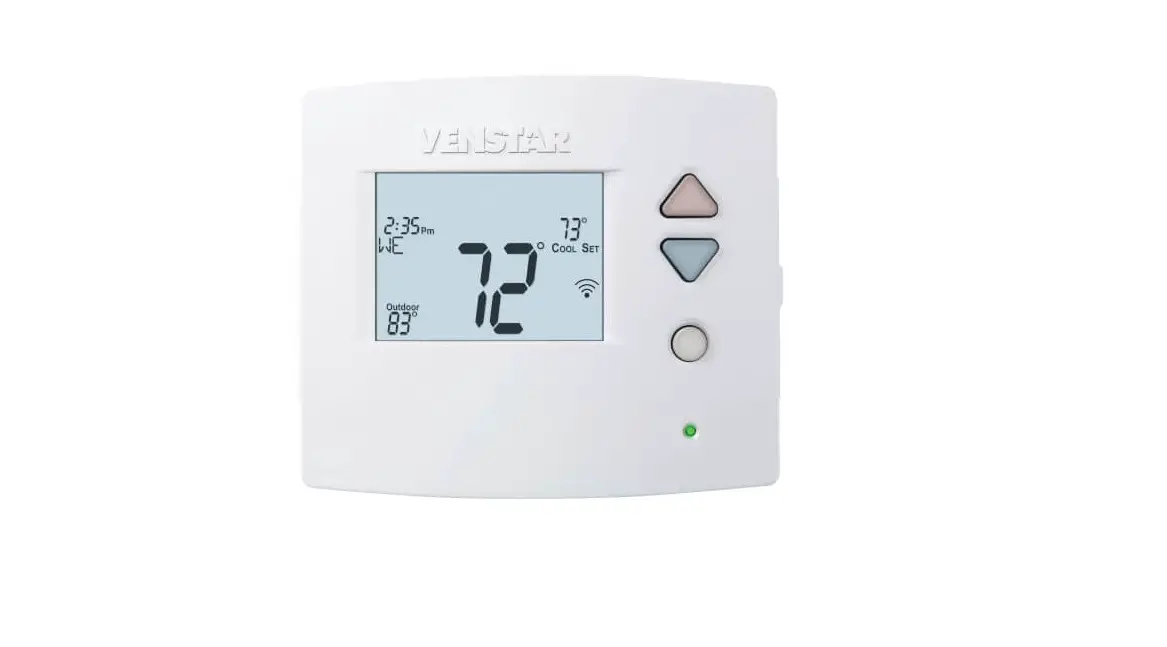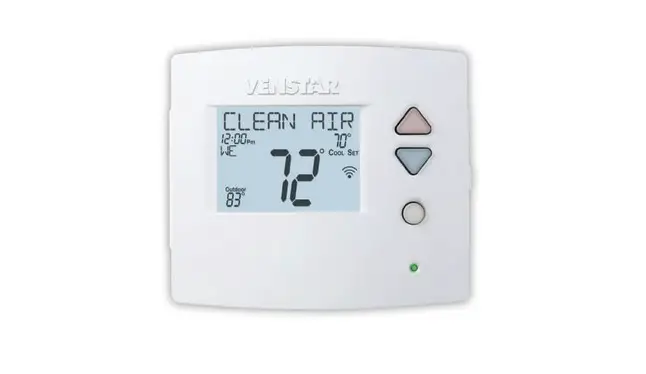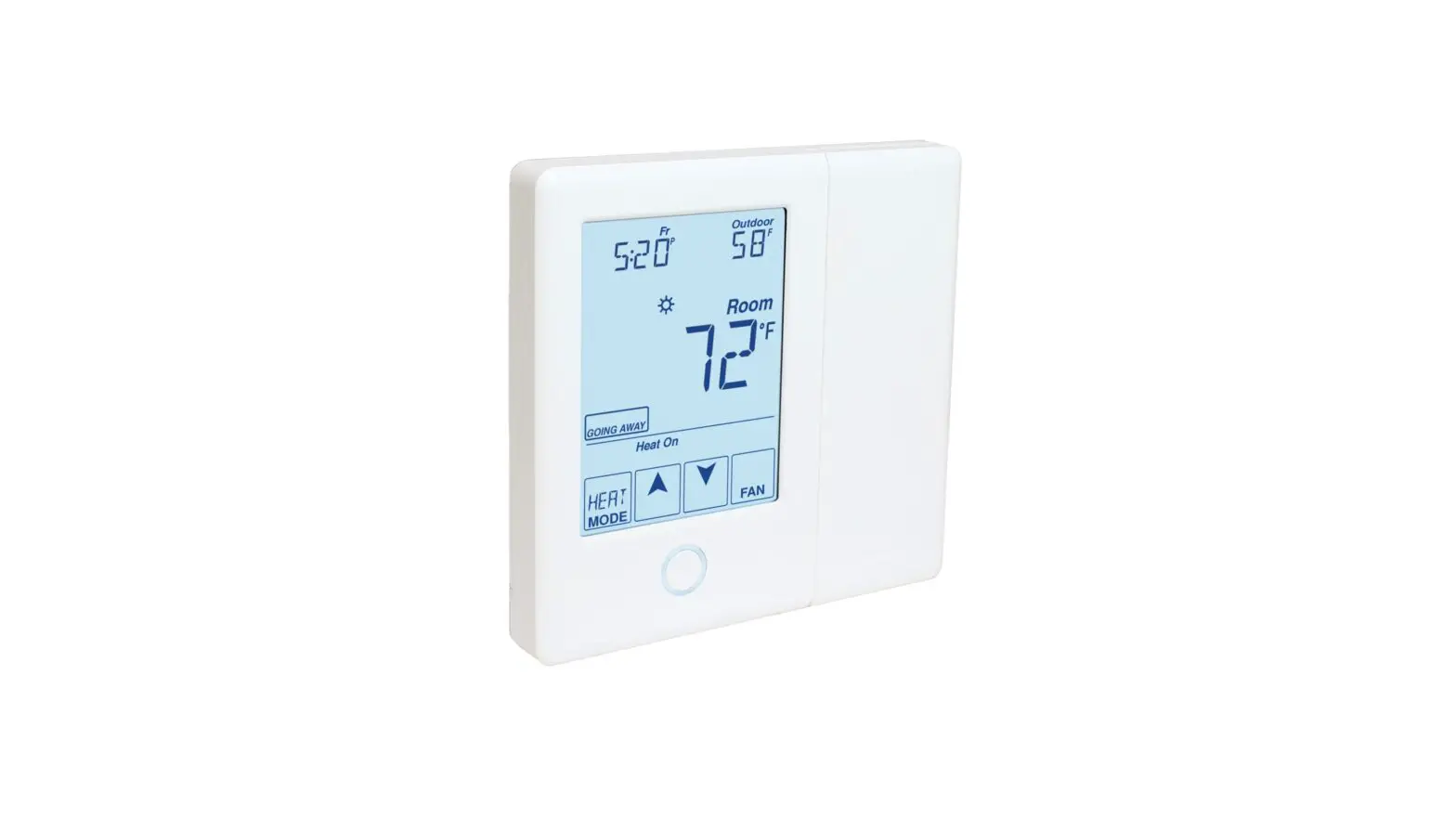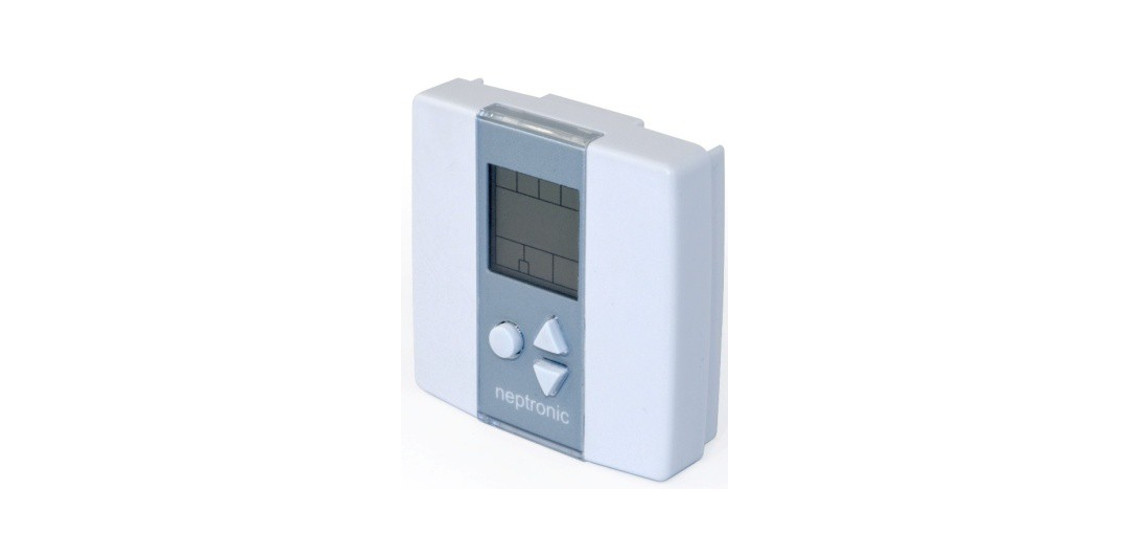
 TMA54-EXT1 Thermostat
Instruction Manual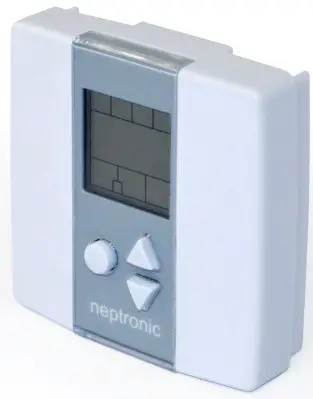
Features
TMA54-EXT1
- Selectable analog output
- Selectable Fahrenheit or Celsius scale
- Manual Night Set Back override
- Multi-level lockable access menu
- Lockable Set point
- Selectable internal or external temperature sensor (10k Ω type 3)
- The selectable proportional control band
- Proportional-integral-derivative (PID) controller
| Technical Data | TMA54-EXT1 |
| Outputs | 2 Analog Cooling outputs (0-10Vdc) |
| 2 Analog Heating outputs (0-10Vdc) | |
| 0 or 22 Vdc, TPM, (Time proportional modulation) 250 mA max. | |
| Power supply | 22 to 26 Vac 50/60Hz |
| Power consumption | 2 VA |
| Set point range | 0°C to +60°C [32°F to +140°F] |
| Internal Temperature Sensor | Range: 0°C to +50°C [32°F to +122°F] |
| External Temperature Sensor | 10k 0 type 3 I Range: -40°C to +100°C [-40°F to +212°F] |
| Control accuracy | Temperature: +/-0.2°C [0.4°F] |
| Proportional band | 0.5 °C to 20°C [1 °C to 40°F] adjustable |
| Electrical connection | 0.8 mm2 [18 AWG] minimum |
| Operating temperature | 0°C to +50°C [32°F to +122°F] |
| Storage temperature | -30°C to +50°C [-22°F to +122°F] |
| Relative Humidity | 5 to 95 % noncondensing |
| Degree of protection of housing | IP 30 to EN 60529 |
| Weight | 85 g. [0.2 lb] |
| Dimensions A = 3.00″ I 78mm B = 3.00″ I 78mm C = 1.00″ I 24mm D = 2.36″ I 60mm | 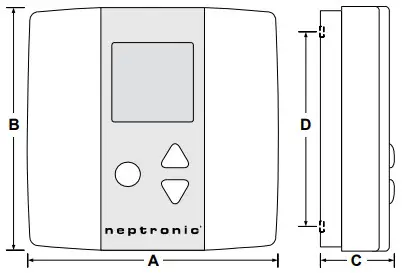 |
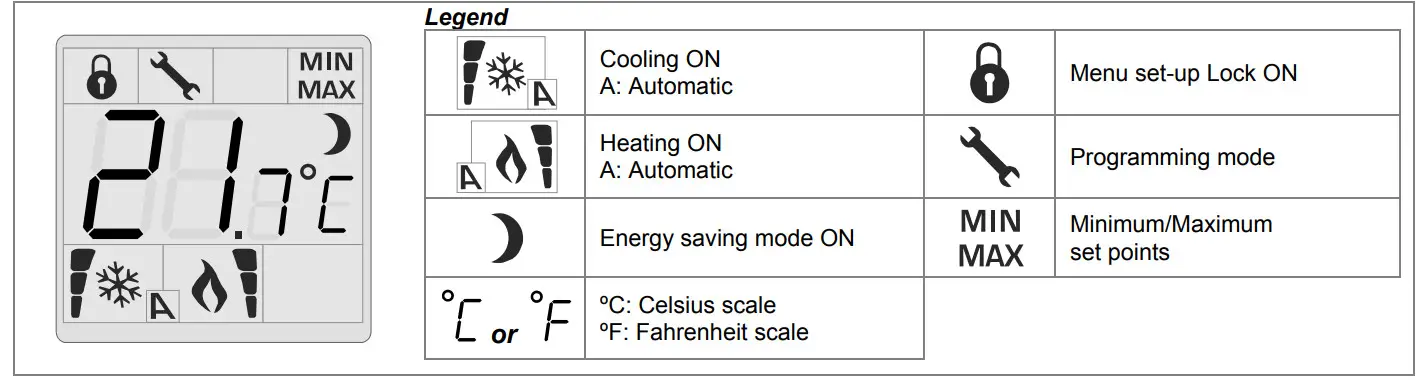
Presentation
Mounting Instructions
CAUTION: Risk of malfunction. Remove power prior to separating the thermostat cover from its base.
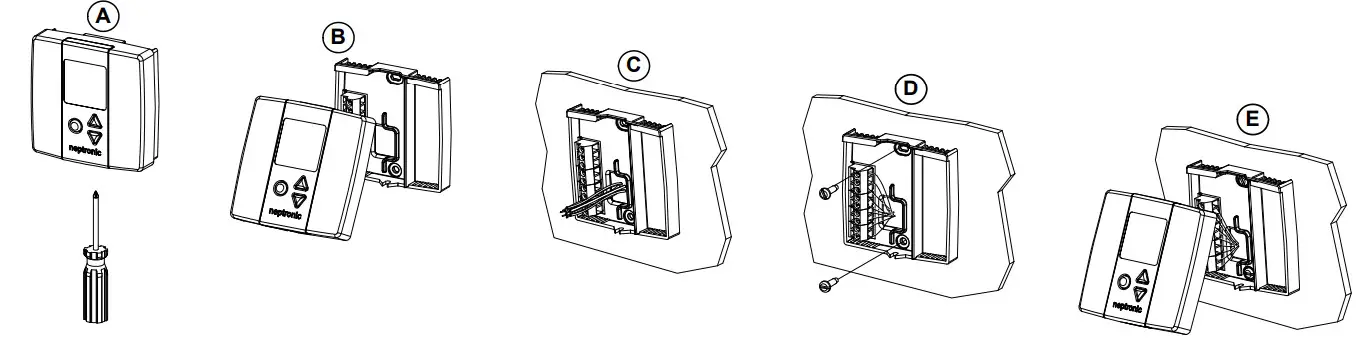
A. Remove the screw (captive) holding the base and the front cover of the thermostat.
B. Lift the front cover of the thermostat to separate it from the base.
C. Pull wire through the base hole.
D. Secure the base to the wall using wall anchors and screws (supplied). Make the appropriate connections.
E. Mount the control module on the base and secure using the screw.
Terminal Descriptions
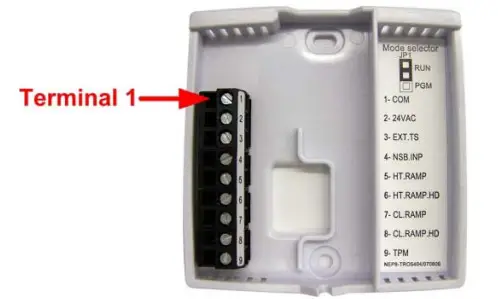
| Terminals | TMA54-EXT1 |
| 1 | Common |
| 2 | 24 Vac |
| 3 | Exterior temperature sensor |
| 4 | Night set back input* |
| 5 | Heating 1st ramp |
| 6 | Heating 2nd rampt |
| 7 | Cooling 1st ramp |
| 8 | Cooling 2nd ramp |
| 9 | TPM (time proportional modulation) |
* For a replacement in an existing night set back (NSB) loop with thermostat PTA, the NSB input, terminal #4, of the TMA should be isolated for good performance.
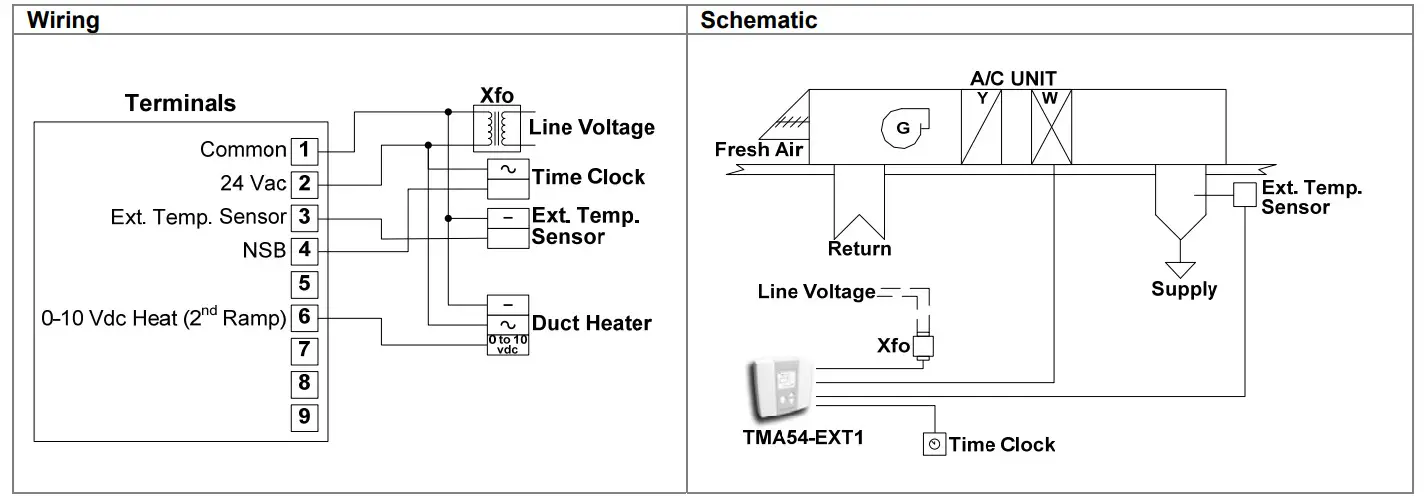
- For controlling an electric heater with a modulating signal (0-10Vdc), use terminal 6 (Heating 2nd ramp)
Settings on PC Board
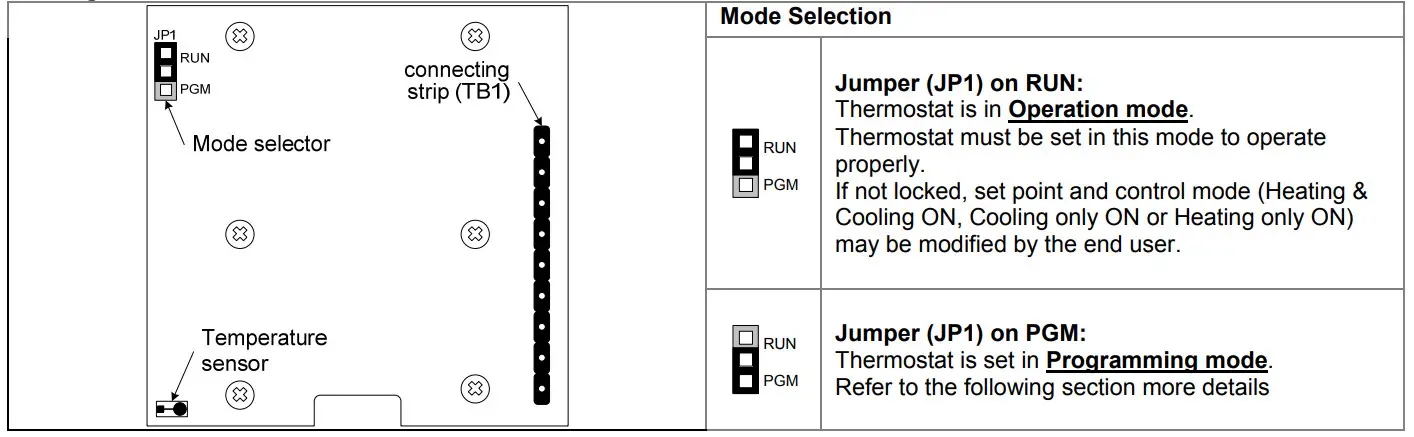
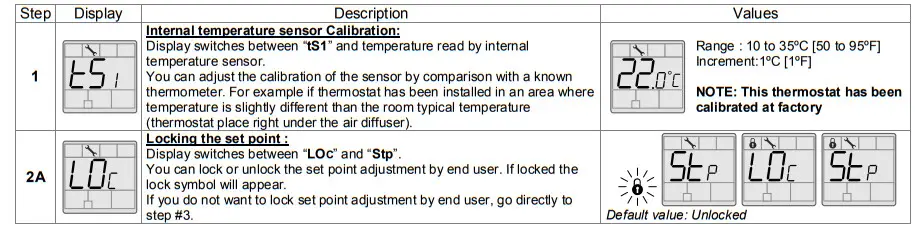
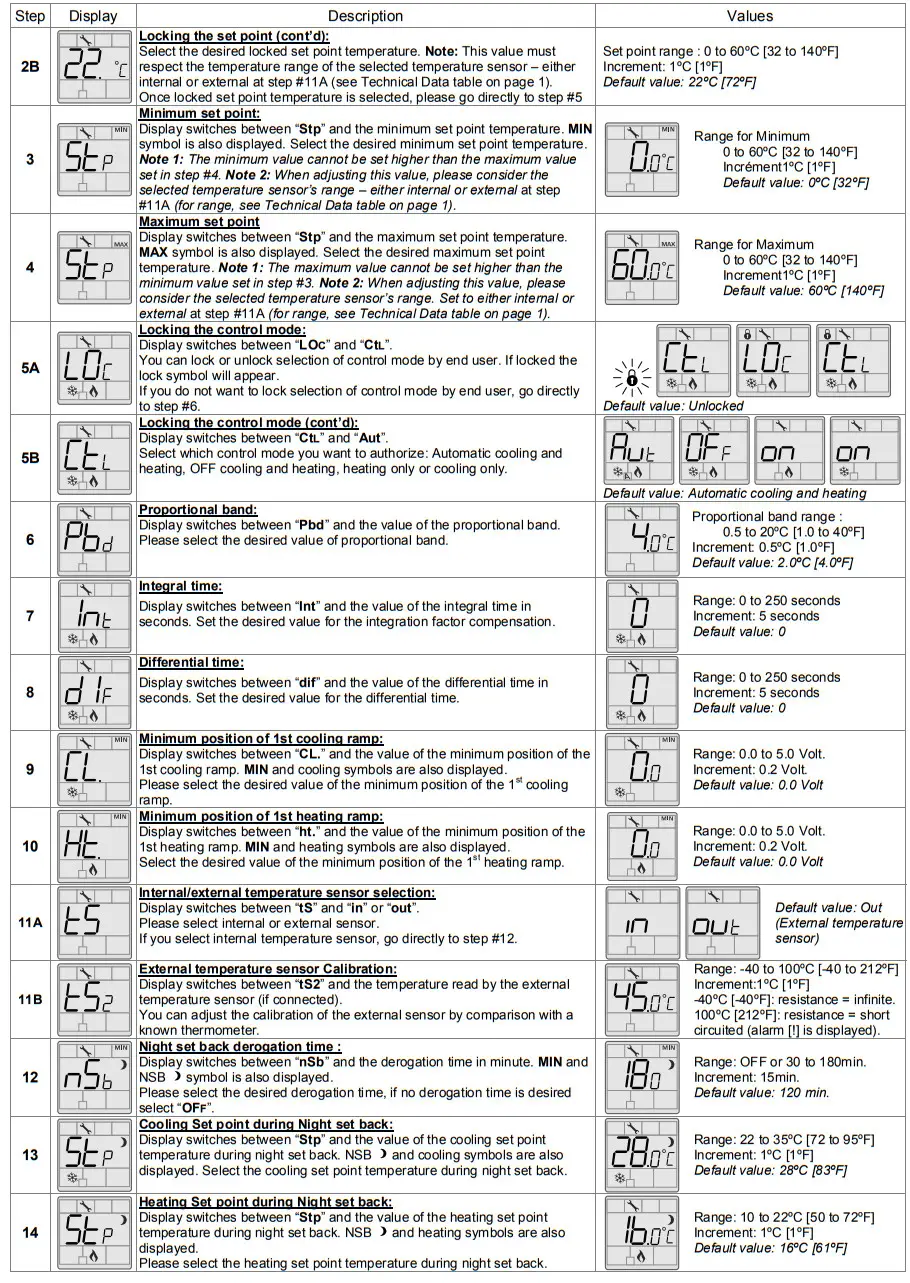
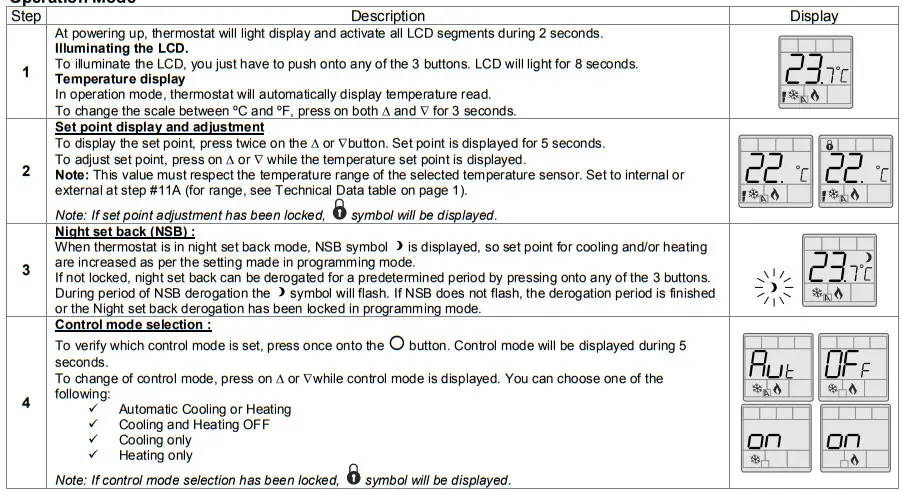
Programming Mode
When in this mode this symbol is displayed. Please press on  the button to advance to the next program function and press on O or ▽to change the value. You can exit programming mode at any time, changed values will be recorded.
Typical Application
Thermostat for controlling an electric heater in a Make-Up Air unit.
Recycling at end of life
 At end of life, please return the thermostat to your Neptronic local distributor for recycling. If you need to find the nearest Neptronic authorized distributor, please consult www.neptronic.com.
 Neptronic | Home - Humidifier Distributor & HVAC Products