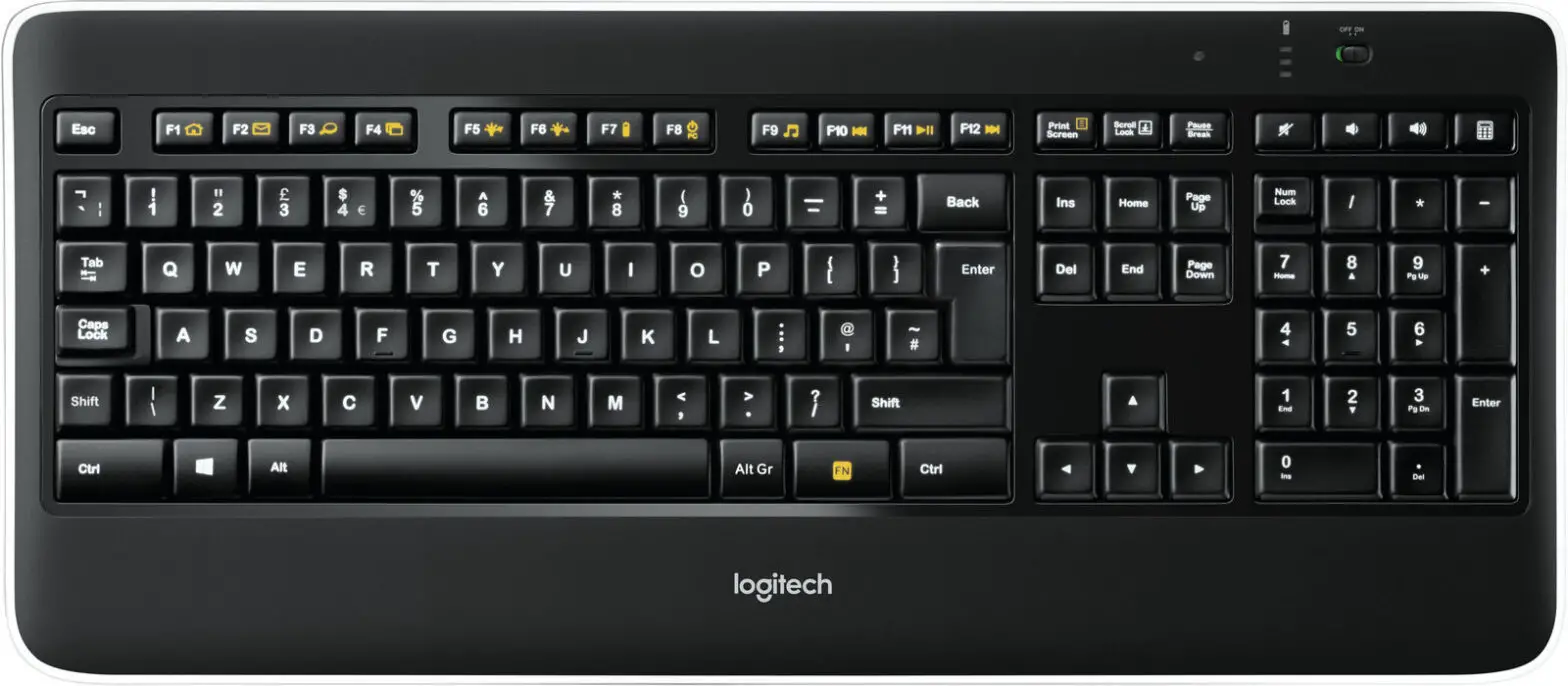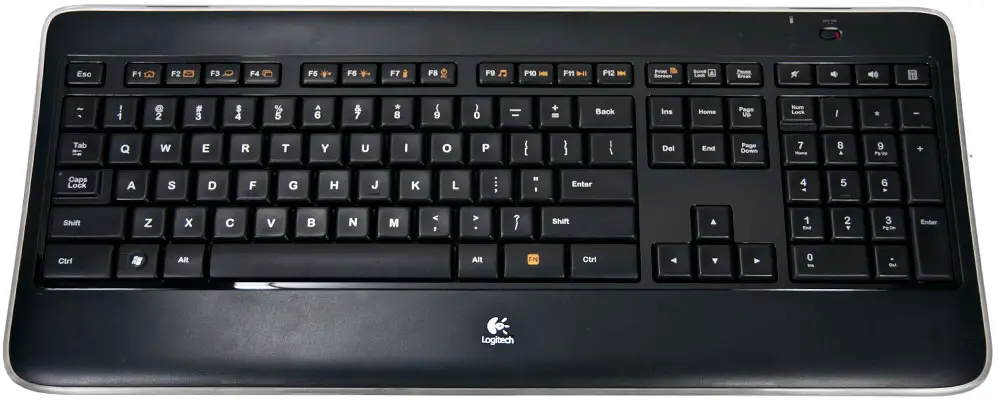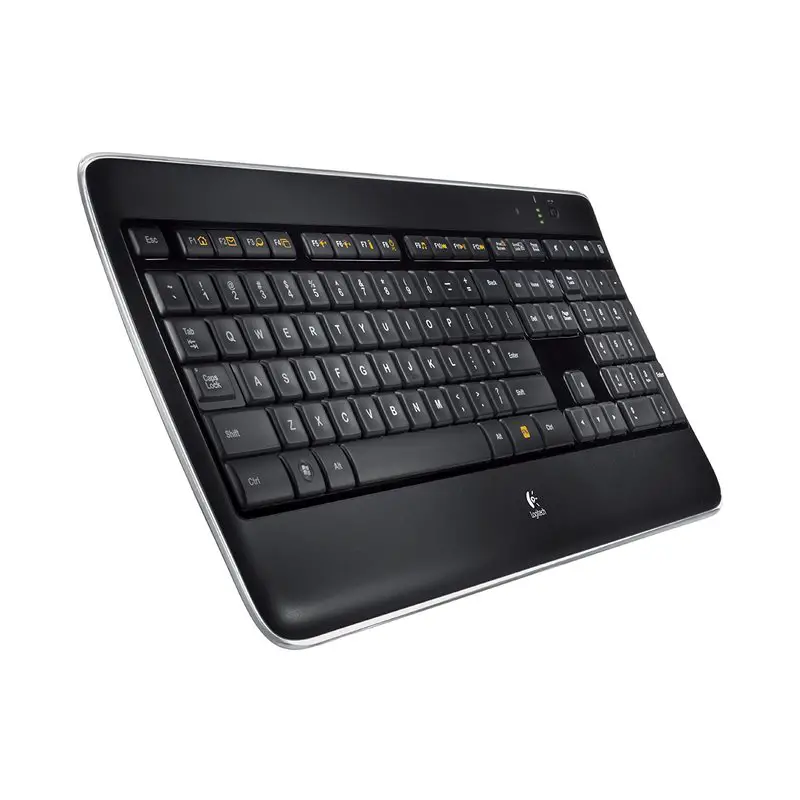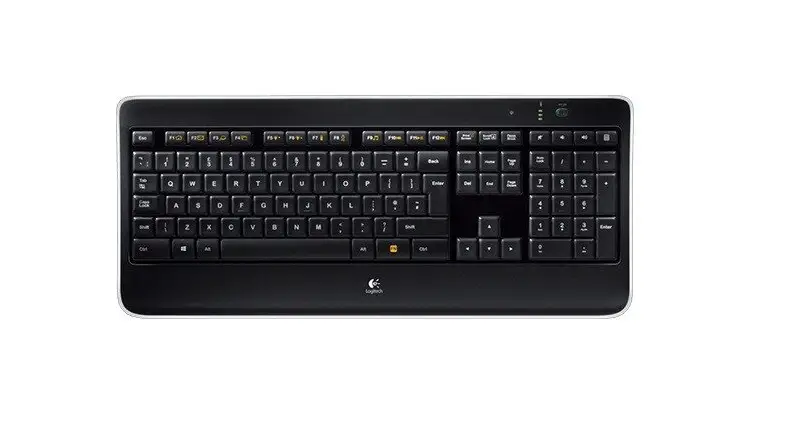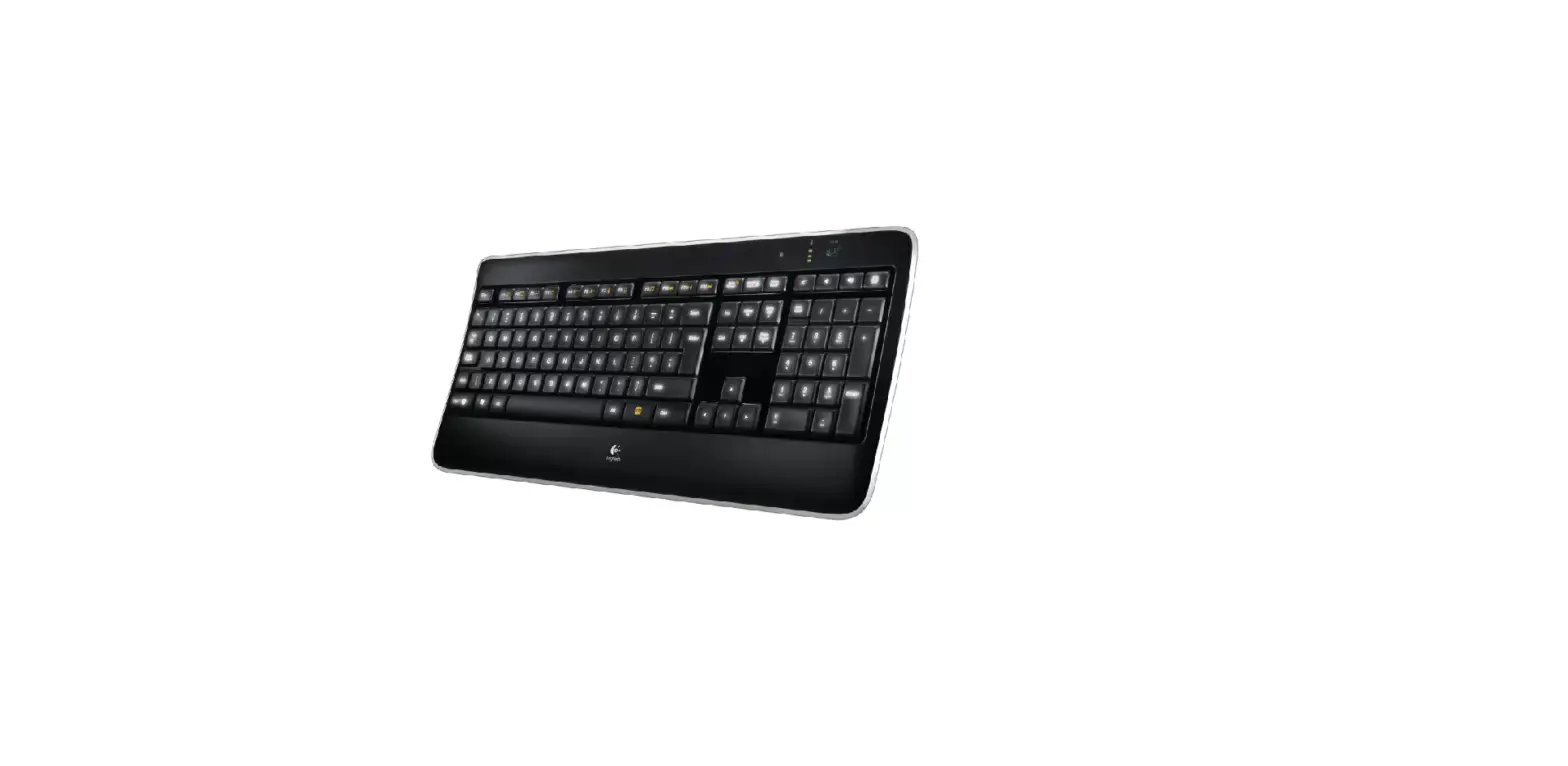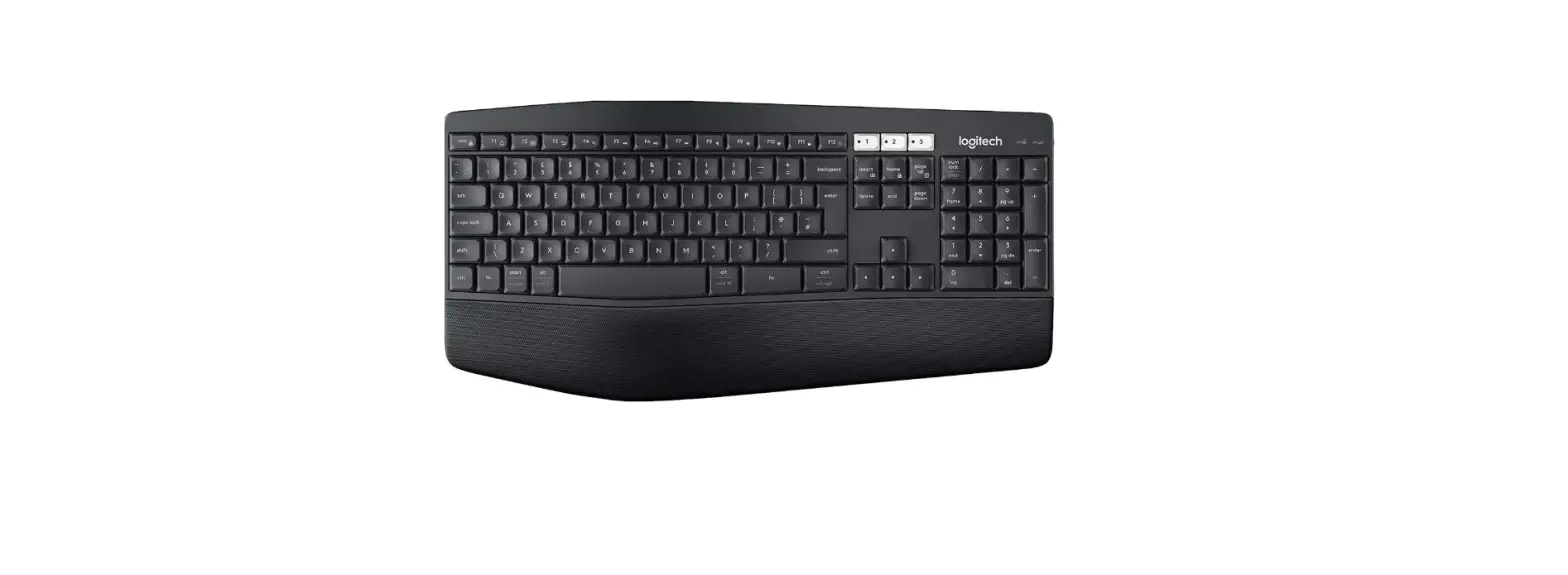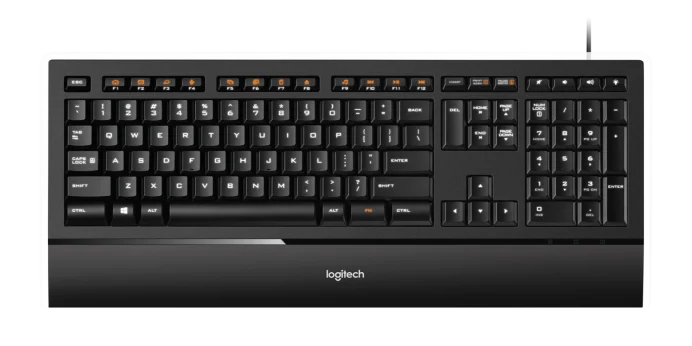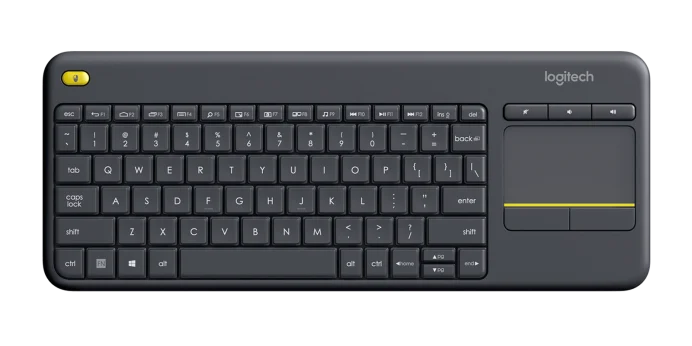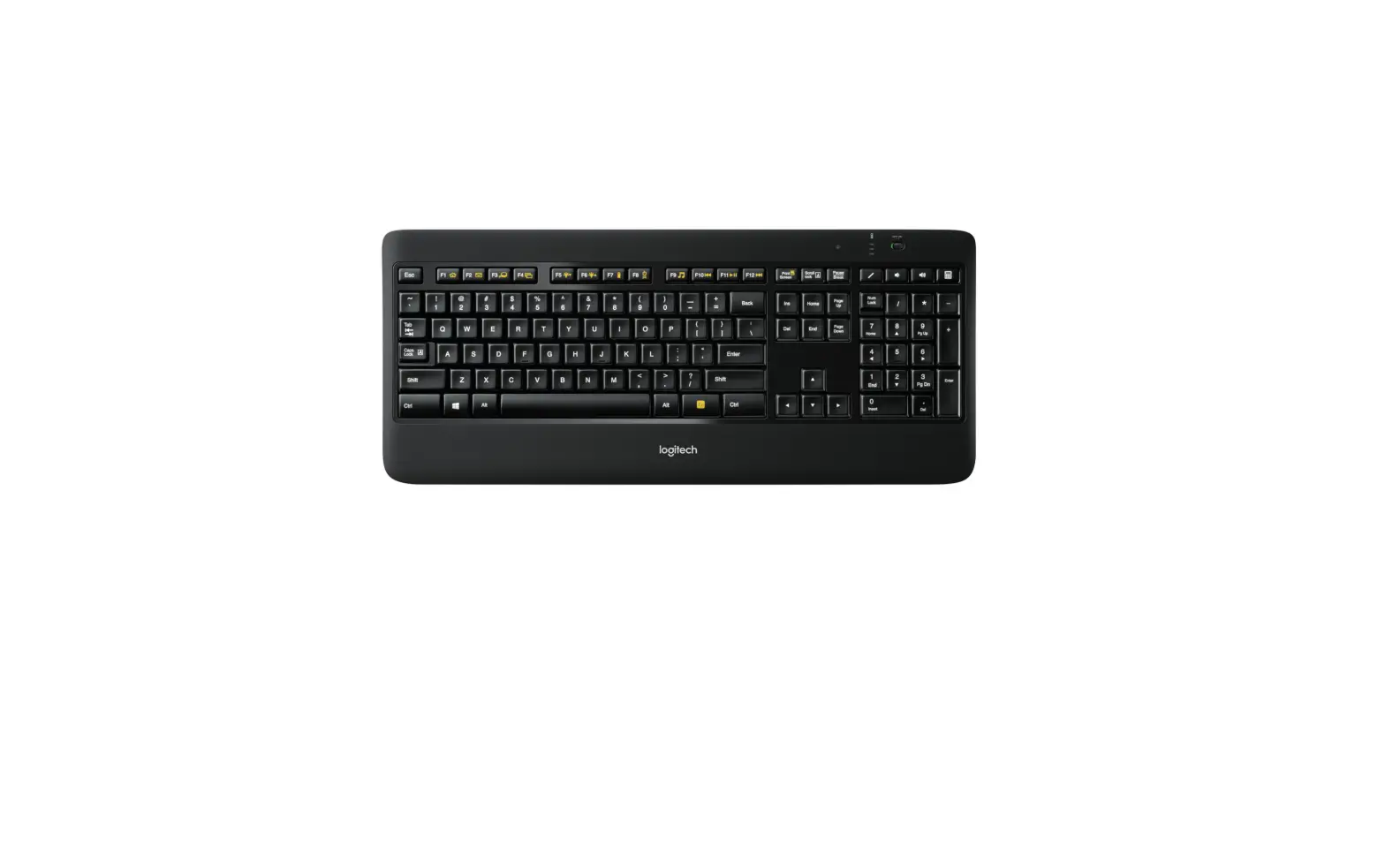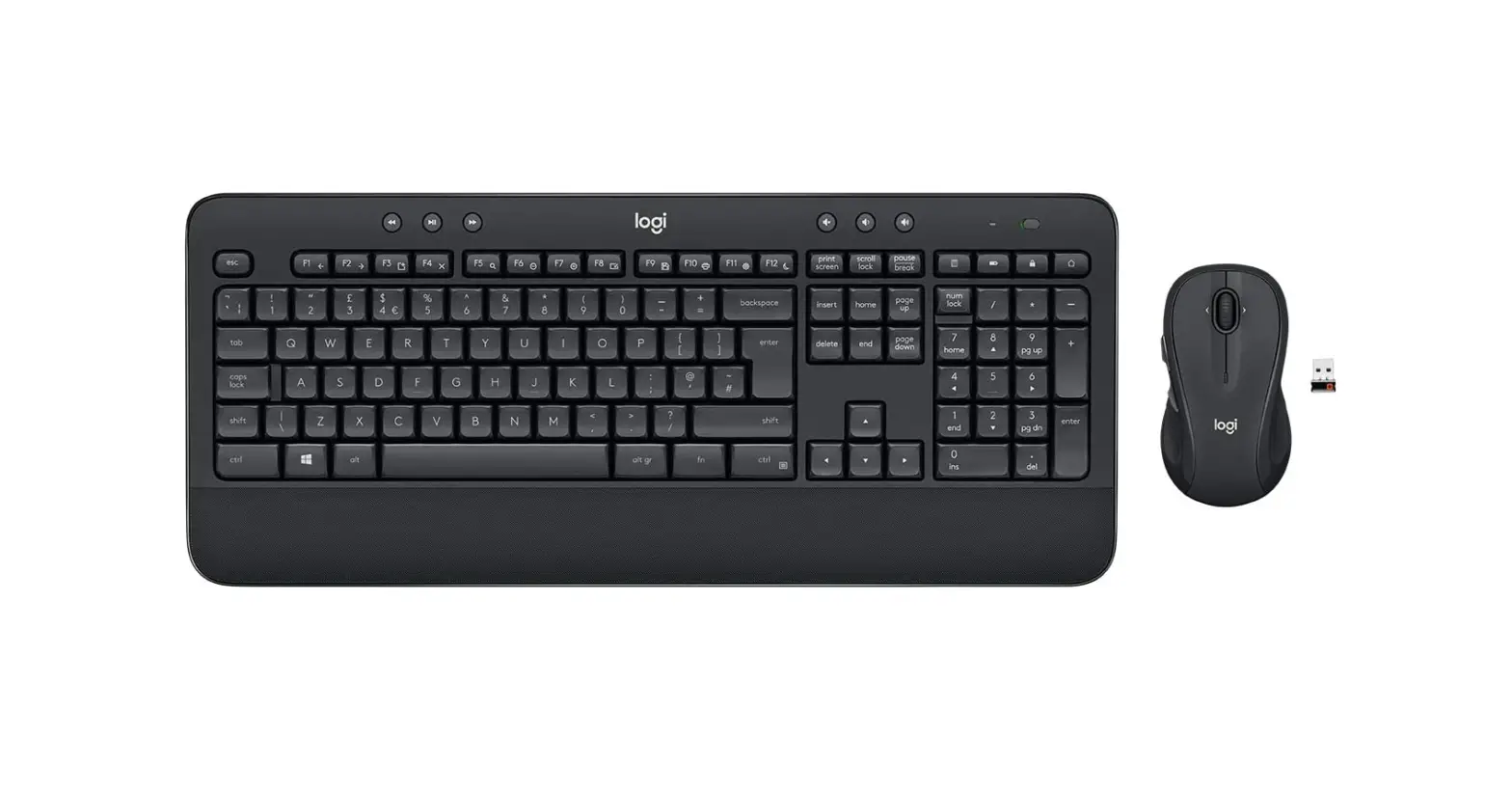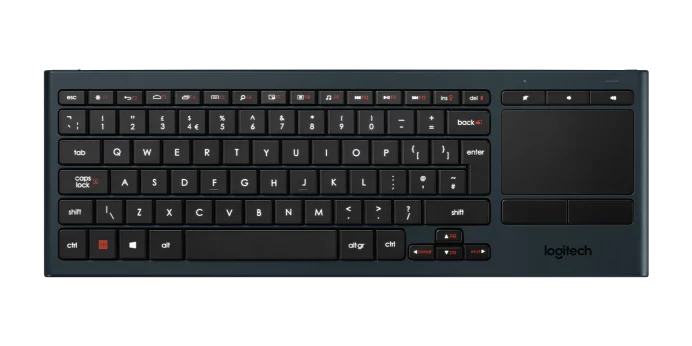

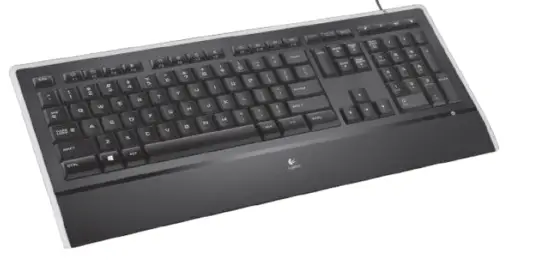
logitech K740 Illuminated Keyboard
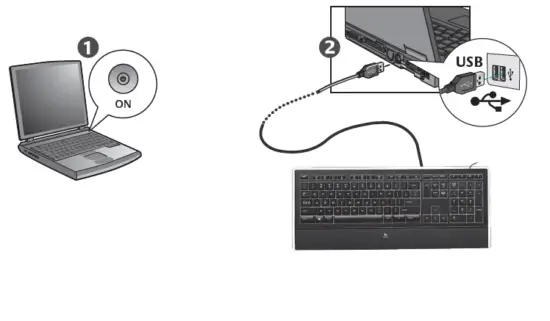
Congratulations! You are now ready to use your keyboard.
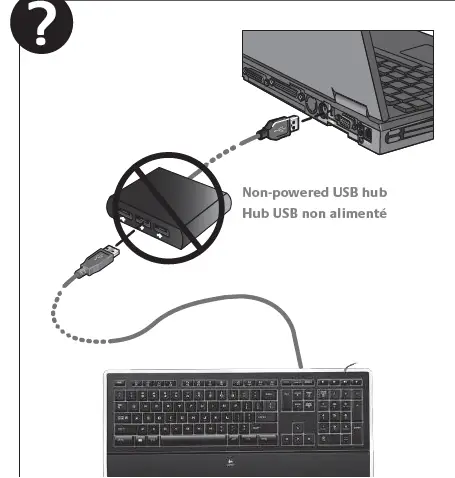
Troubleshooting
- Plug USB cable into a different USB port on the computer.
Due to the backlight feature, this keyboard is a high-powered USB device that will only work if
plugged directly into the computer or a powered USB hub. - To enable enhanced features, install the Logitech software. To get the latest software go to www.logitech.com/support/k740.
www.logitech.com/support/k740
Argentina +0800 555 3284
Brasil +0800 891 4173
Canada +1-866-934-5644
Chile +1230 020 5484
Colombia 01-800-913-6668
Latin America +1 800-578-9619
Mexico 01.800.800.4500
United States +1 646-454-3200
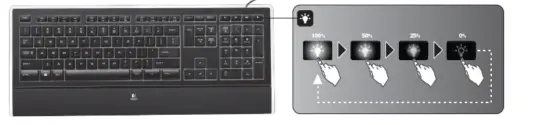
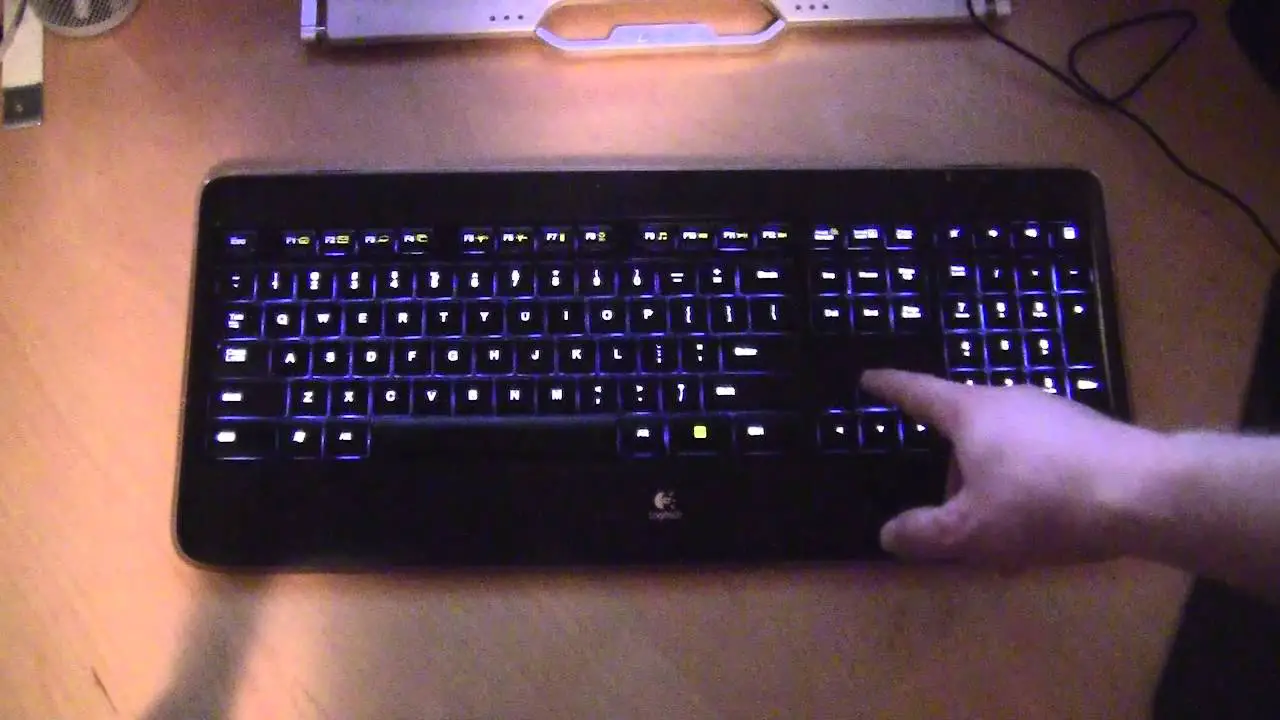
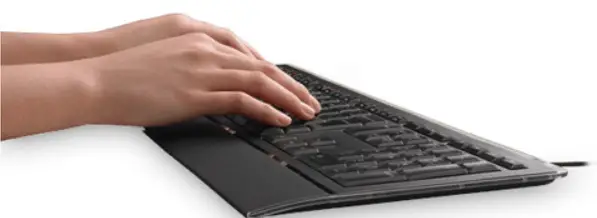
Backlight intensity control. Four steps of light intensity allow you to choose the right amount of backlight. Each press of the backlightcontrol key provides another step.
 Logitech | Defy Logic - Tools to Create a Better Tomorrow