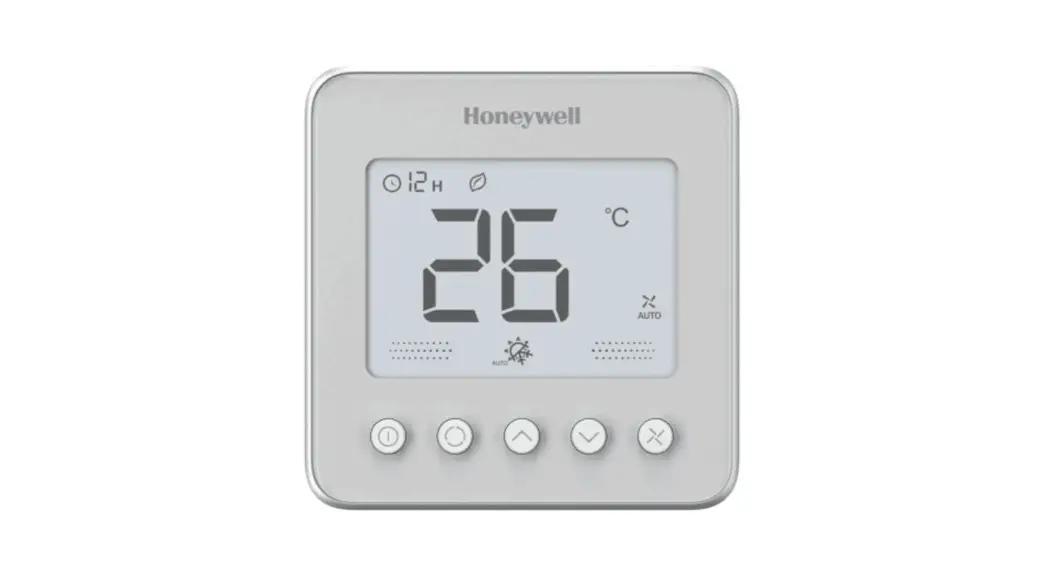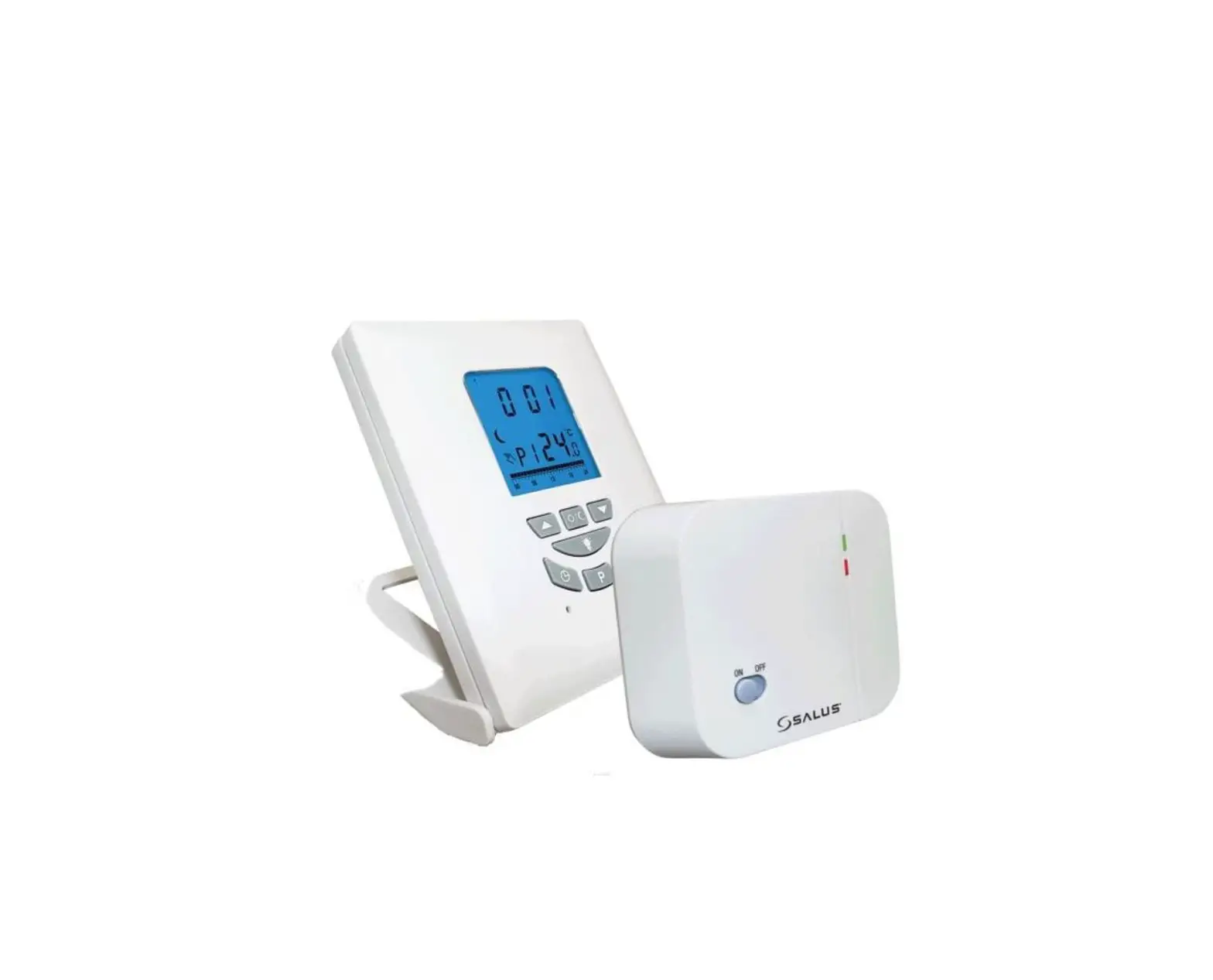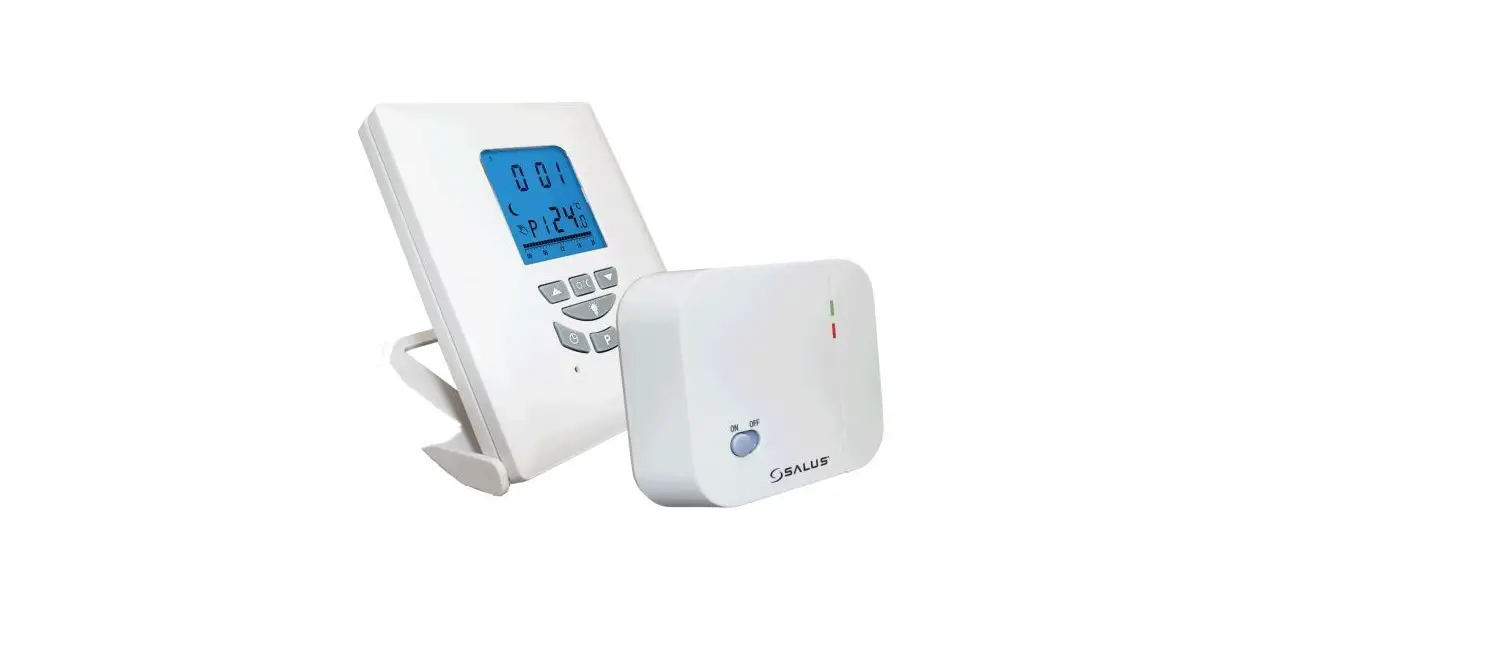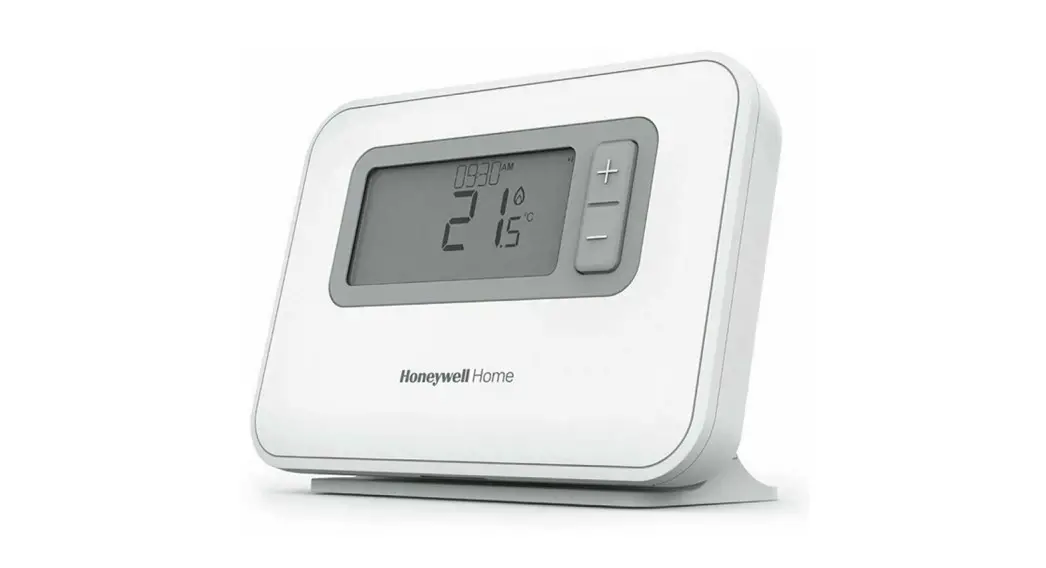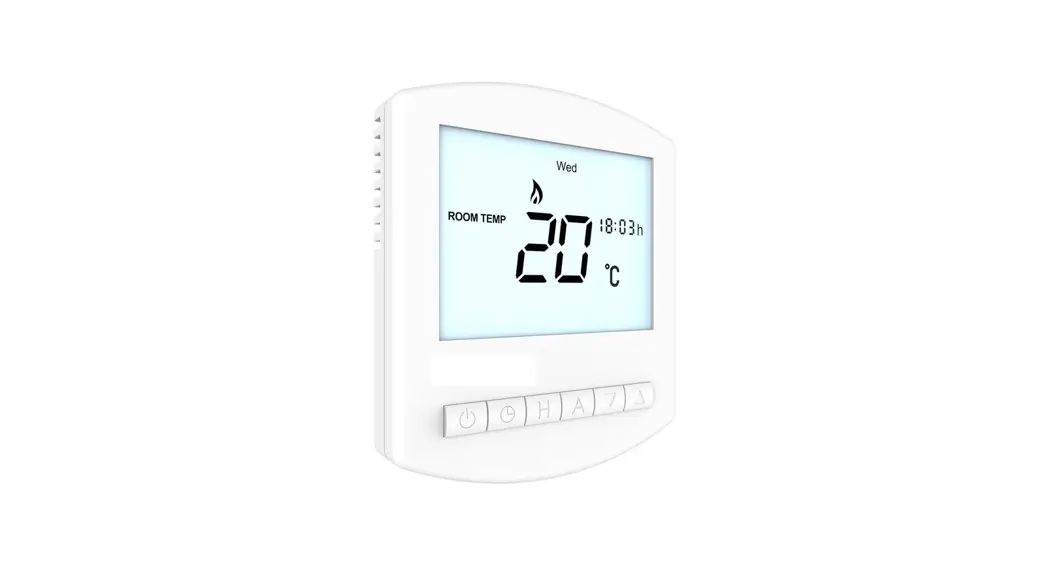
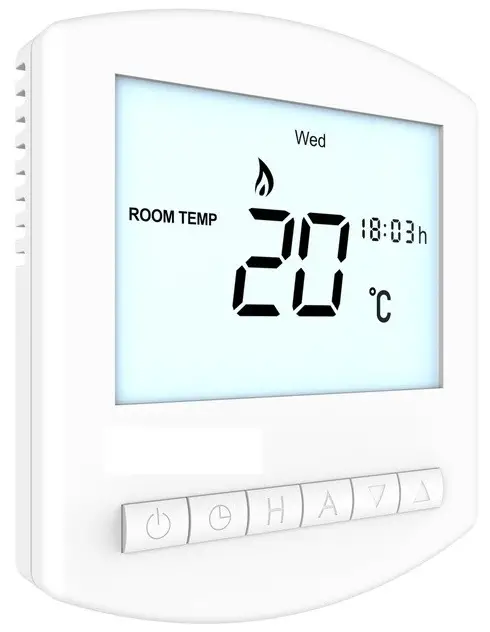
 Uponor Base thermostat digital programmable T-26, 230 V
Guick guide
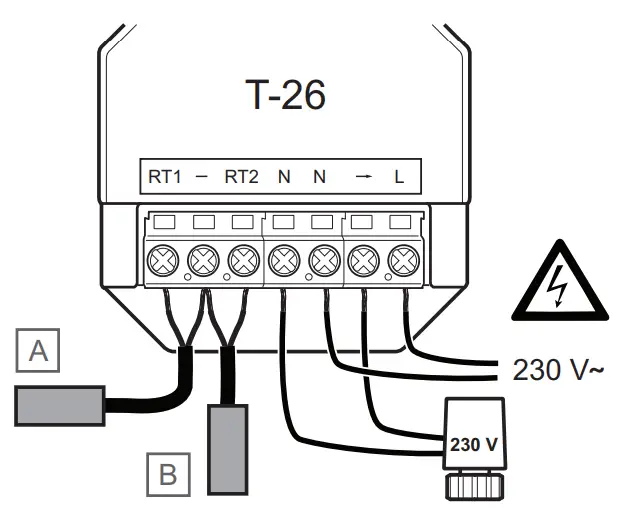
| Pos A | Pos B |
| Floor sensor (optional) | Remote sensor (optional) |
Icons
 | Heat on |
 | Frost protection on |
 | Key lock |
 | Floor set temperature |
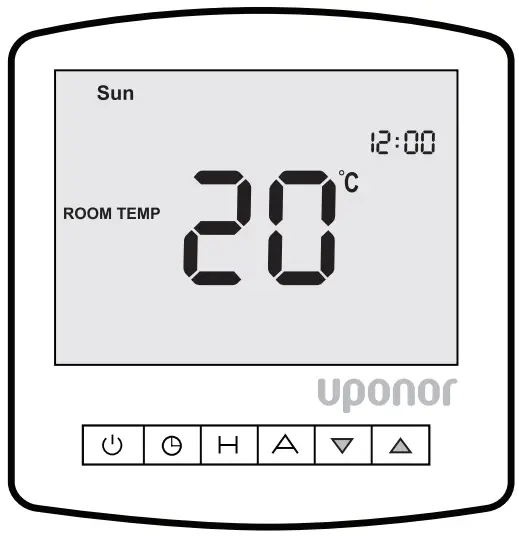
Time & temperature schedule
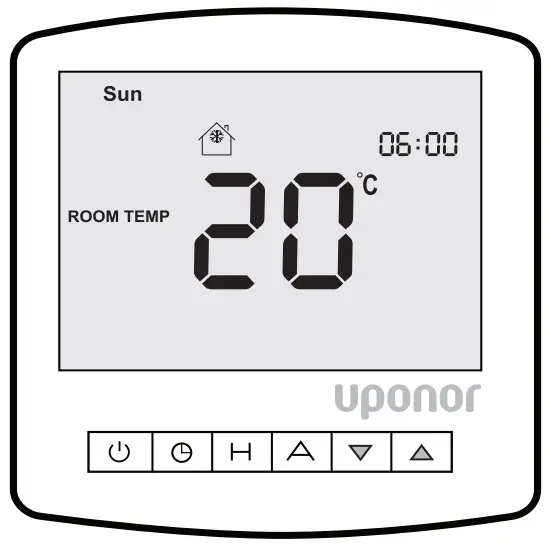
Default screen
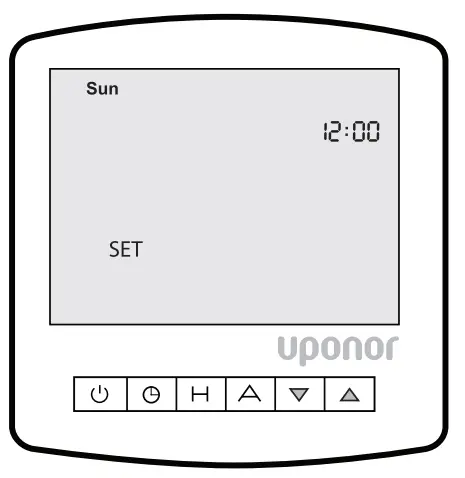
- Press
 twice
twice - Use
 to adjust time
 - Press H to accept
- Use to adjust day of the week
- Press A to exit
 twice
twice to adjust time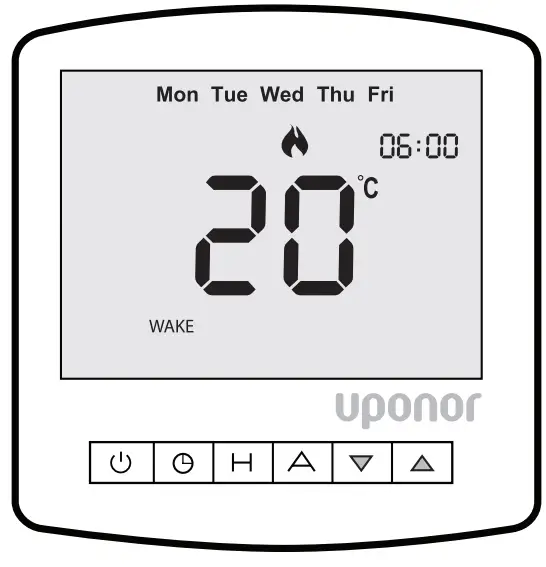
- Press once
- Use to adjust wake time
- Use H to accept
- Use to adjust temperature
- Press H to accept
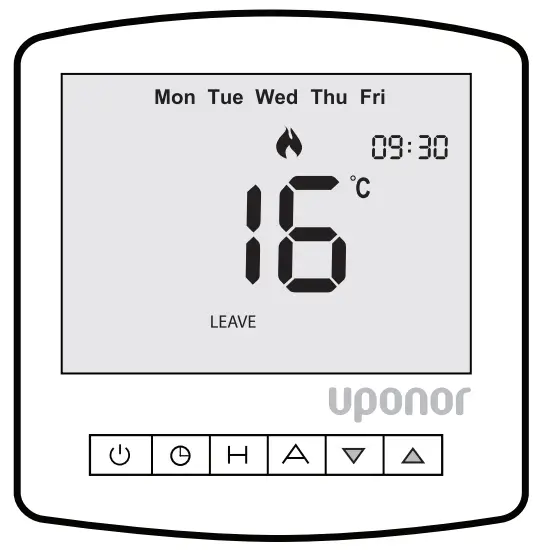
- Press to adjust leave time
- Press H to accept
- Use to adjust temperature
- Press H to accept
N.B. Uponor recommend reducing the occupied temperature by 4 °C
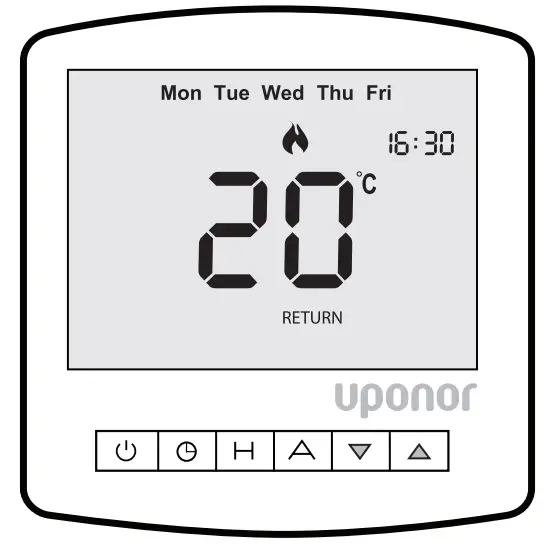
- Use to adjust return time
- Press H to accept
- Use to adjust temperature
- Press H to accept
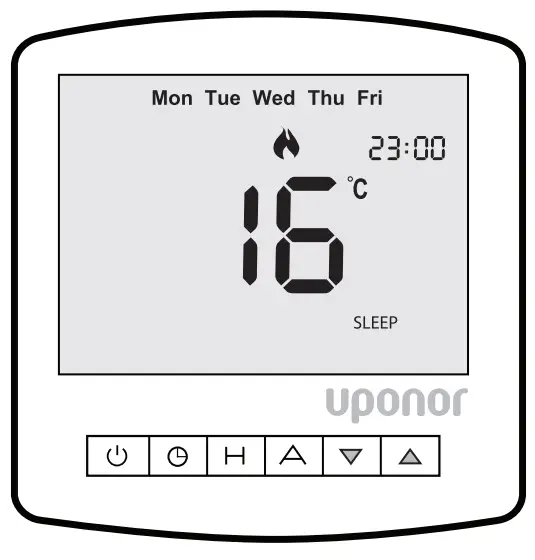
- Use to adjust sleep time
- Press H to accept
- Use to adjust temperature
- Press H to accept
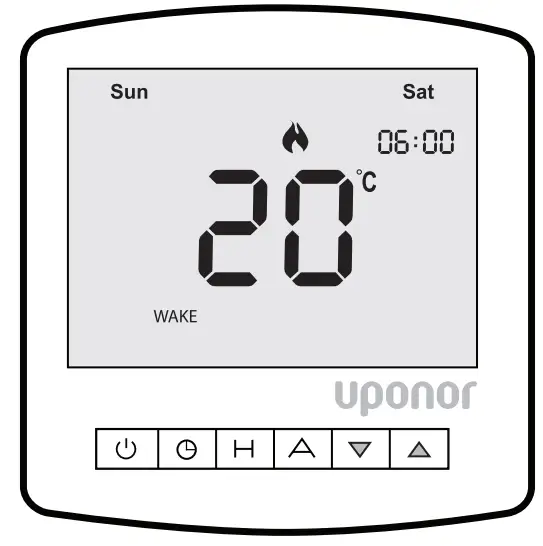
- Repeat page 8 to 15 for weekend time and temperature schedule
- Press A at end of sequence to store and exit
Standby mode
- Press and hold
 to switch off
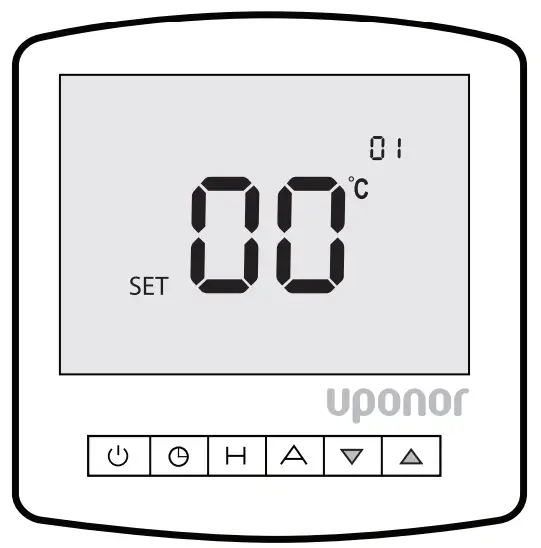
Settings
- Press and hold to switch off
- Press and hold until the screen shown above is displayed
Sensor selection
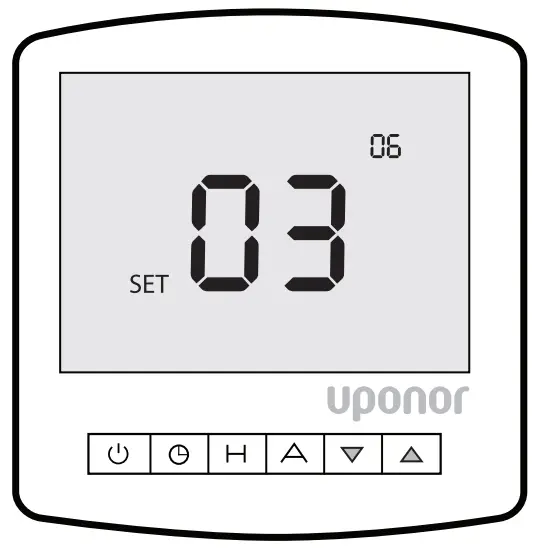
- Select function 06 by pressing
- Use to select sensor mode
00 = built in air sensor only
01 = remote air sensor only
02 = floor sensor only
03 = floor sensor and built in air sensor
04 = floor and remote air sensor - Press A to store and exit
- Press to return to main screen
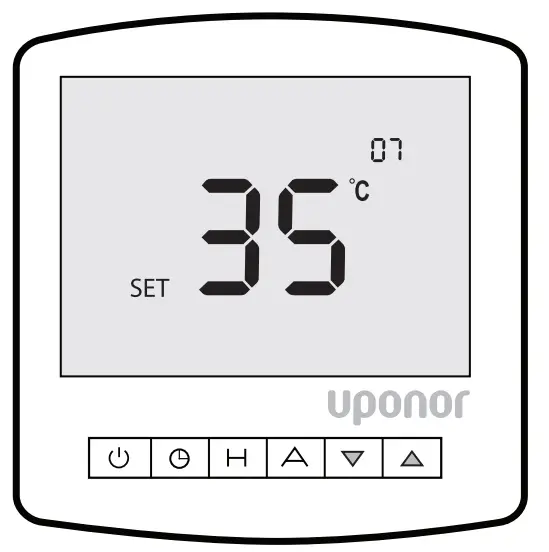
Floor limiting sensor
- Select function 07 by pressing
- Use to adjust floor temperature
- Press A to store and exit
- Press to return to main screen
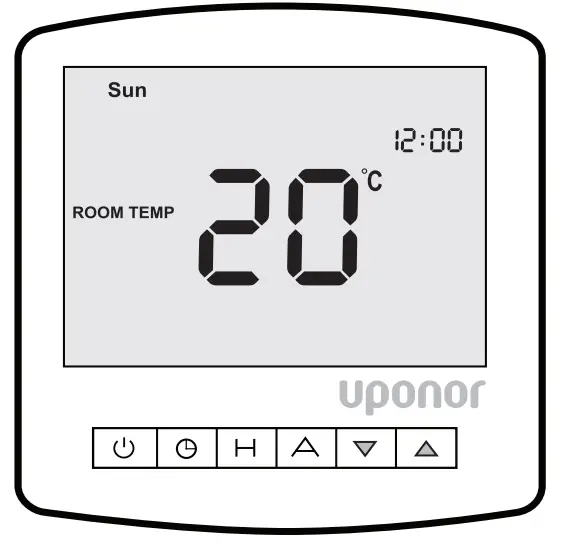
Temperature set-point
- Press to adjust temperature
- Press A to accept
- Temperature is now set until the next scheduled change
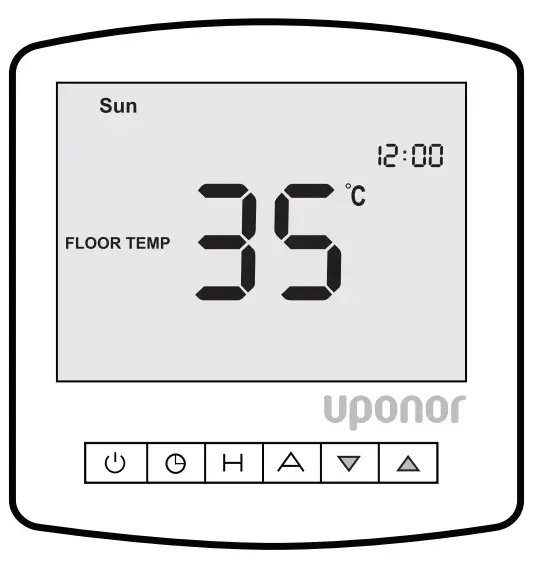
Floor temperature
- Press and hold A to view floor temperature
- Floor temperature will display for 5 seconds
Frost protection
Press  to enable frost protection
Press to disable frost protection
| Feature | Description | Setting |
| 1 | Temperature format | 00 = °C 01 = °F |
| 2 | Switching differential | 01-03 °C (01 °C default) |
| 3 | Frost mode | 00 = enabled (default) 01 = disabled |
| 4 | Output delay | 00-15 minutes (00 default) |
| 5 | Up/down temp. limit | 00-10 °C (00 °C default) |
| 6 | Sensor selection | 00 = built in air sensor (default) 01 = remote air sensor 02 = floor sensor only 03 = floor sensor and built in air sensor 04 = floor sensor and remote air sensor |
| 7 | Floor limiting sensor | 20-45 °C (27 °C default) |
| 8 | Optimum start | 00-03 (00 hours default) |
| 9 | Rate of change | Minutes to raise by 1 °C |
| 10 | Mode select | 00 = 5/7 day programming (default) 01 = 7 day programming 02 = 24 h programming |
| 11 | Thermostat mode | 00 = manual 01 = programmable (default) |
Uponor reserves the right to make changes, without prior notification, to the specification of incorporated components in line with its policy of continuous improvement and development.
Ref: UPN PRT-EV2
Uponor GmbH
Industriestraße 56,
D-97437 Hassfurt, Germany
1095608 v5_04_2022_INT
Production: Uponor/ELO www.uponor.com
 PEX Products for Residential & Commercial Applications | Uponor