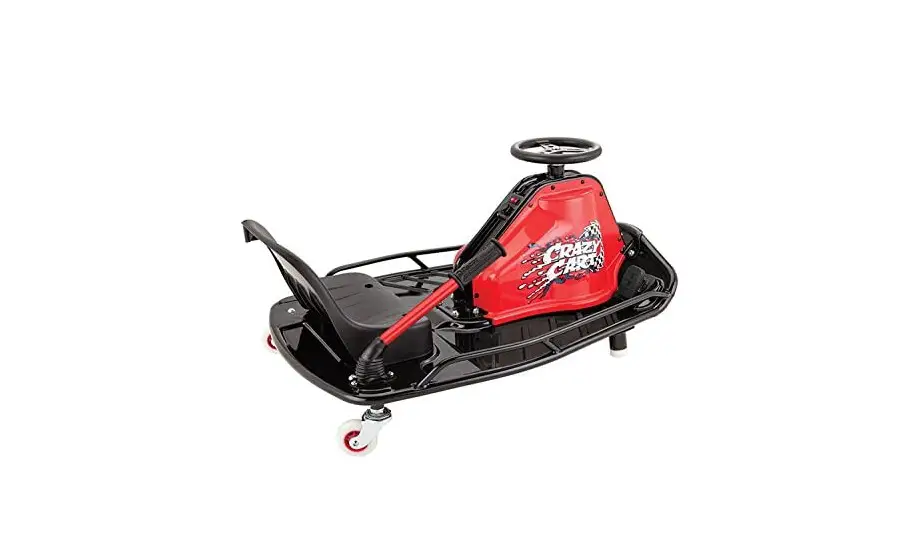
W25143499112 Crazy Cart
Product Information
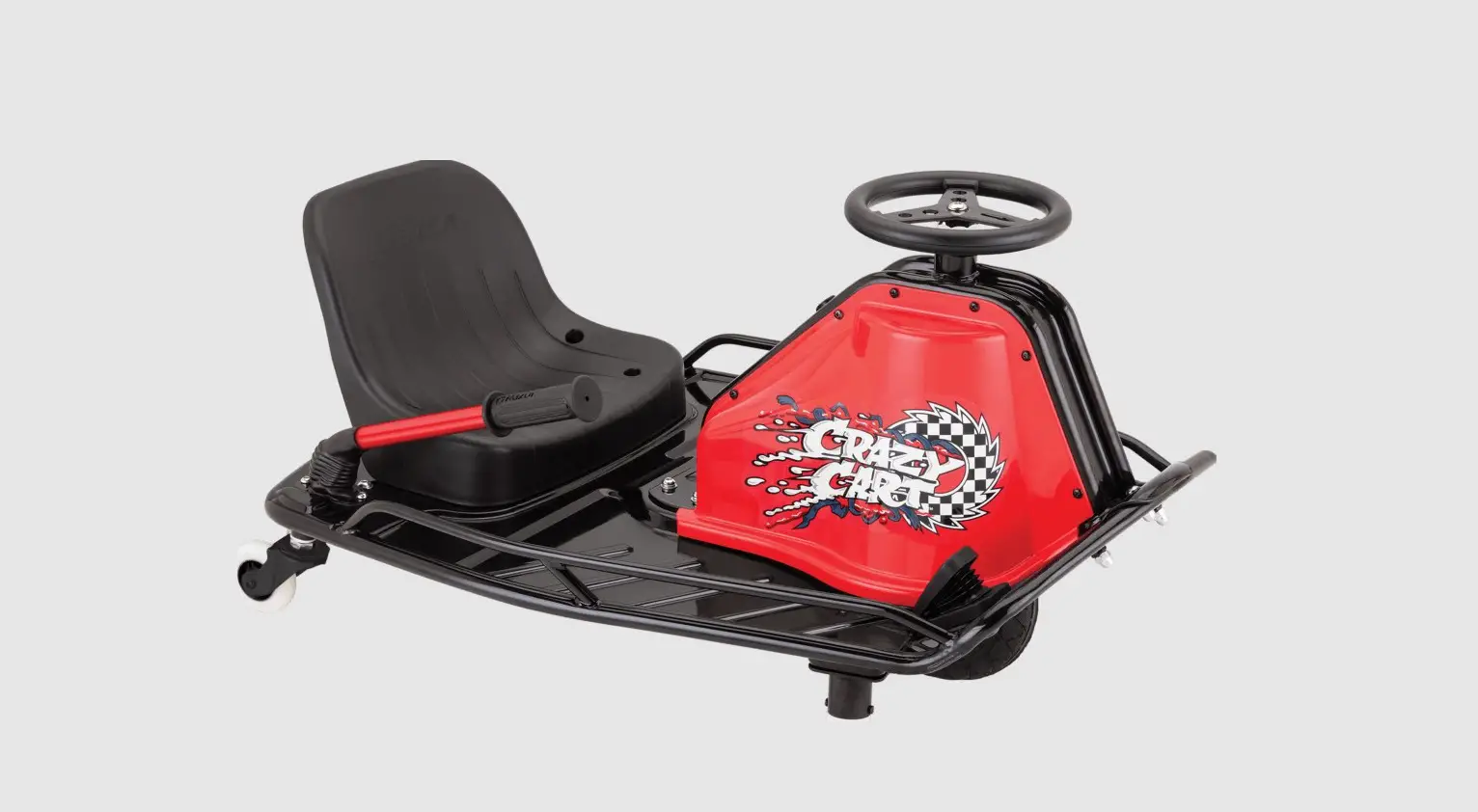
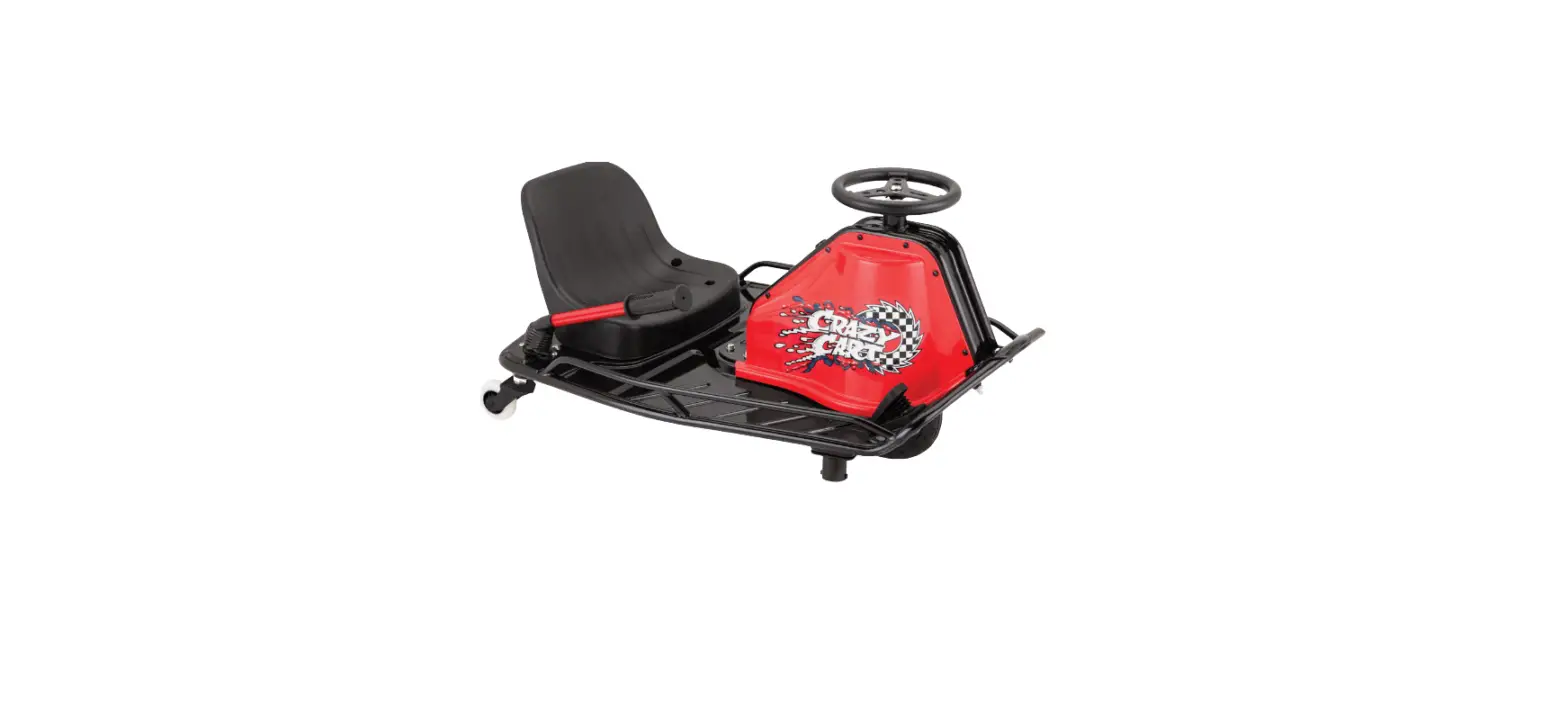
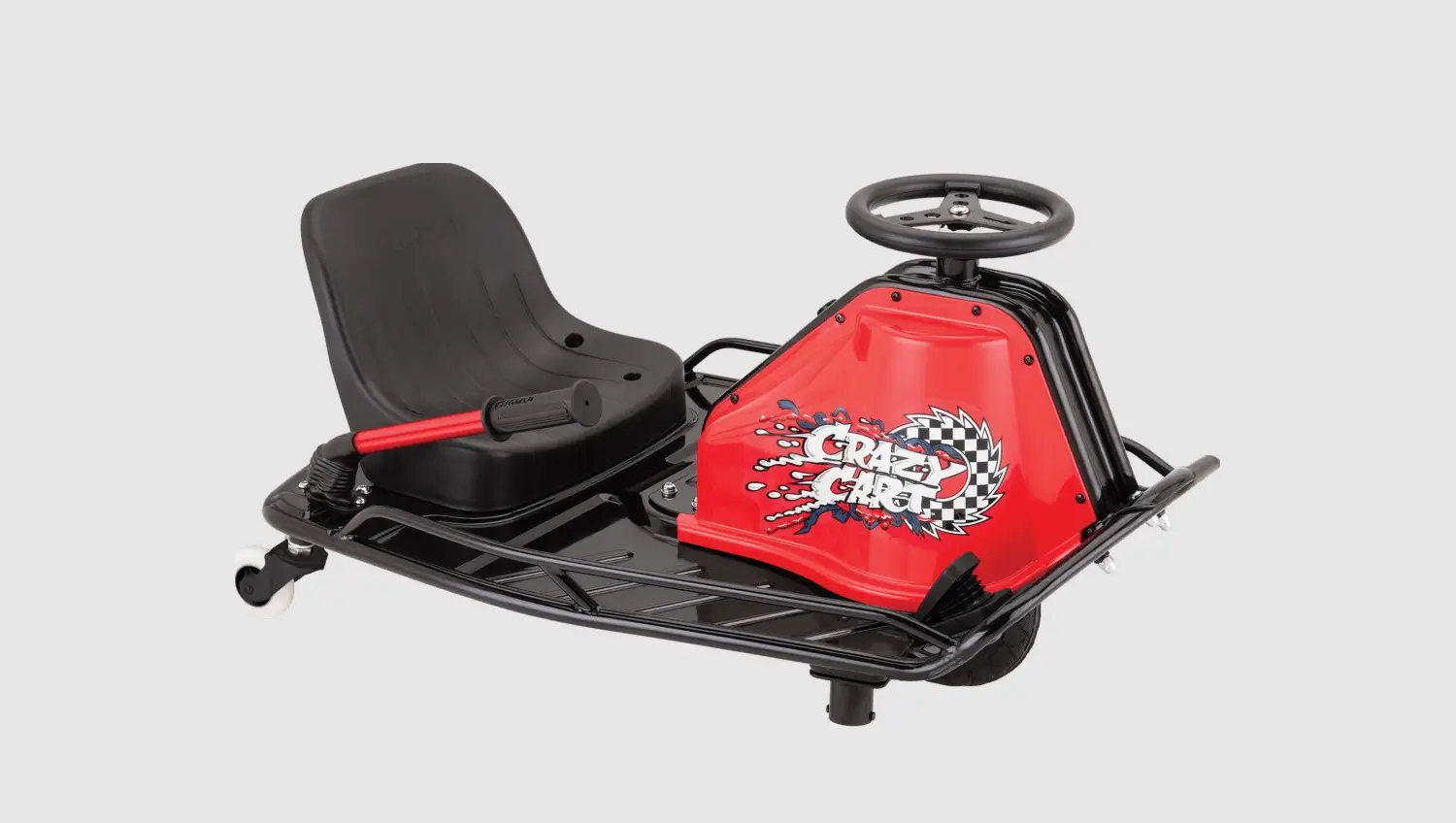
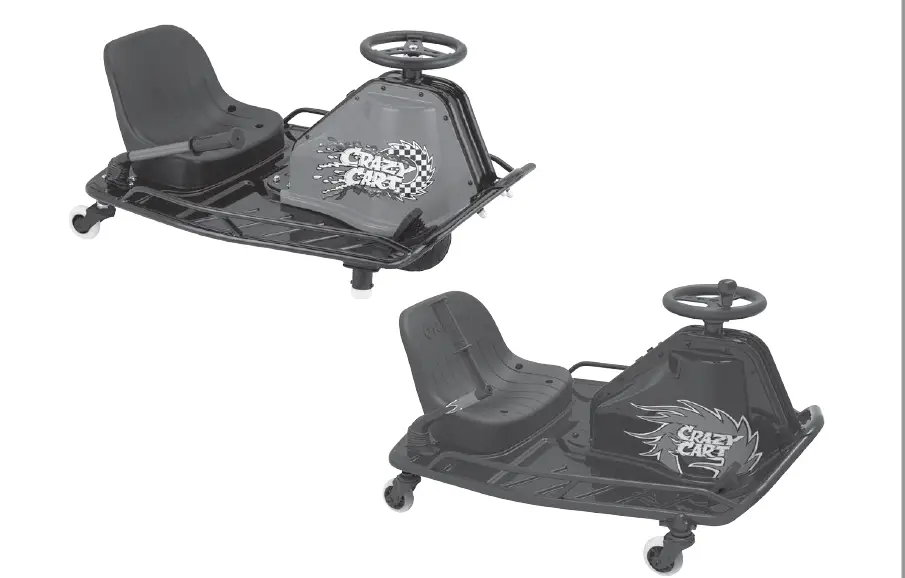
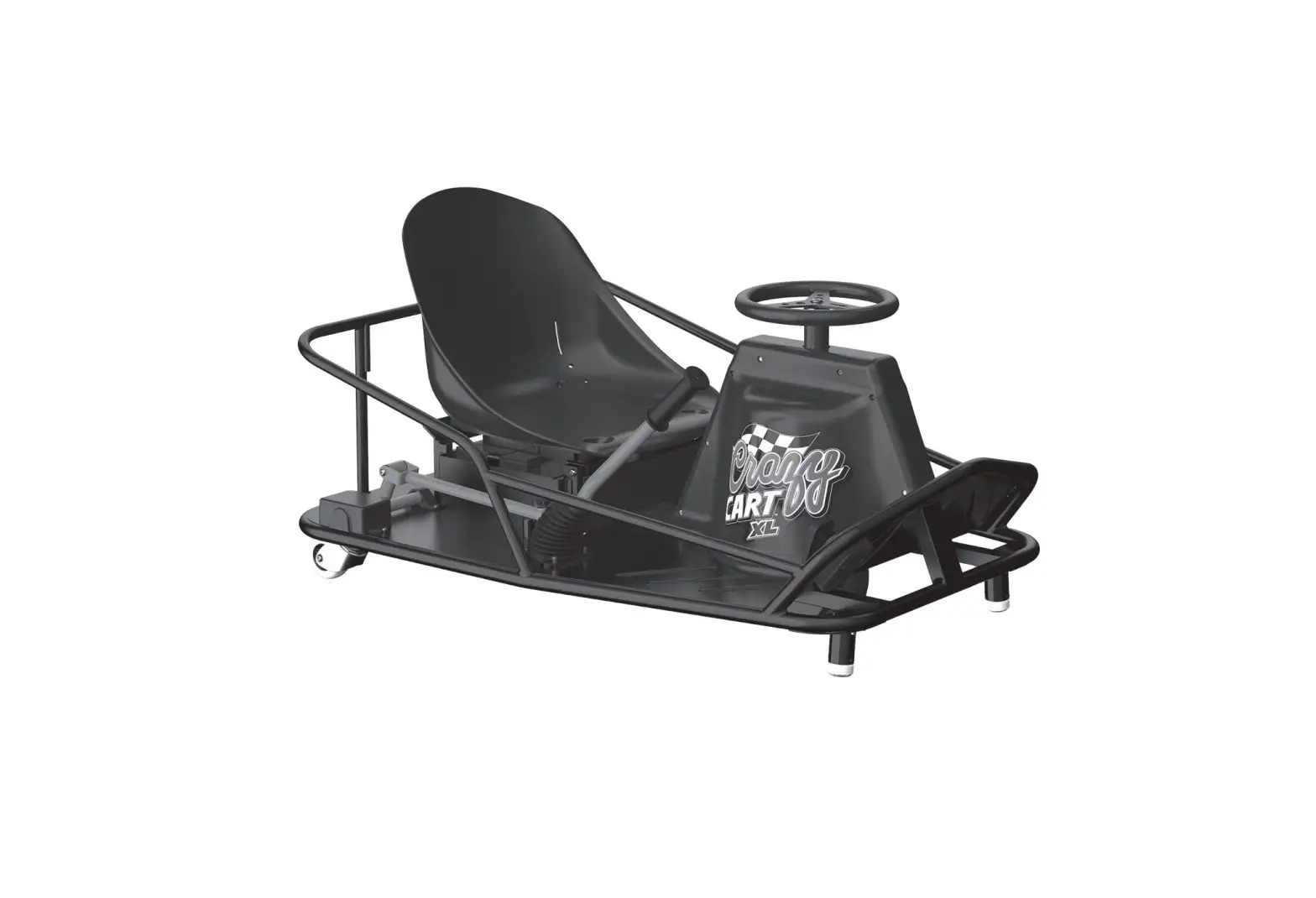
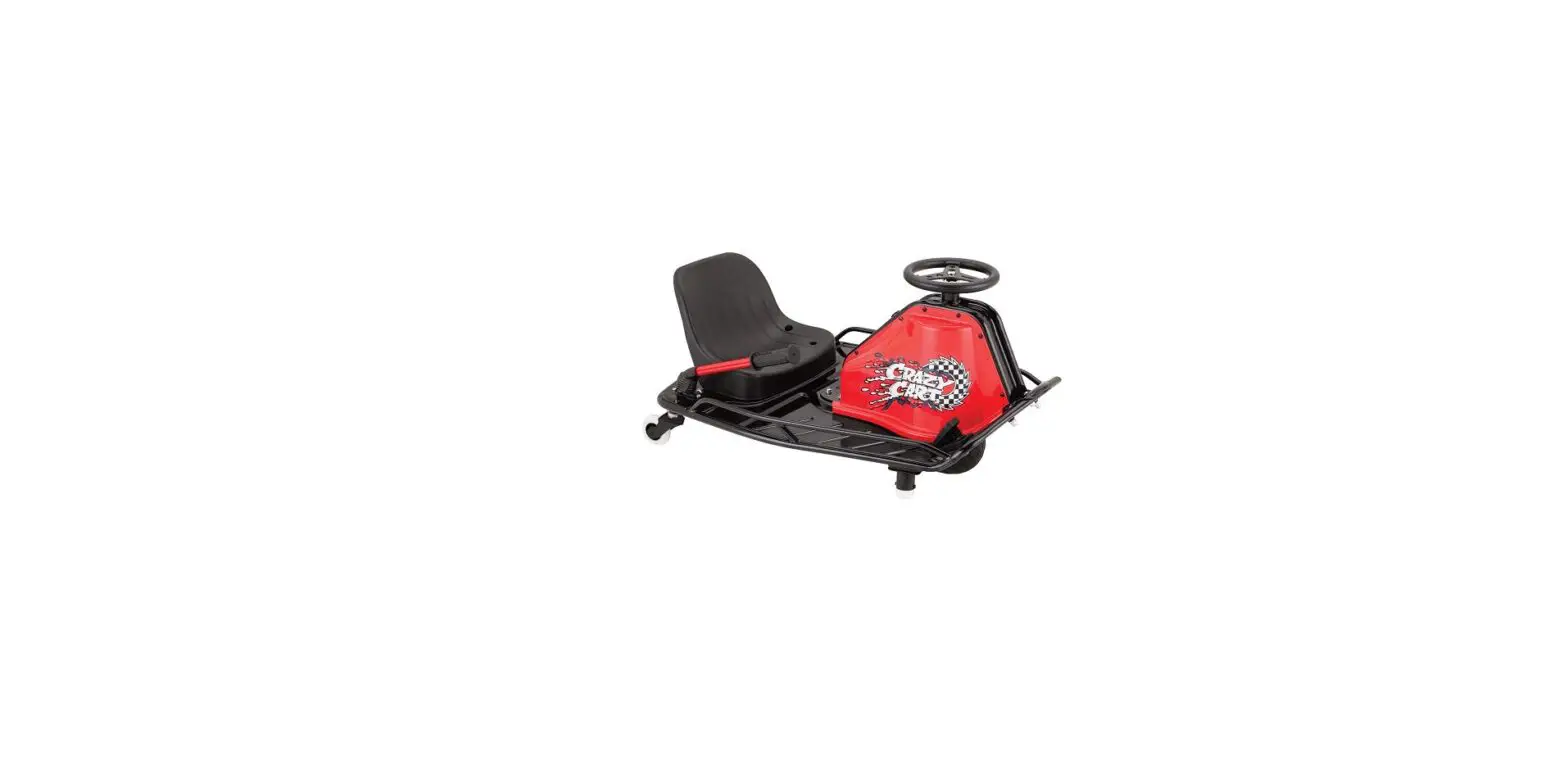
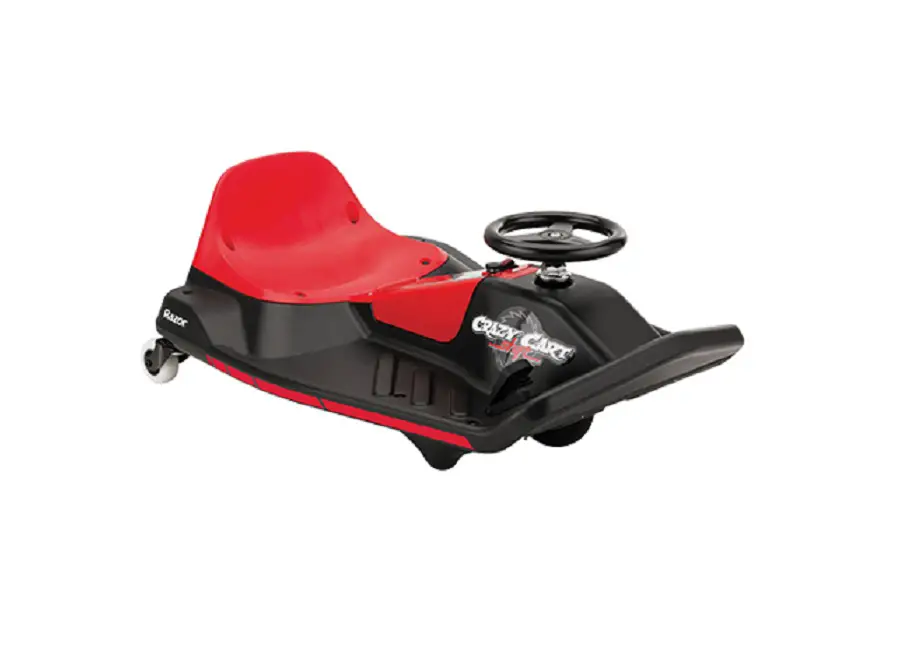
The Crazy Cart is an electric vehicle designed for drifting and
spinning. It features a safety button that ensures the cart is
securely locked before use. This product is equipped with various
tools required for installation, including a 5 mm Allen wrench, 10
mm wrench, Phillips screwdriver, and flathead screwdriver.
Product Usage Instructions
- Before starting any installation or removal process, ensure
that the power switch is turned OFF and the charger is disconnected
to avoid potential shock or injury. Failure to follow this
precaution may result in irreparable damage. - Using a 5 mm Allen wrench, loosen the four hex bolts that
attach the seat to the frame and remove the seat. Also, remove the
two hex bolts on the Drift Bar cover. - Using a 5 mm Allen wrench and a 10 mm wrench, loosen the two
hex bolts on the side of the battery cover and the two locknuts
located underneath the unit. - Remove the battery cover by lifting up the right side first and
sliding it off. Be cautious not to pull any wires attached to the
cover. - Locate the white plastic connector on the charger port that
attaches to the control module. Disconnect it by depressing the tab
on the connector. Then, using a small pointed object, depress the
two locking pins inside the white plastic connector attached to the
safety button and remove the connector. - Using a Phillips screwdriver, loosen the four screws on one
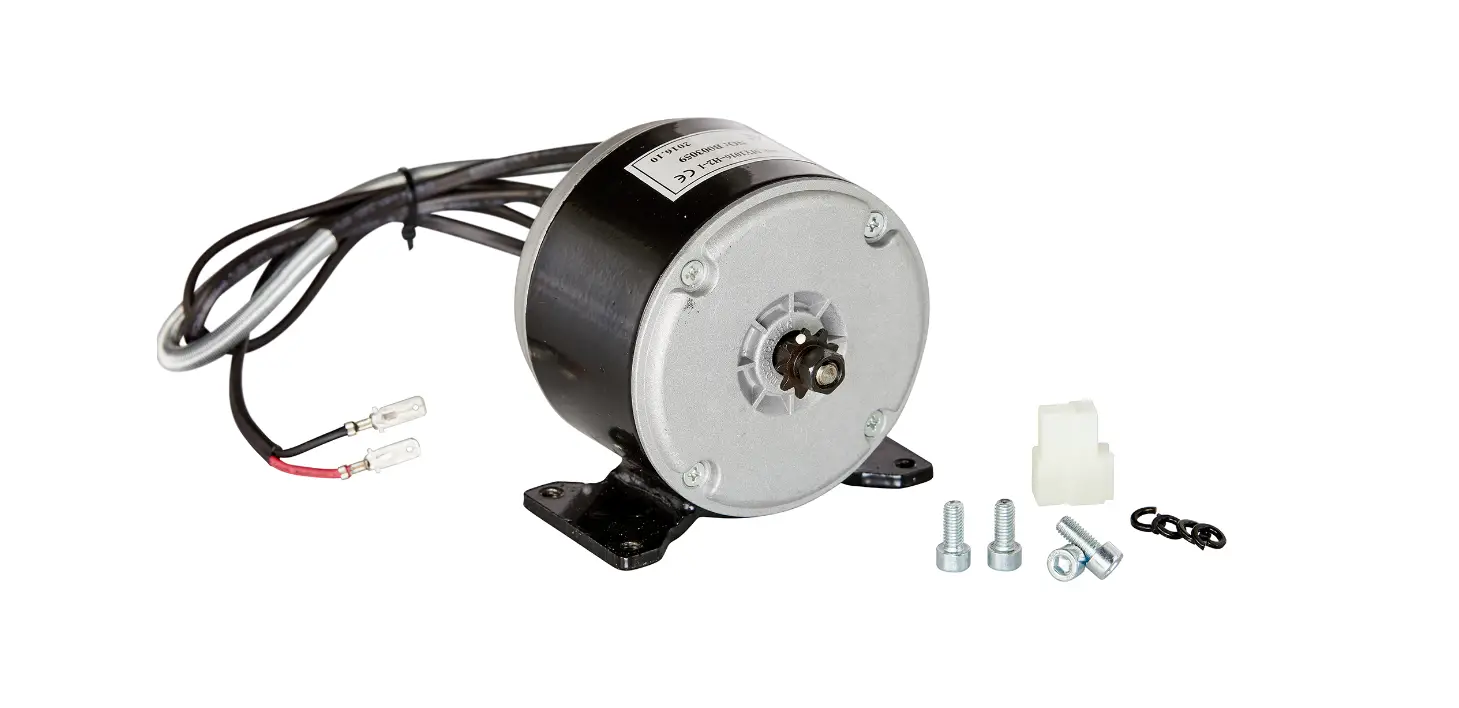
side of the motor cover and remove the cover. - Using a flathead screwdriver, carefully remove the silicone
from the back of the safety switch. Push the safety button through
the opening and remove it from the unit. - To install a replacement safety button, reverse steps 1 through
6.
Make sure to charge the battery for 12 hours before initial
use.
Need Help?
For further assistance, please visit our website at www.razor.com or call our toll-free
number at 866-467-2967. Our customer service is available Monday to
Friday from 8:00 AM to 5:00 PM PST.
CRAZY CART SAFETY BUTTON INSTALLATION INSTRUCTIONS
W25143499112
Tools Required: (Not included)
A. 5 mm Allen wrench B. 10 mm wrench C. Phillips screwdriver D. Flathead screwdriver
WARNING
CAUTION: To avoid potential shock or other injury, turn power switch OFF and disconnect charger before removing or installing the safety button. Failure to follow these steps in the correct order may cause irreparable damage.
Step 1
Using a 5 mm Allen wrench, loosen the four (4) hex bolts that attach the seat to the frame (Figure 1a) and remove seat. Remove the two (2) hex bolts on the Drift Bar cover (Figure 1b) and remove.
Step 2
Using a 5 mm Allen wrench and a 10 mm wrench, loosen the two (2) hex bolts on the side of the battery cover (Figure 2a) and the two (2) locknuts, located underneath the unit (Figure 2b).
Figure 1a
Figure 1b
Figure 2a
Figure 2b
Need Help? Visit our website at www.razor.com or call toll-free at 866-467-2967 Monday – Friday 8:00 AM – 5:00 PM PST. 1
Step 3
Remove the battery cover by lifting up the right side first then slide off. Be careful not to pull any of the wires that are attached to the cover.
Step 4
Locate the white plastic connector on the charger port that attaches to the control module and disconnect by depressing the tab on the connector (Figure 4a). Using a small pointed object, carefully depress the two (2) locking pins inside the white plastic connector attached to the safety button and remove the connector (Figure 4b).
Figure 3
Step 5
Using a Phillips screwdriver, loosen the four (4) screws on one (1) side of the motor cover and remove cover.
Figure 4a
Figure 4b
Step 6
Using a flathead screwdriver, carefully remove the silicone from the back of the safety switch. Push the safety button through the opening (see inset) and remove from unit.
Figure 5
Step 7 Reverse steps 1 through 6 to install replacement safety button. ATTENTION: Charge battery 12 hours before initial use.
Figure 6
140124
Need Help? Visit our website at www.razor.com or call toll-free at 866-467-2967 Monday – Friday 8:00 AM – 5:00 PM PST. 2
 Razor | Scooters and Ride-ons for the whole family