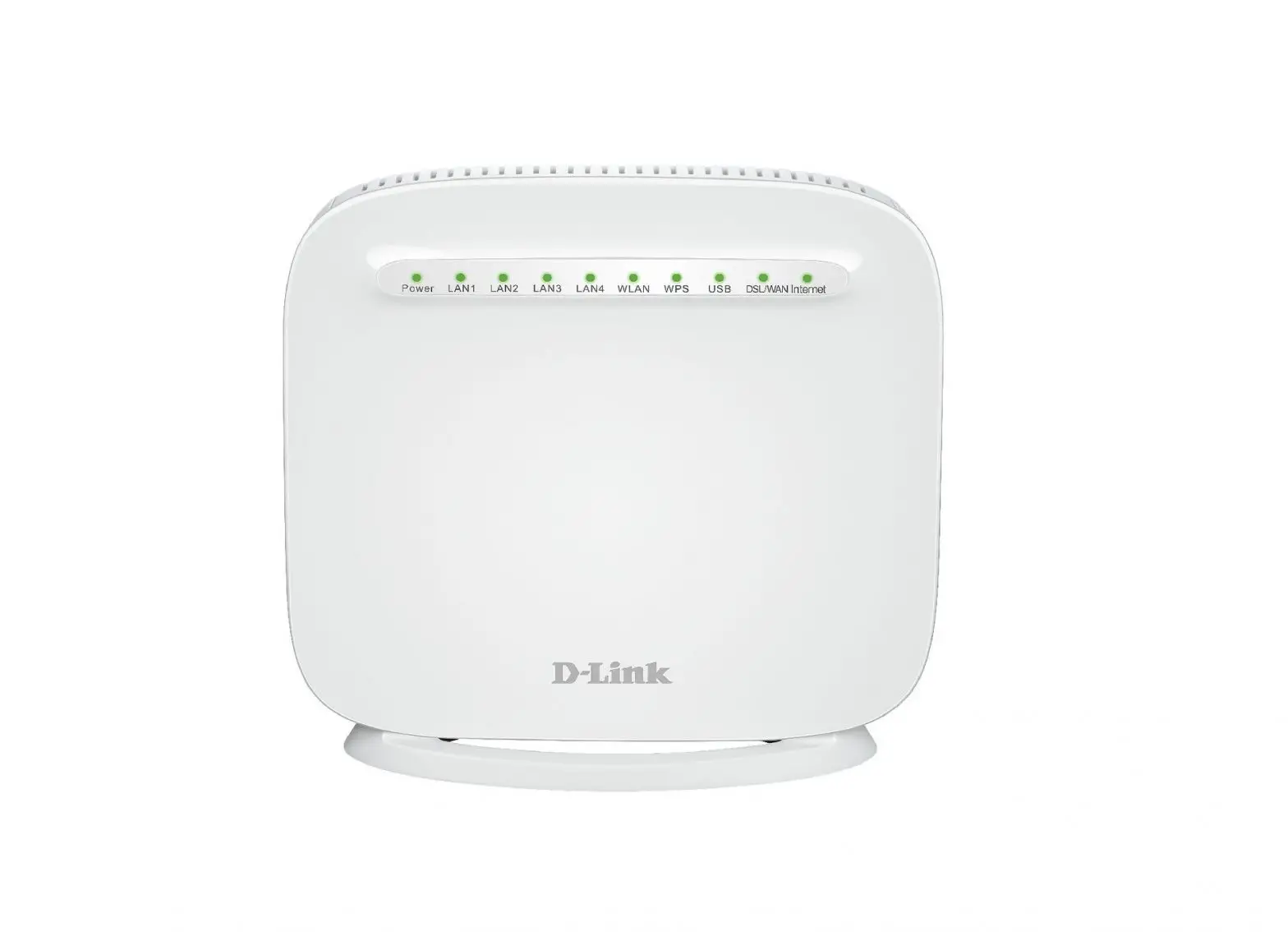

D-Link Model Name Firmware Release Notes
Revision History and System Requirement:
| Firmware Version | Date | Model | Hardware Version |
| TO_1.00 | 2016-07-29 | DSL-G225 | J1 |
| TO_1.00 | 2016-08-12 | DSL-G225 | J1 |
| TO_1.00 | 2016-08-19 | DSL-G225 | J1 |
| TO_1.00 | 2016-09-01 | DSL-G225 | J1 |
| TO_1.00 | 2016-09-14 | DSL-G225 | J1 |
| AU_1.0.0 | 2016-09-21 | DSL-G225 | J1 |
| AU_1.0.0 | 2016-10-08 | DSL-G225 | J1 |
| AU_1.0.0 | 2017-01-13 | DSL-G225 | J1 |
| AU_1.0.0 | 2017-03-09 | DSL-G225 | J1 |
| AU_1.0.1 | 2017-03-13 | DSL-G225 | J1 |
| AU_1.0.2 | 2017-03-22 | DSL-G225 | J1 |
| AU_1.0.3 | 2017-12-15 | DSL-G225 | J1 |
| AU_1.0.4 | 2018-05-28 | DSL-G225 | J1 |
| AU_1.0.4 | 2018-10-18 | DSL-G225 | J1 |
| AU_1.0.4 | 2018-12-29 | DSL-G225 | J1 |
| AU_1.0.4 | 2019-02-22 | DSL-G225 | J1 |
| AU_1.0.5 | 2019-03-22 | DSL-G225 | J1 |
| AU_1.0.5 | 2020-02-19 | DSL-G225 | J1 |
| AU_1.0.5 | 2020-03-03 | DSL-G225 | J1 |
| AU_1.0.5 | 2020-03-25 | DSL-G225 | J1 |
Upgrading Instructions:
Change Log
| Firmware Version | Problems Fixed |
| TO_1.00 | First Release. |
| TO_1.00 | 1. Fixed some bug about the pages. 2. removed all DHCP Reservation entries when host name is changed 3. removed all DHCP Reservation entries when host name is changed |
| TO_1.00 | 1. Support VDSL. |
| TO_1.00 | 1. Support IPv6. 2. Fix some bug. |
| TO_1.00 | 1. Change the default value of WlObssCoex to disabled. |
| AU_1.0.0 | 1. Modify the default cfg according to the customer. |
| AU_1.0.0 | 1. Enable SRA feature by default. |
| AU_1.0.0 | 1. Fixed failover process restart too many times. |
| AU_1.0.0 | 1. Fix for LAN DHCP Server hide when add a bridge and a IPoE wan service |
|
AU_1.0.1 | 1. Fix the bug of bridge mode , doesn’t select DHCP server enable and disable 2. Fix the bug of GE WAN port 100F , the PPPoE mode doesn’t work . 3. Modify the FWversion. |
|
AU_1.0.2 | 1. Fix the bug of bridge mode (VDLS ) port mapping , just allow to let group ethernet port , the group LAN port can access G225 , the rest of LAN ports ( not in the group) can not access G225 web UI 2. Fix the bug of G225 MER or PPPoE mode on VDSL , can select DHCP enable or disable but just only enable DHCP sever work . 3. Fix the bug of VDSL PPPoE can not dialing ok in the front. 4. Update SWversion to 1.0.2 |
| AU_1.0.3 | 1. Fix the bug of DHCP server enabled again after reboot, although it have been disabled before reboot. |
|
AU_1.0.4 | 1. Fix the bug of internet access failed due to the DNS proxy issue.
2. Update the copy right limit to 2008-2018
3. Update the software version to Au_1.0.4 |
| AU_1.0.4 | 1. Disabled unused ports.
2. Modified the password encrypt issue when login through GUI. | ||
| AU_1.0.4 | 1. Correct the login level when access from WAN side and avoid the blank page issue when enter the Port Forwarding page form WAN side. | ||
| AU_1.0.4 | 1. Fixed the bug of authentication error if input “Enter”, when from web page. | login | |
|
AU_1.0.5 | 1. Change the wireless driver from version 6.37.14.4803.cpe4.16L02.0-kdb to 7.14.43.21.cpe4.16L02.0-kdb.
2. Update the FW version to AU_1.0.5. | ||
| AU_1.0.5 | 1. | Fixed a security breach for ping. | |
|
AU_1.0.5 | 1. 2. 3. | Fixed a security breach for all cli commands. Changed “sh” command to “Dlink@CLI” for system security. Removed cat, echo, pwd and kill commands in cli list. | |
| AU_1.0.5 | 1. 2. | Added a prompt box when build bridge wan. Fixed wan command. | |
Basic Factory Default Settings:
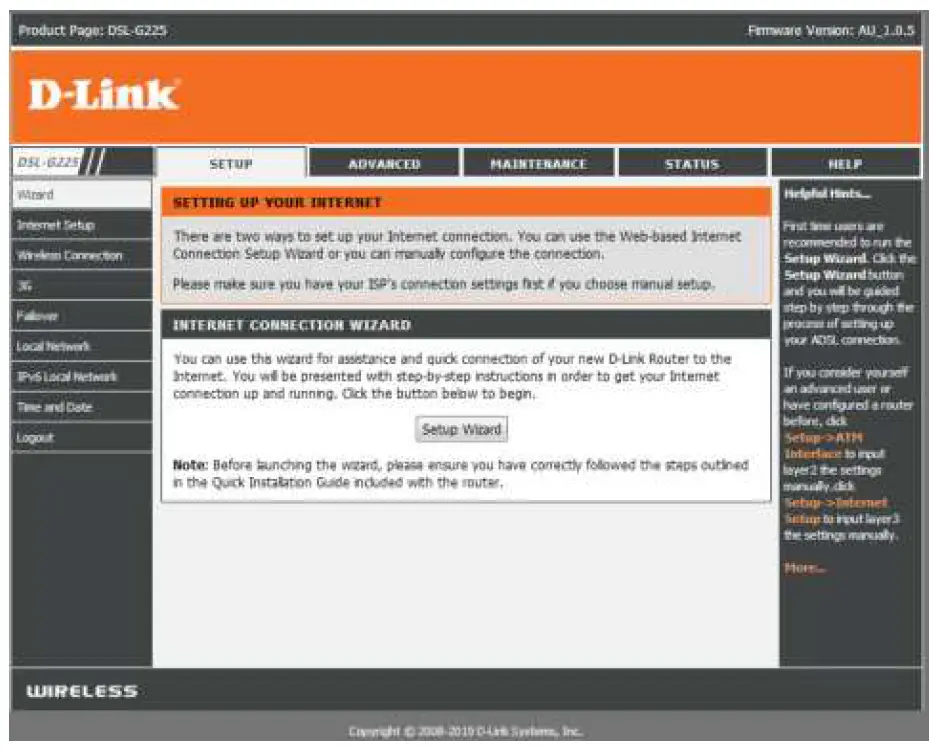
| LAN interface IP: 192.168.1.1 Subnet Mask: 255.255.255.0 |
| WAN interfaces: |
| System: 1、Administrator Username/Password(from LAN) : admin/admin 2、User Username/Password: user/ user 3、DHCP Server: Enabled 4、DNS: 5、Signature: None |
| Special Settings: |
| Restore Default Settings: Press the restore button 5 seconds. |