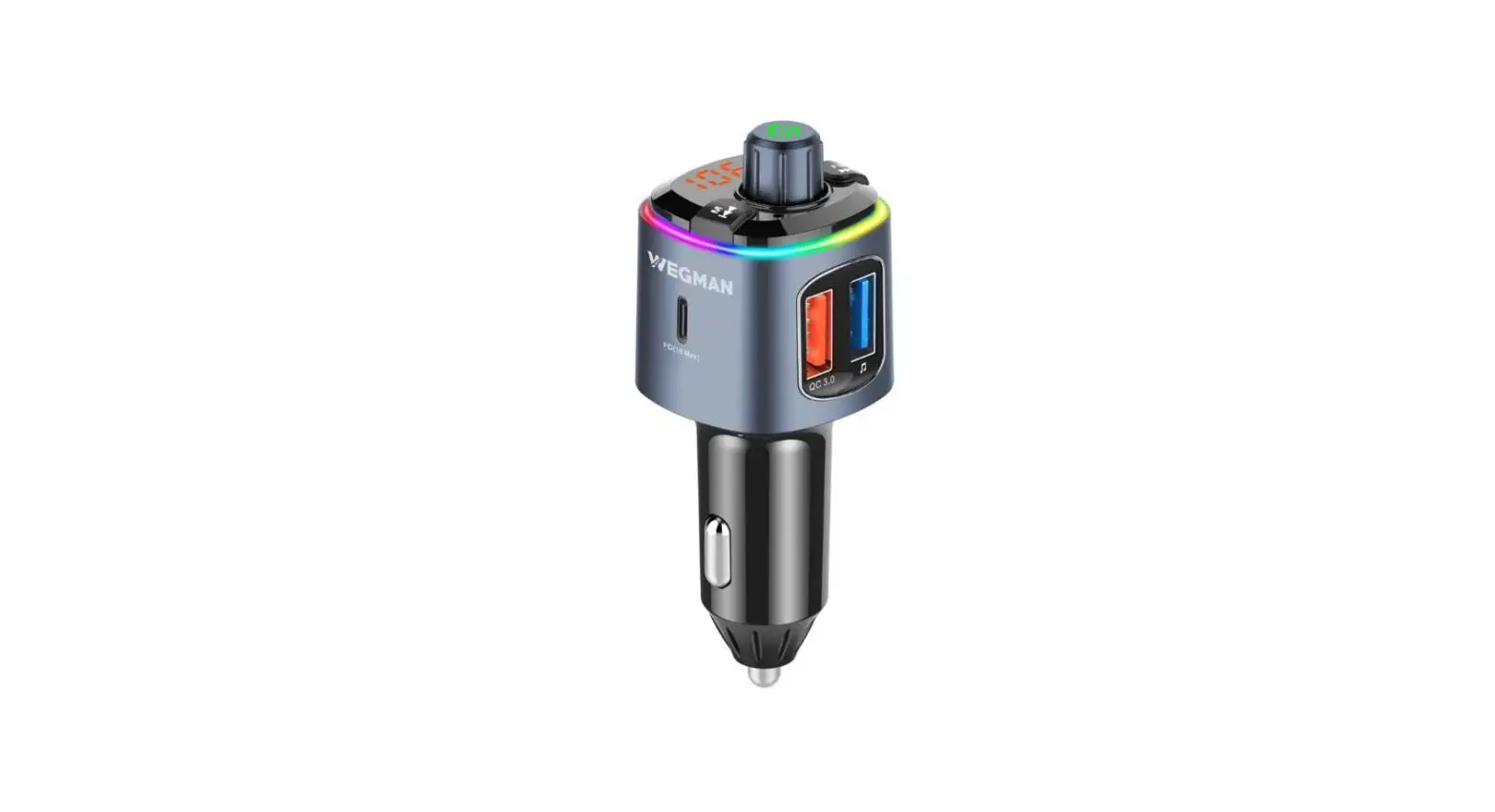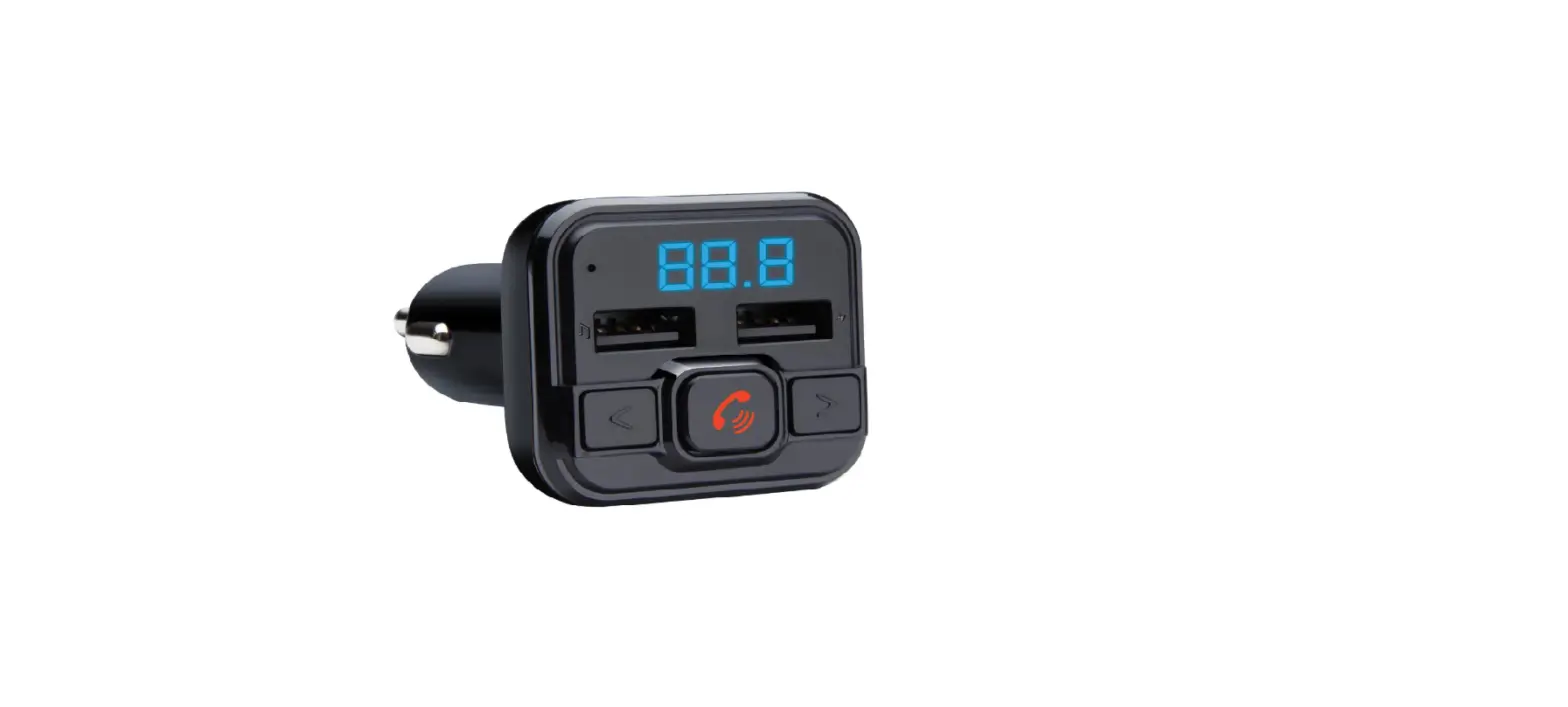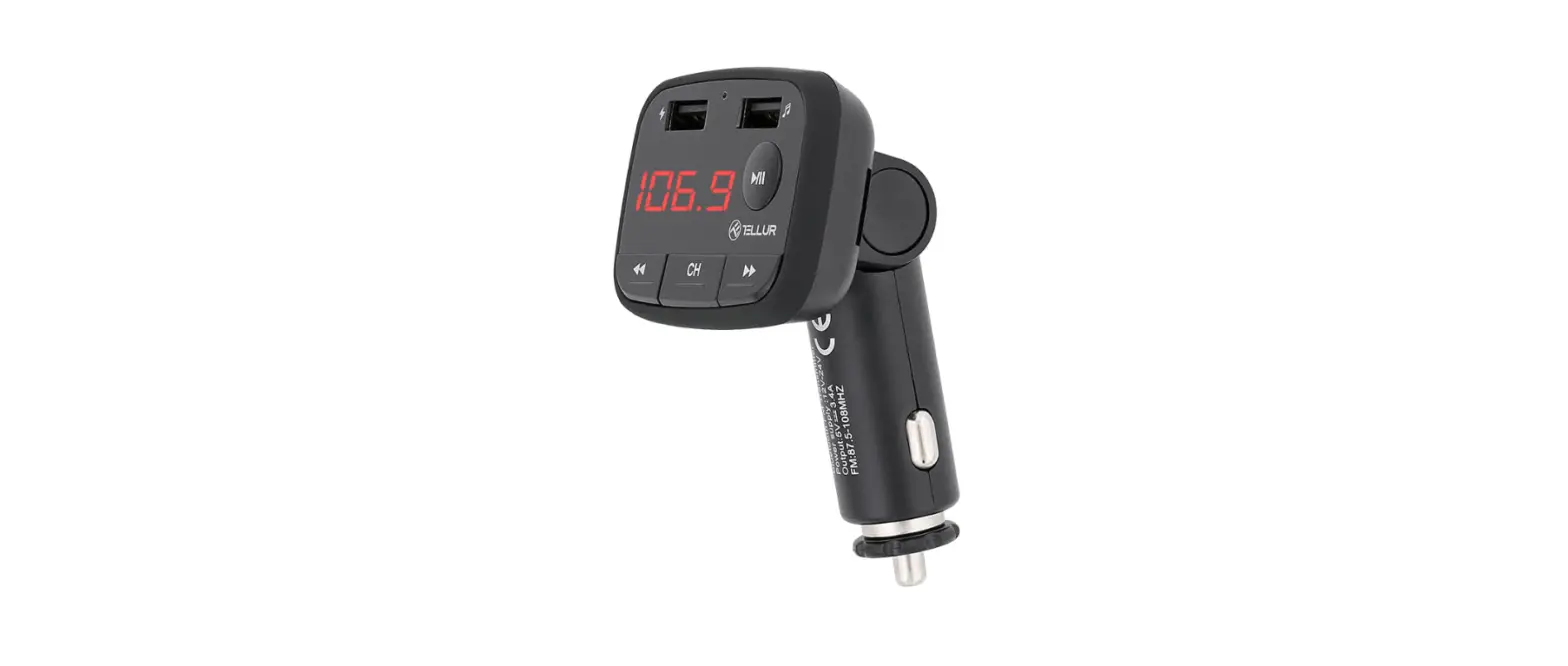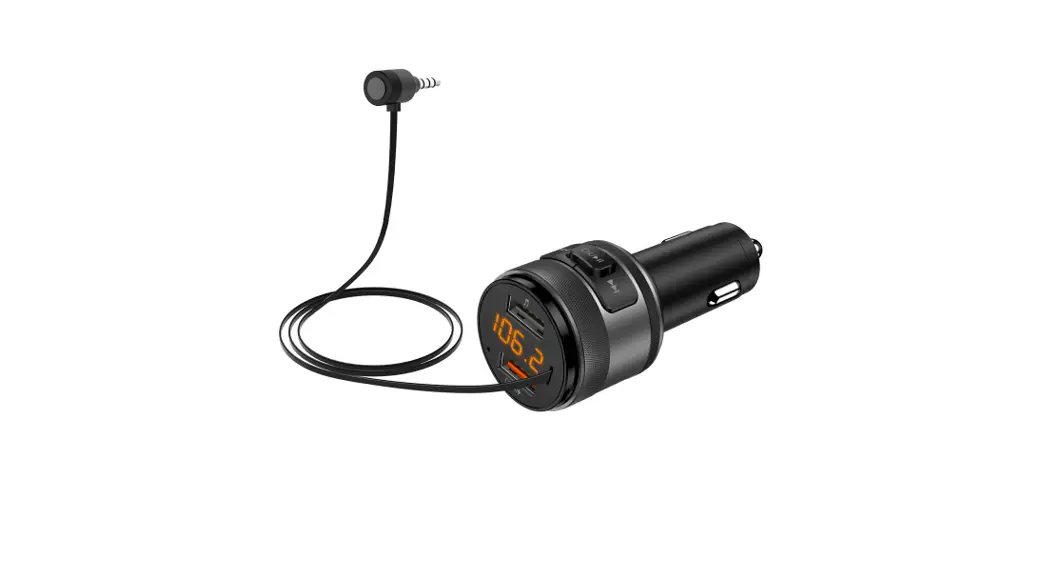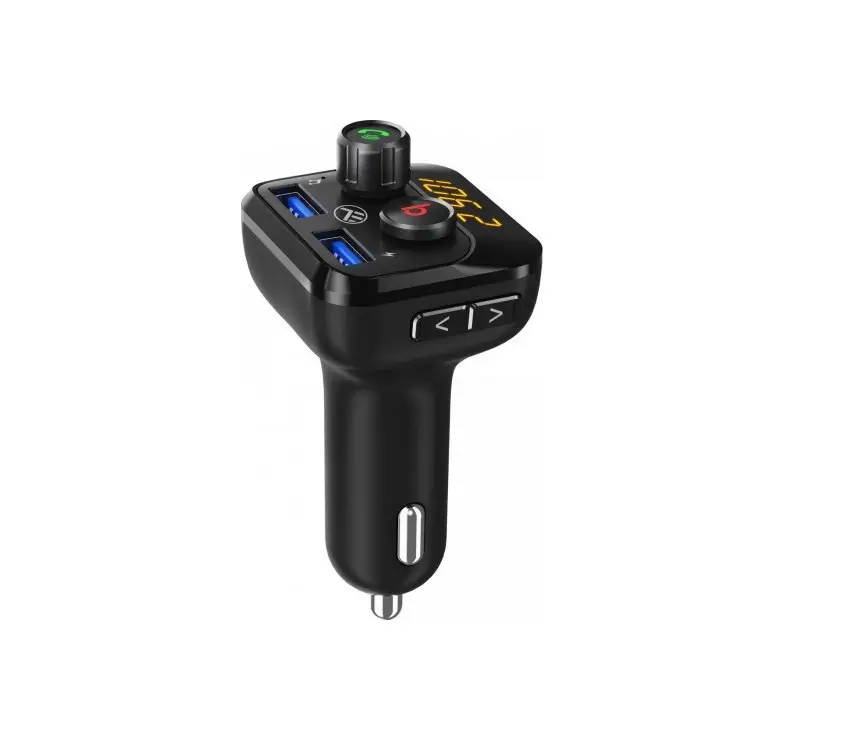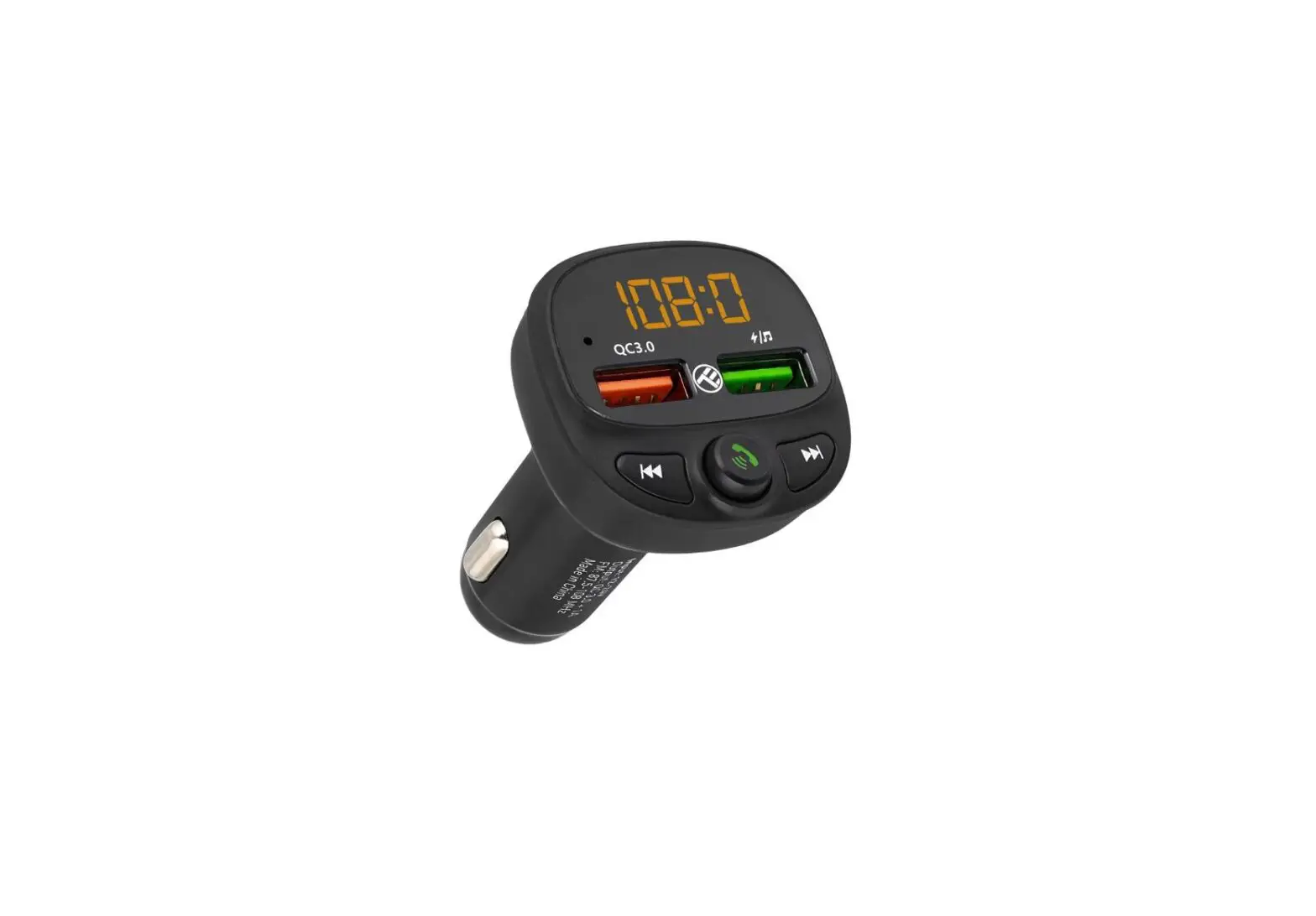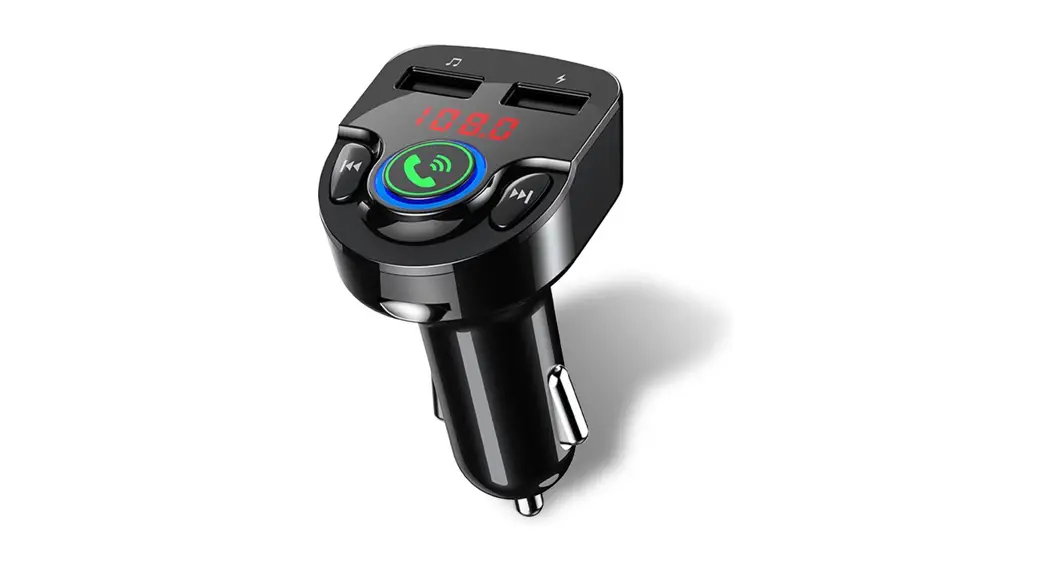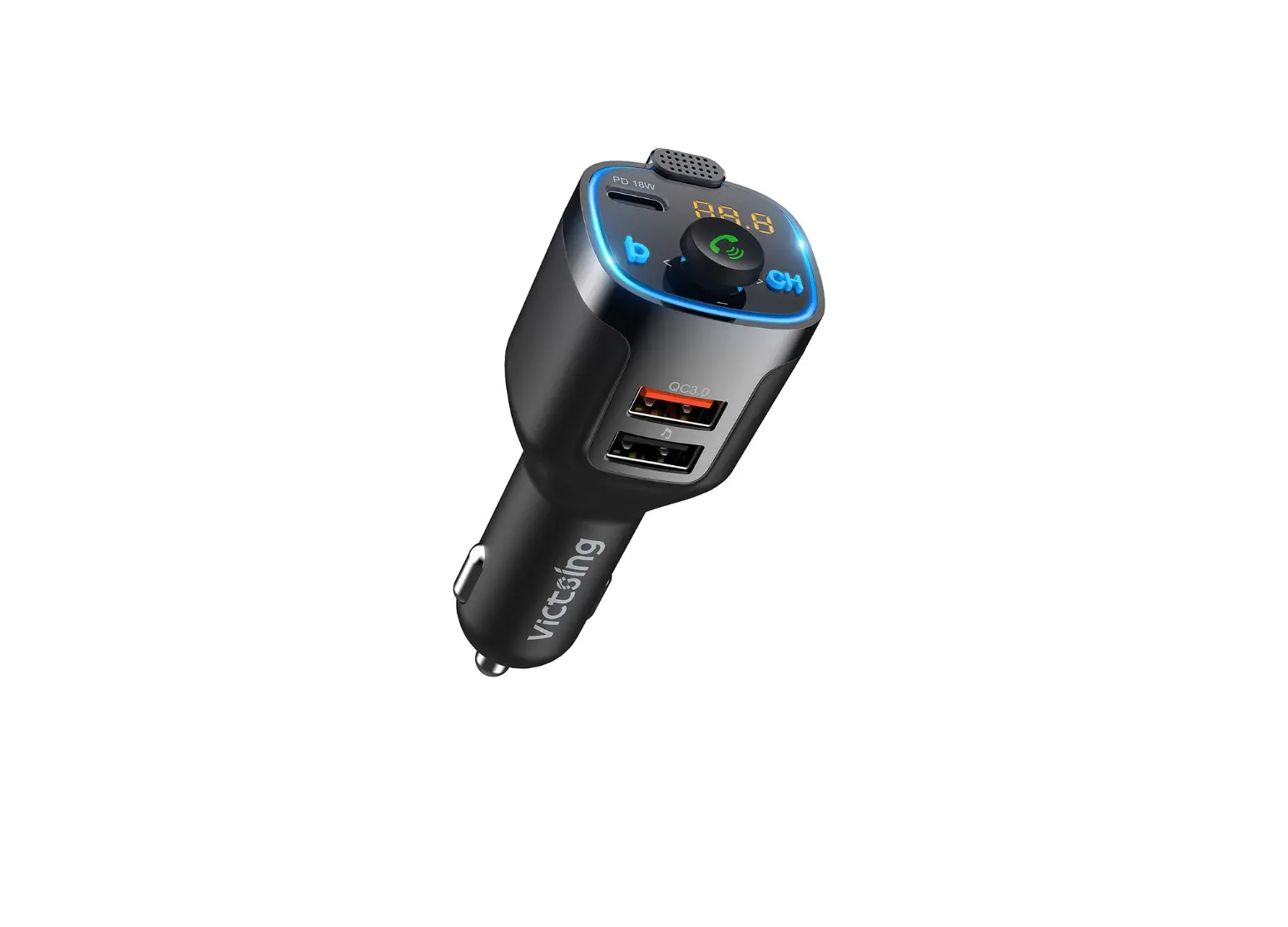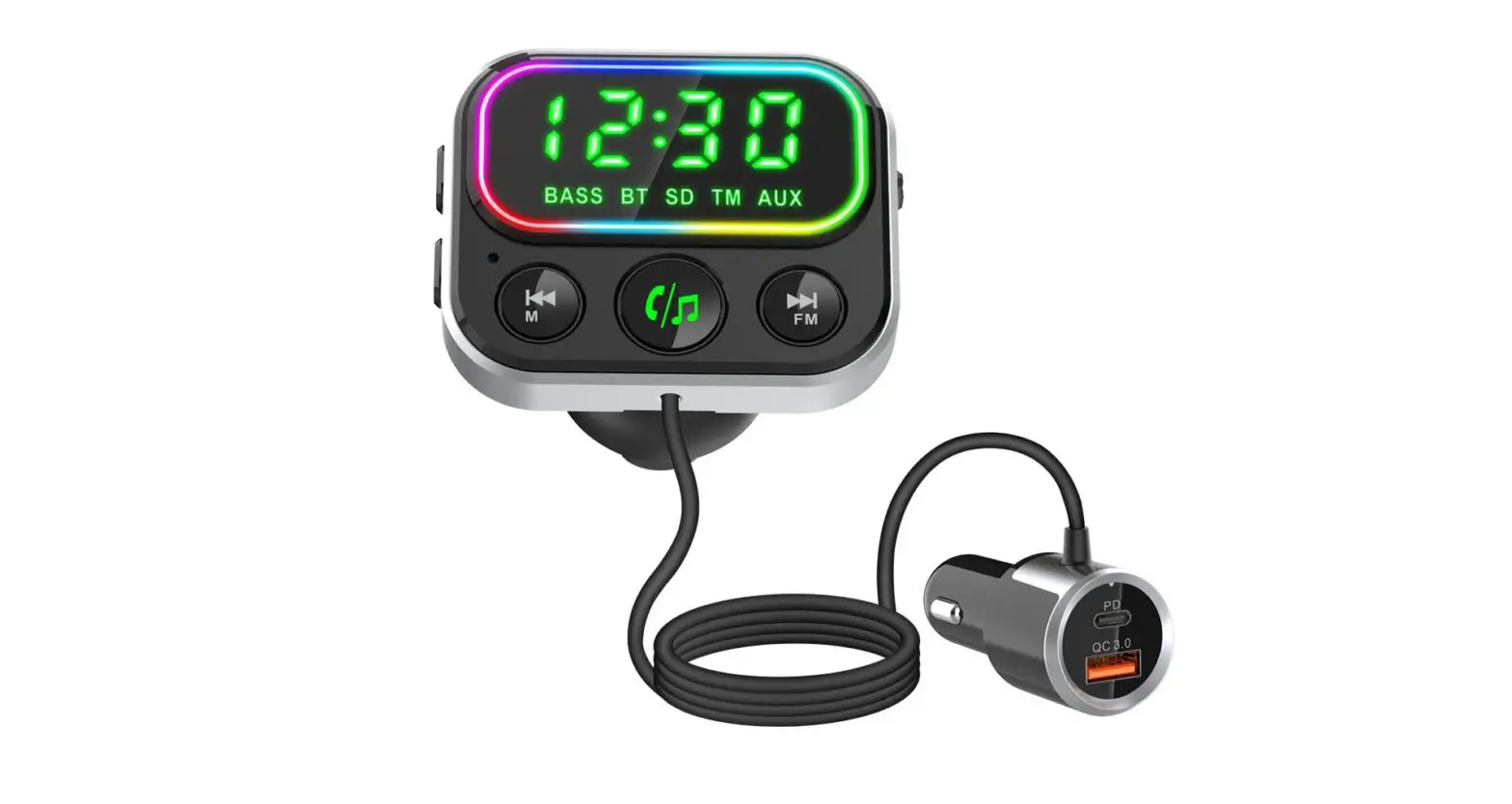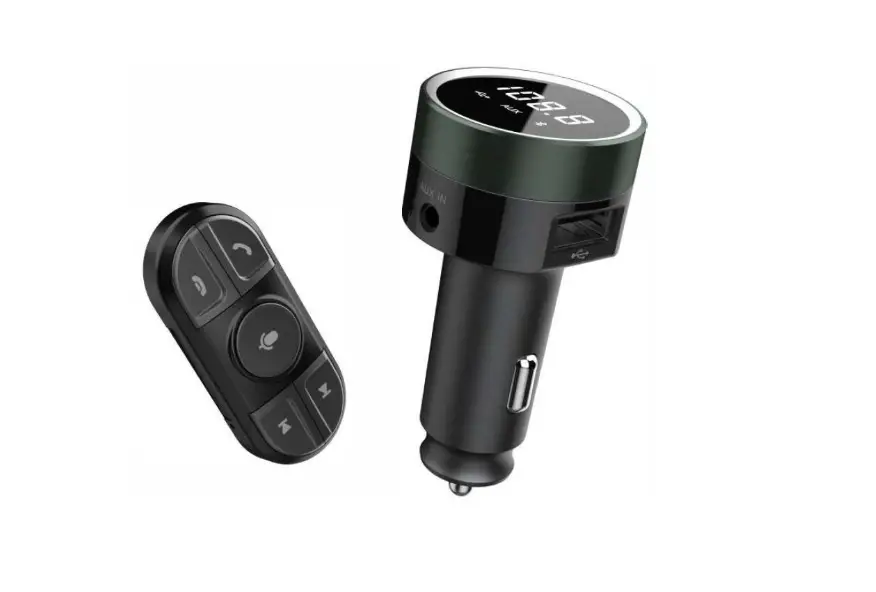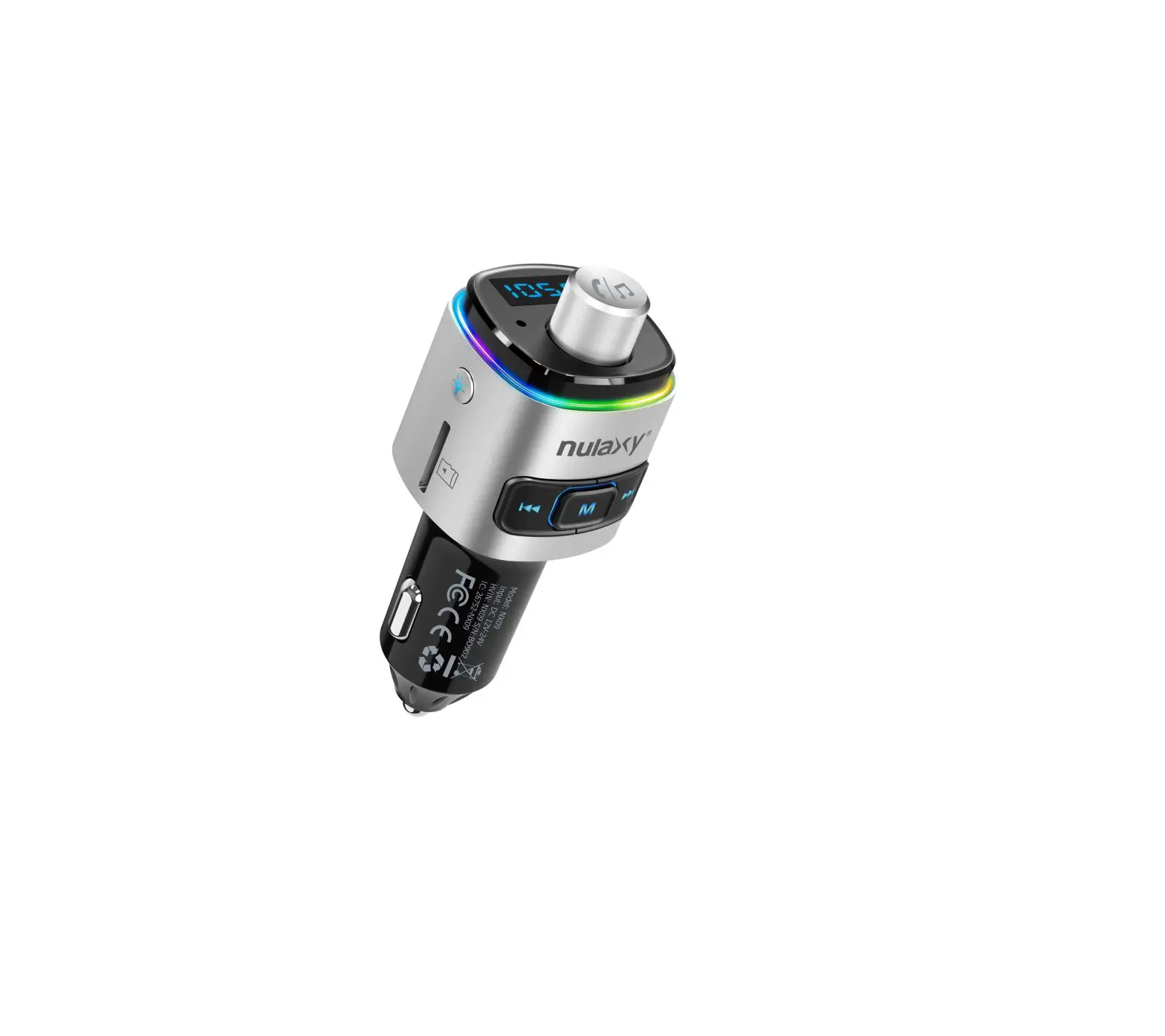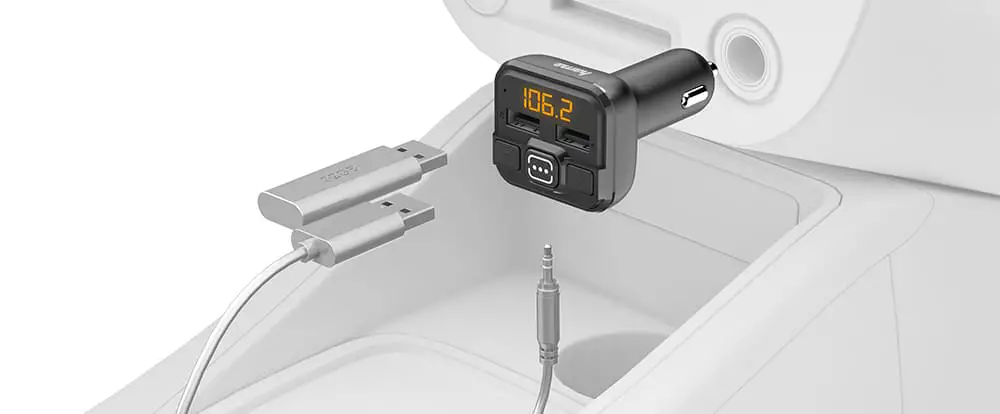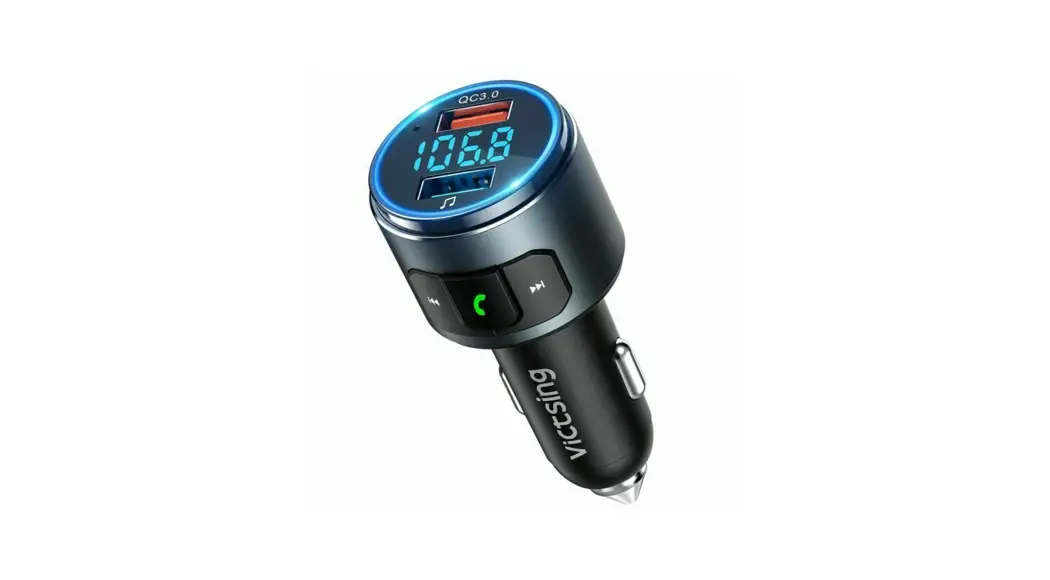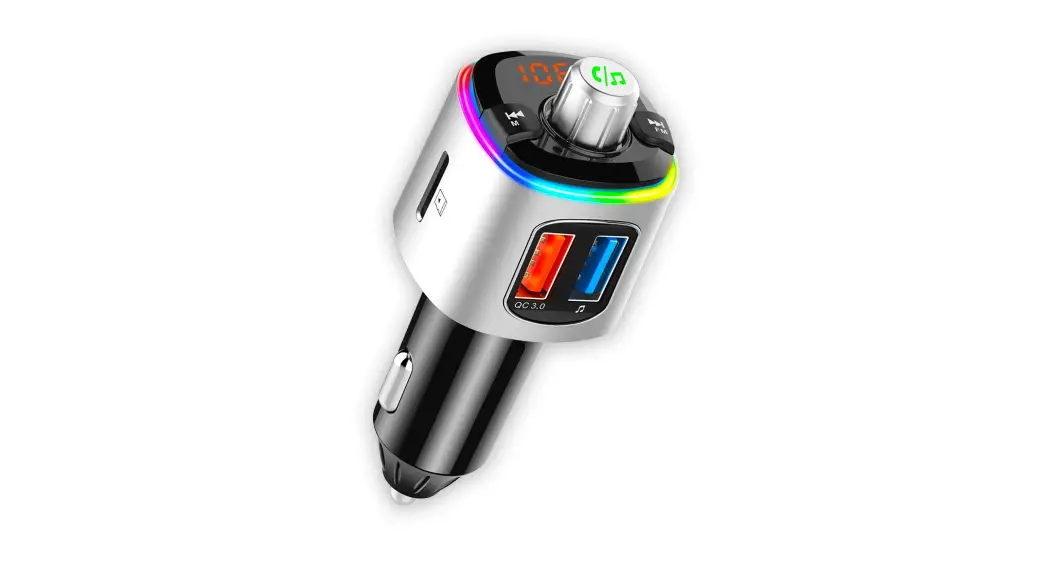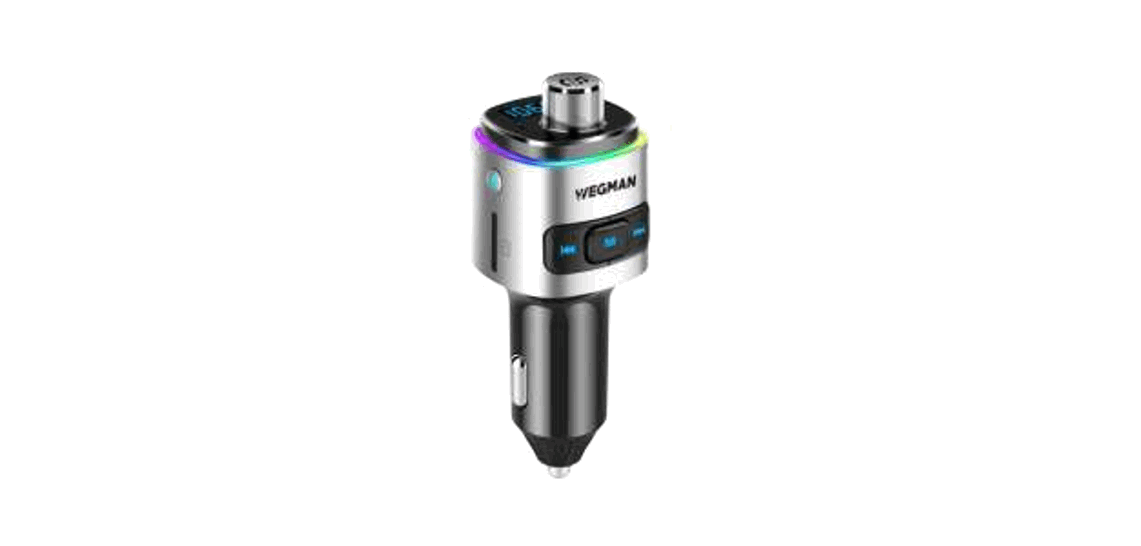
 BC42 Bluetooth FM Transmitter
Instruction Manual
Thank you very much for your purchase at Wegman. Wegman is the leading specialist in car accessories. We recommend you read the manual carefully. In case of questions/complaints, you can reach us through the following platforms. Have a good listen while driving! @wegman
 @wegmanautoaccessoires
 [email protected]
 @wegmanshop
 wegmanshop.nl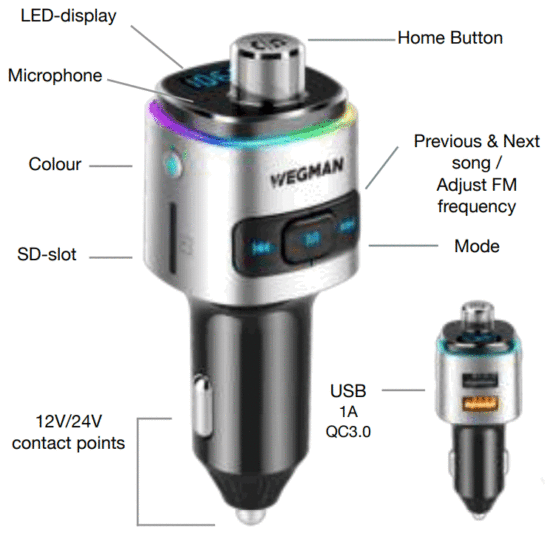
Quick Installation
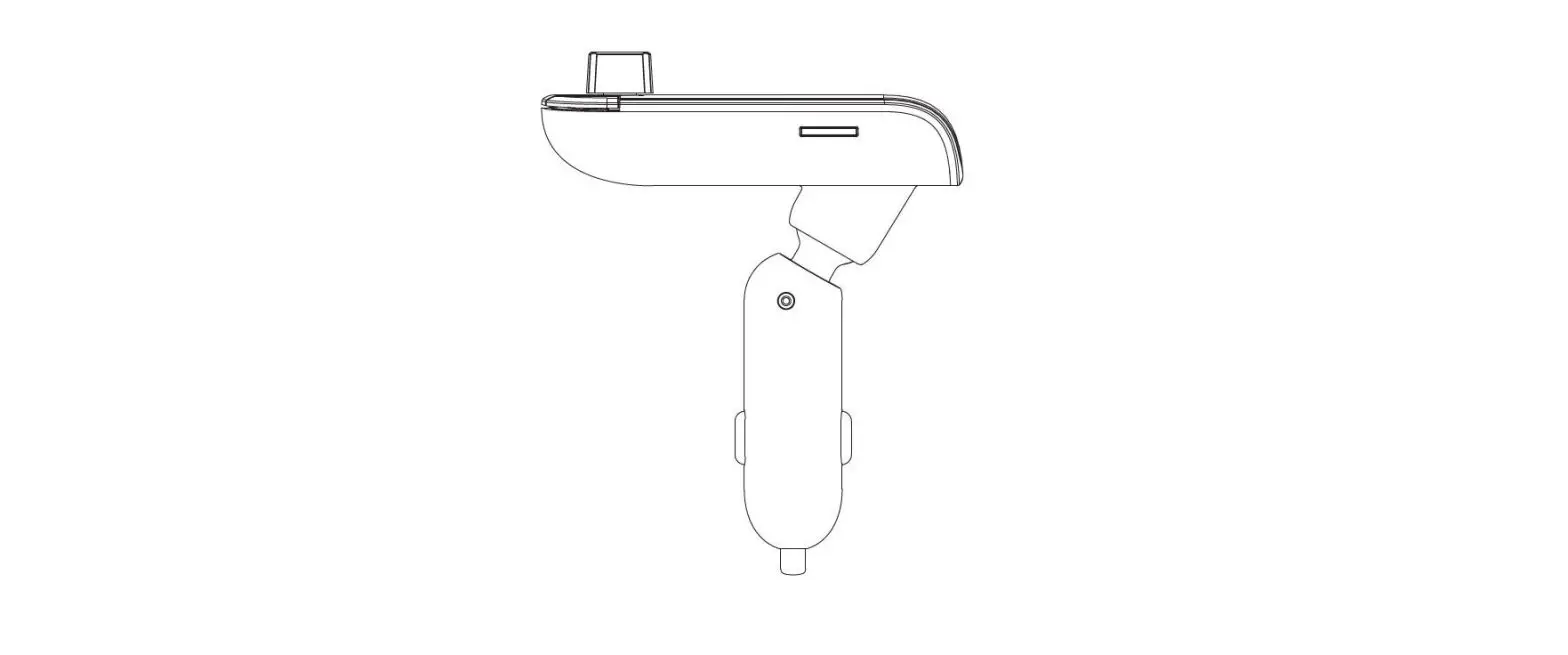
Plug the FM transmitter into the cigarette lighter (12V jack) of your car and connect the transmitter to your phone by Bluetooth.
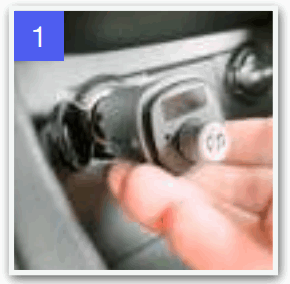
Turn on the car radio and make sure the FM frequency of the radio is the same as the one of the FM transmitter.
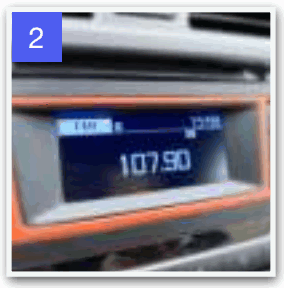
Adjust FM frequency. Press and hold ▶︎▶︎ to adjust. Then press and hold ◀◀ or ▶︎▶︎ again to adjust the frequency.
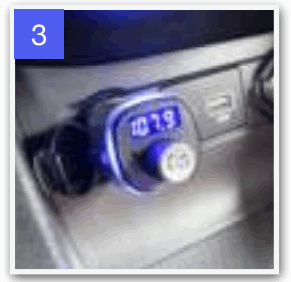
Bluetooth connection
Turn on Bluetooth on your phone and search for the name WEGMAN CARKIT, within seconds you will be connected.
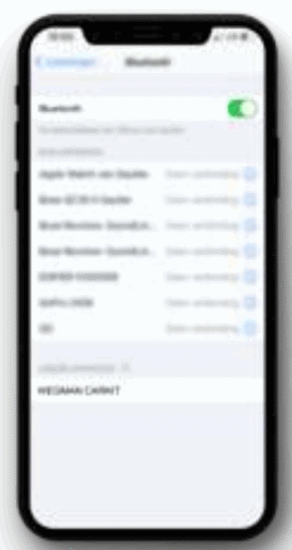 Automatically connect
If you have been connected to the FM transmitter before, it will automatically connect when you have Bluetooth enabled on your phone and start the car.
Note that some phones require you to give permission to connect to the FM transmitter first.
Listening to music
Selecting an input source
The Wegman Bluetooth FM transmitter allows you to listen to music from a Bluetooth device, SD card, or a USB drive (via the USB 1.0 input). You can switch between the different input sources using the mode button. Press and hold to switch between BT-SDUSB.
Adjusting the volume
You can adjust the sound volume in two ways. You can adjust the volume through your car radio as you are used to. You can also adjust the volume by turning the Home Button.
Play and pause
You can play and pause your music by pressing the Home Button once.
Changing songs
You can change songs by selecting a different song on your Bluetooth device. You can also use the Previous/Next Song buttons.
Hands-free calling
The Wegman FM transmitter is equipped with a high-quality microphone. This way you can not only enjoy music but also make hands-free calls through the speakers in your car. On the next page, you can see which functions are available.
| Making a call using Siri | To activate Siri, press and hold the Home Button for 3 seconds. |
| Answering/Hanging up | You can answer and hang up by pressing the Home Button once. |
| Rejecting a call | You can reject a call by pressing and holding the Home button. |
| Calling back | Pressing the Home Button twice will call back the number last dialed. |
Opladen via USB
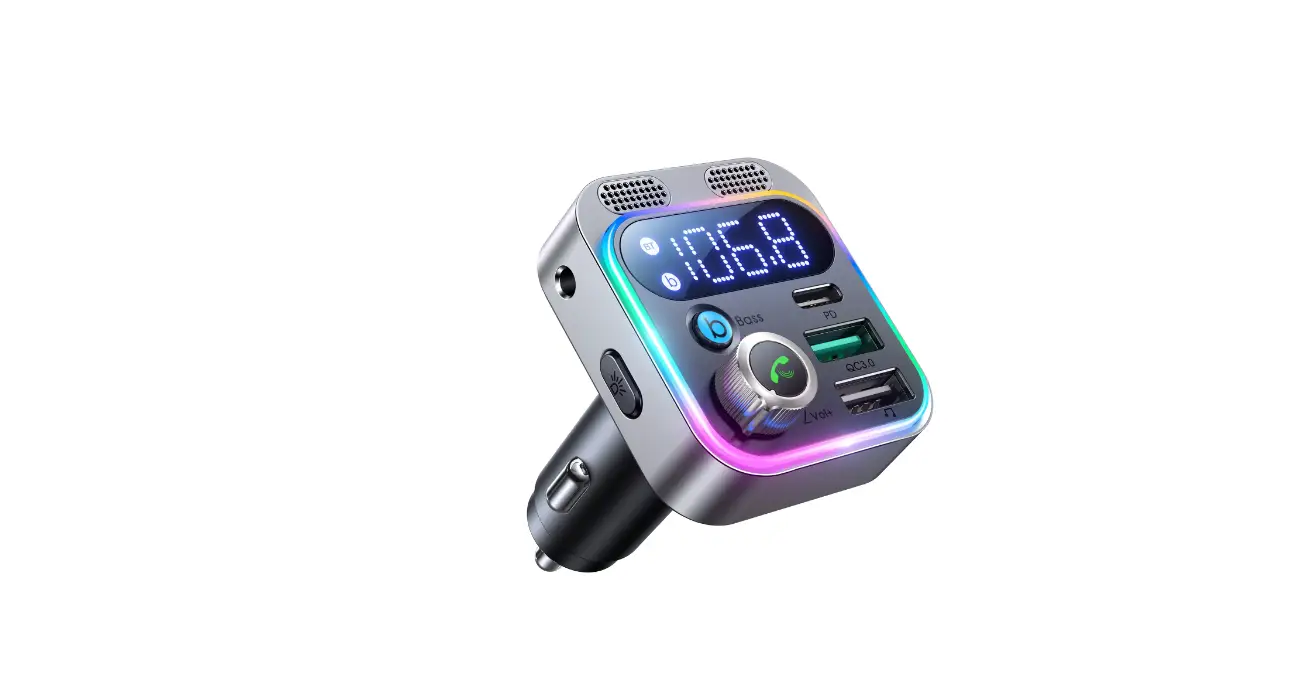
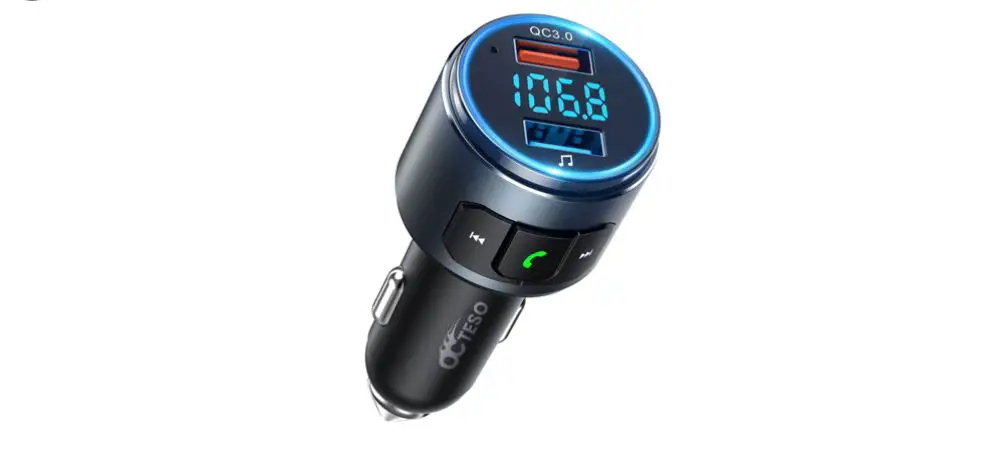
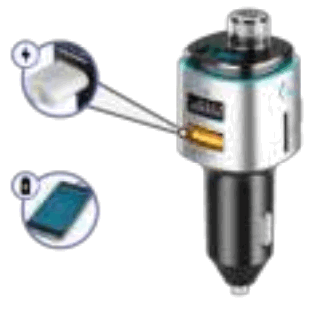
Charge your smartphone up to 4X faster, thanks to the QuickCharge 3.0 technology of the lower USB port.
The upper USB port can be used to play music from a USB drive. Use this port to charge your smartphone at the standard USB 1.0 speed.
Problems
The FM transmitter does not turn on
- Make sure that the FM transmitter is correctly inserted into the socket.
- Check that the connection is powered.
The music does not play
- Make sure the FM transmitter is in the correct mode (BT-SDUSB).
- If you are playing music from a USB drive or an SD card, make sure the music is encoded in a supported format.
- Check that the volume of the transmitter/car receiver is not set to 0.
The sound of the FM transmitter is not clear
- Always choose a free radio frequency, frequencies of local radio stations will always produce noise. We recommend frequency 87.5 – 87.6 – 107.9 – 108.0.
- Adjust the volume of the FM transmitter, sometimes a high volume provides a better sound.
Problem not solved?
Do not disassemble the product yourself. You can always reach us by sending an e-mail to [email protected]. We are constantly working to improve our products and look forward to your feedback.
Specifications
| Connection Voltage | 12V-24V |
| Voltage limit | 10V-26V |
| Consumption | 1W |
| Operating temperature | 0-50°C |
| Playback format | MP3/WMA/WAWAPE/FLAC |
| SNR | >60dB |
| Battery voltage detection deviation | Error ± 0.5V |
| Frequency response | 20Hz-15kHz |
| Left and right channel | >60dB |
| Bluetooth Version | Version 5.0 |
| Bluetooth audio processor | DSP & A2DP |
| Operating distance | <10M |
| Efficient microphone distant | 0-2M |
| FM frequency | 87.5-108mHz |
| USB outputs | 1x QC 3.0 Fast Charge 1), 1A USB-A |
 Wegman auto accessoires - Wegman maakt je autorit comfortabel.