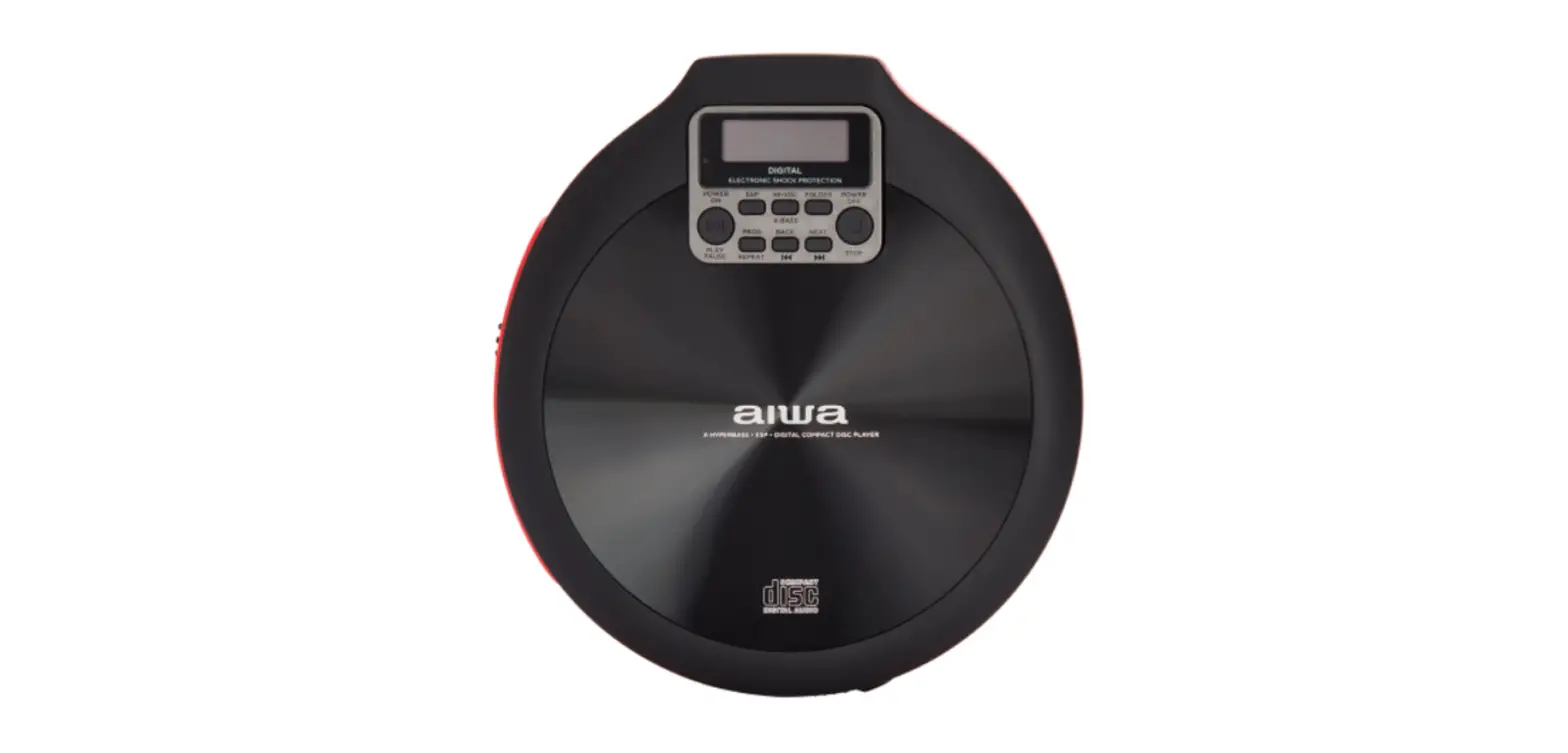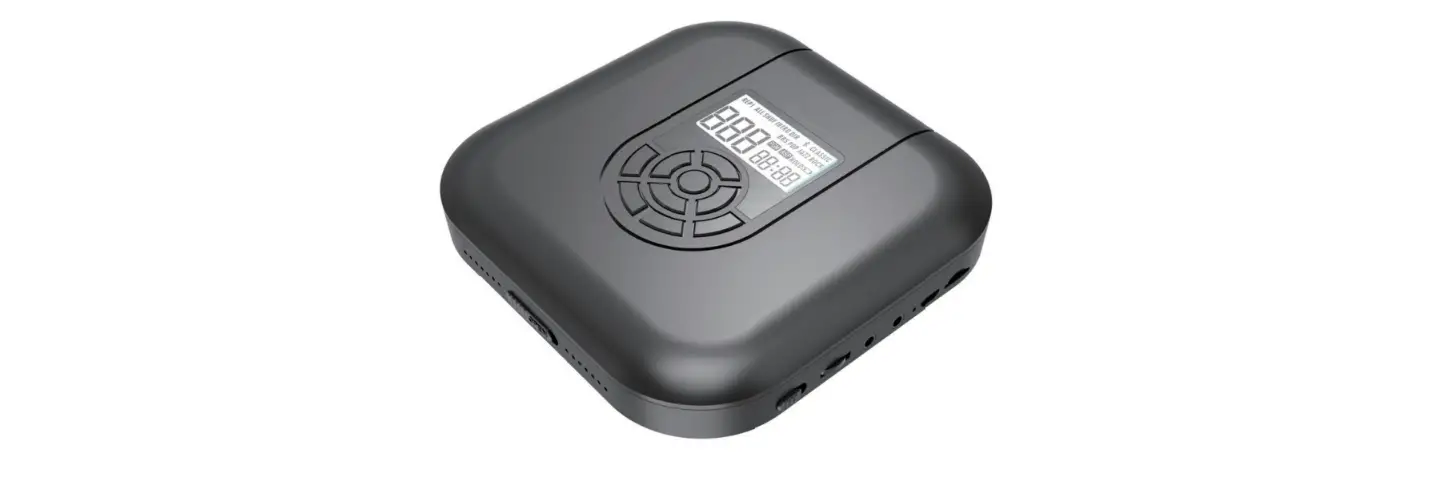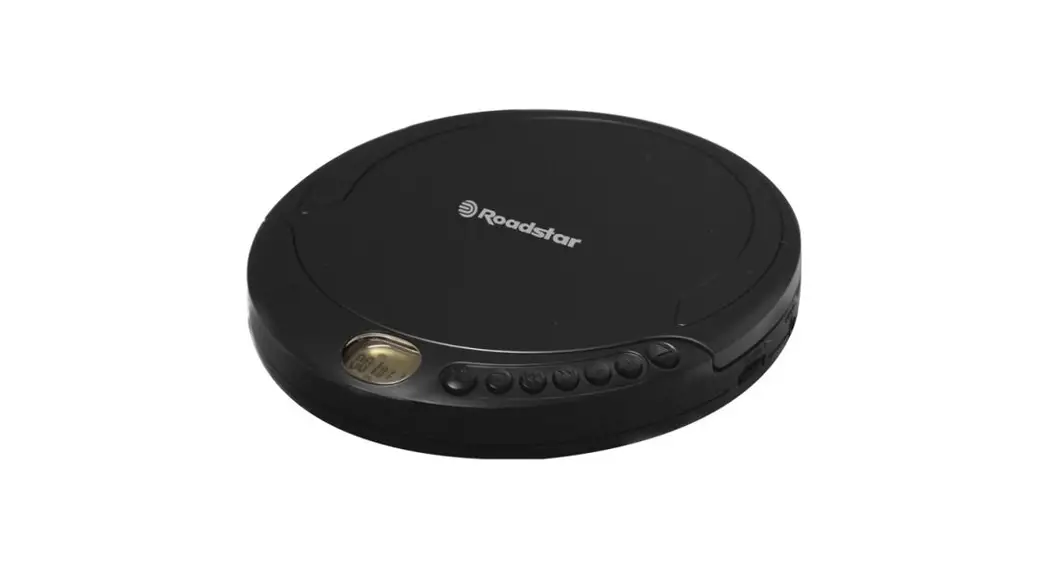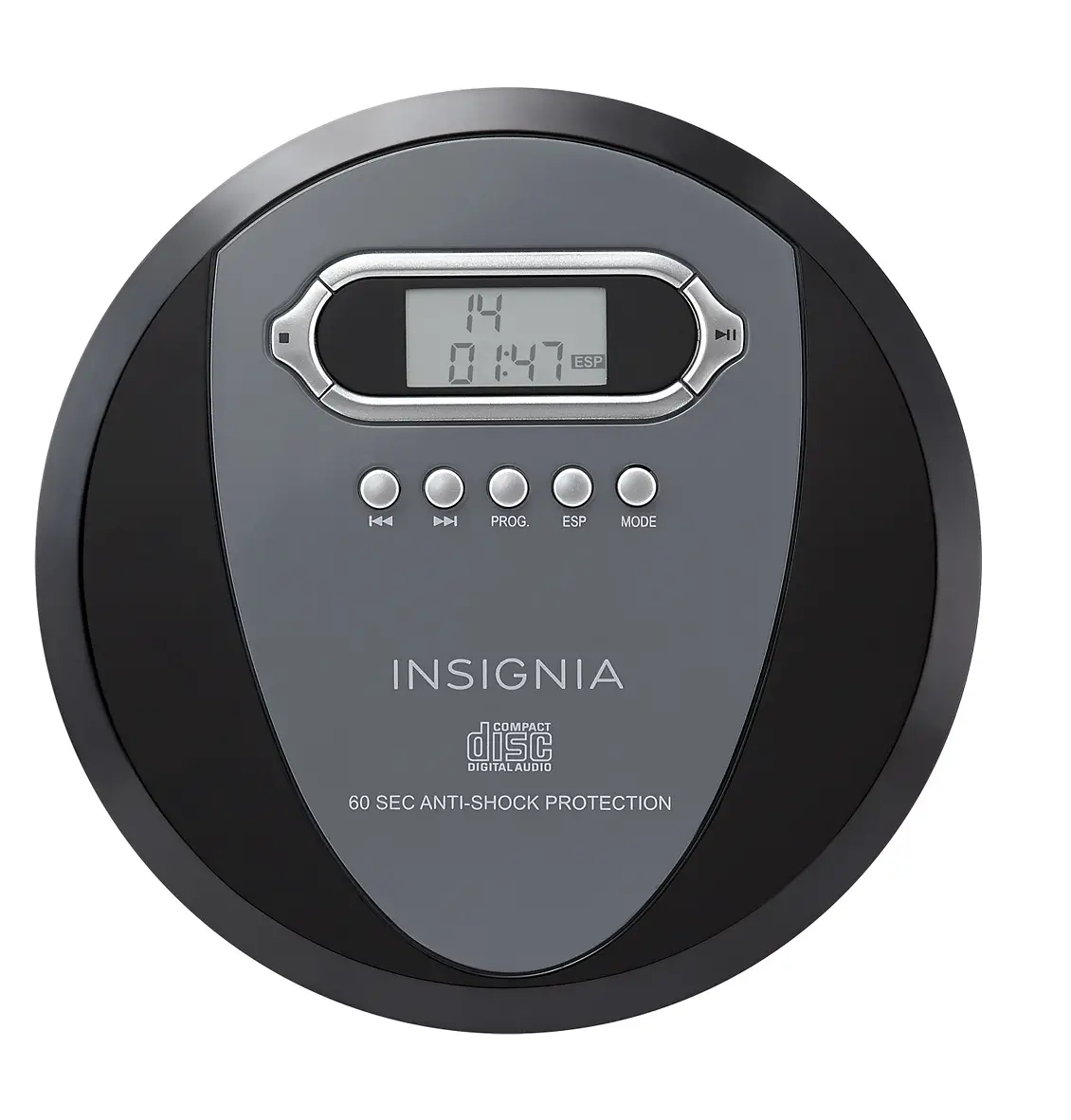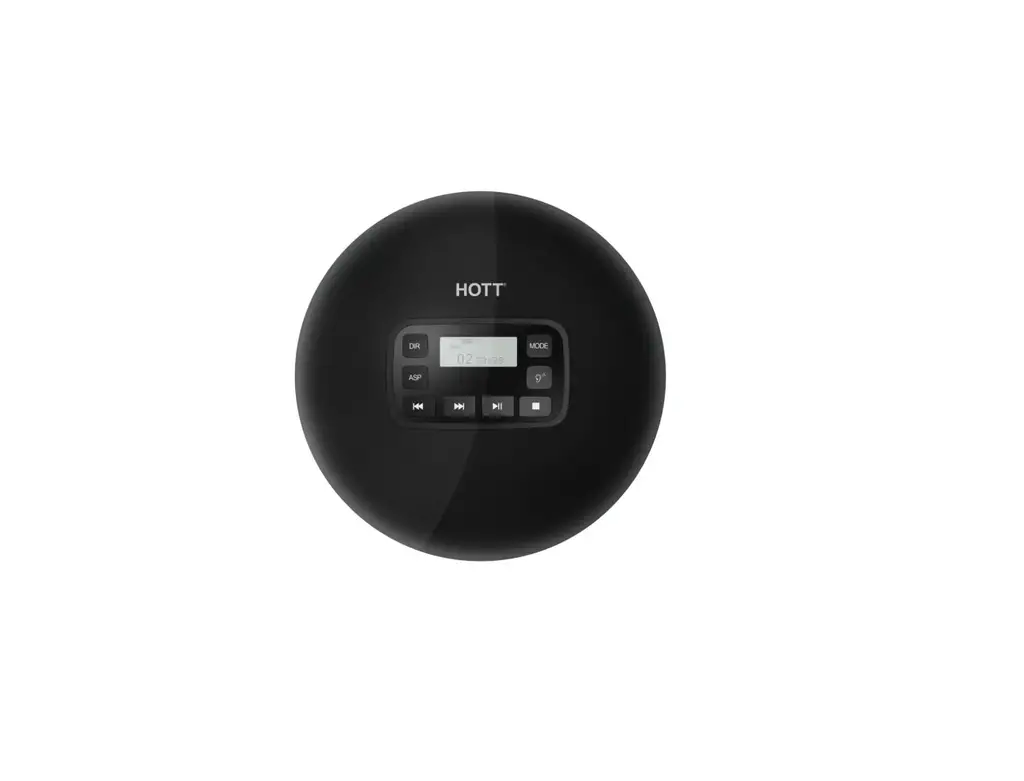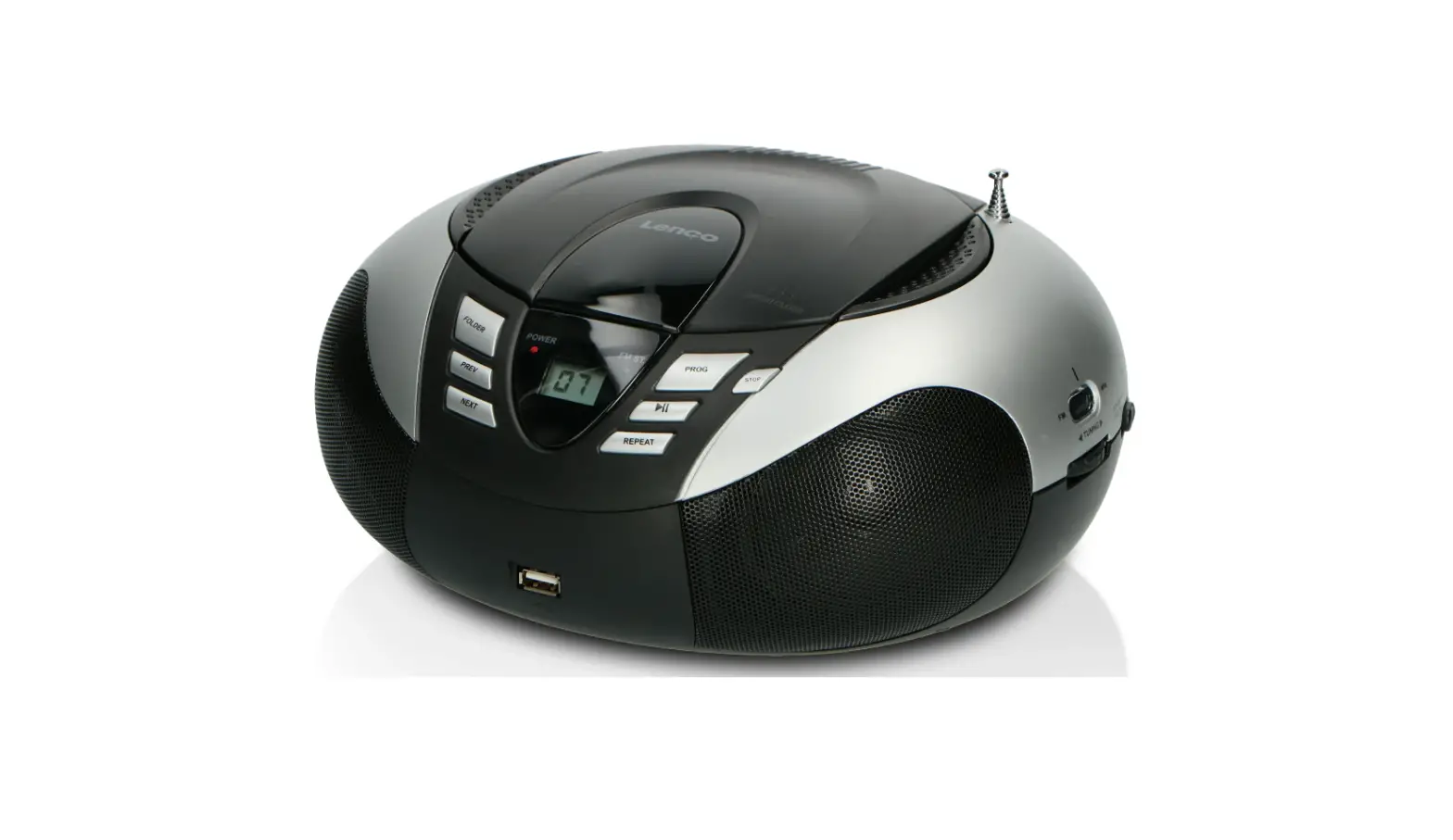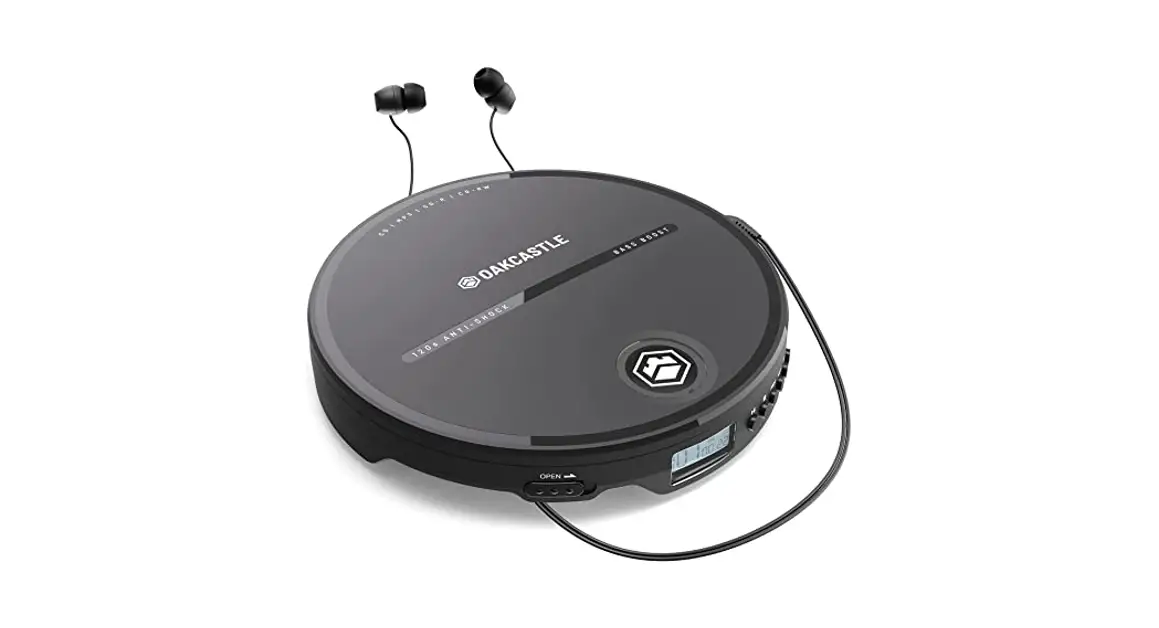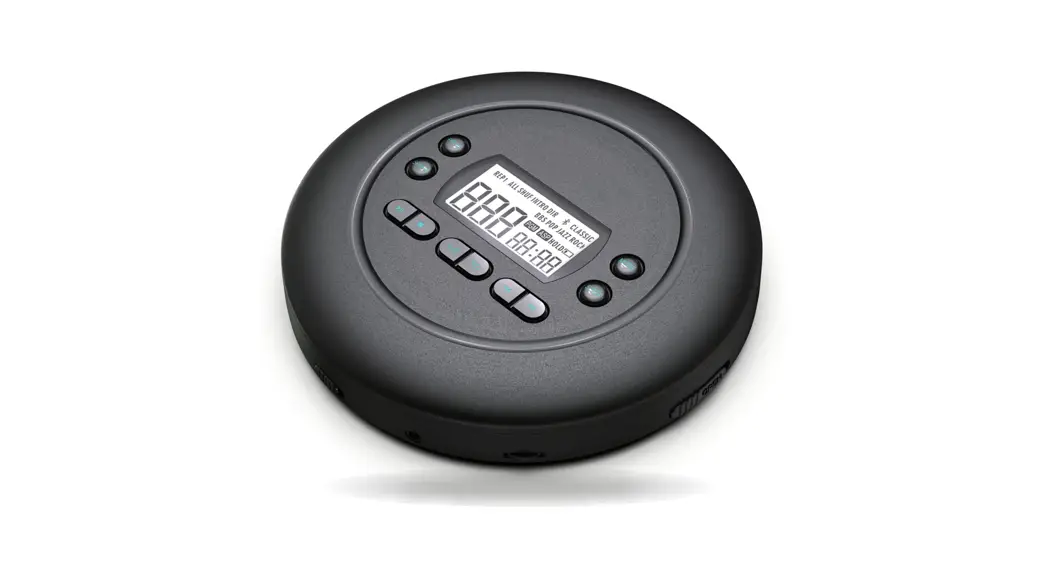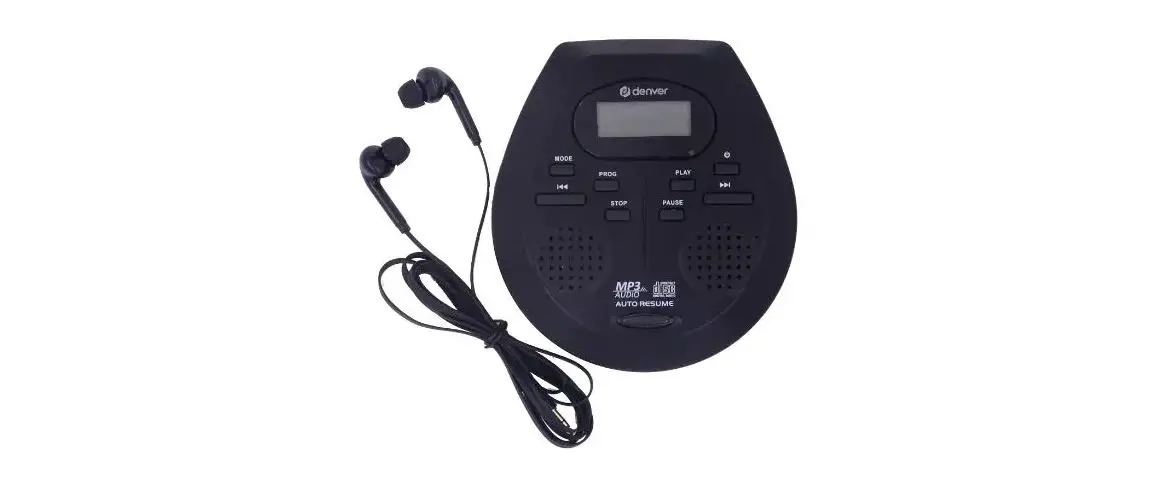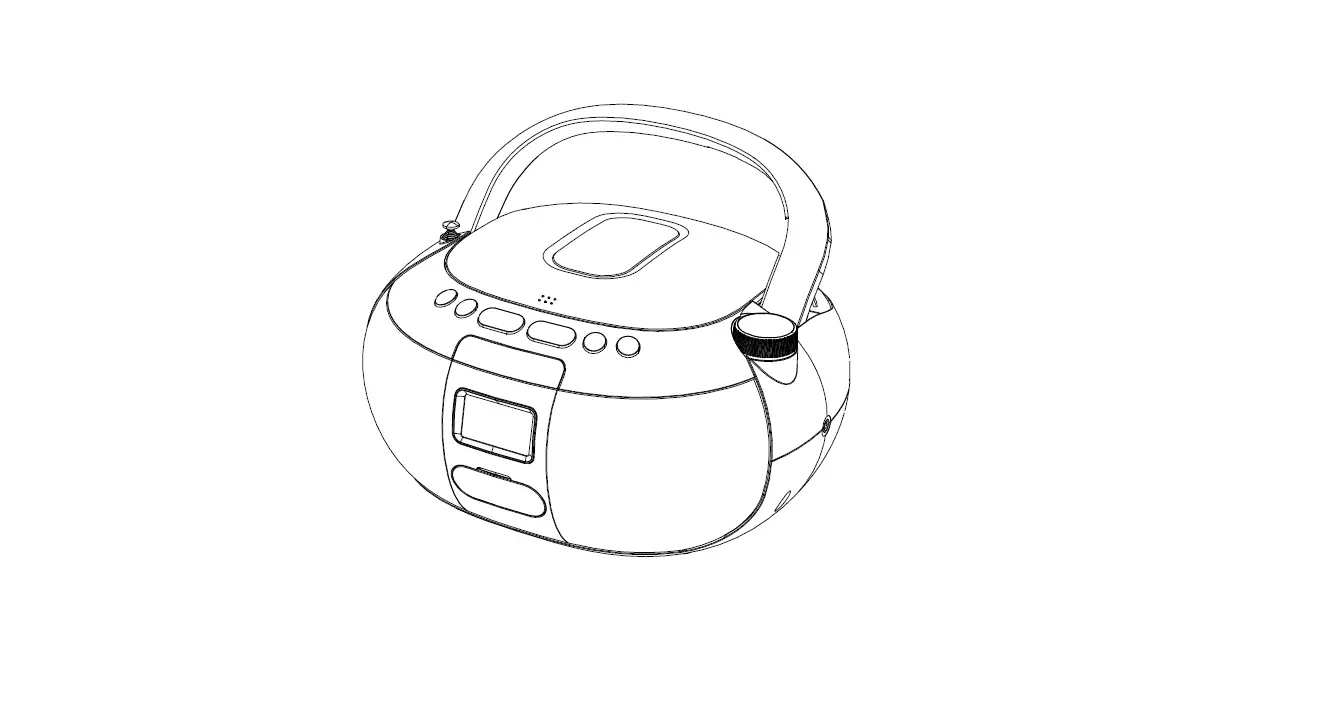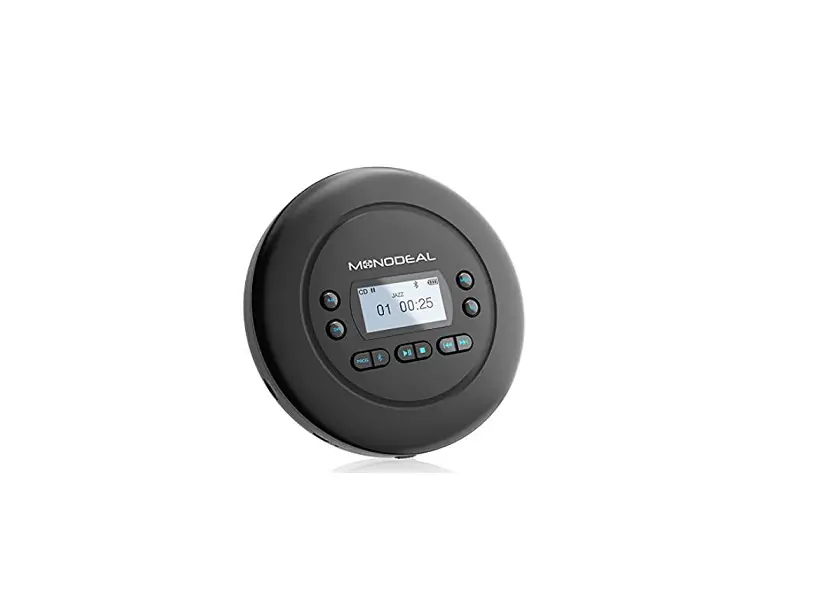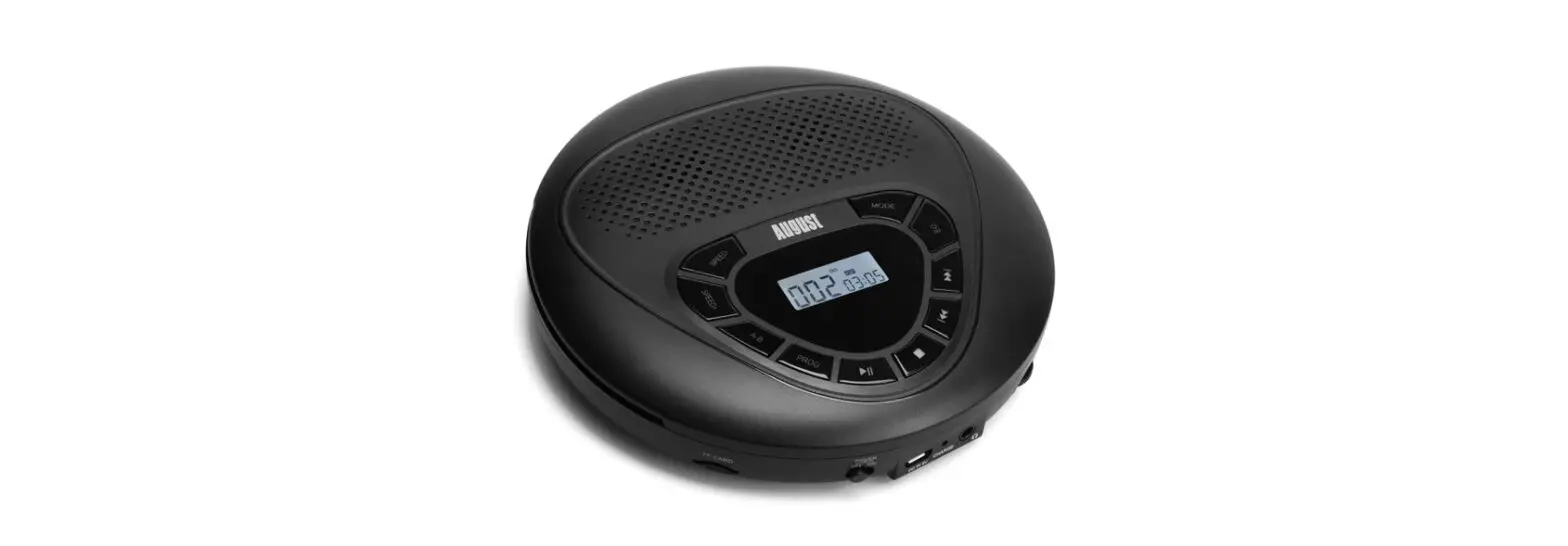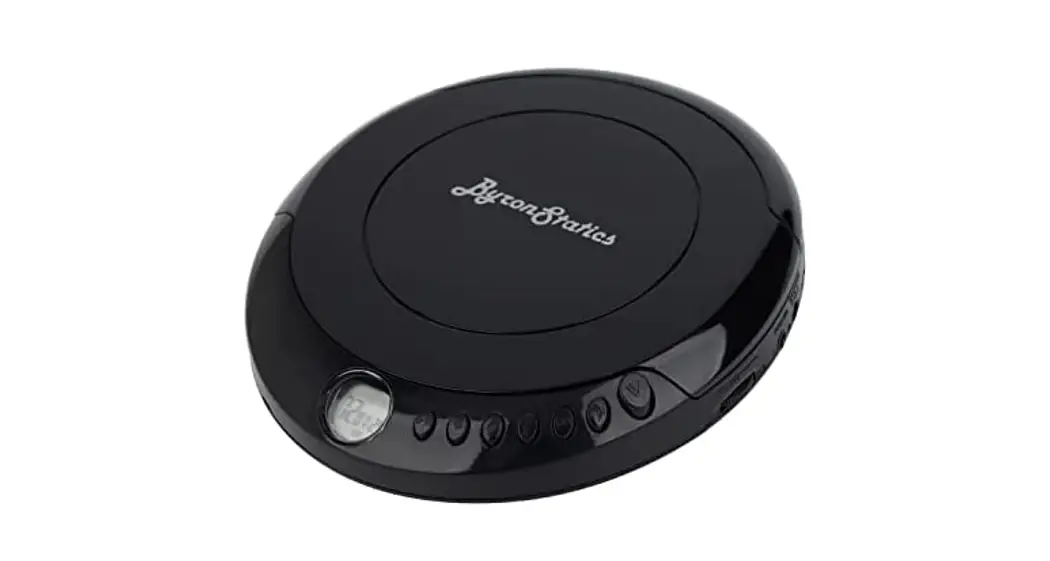
 PCD-220 Portable Compact CD Player
User Guide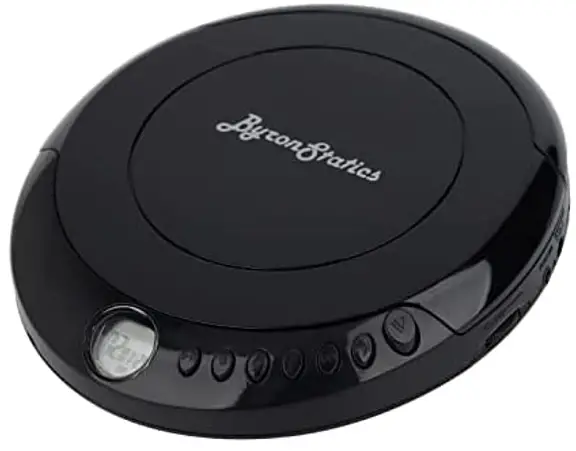 USER GUIDE Portable Compact CD Player
Model: PCD-220
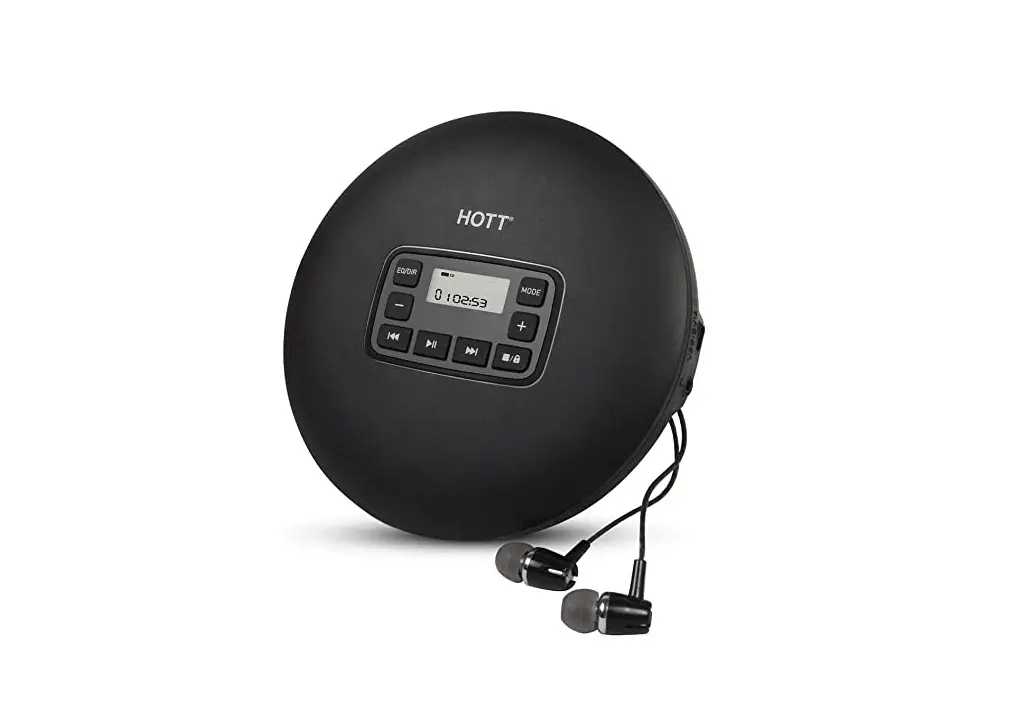
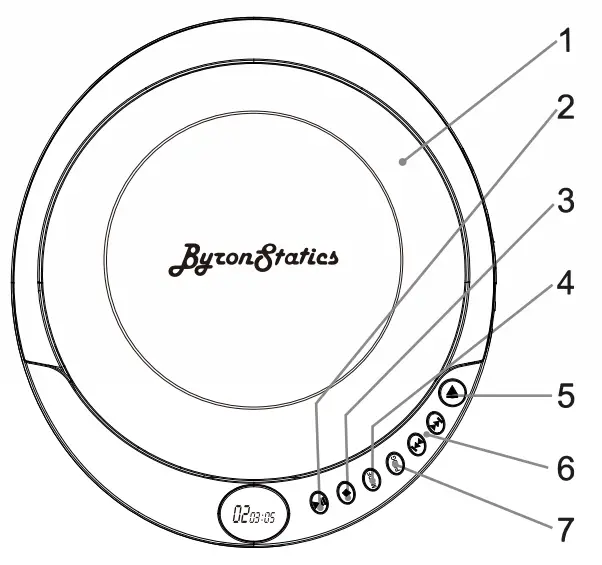
FEATURES AND CONTROLS
- CD DOOR
- PLAY/PAUSE
Press to play or pause a loaded CD. - STOP/OFF
Press to stop a CD during play. In stop mode, press to power off the CD player. - MODE
 Press to repeat a single track or an entire CD, play tracks in a random order, or play the CD in intro mode.
 - OPEN
Press to open the CD DOOR. - SKIP/SEARCH
 Press to skip between tracks on a loadedCD. Press and hold to search an individual track on a loaded CD.
 - PROG
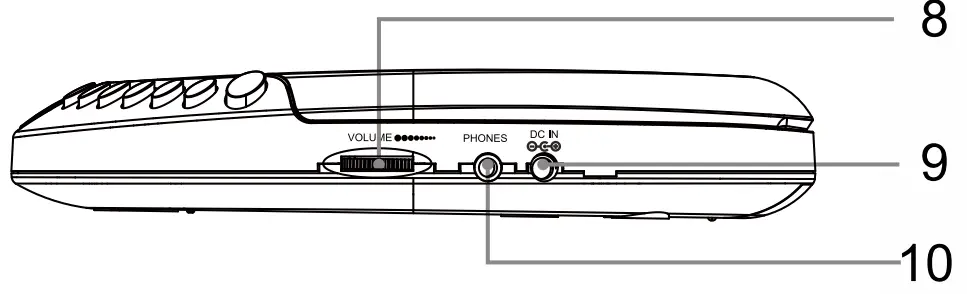
Press to program a loaded CD to play tracks in a specified order. - VOLUME
Turn to adjust the volume.
- USB POWER INPUT
- STEREO EARPHONE JACK
 Press to repeat a single track or an entire CD, play tracks in a random order, or play the CD in intro mode.
 Press to skip between tracks on a loadedCD. Press and hold to search an individual track on a loaded CD.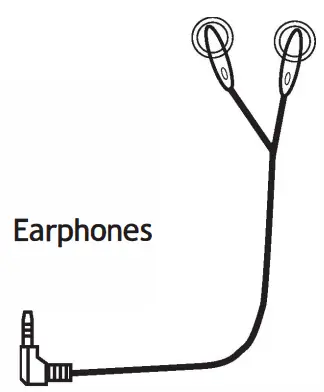
Personal CD Player
Features
- CD player: CD, CD-R
- 60-second anti-skip protection
- Rotary volume control
- LCD display
- Low battery indicator
- DC power requires 2, AA size, batteries (not included)
Includes
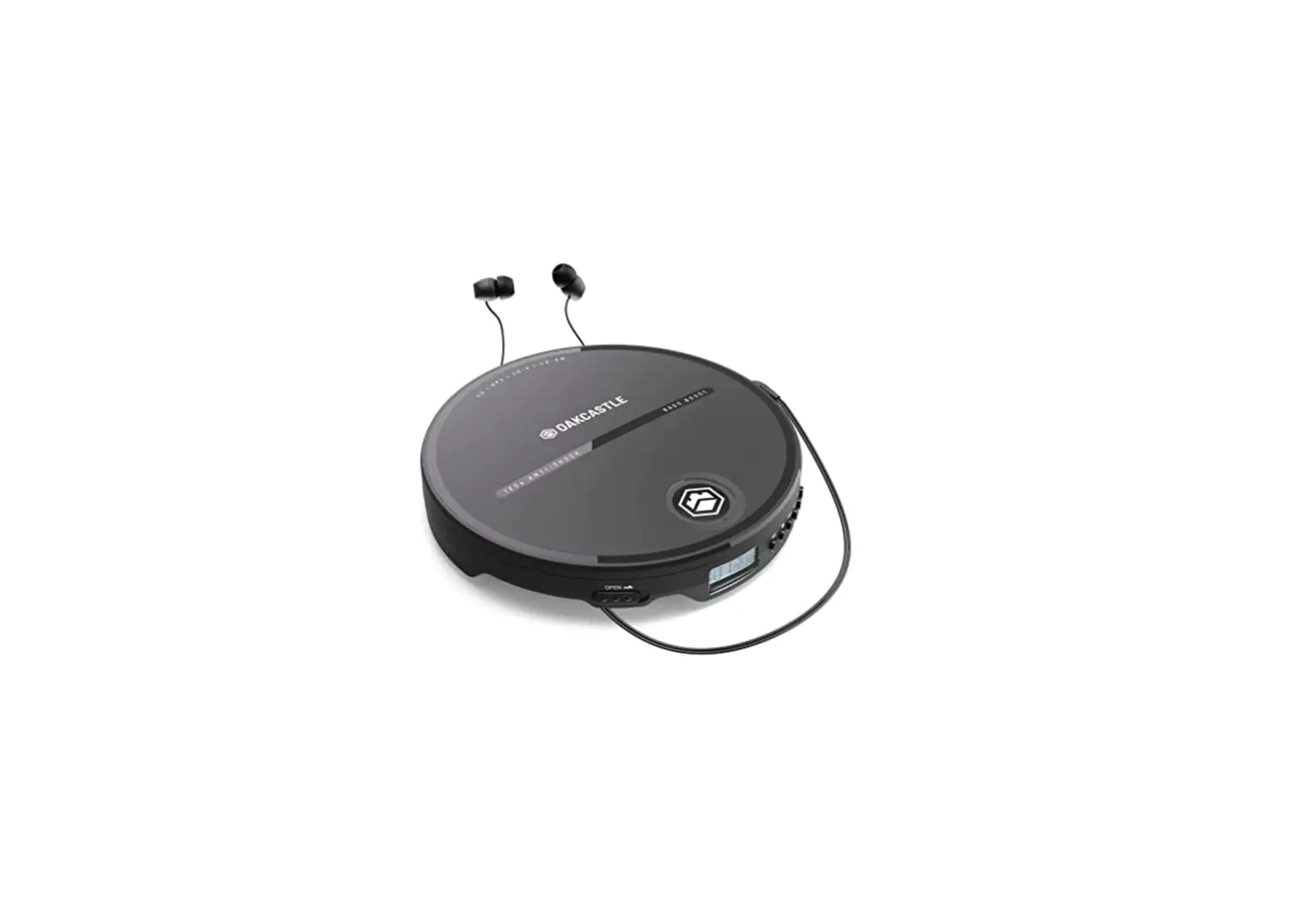
- One set of stereo earbuds
Setup
USB Power
USB power supply
If you are using USB power we recommend that your remove any batteries first.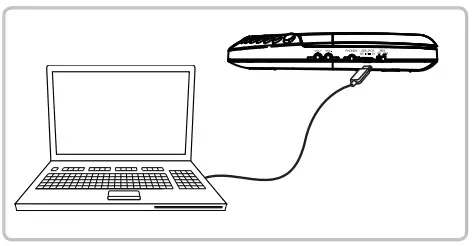 Insert a micro USB cable (not supplied) into the USB port on the device and use a suitable USB power supply.
Battery Power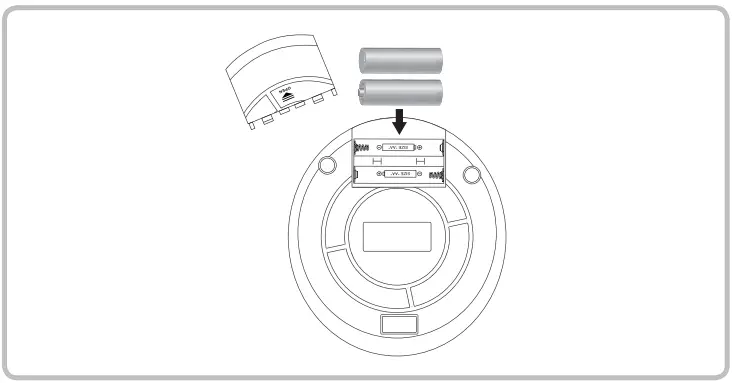 Batteries power supply
Requires 2,AA size,batteries(not included).Please remove any batteries from the unit if the unit will not be used for a period of time.
Operations
Note: This unit is not compatible with MP3 CDs
Loading a CD
- Press the OPEN button to open the CD DOOR.
- Load a CD into the player, and label side up.
- Close the CD DOOR.
Playing a CD
- Follow the instructions for Loading a CD.
- Press the PLAY /PAUSE button to begin playing the loaded CD.
Programming a CD
- Follow the instructions for Loading a CD and Playing a CD.
- Press the STOP button to stop the CD during play.
- Press the PROG button. “07” will/ begin to blink on the DISPLAY.
- Press the SKIP/SEARCH buttons to select the track you wish to program.
- Press the PROG button to save the selected track to the program.
- Repeat steps 4 and 5 to program up to 20 tracks to play in the order they are programmed.
- Press the PLAY/PAUSE button to begin playing the programmed tracks.
Service & Support
Any support you need, anything you feel like sharing, You are more than welcome to contact us. [email protected]
Environmental Protection
Waste electrical products should not be disposed of with household waste. Please recycle where facilities exist. Check with your Local Authority or retailer for recycling advice.