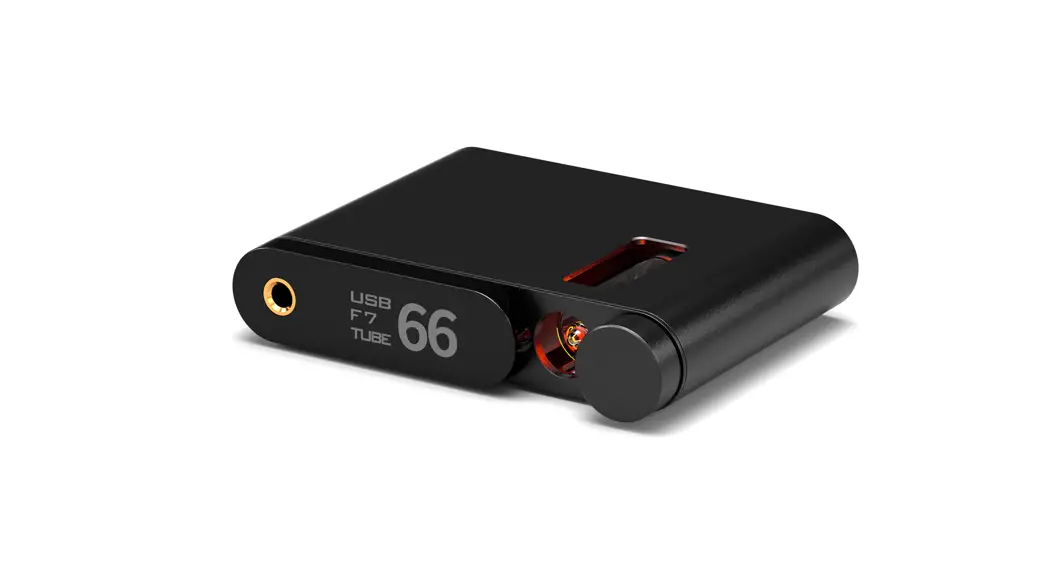

Flamingo-BT Tube DAC User Manual
Preface
Dear Customers:
Thanks for purchasing the aune Flamingo and congratulations on choosing this high-quality tube DAC.
We sincerely hope the Flamingo will bring you excellent Hi-Fi experience.
Please read this manual carefully before using the device.
Flamingo at a Glance
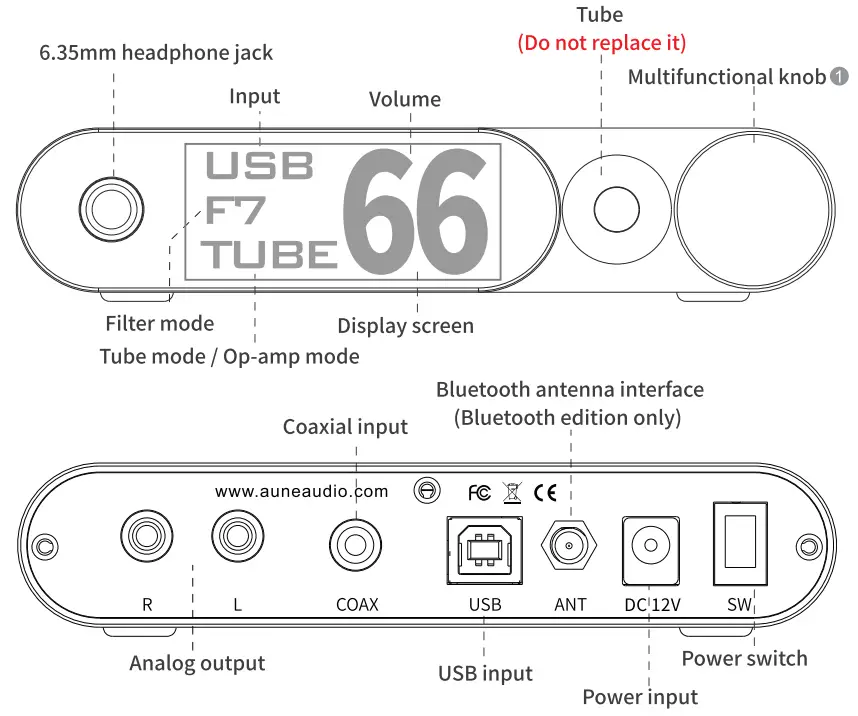
Press:
One short press: change input Double press: switch between tube mode and op-amp mode Long press: go to filter mode menu
Turn:
Clockwise:
volume+ /filter mode menu: down Counterclockwise: volume- / filter mode menu: up
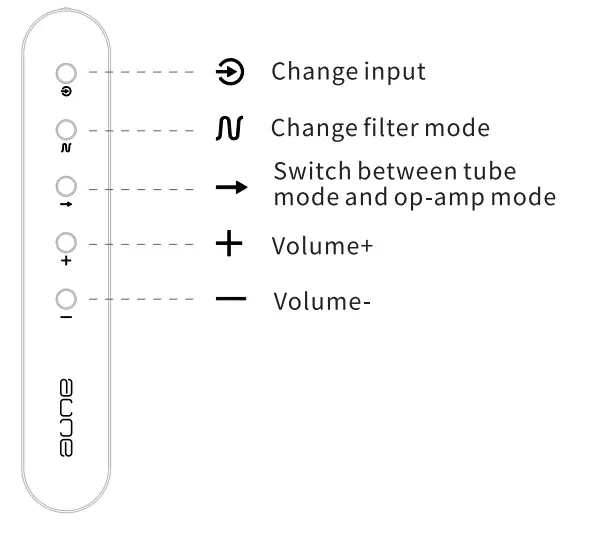
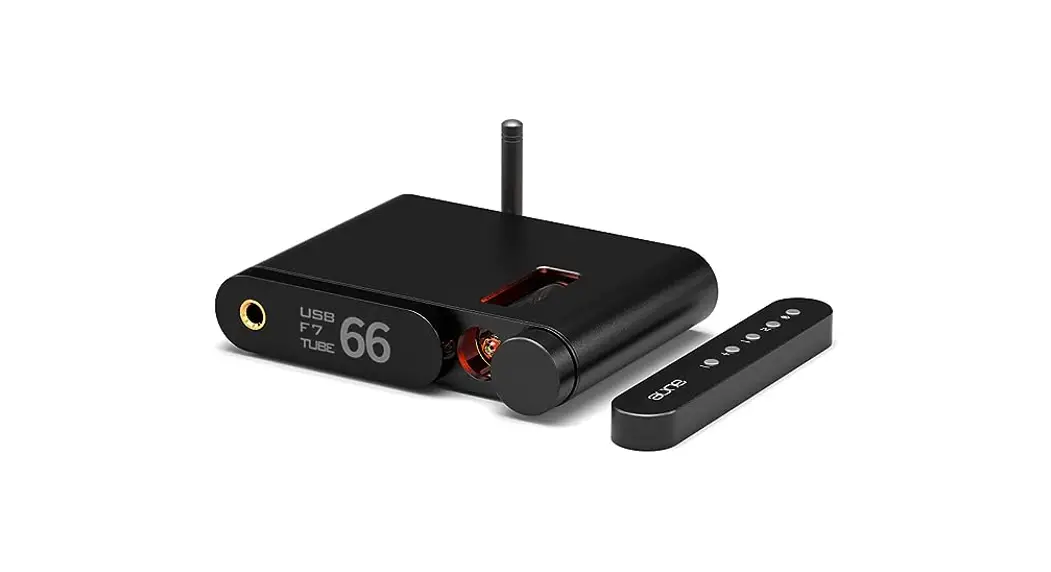
* The remote control needs to be purchased separately
Introduction
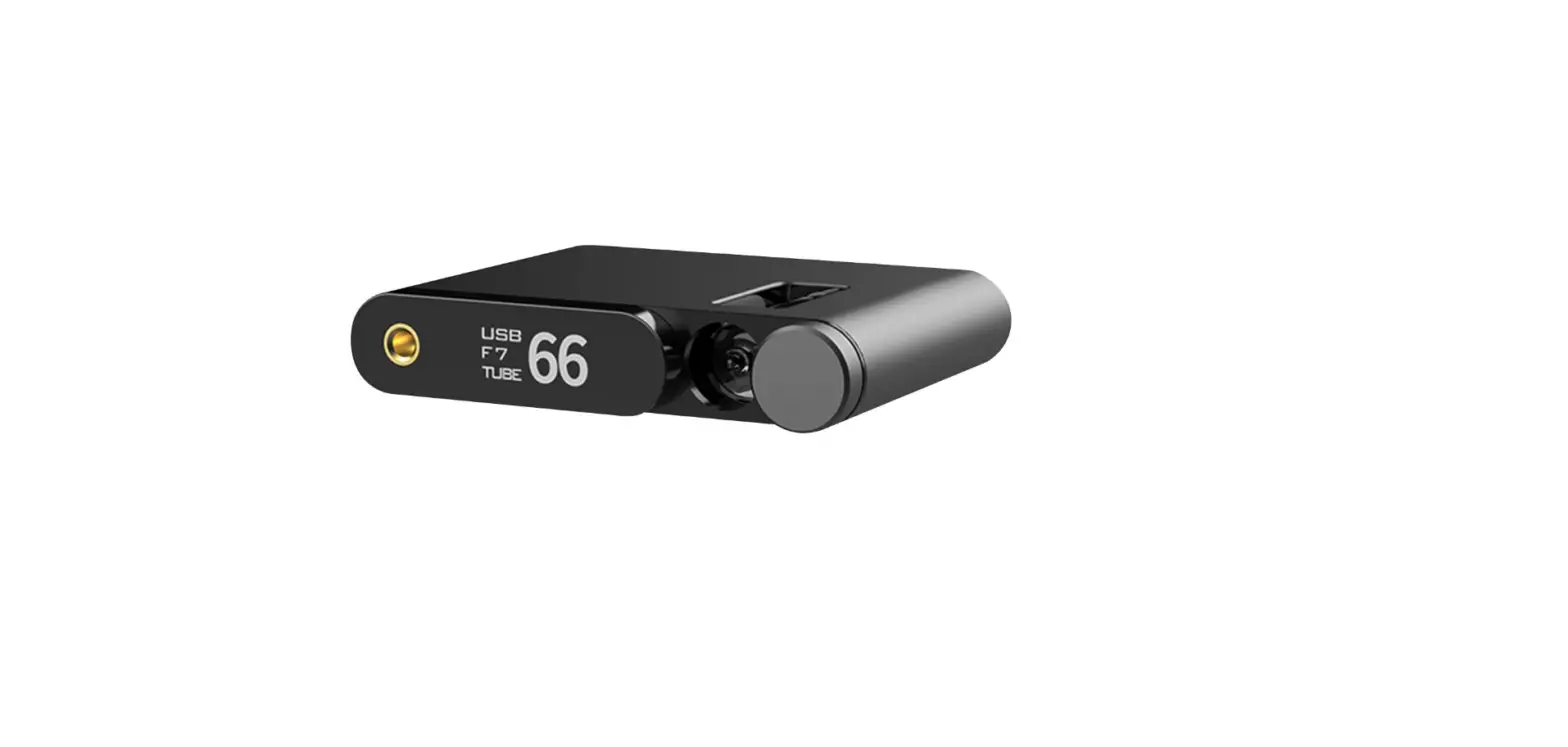
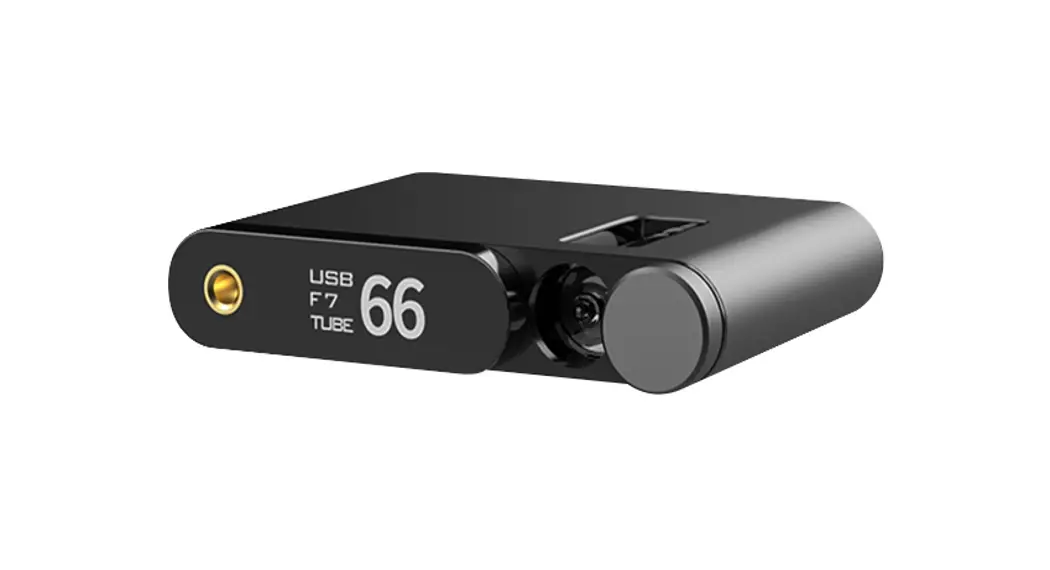
The Flamingo is the 5th gen of the aune T1 tube DAC series. USB supports up to 32bit/768k and DSD512. The Bluetooth edition supports aptX HD and LDAC. It uses the ES9038Q2M DAC chip, the 5th gen OP+BUF amp module and the carefully selected tube.
Specifications
| USB Input: | Coaxial Input: |
| Maximum bit depth: 32bit | Maximum bitdepth: 24bit |
| Maximum sampling rate: 768k | Maximum sampling rate: 384k |
| Maximum DSD rate: DSD512 | Maximum DSDrate: DoP128 |
RCA Line Output:
Output level @0dB OPA: 2 VrmsMAX
TUBE: 1.9VrmsMAX @0dBFS
Frequency response (20Hz~20kHz) OPA: +0.02dB
TUBE: £0.6dB
THD+N @1kHz OPA; 0.0003%@0dBFS Typ
TUBE: 0.02%@ – 17dBFS Typ
Noise floor OPA: 4uV
TUBE: 20HV@AES17(20kHz)
Headphone Output:
Maximum undistorted power: 45mW@3000 0.05%
THD+N@1kHz OPA: 0.0005%
TUBE: 0.035%
Bluetooth (Bluetooth edition only) : 24bit/96k Maximum
Dimensions: 135mm x 103mmx26.8mm
Weight: 1kg
Accessories: power cord, USB cable, Bluetooth antenna (Bluetooth edition only), 6.35mm to 3.5mm adapter, quick start guide, USB Type B (M) to Type C (F) adapter
Operations
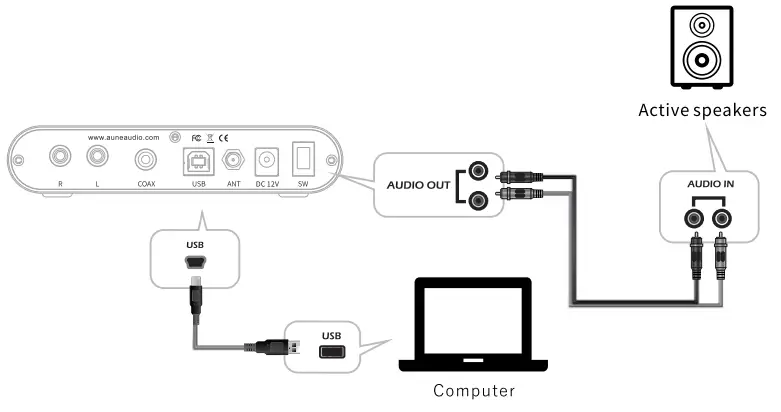
Via USB
- Use the USB cable in the box to connect the Flamingo to a computer. {Forasmartphoneora portable music player, the cable is different)
- Press the knob on the front panel to make the screen display USB. {When the signals are detected, USB will stop blinking)
- Installaune’ s customized XMOS driver on the computer. {Asmartphone ora portable music player can skip this step)
- Play music on the computer.
- Option A: plug a pair of headphones into the headphone jack on the front panel. Option B: Connect an amplifier ora pair of active speakers to the Flamingo’ s variable RCA line output.
Via Coaxial
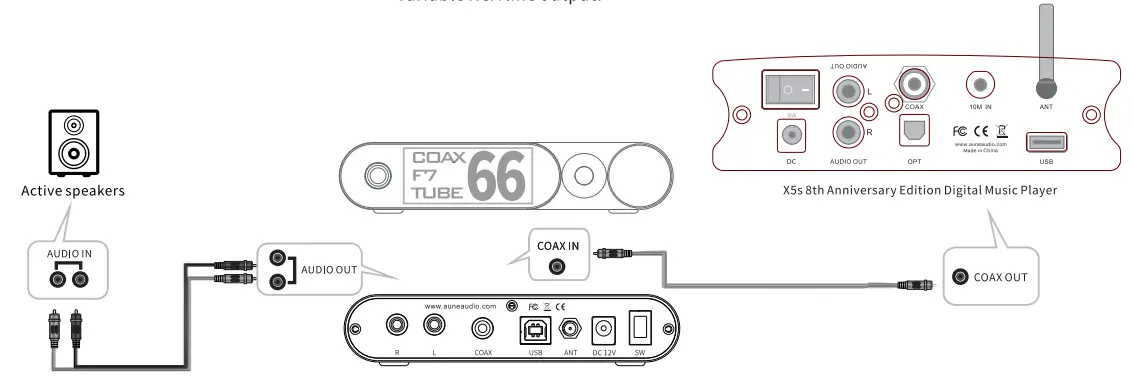
- Use a coaxial cable to connect the Flamingo to a digital transport/player (eg. the aune X5s).
- Press the knob on the front panel to make the screen display COAX (When the signals are detected, COAX will stop blinking)
- Play music on the digital transport/player.
- Option A: plug a pair of headphones into the headphone jack on the front panel.
Option B: Connect an amplifier or a pair of active speakers to the Flamingo’ s variable RCA line output.
Via Bluetooth (Bluetooth edition only)
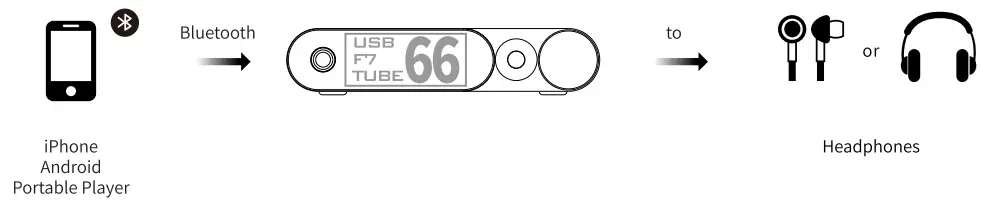
- Searchfordevice “aune Flamingo” ona Bluetooth transmitter device (smartphone, computer, etc.)
- Press the knob on the front panel to make the screen display BT (When the signals are detected, BT will stop blinking)
- Play music on the connected device.
- Option A: plug apair of headphones into the headphone jack on the front panel. Option B: Connect an amplifier or a pair of active speakers to the Flamingo’ s variable RCA line output
FCC Statement
Changes or modifications not expressly approved by the party responsible for compliance could void the user’s authority to operate the equipment.
This equipment has been tested and found to comply with the limits for a Class B digital device, pursuant to Part 15 of the FCC Rules. These limits are designed to provide reasonable protection against harmful interference in a residential installation. This equipment generates uses and can radiate radio frequency energy and, if not installed and used in accordance with the instructions, may cause harmful interference to radio communications. However, there is no guarantee that interference will not occur in a particular installation. If this equipment does cause harmful interference to radio or television reception, which can be determined by turning the equipment o ffand on, the user is encouraged to try to correct the interference by one or more of the following measures:
- Reorient or relocate the receiving antenna.
- Increase the separation between the equipment and receiver.
- Connect the equipment into an outlet on a circuit different from that to which the receiver is connected.
- Consult the dealer or an experienced radio/TV technician for helpThis device complies with part 15 of the
FCC rules. Operation is subject to the following two conditions (1)this device may not cause harmful interference, and (2) this device must accept any interference received, including interference that may cause undesired operation.
This equipment complies with FCC radiation exposure limits set forth for an uncontrolled environment.
This equipment should be installed and operated with minimum distance 20cm between the radiator & your body
aune | 430000 WUHAN | CHINA
Email:[email protected] I Fax:+86 027 85840435 I www.auneaudio.com