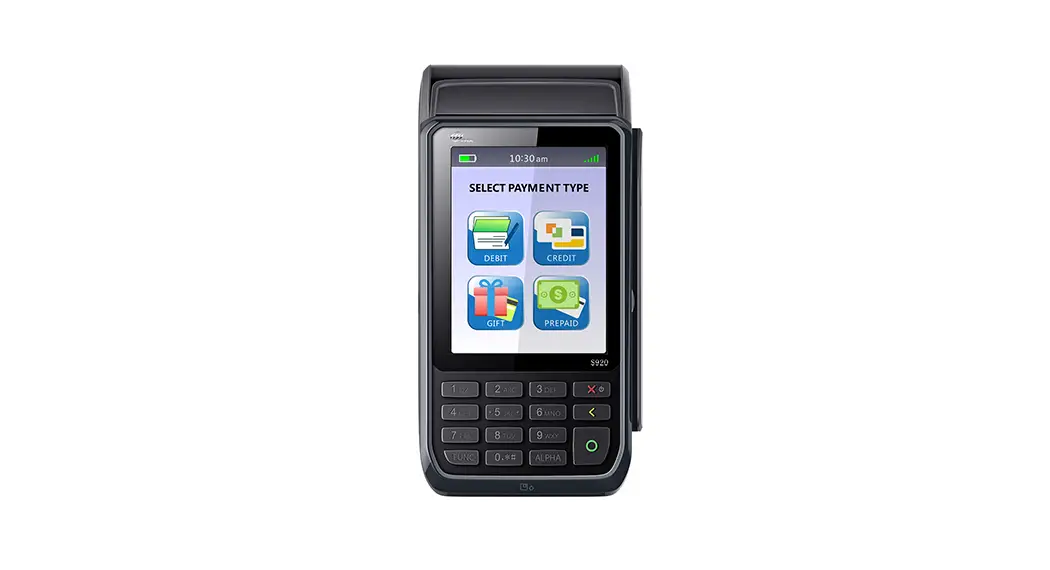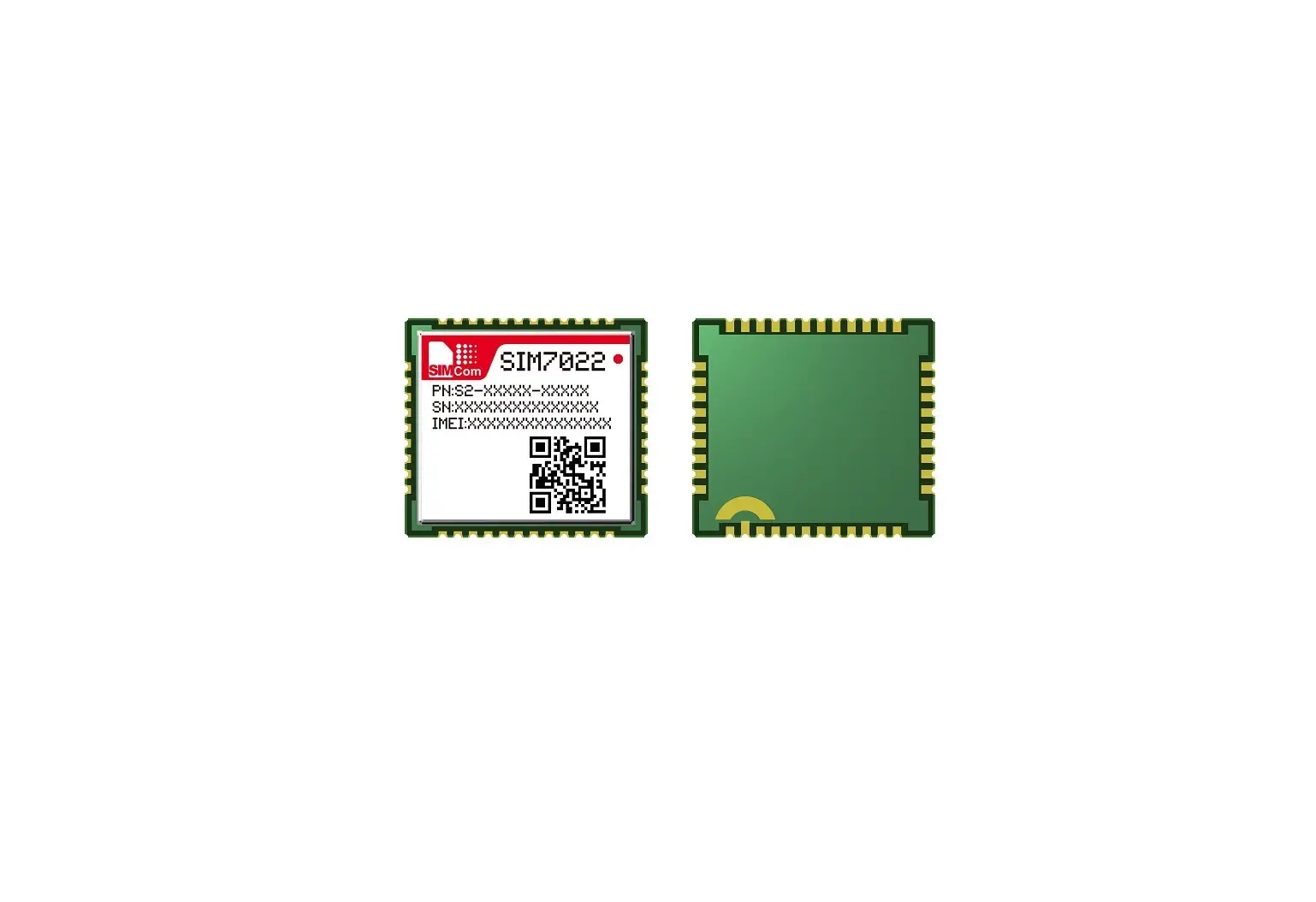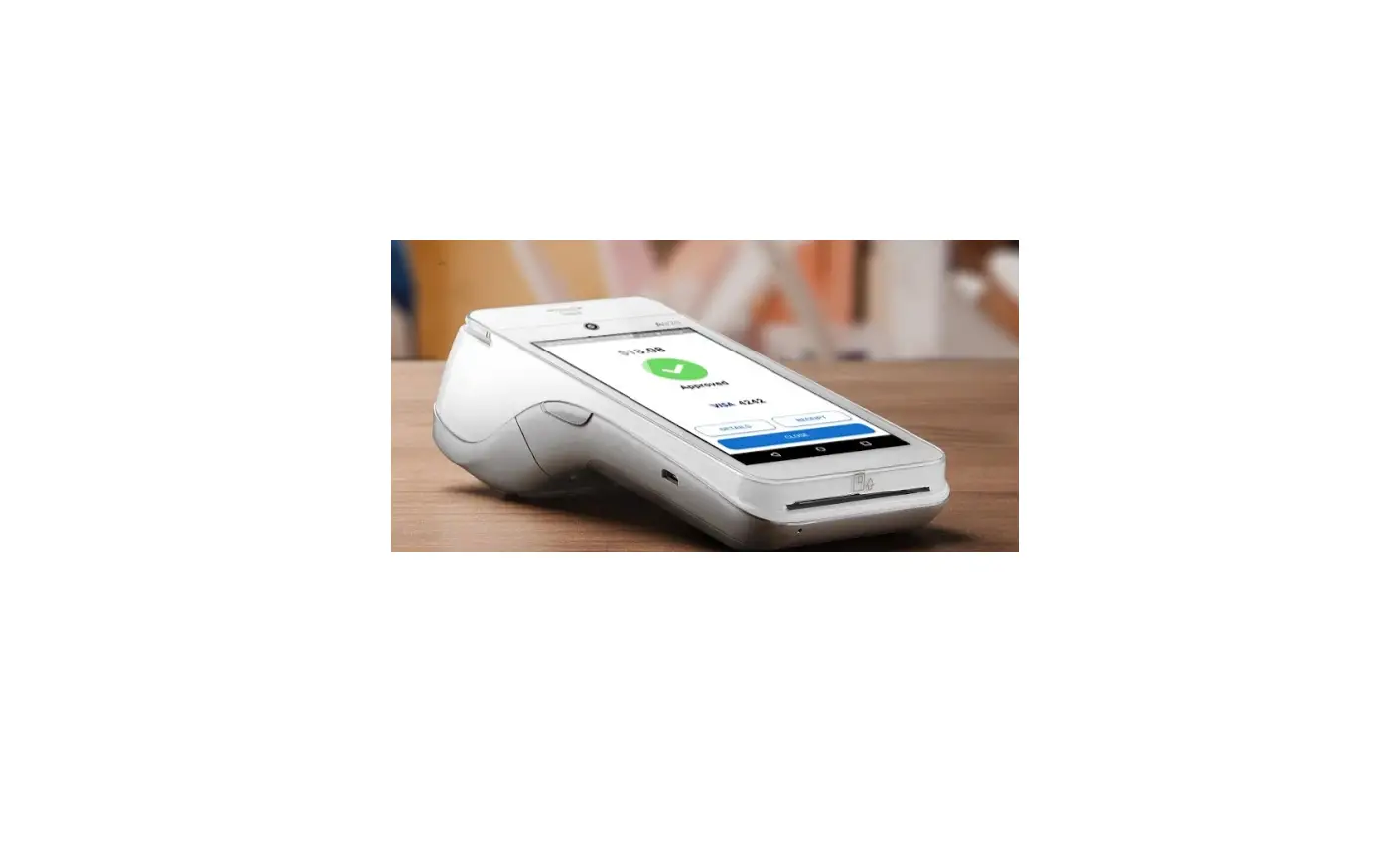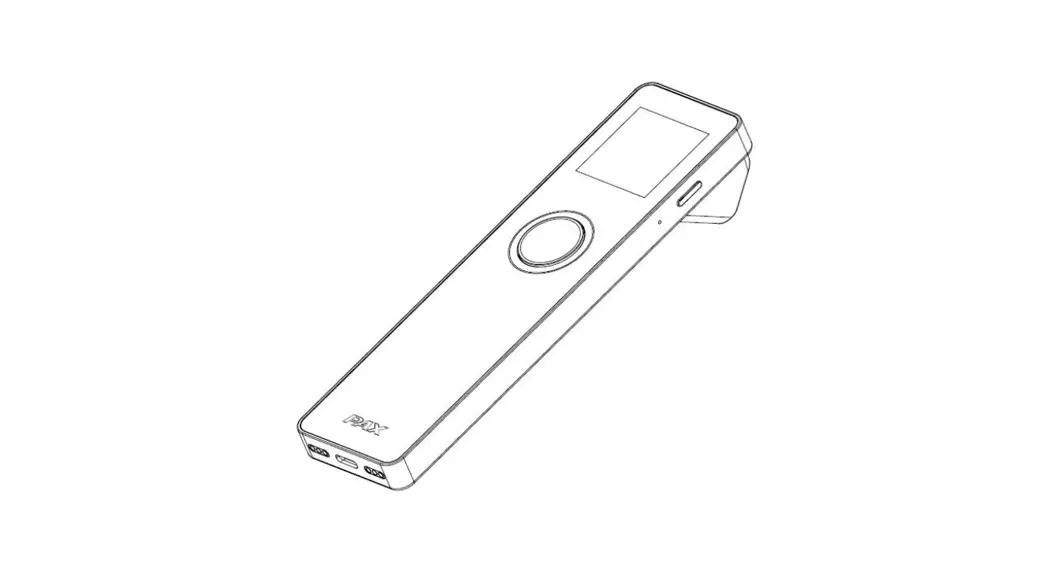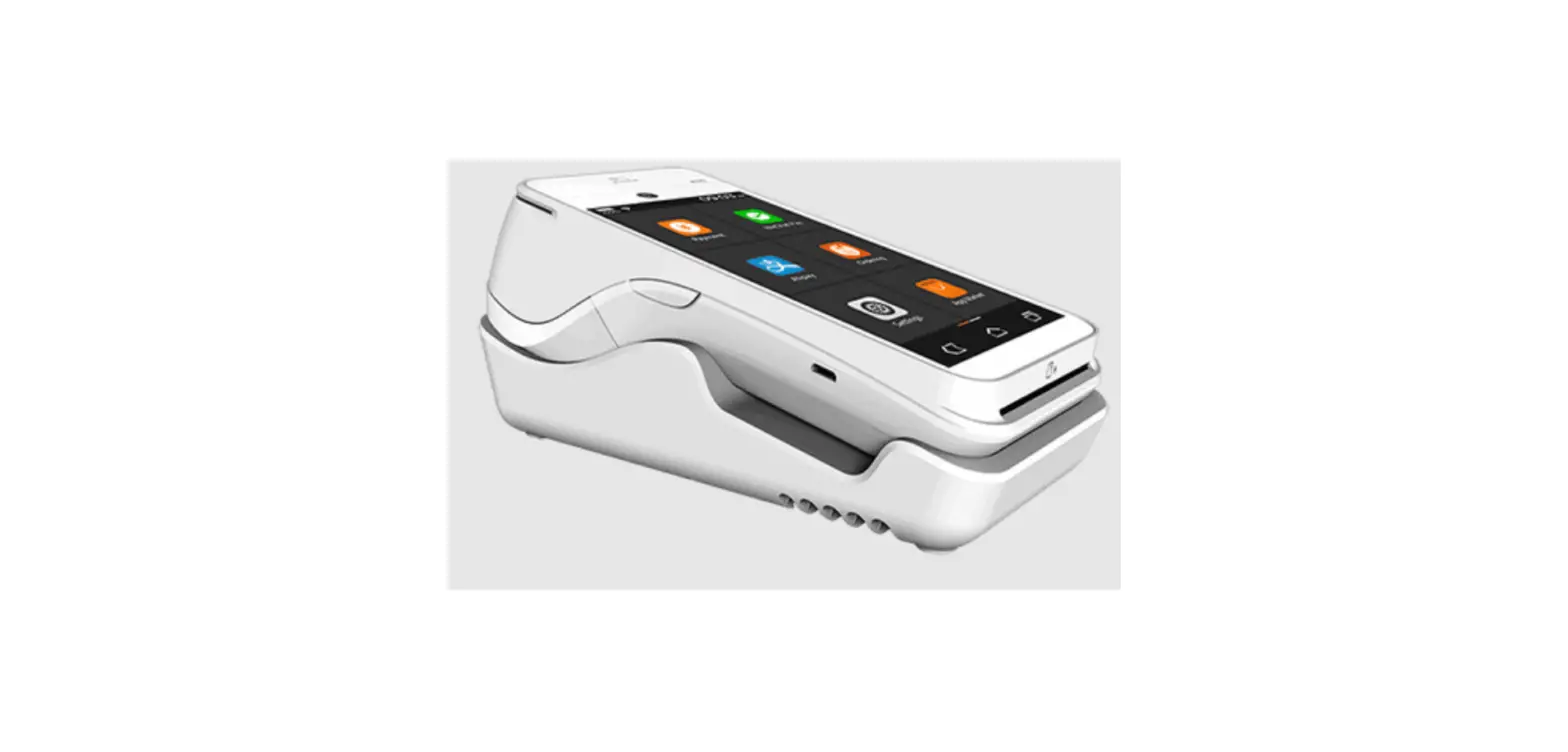

PAX A920 OptConnect SIM Card
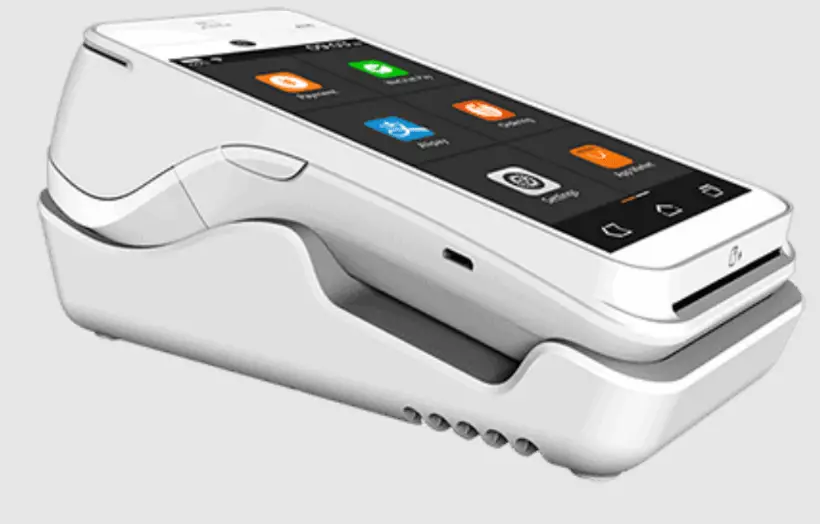
How to change the APN on the A920:
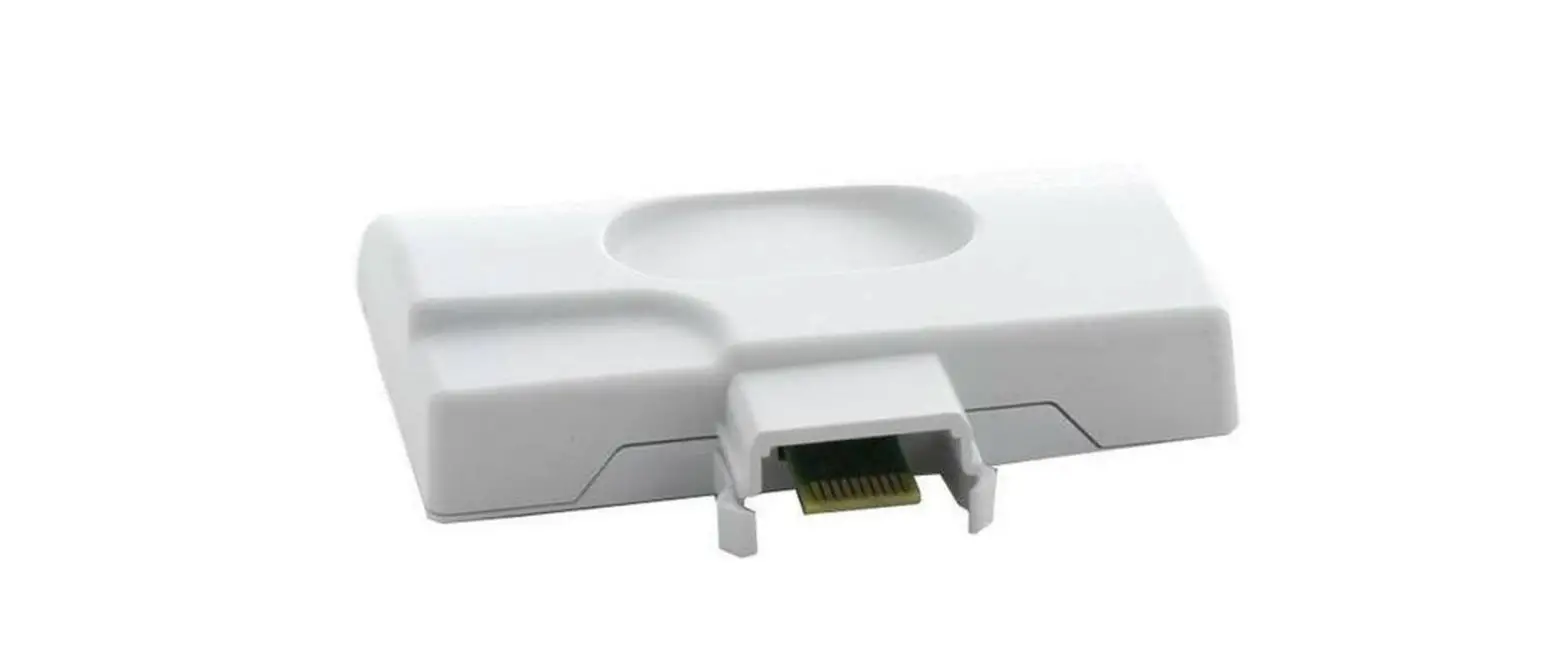
(First, replace the SIM card with the new one.)
- Select Settings
- Enter Password pax9876@@ or 9876
- Select OK
- Select MORE
- Select CELLULAR NETWORKS
- Select ACCESS POINT NAMES
- Top right Corner select the circle with the Plus sign (+)
- Edit the Name field: Enter in OPT – Select OK
- Enter the APN field: Enter in optconnect01.com.attz
- Top right corner: Select the three dots and select save
- Make sure OPT has a green circle next to it
- Go back to the main screen by selecting circle in the bottom of the screen
- Run a test transaction
 Discount Credit Card Supply: Point of Sale Devices & Equipment