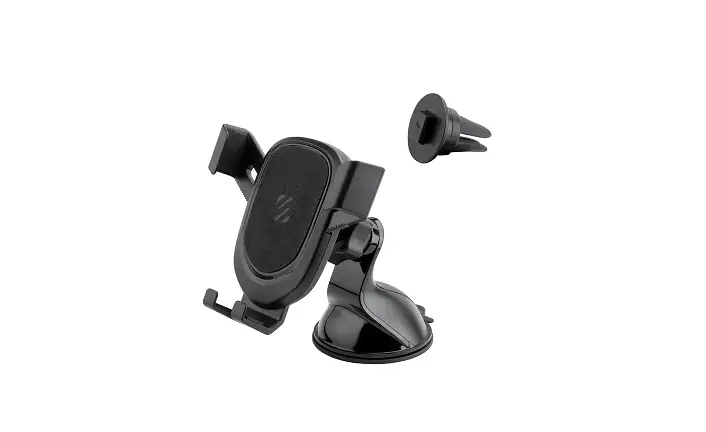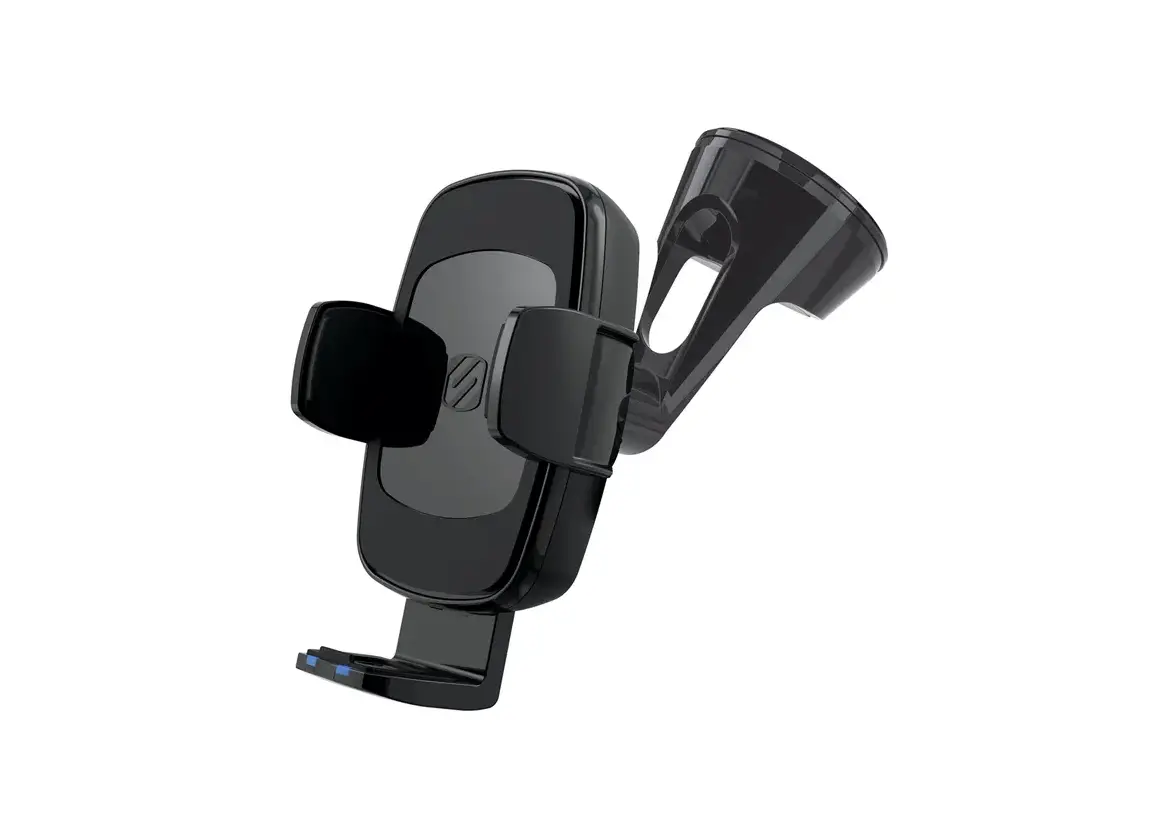

STUCKUP WINDOW/DASH +VENT
INCLUDED ELEMENTS
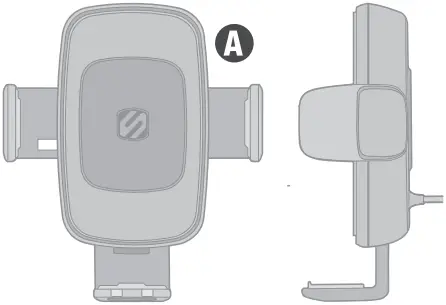
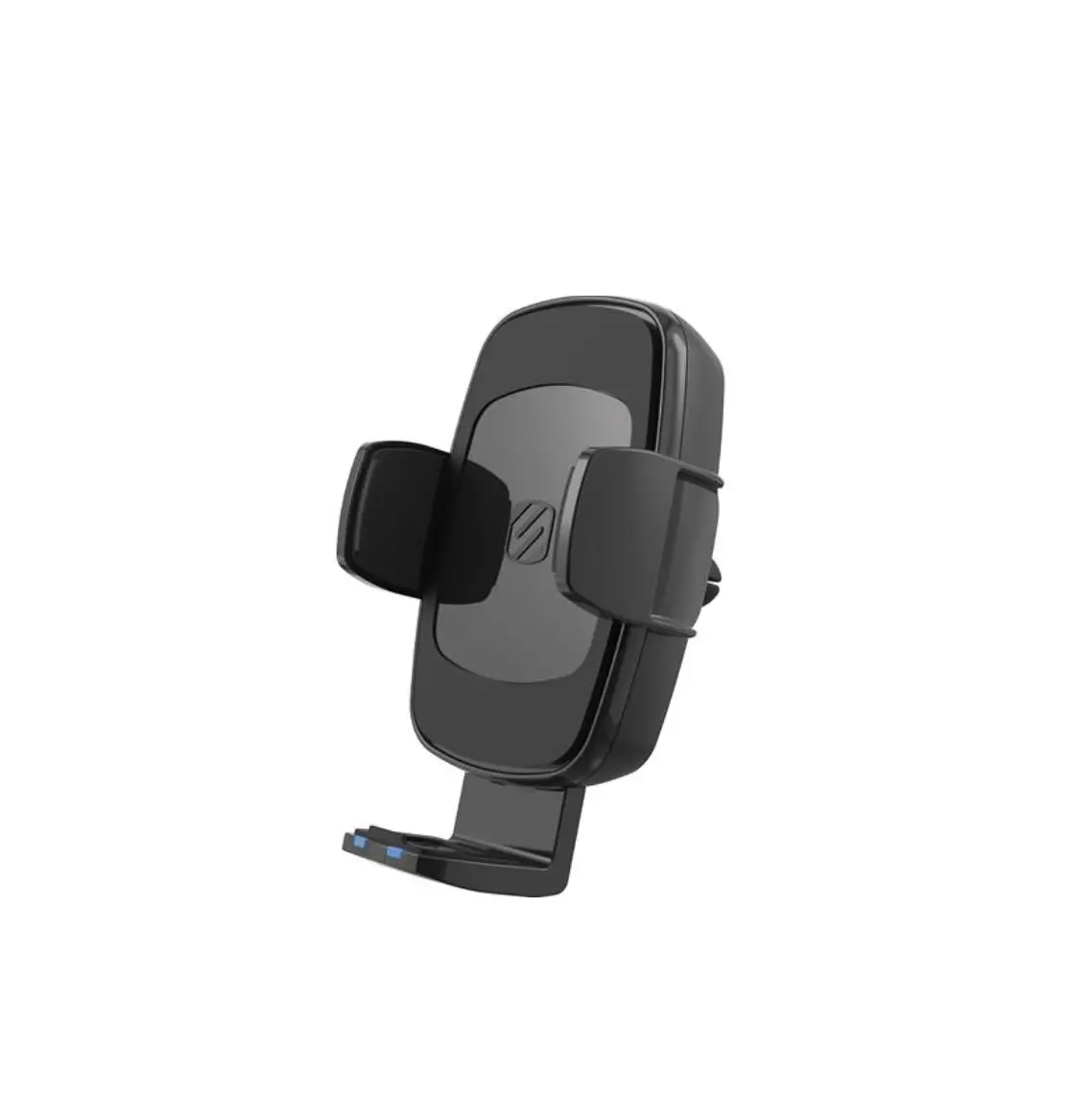
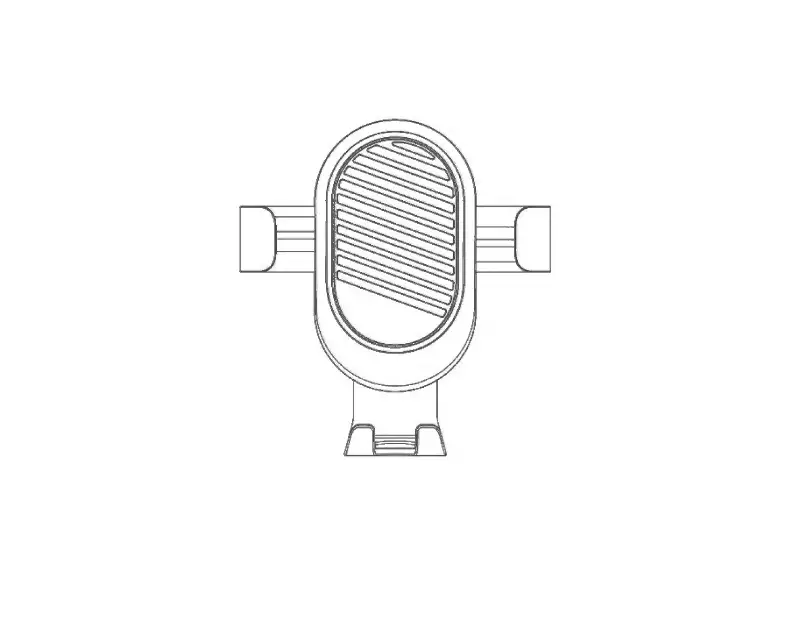
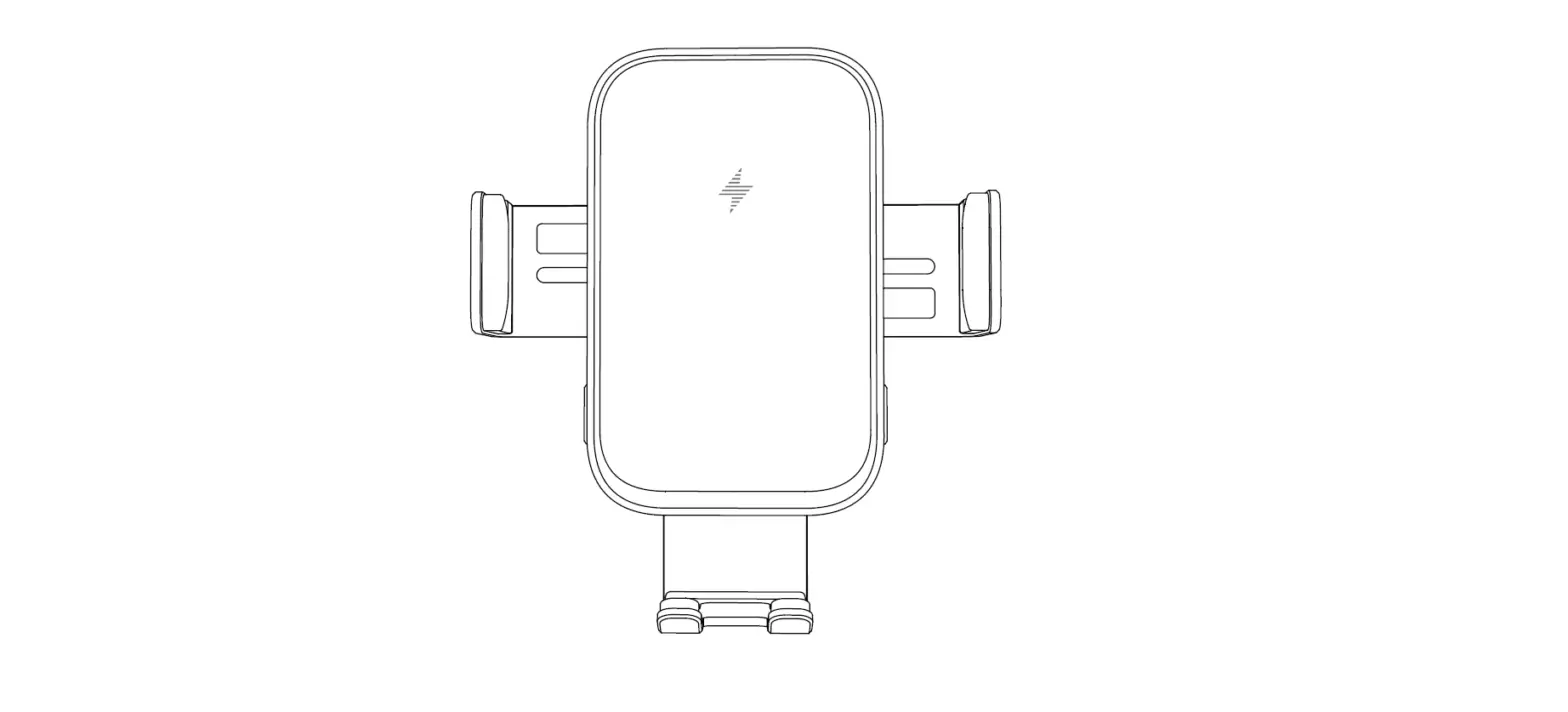
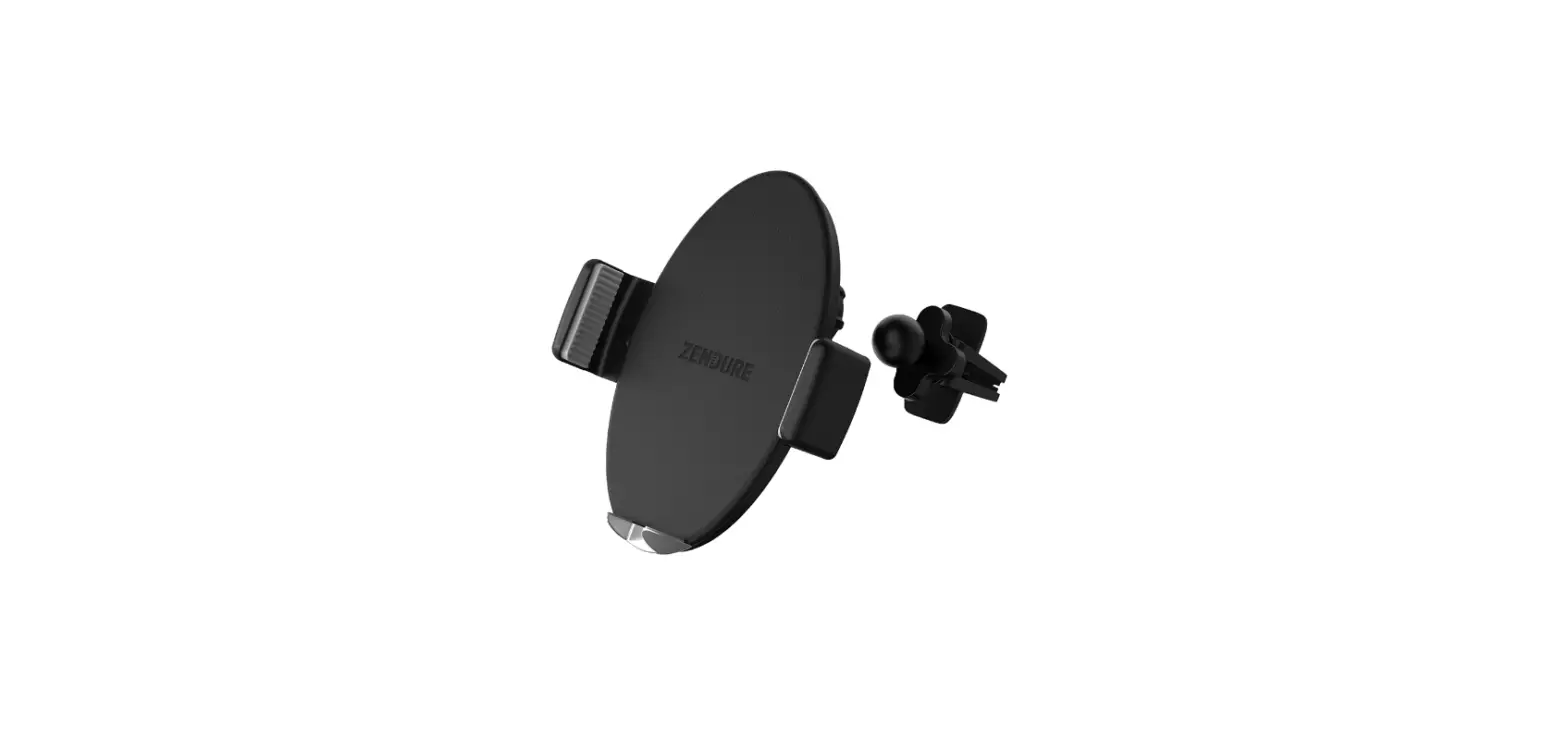
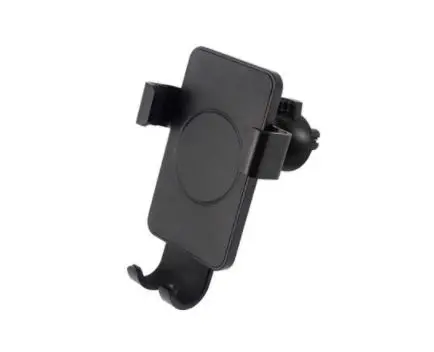
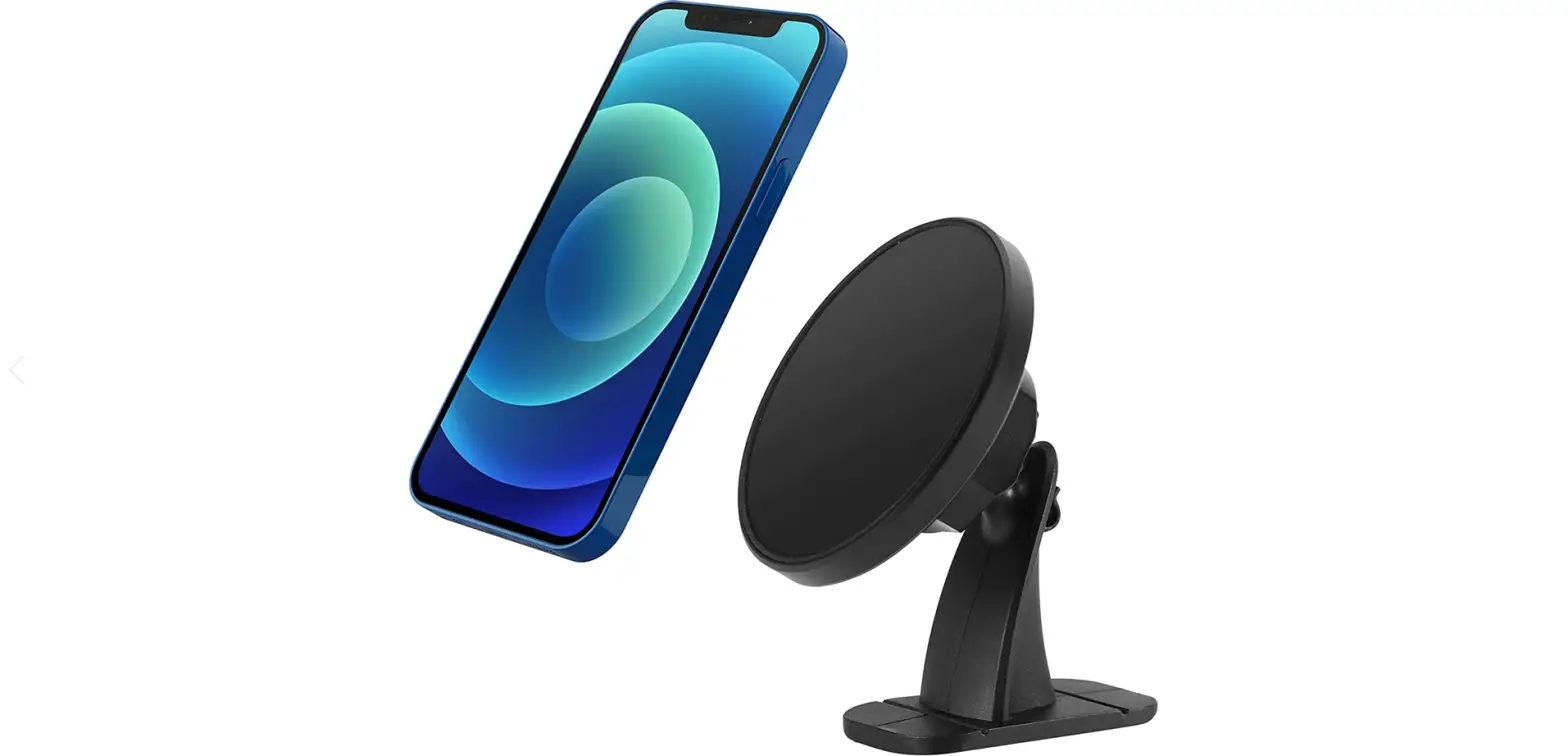
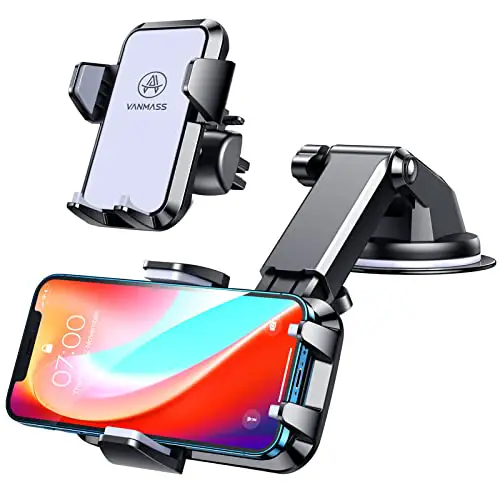
A. Universal Wireless Charging Phone Mount
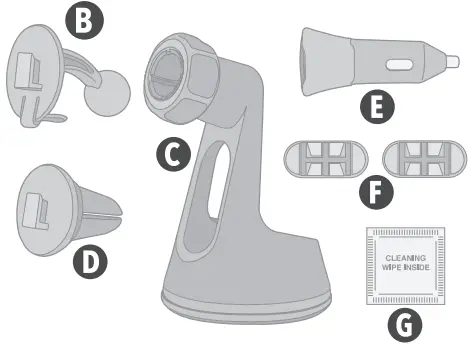
B. T-Notch/Ball Adapter
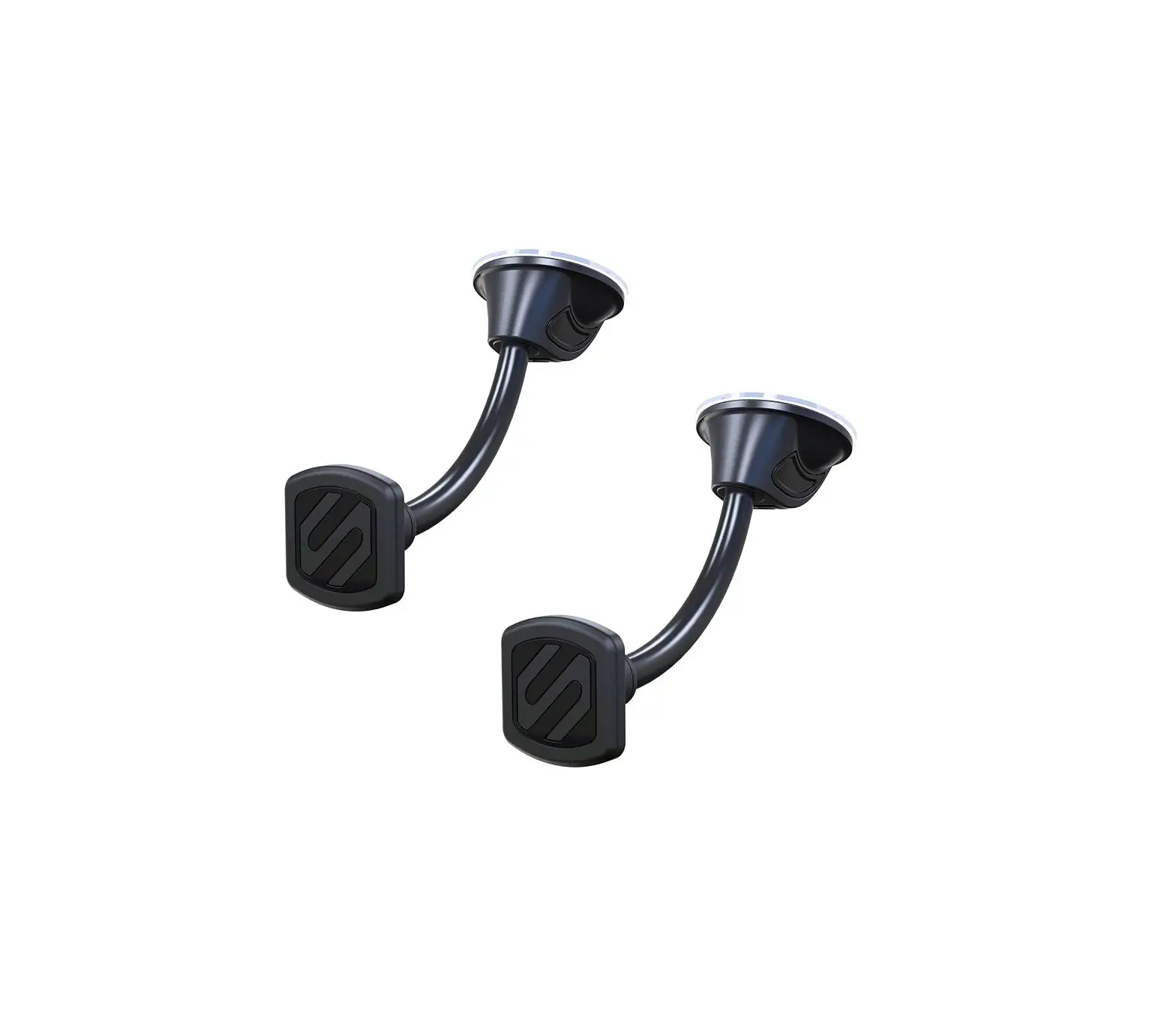
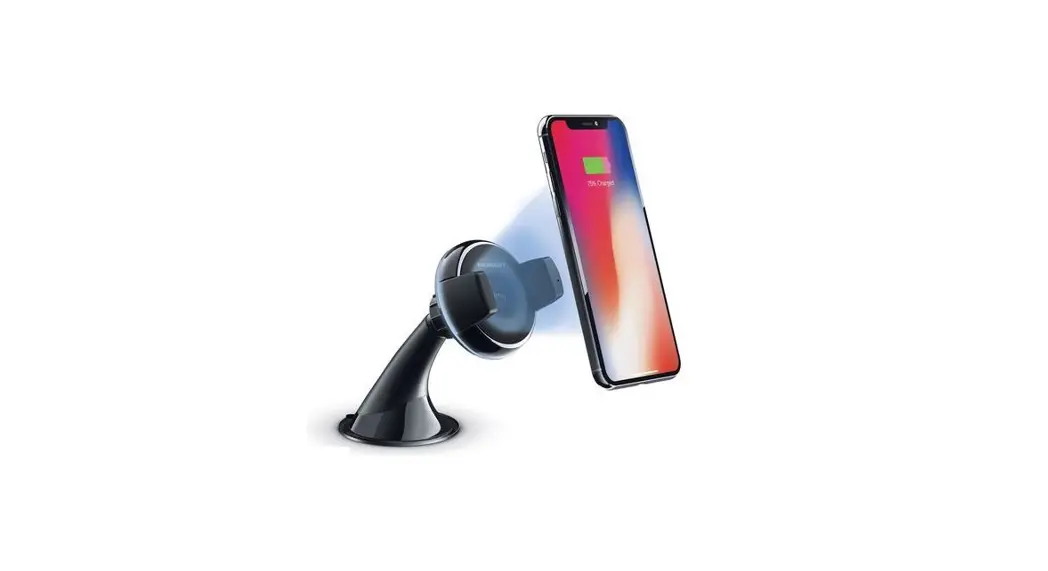
C. Window/Dash Mount
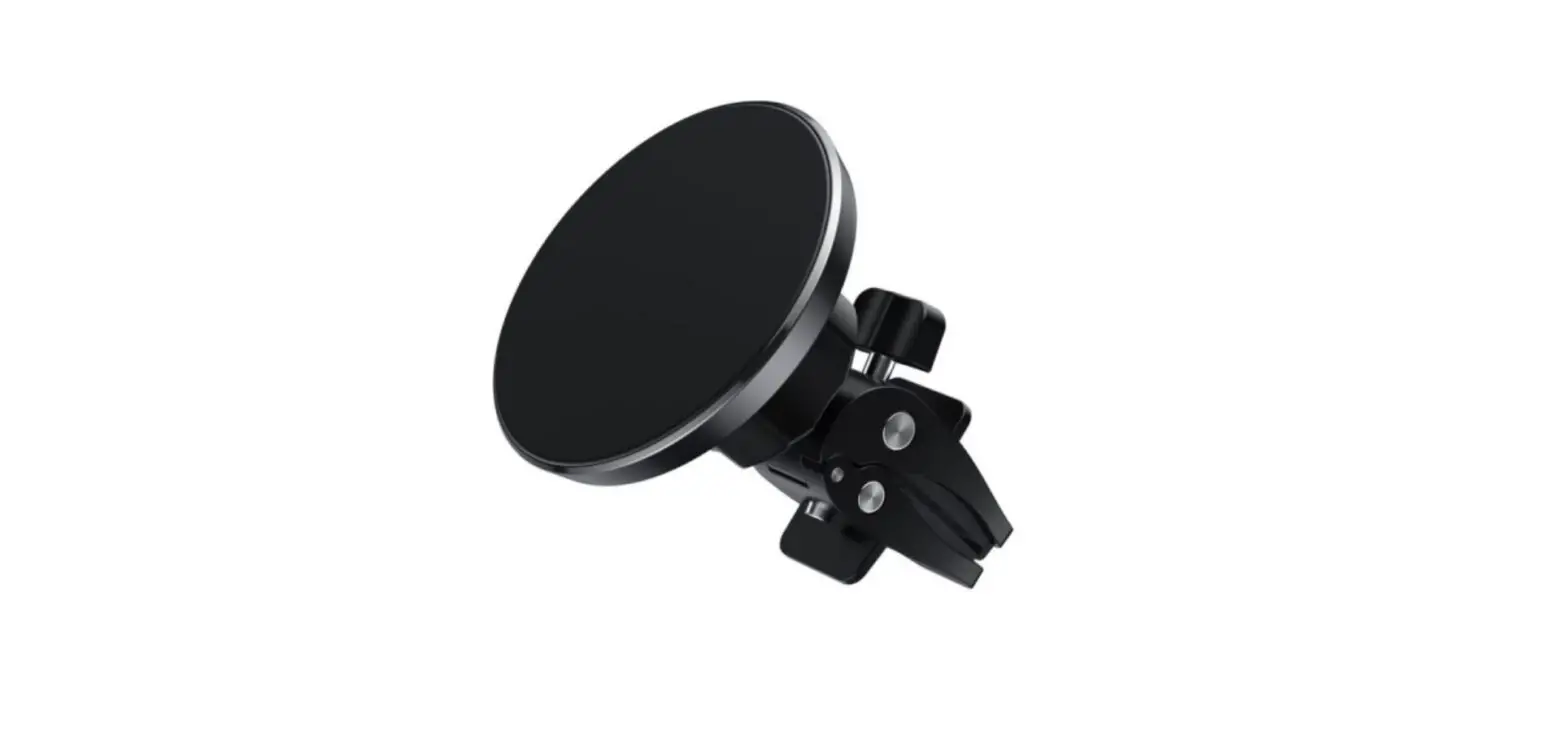
D. Vent Mount
E. Car Adapter
F. Cable Routing Clips (2)
G. Cleaning Wipe
DEVICE SETUP
SECTION A – Universal Wireless Charging Phone Mount Overview Window/Dash Mount Assembly
SECTION B – Window/Dash Mount Installation
SECTION C – Vent Mount Assembly & Installation
SECTION D – Mount Adjustment
SECTION E – Connection & Charging
SECTION A
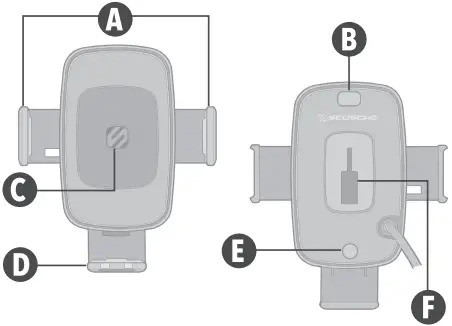
Universal Wireless Charging Phone Mount
A. Side Support Arms
B. Side Support Release Button
C. Wireless Charging Area
D. Bottom Support
E. Bottom Support Release Button
F. T-Notch Opening

Window/Dash Mount Assembly
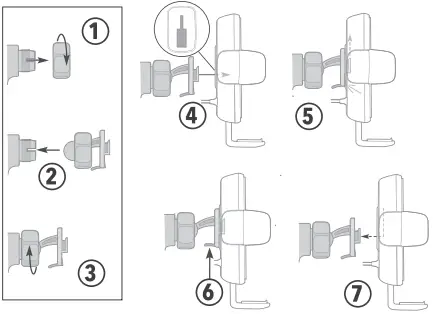
- Remove collar from ball-joint socket.
- Place collar over ball end of t-notch/ ball adapter, then place ball end in socket
- Tighten collar onto socket.
- Place t-notch hitch in opening.
- Slide up to lock in place.
Removal - Press lever to release t-notch.
- Slide down to remove.
SECTION B
Window Mount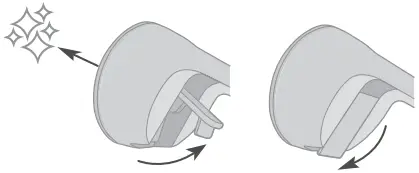
Dash Mount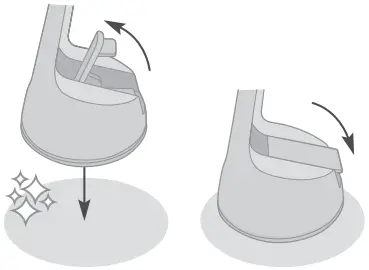
Rinse StickGrip to Reuse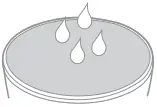
Window/Dash Mount Installation
1. Clean the mounting surface using supplied wipe*.
2. Remove protective film from the StickGrip™ suction cup base**.
3. With the lever in the UP position, place the mount on surface** and press lever down to lock in place.
*Supplied cleaning wipe may cause discoloration of certain plastics, vinyls and painted surfaces. It is recommended to test in an inconspicuous area first.
**Note: StickGrip suction cup may leave residue or discoloration on some surfaces. It may also leave a ring of residue when mounted to the dash.
4.To renew and reuse StickGrip mounting base, rinse under warm water and allow to air dry.
SECTION C
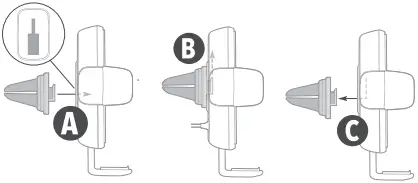
Vent Mount Assembly
Insert t-notch hitch on vent mount into opening on back of mount head (A), and slide upward (B). Slide vent mount down to remove (C).
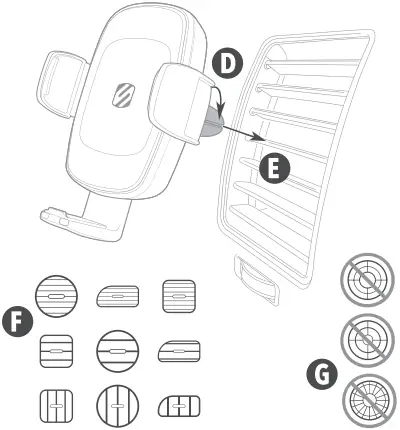
Installation Rotate vent clips on mount (D) to align with vent (E).
Note: Works with many vent designs (F). Not compatible with curved or circular vents (G).
SECTION D
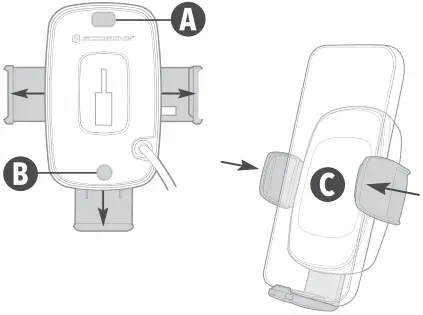
Press the side & bottom support release buttons (A & B) to fully open the Universal Mount.
Place the device in the mount and manually press the side supports inward to secure the device (C).
Note: The bottom support may also be adjusted manually to raise the device in the mount, if needed.
Press the side support release button to remove the device.
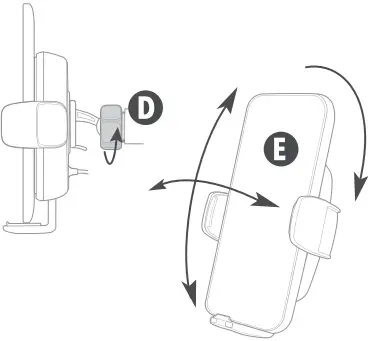
Loosen the ball-joint collar on the Window/Dash Mount (D) to adjust mount angle or rotate mount (E).
Note: Vent mount may be rotated only.
SECTION E
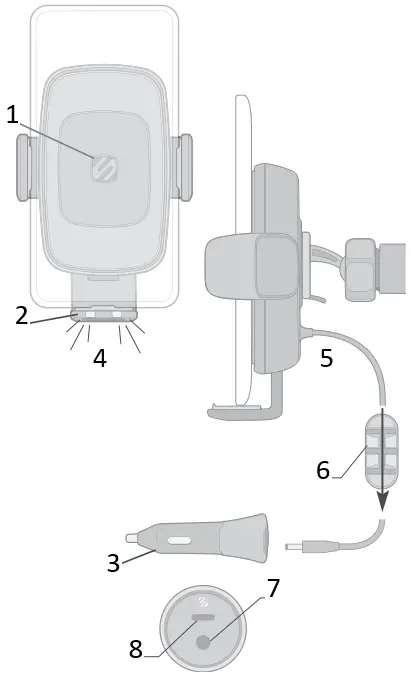
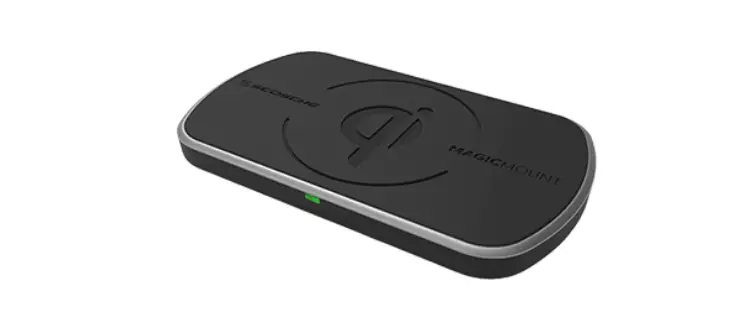
- Wireless Charger*
Input: 12.0V 2.0A
2.0A
Output: 15.0W/10.0W/ 7.5W/5.0W
*Actual charge rates may vary depending on device software and environmental conditions. - LED Status Indicators
Off: Standby
Blue: Charging
Flashing Red: Foreign Object
Detected (FOD) - Car Adapter
Input: 12.0V-24.0V 6.0A
Type-C Output: 5.0V 3.0A / 9.0V 2.22A
DC Output: 12.0V 2.0A - LEDs
- Cable to Car Adapter
- Cable Routing Clips (2)
- 12V Output
- 20W USB-C Power Delivery Port
 2.0A
2.0AFCC Compliance Statement
This device complies with part 15 of the FCC Rules. Operation is subject to the following two conditions: (1)This device may not cause harmful interference, and (2) this device must accept any interference received, including interference that may cause undesired operation.
This equipment has been tested and found to comply with the limits fora Class B digital device, pursuant to part 15 of the FCC Rules. These limits are designed to provide reasonable protection against harmful interference in a residential installation. This equipment generates, uses and can radiate radio frequency energy and, if not installed and used in accordance with the instructions, may cause harmful interference to radio communications. However, there is no guarantee that interference will not occur in a particular installation.
If this equipment does cause harmful interference to radio or television reception, which can be determined by turning the equipment off and on, the user is encouraged to try to correct the interference by one or more of the following measures:
– Reorient or relocate the receiving antenna.
– Increase the separation between the equipment and receiver.
– Connect the equipment into an outlet on a circuit different from that to which the receiver is connected.
– Consult the dealer or an experienced radio/Ntechnician for help.
Canadian Compliance Statement
This device contains license-exempt transmitter(s)/receiver(s) that comply with Innovation, Science and Economic Development Canada’s licence-exempt RSS(s). Operation is subject to the following two conditions: (1) this device may not cause interference and (2) this device must accept any interference, including interference that may cause undesired operation of the device.
This Class [B] digital apparatus complies with Canadian ICES-003.
CAN ICES-3 (B)/NMB-3(B)
StuckUp Window/Dash + Vent
Scosche Industries
1550 Pacific Avenue
Oxnard, California 93033
Phone: 800-363-4490 x1 / 805-486-4450 x1
www.scosche.com
©2022 Scosche Industries
Scosche & StickGrip are trademarks of Scosche Industries.
Other marks or brands are the property of their respective owners.
Devices and or appearance may vary.
Designed in Oxnard, California
SI UQ3WDV 1/22