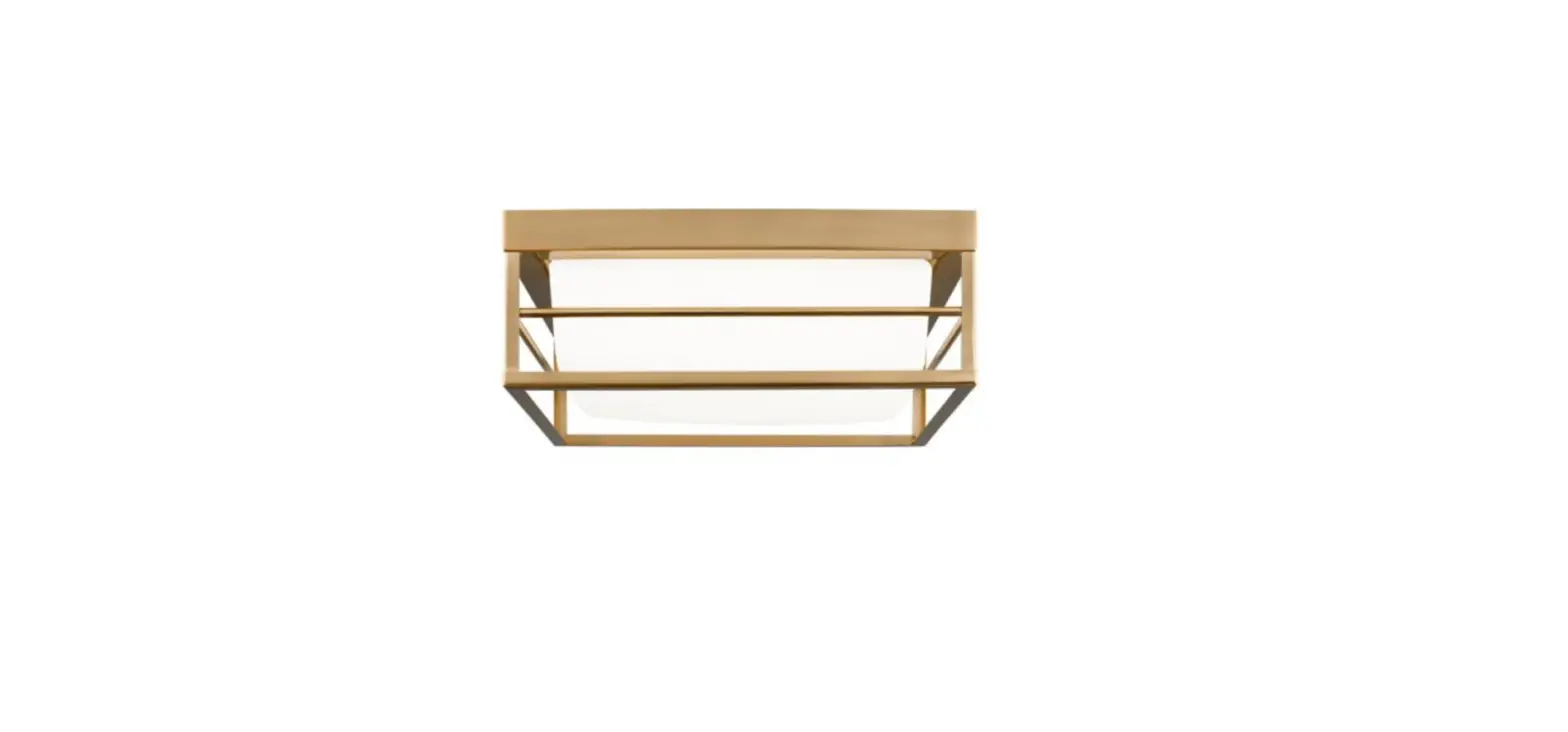
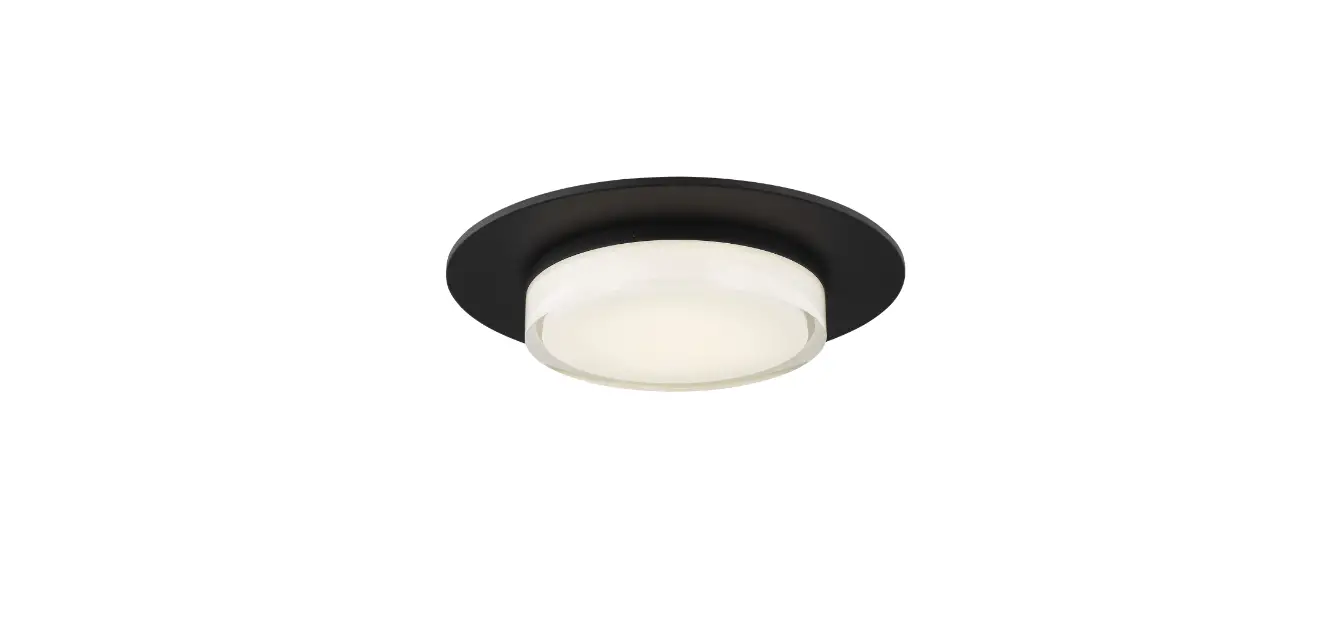
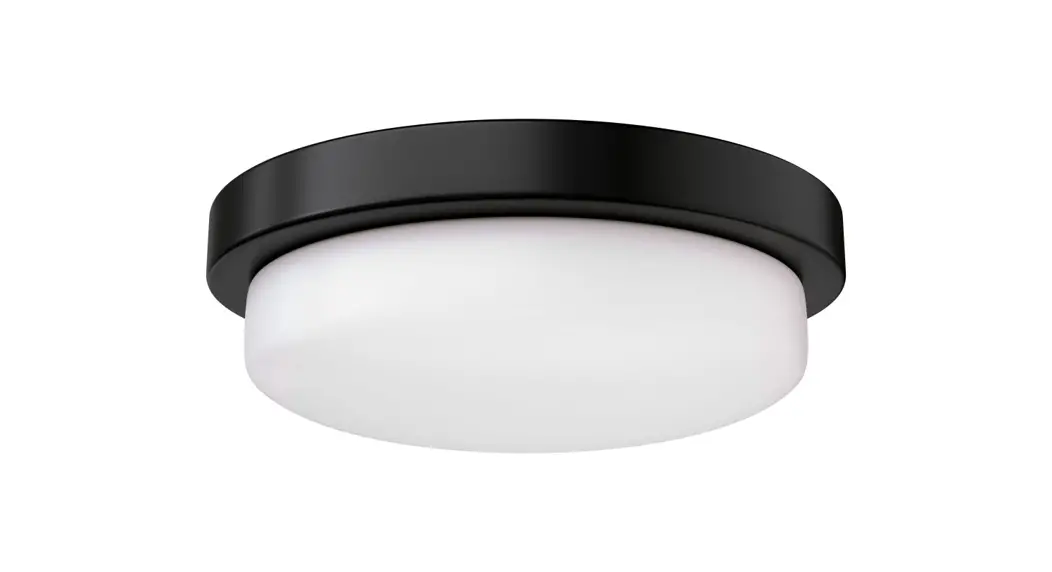
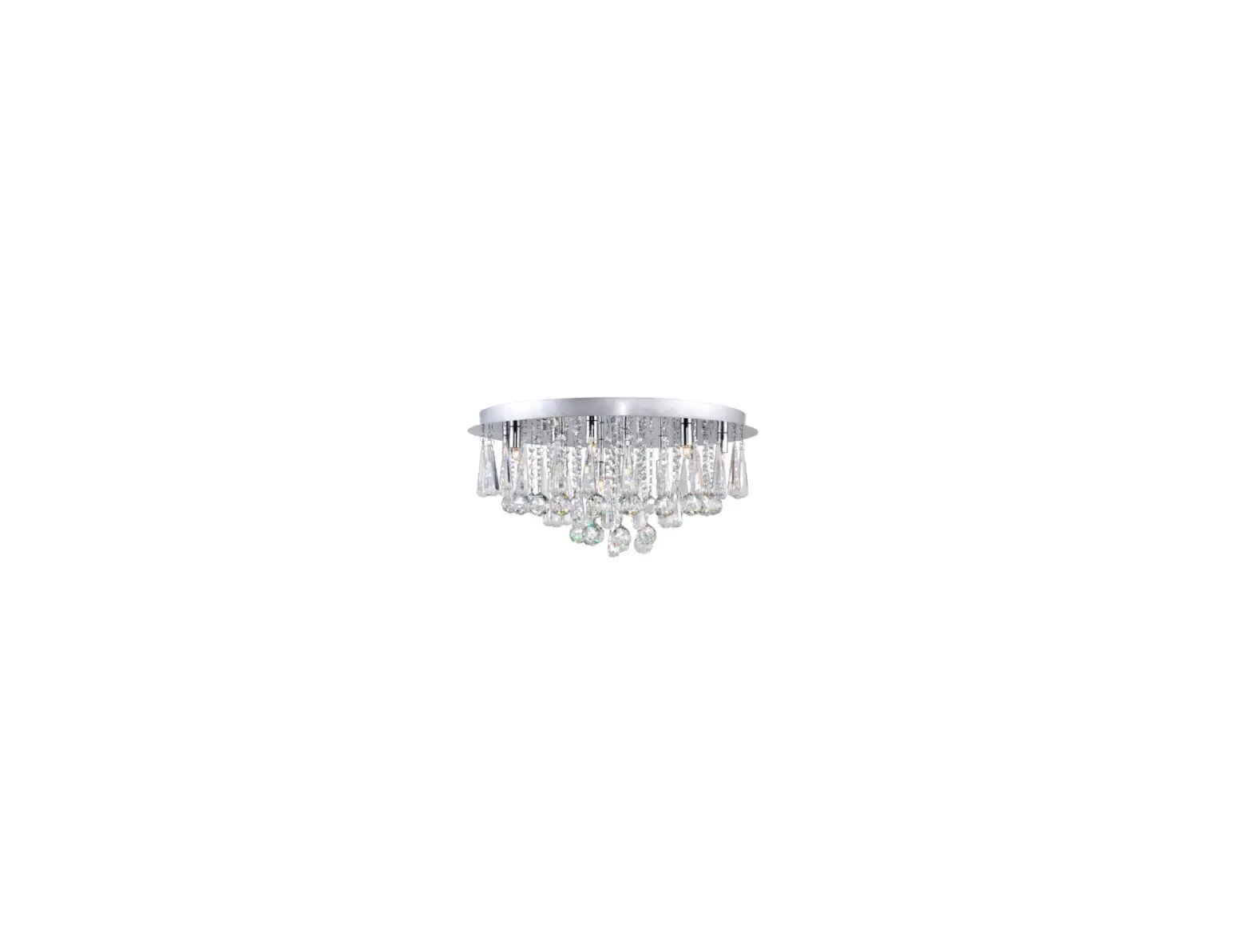
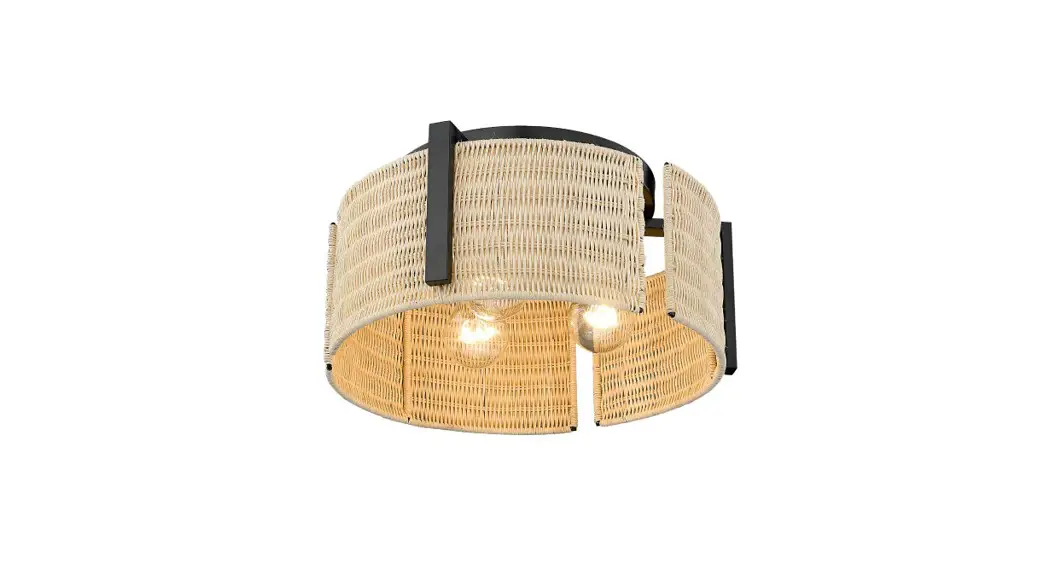
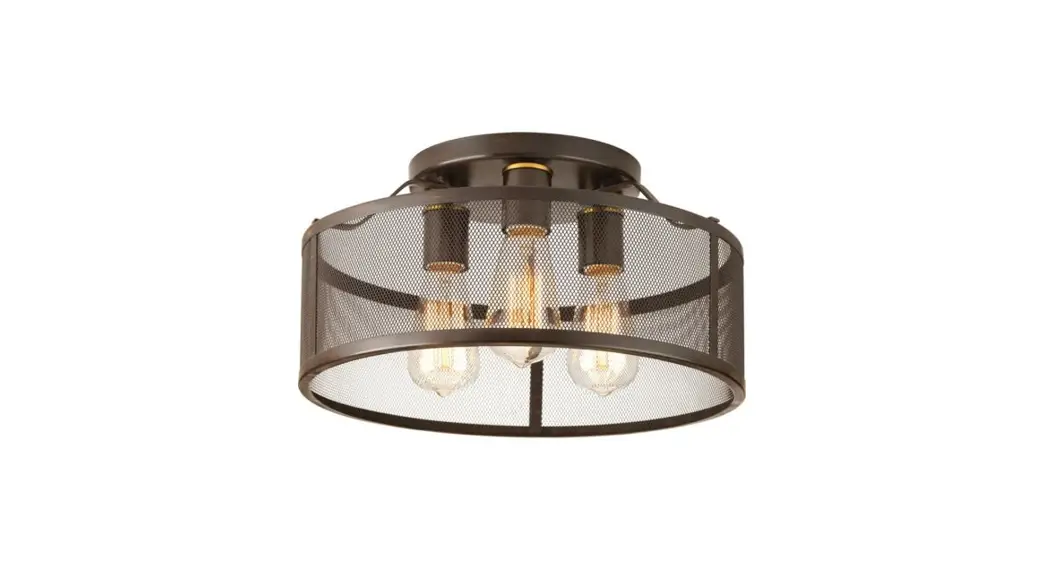
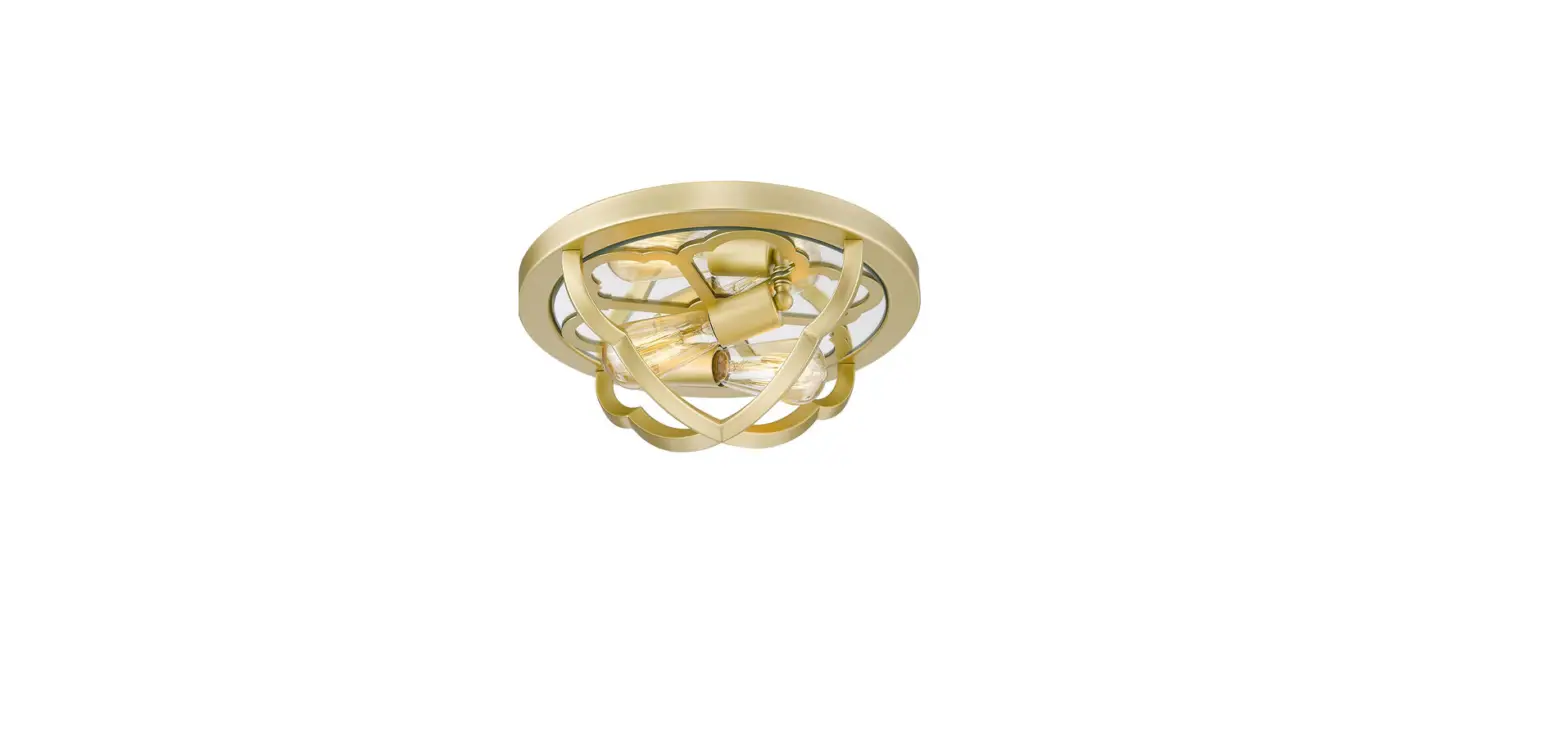
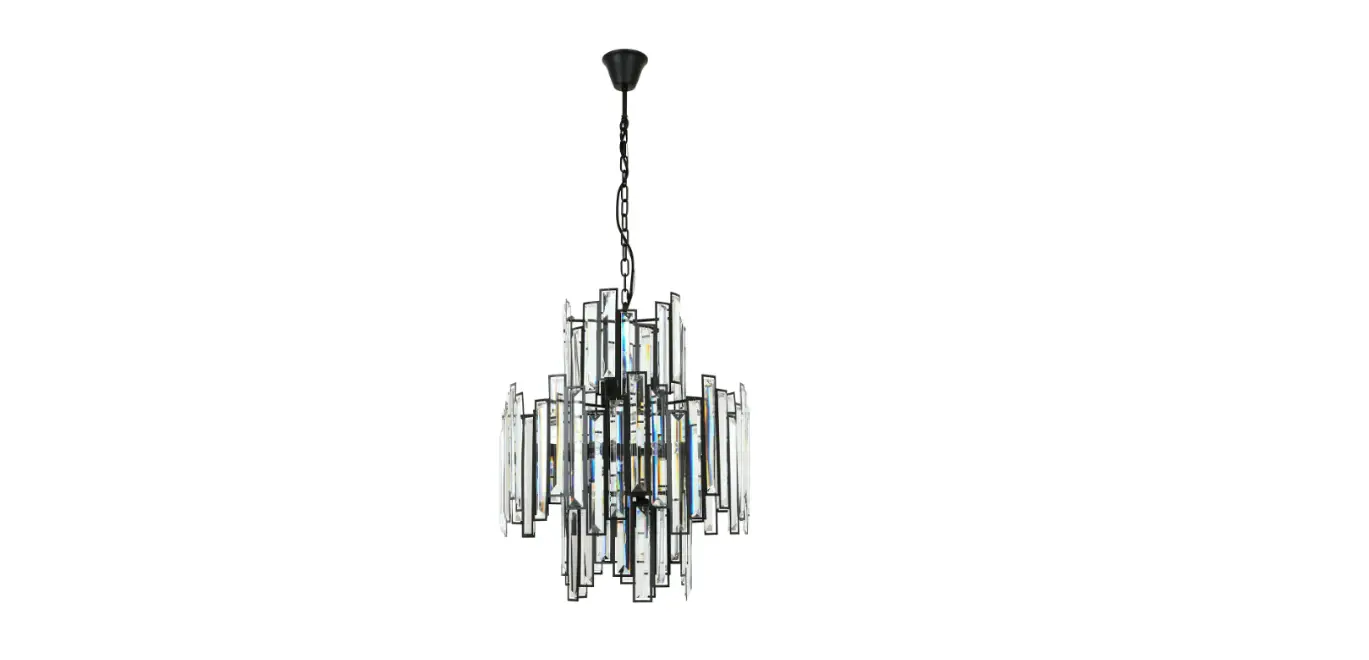
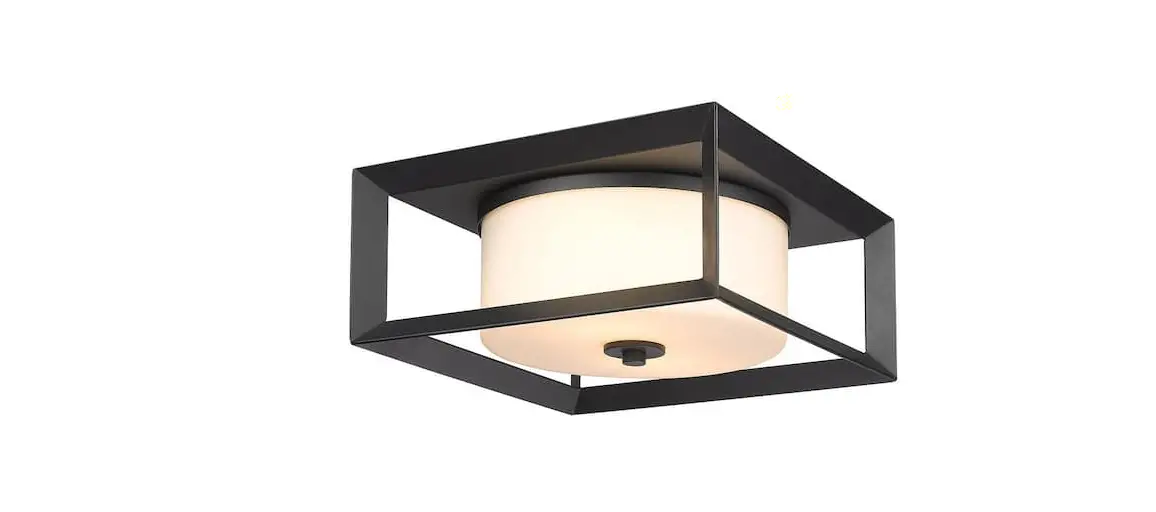
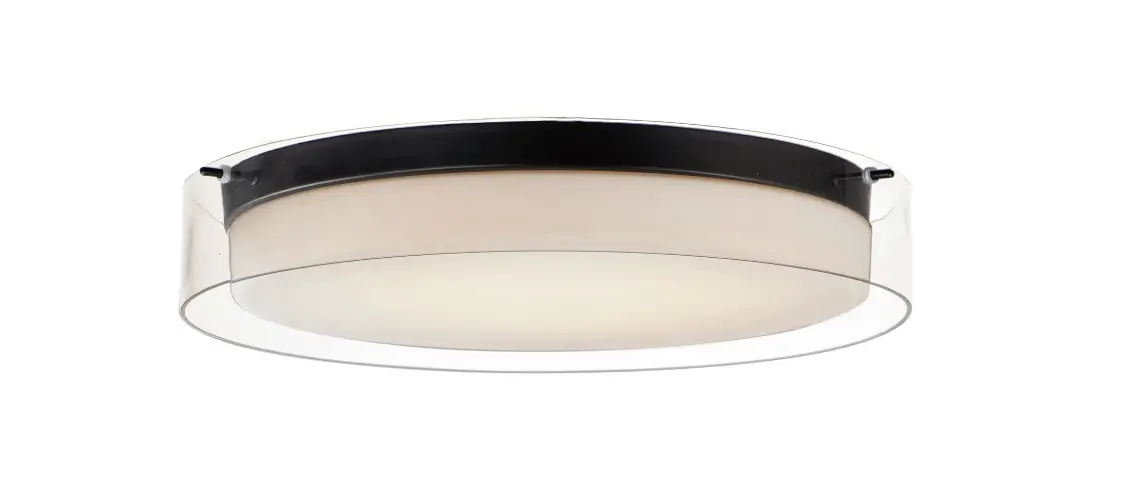
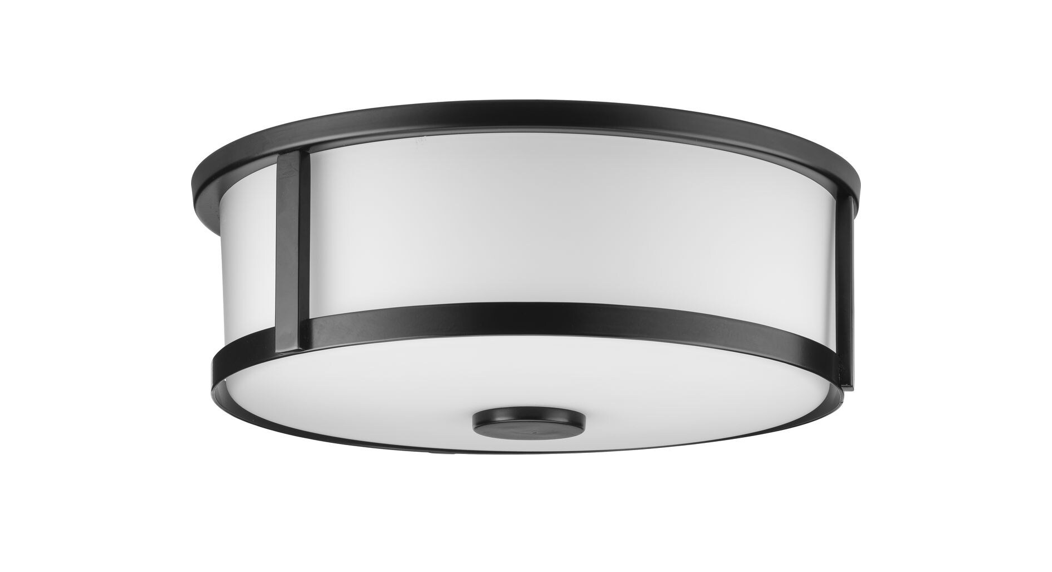
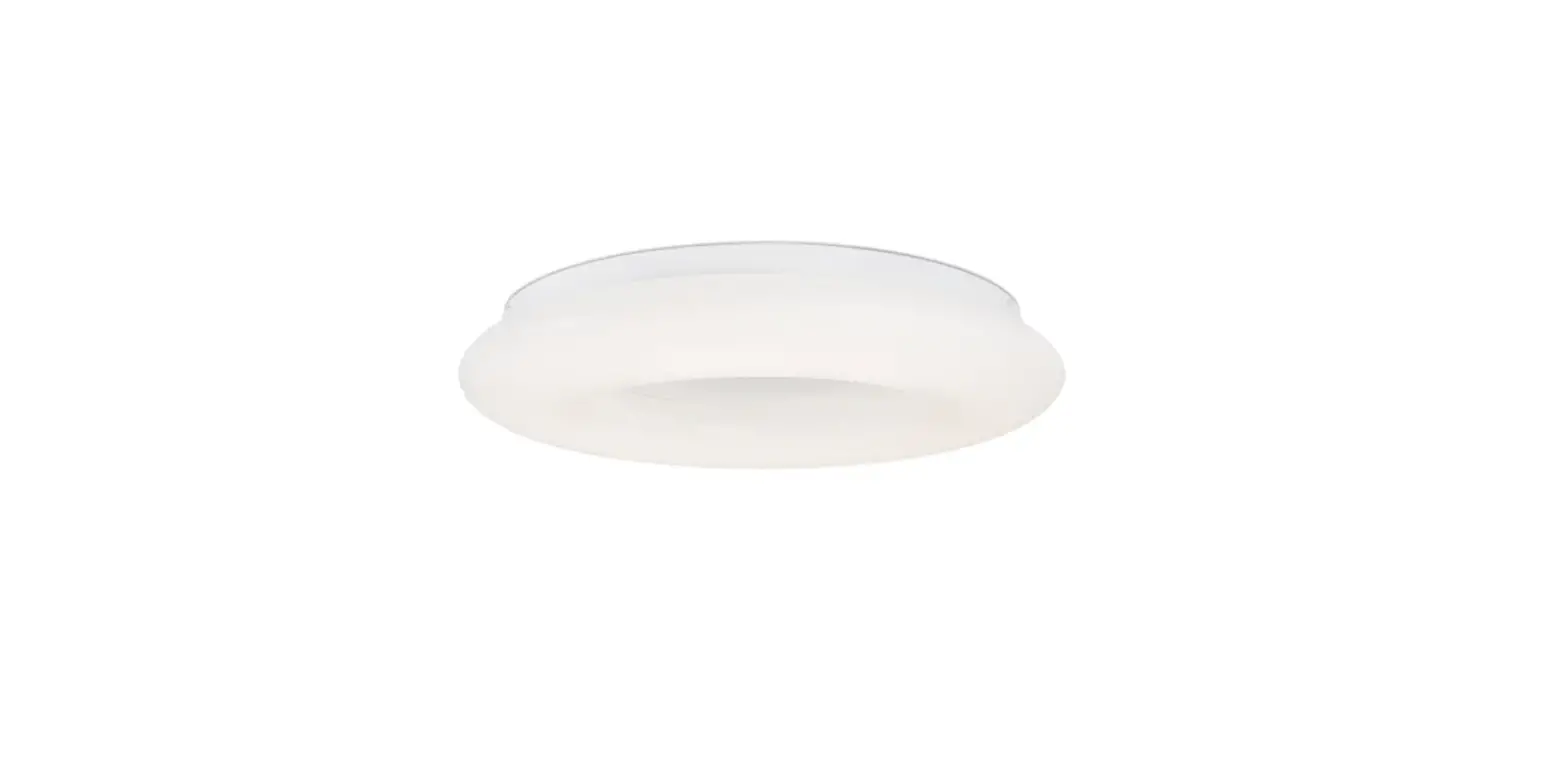
7831101-71 Vado Flush Mount
Product Information: Vado Flush Mount
The Vado Flush Mount is a lighting fixture intended to be
installed using NEC compliant junction boxes. The product is safety
listed for damp locations, making it suitable for use in bathrooms
and other areas where moisture may be present. The fixture includes
a mounting plate, fixture base, fixture screw, shade, and collar
nut.
Installation Instructions
CAUTION – RISK OF FIRE: This product must be
installed by a person familiar with the construction and operation
of the product and the hazards involved. Follow the applicable
installation code when installing the product. Save these
instructions for future reference.
- Locate a NEC compliant junction box for installation.
- Attach the mounting plate to the junction box using
screws. - Connect the wiring from the junction box to the fixture base.
Follow the wiring diagram in the instruction manual. - Secure the fixture base to the mounting plate using the fixture
screw. - Attach the shade to the fixture base using the collar nut.
- Turn on the power supply and test the fixture to ensure proper
installation.
By following these instructions, you can safely and effectively
install your Vado Flush Mount lighting fixture.
Installation Instructions for
Vado Flush Mount
FLUSHMOUNT
VADO_OD_FLUSH
7831101 1.0
GENERAL PRODUCT INFORMATION:
These fixtures are intended to be installed utilizing NEC compliant junction boxes. This product is safety listed for damp locations. This instruction shows a typical installation.
CAUTION – RISK OF FIRE This product must be installed in accordance with the applicable installation code by a person familiar with the construction and operation of the product and the hazards involved.
Use minimum 90°c supply conductors.
SAVE THESE INSTRUCTIONS!
©2023 Visual Comfort & Co., L.L.C. All rights reserved. The Visual Comfort & Co. logo is a registered trademark of Visual Comfort & Co. Visual Comfort & Co. reserves the right to change specifications for product improvements without notification.
7400 Linder Ave., Skokie, IL 60077 T 847.410.4400 | F 847.410.4500
www.generationlighting.com
Install the Fixture
1A
JUNCTION BOX 4
MOUNTING PLATE
5
2 3
FIXTURE BASE FIXTURE SCREW
5
SHADE
6
COLLAR NUT
7
1 Secure the mounting plate to the junction box. 2 Connect the fixture to a suitable ground in accordance with local electrical codes. 3 Connect the white fixture wire (square and/or rigid) to the neutral power line wire with a wire nut. 4 Connect the black fixture wire (round and/or smooth) to the hot power line wire with a wire nut. 5 Neatly place all the wires into the junction box, place the fixture base onto the mounting studs, and secure it in place using the fixture screws. 6 Place the shade and secure it in place by screwing the collar nut onto the socket. 7 Screw the lamp into the socket. Refer to the label on the socket for Max Wattage Information.
2
 Generation Lighting - Our Collections