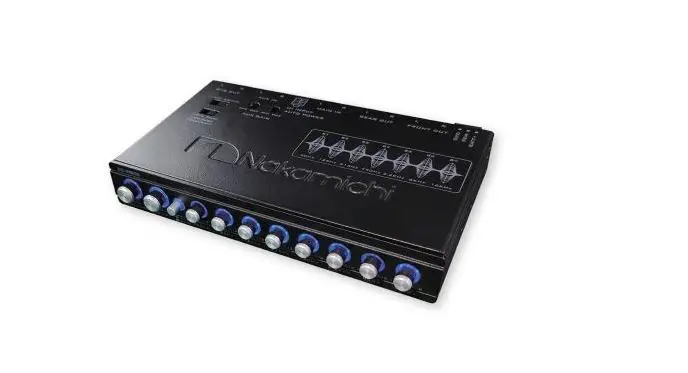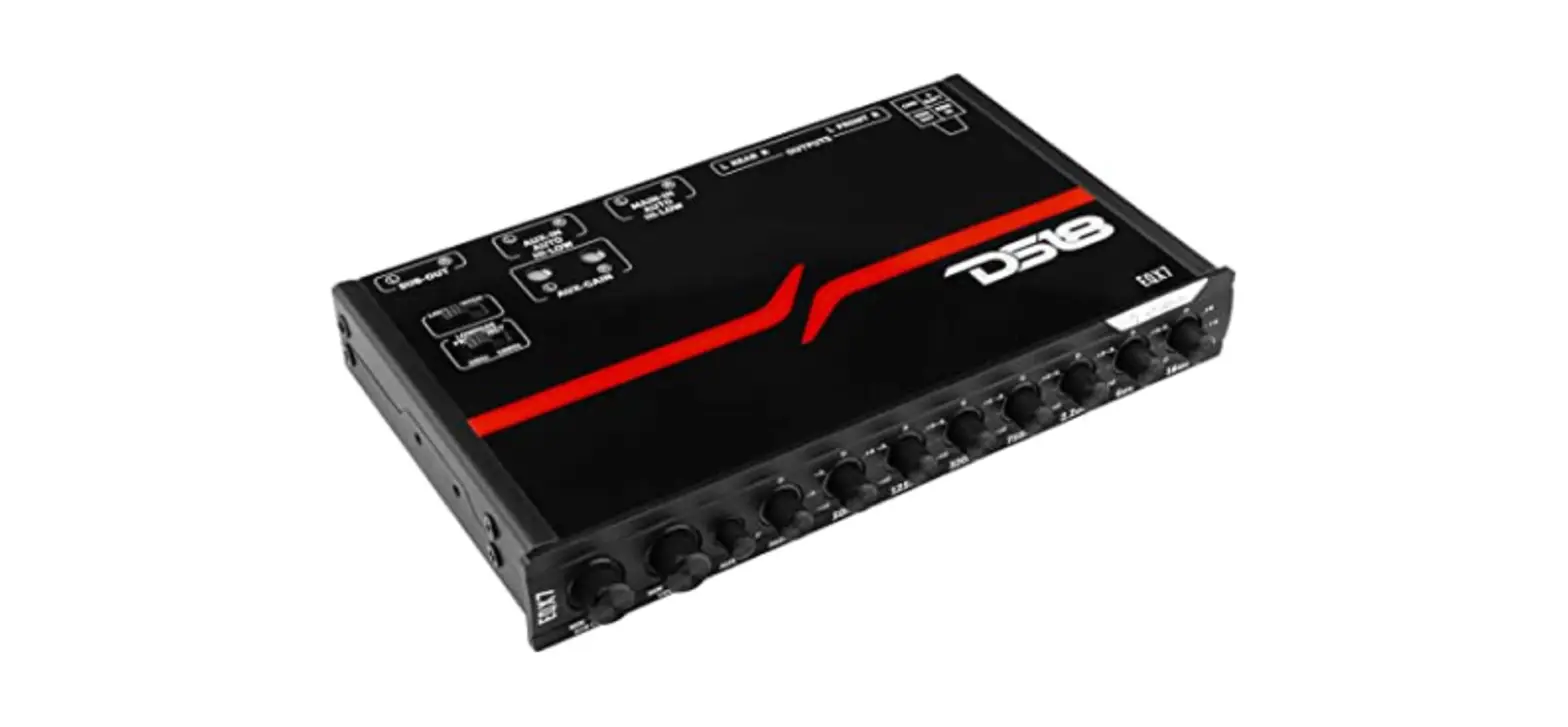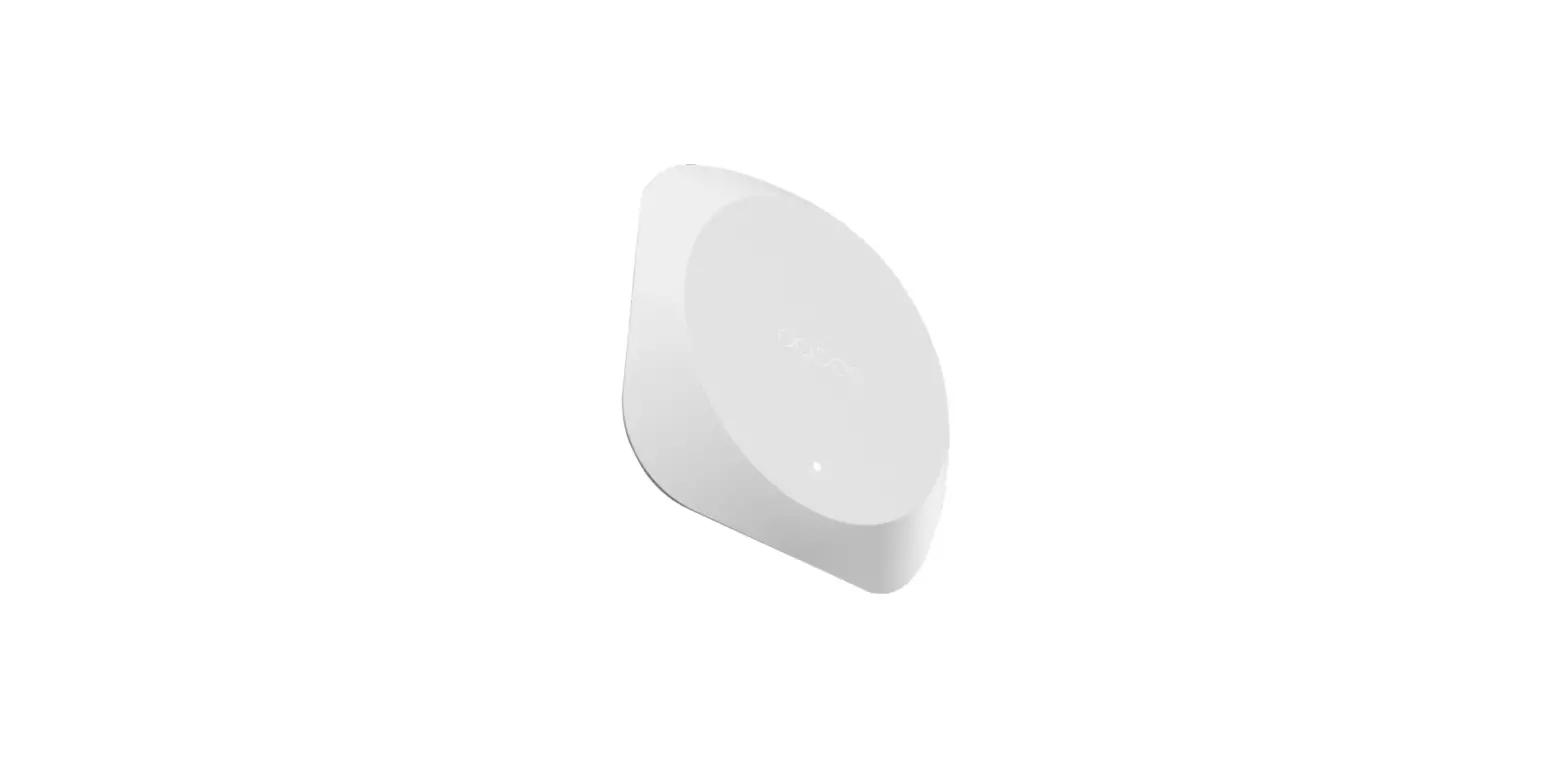
NIRVANA SOUND DS-EQ2 Optical Equalizer
OVERVIEW
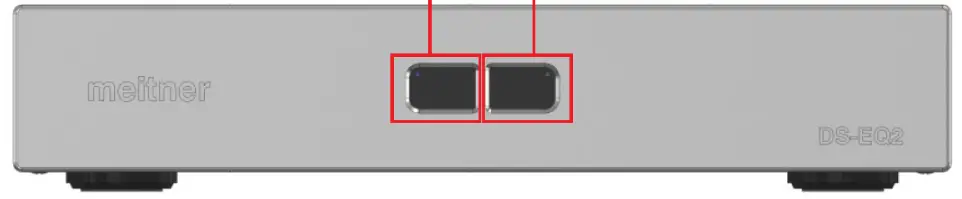
Front Panel
Back Panel
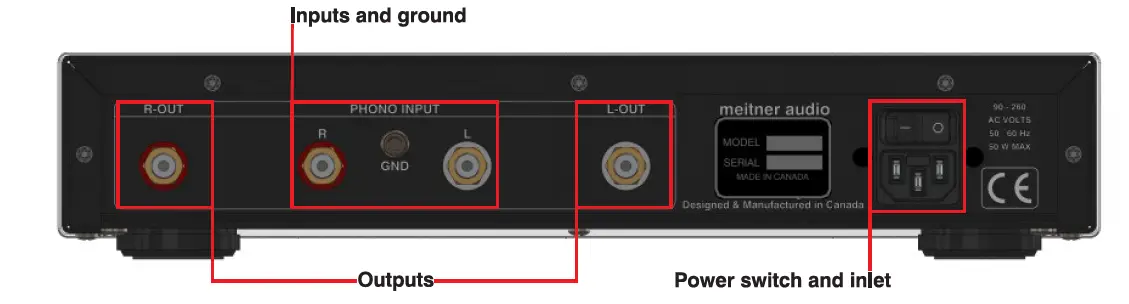
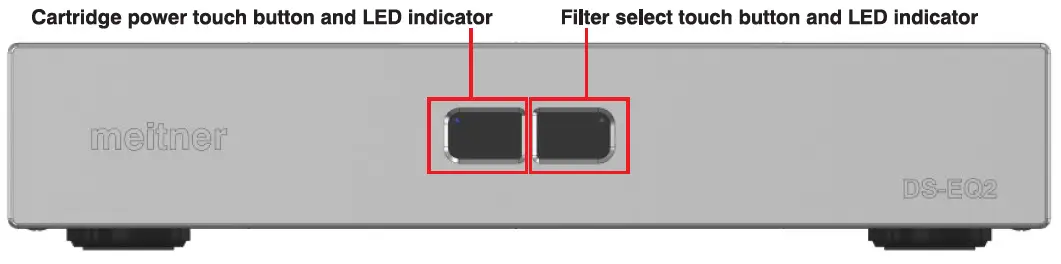
- Connect provided power cord to the power inlet of the DS-EQ2, and attach to an appropriately grounded mains socket.
- Attach left (L) and right (R) input audio channels along with the ground connector from the DS-EQ2 to the turntable that has the DS Audio cartridge installed, using the appropriate interconnects.
- Attach left (L) and right (R) DS-EQ2 output audio channels to your stereo pre-amplifier using the appropriate interconnects.
- When turned on using the main power switch, the DS-EQ2 will default to cartridge power ON (cartridge power LED will be blue) and the filter set to standard DS Audio response (filter select LED not be lit).
meitner 2022 Meitner Audio, All Rights Reserved. Meitner Audio reserves the right to amend specifications & design without notice