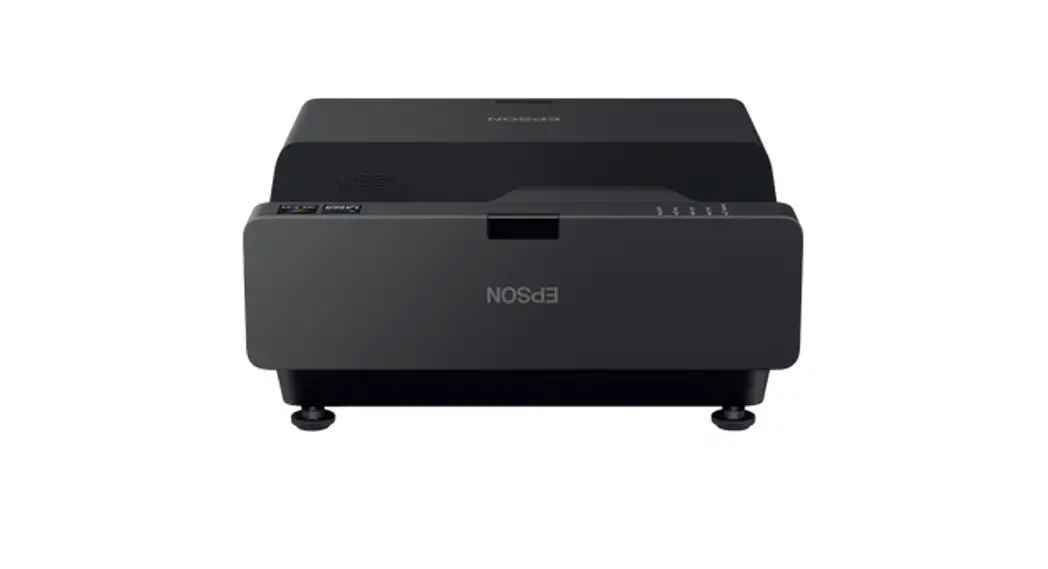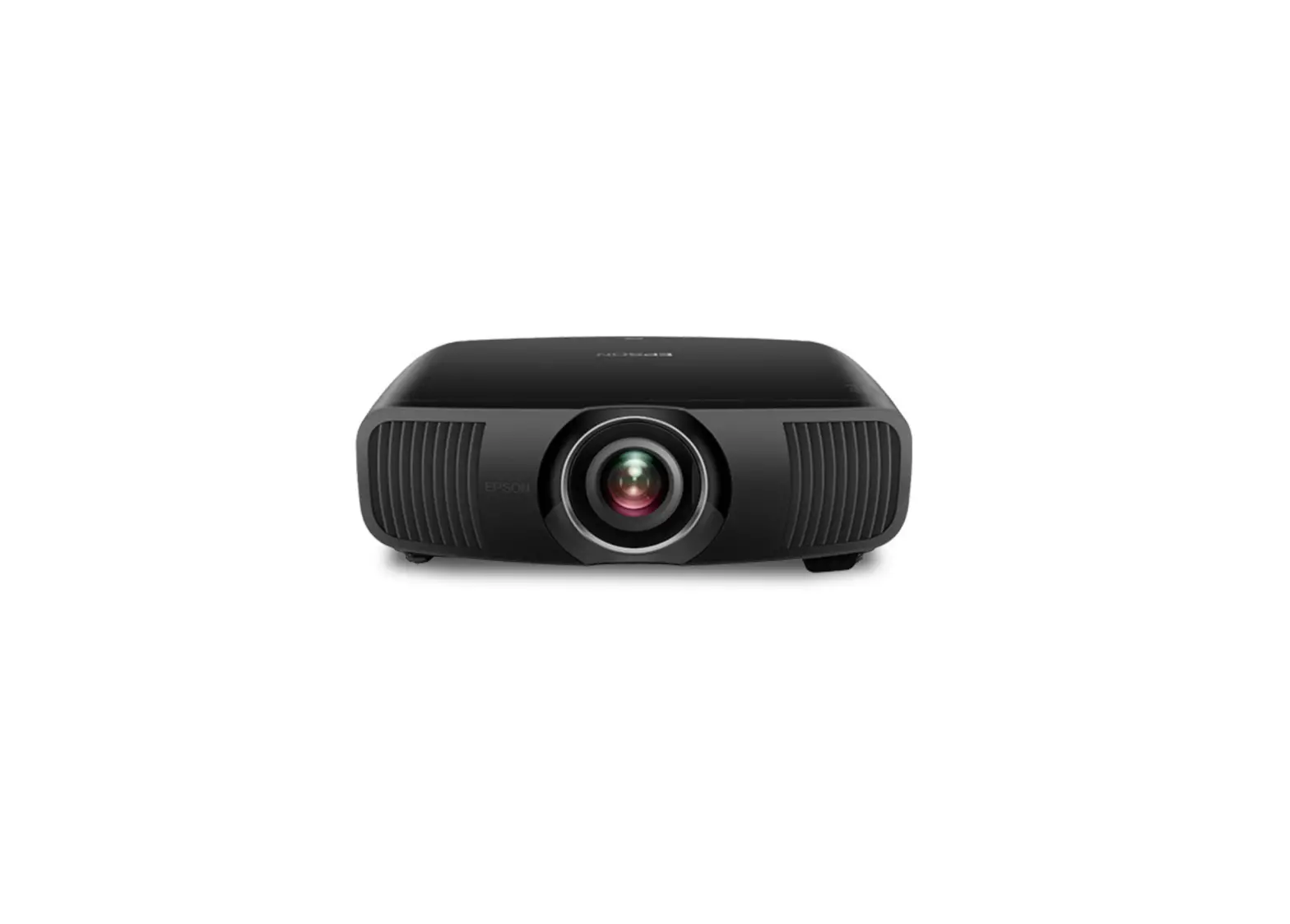
EPSON EH-LS12000B Home Projector User Guide
Contents hide
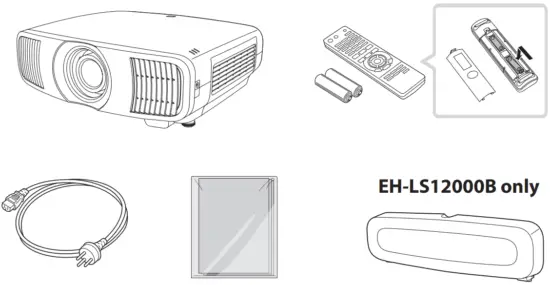
Unpacking
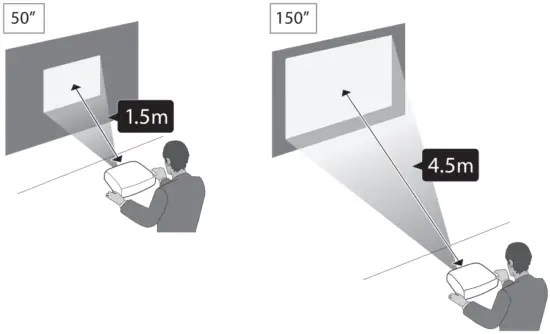
Projection Position
Turning On/Off the Projector
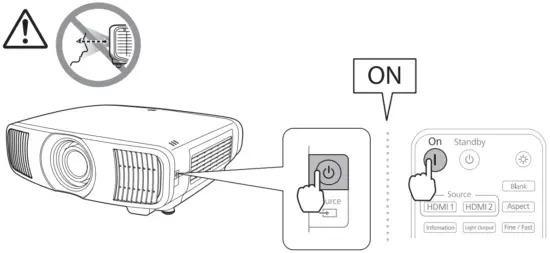
Turning On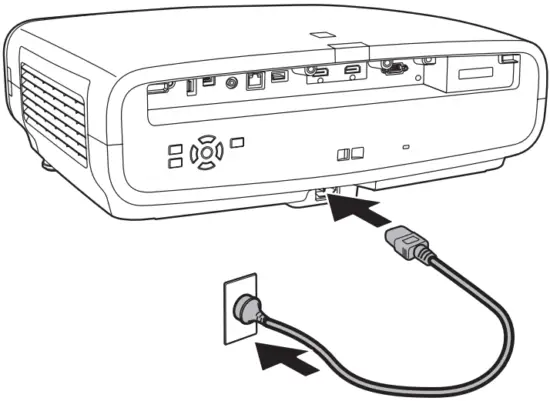
Turning Off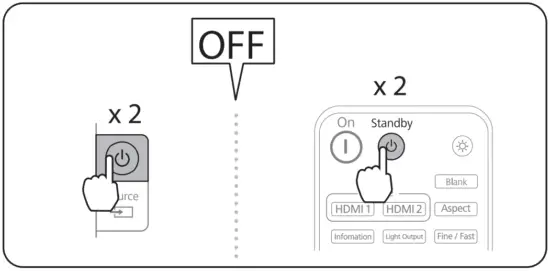
Initial Setting
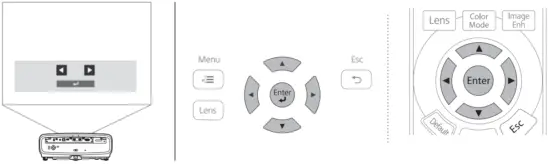
The first time you turn on the projector, the setup wizard is displayed. Make the focus, projection direction, and language settings using the arrow and [Enter] buttons on the control panel or remote control.
Adjusting
Focusing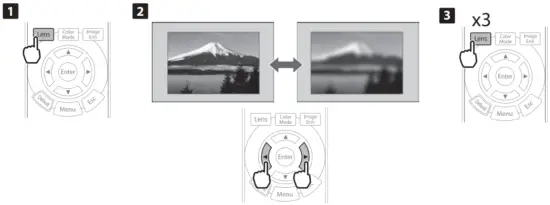
Zooming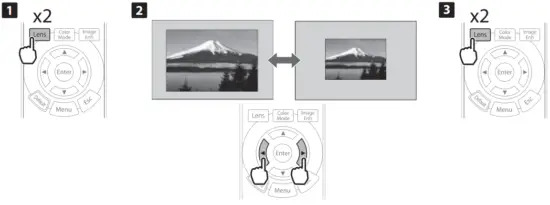
Adjusting Lens Shift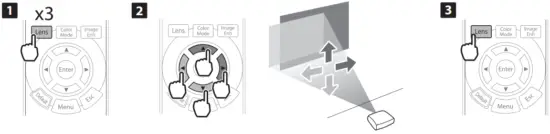
Connnecting Devices
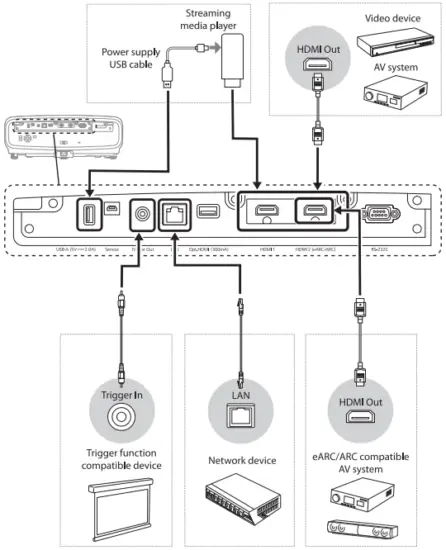
Connecting devices example 1

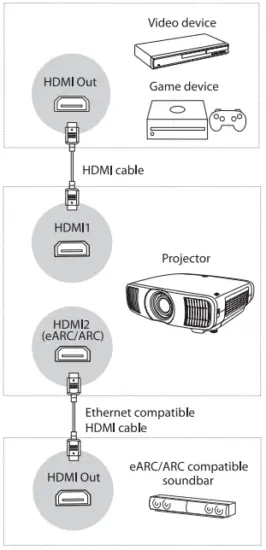
Connecting devices example 2
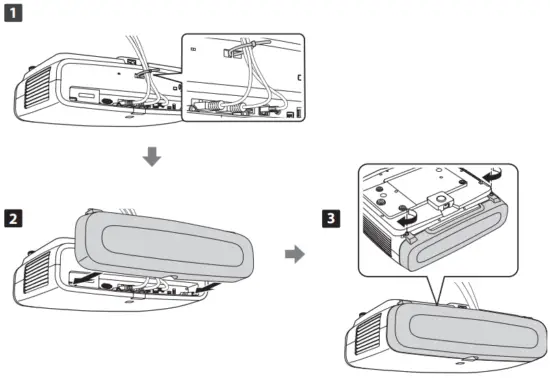
Attaching the Cable Cover (EH-LS12000B only)
For more information
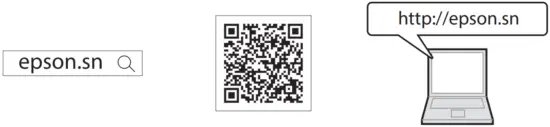
You can get the latest version of the manuals and specifications on the Epson Web site.
 Epson Setup Navi | epson.sn