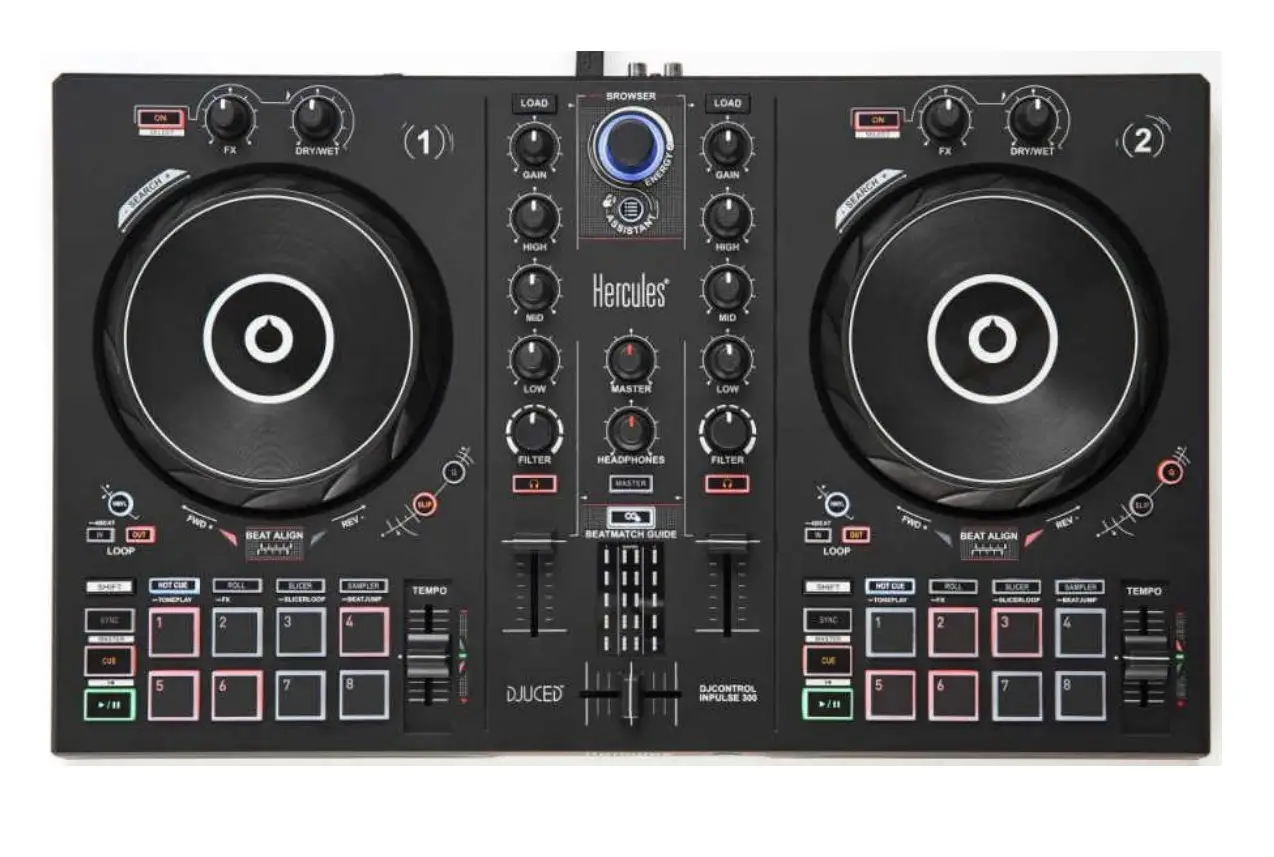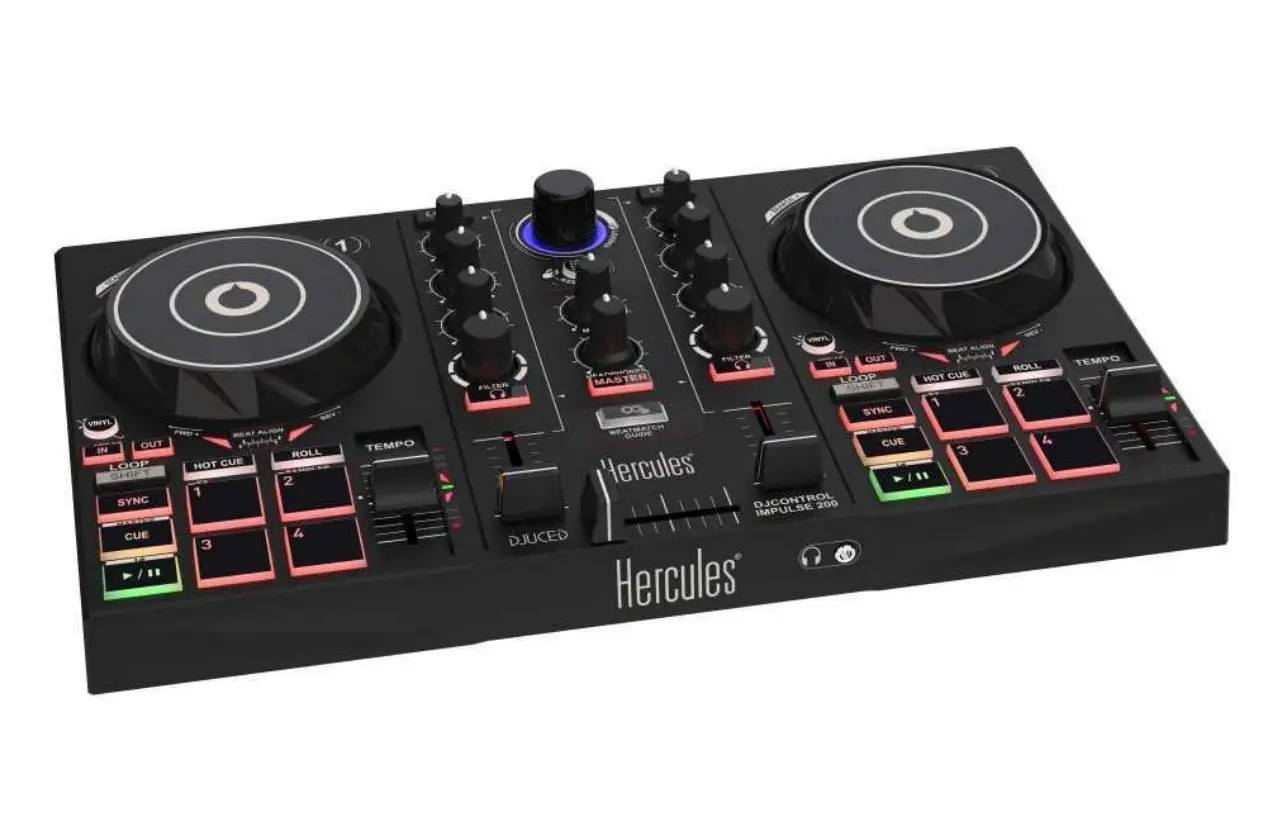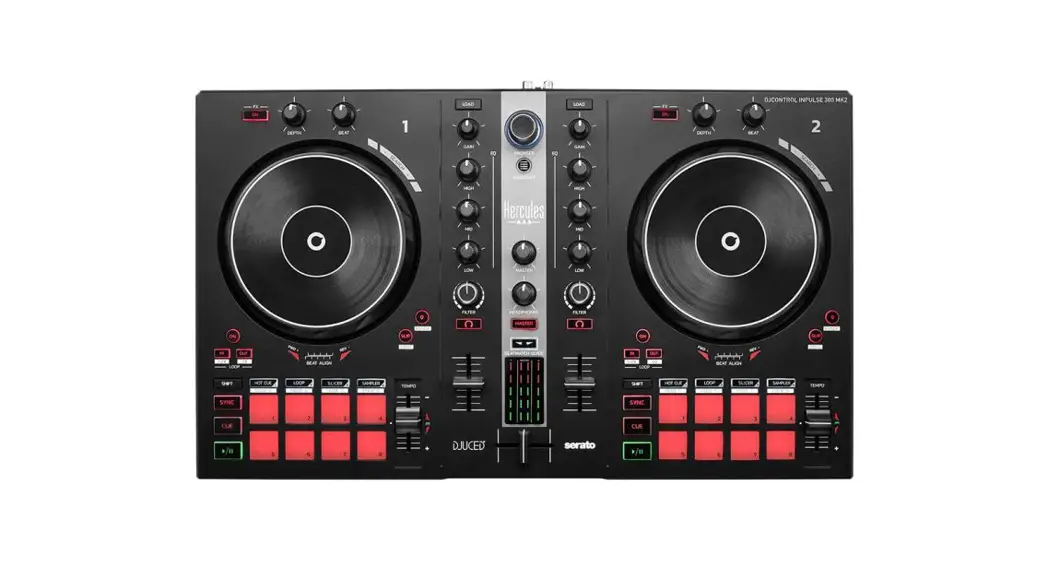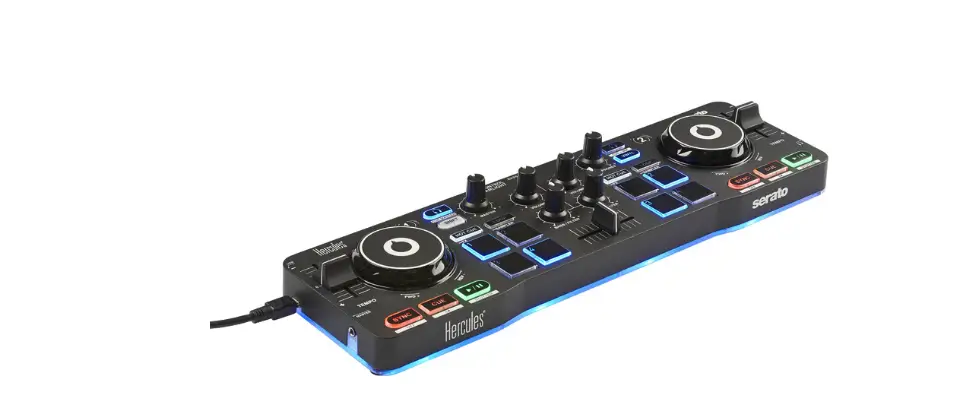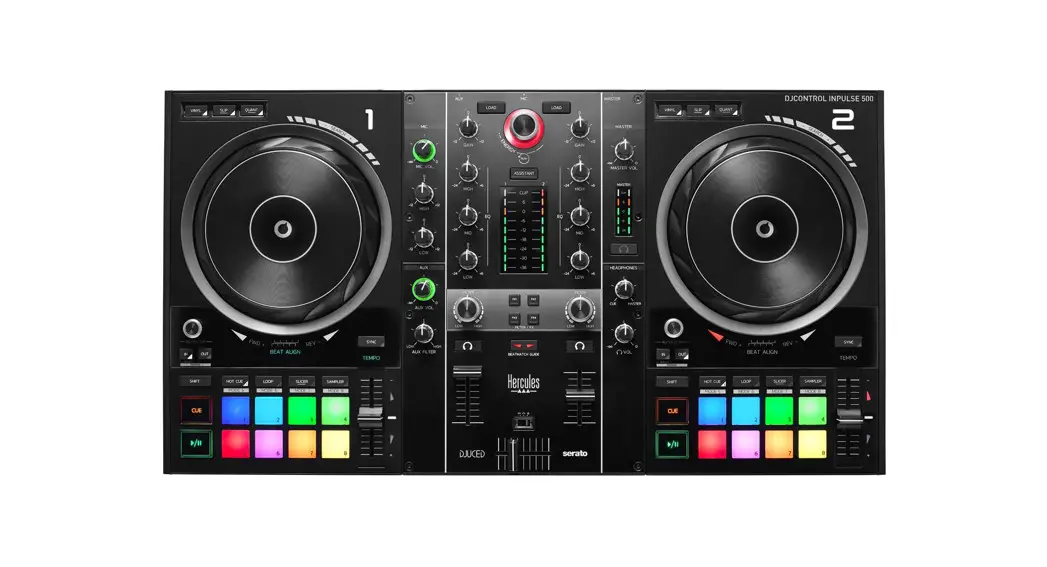

DJCONTROL IMPULSE 500
OVERVIEW
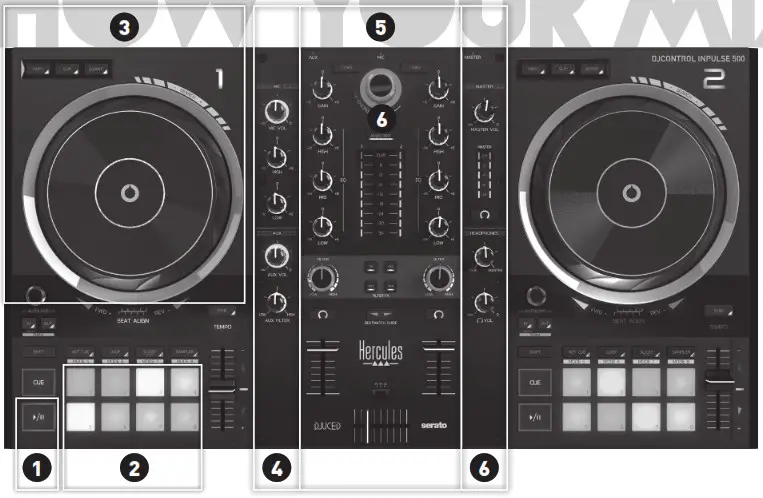
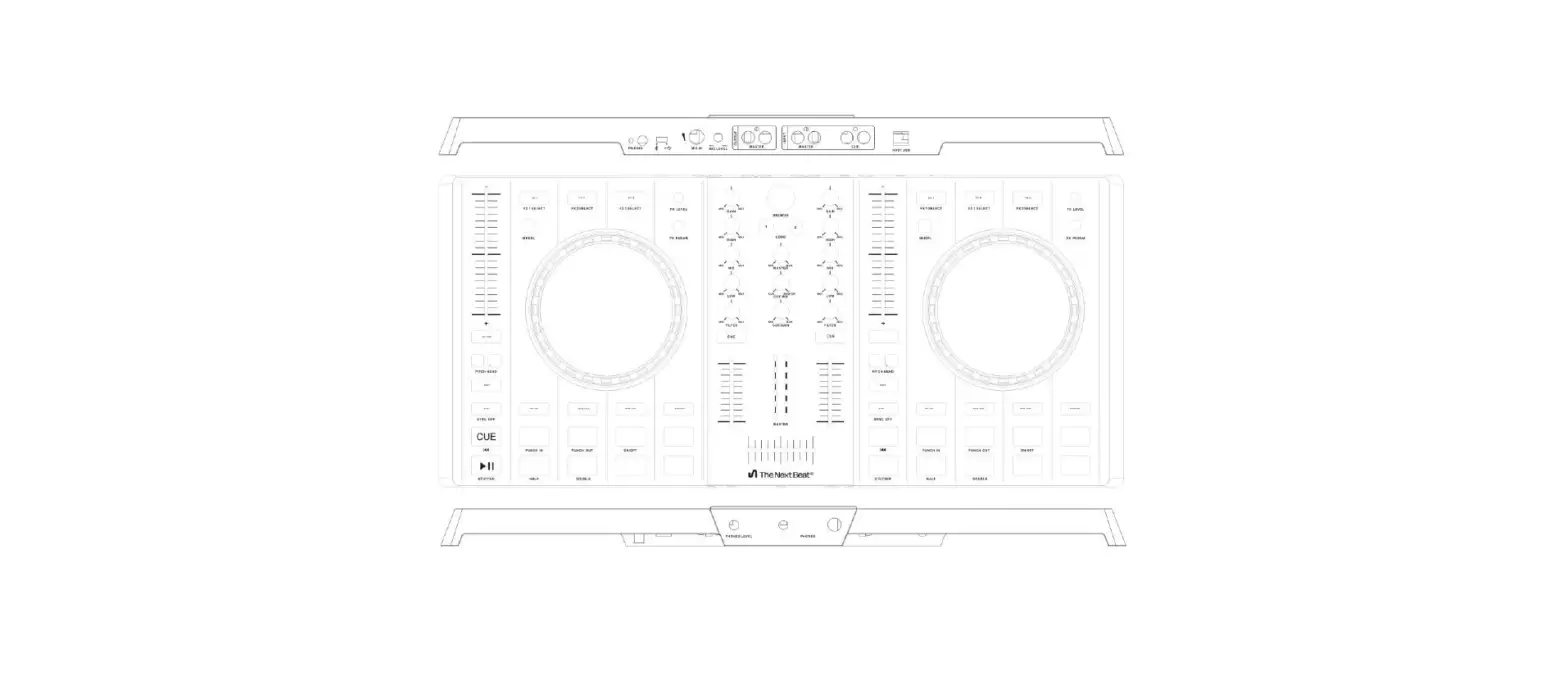
- Play/pause button
- Pads and modes
- Jog wheel and modes
- Controls for inputs
- Deck mix and browser
- Controls for outputs
Pad modes
DJUCED® | Serato DJ Lite | Serato DJ Pro** | |
| 1 | Hot Cue | Hot Cue | Hot Cue |
| 2 | Loop Roll | Manual Loop | Manual Loop |
| 3 | Slicer | Auto Loop | Slicer |
| 4 | Sampler | Sampler | Sampler |
| 5 | TonePlay | — | Pitch Play |
| 6 | FX | — | Loop Roll |
| 7 | Slicer Loop | — | Auto Loop |
| 8 | Beat Jump | — | Beat Grid |
*Produisez-vous en public
** Serato DJ Pro license not included

Drivers and DJControl Inpulse 500 user manual in English available at
QUICKSTART GUIDE
 Serato DJ Lite

BEFORE USING YOUR DJCONTROL IMPULSE 500 WITH SERATO DJ LITE
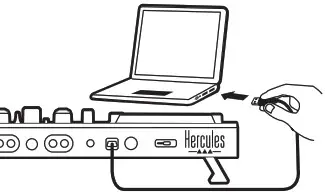
- Connect your controller to your computer.

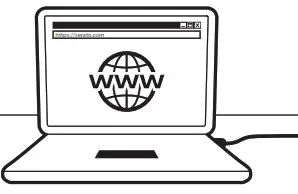
- Go to https://serato.com

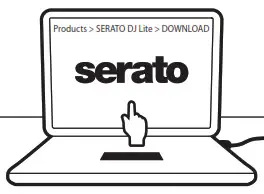
- Download and install Serato DJ Lite.


BEFORE USING YOUR DJCONTROL IMPULSE 500 WITH DJUCED®
- Connect your controller to your computer.
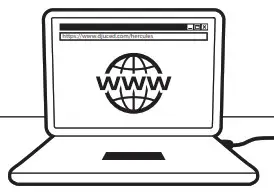
- Go to www.djuced.com/hercules.

- Download and install DJUCED®.

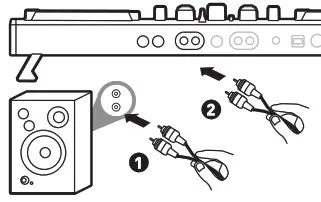
- Connect your speakers to the Master Output.

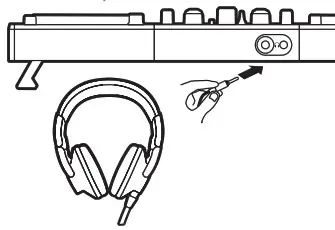
- Connect your headphones to the front of your controller.

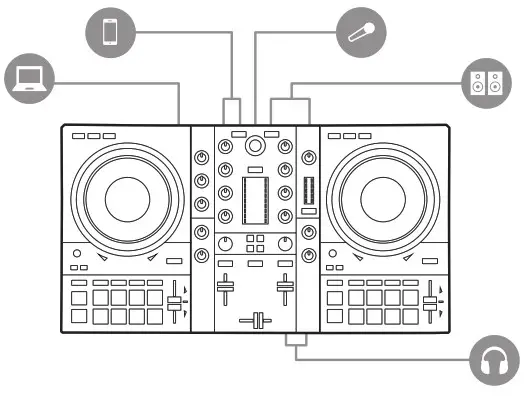 Serato DJ Lite
SERATO DJ LITE OVERVIEW
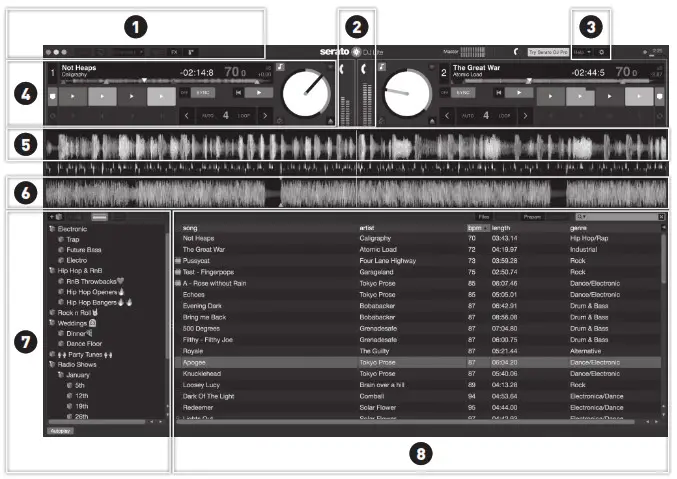
- Display of modules
- VU meter
- Settings
- Deck
- Waveform for the first deck
- Waveform for the second deck
- Music library folders
- Music library tracks
DJUCED® OVERVIEW
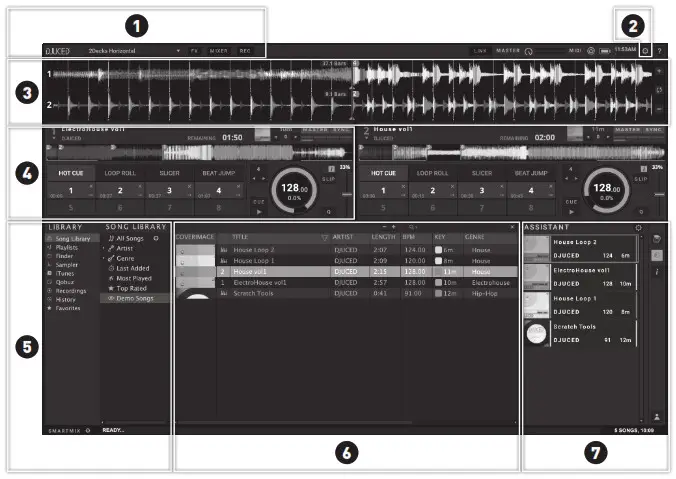
- Display of modules
- Settings
- Waveform for the track
- Deck
- Music library folders
- Music library tracks
- Assistant
 Hercules – DJUCED
 Hercules - Support
 Hercules – DJUCED
 Serato | The world’s best DJ and music production software
 Hercules - Support website