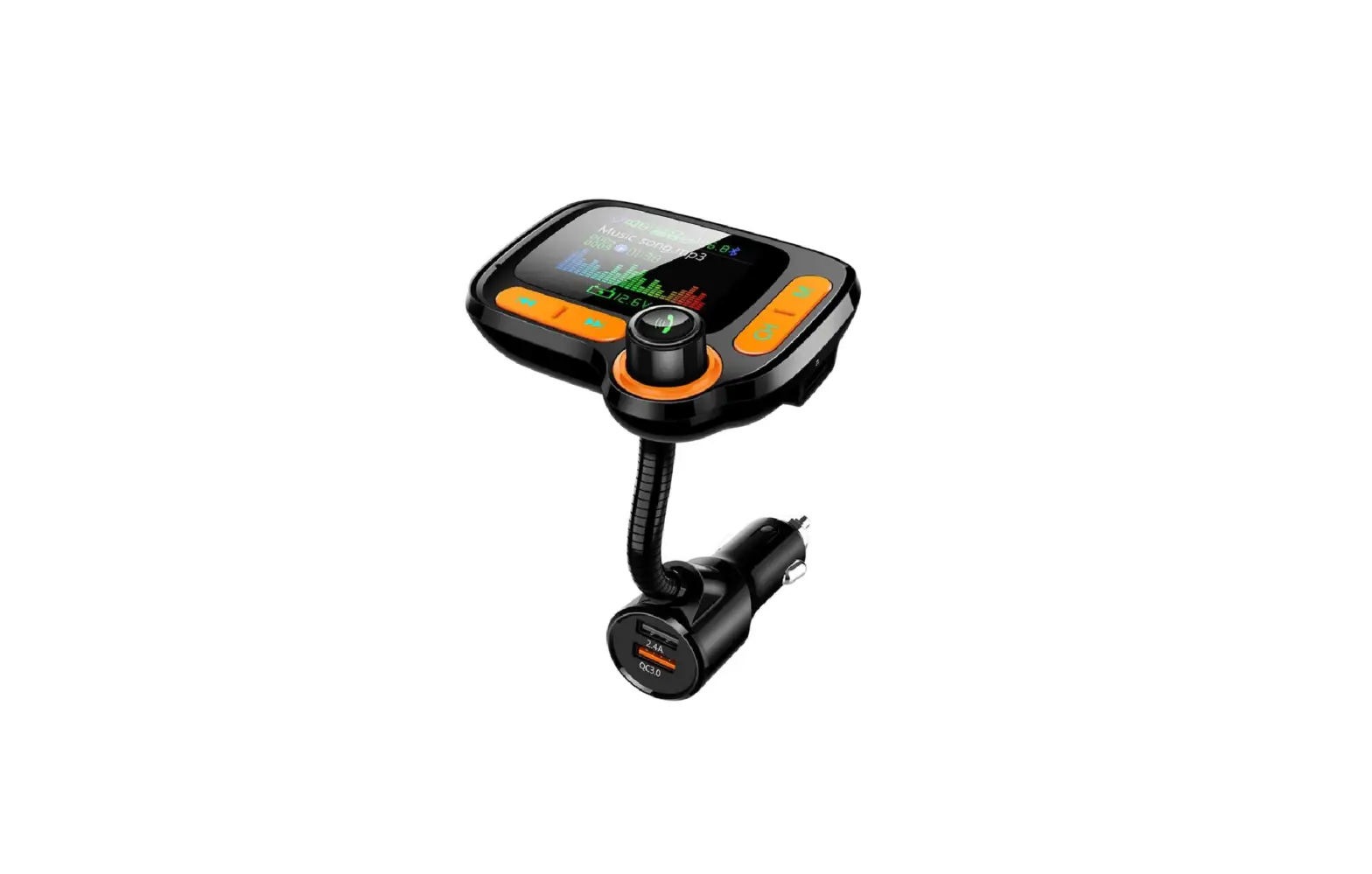
Bluetooth transceiver T5 Manual
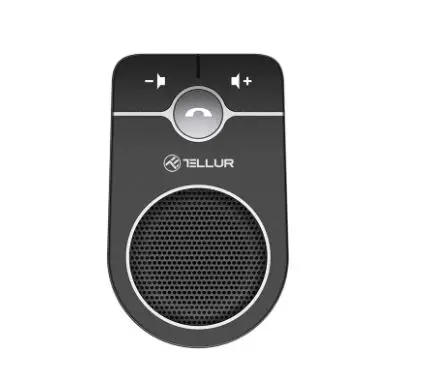
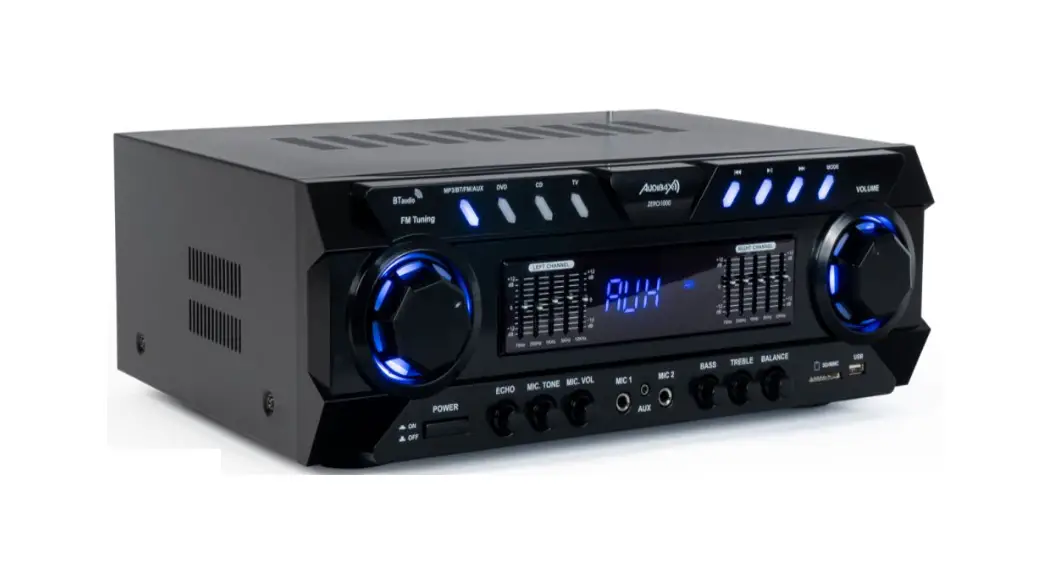
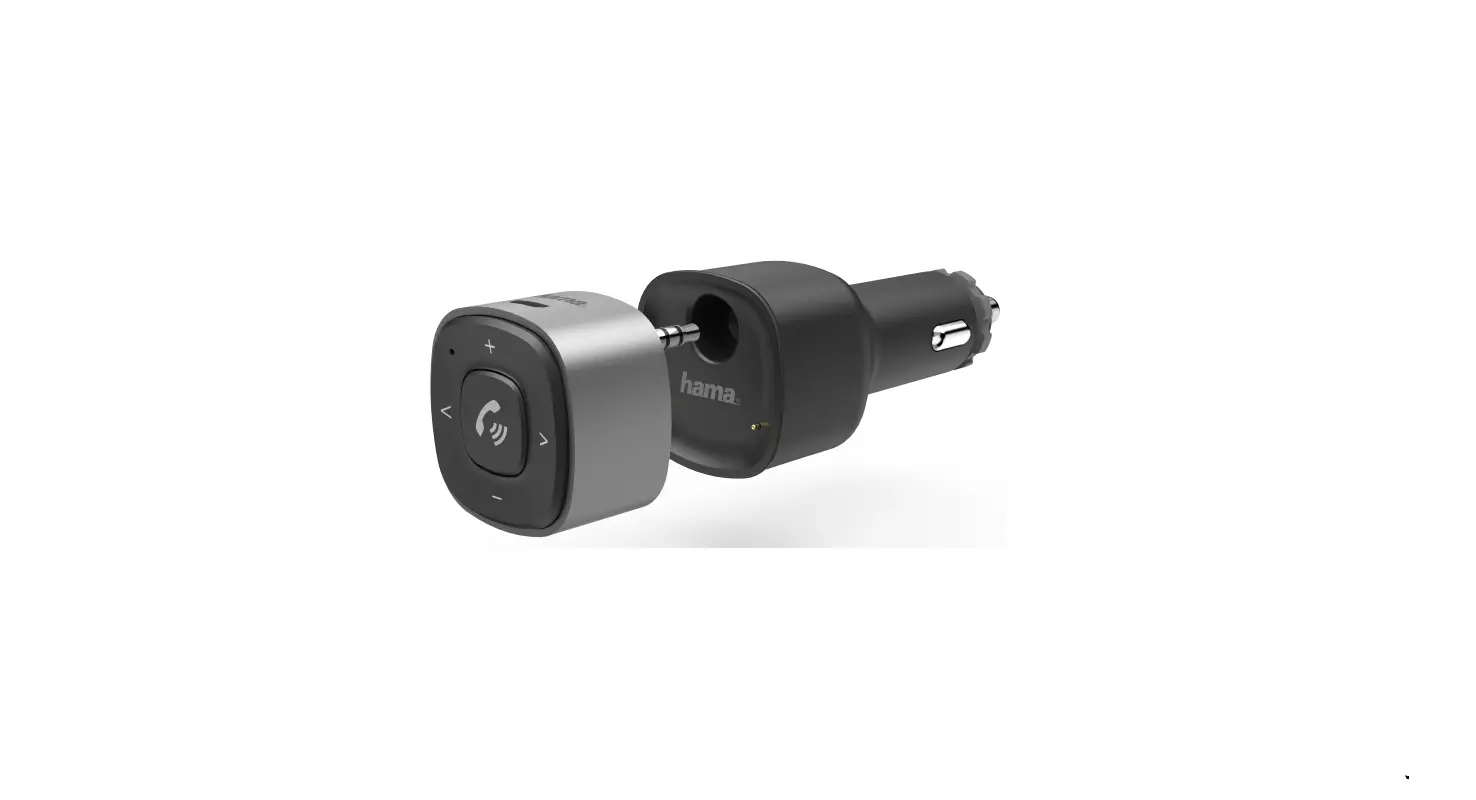
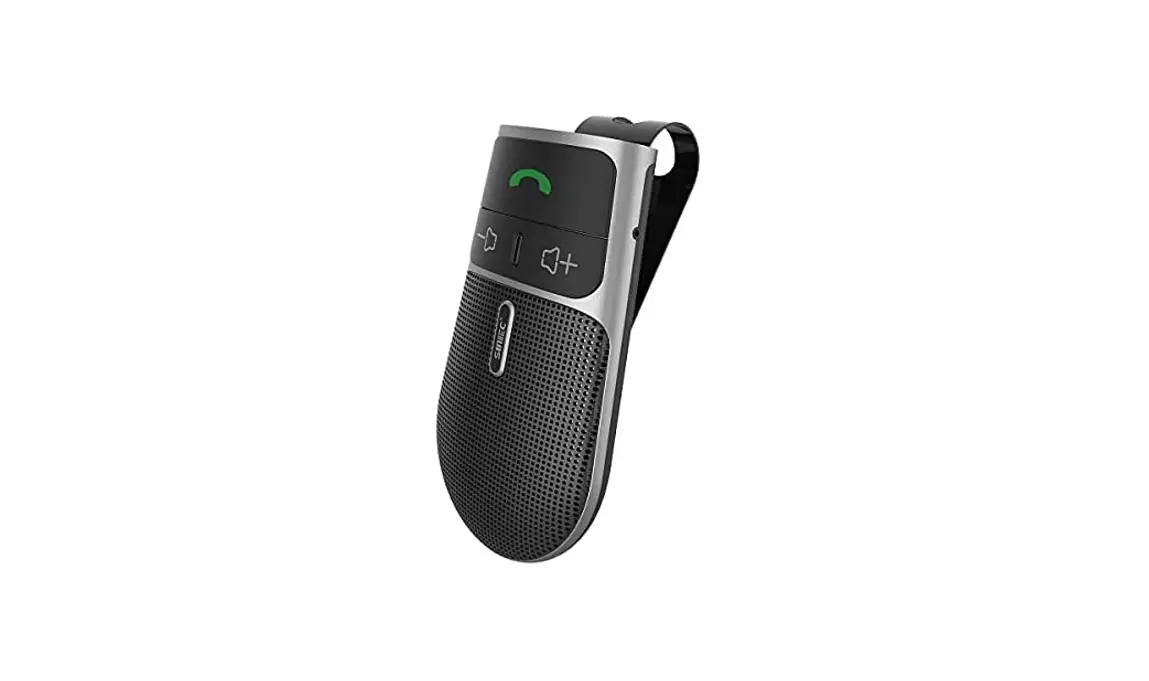
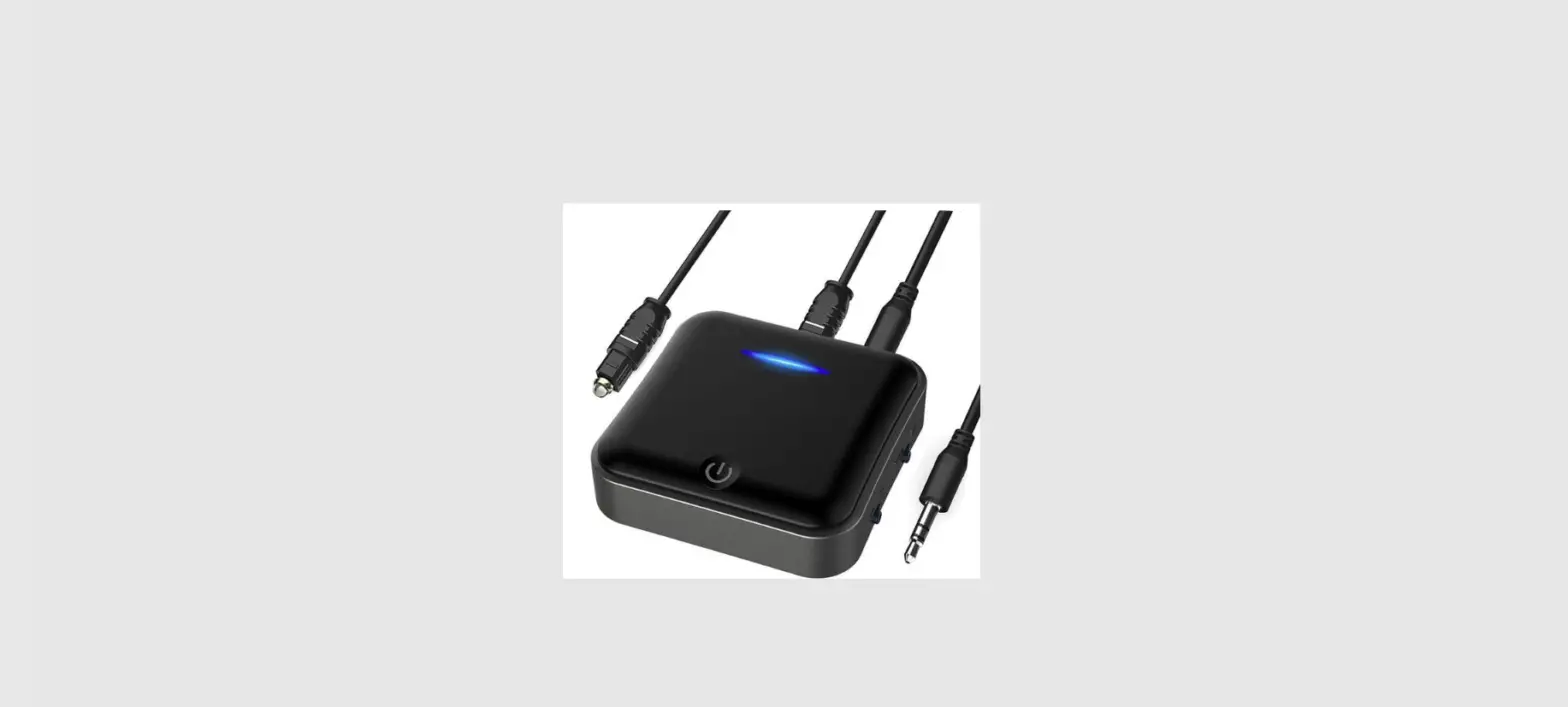
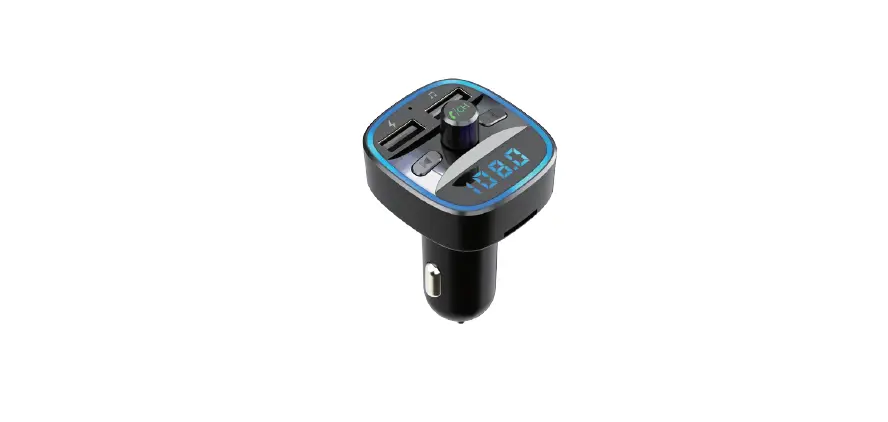
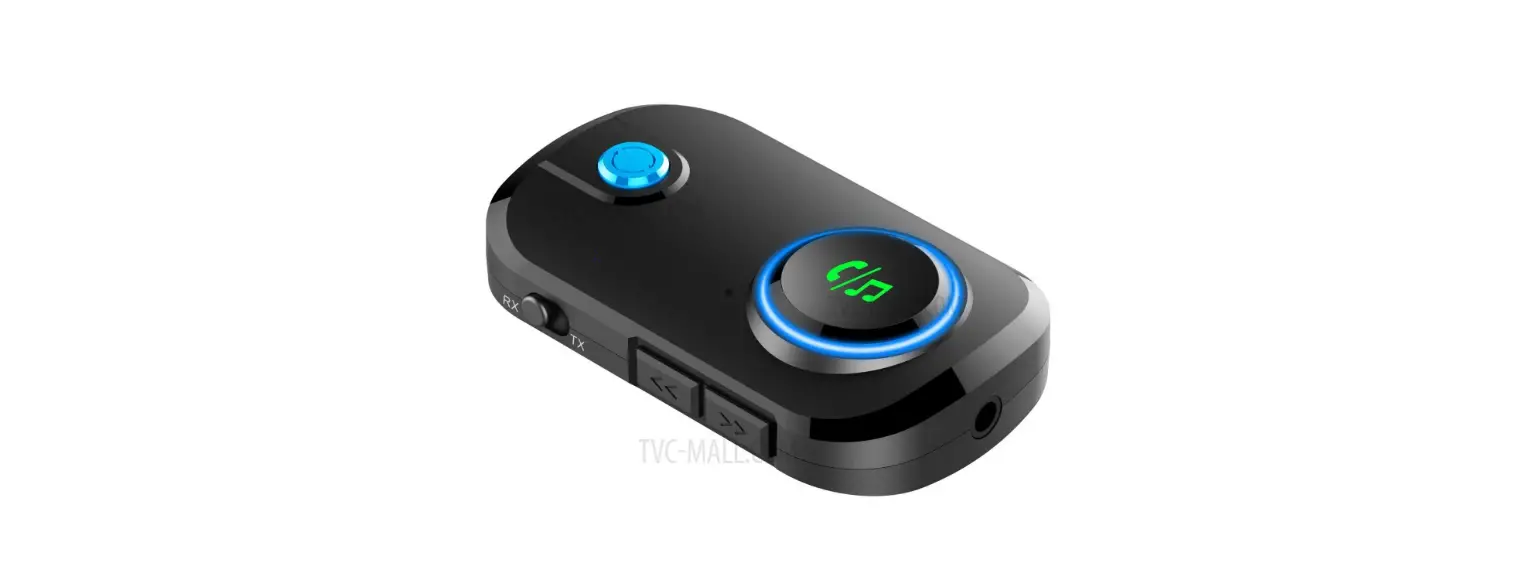
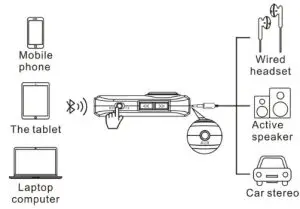
Schematic illustration

Product features
- Bluetooth V5.0
- The transmit mode supports two Bluetooth devices to connect and play at the same time
- Support Bluetooth receiver/ transmitter
- LCD Display
- Automatically connect the paired Bluetooth device after powering on
- Five minutes no device connection, automatic shutdown
- Playtime: about nine hours after full charge
- Bluetooth support A2DP, AVRCP, HFP, HSP
- (Only supports audio Bluetooth) Support Bluetooth DSP technology of stereo music
- Aux input / output
- Private answer
Operating instructions
- Receiver mode RX, blue light

- Connect Bluetooth (RX mode)
Pairing for the first time
2.1 Long press “ ” 4 seconds to power on.
2.2 Mobile phone search Bluetooth pairing name ” T5 ” and connect, after the pairing is successful, the display shows the name of the paired device
2.3 Automatic connection when use again
2.4 Connect two mobile phones., The second phone search Bluetooth name ” T5 ” and click to pair, after paired successful, the display also shows the name of the paired device - Bluetooth hands-free Use
3.1 Answering the call
In a connected state, to answer the incoming call, press “ ” to answer, Press again “ ” to hang up.
3.2 Rejecting the call
When a call comes in but you don’t want to answer it, long-press the “” key for two seconds to reject the call.
3.3 Private answer
If you want to use your own phone during the call, long-press the “ ” button for 2 seconds to switch between the phone and Bluetooth - Music control
4.1 Pause/play: click “” button
4.2 Next song: click “ ” button
4..3 Last songs: click “ ” button
4.4 Volume adjust: long press “ ” volume up
Long press “ ” volume down. when the volume is increased to the maximum, there will be a ” Boom, Boom ” beep - Transmit mode TX, green light

- Connect Bluetooth (TX receive mode)
6.1 Turn on and turn the switch to the ” TX “, the green light is on
6.2 The machine will automatically search for nearby Bluetooth devices and show on the display (such as “air pods”、“ i9s”, etc.), at this time, the Bluetooth device should be in the pairing state (especially TWS headphones must be in the pairing state.) If the Bluetooth device is not in a Paired status, it will not be searched by T5. Use “ ” or “ ” to select the device to be connected and click the “ ” button to pair.
Whether the pairing is successful or not, the system will return to the main interface. After successful pairing, the main interface will display the name of the Bluetooth device.
6.3 Connect the second device
If you need to connect with the second device, double-click the ”” button to search, and repeat the connection steps in 6.2
6.4 If you do not find the paired name in the Bluetooth device list, you can double-click ” ” to return to the main interface, and double-click ” ” again to search for and connect to the device again
6.4 If the T5 is turned on in TX mode, it will automatically reconnect the last connected Bluetooth device before shutdown - Music control
7.1 Pause/play: click “ ” button is mute/ play
7.2 Next song: click “ ” button invalid
7.3 Last song: click “ ” button invalid
7.4 Volume adjust: long press “ ” volume down,Long press “ ” volume up - Automatic shut-down
It (RX mode or TX mode) will automatically shut down if without any device connection or any operations within 5 minutes. - Charge
The red light is always on when charging under the state of shutdown.
Under the starting state, the red light of RX mode charging is always on, and the blue indicator is also on.
Under the starting state, the red light of TX mode charging is always on, and the green indicator is also on.
The red light goes out when it is fully charged. - Low voltage alarm
When the battery power is too low, the red light flashes and the voice prompts “low power” and other working lights go off. - Reset bluetooth(Clear paired bluetooth)
11.1 First double click “ ” to disconnect the paired Bluetooth device
11.2 After disconnecting the Bluetooth device, double click “ ” to clear paired Bluetooth information.
(Note: If need to connect Bluetooth again, double click “ ” into searching mode).

Technology Specs
| Working current | 35mA |
| Shut off current | 41uA |
| Charging time | About 2H |
| Working time | About 9H |
| Battery capacity | 280mAh |
| Bluetooth Ver. | Version 5.0 |
| Bluetooth audio processing | DSP and A2DP(Advanced Audio Distribution Profile) function |
| Bluetooth frequency | 2.402-2.480GHz |
| Bluetooth transmission distance | The straight line 10M |
| Bluetooth MIC effective distance | 0.5~2M |
| Bluetooth transmission output power | 6dbm |
| Bluetooth receiving sensitivity | -93dbms@gfsk,-92dbms@n /A DQPSK,-86dbms@8dpsk modulation |
Warm tips
- Do not use this product in a dusty and humid environment with extremely high and low temperatures.
- Do not drop the product to avoid surface damage or breakdown.
- Do not disassemble the product, if you have any questions, please contact your dealer
- Due to continuous improvement and enhancement of technology, changes in product performance and functionality are subject to change without notice.
- This product has a built-in lithium battery and cannot store for a long time; to avoid over-discharge of the battery; suggestion: charge and discharge at least once every 3-6 months.
Troubleshooting
| No response to power on | – Toggle the RX-TX key and long-press the power button again – Plugin the charging cable to charge the product for 5 minutes before turning it on |
double click “  ” for no action ” for no action | The double-click interval is too long, and the double-click interval needs to be less than 0.3 seconds T5 has connected more than two devices |
Double click  or or  . no action . no action | The double-click interval is too long, and the double-click interval needs to be less than 0.3 seconds Switch RX-TX mode or power off and restart |
| Can’t play | – Make sure the connected device is working properly – Clear Bluetooth pairing and re-pair Bluetooth – Is the audio cable plugged in properly |
| TWS the headset cannot be connected back | Double click “ ” to re-pair the headset again |
| Can’t charge | – Please pull out the charging cable and insert it again – Try another charger |
| No reaction on and off | Long press the “on/off” button for 8 seconds to restore the factory settings and power on again |
Packaging
- Manual
- Main device
- Audio cable
- Micro-USB Charging cable