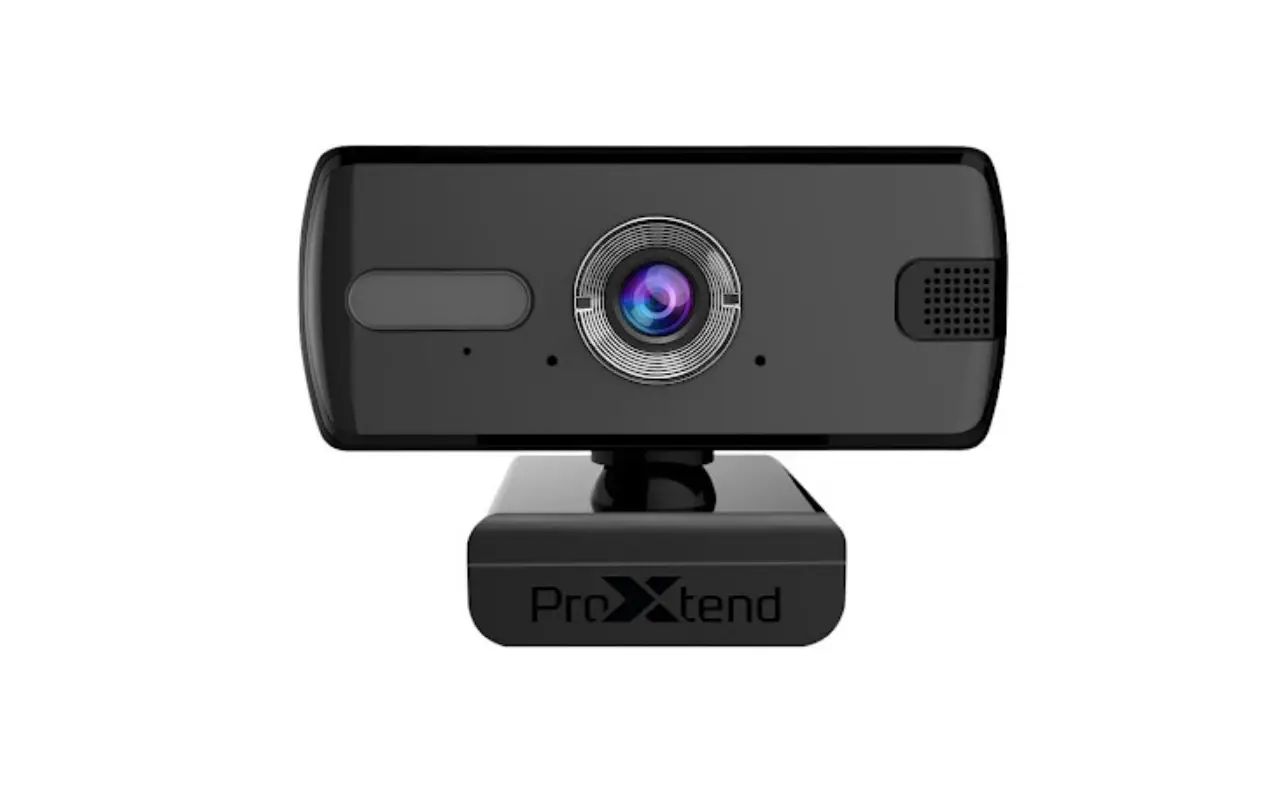
ProXtend Windows Camera App Instructions
How to access your webcam settings
- Plug your webcam into a USB port on your PC.
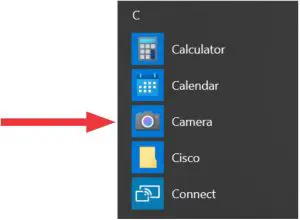
- Locate the Microsoft camera application in the Windows start menu.

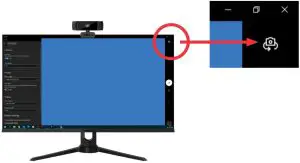
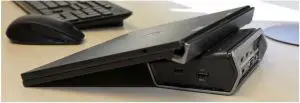
- If your laptop (with built-in webcam) sits closed in dock and you use a stand-alone webcam on your external monitor, click the “Switch camera”-icon in the top right corner of your screen.

- Now you have access to the stand-alone webcam and can adjust the settings from the
 icon in the top left corner of the camera app.
 icon in the top left corner of the camera app.