

USER’S MANUAL & Maintenance
CARTONI®
All rights reserved ©
Manual Version: 1.0
Issue date: June 2019
IntroductIon
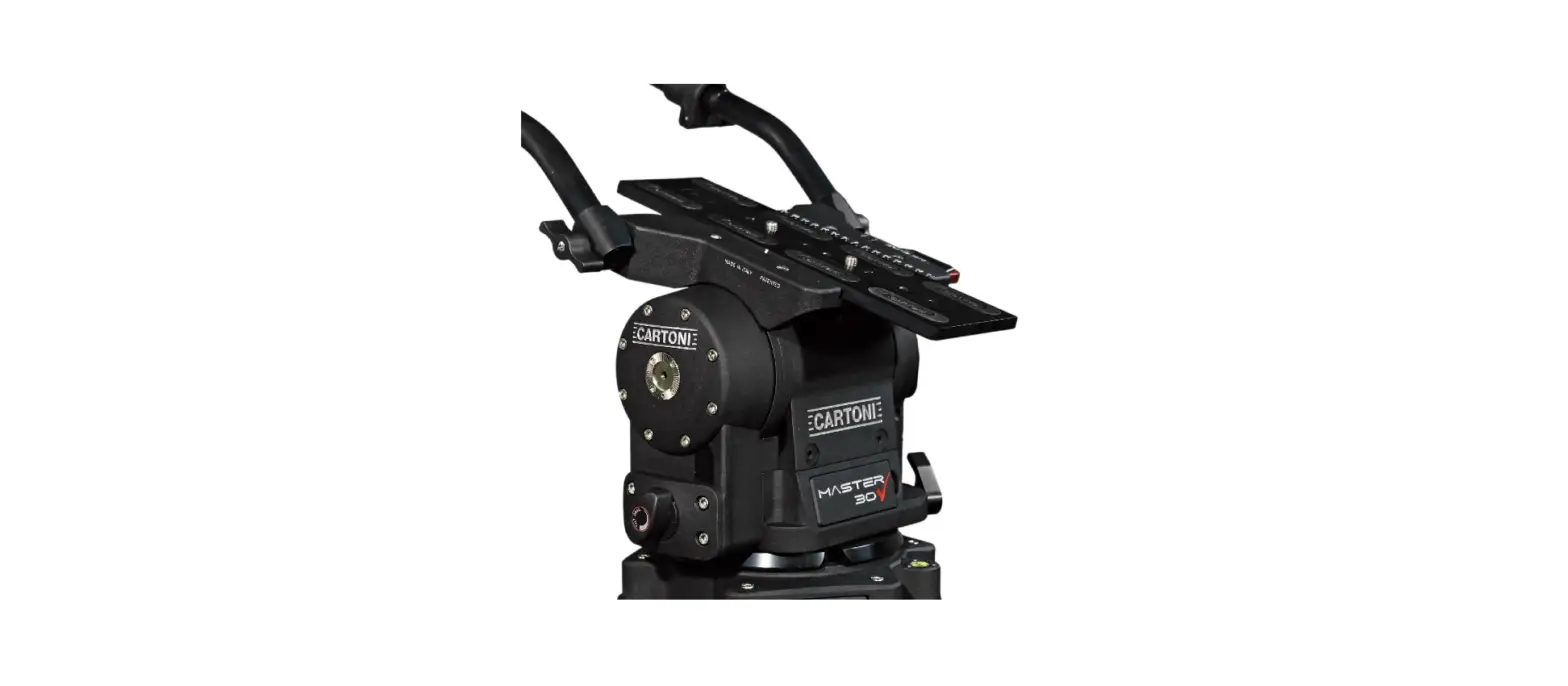
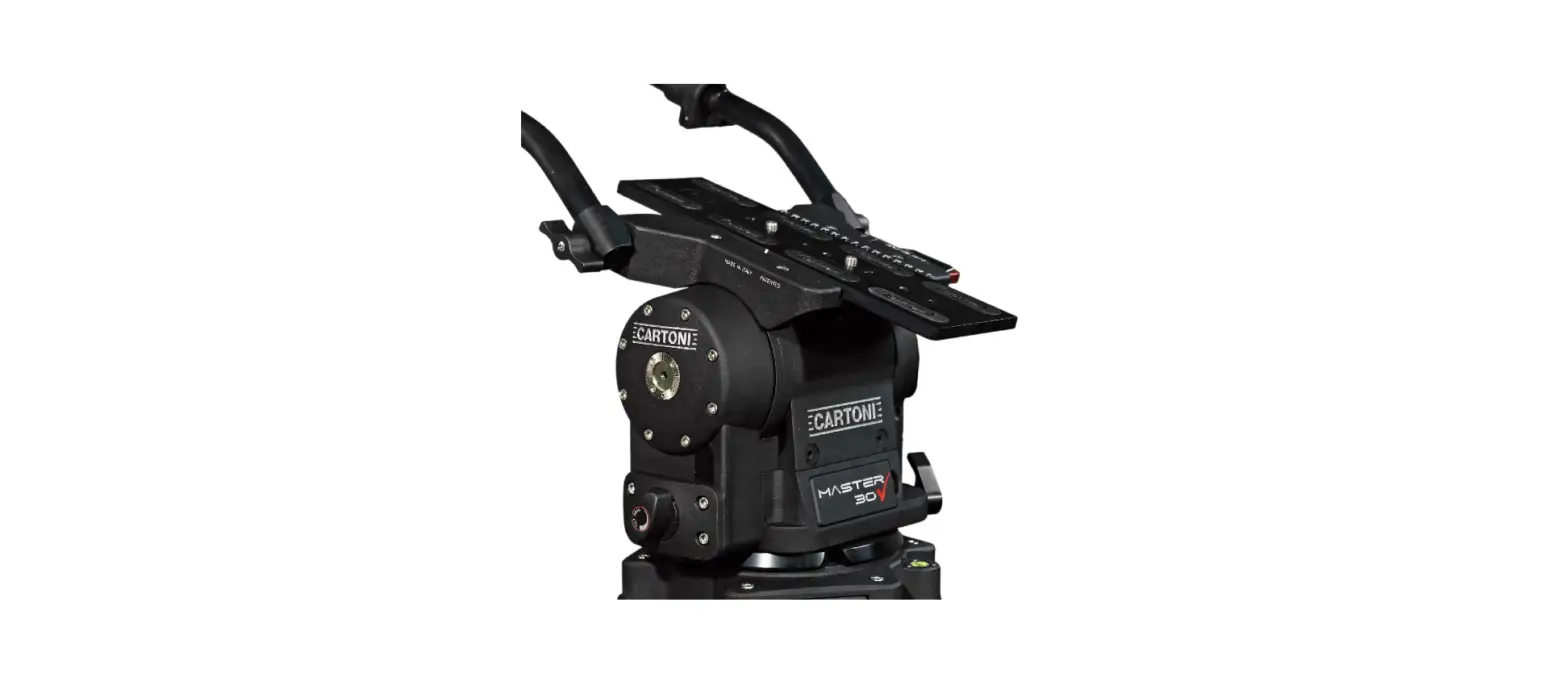
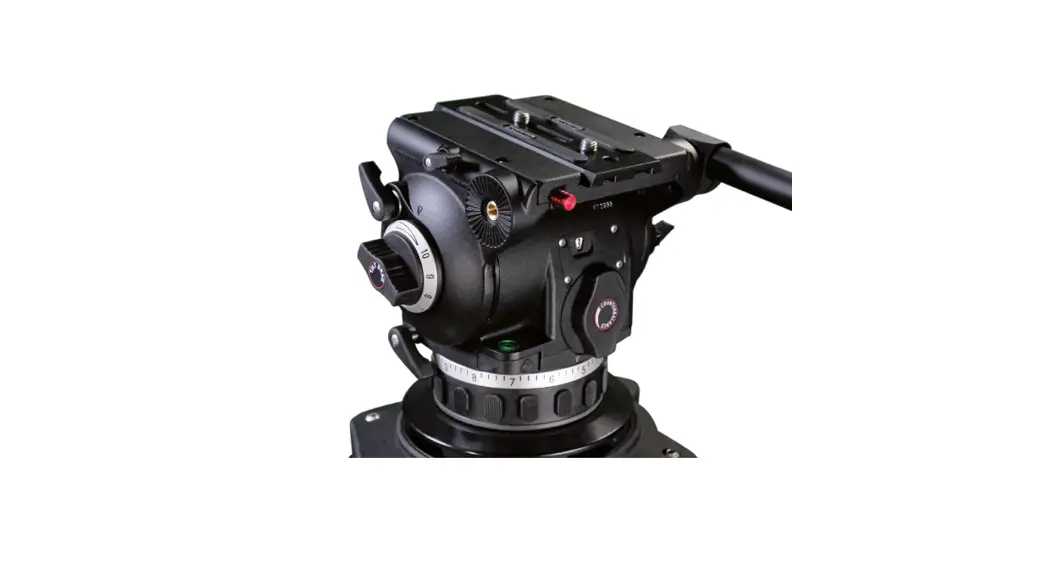
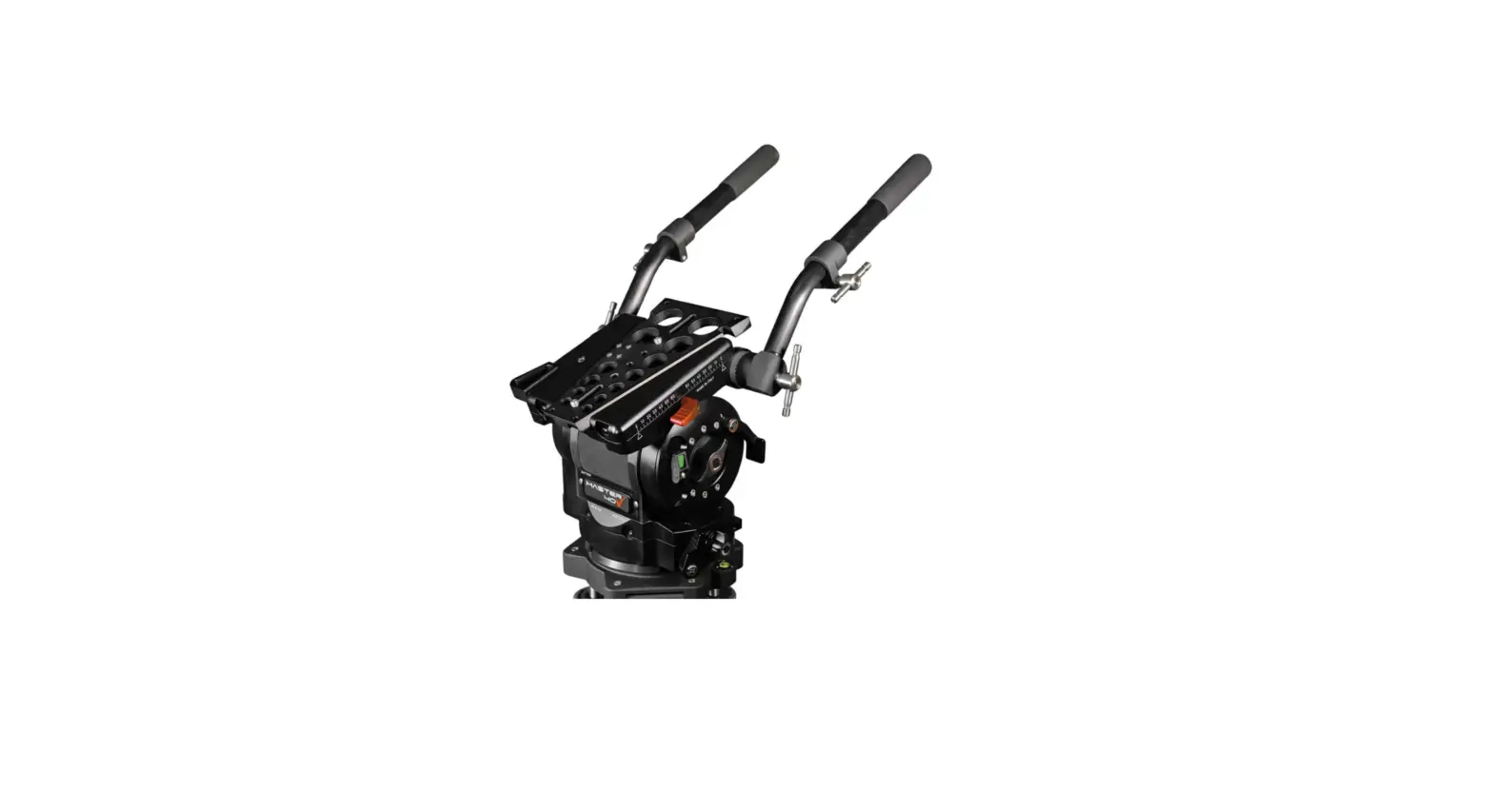
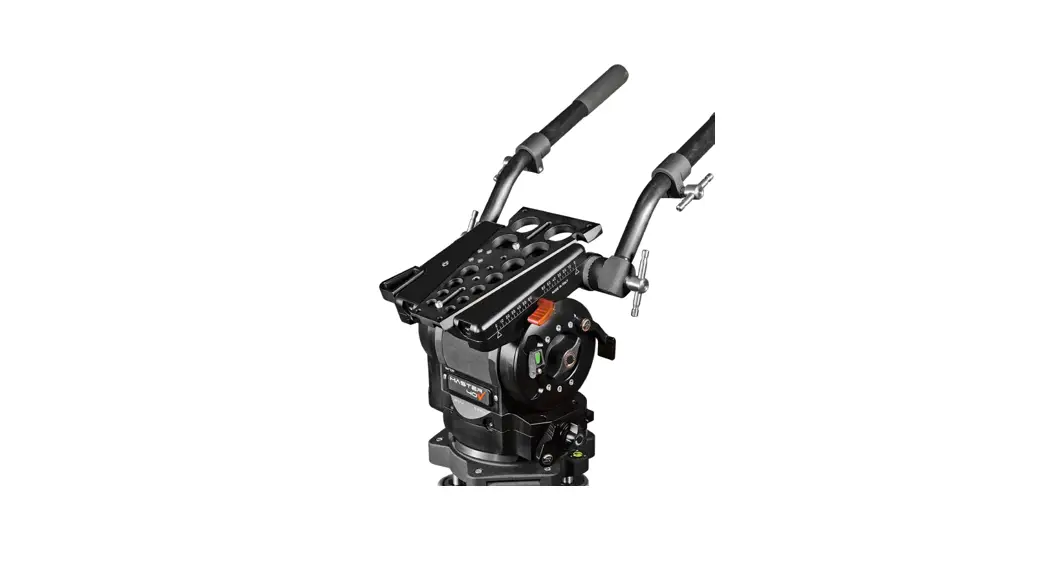
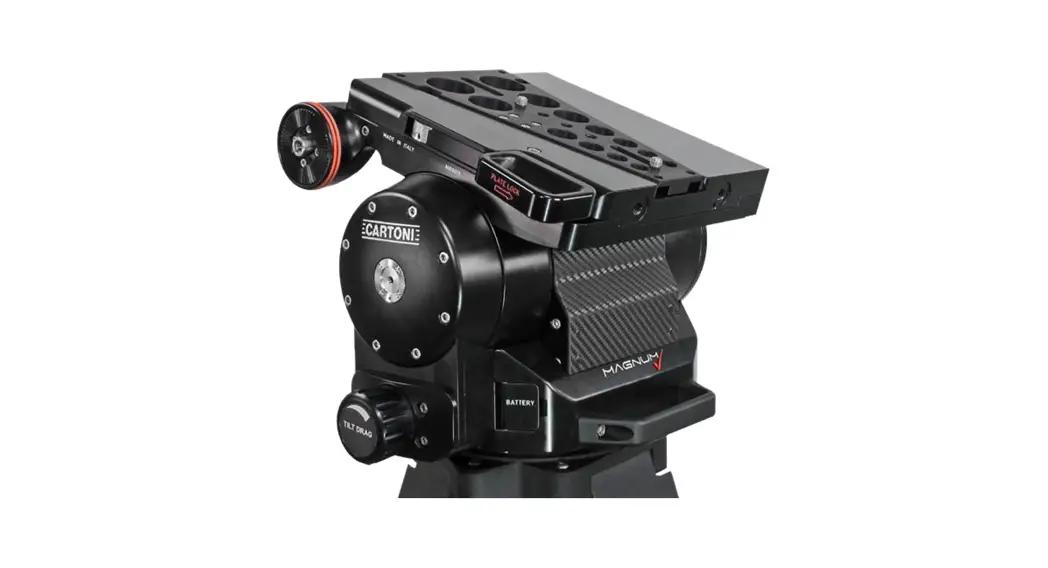
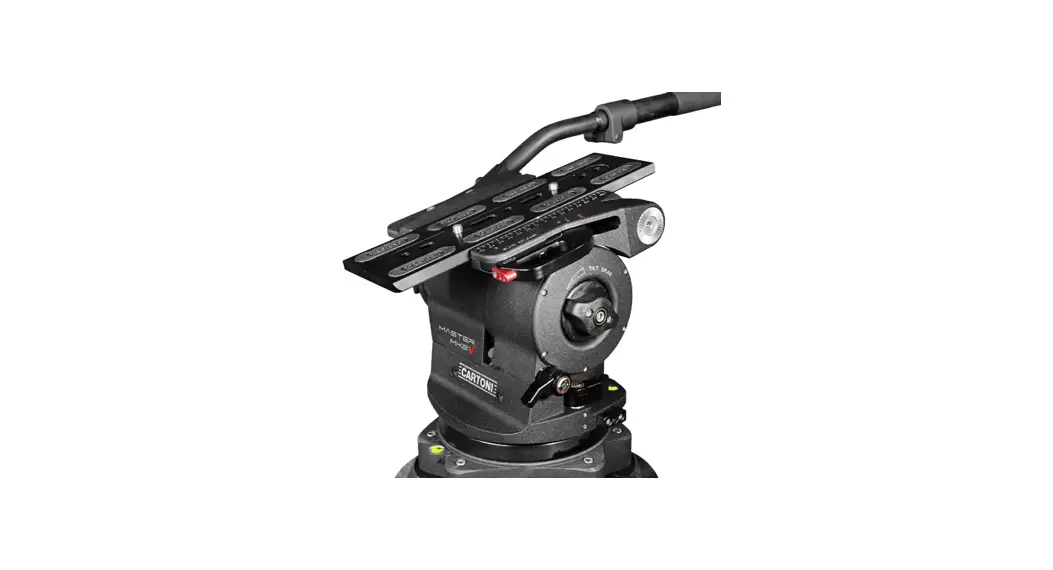
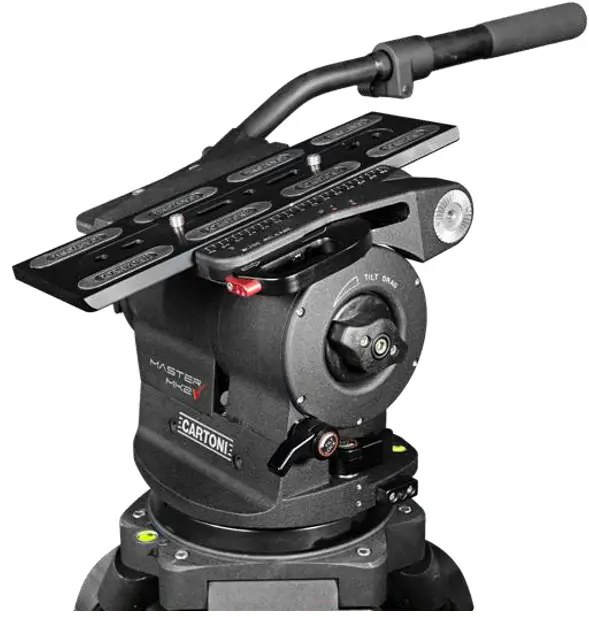
The compact and versatile MASTER MK2 is a CARTONI Fluid Head de-signed for ENG & EFP, Broadcast and Digital Cinematography fully loaded Cameras with all of the trimmings.
The MK2 can counterbalance from small Cameras weighing 3 Kg (6.6 lbs) all the way to 30 Kg (66 lbs).
This new CARTONI counterbalance system is an evolution of the patented CARTONI “Wing” system and allows a perfect performance throughout the +/- 90 tilt range, with perfect stops at any angle.
The frictionless variable fluid modules perform a wide variety of fluid drag for the best smooth and precise movement in any shooting situation.
All operating knobs and levers are conveniently located and easy to reach with a special care for user-friendly ergonomics.
The MASTER MK2 comes equipped with one telescopic pan bar, standard quick release sliding Camera plate, (Euro-Style plate optional) illuminated spirit level and digital readouts for drag and counterbalance settings.
The MK2 has a flat Mitchell standard base and an available 150mm bowl converter to make the MK2 suitable for all leg options and Dollies.
 Before using the MASTER MK2 Fluid Head, please make sure to read this user’s & maintenance manual;Before installing the fluid head on the Tripod check the Tripod stability;Verify that the Camera payload (including lenses and accessories) is lower than the maximum capacity of the MASTER MK2 Fluid Head;Before installing the Camera make sure that the MASTER MK2 is in good conditions and bares no evident damages.
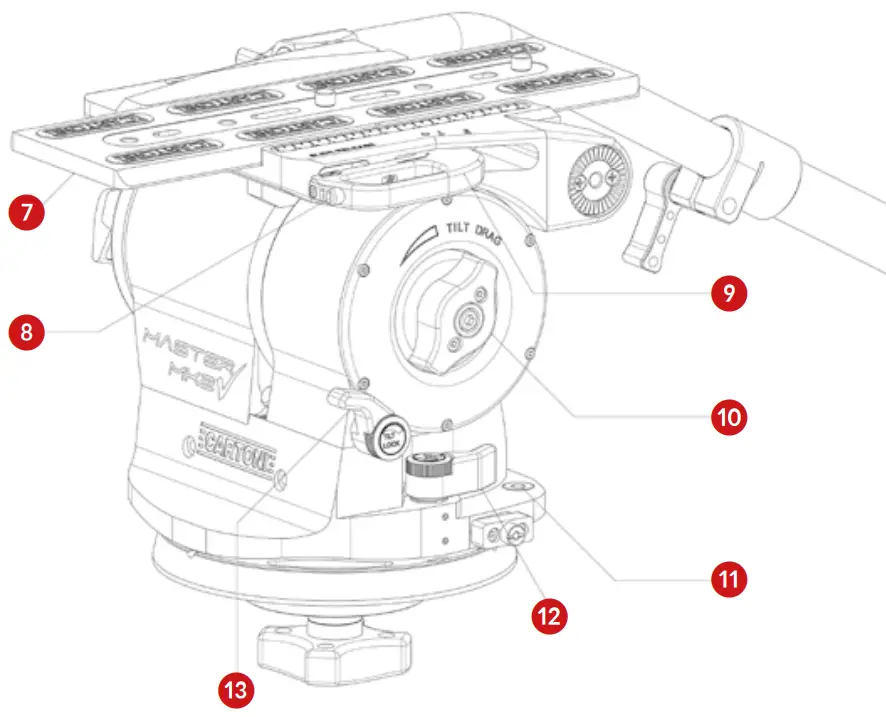
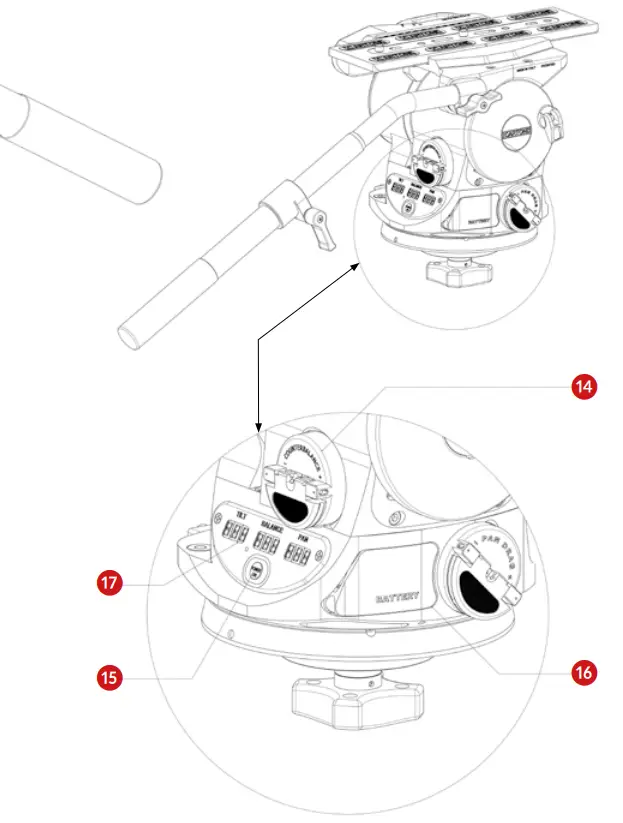
OperatIng elements
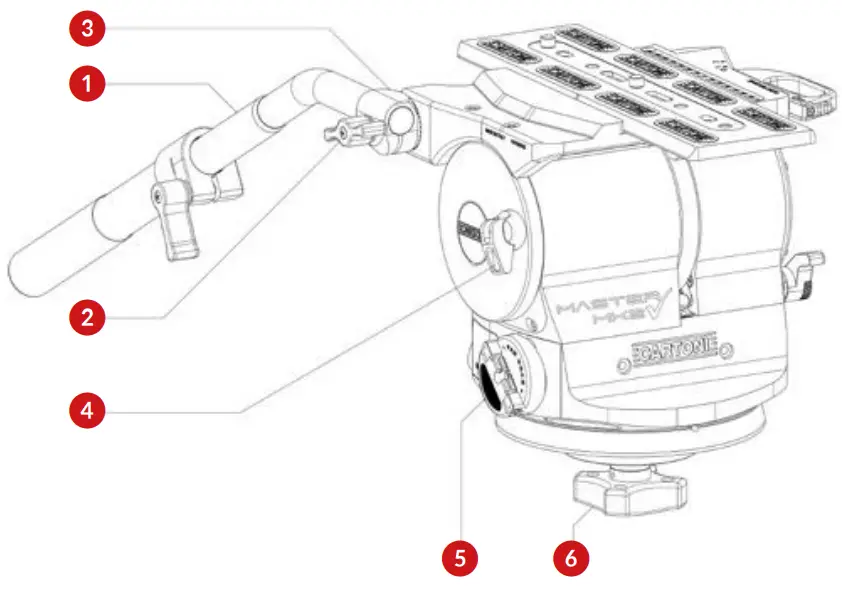
- Pan bar
- Pan bar attachment lever
- Pan bar attachment rosette
- Horizontal lock lever
- Pan drag selector
- Tie-down knob

- Camera plate
- Safety button slide lock lever
- Slide lock lever
- Tilt drag selector
- Illuminated bubble level
- Pan lock lever
- Tilt lock lever
- Counterbalance selector
- Illuminated bubble level and display light button
- Battery housing
- Digital display
Procedures
Open the Tripod to the desired height and lock all safety knobs.Place the MASTER MK2 Fluid Head on the Tripod base and rotate until it matches the steel notch; tighten the Head firmly by screwing in the knob (6) underneath the flat base. Check the illuminated bubble level (11) and modify the legs angle if needed. In case of low visibility, press button (15) for illuminated bubble level and to activate the digital displays. Lights will turn off automatically after approximately 30 seconds.Lock the horizontal position with lever (4) red position, insert pan lock (12) and turn both tilt drag selector (10) and counterbalance selector (14) to position “0”.To release the Camera plate (7) push the red safety button (8) and open the slide lock lever (9) completely till to position 2, then remove the Camera plate.Attach the Camera plate under the Camera assembly and firmly secure it with both screws. Try to place the Camera plate centered under the Camera system, keeping in mind the position of the center of gravity (CG).Place the Camera on the top of the MASTER MK2, leaning sidewards against the left side of the Head (slide lock side), then push the assembly into horizontal position until you feel the click of the slide lock lever (9), which will be in position 1 (atthis point the Camera plate is clamped but still moving fore-and-aft).Holding the pan bar (1) firmly, disengage lever (4) to green position and find the correct center of gravity (CG) by sliding the Camera assembly fore-and-aft. Lock the slide lock lever (9) in position “0”.Set the counterbalance system by turning the counterbalance selector (14) to the appropriate tension. The Camera has to stay still at any tilt angle. If needed, fine tune the balance by adjusting the sliding plate.Push button (15) to activate illuminated digital displays, unlock Pan lock (12) and select the desired Fluid drag intensity on both Pan and Tilt by turning Pan selector (5) and Tilt selector (10).
SpecIfIcatIons
| Minimum payload | 3 Kg | 6.6 lbs |
| Maximum payload | 30 Kg | 66 lbs |
| Weight | 8,5 Kg | 18.7 lbs |
| Bowl diameter | Flat base | |
| Fluid control | Continuous | |
| Counterbalance | Continuous | |
| Pan range | 360° | |
| Tilt range | +/- 90° | |
| Temperature range | -40/+60 °C | -40°/+140°F |
MaIntenance
When needed, with indoor use just clean the Head and Tripod with a soft cloth. Dirt accumulated during storage may be removed using a brush or Air spray.
CARTONI products main mechanisms are sealed as they are also built for professional outdoor use.
However, use under rough conditions they will require special care. Salt water is very corrosive and can cause extreme damages. In attempt to avoid further damage the Fluid Head should be washed off with fresh water at the earliest opportunity and perfectly dried before storage. Sand and dirt are abrasive and should be removed using a semi-stiff
brush or Air spray.
Disconnect illuminated display & bubble level battery during long term storage; for battery replacement access the battery compartment (16).
Warranty
All CARTONI Fluid Heads & Pedestals have a free of charge three (3) year warranty. Register your product at www.cartoni.com within 30 days from date of first purchase/invoice to receive further two (2) year warranty for the unsurpassed free five (5) year warranty.
Tripods, spreaders, dollies and all accessories are guaranteed one (1) year from the date of first purchase/invoice.
CARTONI warrant that the product supplied will – under proper use – be free from defects in workmanship and materials and agrees that it will, at its option, either repair or replace any defective part within duration of warranty from date of first purchase with no labour charge.
This warranty does not apply to any CARTONI product that has been damaged in shipping or handling, abused, misused, operated contrary to instructions for use, neglected, normal wear or tear, modified or changed in design or construction or serviced by unauthorized parties. Repairs or misuse by any unauthorized parties will void this warranty. Warranty claims must be submitted – in writing – to the factory for ver- ification or to an authorized distributor/dealer designated by CARTONI.
It is the end user’s responsibility when ordering to ensure that the prod- ucts ordered conform to his requirements.
All freight of product to CARTONI must be prepaid. All implied warranties are limited to the time period set forth herein & subject to change without notice.
No liability can be accepted for any variation.
AccessorIes & Product LIne
For the complete Accessories list & Product line please visit CARTONI’sofficial website www.cartoni.com.
Every product has an updated list of compatible items sorted by groups, with descriptions and technical data.
CARTONI S.p.A
Via di Portonaccio, 33/B – 00159 Rome (Italy)
Phone +39 06 4382002
Fax +39 06 43588293
Email: [email protected]
www.cartoni.com
 Cartoni | Professional Camera Supports