USER’S MANUAL T7
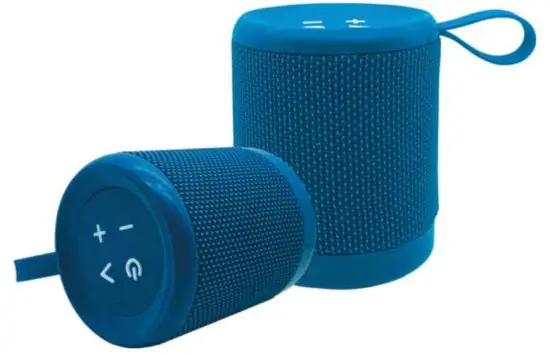
Before using your new product, please read these instructions to prevent any damage.
Safety Instructions
- Avoid dropping.
- Do not disassemble, repair, or modify the speaker.
- Do not use the speaker under the
- Use the speaker in normal
- Use DC 5V charger
- Use original or certified
- High volumes may damage your Use of the speaker at a lower volume.
Specifications
- Bluetooth version: 4.2
- Bluetooth pairing ID: Megatek T7
- Transducer: 1 x 52mm
- Output power: 1 x @W
- Frequency response: 70Hz – 20KHz
- Signal-to-noise ratio: 80dB
- Battery type: Lithium-ion polymer (3.7V 1000mAh)
- Battery charge power: DC 5V / 1A
- Battery charge time: 5 hours @ 5V / 1A
- Music playing time: up to 10 hours (varies by volume level and audio content)
- Dimensions (H x W x D): 9@x7@x7@ (mm)
- Weight: 219g
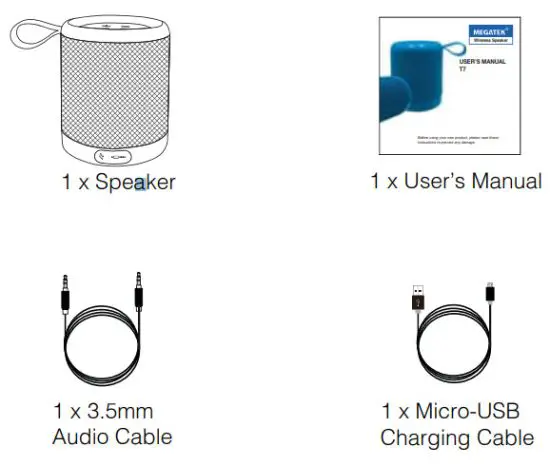
Package Contents
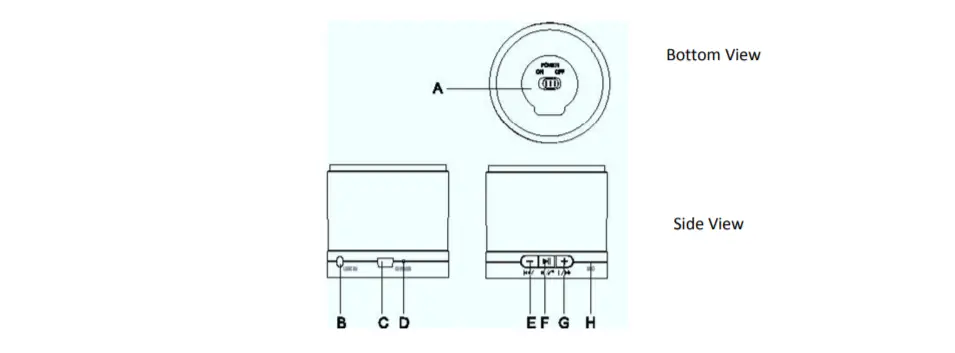
Product Overview
Top View
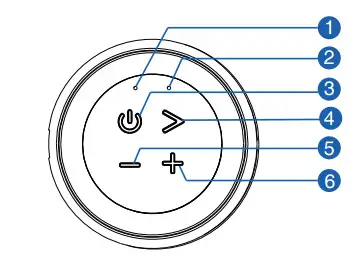
- 1 Battery Indicator – Red: Charging
Off: Fully Charged - Status Indicator – Blue: Bluetooth Mode
Green: Aux-In Mode - Power On/Off
- Play / Pause/Bluetooth
- Volume Down/Previous Track
- Volume Up/Next Track
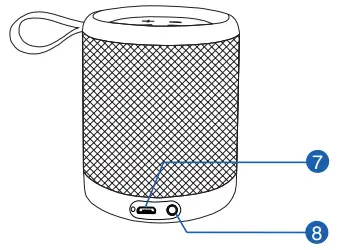
- DC 5V Charging Port
- 3.5 mm Aux Input
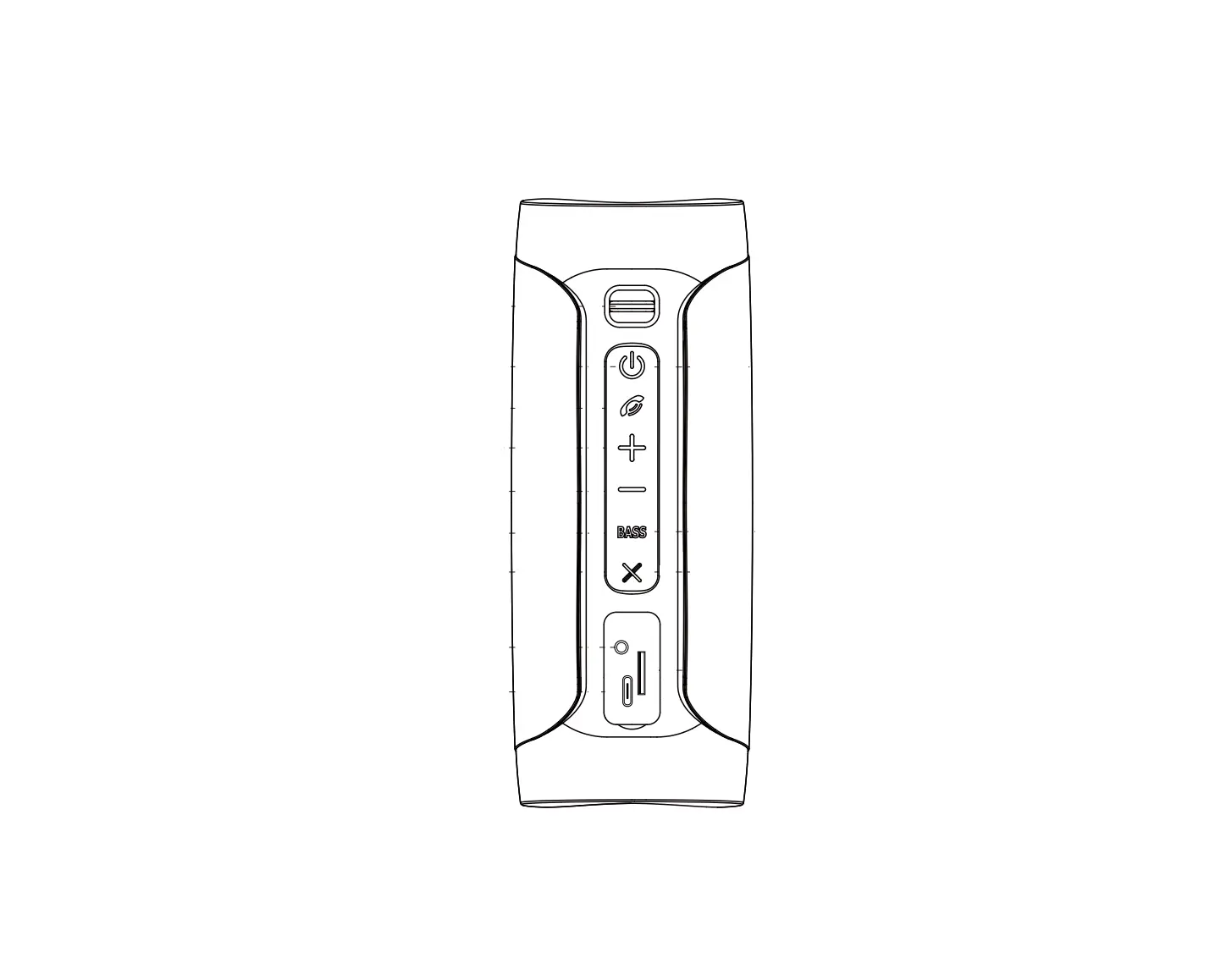
Back View
Using Your Wireless Speaker T7
- Turn on/off
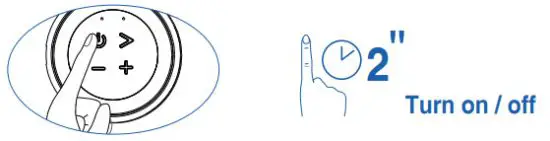
- Bluetooth mode

Flashing blue Bluetooth pairing mode 
Solid blue Pairing to a Bluetooth device True Wireless Stereo Pairing Mode
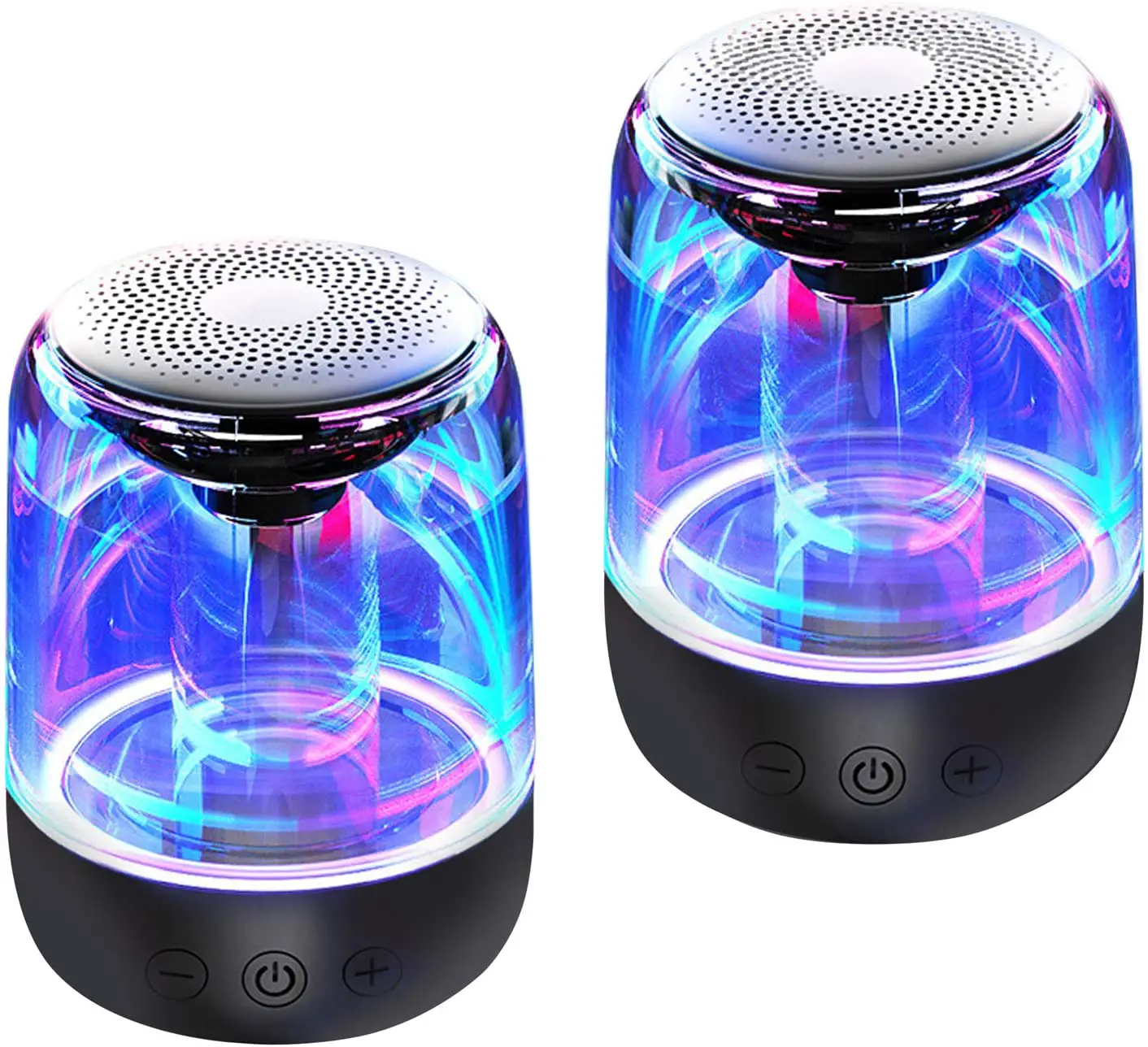
 With the built-in True Wireless Stereo (TWS) technology, A° you can connect your T7 to another T7 and explore the Quest sound effects with the left sound channel (the host T7) and right sound channel (the secondary T7) separated.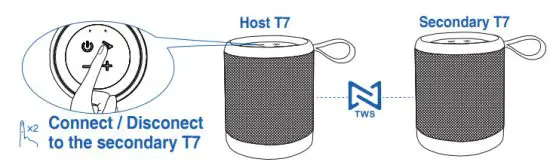
• Status indicator when True Wireless Stereo connected • Host T7:
Flashing blue
• Secondary T7: Steady blue
• Before connecting, make sure the secondary T7 is turned on and not connected to any other device.
• In True Wireless Stereo mode, the connected two speakers will work as one speaker system with only the Bluetooth pairing ID of the host speaker searchable.
• Once connected, the two speakers will connect to each other automatically when both turn on next time. You can • disconnect them anytime by double-pressing the button.
• With True Wireless Stereo connected, operating either of the two speakers will operate the other the same.Controlling Playback
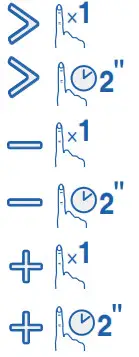
Play/Pause/Answer/End call Disconnect Bluetooth Pairing/Reject call Volume down Skip to the previous track Volume up Skip to the next track • When turned on, Wireless Speaker T7 will automatically connect to the last connected Bluetooth device if available. If not, press button and hold it for 2 seconds to activate Bluetooth pairing mode.
• Have a connection problem? Remove Megatek T7 from your device’s Bluetooth history, and try pairing again. - AUX-In mode
 Solid green
AUX IN mode 
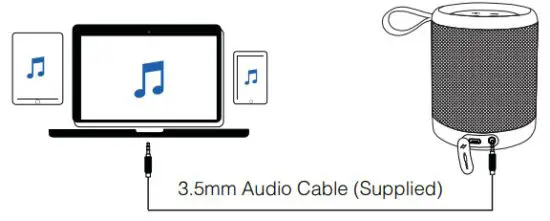
Disable/Enable the audio output • Plugging in an audio cable will automatically switch the speaker to Aux-in mode. When using in Aux mode, control playback via the connected device.
 them anytime by double-pressing the button.
 Solid green
Charge your T7
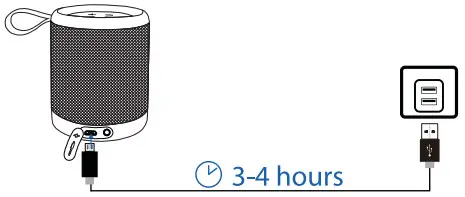
 | Solid red | Charging |
 | Off | Fully charging |
| • Use the supplied USB cable to charge your Megatek T7 and make sure it is fully charged before first use, or when its battery is low. • Disconnect your speaker from the charger when fully charged. Do not charge your speaker for extended periods. , |
Unable to pair with a Bluetooth device
- Check that you are in Bluetooth mode.
- Ensure that you are within range of the Bluetooth speaker for Bluetooth functionality, 10 meters or less (33 feet or less).
- Move the Bluetooth speaker and Bluetooth device away from other Bluetooth devices/electrical equipment.
- If possible, turn off other nearby Bluetooth devices or disable their Bluetooth functionality.
No sound/Sound distortion
- Adjust the volume.
- If you are using a Bluetooth-connected device, check the volume on the secondary device and on your Bluetooth speaker.
- Your Bluetooth speaker may need to be recharged.
12 Months Warranty
Thank you for choosing Megatek. Megatek Electronics warrants your new product to be free from defects in materials and workmanship for a period of twelve (12) months, from the date of receiving. This warranty is in addition to your rights under Amazon’s return and refund policies which apply to your purchase.
Megatek will provide you with your choice of a full refund or exchange (where possible) for this product if it becomes defective within the warranty period. Megatek will bear the reasonable expense of claiming the warranty. This warranty will no longer apply where the defect is a result of alteration, accident, misuse, abuse, or neglect.
Please contact our Customer Service with your order ID and description of the problem, for a warranty claim or any difficulties with your product:
Email: [email protected]
Amazon Buyer-Seller Messages. Go to Your Orders then find your order in the list, click the Megatek Electronics link below the product title, and click the Ask a Question button.
Phone: +86 579-8275-5605
FCC STATEMENT
This equipment has been tested and found to comply with the limits for a Class B digital device, pursuant to part 15 of the FCC
Rules. These limits are designed to provide reasonable protection against harmful interference in a residential installation. This equipment generates, uses and can radiate radio frequency energy and, if not installed and used in accordance with the instructions, may cause harmful interference to radio communications. However, there is no guarantee that interference will not occur in a particular installation. If this equipment does cause harmful interference to radio or television reception which can be determined by turning the equipment off and on the user is encouraged to try to correct the interference by one or more of the following measures:
- Reorient or relocate the receiving antenna.
- Increase the separation between the equipment and receiver.
- Connect the equipment into an outlet on a circuit different from that to which the receiver is connected.
- Consult the seller or an experienced radio/TV technician for help.
Caution: Any changes or modifications to this device not explicitly approved by the manufacturer could void your authority to operate this equipment.
This device complies with part 15 of the FCC Rules.
Operation is subject to the following two conditions:(1) This device may not cause harmful interference, and (2) this device must accept any interference received, including interference that may cause undesired operation.
RF Exposure Information
The device has been evaluated to meet general RF exposure requirements. The device can be used in portable exposure conditions without restriction.
Always there to support you
Get support at: www.megatekelec.com
Question?
Contact Megatek: [email protected]