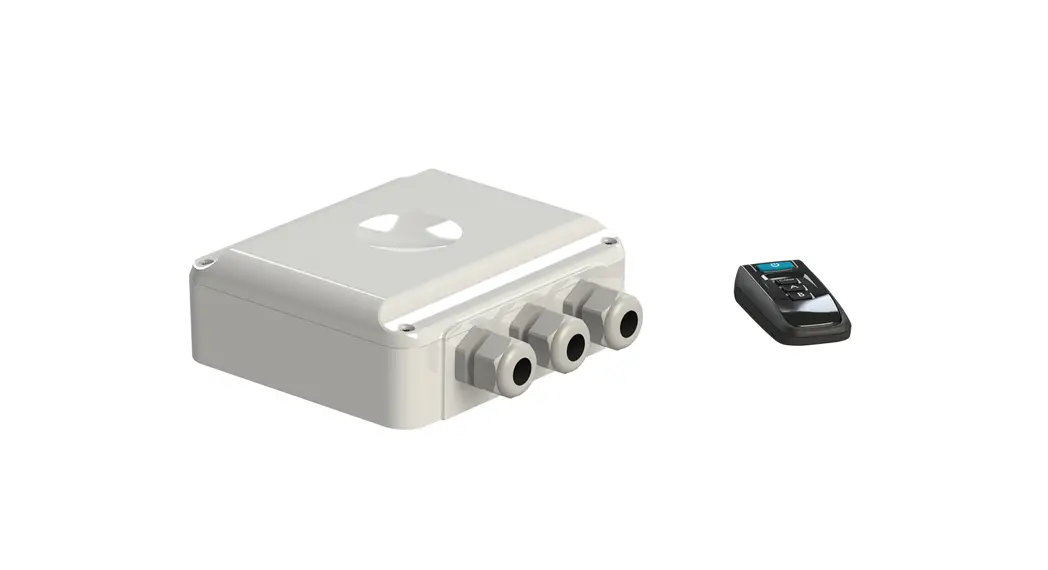
 PL-REM-60 LINK Driver
Instruction Manual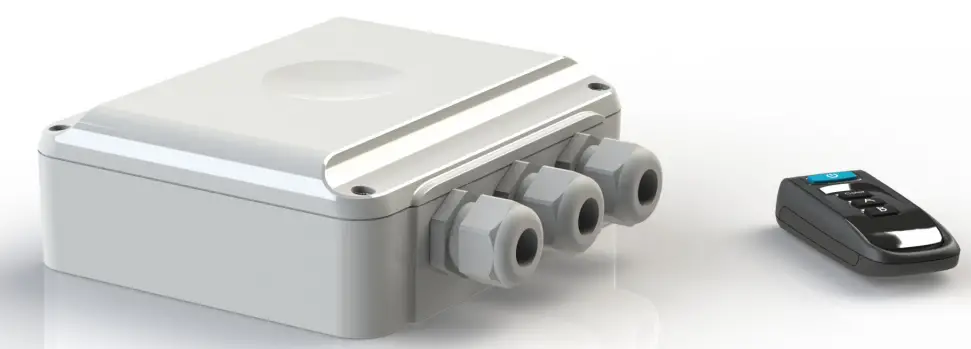 12-09-22
LINK Driver
Technical specifications
Electrical specifications
| Nominal Input voltage | 230 VAC 50 Hz |
| Output voltage on Lamp Output | 12 VAC |
| Max output current on Lamp Output | 5A |
| Transformer VA rating | 60VA |
| Frequency band transmitter | 868 MHz |
| IEC Protection Class | Class II  |
General specifications Controller
| Ambient air temperature | 0°C … +40°C |
| Humidity | 10% … 90% RH non condensing |
| Dimensions | 150x157x51 mm |
| Weight | 1,3 kg |
| Ingress Protection Rate | IP54 |
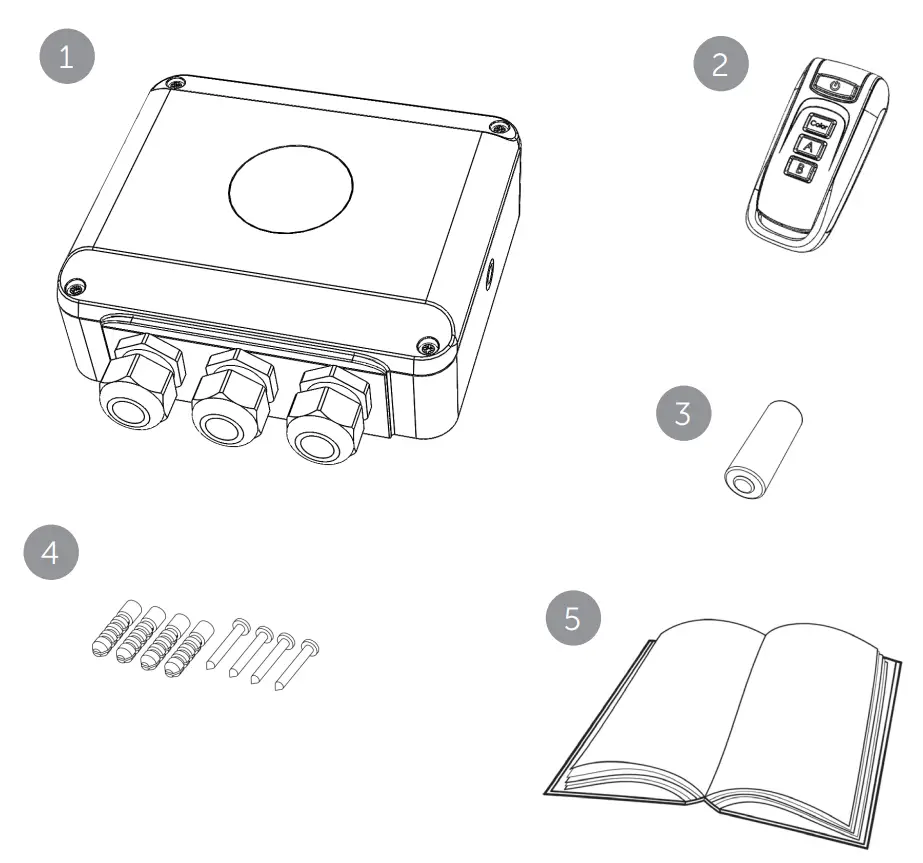
Box contents
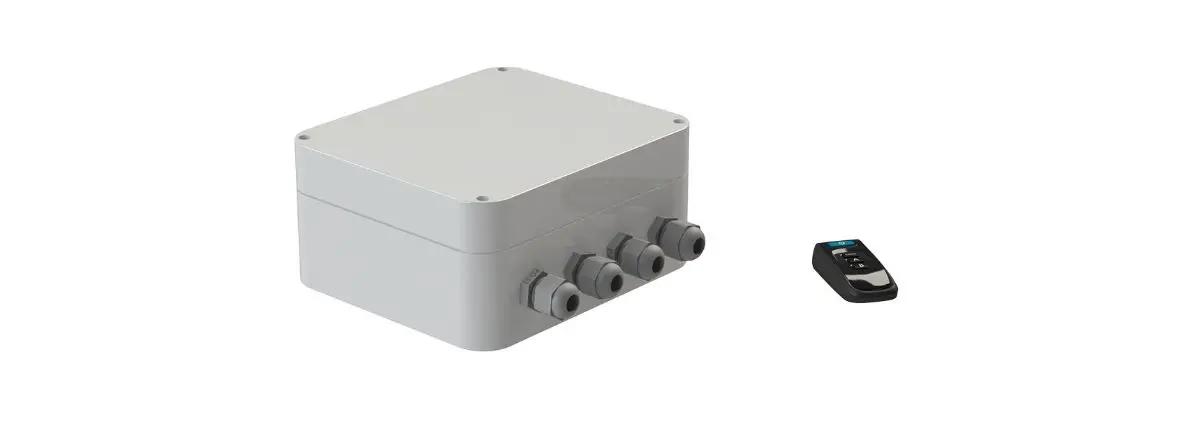
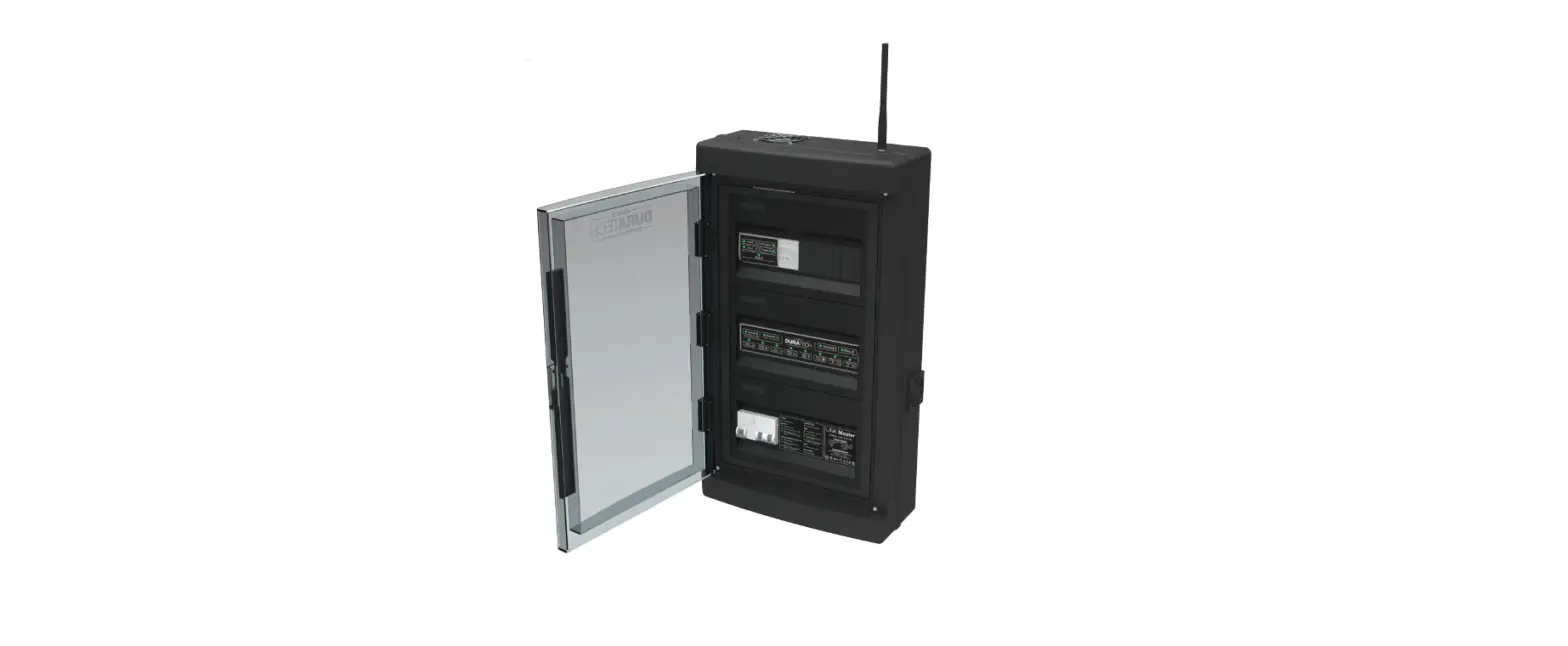
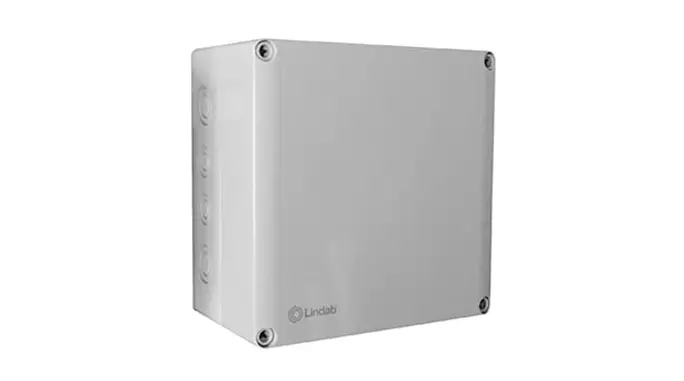
- PL-REM-60 controller
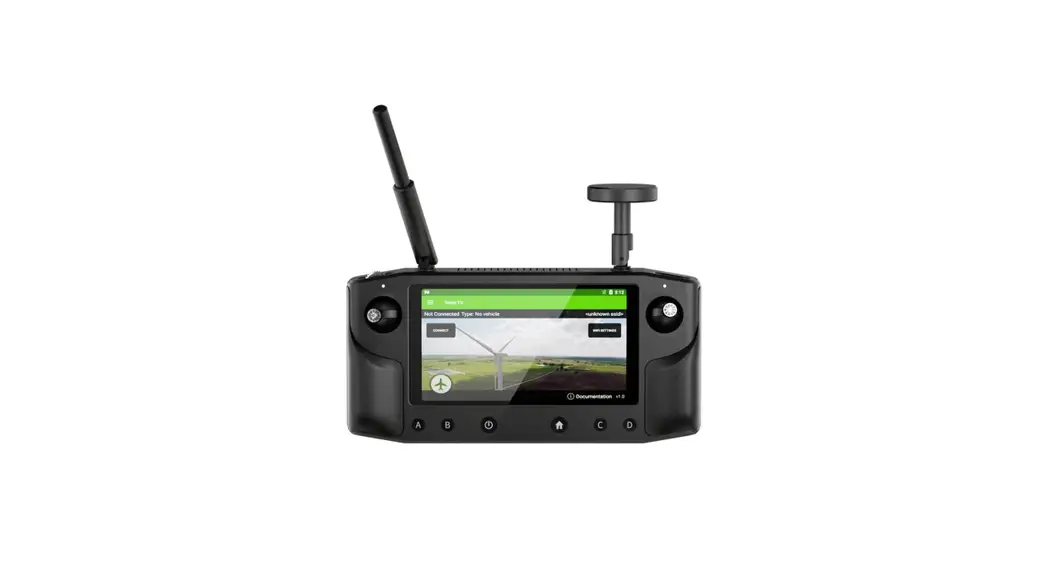
- Handheld transmitter
- Spare battery
- Screws (4x) & wall plugs (4x)
- Owner’s Manual
Installation instructions
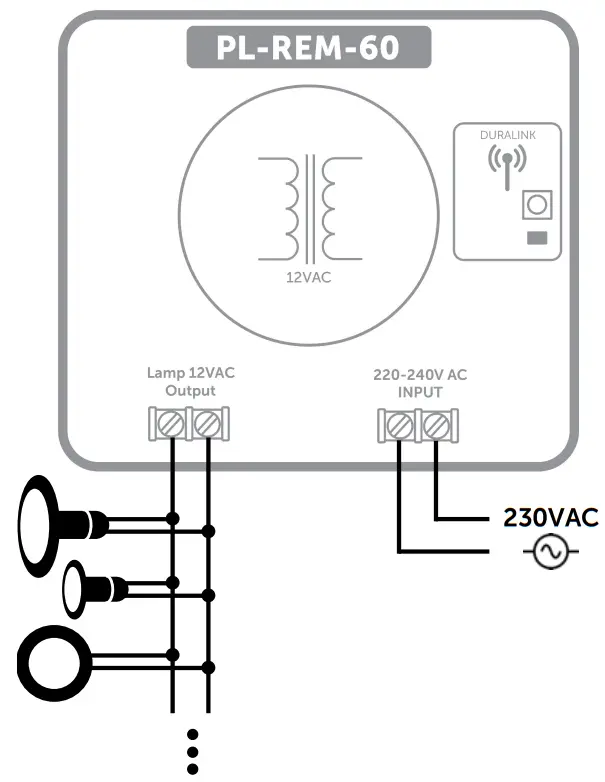
- Connect a 230VAC power source to the “220-240VAC INPUT” terminal.
- Connect the swimming pool lights to the “Lamp 12VAC output” terminal
 Make sure the total load of pool lights does not exceed 60Watt
Pairing handheld transmitter & controller
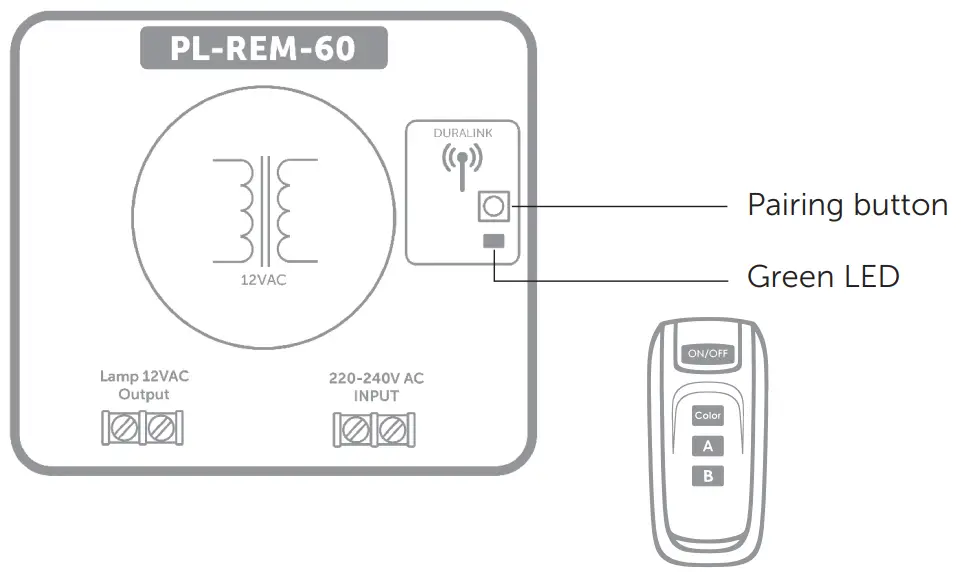
The handheld transmitter is already paired in the factory and ready to use. The PL-REM-60 can pair with up to 6 handheld transmitters. In case a problem arises, the pairing process can be done manually:
Manual Pairing process:
Make sure the PL-REM-60 is connected to a power source.
- Press the pairing button on the small circuit board, inside the controller for at least 5 seconds.
–> The LED will start to blink fast - Within 25 seconds, press any button on the handheld transmitter.
–> If the transmitter is paired correctly, the LED will flash slowly for 5 times
–> If the PL-REM-60 pairing memory is full, the LED will flash 15 times.
This means 6 handheld devices have already been paired.
To unpair all handheld transmitters with the controller: Push the pairing button for at least 5 seconds, then do nothing for at least 25 seconds.
–> The pair memory will be erased – the green LED will flash 5x on/off.
If no transmitters are paired, the PL-REM-200 will accept messages from any transmitter!
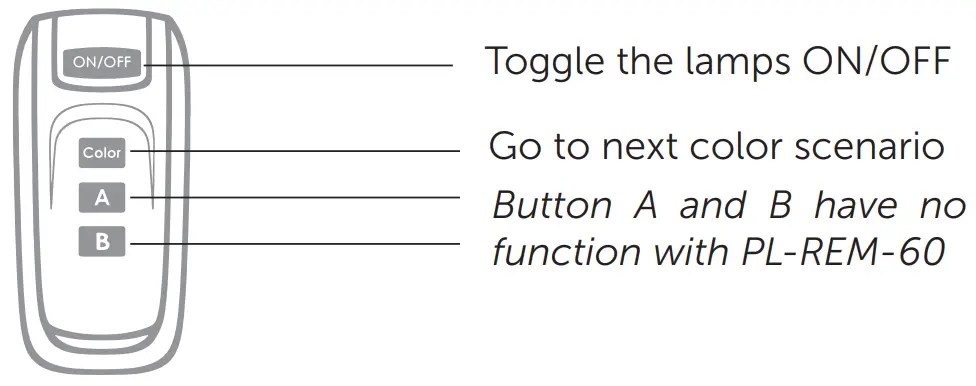
Handheld transmitter functions
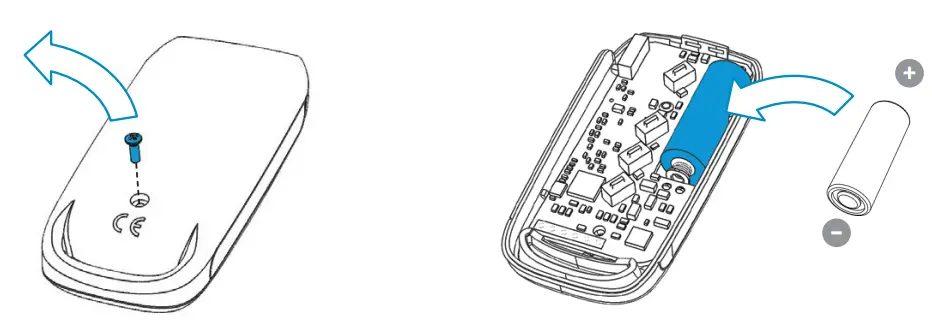
Replacing transmitter battery
- Remove the philips head screw and open the transmitter
- Replace the battery, respecting the polarity
Battery type: A23 12V
Troubleshooting
| PROBLEM | SOLUTION |
| The controller doesn’t react to transmitter commands | • Check the battery of the hand- held transmitter • The transmitter is not paired correctly with the controller. Repeat the pairing process • Reduce the distance between handheld transmitter and PLREM-60 and/or eliminate obstacles |
| The pool lights don’t work | • Check the red status LED • Check if there is 12VAC output at the terminals of the controller |
Declaraction of Conformity
Declarations of conformity covering this product are available for download from the House of Eurotech website: www.duratech.be
Contact details
Propulsion Systems bv
Doormen 72
1785 Merchet, Belgium
Tel +32 2 461 02 53
www.duratech.be
[email protected] http://www.propulsionsystems.be
DURALIK
402-0081-2
We reserve the rights to change all or part of the contents of this document without prior notice
 Duratech | Home