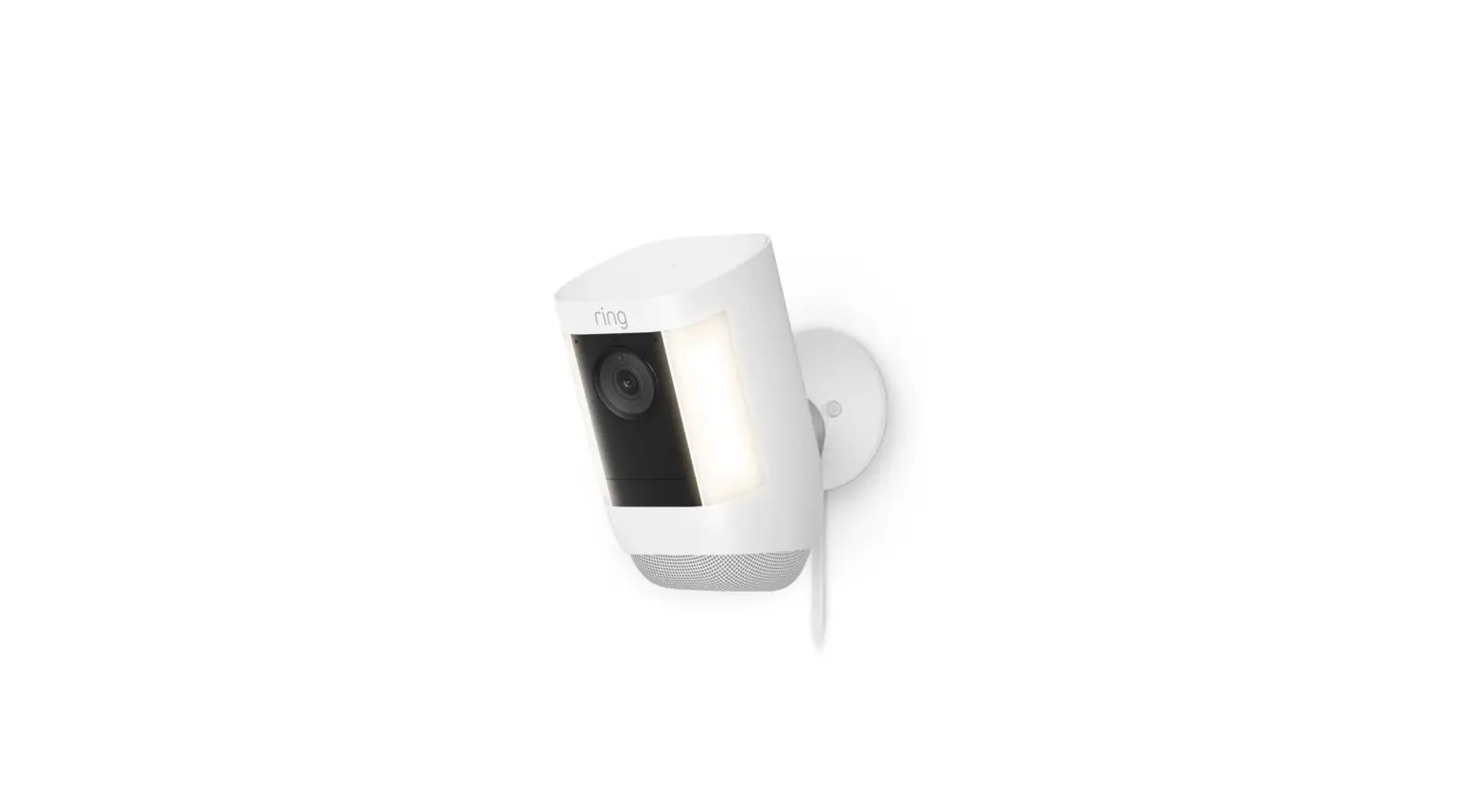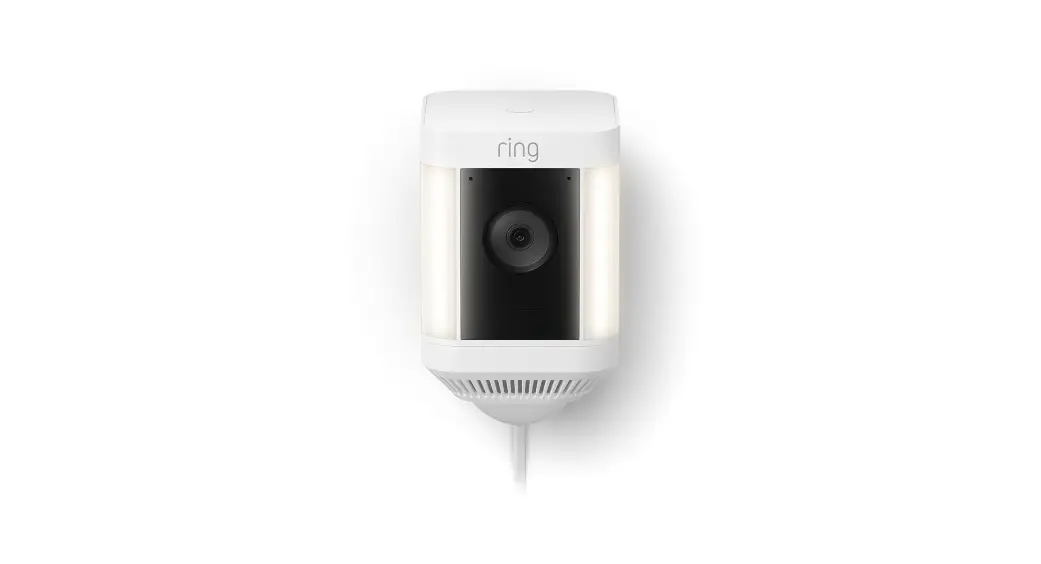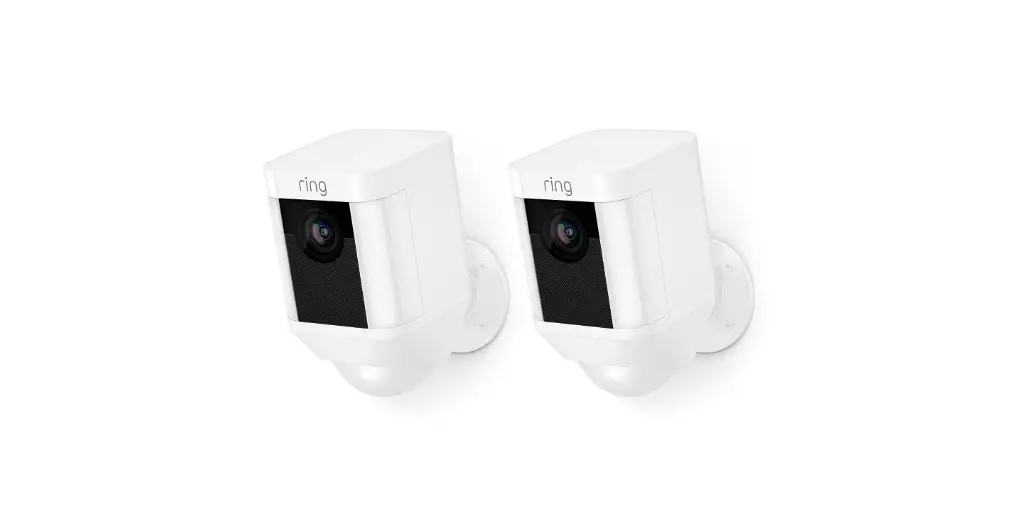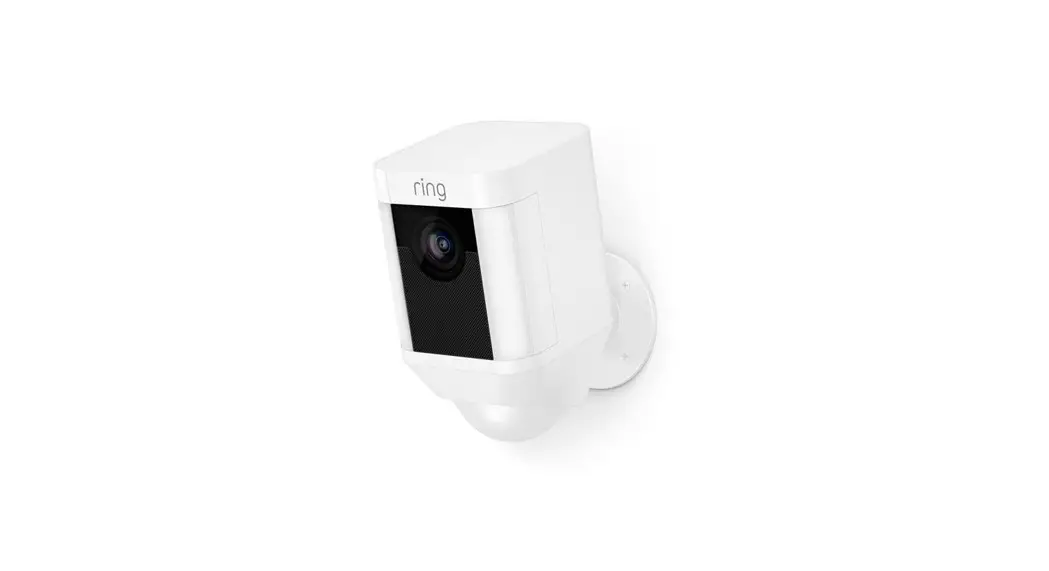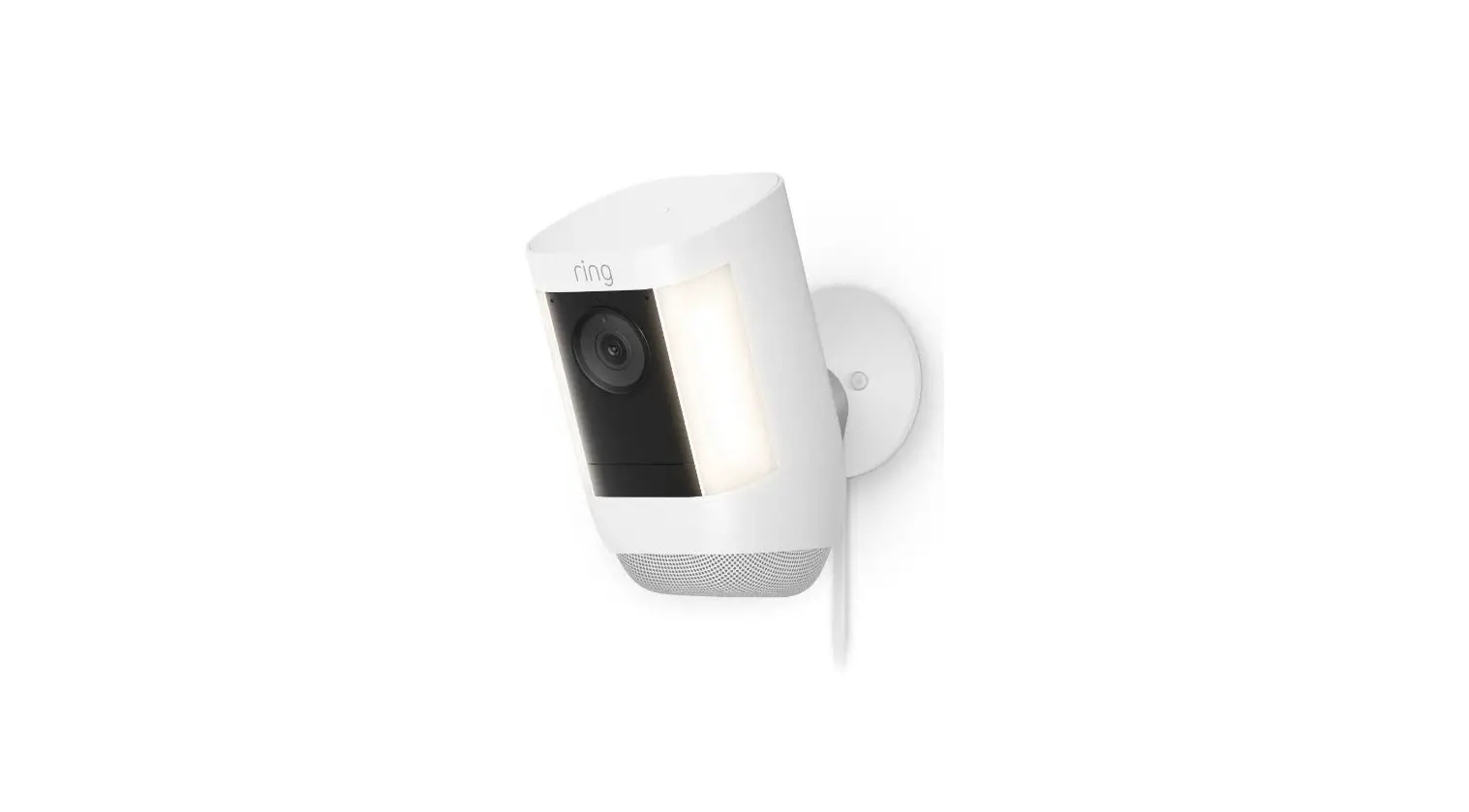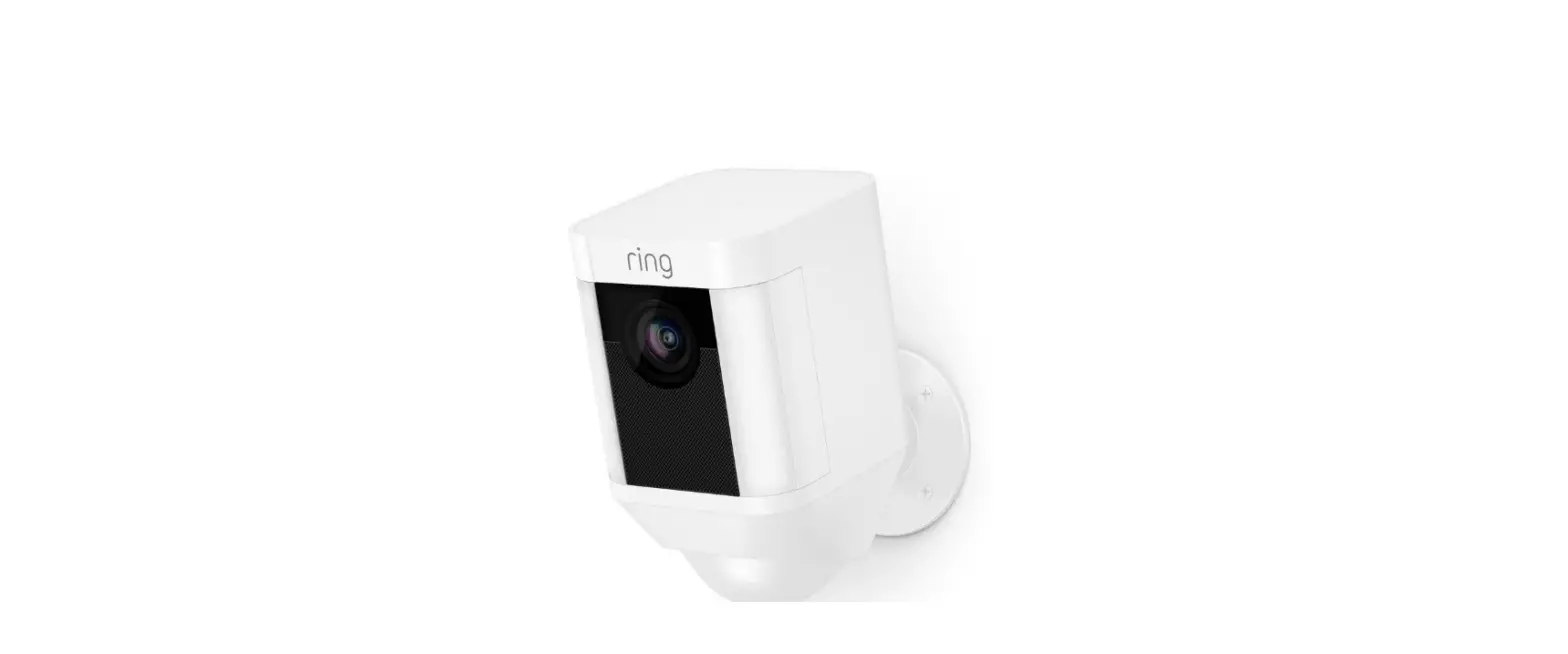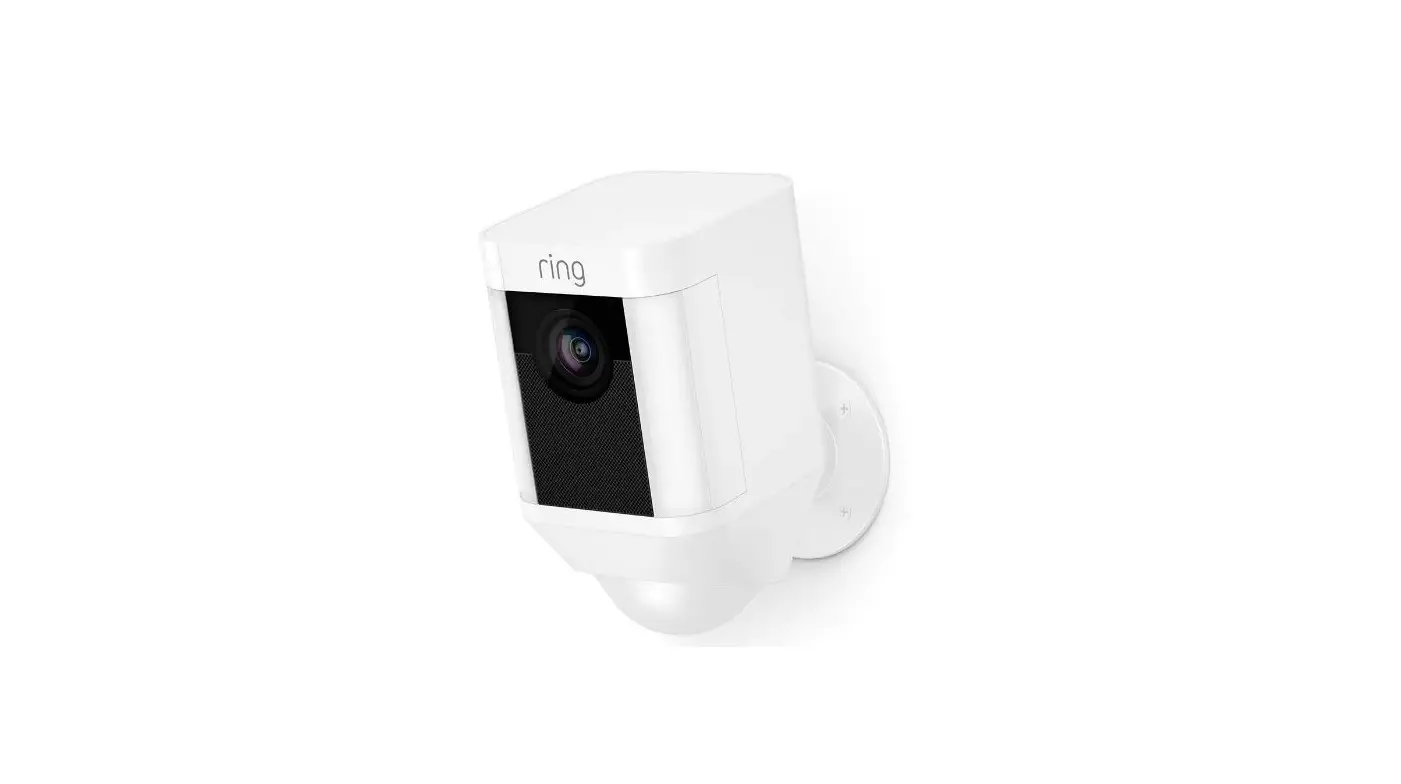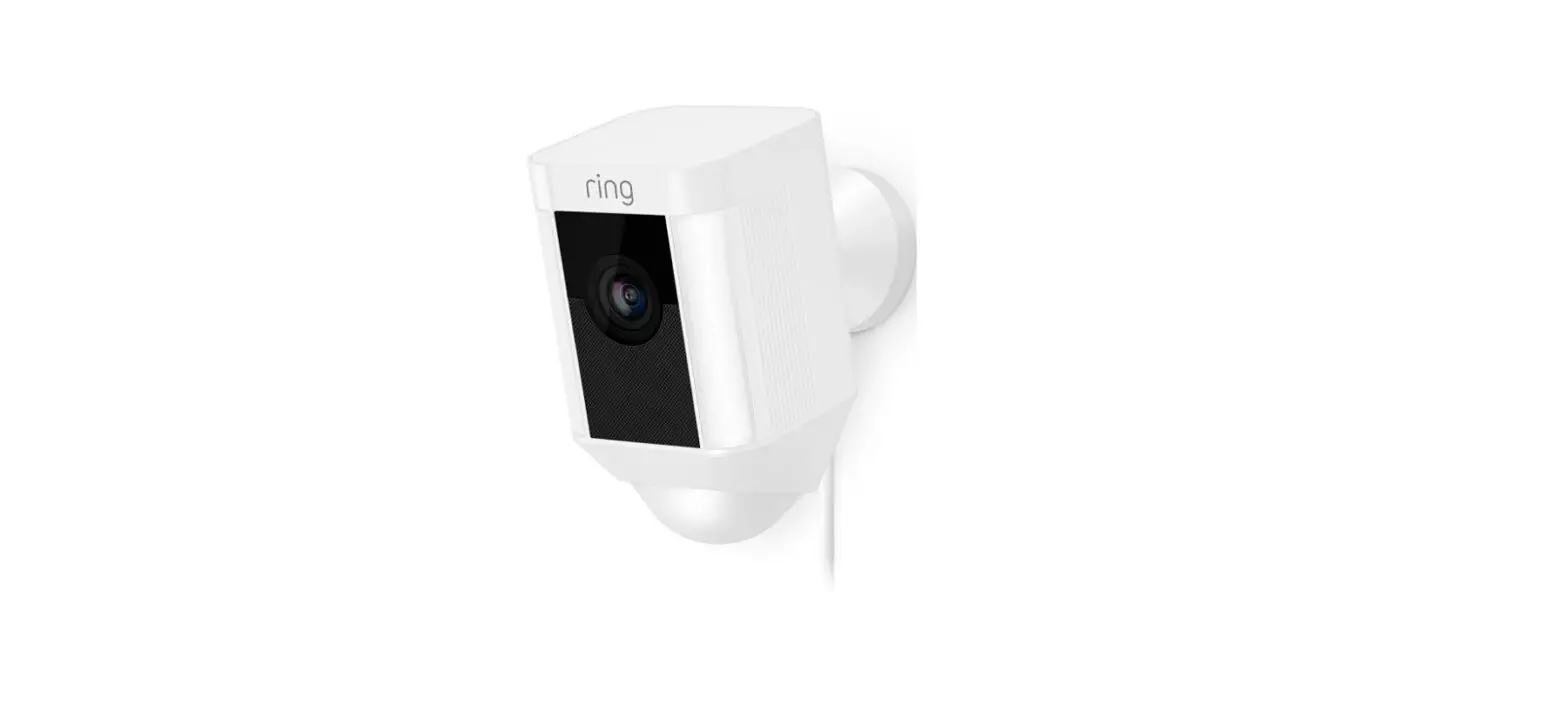
![Ring Spotlight Cam Wired-logo]](data:image/svg+xml,%3Csvg%20xmlns=%22http://www.w3.org/2000/svg%22%20width=%22108%22%20height=%2273%22%3E%3C/svg%3E) Ring Spotlight Cam Wired
Ring Spotlight Cam Wired
![Ring Spotlight Cam Wired-logo]](https://static-data1.manualsee.com/1/img/32/5946711/2022/12/Ring-Spotlight-Cam-Wired-logo.jpg)
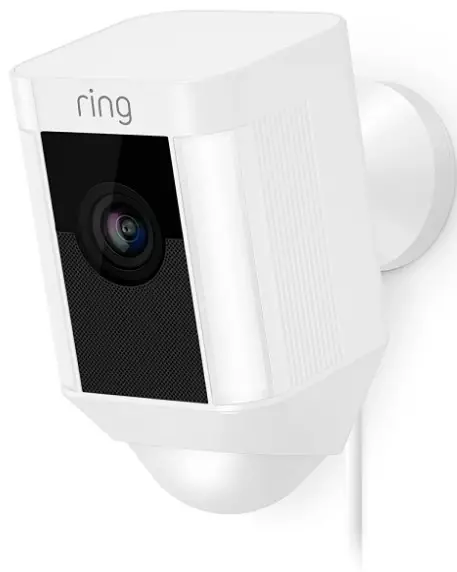
IMPORTANT PRODUCT INFORMATION
Use Responsibly. Read all instructions and safety information before use.
SAFETY INFORMATION: FAILURE TO FOLLOW THESE SAFETY INSTRUCTIONS COULD RESULT IN FIRE, ELECTRIC SHOCK, OR OTHER INJURY OR DAMAGE.
Small parts contained in the Spotlight Cam Hardwire Kit may present a choking hazard to small children. Keep small parts away from children.
Terms of Service and Warranty
Use of the product is subject to your registration with Ring and your agreement with the Terms of Service found at www.ring.com/terms.
To review your warranty coverage, please refer to the enclosure inside this box or visit www.ring.com/warranty.
RECYCLING YOUR DEVICE PROPERLY
In some areas, the disposal of certain electronic devices is regulated. Make sure you dispose of, or recycle, your device in accordance with your local laws and regulations. For information about recycling your device, go to www.amazon.com/devicesupport.
WARNING: Risk of electrical shock.
Disconnect power at the fuse or circuit breaker before installing.
Verify that the supply voltage is correct. Connect the fixture to a 100 VAC~240 VAC 50/60 Hz power source.
Always follow electrical code standards when installing wired connections.
If you are outside of North America, installation and wiring must be performed by a licensed electrician.
CAUTION: Risk of fire.
Do not install near combustible or flammable surfaces.
NOTICE
Do not connect this light fixture to a dimmer switch or timer.
Must be installed on a UL-listed weatherproof electrical box.
What’s in the box?
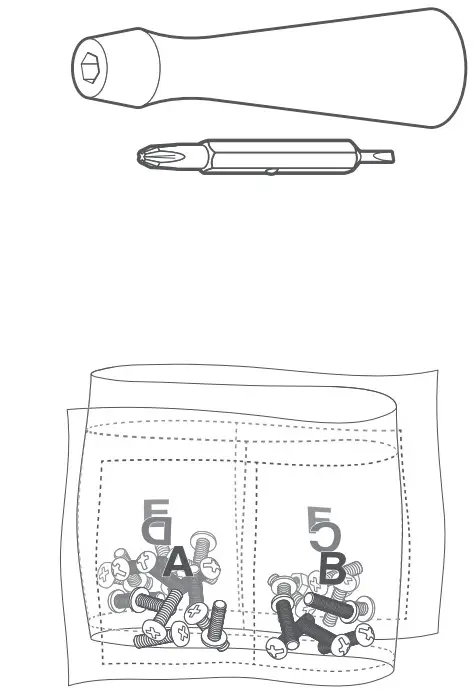
- Screwdriver & Phillips Bit
Use to install the box cover and tighten the security screw.
- Bag o’ Screws & Washers
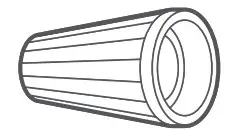
Use four screws when mounting to a round electrical box, or two when mounting to a rectangular box. - Wire Nuts
Use to secure and protect wire connections.
- Hanging Hook
Use to hold the weatherproof box cover in position as you install.
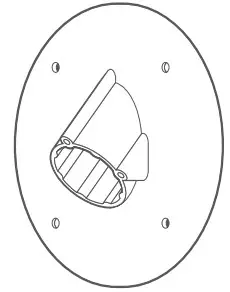
- Round Weatherproof Box Cover
Use to mount your Spotlight Cam on a round weatherproof electrical box.
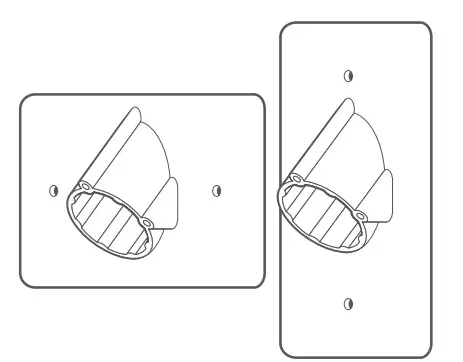
- Rectangular Weatherproof Box
Covers (Vertical & Horizontal) Use to mount your Spotlight Cam on a 1-gang rectangular weatherproof electrical box.
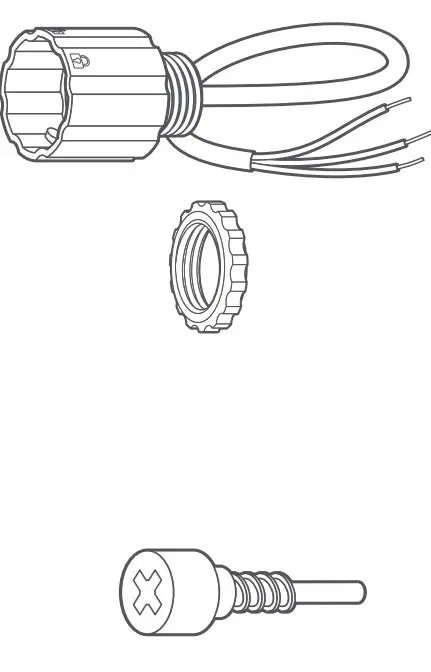
- Wiring Harness and Mounting Nut
Use to attach your Spotlight Cam to your chosen weatherproof box cover, and connect it to your household wiring.
- Security Screw
Use to secure your Spotlight Cam to the box cover.

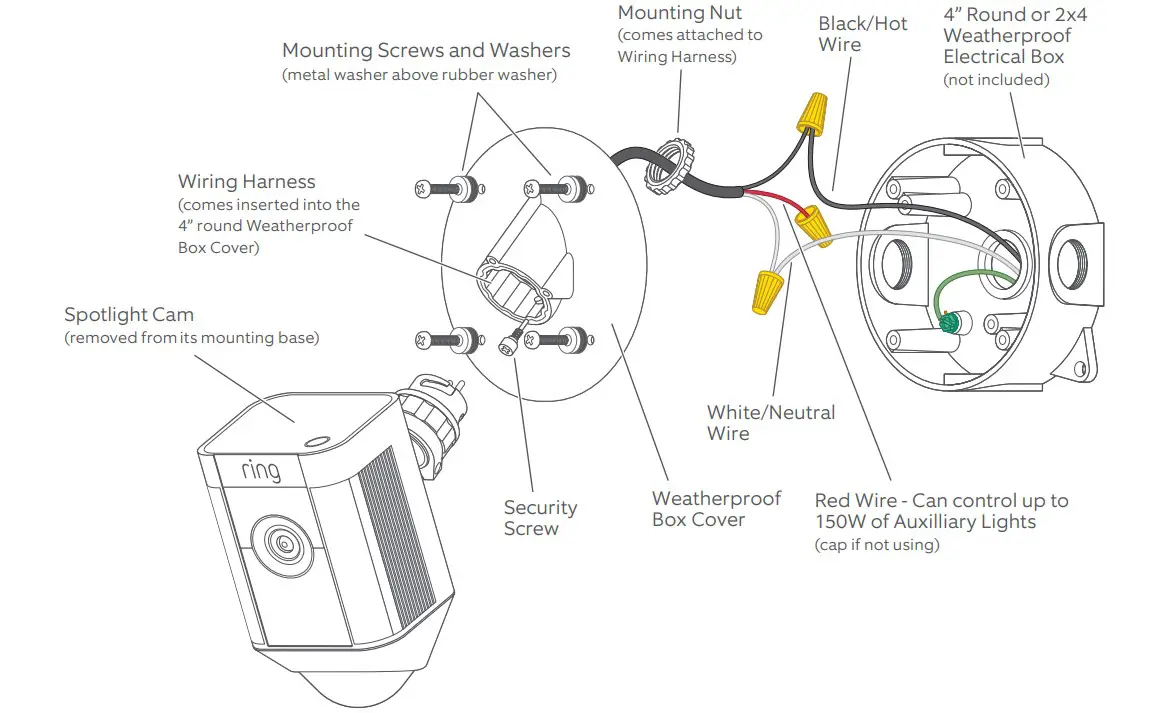
How it all fits together… 
Remove your Spotlight Cam from its base.
While holding the mounting base, turn Spotlight C am to the left to disengage it , and set the camer a aside for now.
Mounting Styles: Wall
When mounting to a vertical wall, you’ll usually want the mounting port to face downwards.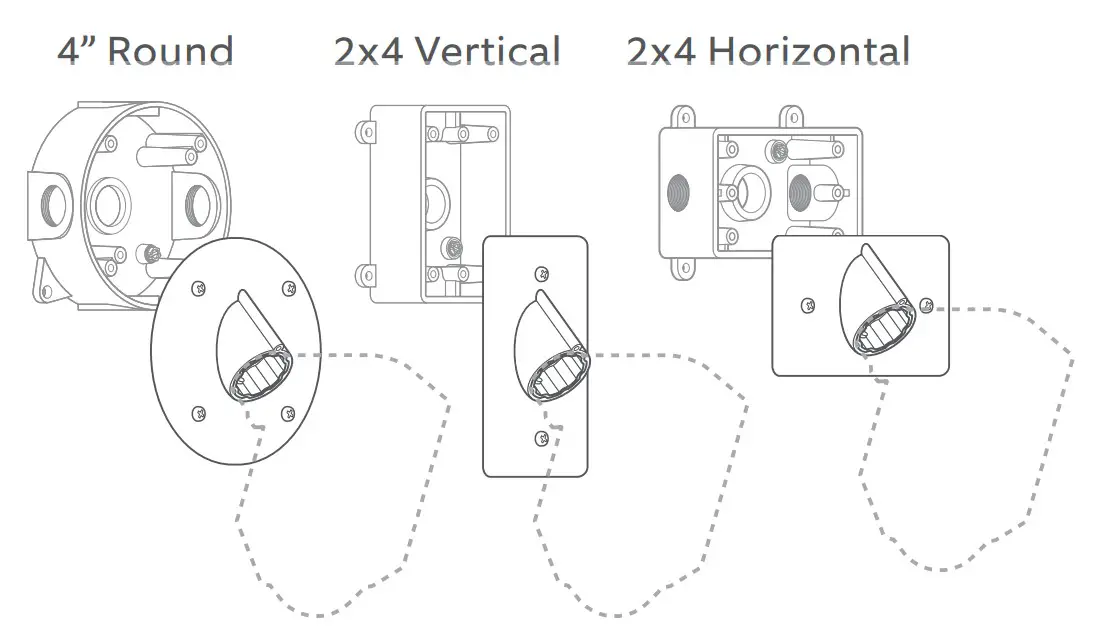
Mounting Styles: Ceiling
If mounting to a horiz ontal surface, face the port in the direction you want the camera to see.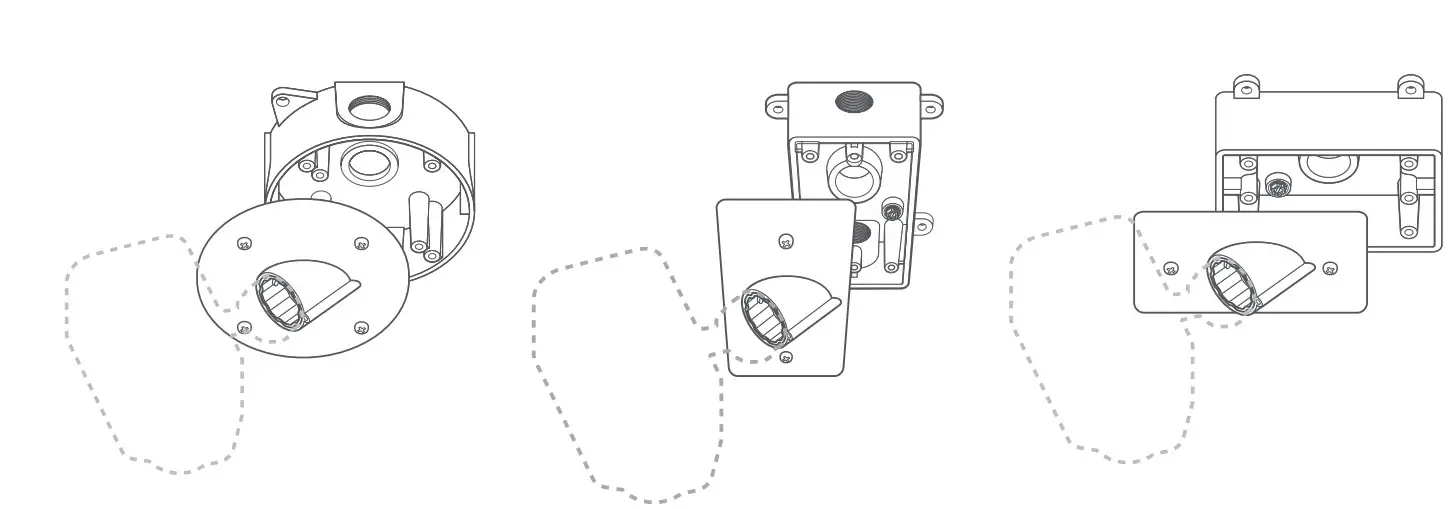
Installation Height and Motion Detection
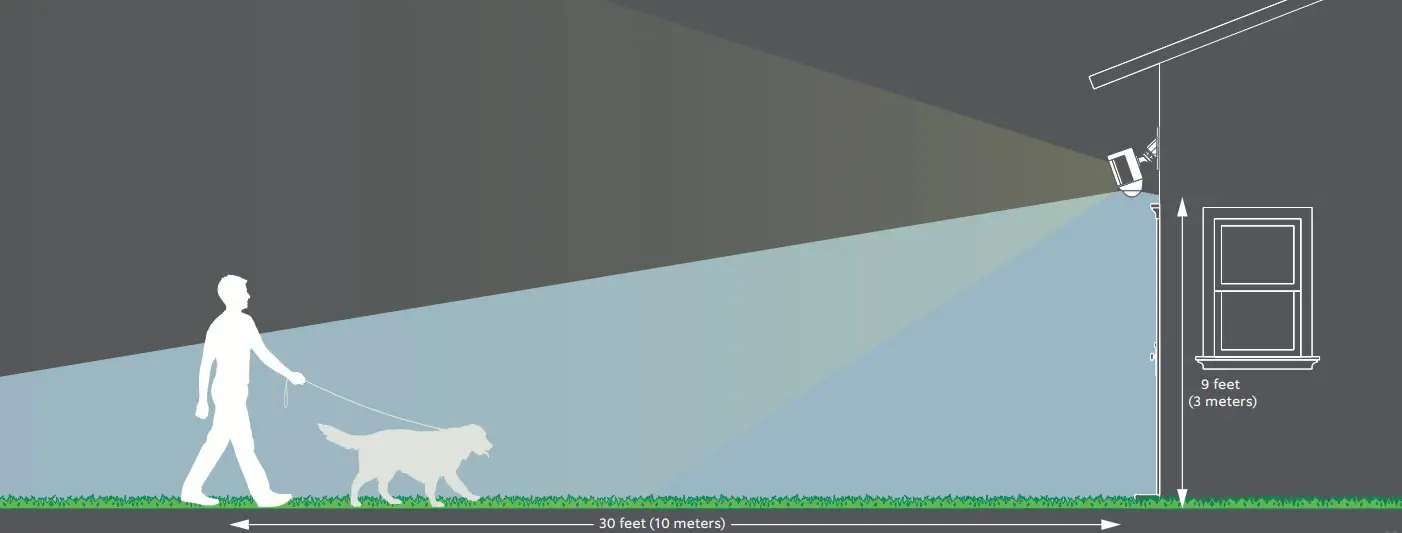
When mounted at the recommended height (9 feet up , with the motion sensor, parallel to the ground), your Spotlight Cam is optimized to detect human-sized objects at up to 30 feet.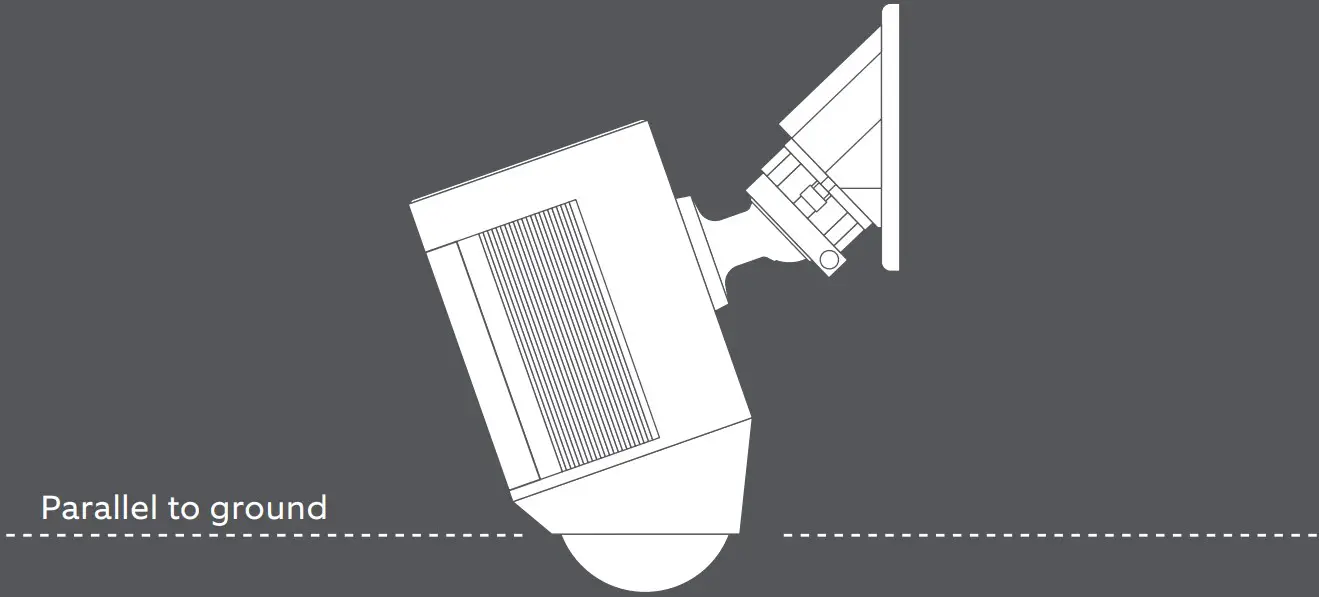
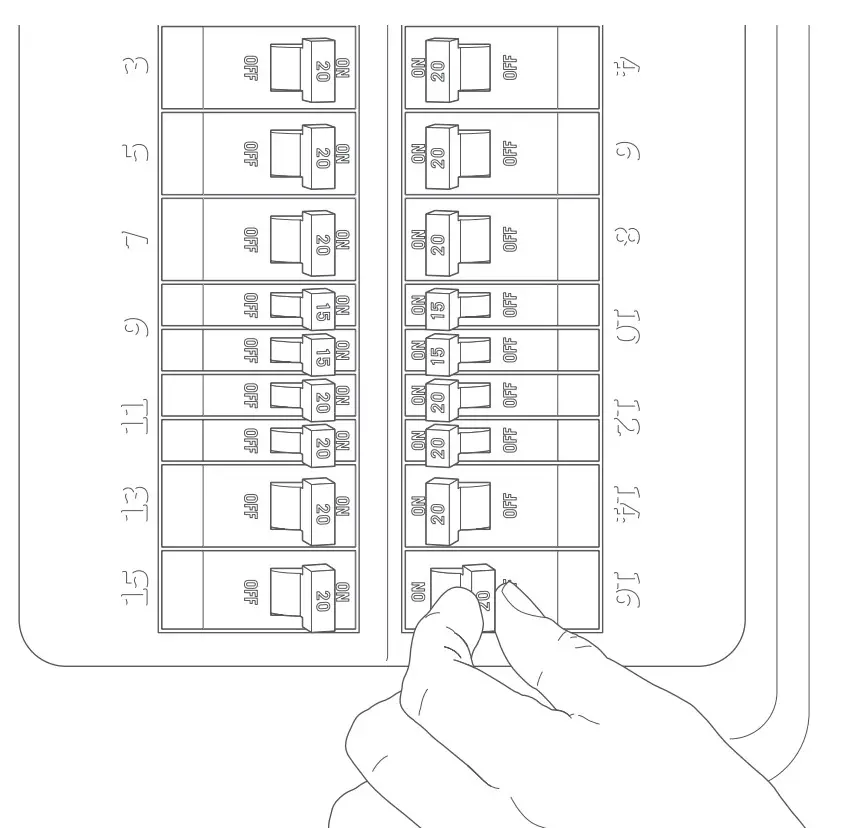
Shut power off at the breaker.
If you don’t know where your breaker is or ho w to turn off power to your electrical box, consult with a licensed electrician.
Remove your existing light or camera. (if applicable)
With power off at the breaker, remove your existing floodlight or camera from the electrical box and disconnect the wires. If there is a bracket attached to your electrical box, remove that as well.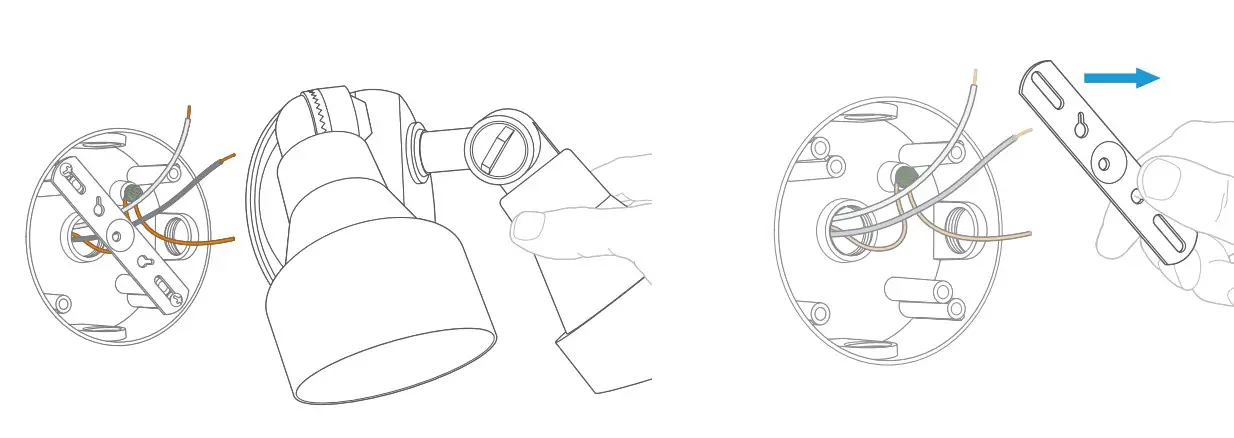
Hang the box cover.
Inspect the box to make sure water can’t get in . Then use the included hanging hook to hold the weatherproof box cover in place as you wire it in.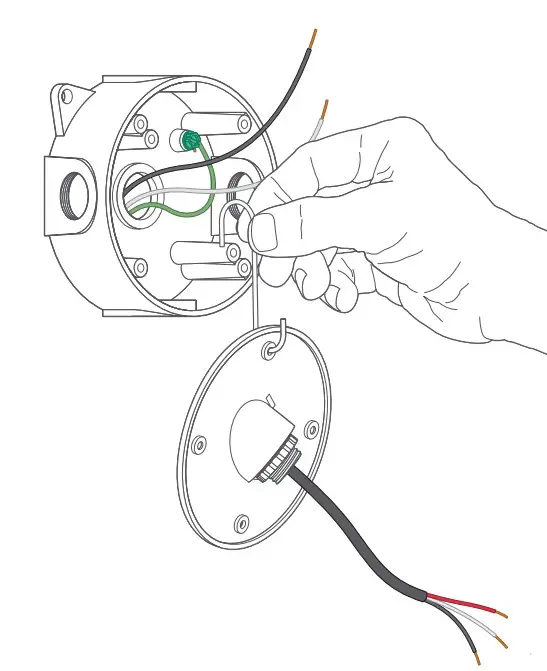
Connect the power wires.
Connect the black and white wires on the wiring harness to
the black (hot) and white (neutral) wires coming out of your electrical box.
Use the included wire nuts to secure and protect the connections.
The red wire is optional, and should only be connected if you wish to control other lights w ith your Spotlight Cam.
If you don’t have clearly colored black and white wires coming out of your electrical box, consult with a licensed electrician.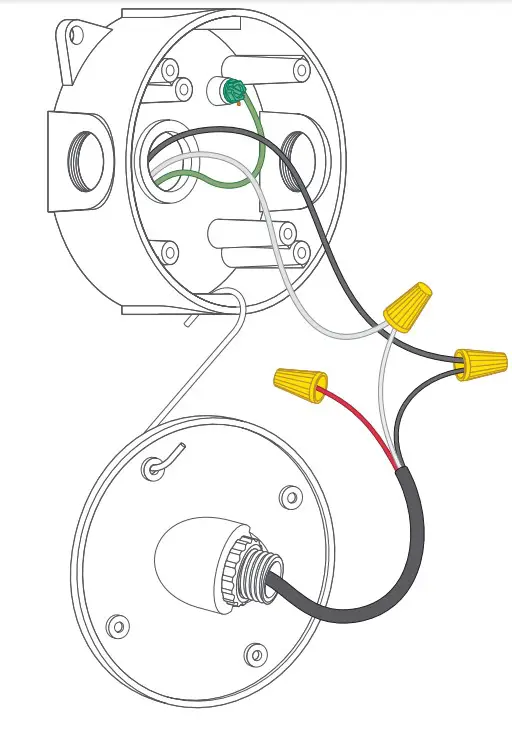
Auxiliary Light Control
Your Spotlight Cam has an advanced motion detection system. If you’d like other lights (such as floodlights) to be triggered by the motion detector in y our Spotlight Cam, wire them according to this diagram. Your connected lights also turn on when you manually enable your Spotlight Cam lights in the Ring app.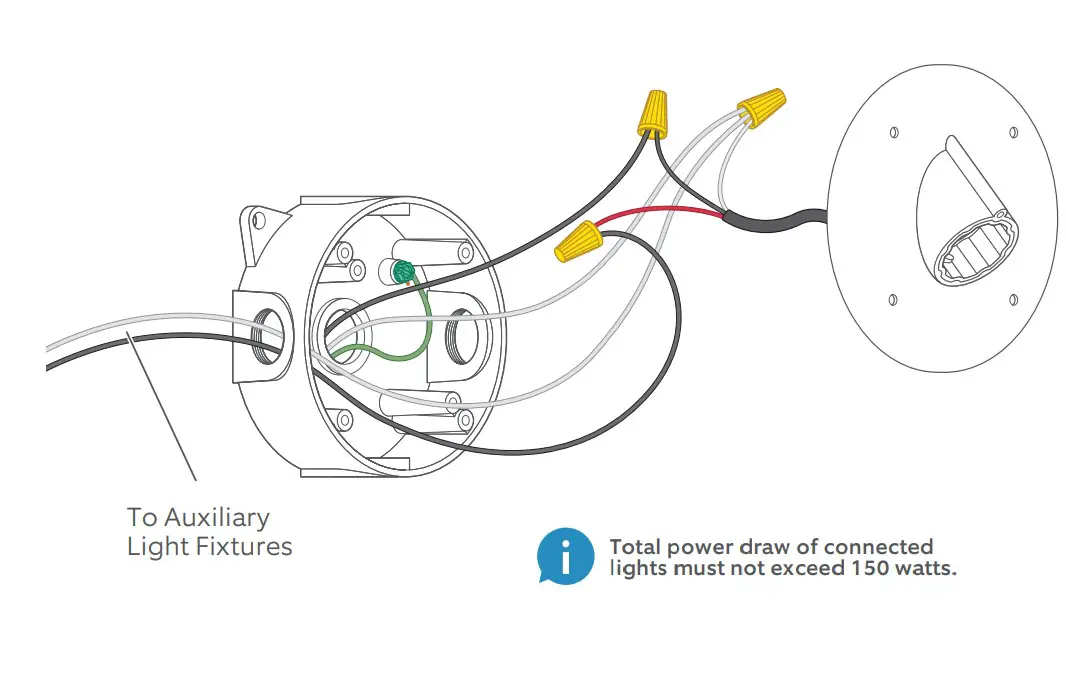
Screw in the box cover.
Use the included screws to secure the box cover to the electrical box. Be sure to add a metal washer, then a rubber washer to each screw before inserting.
Some round boxes may only take two screws. Seal unused holes in the cover with the included screws and nuts. Add a metal washer backed by a rubber washer to each side before tightening the nut.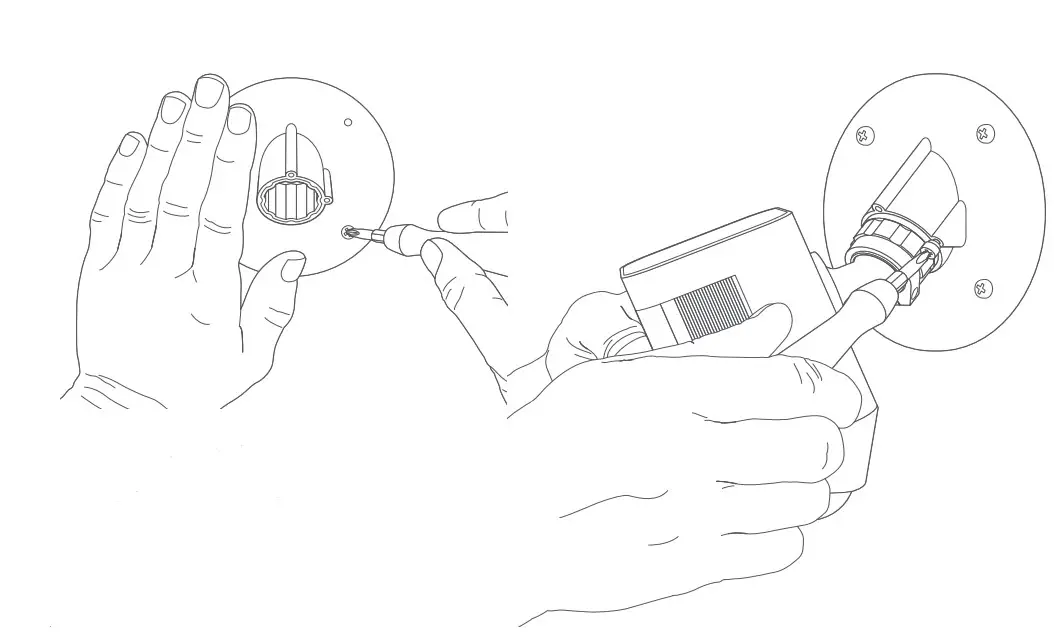
Add the Security Screw.
Insert and tighten the security screw to lock your Spotlight Cam into the box cover.
Mount your Spotlight Cam.
Insert your Spotlight Cam into the box cover. Once it’s fully seated, turn to the right to lock it in.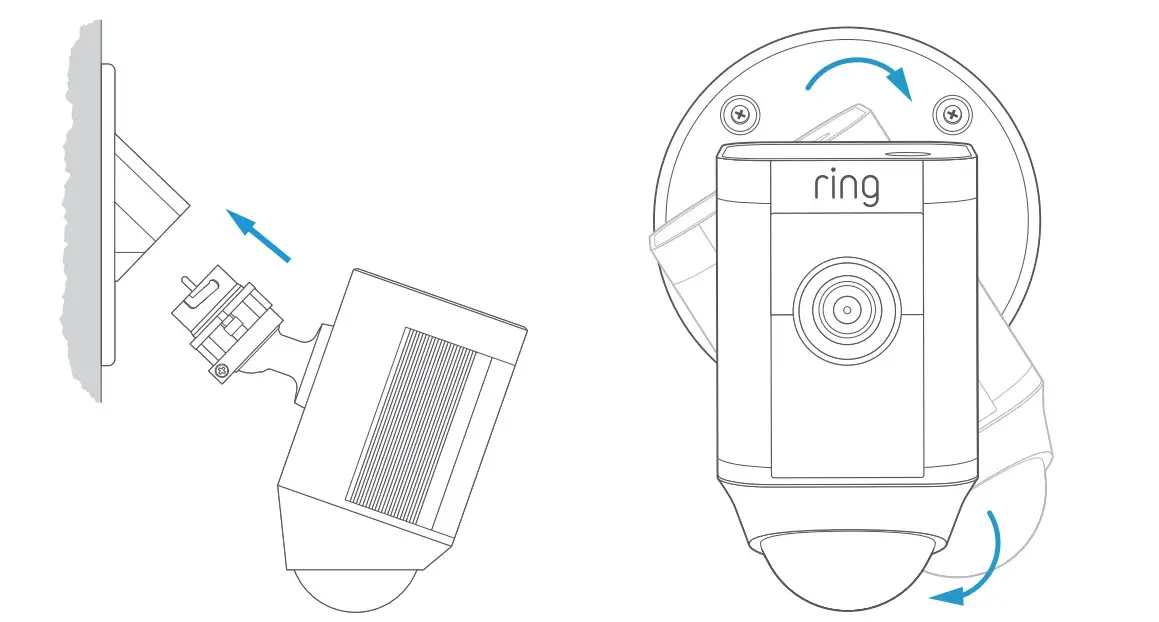
Turn on power at the breaker.
Once your Spotlight Cam is installed, it ’s time to turn power back on at the breaker.
If the lights on y our Spotlight Cam turn on, you’re all set!
If not, turn power off at the breaker and check your connections.
Try it out!
After setup, tap the Live View button in the Ring app to see video from your Spotlight Cam. If you have any problems, visit ring.com/help.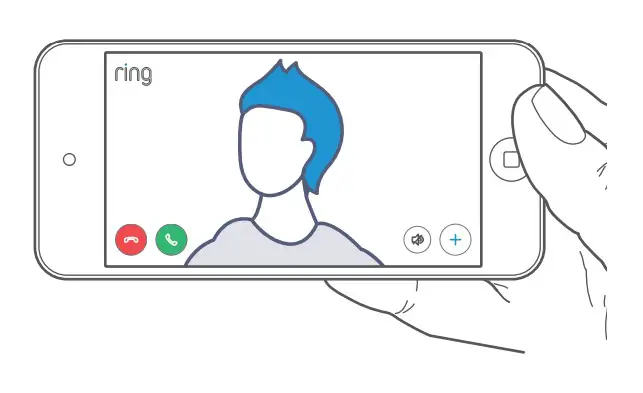
White light flashing?
If the light on the bottom of your Spotlight Cam flashes or stays illuminated after setup, this means it ’s updating its internal software. This update can take up to a fe w minutes. The light turns off when the update is complete.
Adjust the camera angle.
To ensure accurate motion detection, position your Spotlight Cam so the border of the motion detector is parallel with the ground. Tighten the side screw to secure the camera position.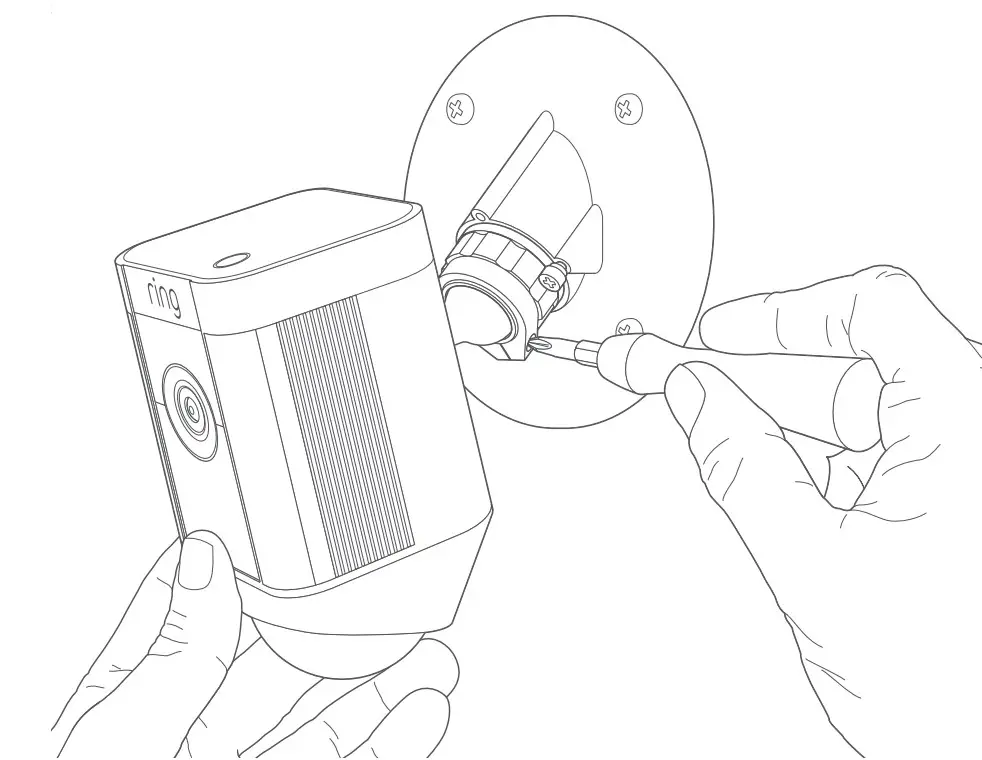
For additional help, visit: ring.com/help
Or give us a call…
US 1 800 656 1918
Canada 1 855 300 7289
Worldwide +1 310 929 7085
For a list of all our customer support
numbers, visit: ring.com/callus
1523 26th St.Santa Monica, CA 90404
To review your warranty coverage, please visit www.ring.com/warranty.
© 2020 Ring LLC or its affiliates.
Ring, Always Home, and all related logos are trademarks of Ring LLC or its affiliates.
FAQS
Yes it has infrared recording, however, clarity is much better with the motion sensor light-triggered.
The answer is yes but you got to remember that you going to always have to keep an eye out on your battery or have a separate battery charged up so when the other one dies out you can replace it easily
No, there is a RING App you should download to control / monitor your Ring Camera’s.
Yes, the camera works on 110 or 220 volts. I am using one in a country where the power is 220V and plugged directly into the 220v outlet.
No, there is a RING App you should download to control/monitor your Ring Cameras.
The “Life Time Theft Protection” is for your camera only. And it’s through Ring itself, not Amazon. If your camera is placed anywhere within reach it’s going to get stolen. I have my camera 14 Ft off the ground
This spotlight cam would work but would not be the ideal camera for a nursery and the like. You probably should consider a basic camera (minus the floodlight/spotlight capabilities) with two-way audio.
This depends on the type of Wifi router you have and all the different items your router is connected to, Interference from other sources can reduce Signal strength. The further away your camera is affects the RSS value.
Adding a WiFi extender may work but its better if you can add another Wifi router to create a AI mesh set up, This way
you can increase connectivity.
it’s 120 watts
According to Ring, the weather will not affect this camera.
No, the siren will activate only once activated. and you would not like to activate the siren with motion, your neighbors will complain.
yes and you can link them to record together.. if 1 motion camera is activated you can link them so all cameras start recording.