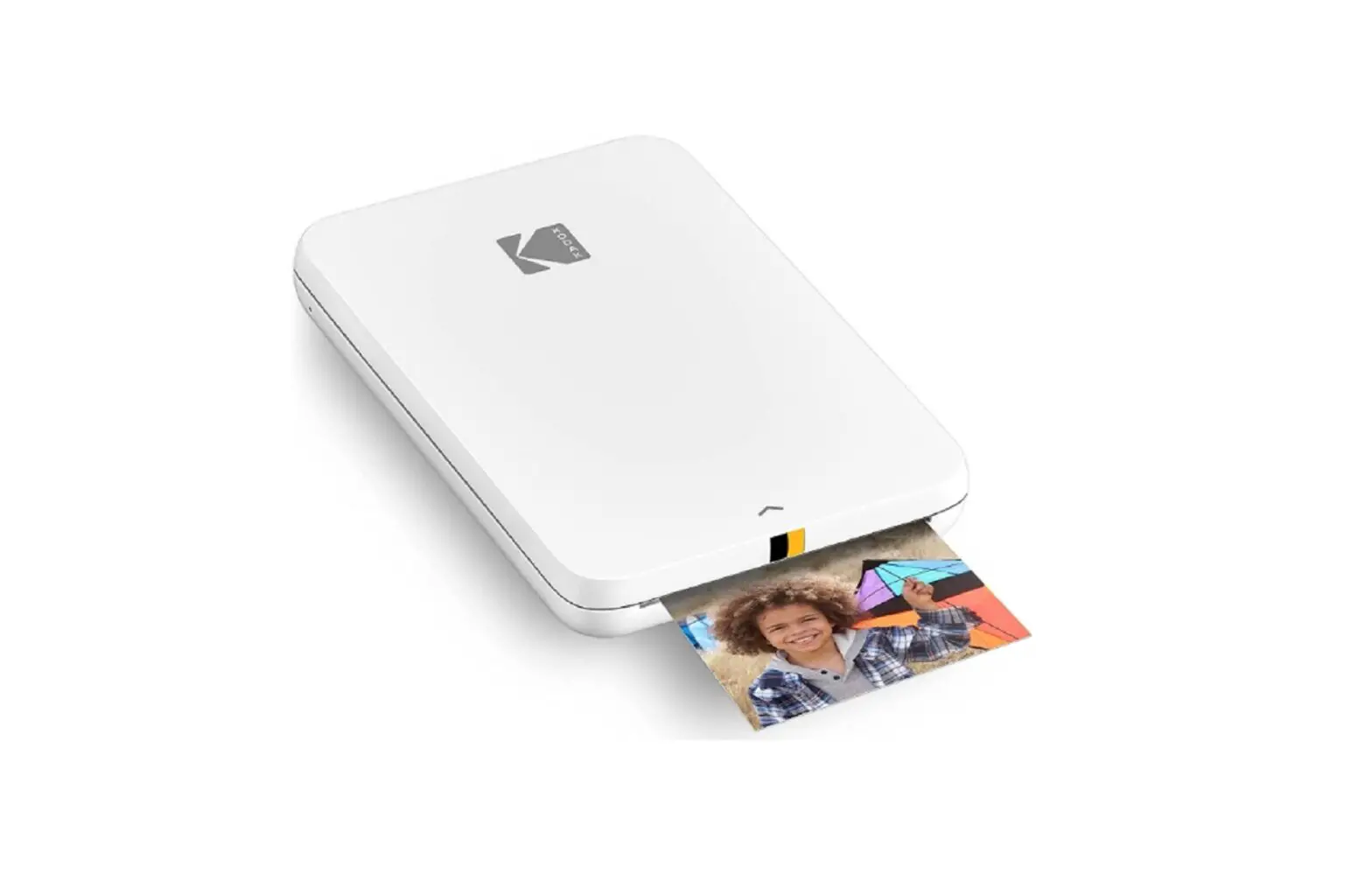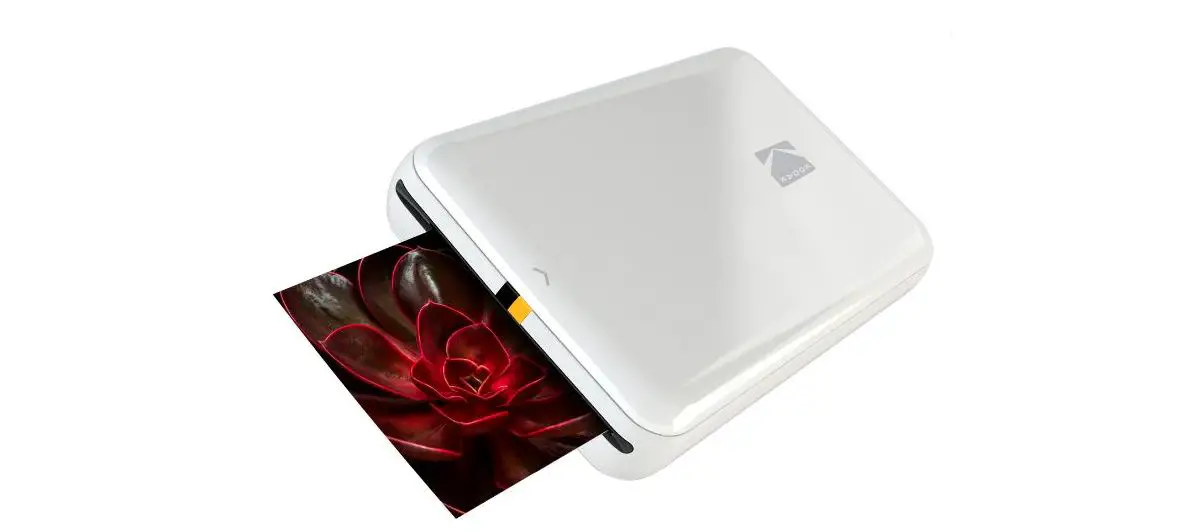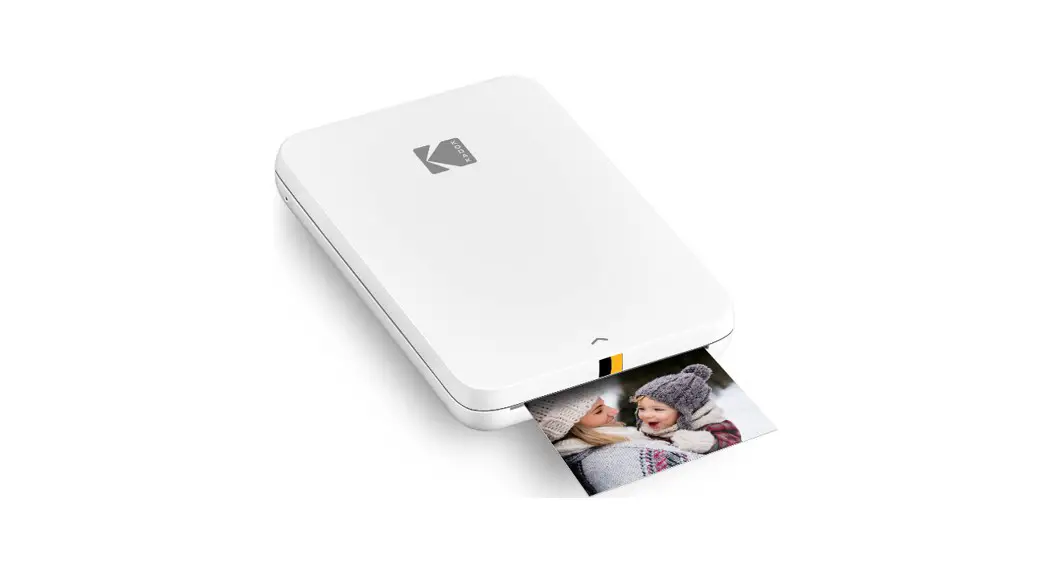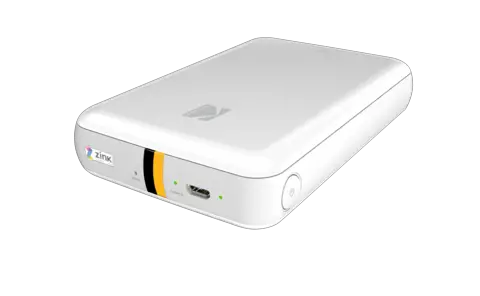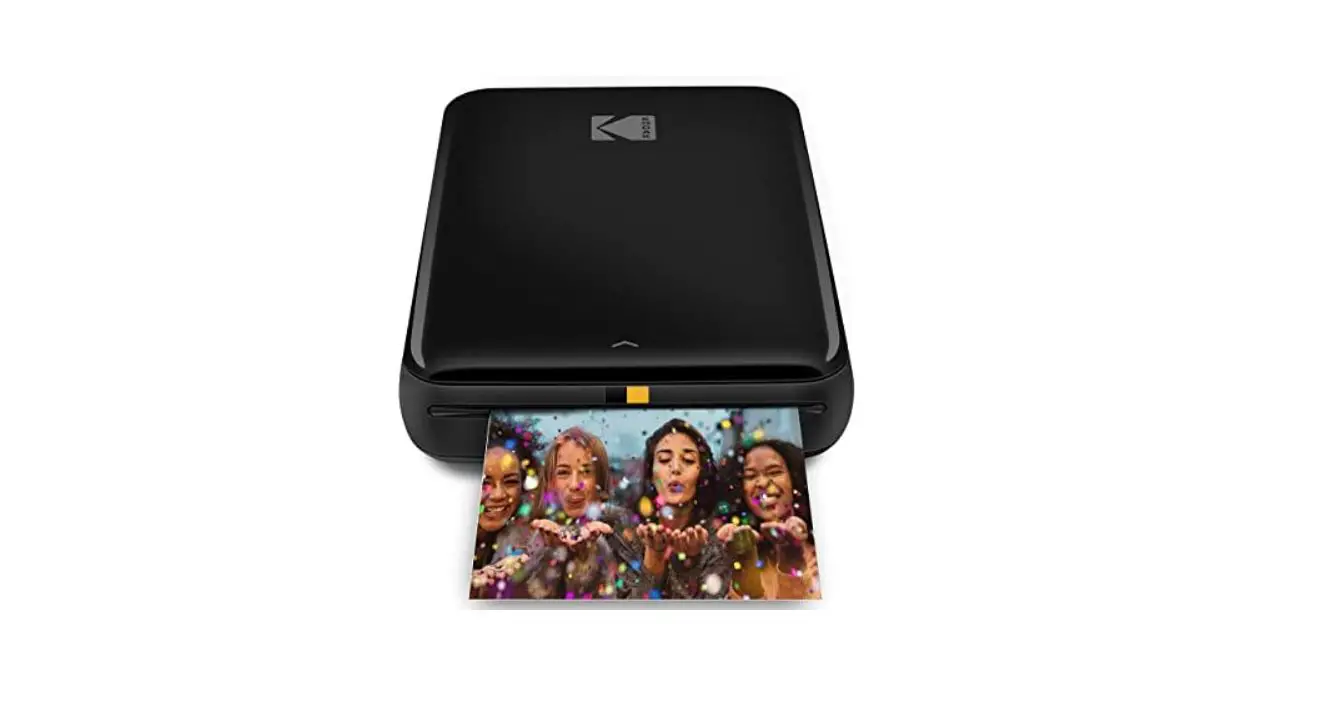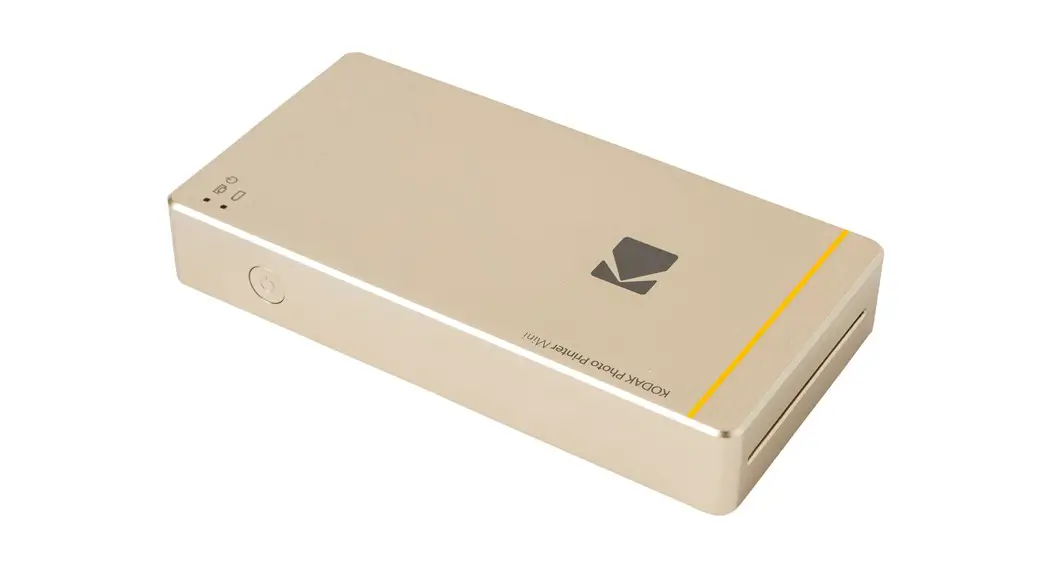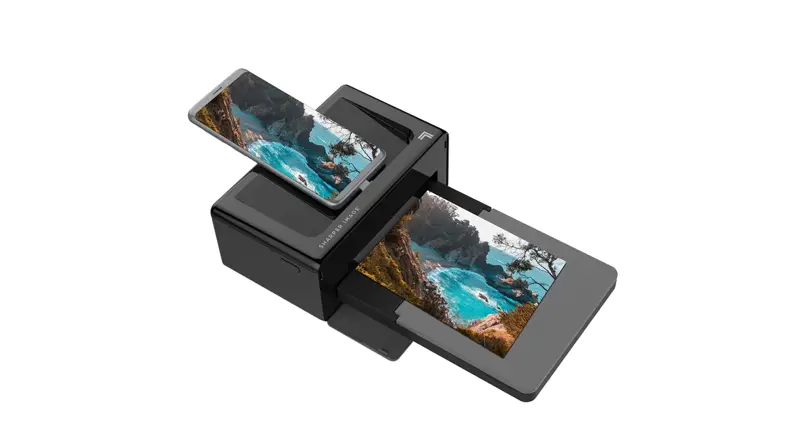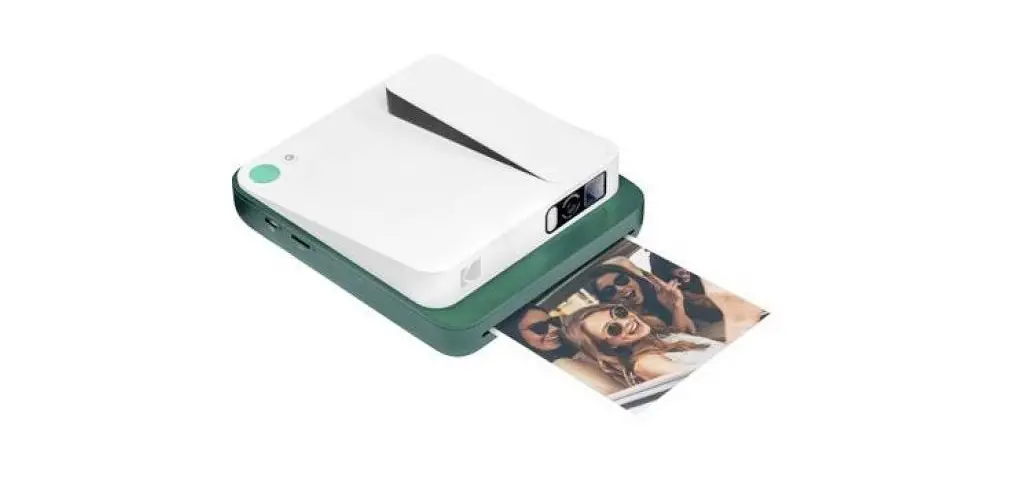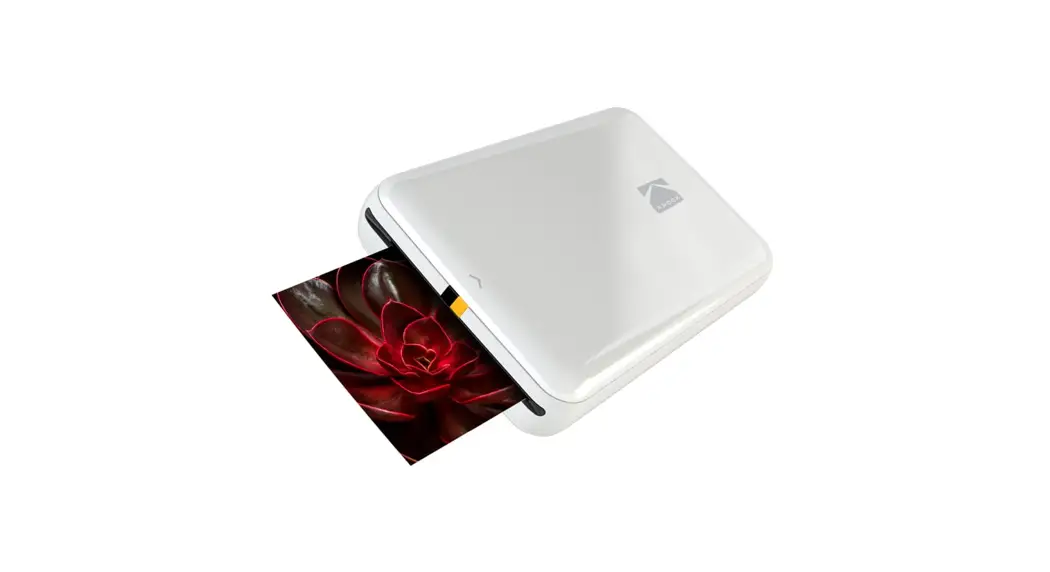
 Step Slim Instant Mobile Photo Printer
User Guide
Step Slim Instant Mobile Photo Printer
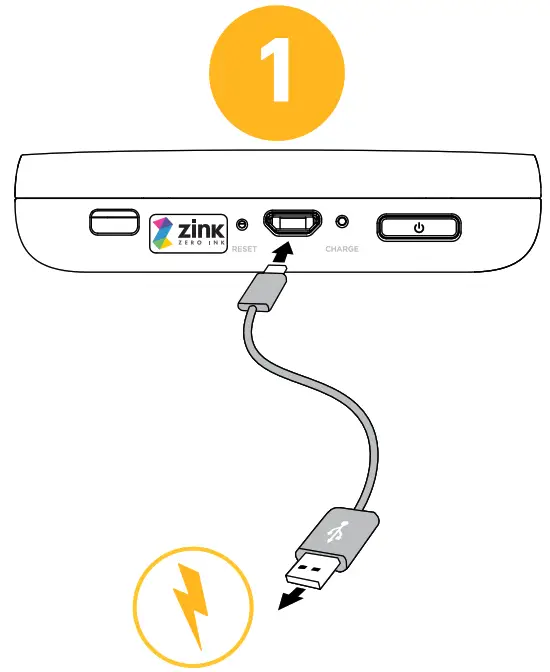
Charge the printer with the micro-USB cable before use.
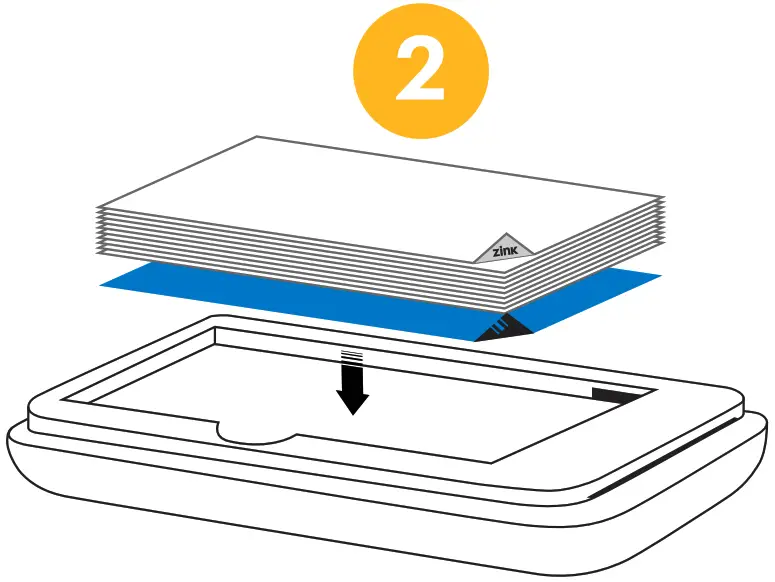
Remove lid and insert paper into the paper compartment.
NOTE: Blue sheet should be at the bottom of the paper stack facing down.
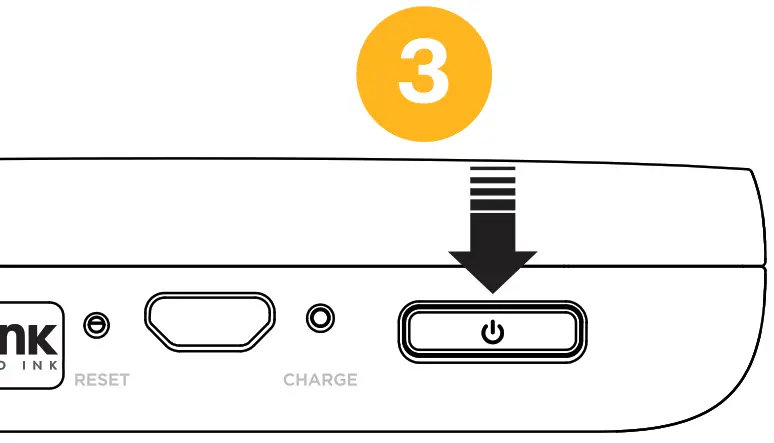
Once the printer is charged, press the power button to turn on the printer.
 https://www.kodakphotoplus.com/pages/kodak-step-prints-app
Scan the QR code above to download the KODAK STEP Prints app.
 To pair device: press and hold the power button for 3 – 4 seconds.
- With Bluetooth® on, select the KODAK STEP Slim printer from Bluetooth setting on your iOS or Android™ device.
 To pair device: press and hold the power button for 3 – 4 seconds.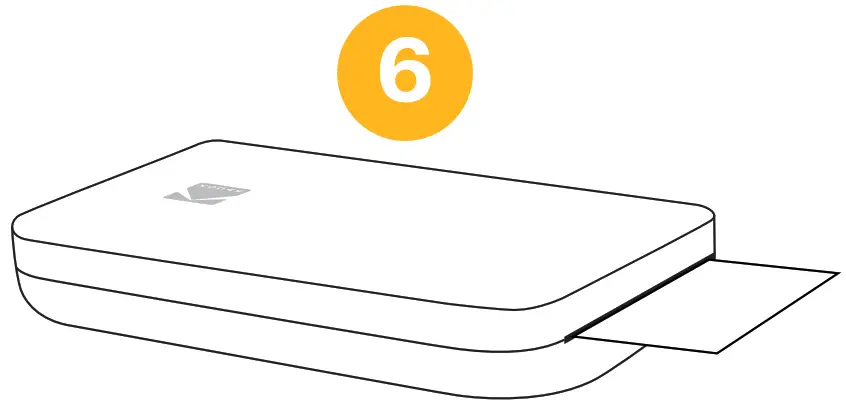
Edit your photo then tap “Print” in the app to print photo.
 https://www.kodakphotoplus.com/pages/kodak-step-slim-instant-mobile-photo-printer-support
For assistance or further information, scan the QR code above to visit our support page.
Customer Service
U.S. Support:
[email protected]
844-516-1539
International Support
[email protected]
844-516-1540
View one-year warranty details at:
https://www.kodakphotoplus.com/pages/kodak-step-slim-instant-mobile-photo-printer-support
 “Made for iPod,” “Made for iPhone,” and “Made for iPad” mean that an electronic accessory has been designed to connect specifically to iPod, iPhone, or iPad, respectively, and has been certified by the developer to meet Apple performance standards. Apple is not responsible for the operation of this device or its compliance with safety and regulatory standards. Please note that the use of this accessory with iPod, iPhone, or iPad may affect wireless performance.
www.kodakphotoplus.com
The Kodak trademark, logo, and trade dress are used under license from Eastman Kodak Company.
 ZINK, ZERO INK, and the ZINK logo are trademarks of ZINK Holdings, LLC. Bluetooth is a trademark of Bluetooth SIG, Inc. USA.
Android and Google Play are trademarks of Google LLC.
Apple, i0S, and App Store are trademarks of Apple Inc. in the U.S. and other countries.
All other products, brand names, company names, and logos are trademarks of their respective owners, used merely to identify their respective products, and are not meant to connote any sponsorship, endorsement, or approval.
Distributed by C&A Marketing, Inc.,114 Tived Lane East, Edison, NJ 08837 USA. © 2022. C&A IP Holdings LLC. All Rights Reserved. Made in Vietnam.