
User Manual
E150
Introduction
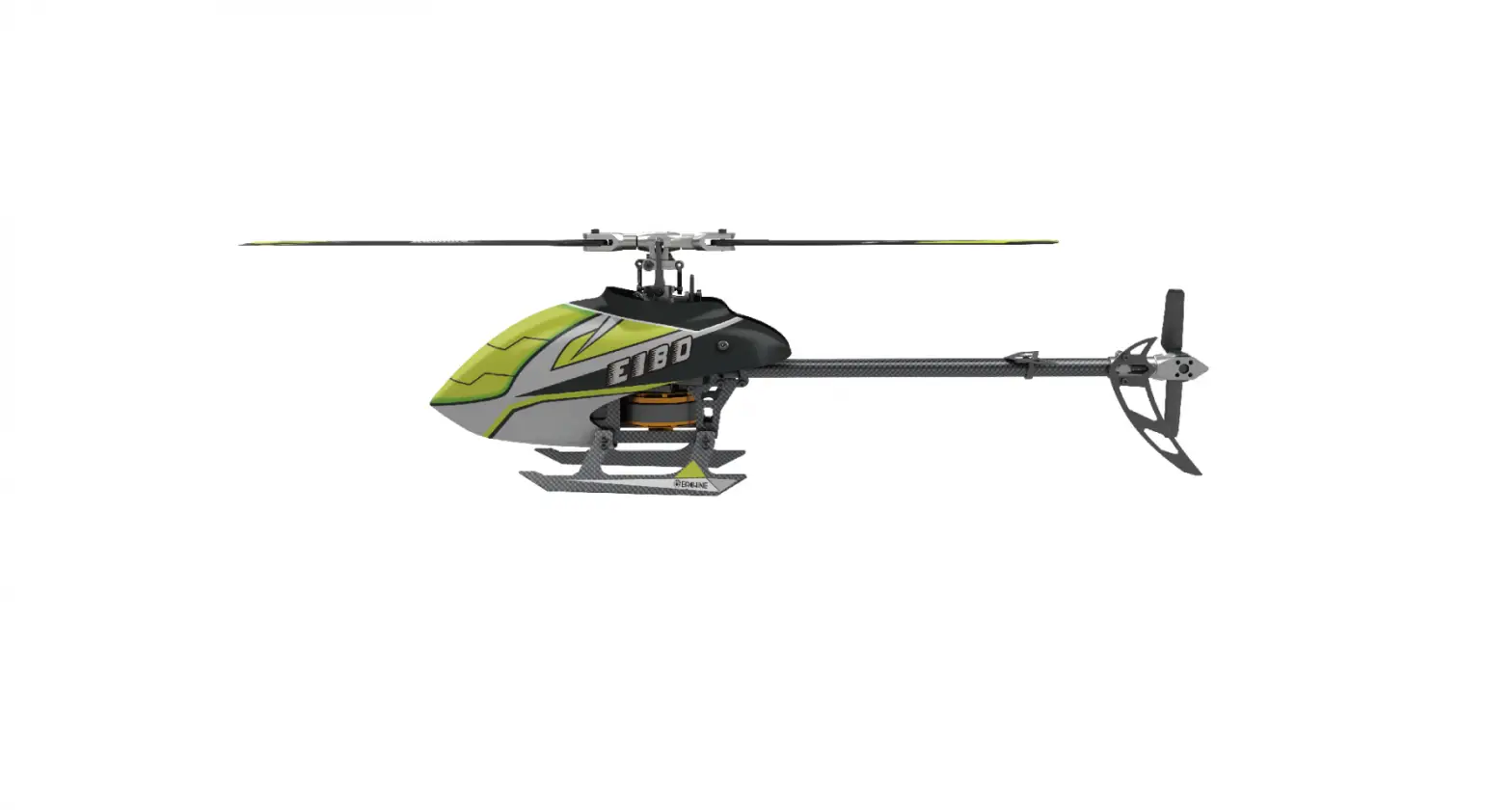
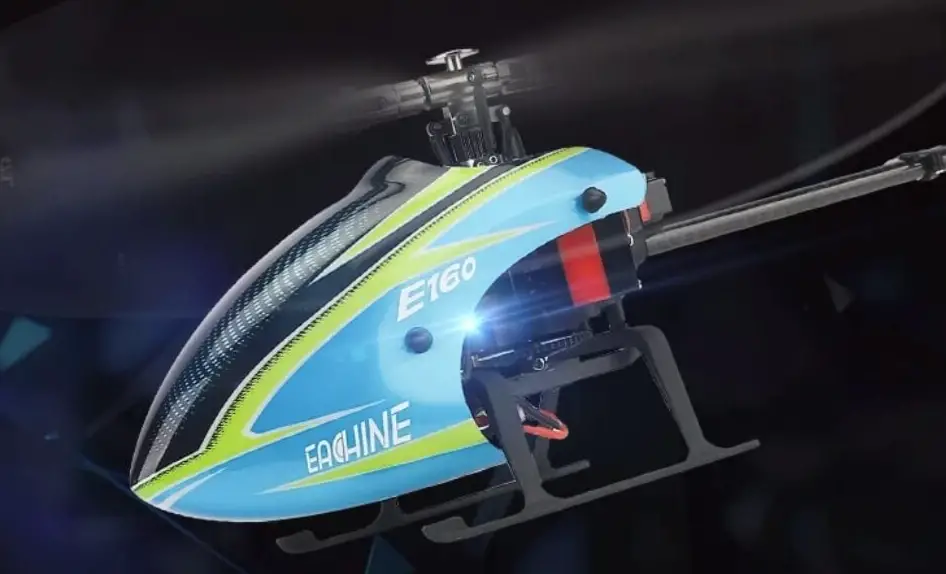
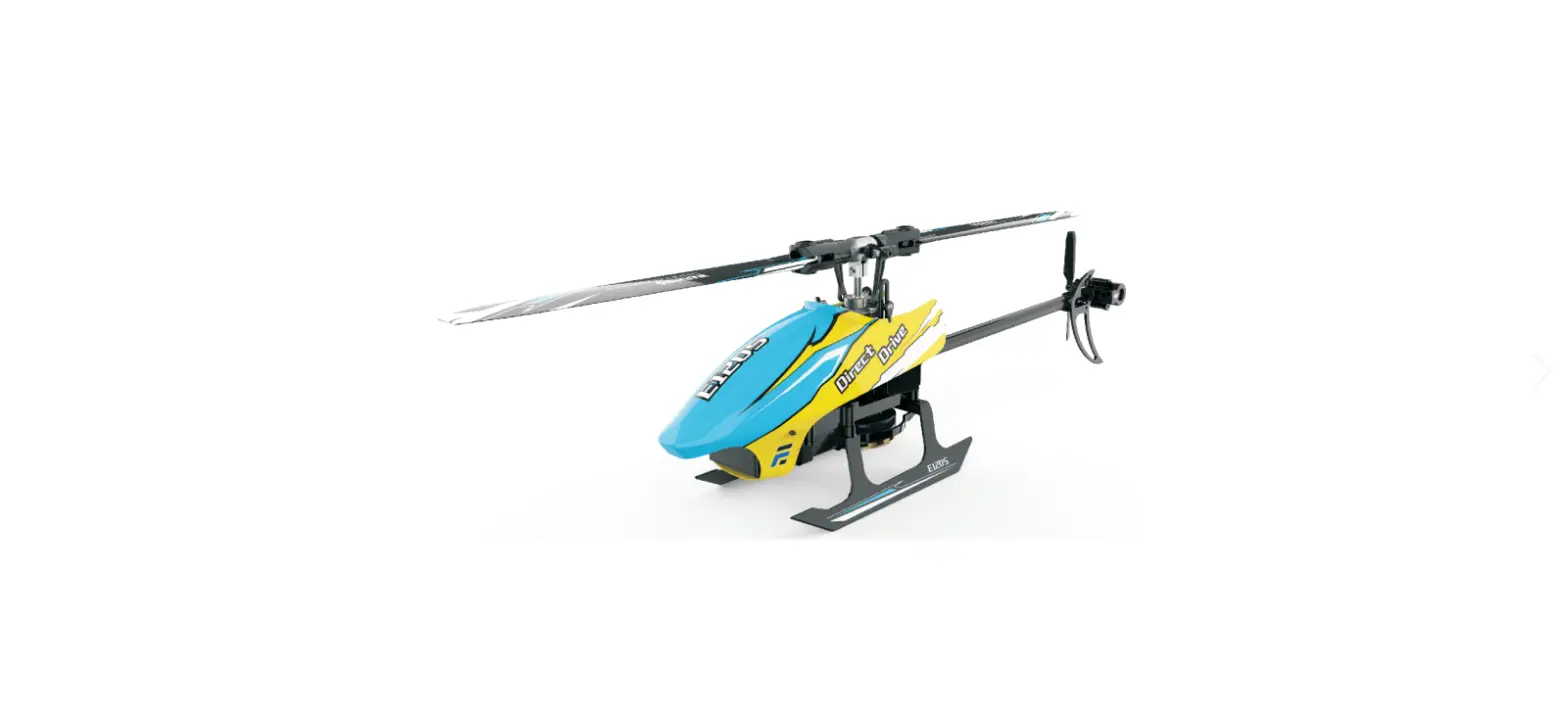
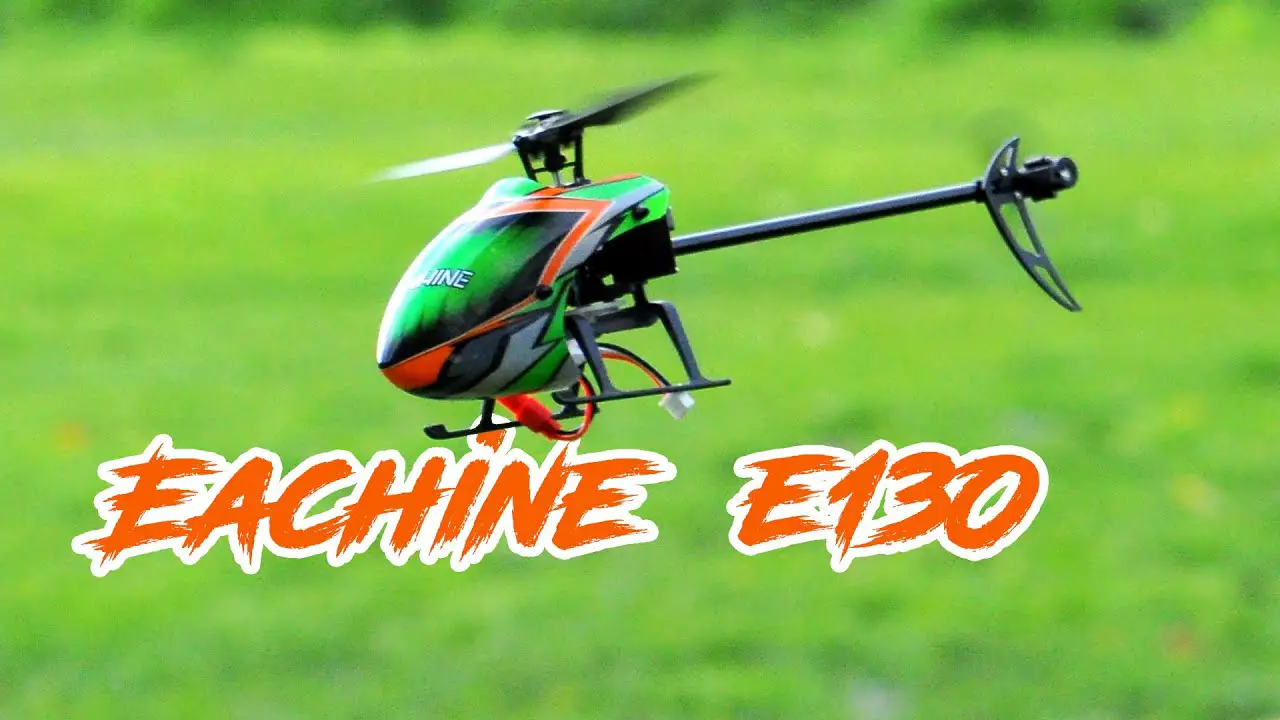
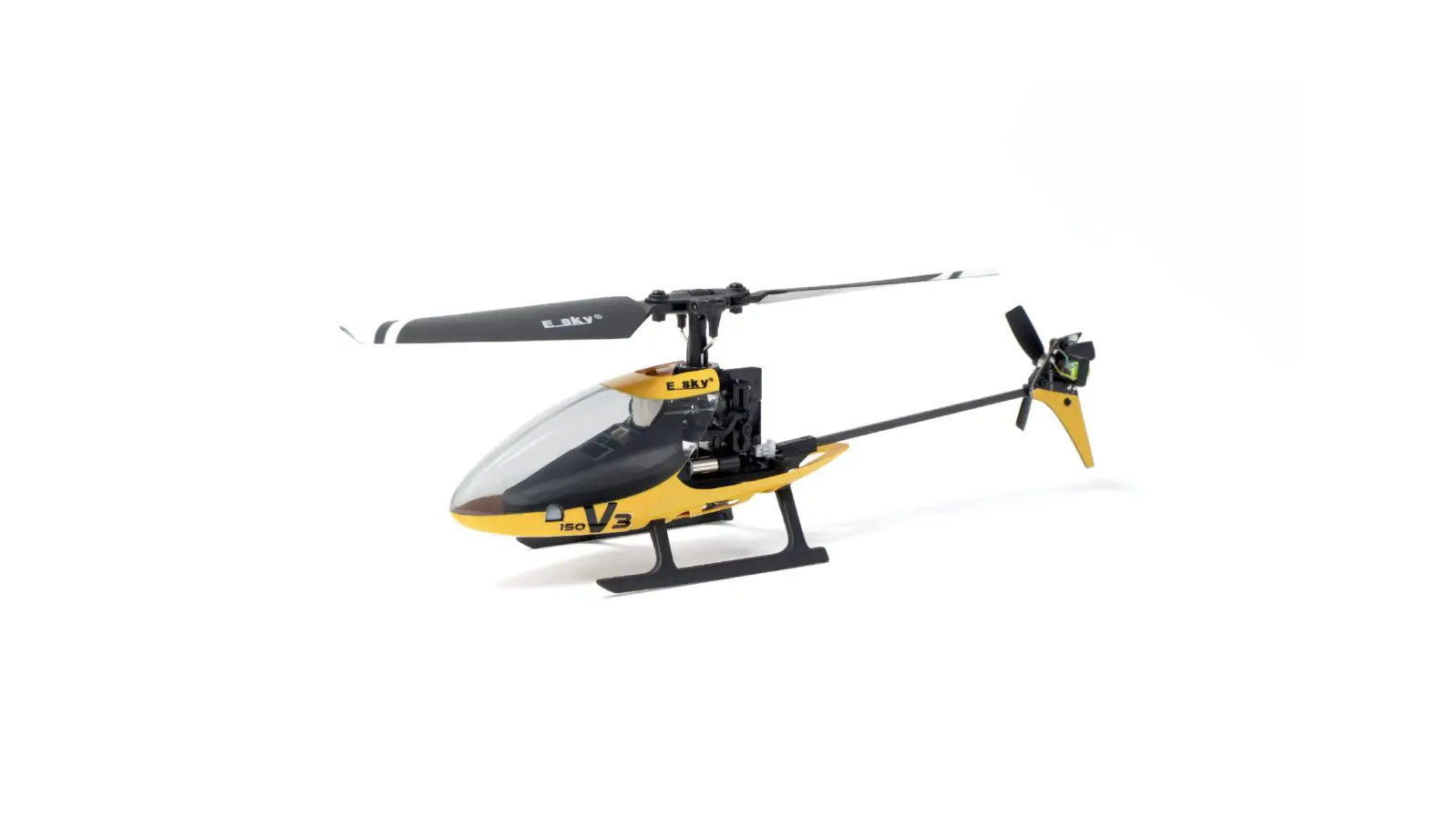
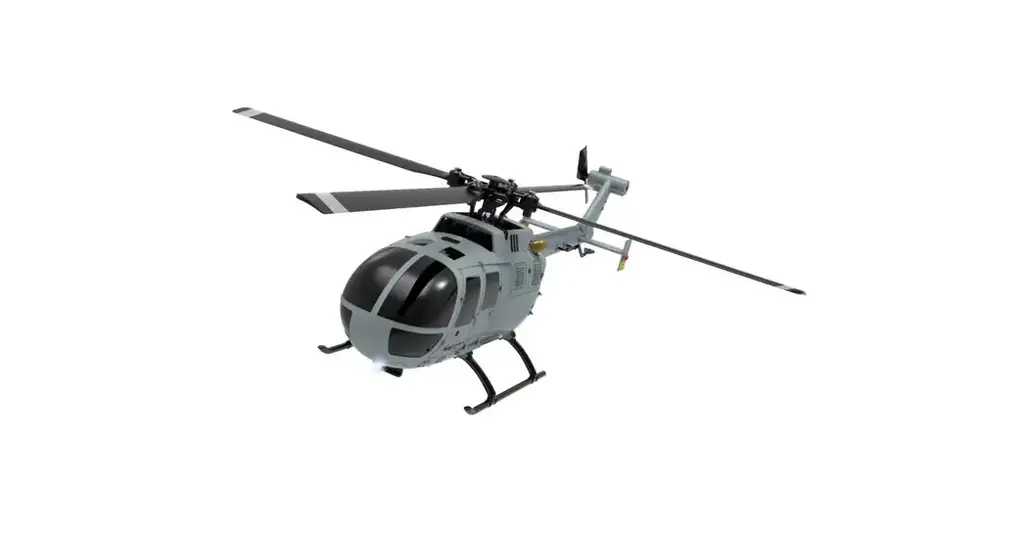
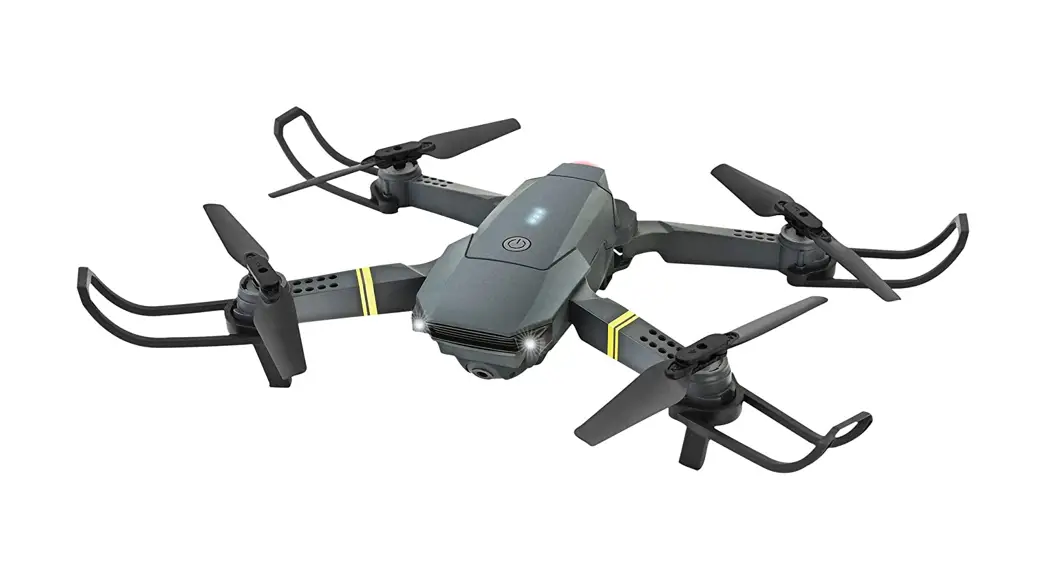
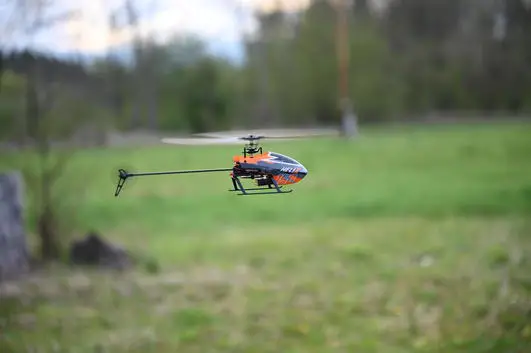
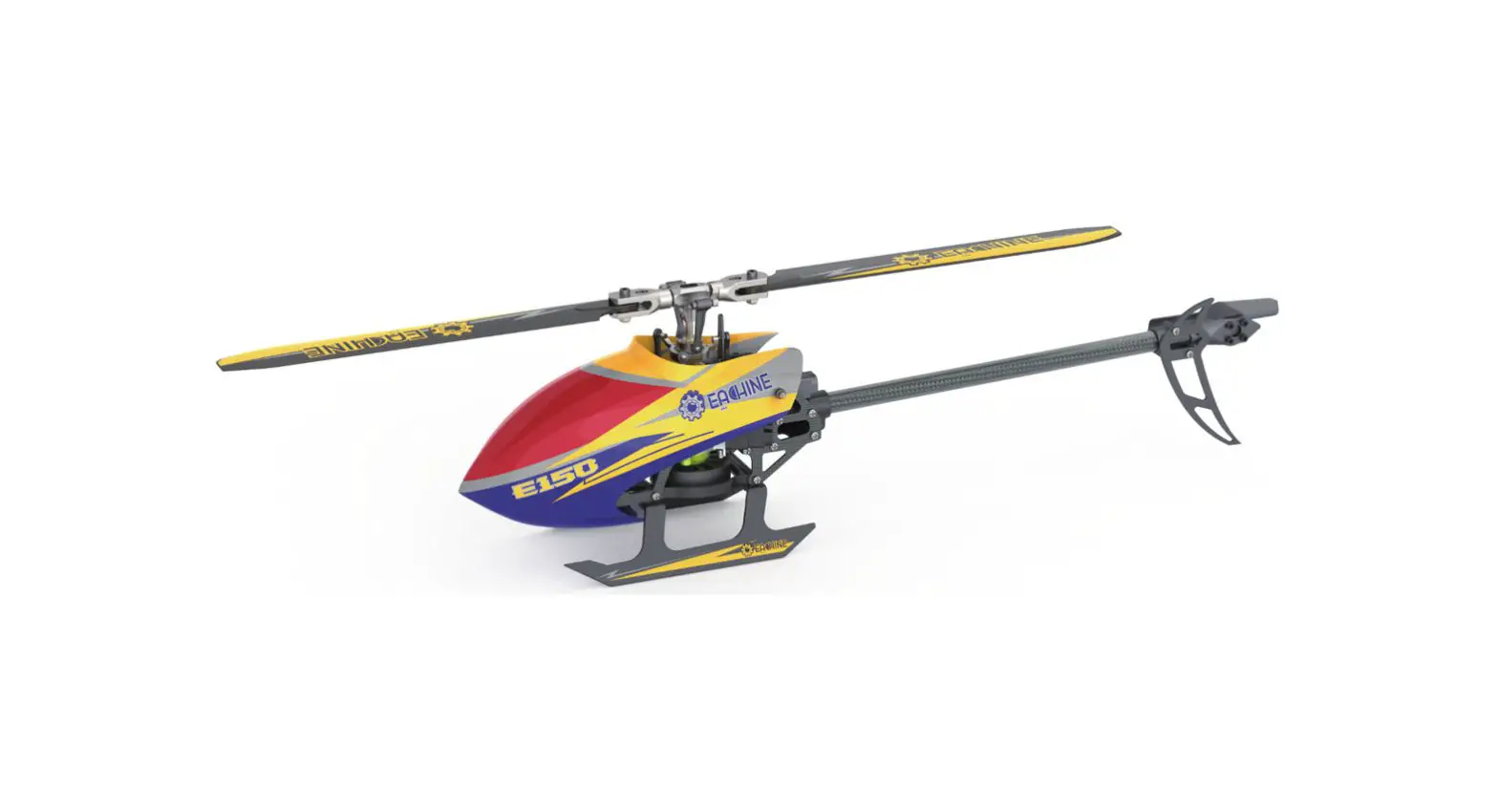
This is a super classic helicopter with excellent fight performance. Flybarless design, decrease resistance of rotor head. Quote to aerodynamics, the blades can supply strong power and keep stability. Using the latest technology of new gyro type, this helicopter is compatible with 3D and 6G modes. You can make a variety of stunts in 3D mode. 6G mode is especially suitable for beginners.
Once you have flown this mini helicopter, you will find other similar mini helicopters are much inferior. This is a incomparable and popular helicopter. Once it has been set up correctly, beginners will find it is very easy to fly. They can master or quickly learn new moves. The built-in ‘rescue’ or upright function in 6G mode (if set up properly), can save the helicopter in most cases.
The detailed instructions in this manual will help you understand more about the product. Please read it before operating your helicopter. It may help you to save both time and money due to incorrect settings etc.
Item List
| NO. | PARTS | QUANTITY |
| 1 | Gift Box | 1 |
| 2 | Sturdy PVC protective box | 1 |
| 3 | User Manual | 1 |
| 4 | Helicopter | 1 |
| 5 | Transmitter | 1 |
| 6 | Charger | 1 |
| 7 | Battery 11.1v 500mah 30C | 1 |
| 8 | Cross Screwdriver / Hex Wrench | 1 |
| 9 | Main Blade | 2 |
| 10 | Tail Blade | 1 |
Notice
All instructions, warranties and other collateral documents are subject to change at the sole discretion of our company. For up-to-date product literature, please visit www.eachine.com.
Warning
Read the ENTIRE user manual to become familiar with the features of the product before operating. Failure to operate the product correctly can result in damage to the product, personal property and cause serious injury. This is a sophisticated hobby product. It must be operated with caution and common sense and requires some basic mechanical ability. Failure to operate this product in a safe and responsible manner could result in injury or damage to the product or other properties. This product is not intended for use by children without direct adult supervision. This manual contains instructions for safety, operation and maintenance. It is essential to read and follow all the instructions and warnings in the manual,prior to assembly,setup or use,in order to operate correctly and avoid damage or serious injury.
Additional Safety Precautions and Warnings
- Age Recommendation: Not for children under 14 years. This is not a toy.
- Always operate your model in open spaces away from full-size vehicles, traffic and people.
- Follow the operation notice, warning and any support equipment (charger, battery, etc) carefully.
- Keep away from any chemicals; keep children away from any small parts and electrical equipment.
- Always keep away from water, especially for this product don’t have water- proof function; It will be damaged by moisture.
- Never place any portion of the model in your mouth as it could cause serious injury or even death.
- Never operate your model with low voltage transmitter batteries.
Helicopter Parameters
| Length | 330 mm |
| Height | 105mm |
| Weight | 181g |
| Length of Main Propeller | 355 mm |
| Diameter of Tail Propeller | 56mm |
| Battery Specification | 11.1v 500mAh 30C |
| Flight Time | 7-9 Min |
| Main Brushless Motor | 2507 |
| Brushless Tail Motor | 1103 |
Warning and the Guide of Battery Usage
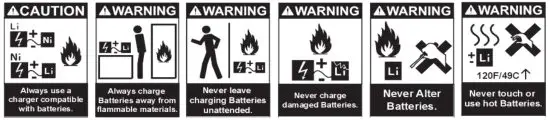
To ensure safety, please use the included supplied standard charger.
WARNING: It is highly recommended to use the supplied charger to charge the battery.
Notice: When the battery voltage is lower than 11.1V, the lithium battery may be damaged, and may be no longer correctly charged. When the battery voltage is lower than 11.1V during a flight, the main ESC drops the head speed significantly. Please land immediately and charge the battery as soon as possible.
Battery Charging
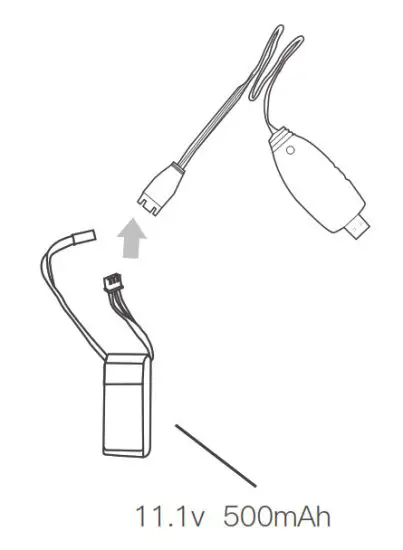
- To charge the battery, please connect the charger USB plug into a USB plug pack or to a USB port of a computer or a plug pack. If no battery is connected, the USB charger red light will flash.
- Once the battery is plugged into the USB charger, the charger’s red light is lit to indicate the charging is in progress.
- When the battery is fully charged, the USB red light will stay off.
Warning
- For maximum safety, please monitor the battery while charging.
- Please do not allow children to carry out the charging by themselves but ensure adult supervision at all times.
- Please use the original standard charger of this product for charging. The use of unknown charger may pose risks of fire and explosion.
- If available, it is recommended that users use own Lipo 3s @2A charger in lieu of using the USB charger. This helps to charge the battery at a much faster rate.
Notice Before Flight
- Ensure the batteries for both the tx and helicopter are fully charged.
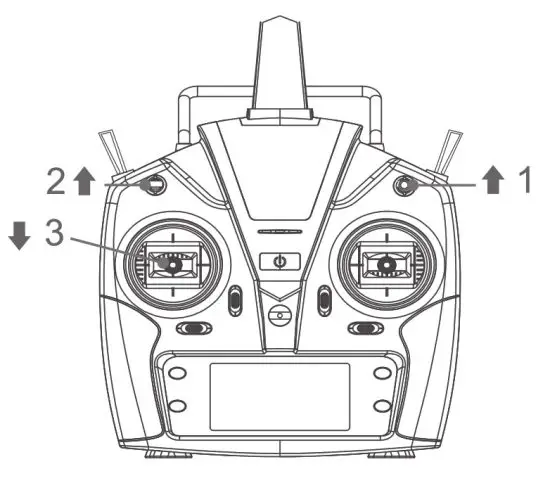
- Before turn on the TX, please make sure the throttle control is at the lowest position and the TH.HOLD and 3D mode switches are in the back position (back cover direction).
- Make sure the TX has paired with helicopter. If not or please carry out the pairing process.
- Please turn on the TX first, then connect the battery to the helicopter and wait until it paired with TX. When turn off, please unplug the power from the helicopter first, and then turn off the TX.
- Keep away from people, cars, high-tension power lines and water sources such as ponds, lakes, rivers etc.
Bind With Transmitter
If you have the RTF package, the helicopter ia already paired by the factory. However, if you need to pair again, please follow the following steps.
- First turn on the transmitter and make sure the throttle stick is at the bottom position, 3D IDLE switch is in the OFF position.
- Remove the canopy for activating the binding switch.
- Apply power to the helicopter, the red led flashes slowly, press the code button for 1 second, then the red lamp will go out and get ready for pairing.
- When the red and blue lights turn on solid, the pairing has been successful.
- While carrying out the pairing, ensure there are no other transmitters are operating nearby to avoid unintended pairing.
Tips: This product is compatible with all FUTABA 2.4GHZ S-FHSS transmitter.
Notice:
- When the transmitter is turned on and the throttle hold switch is in the ON position, the transmitter will beep as a warning. The switch should be switched to the OFF
position. - When the transmitter is turned on and the 3D switch is in the ON position, and the transmitter will beep. The switch should be switched to the OFF position.
- When transmitter is turned on and the throttle stick is not in the lowest position the transmitter will beep as a warning. The throttle stick should then be pulled down to
the lowest position.
Throttle Curve and Pitch Curve
| Throttle Curve | Position | Normal | 3D Idle |
| 1 | 0 | 85 | |
| 2 | 70 | 85 | |
| 3 | 70 | 85 | |
| 4 | 70 | 85 | |
| 5 | 70 | 85 |
| Pitch Curve | Position | Normal | 3D Idle |
| 1 | 35 | 15 | |
| 2 | 45 | 32 | |
| 3 | 50 | 50 | |
| 4 | 65 | 68 | |
| 5 | 80 | 85 |
The above information is for your reference only, you can set the parameters to your demand.
Initial Flight
If you are not familiar with the controls of the E150, please take a few minutes to get familiar with them and then try your first flight.
Throttle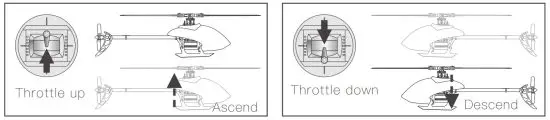 Rudder
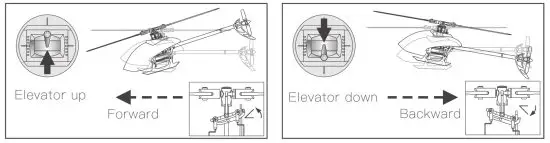
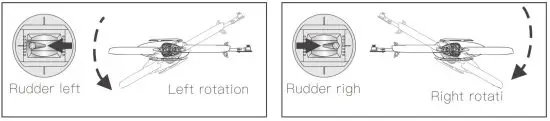 Elevator
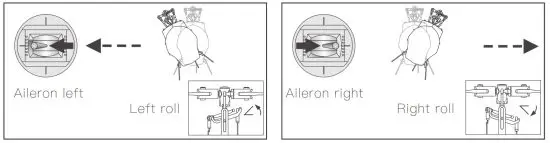
 Aileron
Receiver Interface Diagram
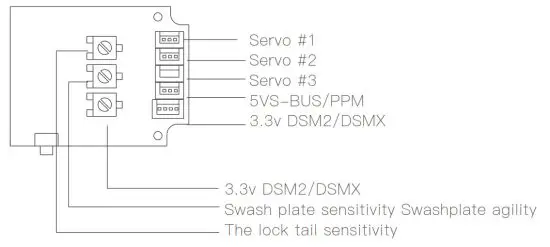
Notes: 3.3V is suitable for DSM receiver and 5V is suitable for FUTABA (S-BUS) J receiver.
About the Transmitter
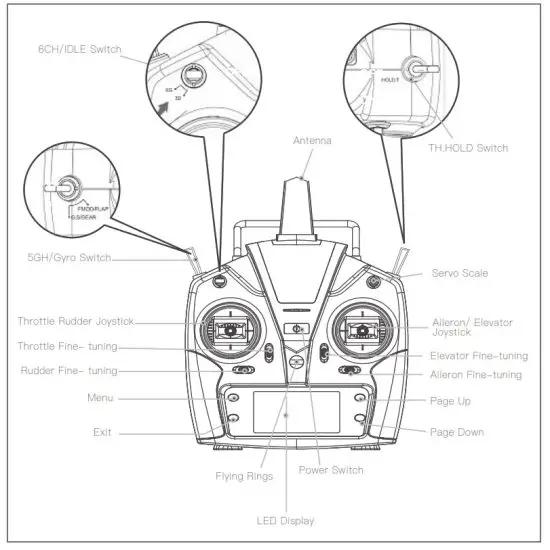
Right hand throttle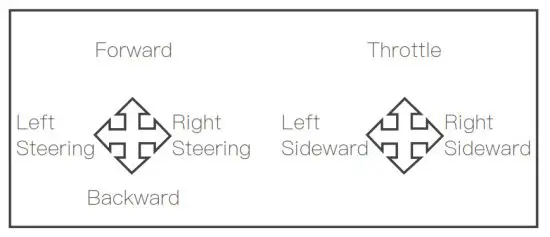
Left hand throttle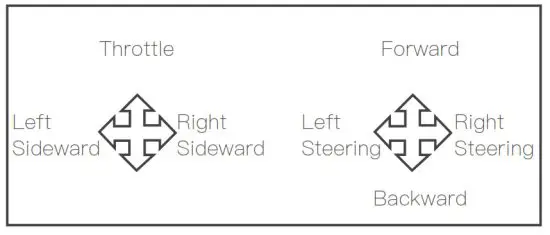
This transmitter supports CCPM 120 degree helicopter dedicated transmitter, with 3D 6G switching high/low rudder capacity for two joystick modes, main cutout switch (TH.HOLD) and other modes, large screen LCD display multi-function transmitter.
Flight Battery Installment
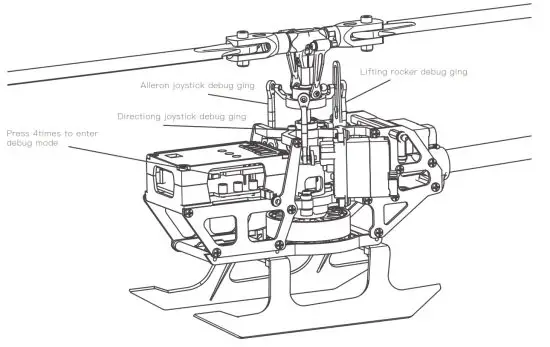
- Debugging pitch of thread Explanation: The product has passed the inspection before leaving the factory, the user needs tore-adjust the pitch of thread after replacing the steering gear or related accessories. To ensure safety, disconnect the main motor power cord during commissioning to avoid personalinjury caused by motor rotation during commissioning. The user comes with a special pitch of thread ruler for helicopters that can be adjusted more accurately.First, bind the aircraft to the code, and the transmitter in 6G self-stabilization mode. Press the code matching key on the flight control board 4 times, the mainboard will flash red quickly and enter the debugging mode. Use the transmitter to control the aileron rocker, lift rocker, and direction rocker for debugginguntil the swashplate is balanced and the blades are at 0 pitch of thread After the debugging is completed, press the motherboard link key to exit the debugging, themotherboard will resume the red light and the blue light will be on, then you can fly.

- Sensitivity adjustment
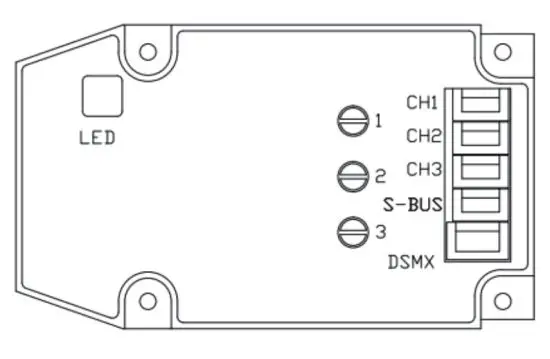
Users can adjust different lock perception according to their own needs, use a flat-blade screwdriverto adjust, turn clockwise to increase the lock perception, and turn counterclockwise to decrease thelock perception. 1 Lock tail sensitivity 2 Swashplate perception 3 Swashplate sensitivity.
Troubleshooting
| Problem | Cause | Solution | |
| LED on receiver flashes constantly with no responses after connecting batteries to transmitter. | Transmitter is not bound to receiver. Pairing of the transmitter and receiver failed. | you Re-pair (Refer to P.5, Programming r Transmitter). | |
| 2 | The helicopter has no response after connecting batteries to receiver. | Check whether the transmitter and receiver connecting to power; check the voltage of transmitter and receiver; Battery pole flake contact is not good. | Open the transmitter, make sure the batteries connecting is good Replace and charge transmitter batteries Make sure the battery pole flake contact is good. |
| 3 | When increasing throttle, the main motor does not start and the LED on the Receiver flashes constantly. | Low battery voltage, batteries connection is not good. | Replace and charge the batteries, reconnect the batteries to the receiver board. |
| lelicopter takes off immediately, nce the batteries and receiver onnected. | Didn’t put the throttle to the lowest. | Put the throttle pole at thelowest position before open the transmitter. | |
| –lelicopter vibrates or shakes in light. | Damaged rotor blades, bent main and FS shafts or blade grips too tight causing the main rotor movement not smoothly. glade grips. | Replace the main rotor blades, bent main or feathering shafts, loosen the | |
| 6 | Main rotor blades shake during flight. | Feathering shaft or main shaft is bent. FS screw is not tight enough. possible broken gear in the servo, causing shakes. The loose between the swashplates. | Replace the lateral axis. Tighten the lateral axis screw. Change the Bearing. Remove the servo, and clear debris. Compress the swash plates. change the tail rotor blades. |
| 7 | The sound of the main rotor becomes softer or drop in head speed. | Low battery voltage of helicopter. and the helicopter immediately and | Lcharge the battery or change to a fully charged battery. |
| 0 u | Helicopter has no reaction or does not fly smoothly. | Failure of binding. | Rebind the helicopter and transmitter, make sure you place the helicopter at a steady level close to the transmitter. |
| 9 | 3D/6G model helicopter appearedyaw. | Swashplate servos do not go back in to mid-position or broken. | Recenter the servo arms.Replace the servo. |
| 10 | Tail does not lock in 6G mode. | Helicopter requires to calibrate in 6G mode. | Refer to 6G mode calibration procedure. |
| 1 1 | elicopter took off spin to the left. | Tail motor power shortage loose blades Tail motor damage. | Check with the tail rotor blades and the motor shaft, If loose replacement tail rotor blade. Motor damage Replace the tail motor. |
| 12 | Helicopter power is turned supreme speed governor electric sound. | Brushless speed governor fault or poor contact. | Check the connectorsreplace speed governor. |
Exploded View
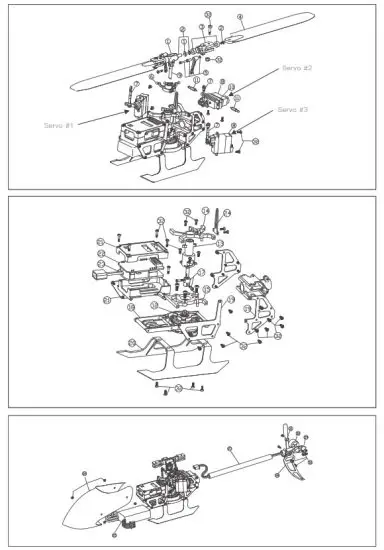
Accessory List
| NO. | PARA NAME | QUANTITY |
| 1 | Main Rotor Head | 1 |
| 2 | Main Grip Blade Shaft Set | 2 |
| 3 | Main Blade Grip Set | 2 |
| 4 | Main Blade Set | 2 |
| 5 | Primary Linkage Rod Set | 2 |
| 6 | Swashplate | 1 |
| 7 | Secondary Linkage Set | 3 |
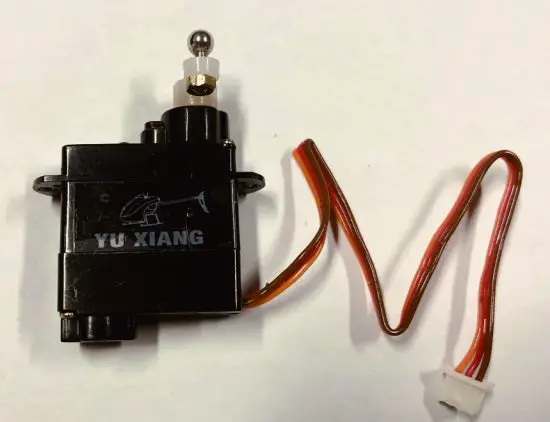
| 8 | Servo | 1 |
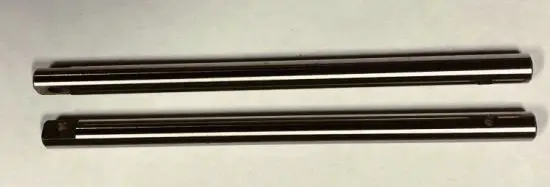
| 9 | Spindle Set | 2 |
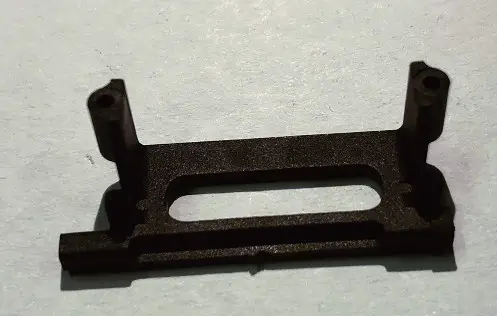
| 10 | Servo Mounting Plate | 1 |
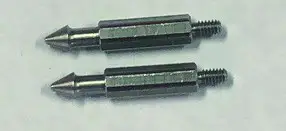
| 11 | Metal Canopy Mounting Post | 2 |
| 12 | Main Motor | 1 |
| 13 | Main Shaft Bearing Mount | 1 |
| 14 | Metal Frame Plate A | 1 |
| 15 | Metal Frame Plate B | 1 |
| 16 | Tail Boom Fixator | 1 |
| 17 | Connecter set of Spindle and Motor | 1 |
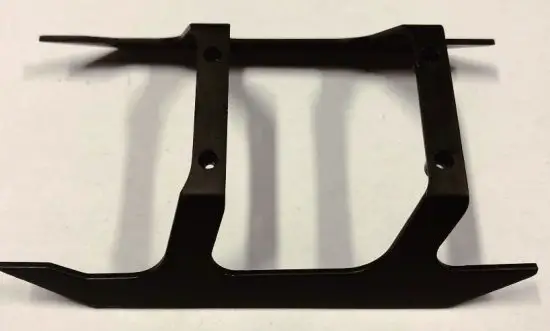
| 18 | Landing frame Set | 1 |
| 19 | Carbon Fiber Side Frame Set | 4 |
| 20 | Landing Skid Set | 1 |
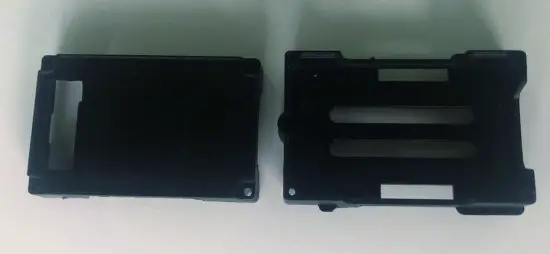
| 21 | Flight Control Unit box | 1 |
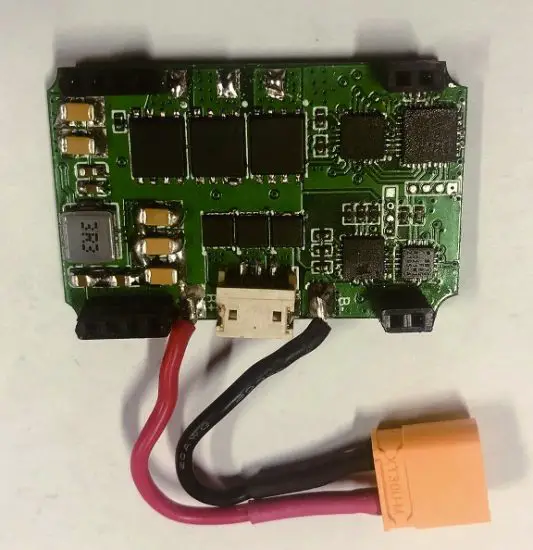
| 22 | Integrated Flight Control Board | 1 |
| 23 | Power Distribution Board (PDB) | 1 |
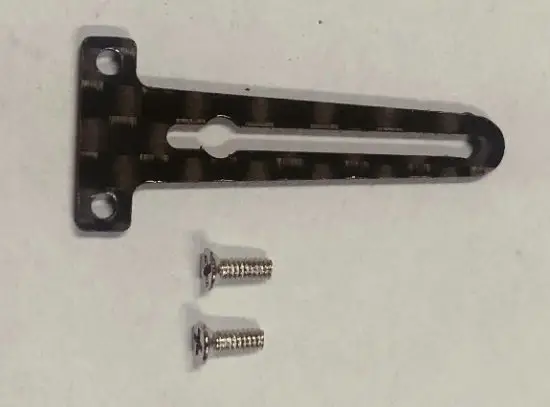
| 24 | Swashplate seat | 1 |
| 25 | Battery | 1 |
| 26 | Canopy | 1 |
| 27 | Tail Boom | 1 |
| 28 | Horizontal Tail Fin Set | 1 |
| 29 | Tail Motor Mount | 1 |
| 30 | Tail Motor | 1 |
| 31 | Tail Rotor | 2 |
| 32 | USB Charger | 1 |
| 33 | Radio Control | 1 |
Notice for beginners:
- Please fly with an instructor until you are confident enough.
- Before flying the model for the first time, you need to fully understood all of the functions provided by the transmitter and the responses of all of the switches.
- Don’t attempt to fly in 3D mode yet. Practice flying and hovering in 6G mode until you are familiar with it. Then you can practice flying and hovering flight under 3D mode. Once you are familiar with these two modes you can vary out practicing inverted flight with an instructor.
- Practice hovering flight of inverted moves to build a foundation that making more brilliant flying.
- This model is not a toy and it can cause damages to people and property.
If unsure, it is recommended that you practice with a simulator on a computer before doing real 3D fly with this model to minimize the damage.
Accessories List
| Part No: 2.32.01.E150-001 Part Name: Main Rotor Head | Part No: 2.32.01.E150-002 Part Name: Main Grip Blade Shaft Set | Part No: 2.32.01.E150-003 Part Name: Main Blade Grip Set | Part No: 2.32.01.E150-004 Part Name: Main Blade Set |
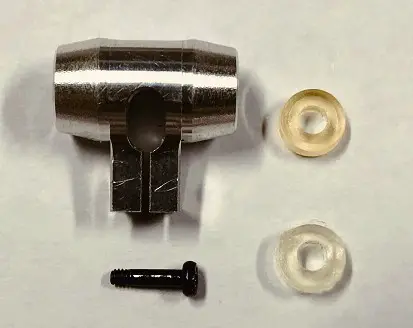 | 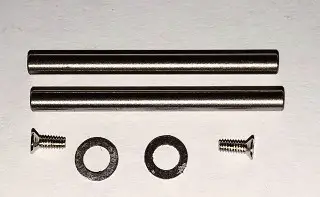 | 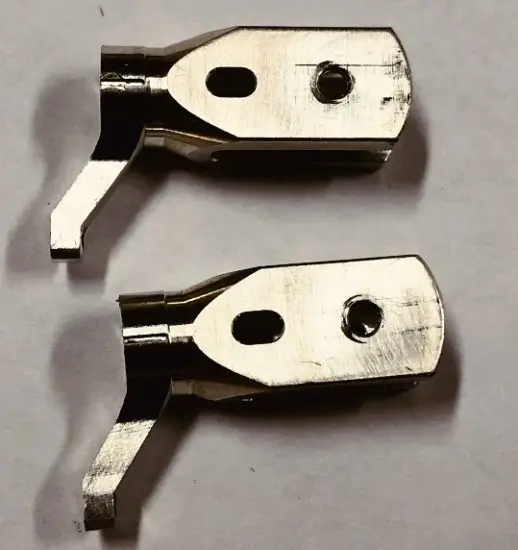 | 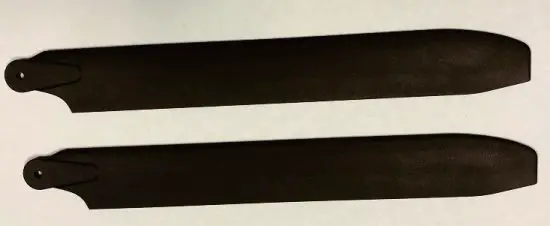 |
| Part No: 2.32.01.E150-005 Part Name: Primary Linkage Rod Set | Part No: 2.32.01.E150-006 Part Name: Swashplate | Part No: 2.32.01.E150-007 Part Name: Secondary Linkage Set | Part No: 2.32.01.E150-008 Part Name: Servo |
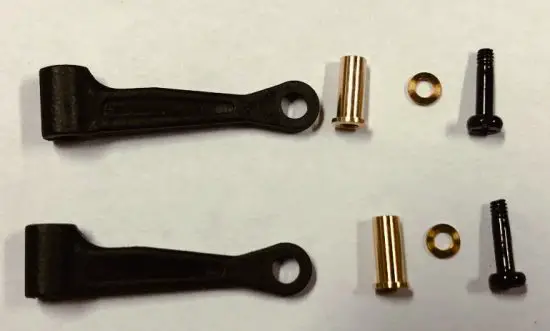 | 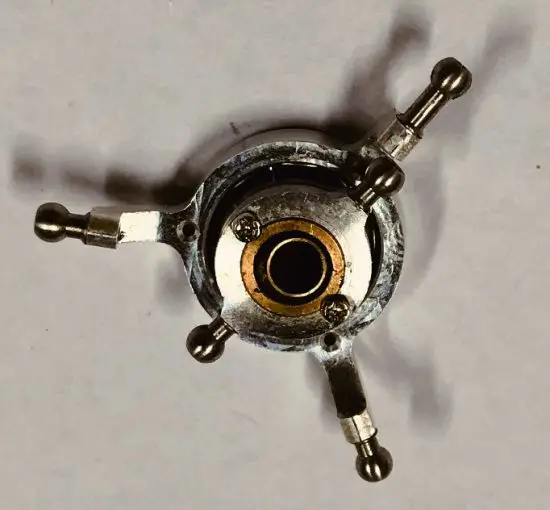 | 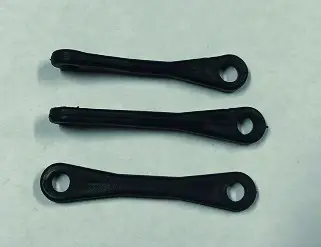 |  |
| Part No: 2.32.01.E150-009 Part Name: Spindle Set | Part No: 2.32.01.E150-010 Part Name: Servo Mounting Plate | Part No: 2.32.01.E150-011 Part Name: Metal Canopy Mounting Mounting Post | Part No: 2.32.01.E150-012 Part Name: Main Motor |
 |  |  | 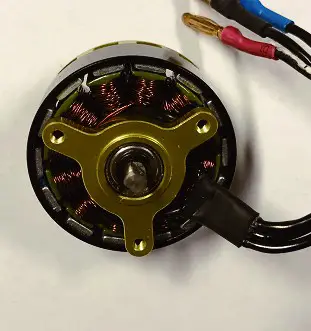 |
| Part No: 2.32.01.E150-013 Part Name: Main Shaft Bearing Mount | Part No: 2.32.01.E150-014 Part Name: Metal Frame Plate A | Parit No: 2.32.01.E150-015 Part Name: Metal Frame Plate B | Part No: 2.32.01.E150-016 Part Name: Tail Boom Fixator |
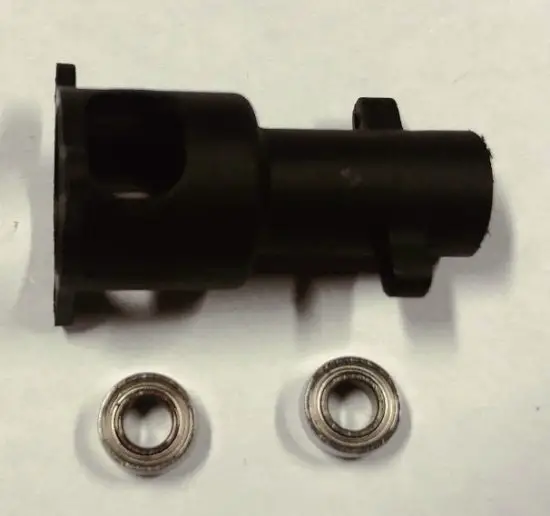 | 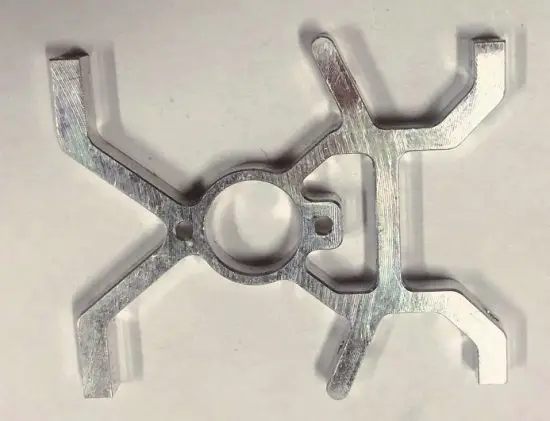 | 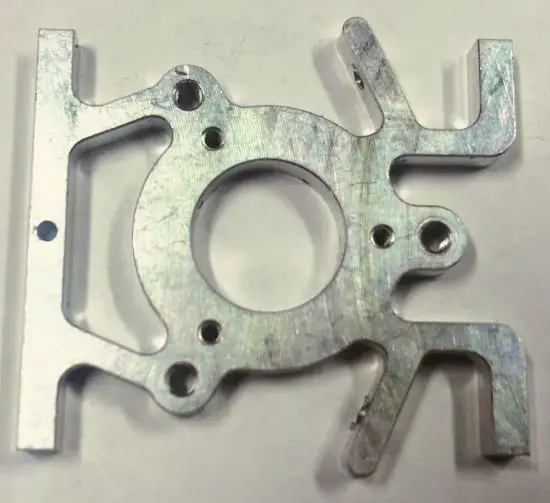 | 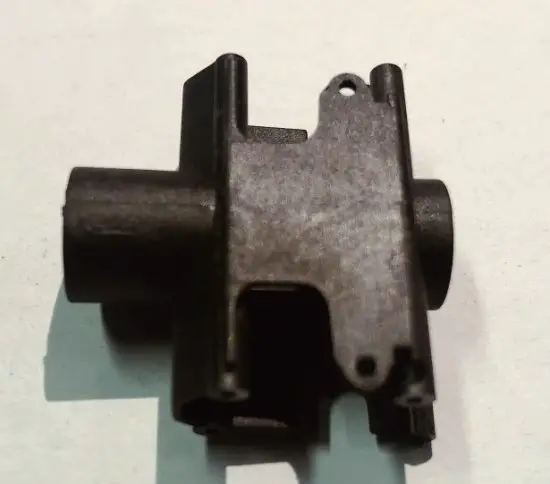 |
| Part No: 2.32.01.E150-017 Part Name: Connecter set of Spindle and Motor | Part No: 2.32.01.E150-018 Part Name: Landing frame Set | Part No: 2.32.01.E150-019 Part Name: Carbon Fib Fiber Side Frame Set | Part No: 2.32.01.E150-020 Part Name: Landing Skid Set |
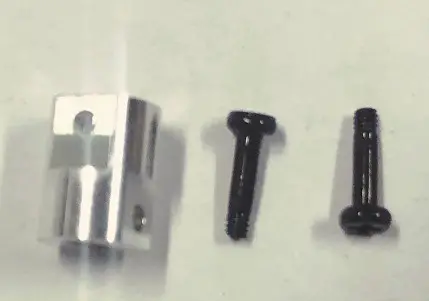 | 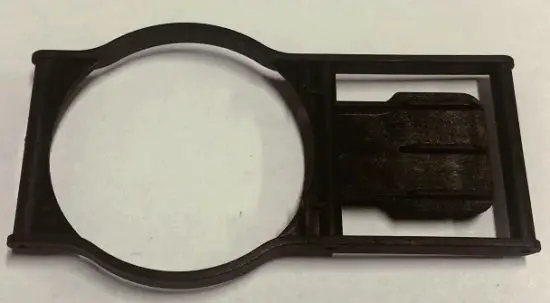 | 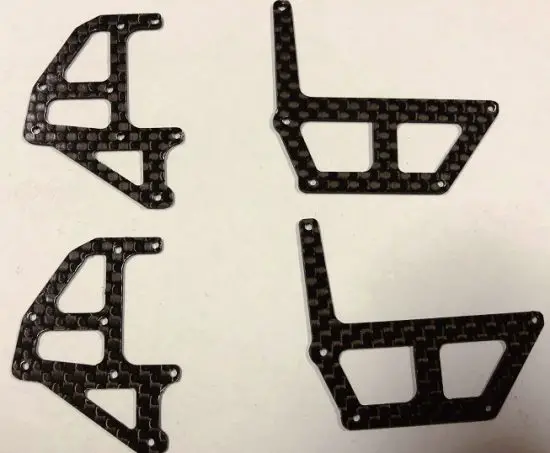 |  |
| Part No: 2.32.01.E150-21 Part Name: Flight Control Unit box | Part No: 2.32.01.E150- 22 Part Name: Integrated Flight Control Board | Part No: 2.32.01.E150-23 Part Name: Power Distribution Board (PCB) | Part No: 2.32.01.E150-24 Part Name: Swashplate seat |
 |  |  |  |
| Part No: 2.32.01.E150-25 Part Name: Battery | Part No: 2.32.01.E150-26 Part Name:: Canopy | Part: No: 2.32.01.E150-27 Part Name: Tail Boom | Part No: 2.32.01.E150-28 Part Name: Horizontal Tail Fin Set |
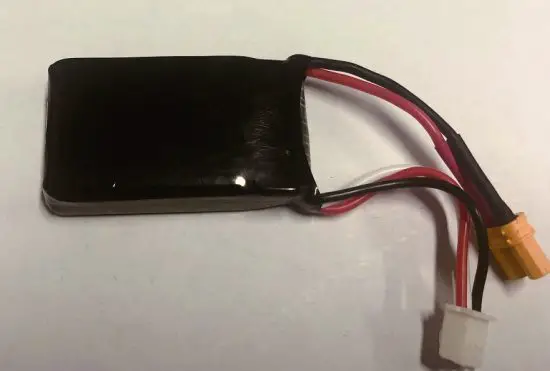 | 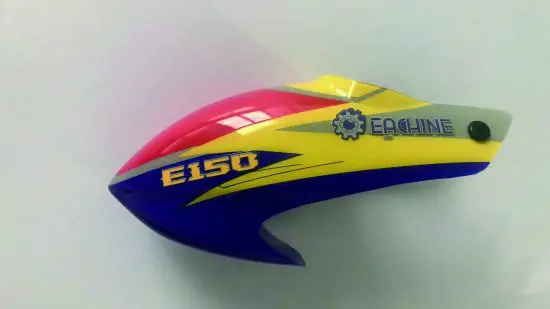 |  | 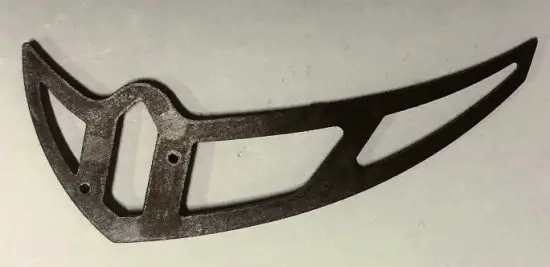 |
| Part No: 2.32.01.E150-29 Part Name: Tail Motor Mount | Part No: 2.32.01.E150-30 Part Name: Tail Motor | Part No: 2.32.01.E150-31 Part Name: Tail Rotor | Part No: 1.03.04.001 Part Name: USB Charger |
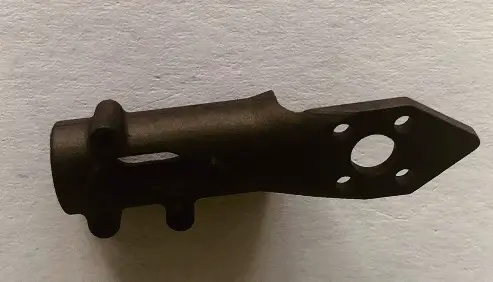 | 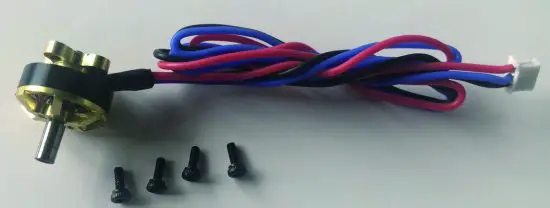 | 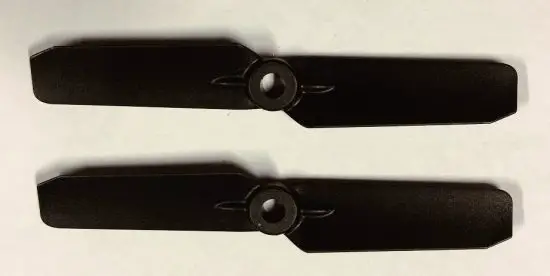 | 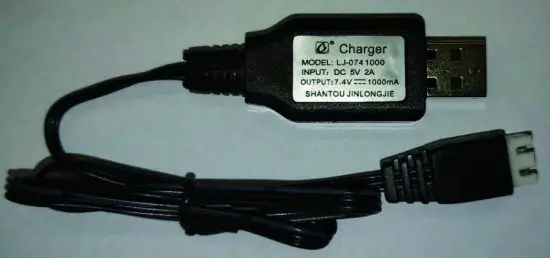 |
| Part No: 2.03.01.T6-001 Part Name: Transmitter | |||
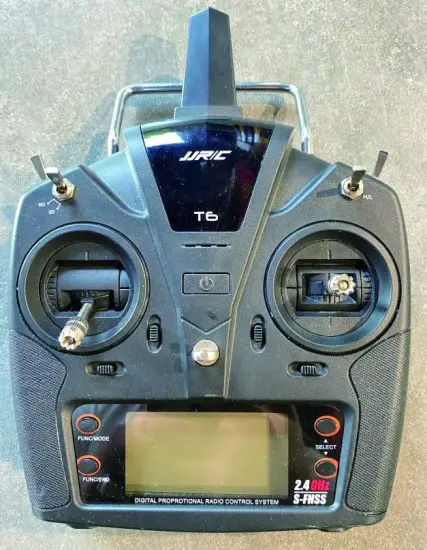 |
 SCHEUFER Technologies GmbH
Address:Hertleinstrasse 37,91 052,Erlangen,Germany
E-mail: Eark.Zhang©scheufer.com VISHTEC UK Co.,Ltd
Address:Unit G25 Waterfront Studios,1DockRoad,London,E16 1AH
E—mail: Vincent.feng@vish—tec.com