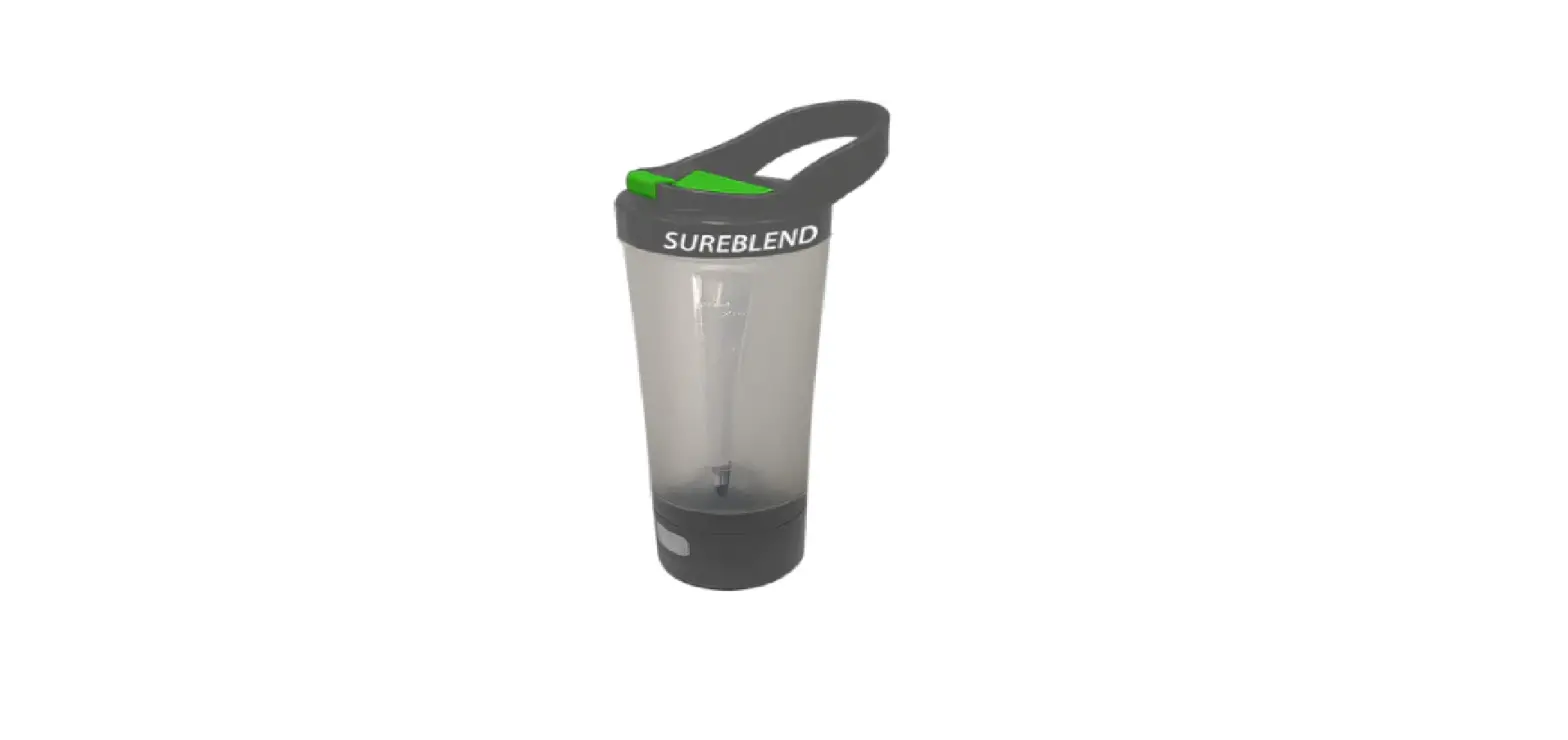
Best Bottle Supplements Blender
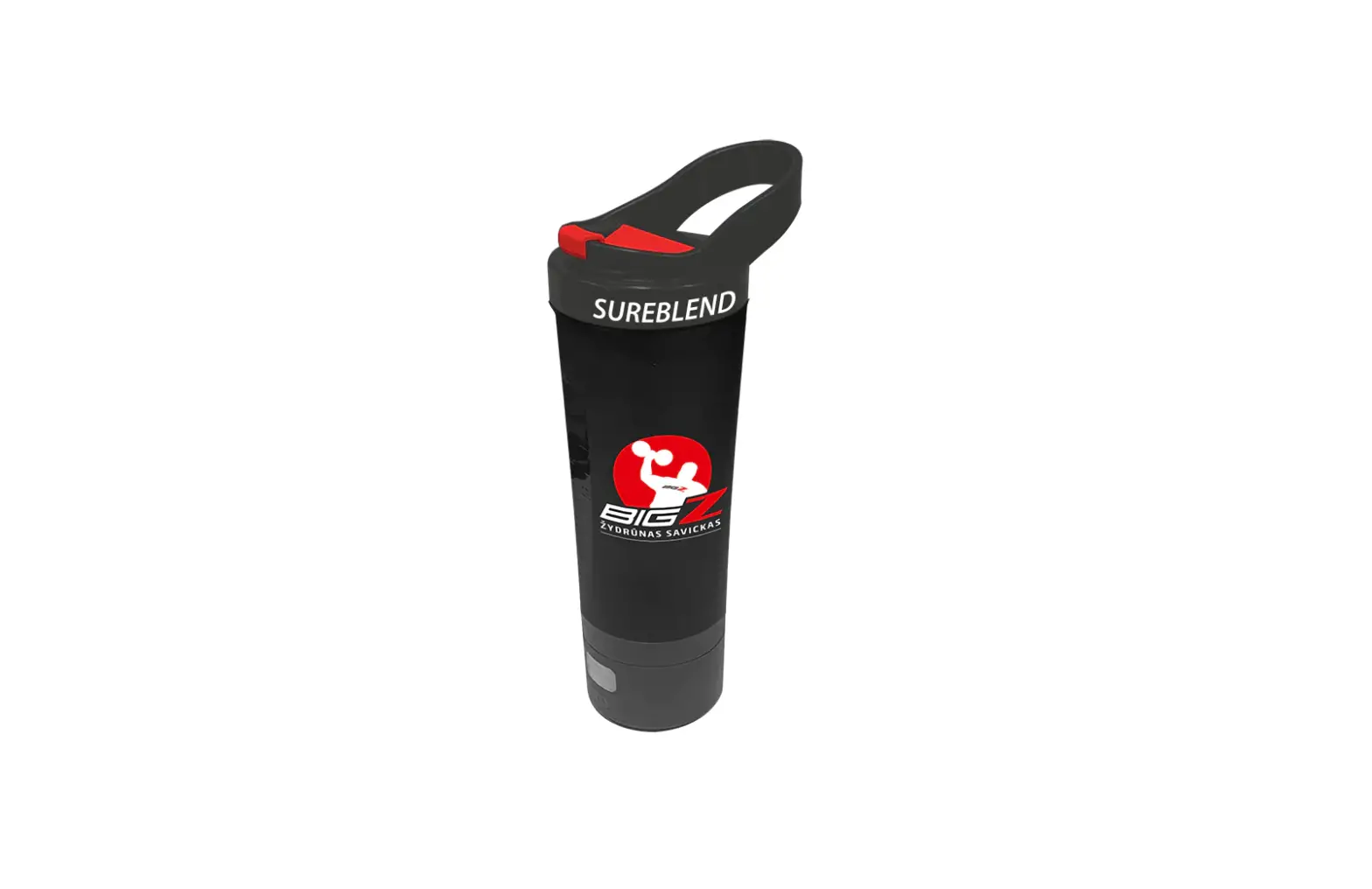
SUREBLEND
INSTRUCTION MANUAL
WARNING: KEEP OUT OF REACH OF CHILDREN. KEEP FINGERS AWAY FROM BLADES
TROUBLESHOOTING
Charging Indicator : Flashing red light = Charging Green light on = Fully charged
Power On : Click once, Green light = On / Click once, Green light = Off
Low Battery : Red light flashes and buzzer sound 6 times
Motor Activation : Start Blade: Double click, green light on, buzzer sounds once, blade starts (Blade auto stops after 20 seconds) Stop Blade: Double click, powers off, blade stops.
Safety Sensor Alert : Buzzer sounds once, Red/Green light flash once. Base and cup aligned correctly.
Safety Sensor Check : Tighten cup body, Red/Green light flashing and buzzer sounds once. Un-tightened cup body; Red/Green light flashing and buzzer sounds 3 times.
Blade Obstructed : Red light on, buzzer sounds 3 times.
SUREBLEND
SUREBLEND LIMITED
+44 (0) 1953 665566
SUREBLEND LIMITED, MAURICE GAYMER ROAD, ATTLEBOROUGH, NORFOLK, NR172QZ
WARNING: KEEP OUT OF REACH OF CHILDREN. KEEP FINGERS AWAY FROM BLADES
UNPACKING YOUR SUREBLEND
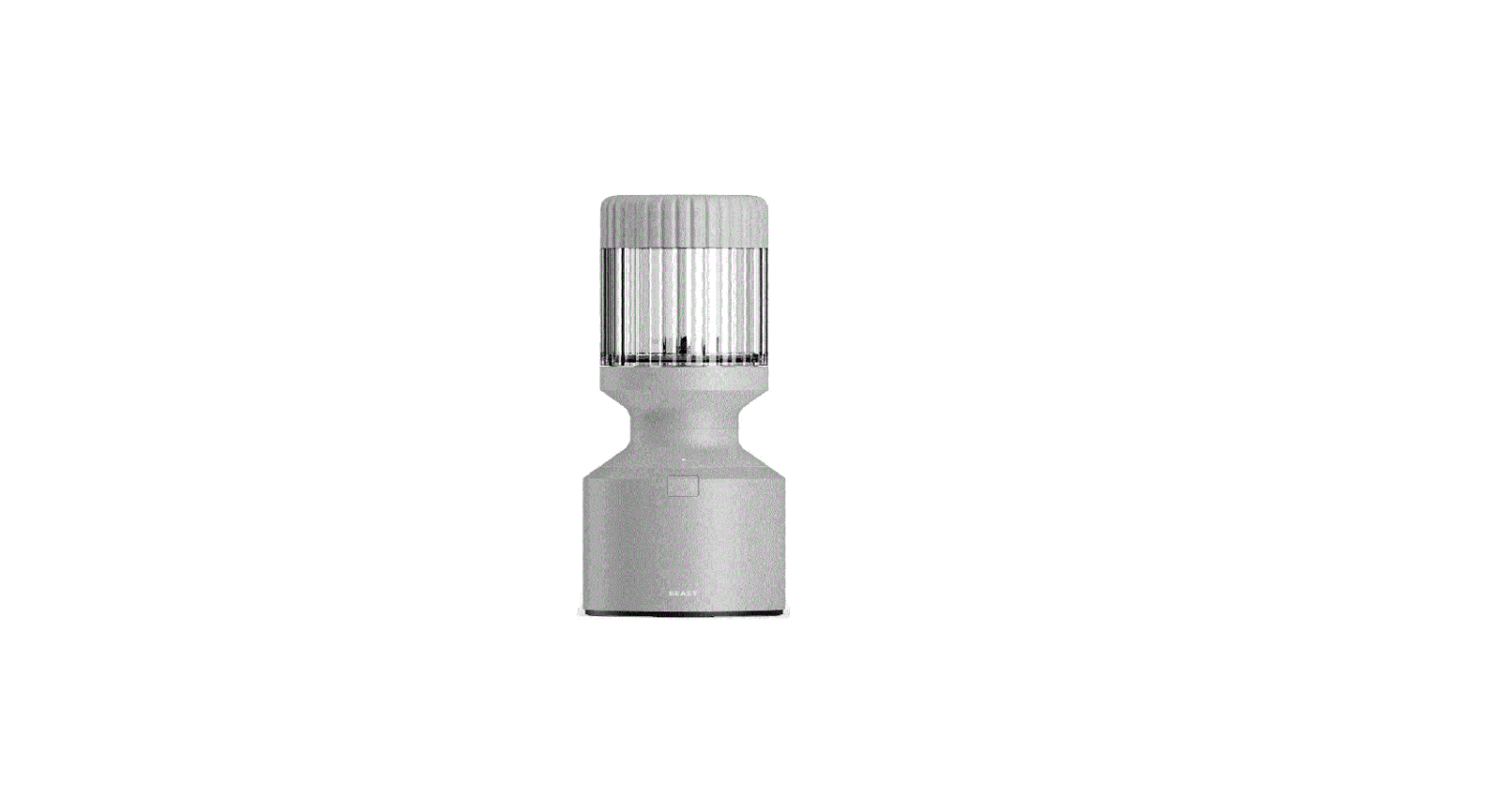
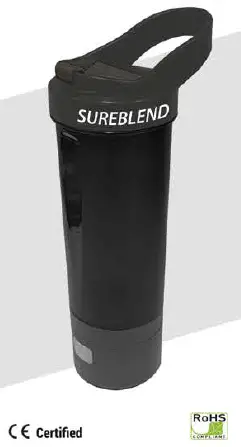
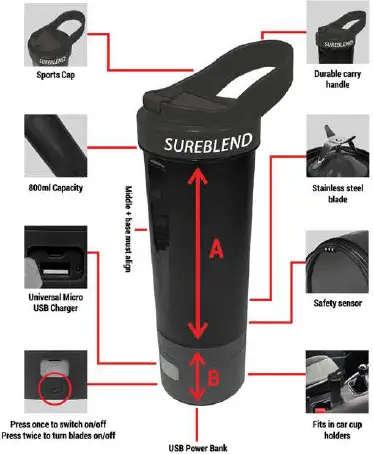
- Charge for at least 3 hours before your first use. The SureBlend comes apart into 3 sections; lid, middle cup and battery/base. Wash the SureBlend before use but DO NOT submerge the base/battery in water. Just wipe over with a damp cloth. Take care when cleaning the blade as it is very sharp.
USING THE CHARGER
- When charging your USB device, the light on the base will remain green.
- When charging the base/battery, the light will flash red. When it is fully charged the light will remain red.
- If there is no light indication when you are trying to charge your USB device or the battery/base, This may indicate that the USB cable is not connected properly, or the cable could be faulty
- If you don’t use the SureBlend over an extended period, it is strongly recommended that you recharge the battery before use to ensure you get maximum power/battery efficiency.
POWER BANK
- Once you have connected your device via USB, simply press the power button once to begin the charging of your device.
- 3600mAh rechargeable power bank battery