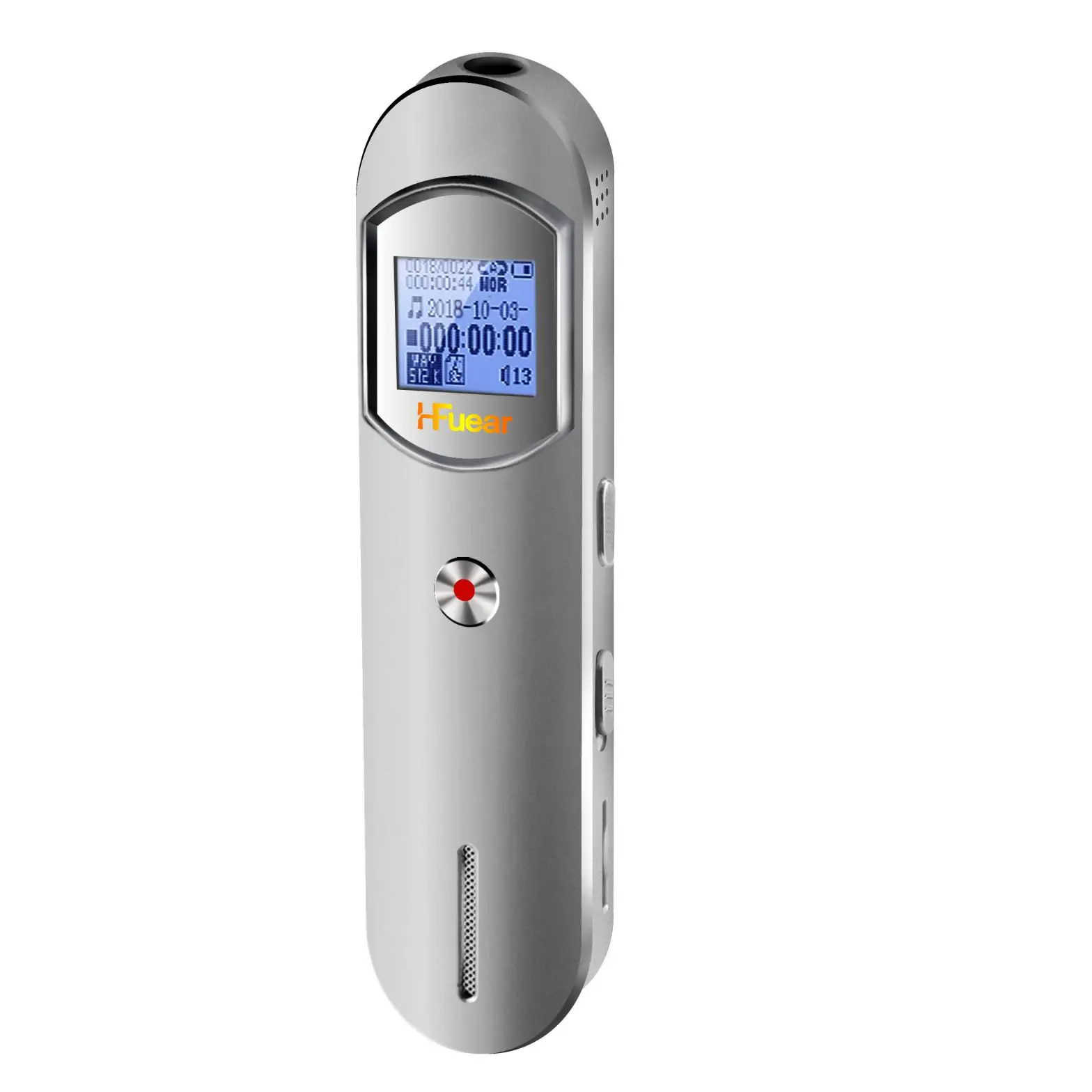
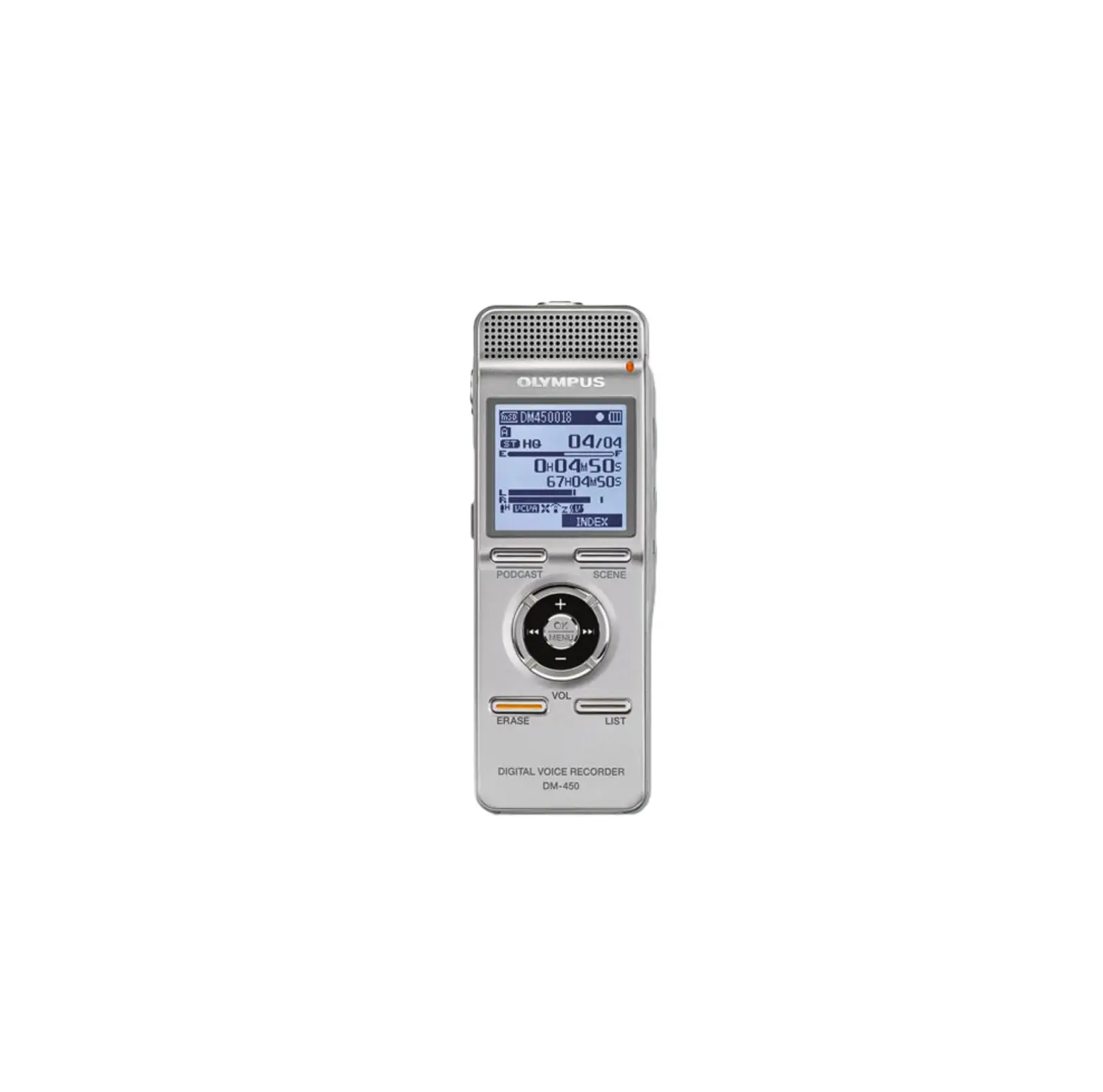
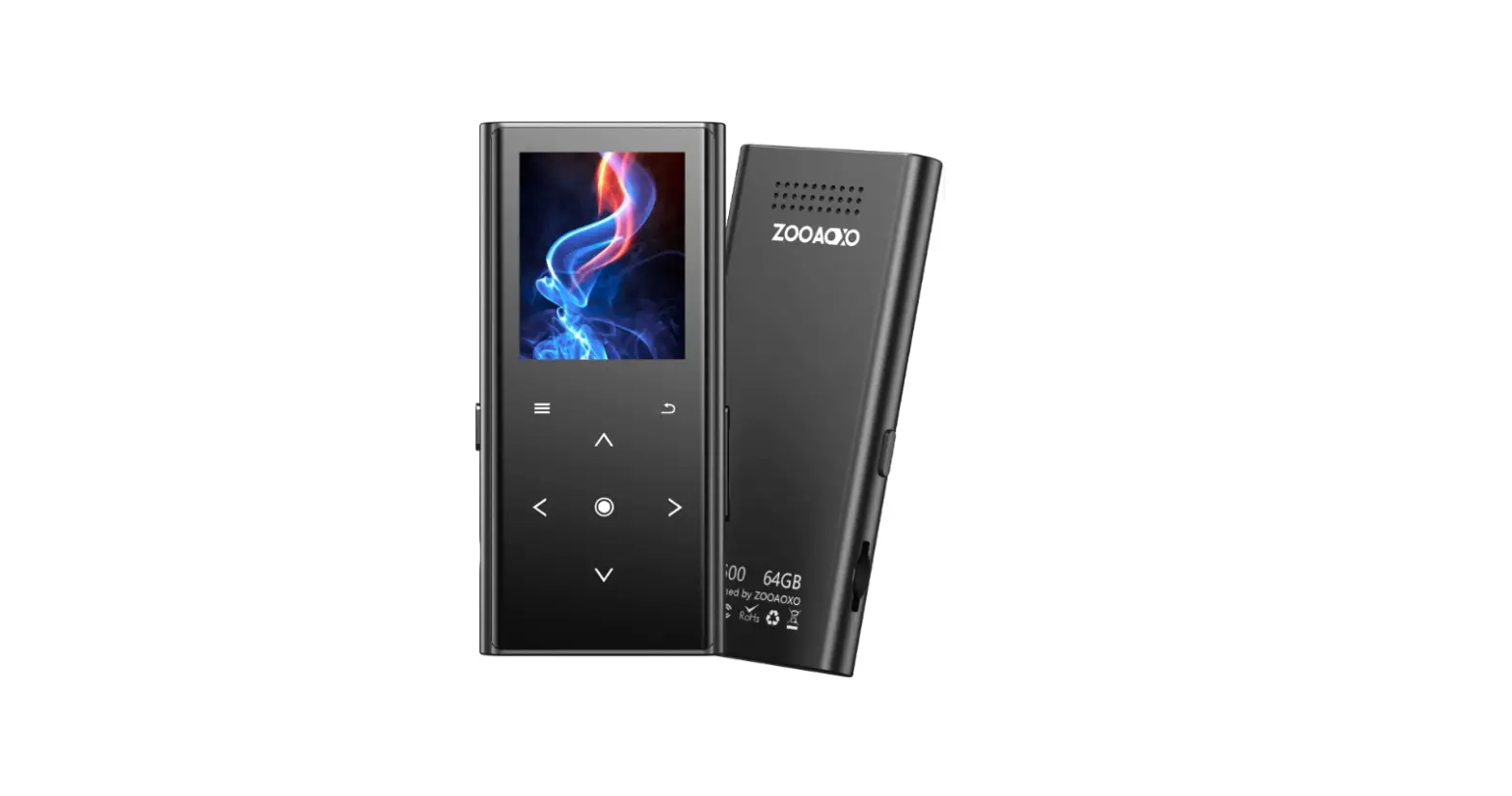
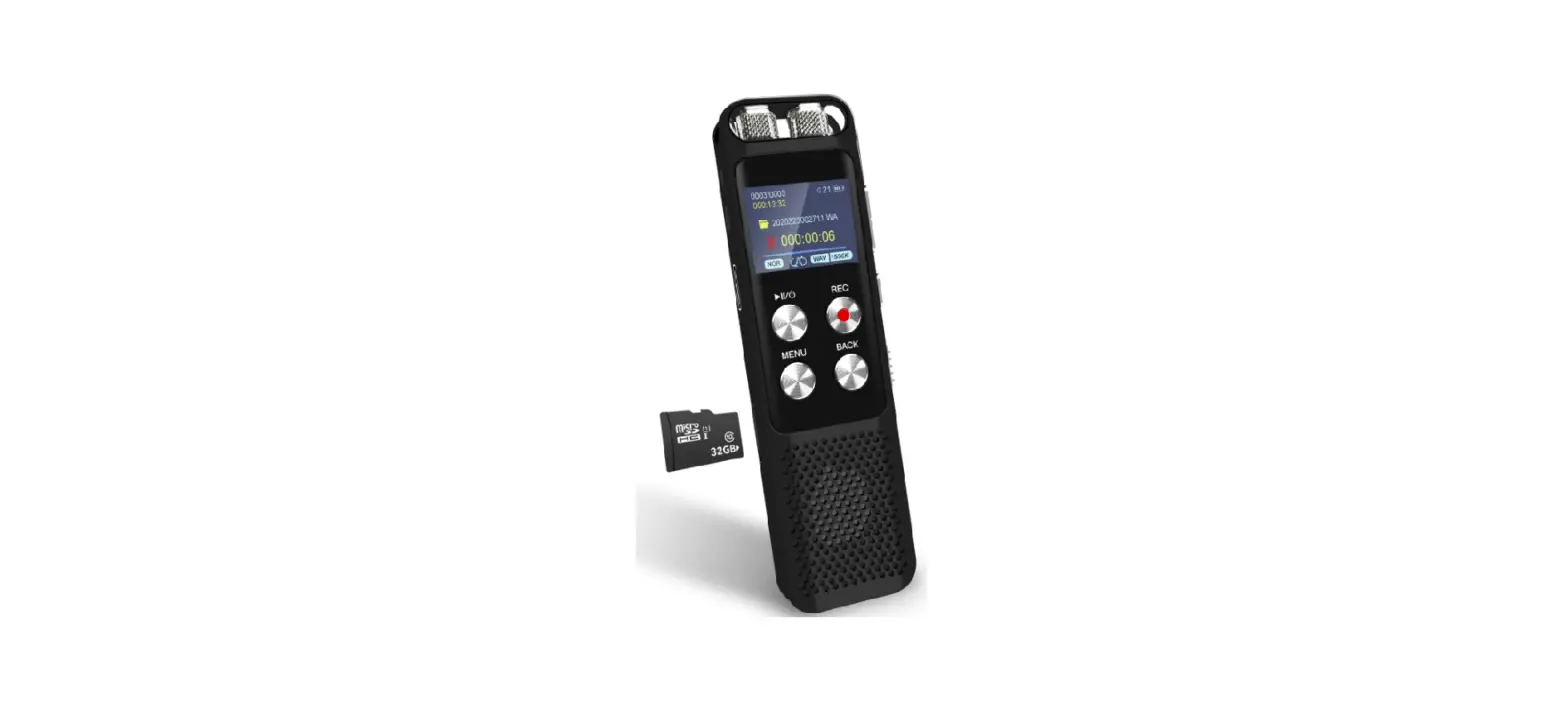
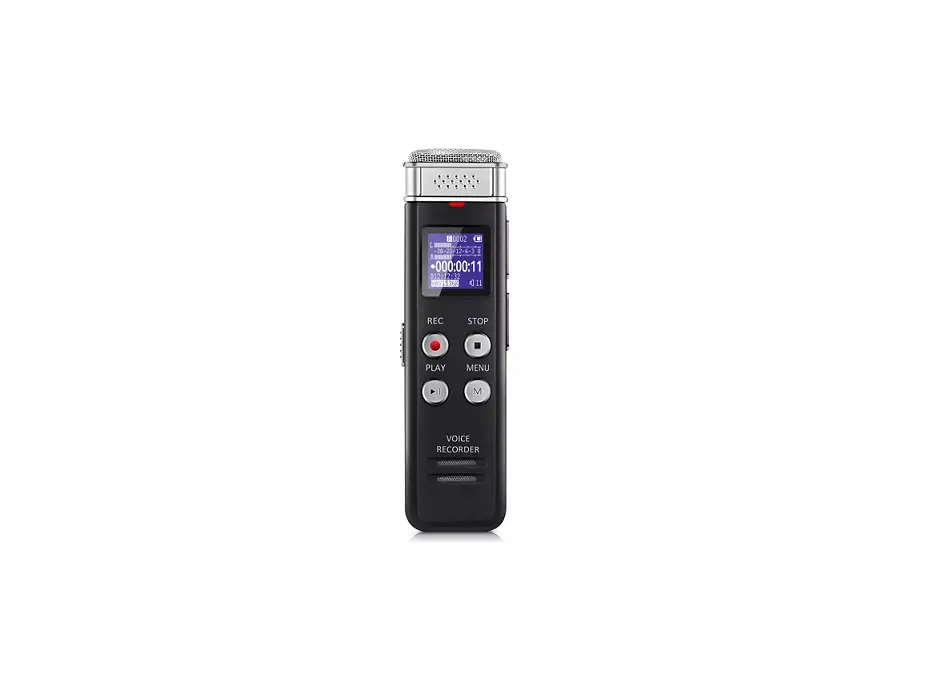
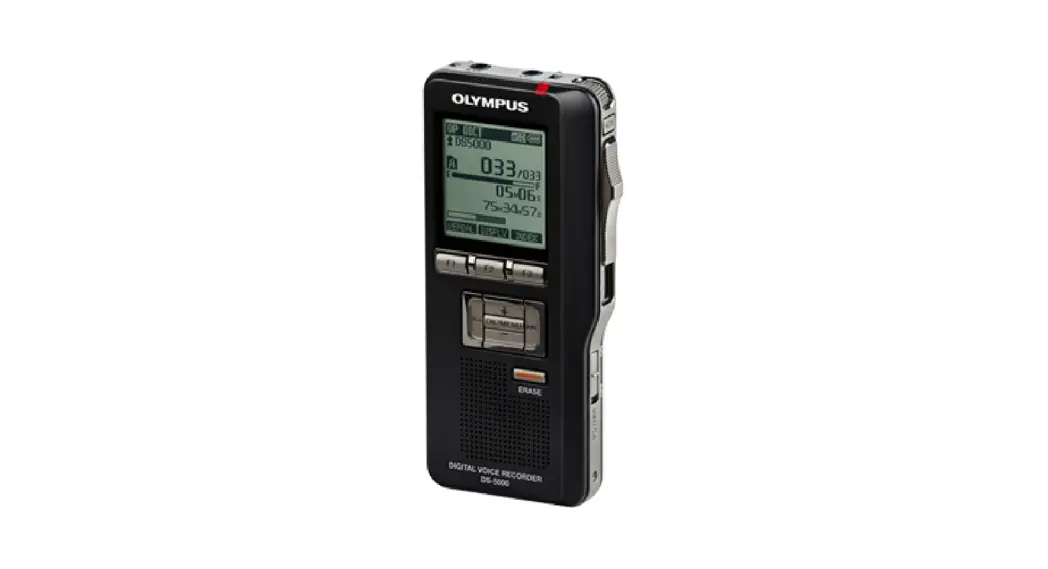
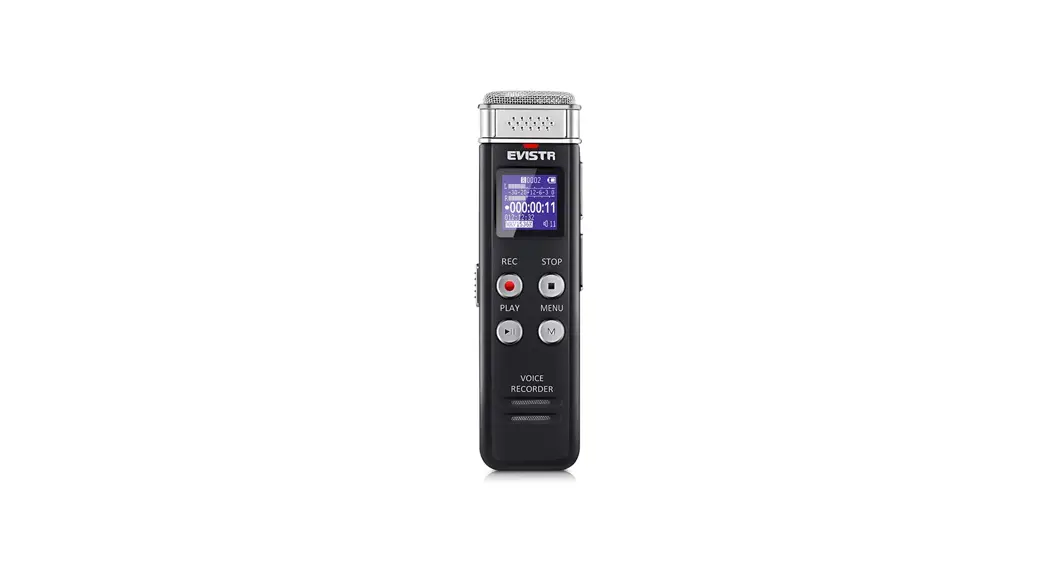
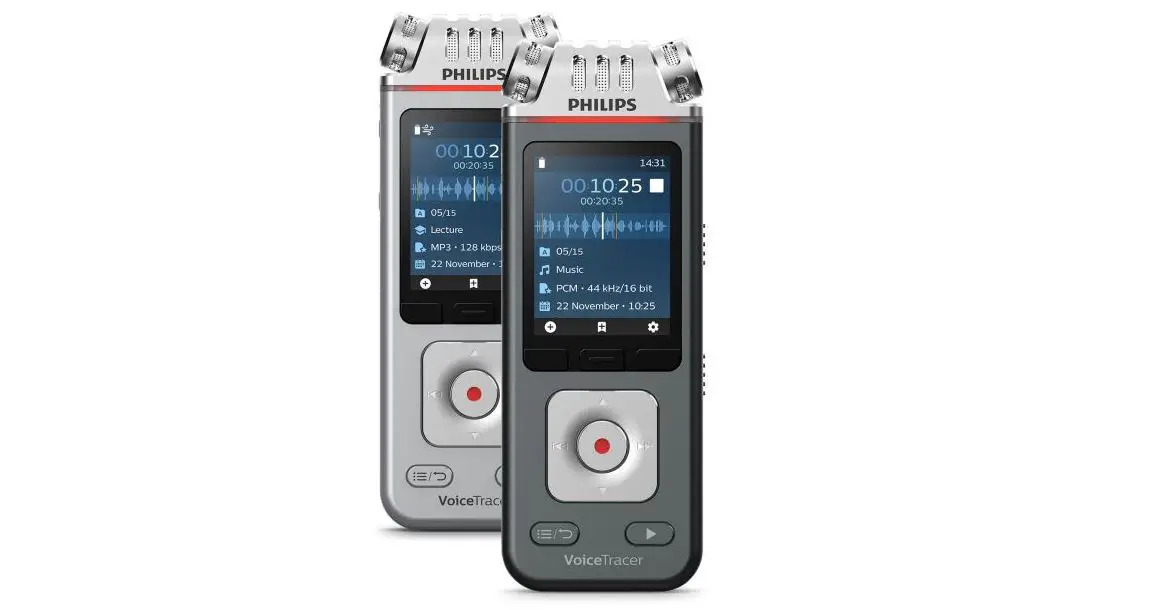
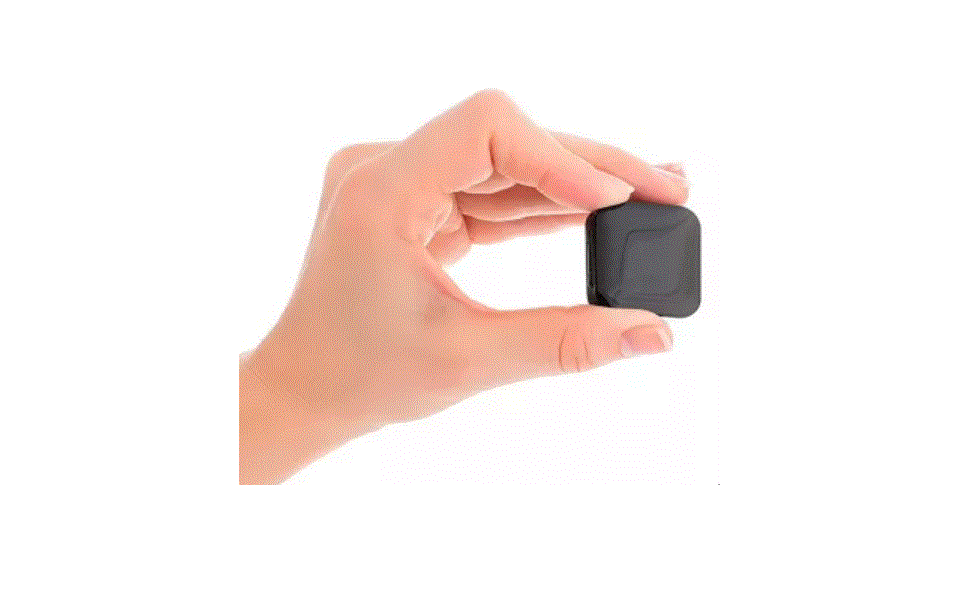
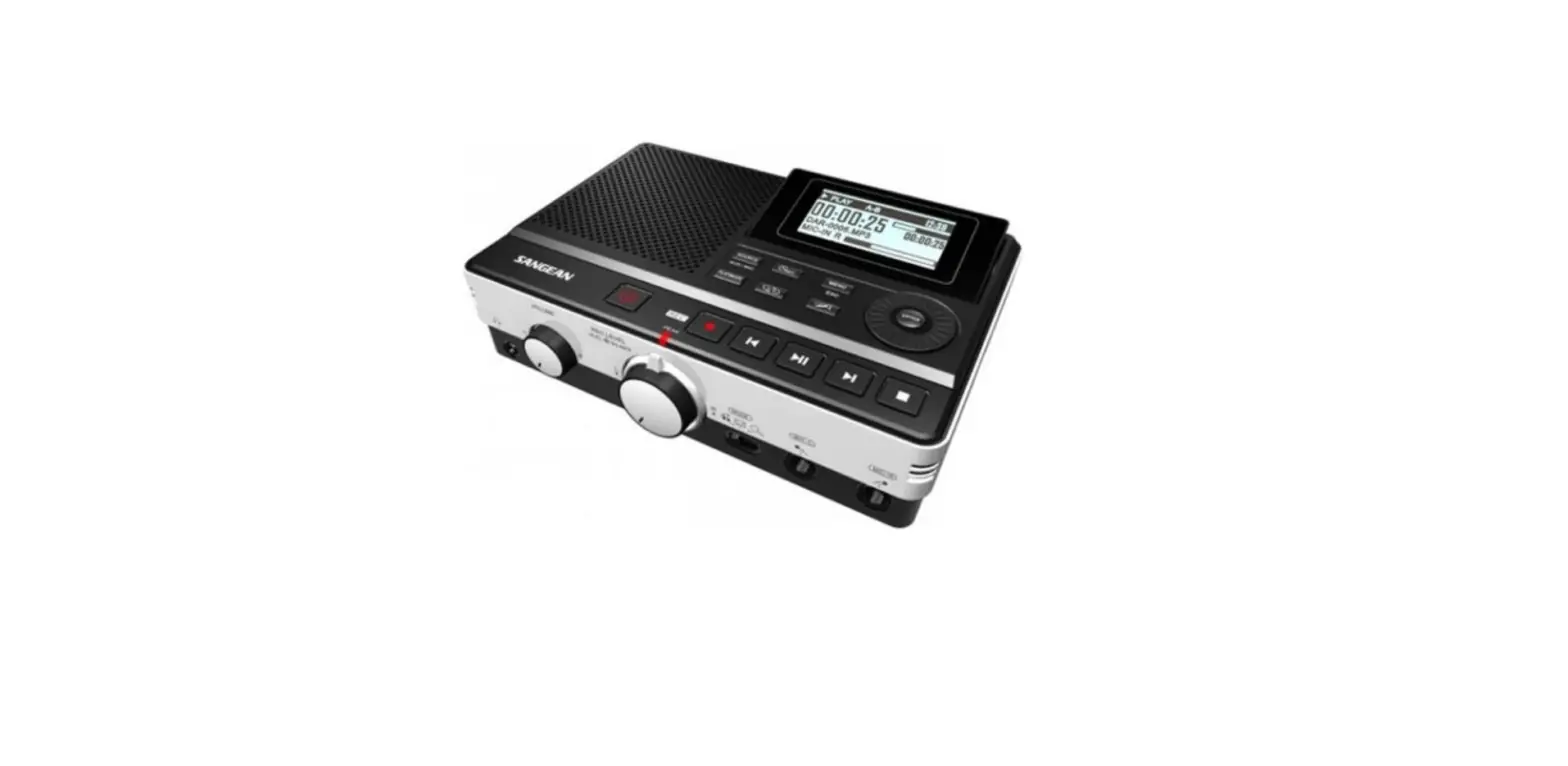
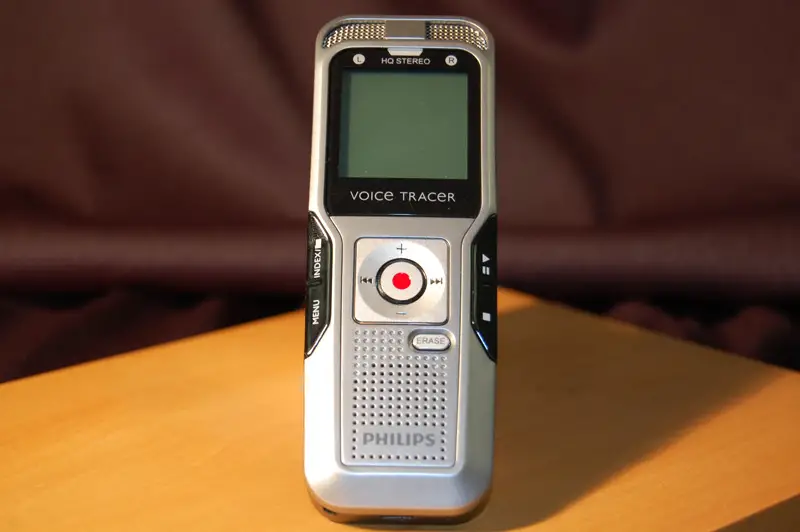
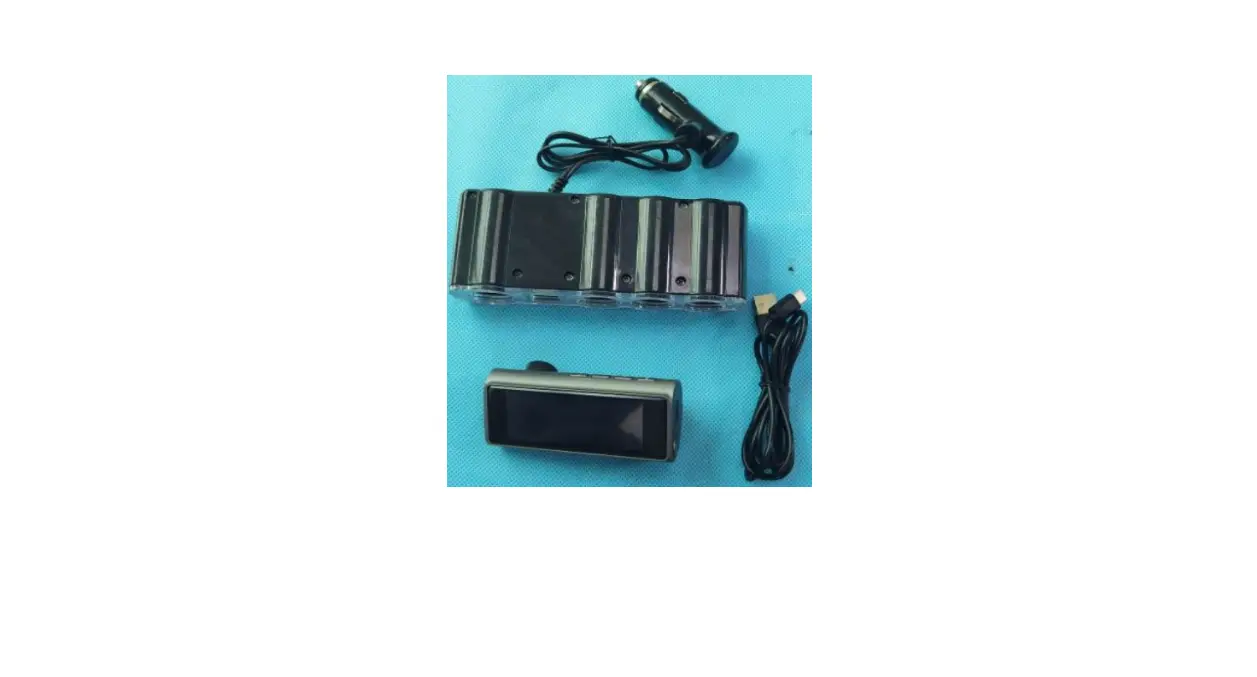
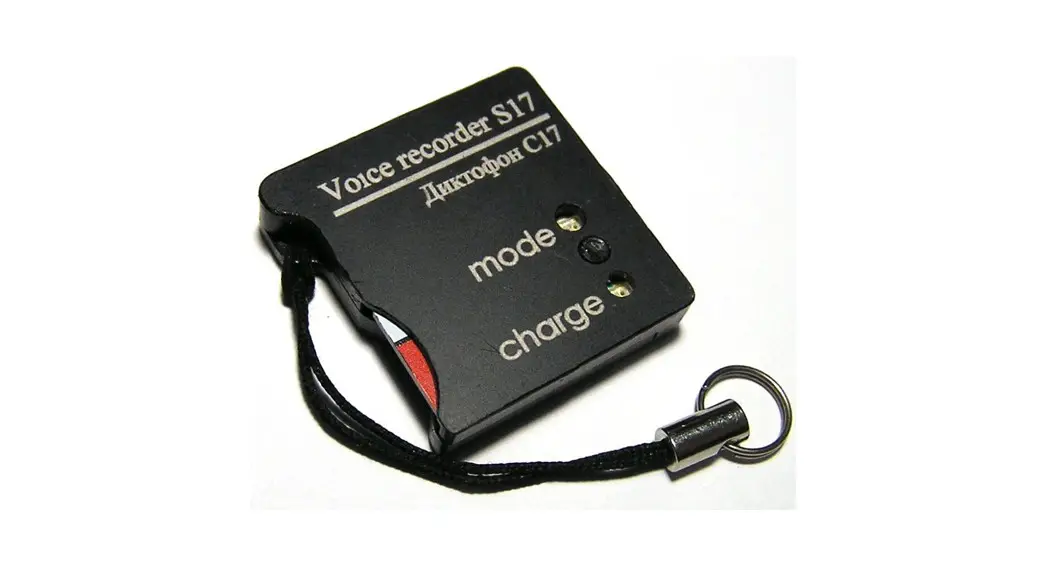
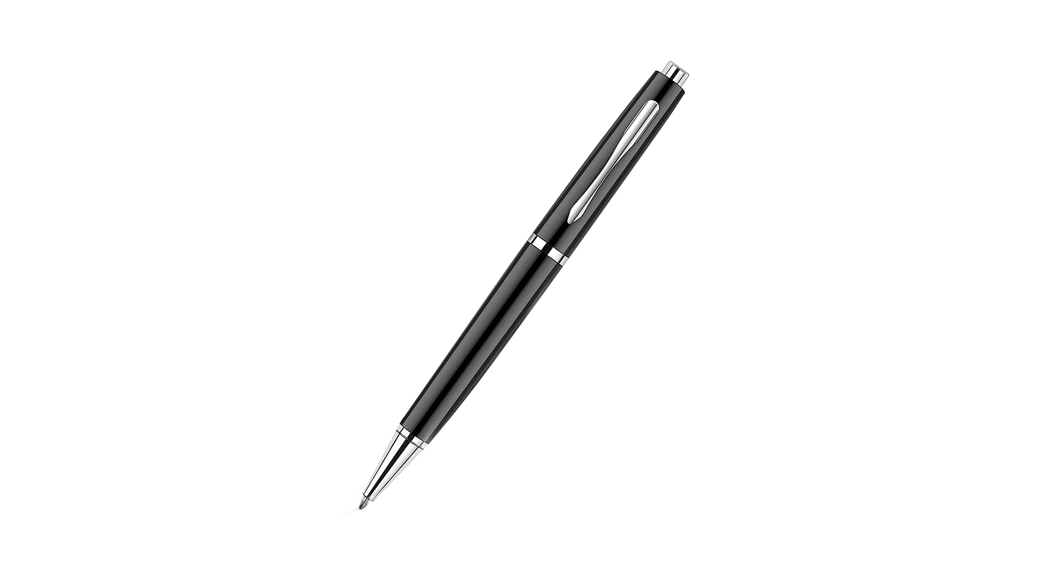
H-R510PRO Intelligent Digital Voice Recorder
Product Information: Intelligent Digital Voice Recorder
Thank you for choosing the Intelligent Digital Voice Recorder.
This product has been specially designed to bring convenience and
pleasure to your work, study, and life.
Chapter 1: Introduction of Product
1. Diagram of Product Functions
2. Parameters of Product:
- Screen: 0.96 inches, 80*160TFT screen
- USB version: USB 2, supports USB 3.0
- Headphone output: double track headphone, 32ohm
- Product memory: 4G, 8G, 16G, 32G (optional)
- Battery capacity: 250mAh polymer lithium battery
- Music format: MP3/WAV/WMA/APE/FLAC
- Recording format: WAV
- Frequency response: 20Hz~20KHz
- SNR: greater than 88db
- Distortion degree: less than 0.05%
- Product size: 80 * 26 * 9mm
- Product weight: 26g
- Operation systems: Window 98, Window XP, Windows7, Windows8,
Windows10, MAC OS - Bit rate: WAV-512KBPS/1536KBPS/3072KBPS
Chapter 2: Start to Use
1. Setting Functions:
- Language
- Date and time
- Brightness
- Backlight timer
- Set the timed shutdown
- Information
- Storage status
- Factory setting
- Update playlist
- Power-on Password
2. Bluetooth:
- Bluetooth mode
- Bluetooth on/off
- Paired device
- Available devices
- Device name
3. Recorder:
- Recording library
- Recording bit rate: 512 kbps/1536kbps/3072 kbps
- Noise co
- Recording scene: Closure, Interview, Meeting, Station,
Teaching - Recording segment
- Voice-activated
- Recording monitor
- Timing recording
4. Folder:
- Folder setting: Back to the main page, variable speed playback,
repeat playback, bookmark, add to playlist, Equalizer
5. Music:
- All songs
- Playing now/last played
- Artists
- Albums
- Favorites
- Setting of play mode: Back to the main page, variable speed
playback, repeat playback, bookmark, add to playlist,
Equalizer
FCC Statement
Note: This equipment has been tested and found to comply with
the limits for a Class B digital device, pursuant to part 15 of the
FCC Rules. These limits are designed to provide reasonable
protection against harmful interference in a residential
installation. This equipment generates, uses and can radiate radio
frequency energy and, if not installed and used in accordance with
the instructions, may cause harmful interference to radio
communications. However, there is no guarantee that interference
will not occur in a particular installation. If this equipment does
cause harmful interference to radio or television reception, which
can be determined by turning the equipment off and on, the user is
encouraged to try to correct the interference by one or more of the
following measures:
- Reorient or relocate the receiving antenna.
- Increase the separation between the equipment and
receiver. - Connect the equipment into an outlet on a circuit different
from that to which the receiver is connected. - Consult the dealer or an experienced radio/TV technician for
help.
This device complies with part 15 of the FCC Rules. Operation is
subject to the following two conditions:
- This device may not cause harmful interference.
- This device must accept any interference received, including
interference that may cause undesired operation.
Any changes or modifications not expressly approved by the party
responsible for compliance could void the user’s authority to
operate the equipment.
The device has evaluated to meet general RF exposure
requirement. The device can be used be in portable exposure without
restriction.
Product Usage Instructions
Chapter 2: Start to Use
1. Setting Functions:
Select the Settings icon on the main menu and the following
options will show up:
- Language: Set the language of the device.
- Date and time: Set the date and time on the device.
- Brightness: Adjust the screen brightness.
- Backlight timer: Set the duration for the backlight to stay
on. - Set the timed shutdown: Schedule the device to turn off
automatically at a specific time. - Information: View information about the device.
- Storage status: Check the available storage space on the
device. - Factory setting: Restore the device to its factory
settings. - Update playlist: Update the playlist on the device.
- Power-on Password: Set a password for turning on the
device.
2. Bluetooth:
- Bluetooth mode: Select the Bluetooth mode.
- Bluetooth on/off: Turn the Bluetooth function on or off.
- Paired device: View and manage paired devices.
- Available devices: Scan for available Bluetooth devices to
connect to. - Device name: Set the name of the device for Bluetooth
connections.
3. Recorder:
- Recording library: Access the recorded files and manage
them. - Recording bit rate: Select the desired bit rate for
recording. - Noise co: Adjust noise cancellation settings for
recording. - Recording scene: Choose the appropriate scene for recording
(Closure, Interview, Meeting, Station, Teaching). - Recording segment: Split recordings into segments.
- Voice-activated: Enable voice-activated recording.
- Recording monitor: Monitor the recording while it is in
progress. - Timing recording: Schedule recordings to start and stop at
specific times.
4. Folder:
- Folder setting: Adjust settings for folders, including variable
speed playback, repeat playback, bookmarking, adding to playlist,
and equalizer settings.
5. Music:
- All songs: Access all the songs on the device.
- Playing now/last played: View the currently playing or last
played song. - Artists: Browse songs by artists.
- Albums: Browse songs by albums.
- Favorites: Access your favorite songs.
- Setting of play mode: Adjust play mode settings, including
variable speed playback, repeat playback, bookmarking, adding to
playlist, and equalizer settings.
User’s Manual of Intelligent Digital Voice Recorder
Thank you for choosing the voice recorder that we have specially designed for you. We believe the product will bring convenience and pleasure to your work, study and life.
Chapter 1 Introduction of product Thank you for choosing the voice recorder that we have specially designed for you. We believe the product will bring convenience and pleasure to your work, study and life. 1. Diagram of product functions
-2-
2. Parameters of product Screen:0.96 inches, 80*160TFT screen USB version: USB 2, supports USB 3.0 Headphone output: double track headphone,
32ohm Product memory: 4G, 8G, 16G, 32G(optional) Battery capacity: 250mAh polymer lithium
battery Music format: MP3/WAV/WMA/APE/FLAC Recording format: WAV Frequency response: 20Hz~20KHz SNR: greater than 88db Distortion degree: less than 0.05% Product size: 80 * 26 * 9mm Product weight: 26g Operation systems: Window 98, Window
XP,Windows7, windows8, windows10, MAC OS Bit rate:WAV-512KBPS/1536KBPS/3072KBPS
-3-
Chapter 2 Start to use
1. Setting functions Select the “Settings” icon on the main menu and the following options will show up.
Language Date and time Brightness Backlight timer Set the timed shutdown Information Storage status Factory setting Update playlist: Power-on Password
2. Bluetooth Bluetooth mode Bluetooth on/off
-4-
Paired device Available devices Device name
3. Recorder Recording library Recording bit rate:512 kbps/ 1536kbps/ 3072 kbps Noise co Recording scene: Closure, Interview, Meeting, Station, Teaching Recording segment Voice-activated Recording monitor Timing recording
4. Folder Folder setting: Back to the main page, variable
speed playback, repeat playback, bookmark, add to playlist, Equalizer 5. Music
-5-
All songs Playing now/last played Artists Albums Favorites Setting of play mode:Back to the main page,
variable speed playback, repeat playback, bookmark, add to playlist, Equalizer
FCC Statement Note: This equipment has been tested and found to comply with the limits for a Class B digital device, pursuant to part 15 of the FCC Rules. These limits are designed to provide reasonable protection against harmful interference in a residential installation. This equipment generates, uses and can radiate radio frequency energy and, if not installed and used in accordance with the
-6-
instructions, may cause harmful interference to radio communications. However, there is no guarantee that interference will not occur in a particular installation. If this equipment does cause harmful interference to radio or television reception, which can be determined by turning the equipment off and on, the user is encouraged to try to correct the interference by one or more of the following measures: –Reorient or relocate the receiving antenna. –Increase the separation between the equipment and receiver. –Connect the equipment into an outlet on a circuit different from that to which the receiver is connected. –Consult the dealer or an experienced radio/TV technician for help.
-7-
This device complies with part 15 of the FCC Rules. Operation is subject to the following two conditions:(1) This device may not cause harmful interference, and (2) this device must accept any interference received, including interference that may cause undesired operation.
Any changes or modifications not expressly approved by the party responsible for compliance could void the user’s authority to operate the equipment.
The device has evaluated to meet general RF exposure requirement. The device can be used be in portable exposure without restriction.
-8-