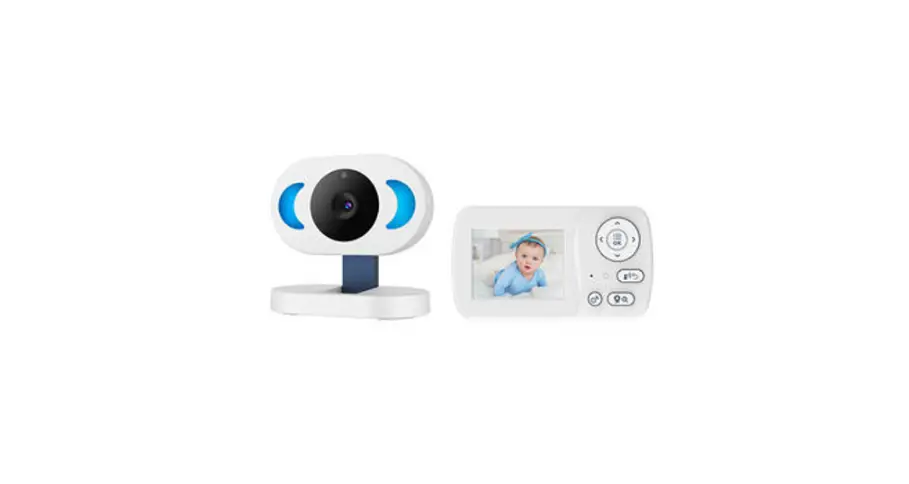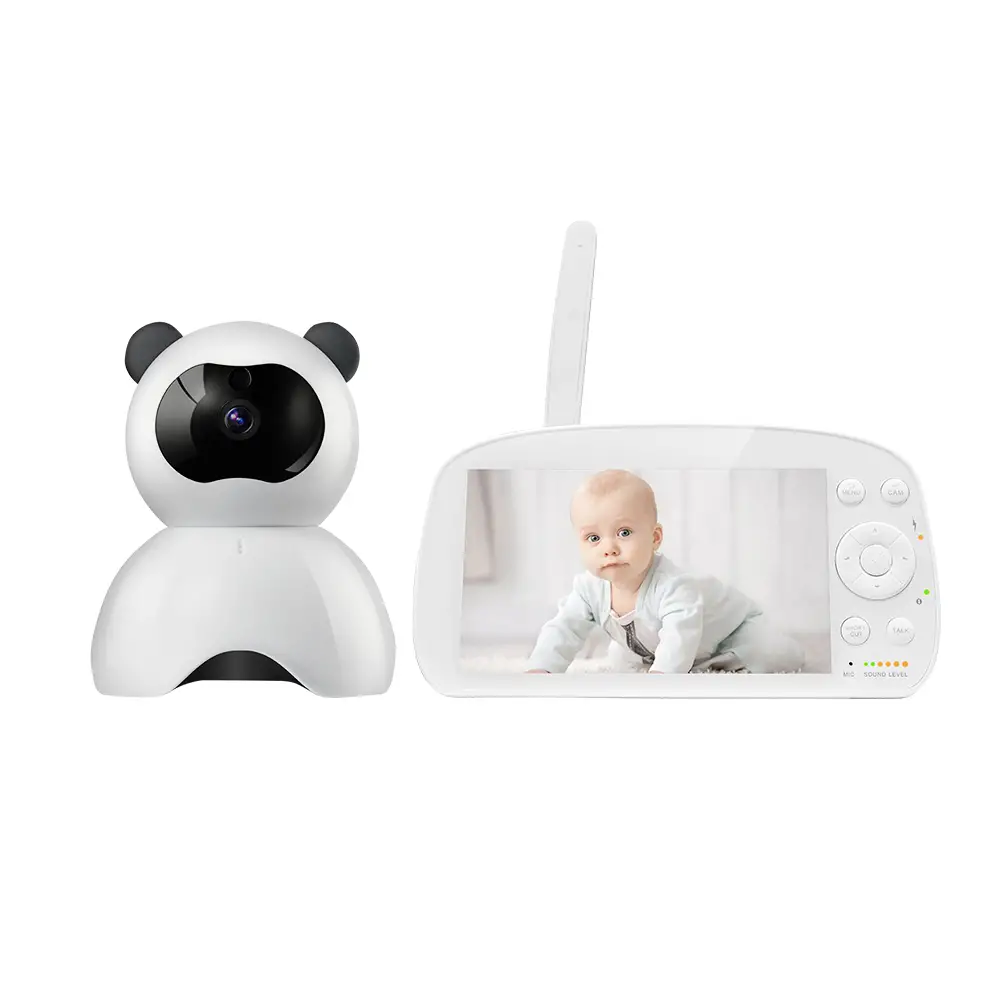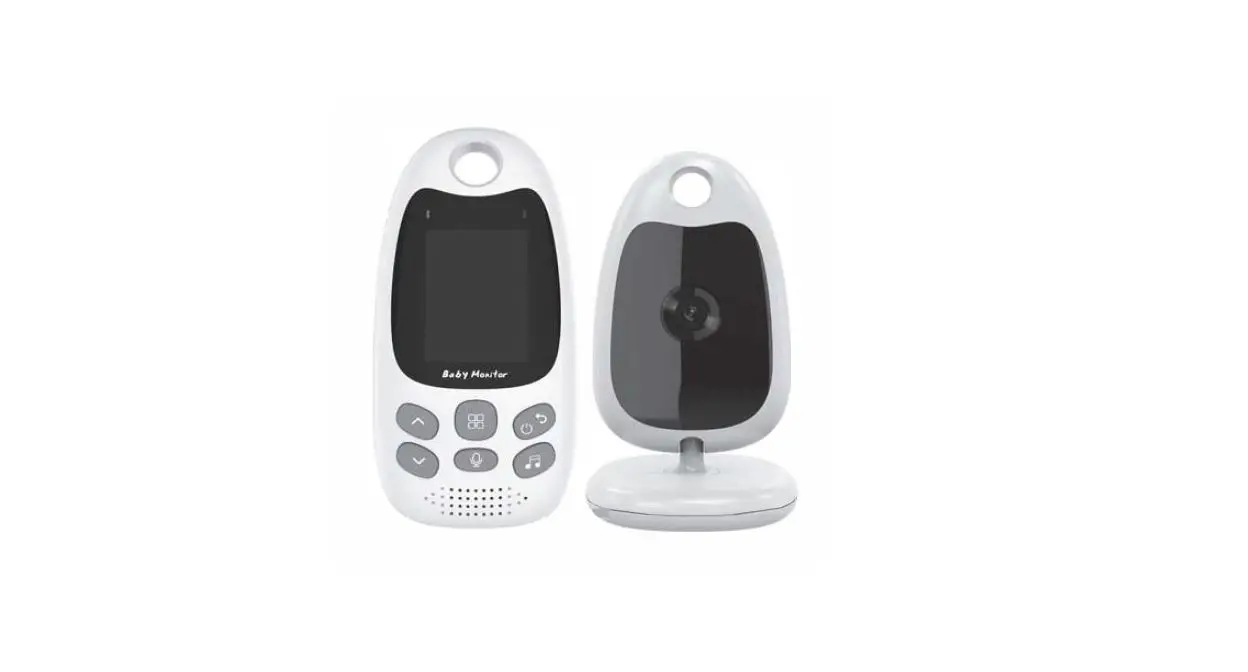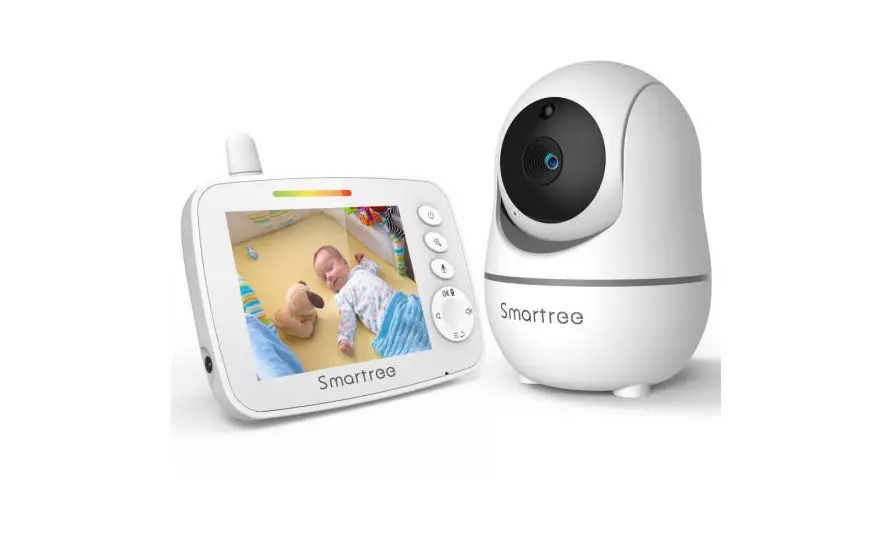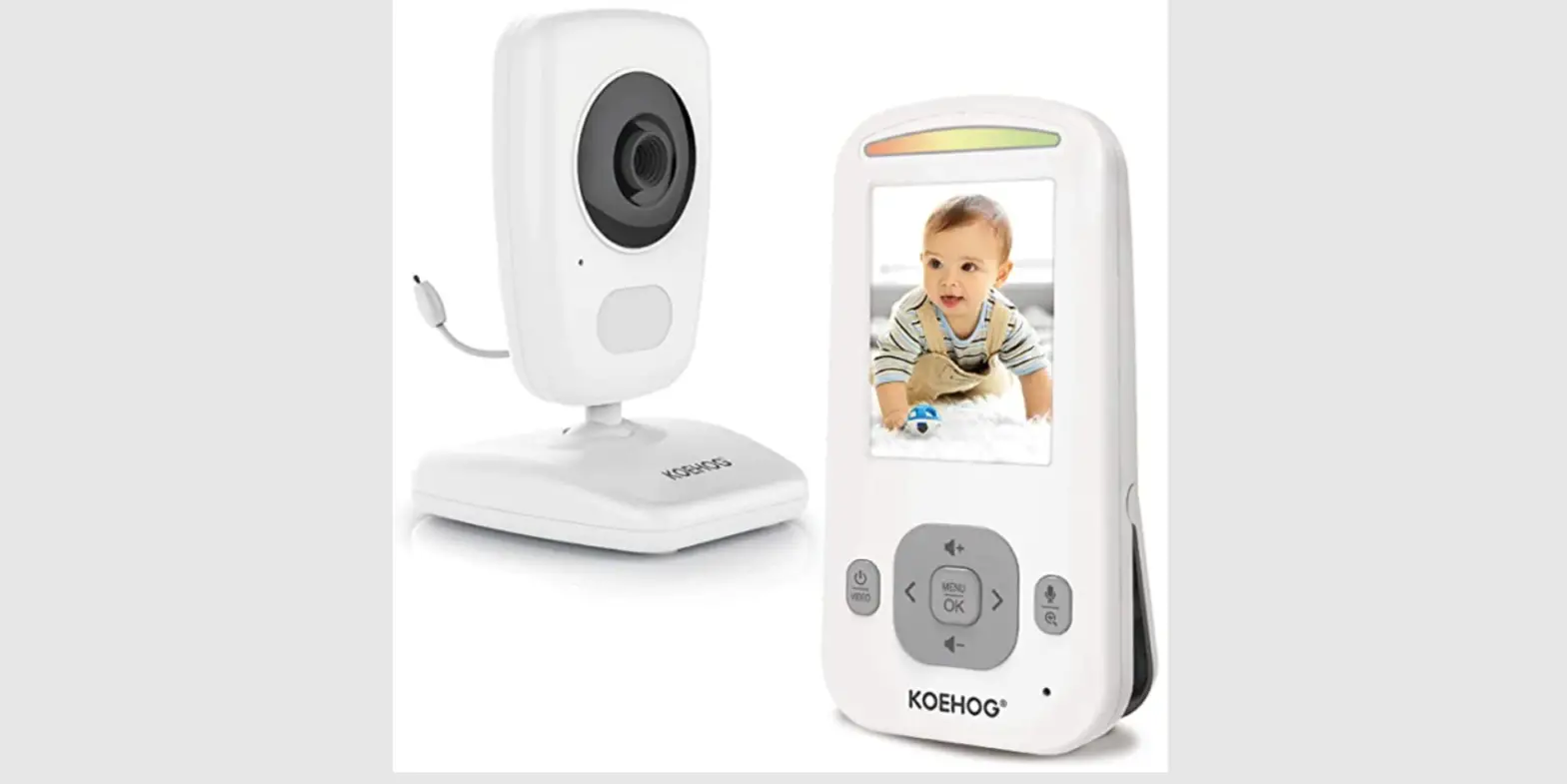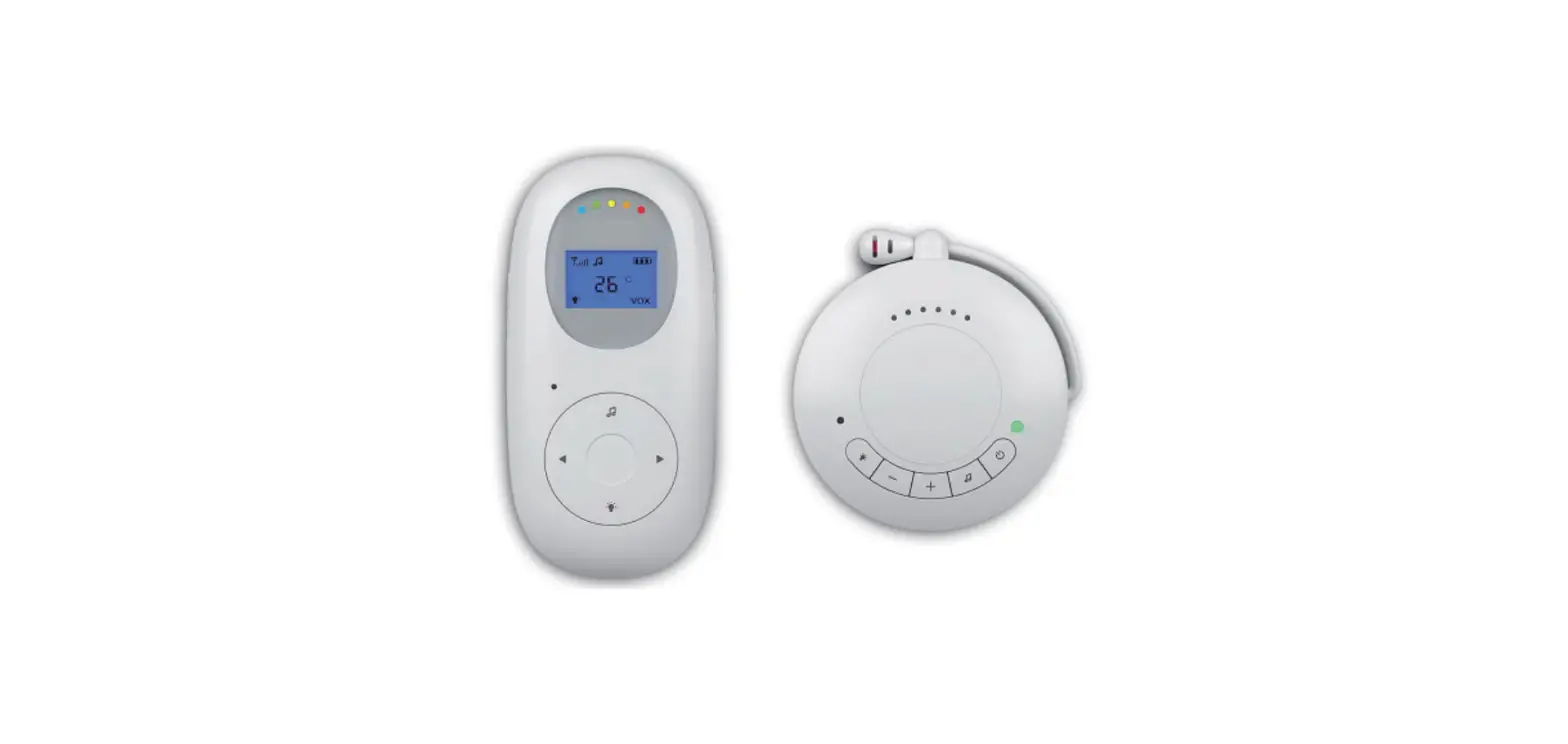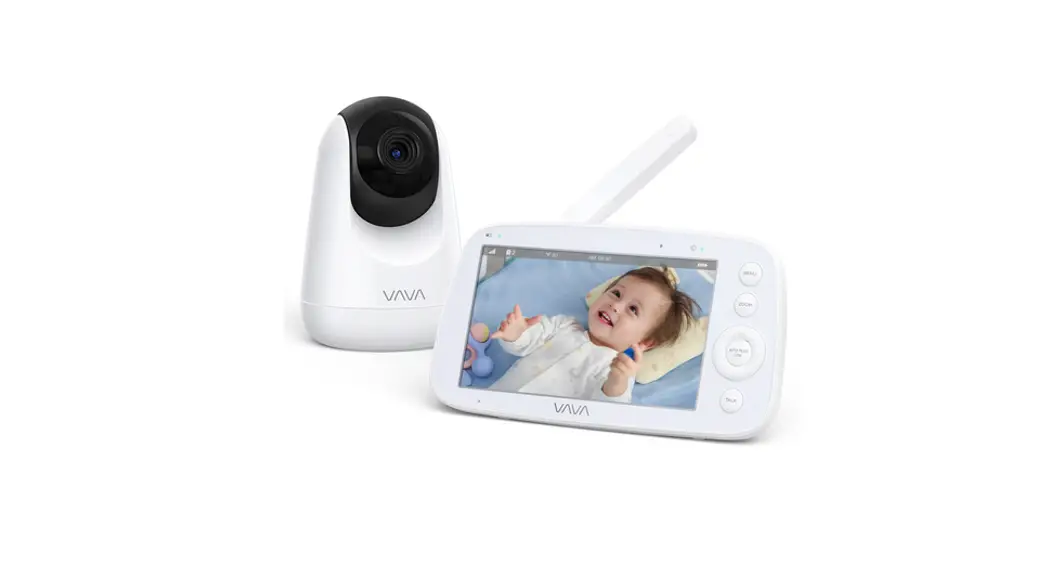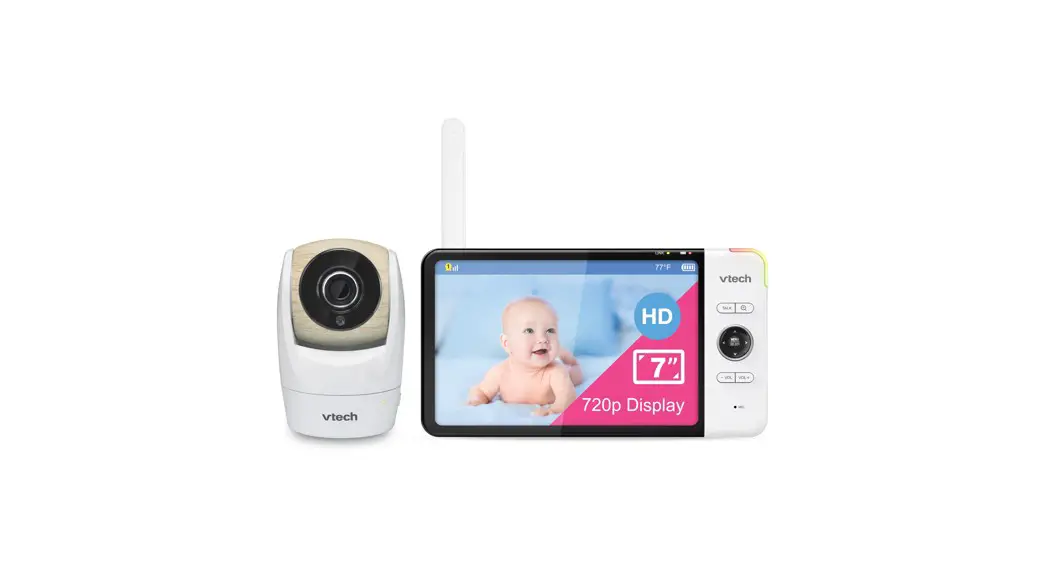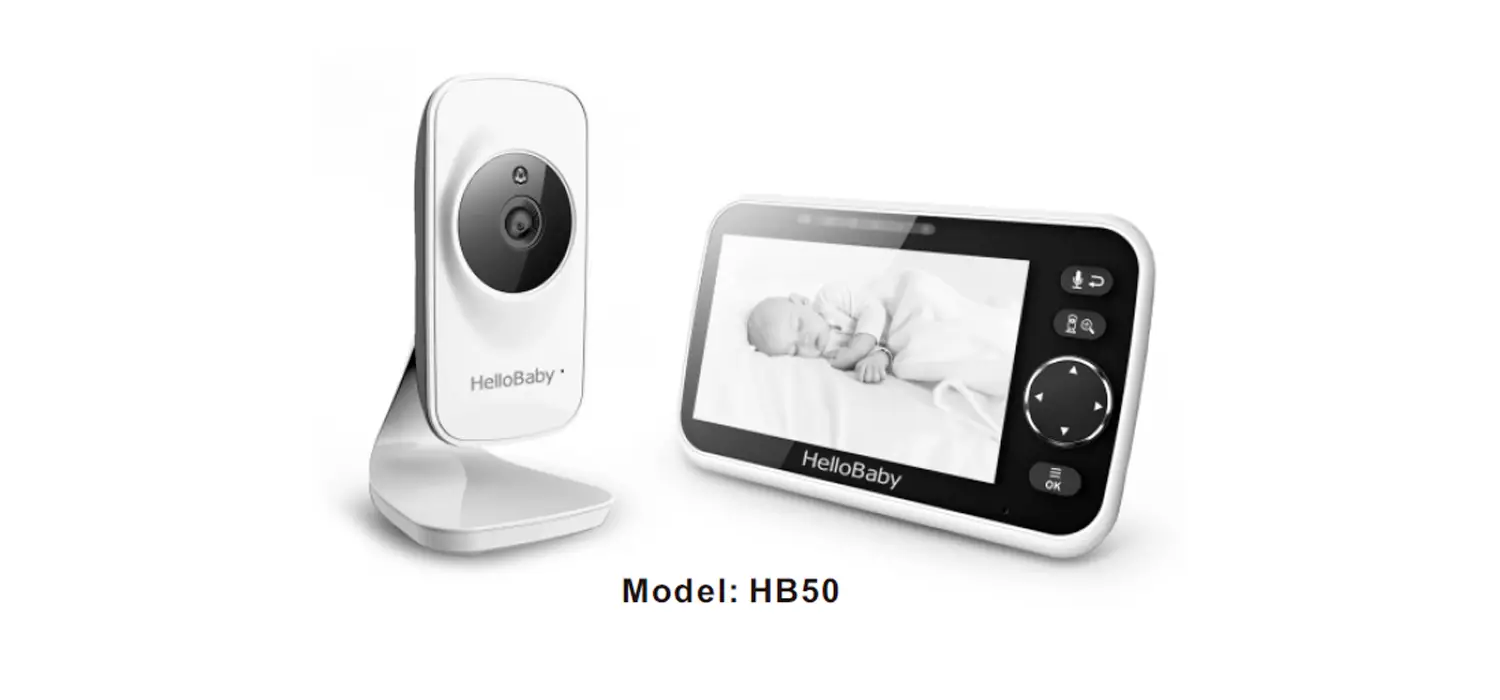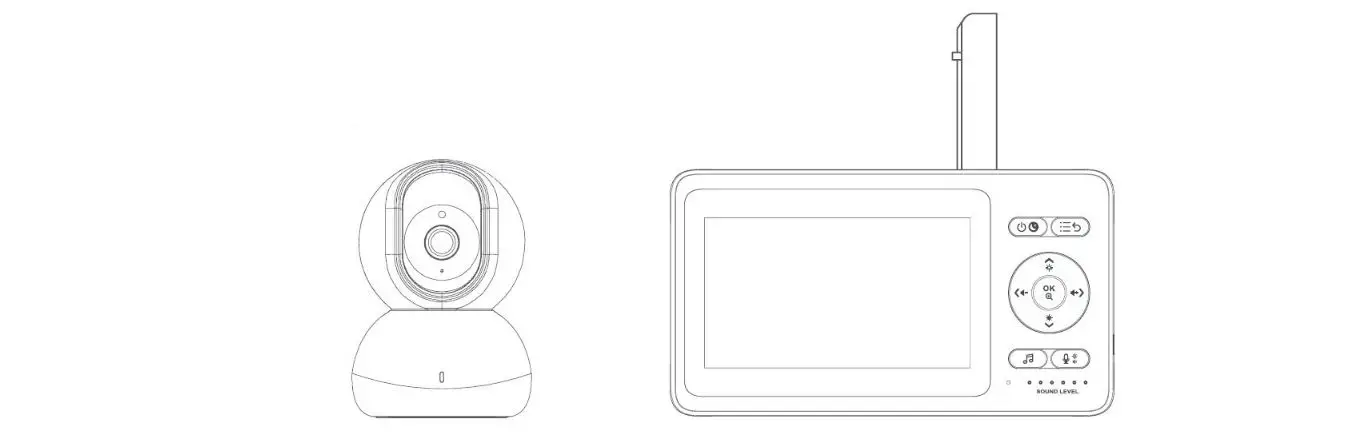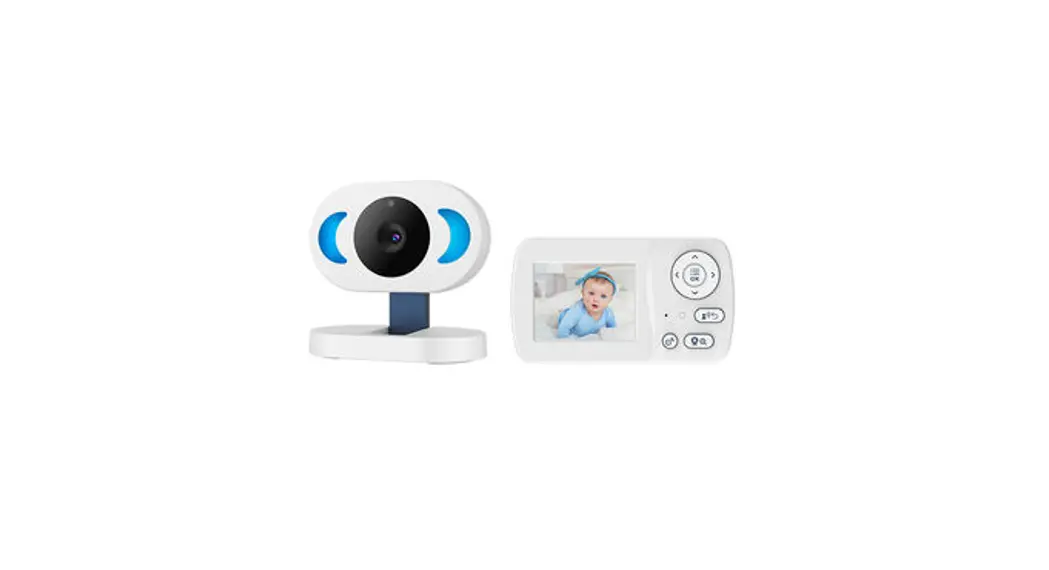
HM25PU
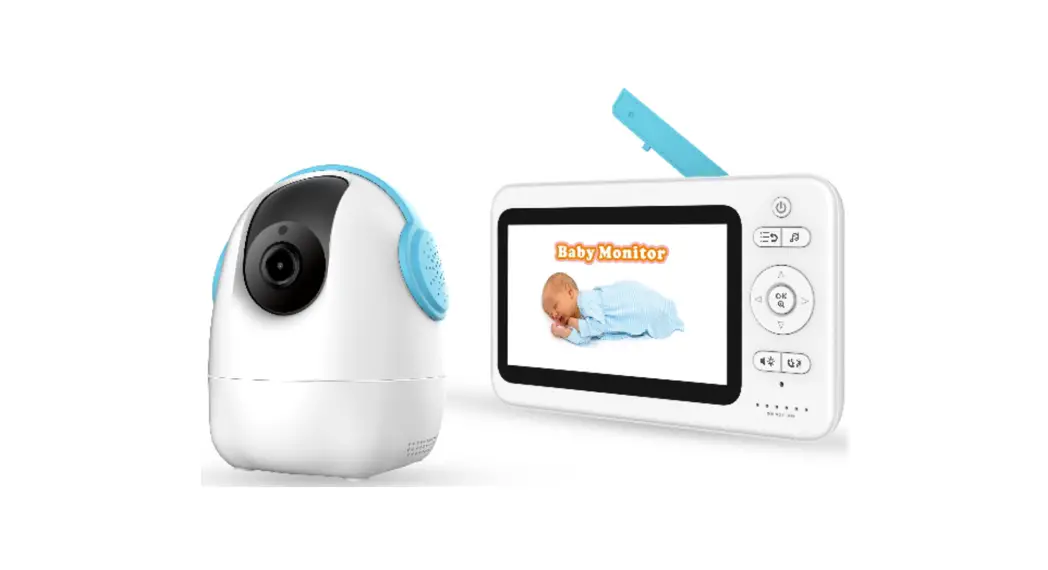
Baby Monitor
User Manual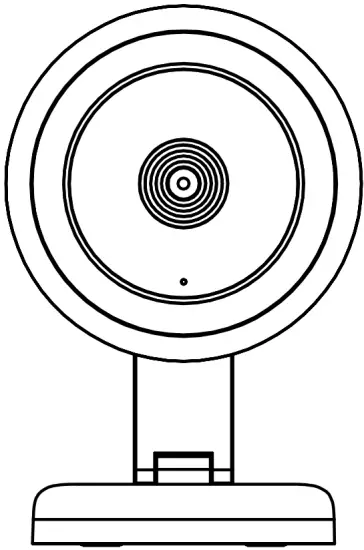
Thank you for purchasing our product. This manual addresses the safety guidelines, warranty, and operating instructions. Please review this manual thoroughly before operating your device.
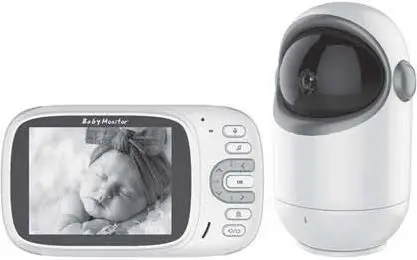
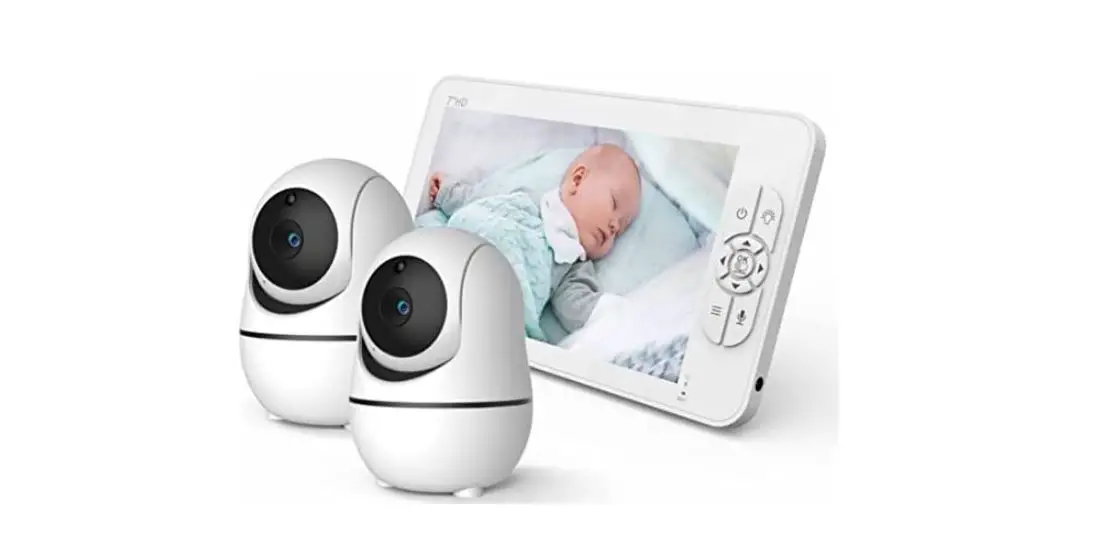
Package Contents
|
|
At a Glance – RX
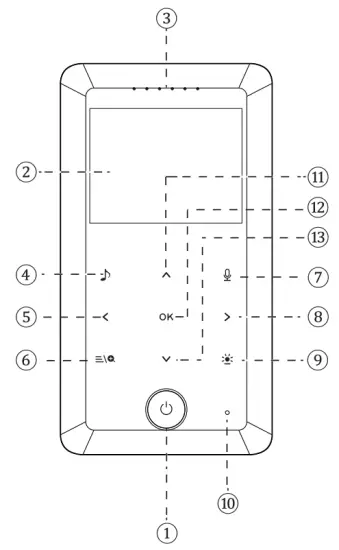
| 1. Power Switch 2. 2.4′ TFT – LCD 3. Status Bar 4. Lullaby 5. Decrease Volume 6. Menu/Zoom 7. Talk to Baby | 8. Increase Volume 9. Night Light Switch 10. Mic 11. Increase Brightness 12. Confirm 13. Decrease Brightness |
At a Glance – TX
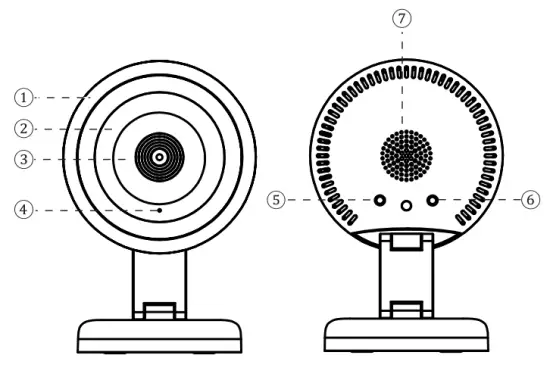
| 1. Lampshade 2. Night Light Touch Switch 3. Infrared Night Vision 4. Mic | 5. Photoresistors 6. Lullaby/Pair 7. Speaker |
Note:
The bottom can be rotated 360′ to the left and right.
The linkage rod can adjust the required angle (max 120° ). Magnet is installed at the bottom, can be adsorbed on the iron bed frame.
Connect The Machine
Connect the machine to a power source using the power adapter provided.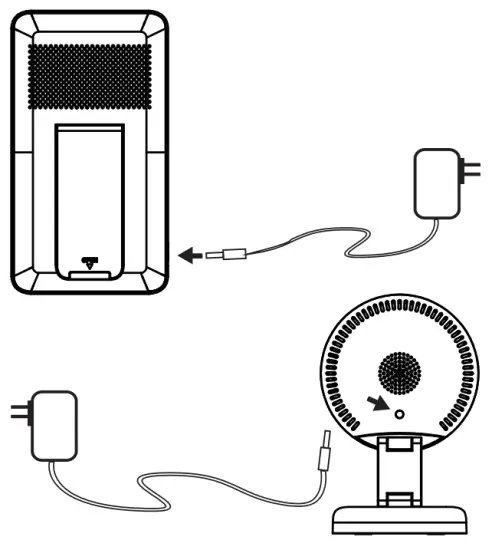
Note:
RX: Built-in 3.7V/1000mAh Li-poly rechargeable battery.
TX: The power switch will not affect the use of the camera.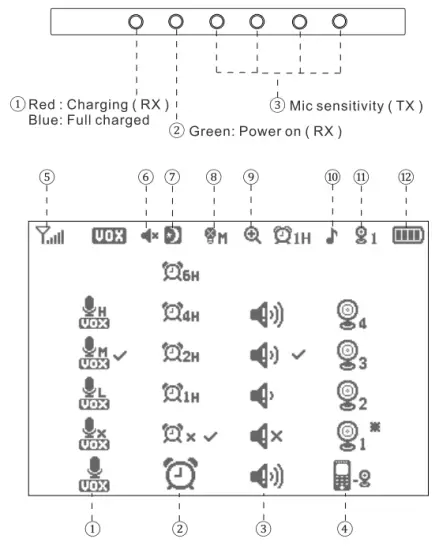
| 1. Mic Sensitivity ( TX ) 2. Alarm 3. Volume of the Prompt Sound 4. 4 Channel Camera 5. 2.4G Signal Strength 6. Mute ( RX ) | 7. Night Mode 8. Night Light Status 9. Digital Zoom 10. Lullaby 11. 4 Channel Camera 12. Battery Status |
IS THERE ANY PROBLEM WITH YOUR BABY MONITOR?
WE CAN HELP YOU! Send an email to [email protected].
Quietbliss is a LIFETIME WARRANTY.
Our team of experts can help you solve any problem.
No need to return the device to the store.
We will be giving away one more product in our store GIFTif you give some valuable suggestions for our products!
We will be more grateful if you share your experience in Amazon comments.
 | Shortly Press: To switch between screen off and lock mode. |
| Long Press: To turn on or turn off the PARENT UNIT(RX). | |
 | Shortly Press: To play or turn off the lullaby on the BABY UNIT(TX). |
| Long Press: To enter pairing mode(TX). | |
OK | Shortly Touch1?. To confirm a selection. |
| Shortly touch2.To switch different 2 to 4 TX and the cameras auto-switch mode. | |
 | Shortly Touch: To enter or exit the lullaby selection menu. |
| Long Touch: To play or turn off the lullaby. | |
 | Shortly Touch: To change the brightness level of the night light and turn it off. |
| Long Touch: To turn on or turn off the night light. | |
 | Shortly Touch: To enter or exit the general menu. |
| Long Touch: To enter or exit 2X zoom mode. |
Note: Long press or long touch defaults to press or touch the button and hold for 3s.
Manual
- Pair
Parent Unit-RX 1)
1. Long press the ” ” button to turn it on. The green LED and TFT display will light up once RX is powered on.
2. Use the “ ,
,  .
. ,
,  and
and  ” button to select which channel camera and press the ” OK ” button.
 Baby Unit-TX
Long press the ” ” lullaby/Pair button and the night light will flash. The image will display on the TFT – LCD after pairing success.
Note: The system supports up to 4 cameras. - Screen Off and Lock
Shortly press the ” ” button to enter screen off and loci mode. Shortly press again to cancel.
1. TFT Brightness 1) Shortly touch the .” Brightness+ / – button to adjust the brightness of the TFT – LCD.
2. Brightness icon will disappear and RX will automatically save brightness level after 5 seconds of no operation. Note Built-in 8 level brightness.
 - RX Volume
1. Shortly touch the “, ” Volume+ / – button to adjust the volume of Parent Unit-RX.
2. Volume icon will disappear and RX will automatically save volume level after 5 seconds of no operation. Note Built-in 8 level volume and the voice from the TX.
 - The Volume of the Prompt Sound
Use the ”. , . and ” button to select which volume level and press the ” OK ” button. It will be no sound when you select the silence icon . Note: Prompt Situation: Low battery, Disconnection, and Alarm.
 - Digital Zoom
Long touch the “ ” button to enter 2X zoom mode. Use the “, and ” button to move the image up, down, left, and right. The ”  ” icon indicates. Long touch the ” ” button again to exit.
Note: In the zoom mode, the “,. and “buttons only move the image, and cannot adjust the volume and screen brightness. - 4 Channel Camera Switch
The system supports up to 4 cameras. Cycle shortly touch ” OK ” button to switching of 2 to 4 different TX and cameras auto-switch mode. In the camera’s auto-switch mode, the cameras switch automatically every 10s.
Note: More than 2pcs TX is required. The ” ” icon indicates when switching automatically.
 - Alarm
Use the “, ., and ” button to select the time and press the ” OK ” button to confirm. Note: RX will voice prompts and the icon”“will be flashed if it is timeout. Press any button to cancel.
 - Talk to Baby
Touch and hold on to the “ ” button to talk to your baby, the ” ” icon appears in talking, leave to cancel.
 - Night Light
1) Shortly touch the ” ” button of RX or touch the ” touch area ” (2) of TX to operate the night light. Cycle shortly touch to select 3 levels brightness and off.
2) Long touch the ” “button of RX to turn on or turn off the night light.
Note: If the TX is installed on the wall, when the night light is adjusted to the brightest, the reflection from the smooth wall may affect the night vision effect. - Lullaby
1) Shortly touch the ” ” button to enter or exit the lullaby selection menu. Touch the ” , “button to select the music, touch the ” , “button to adjust the volume. Long touch the ” ..11″ button to play/turn off the lullaby.
2) Shortly press the ”” Lullaby / Pair button of TX to play or turn off.
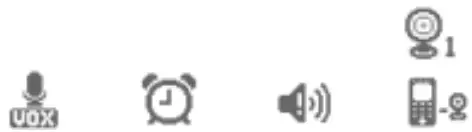
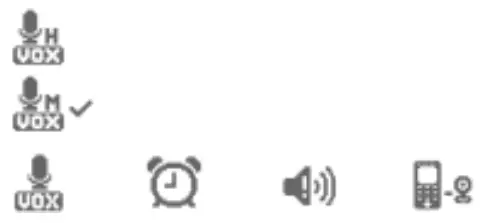
- VOX
1. Use the ”and ” button to select which sensitivity level and touch the ” OK ” button to confirm and short press the ” ava ” button to exit.
2. There are 3 sensitivity levels and 1 default level “ “.
“.
The TFT – LCD will turn off and into standby mode if there is no sound around the baby unit within
3. The parent unit will be awakened when the baby’s crying value is higher than the setting. Meanwhile, the image will display on the TFT – LCD and can hear the baby crying. Crying intensity will be displayed on the status bar
 .
. ,
,  and
and  ” button to select which channel camera and press the ” OK ” button.
 Baby Unit-TX
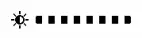 Note Built-in 8 level brightness.
 Note Built-in 8 level volume and the voice from the TX.
 . Note: Prompt Situation: Low battery, Disconnection, and Alarm.
 ” icon indicates. Long touch the ”
  ” icon indicates when switching automatically.
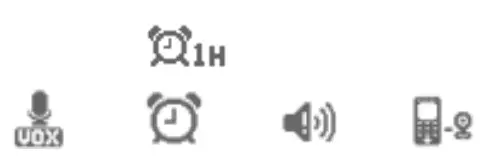 Note: RX will voice prompts and the icon”
 “will be flashed if it is timeout. Press any button to cancel.
 ” button to talk to your baby, the ”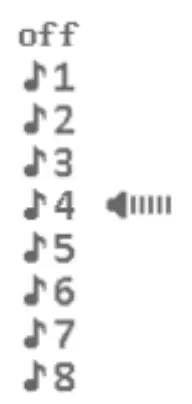
 “.
“.
Specifications
| Frequency: | 2.4GHz FHSS |
| Operating Range:(straight line and open space) | Up to 960 feet |
| Operating time(Vox on): with the battery fully charged ( RX ) | Up to 14 hours |
| Operation Temperature: | – 10 – 50°C |
| Storage temperature: | -40 – 85°C |
| FCC ID: 2AYM8-HM25PU (RX) | |
| FCC ID: 2AYM8-HM25BU (TX) | |
SAFETY AND WARRANTY
Important Safety Instructions
- This machine is designed for indoor use only. Do not use it outdoors.
- Clean the machine regularly with a soft, dry cloth. Do not use any liquids or sprays (including solvents, chemicals, or alcohol) or abrasives to clean.
- The machine should not be used near water, such as a bathtub, swimming pool, faucet, or basin, which may cause risks.
- Never drop or insert any object into any opening.
- Do not operate where aerosol (spray) products are being used or where oxygen is being administered.
- Avoid placing the machine in areas that are exposed to direct sunlight or close to heat-radiating products such as electric heaters. Do not place it on top of the stereo equipment that radiates heat.
- Avoid placing the machine in areas that are dusty, humid, moist, lack ventilation, or are subject to constant vibration.
- The machine may be subject to interference from external sources such as transformers, electric motors, or other electronic devices. To avoid distortion from such sources, place it as far away from them as possible
FCC statement
This device complies with Part 15 of the FCC rules. Operation is subject to the following two conditions: 1) this device may not cause harmful interference, and 2) this device must accept any interference received, including interference that may cause undesired operation.
Note: This equipment has been tested and found to comply with the limits for a Class B digital device, pursuant to part 15 of the FCC Rules. These limits are designed to provide reasonable protection against harmful interference in a residential installation.
This equipment generates uses and can radiate radio frequency energy and, if not installed and used in accordance with the instructions, may cause harmful interference to radio communications. However, there is no guarantee that interference will not occur in a particular installation. If this equipment does cause harmful interference to radio or television reception, which can be determined by turning the equipment off and on, the user is encouraged to try to correct the interference by one or more of the following measures:
- Reorient or relocate the receiving antenna.
- Increase the separation between the equipment and receiver.
- Connect the equipment into an outlet on a circuit different from that to which the receiver is connected.
- Consult the dealer or an experienced radio/TV technician for help.
Changes or modifications not expressly approved by the party responsible for compliance could void the user’s authority to operate the equipment.
FCC Radiation Exposure Statement
This device complies with FCC RF radiation exposure limits set forth for an uncontrolled environment. This transmitter must not be co-located or operating in conjunction with any other antenna or transmitter.