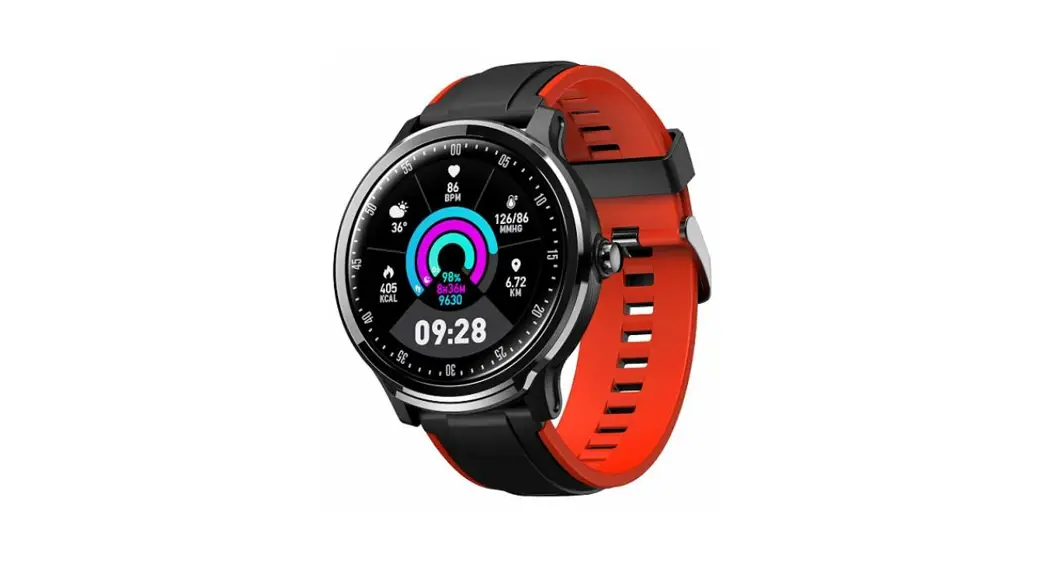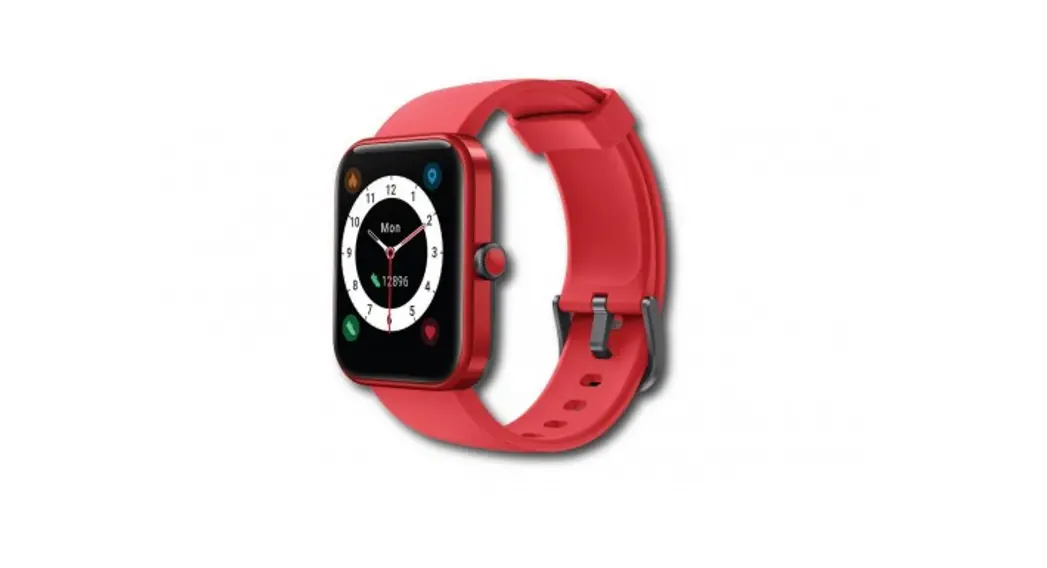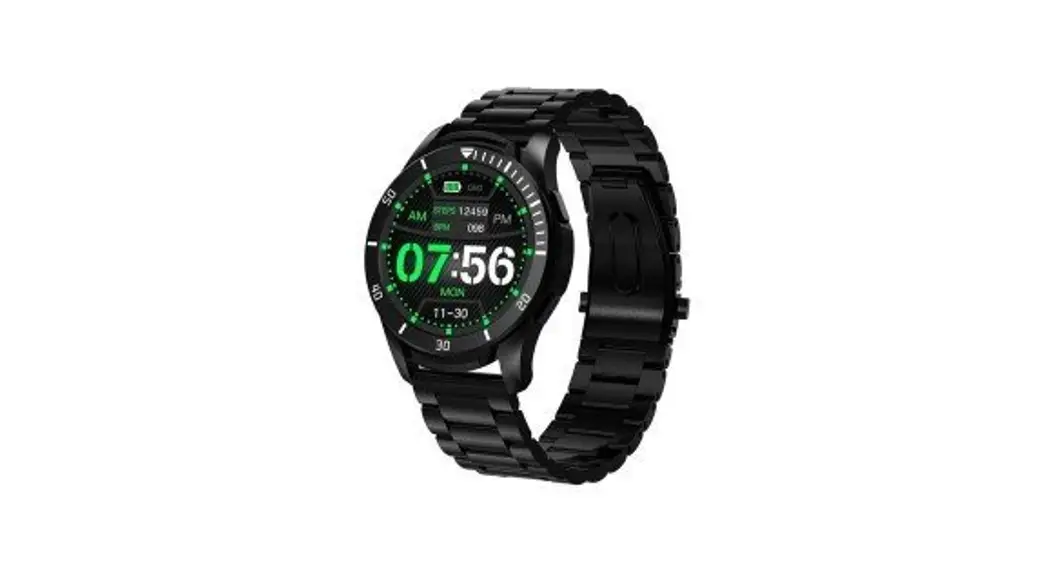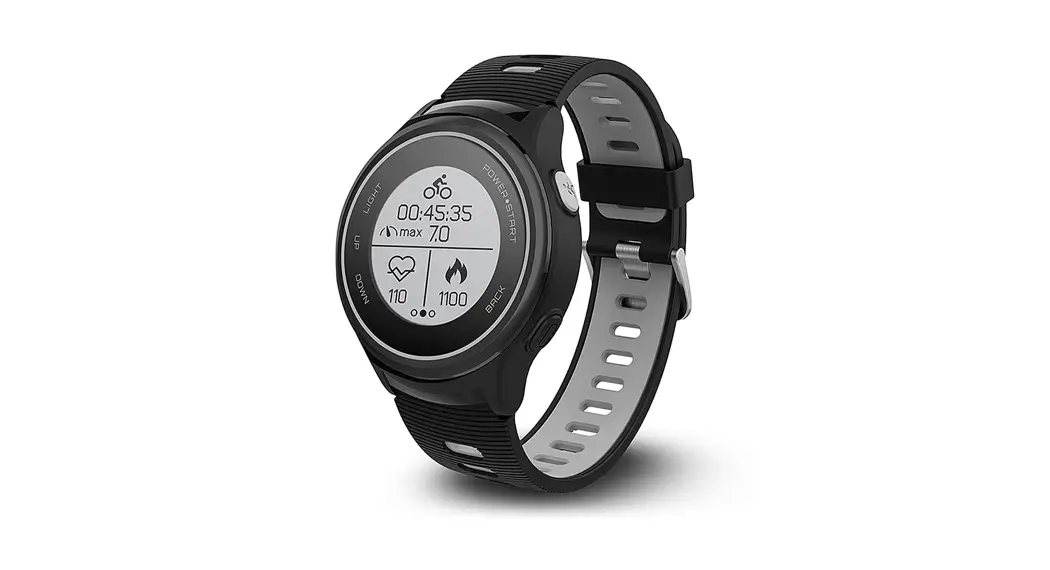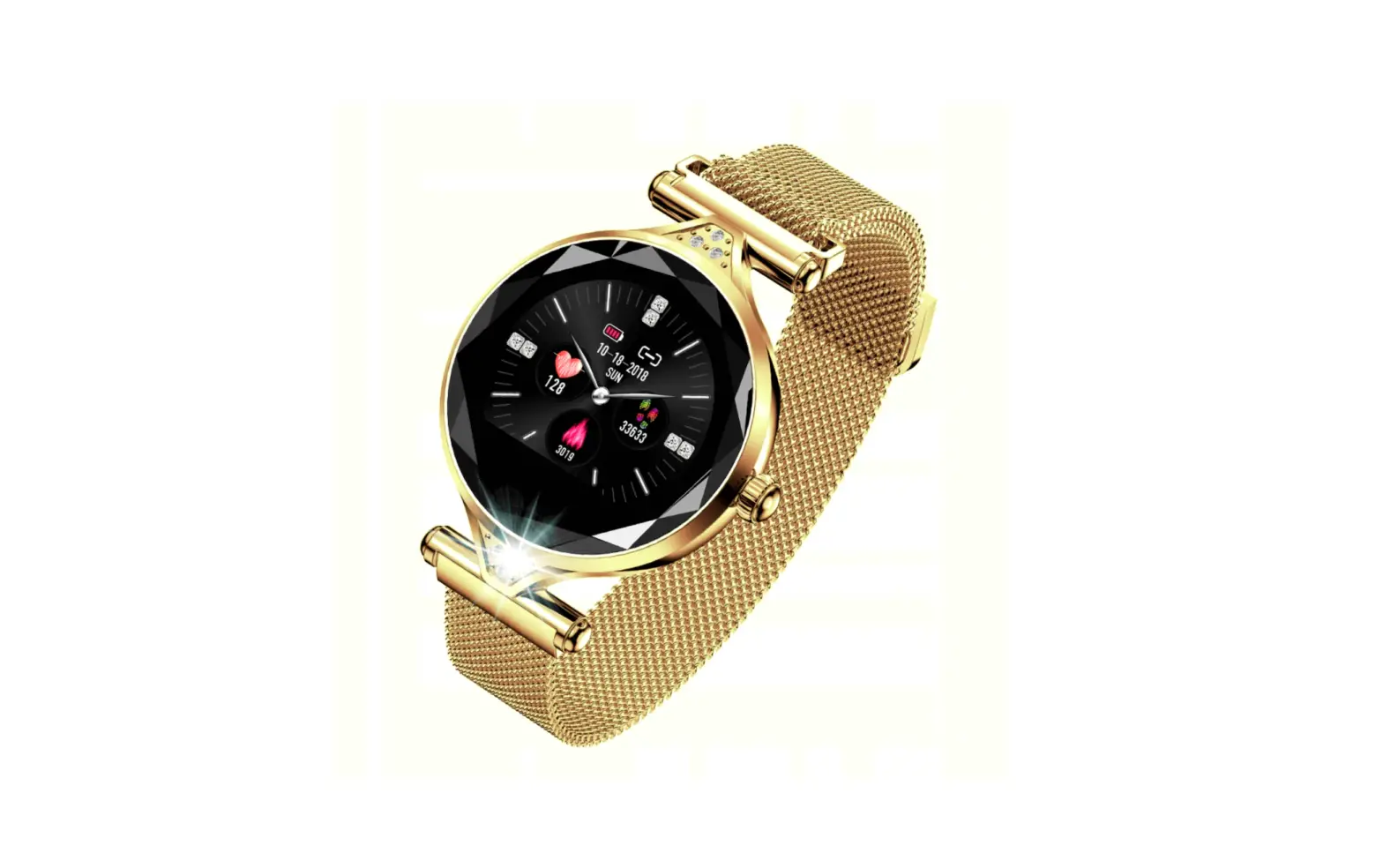

Model: SWT04BP
User’s manual
Please read the user manual carefully before use
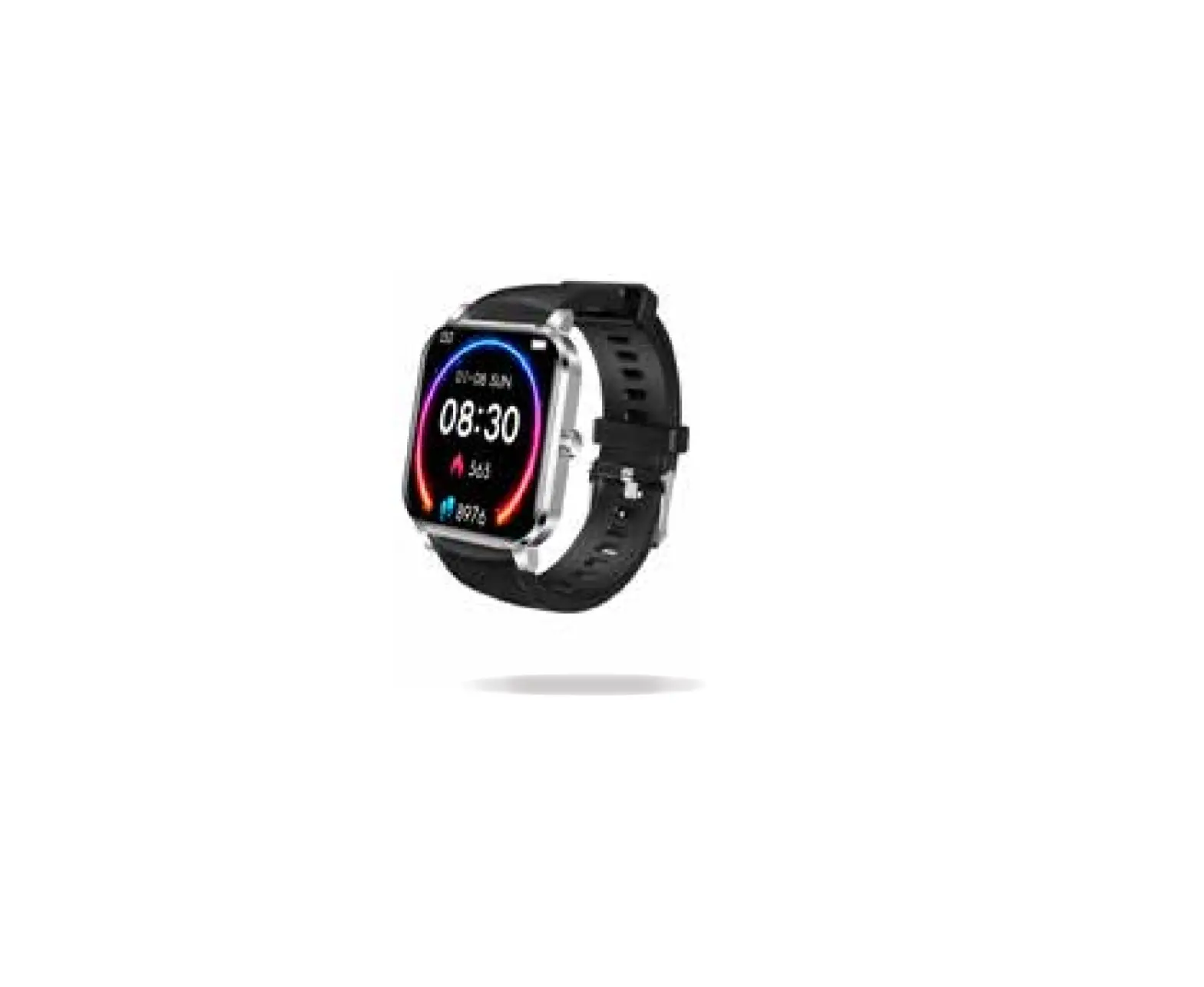
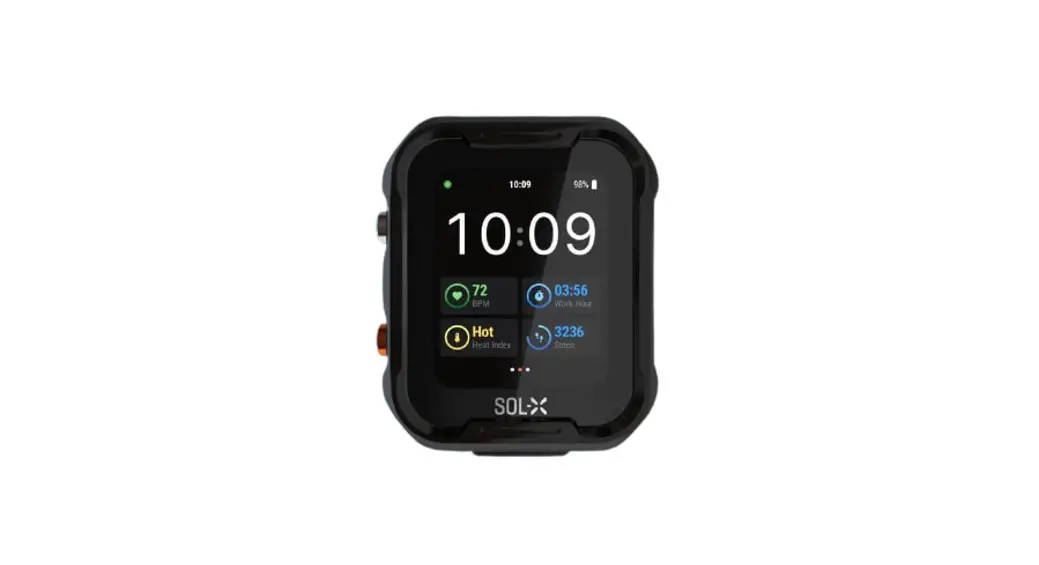
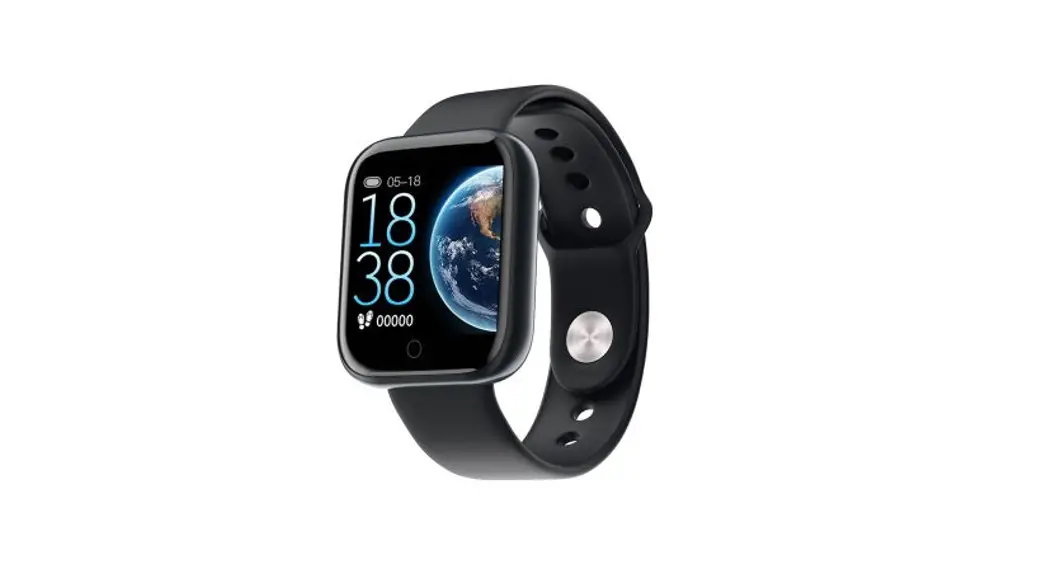
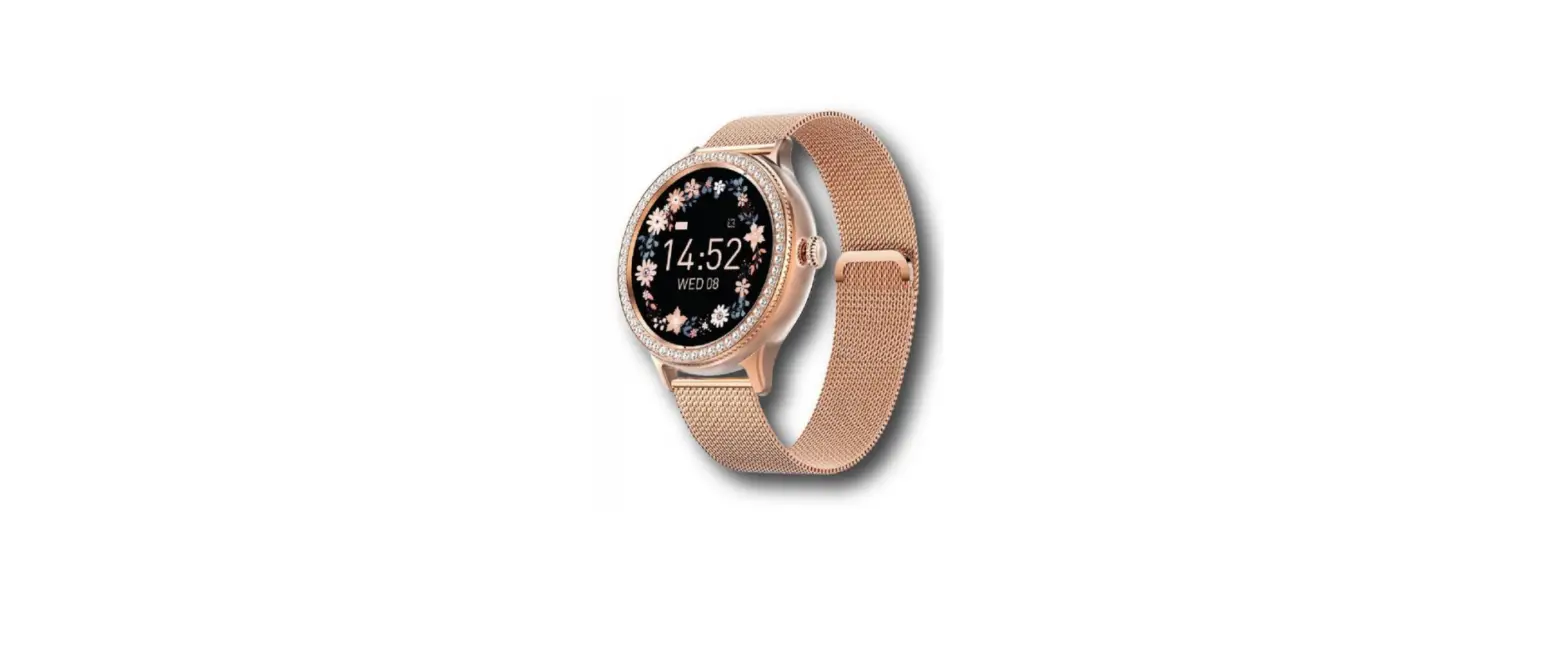
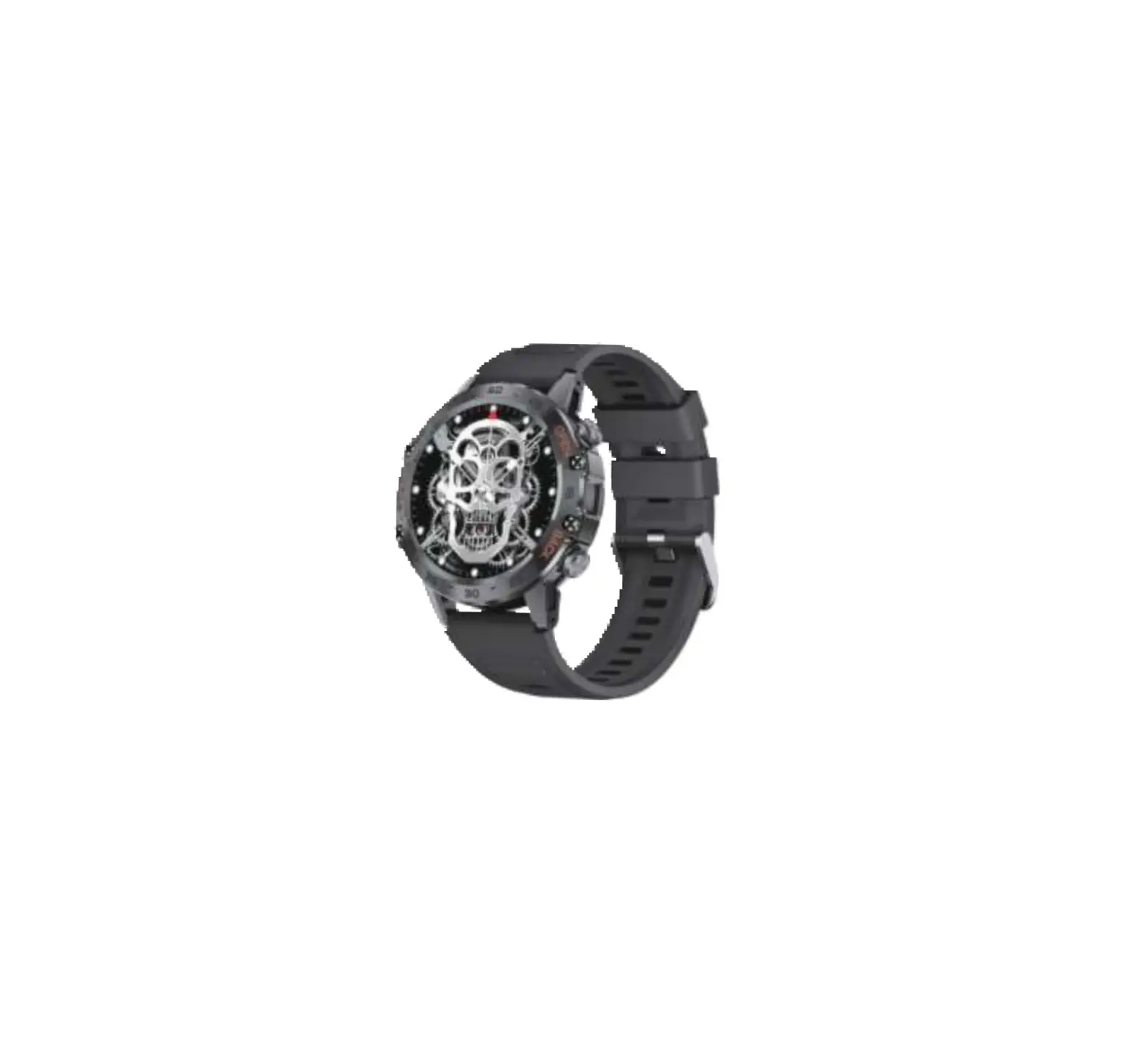
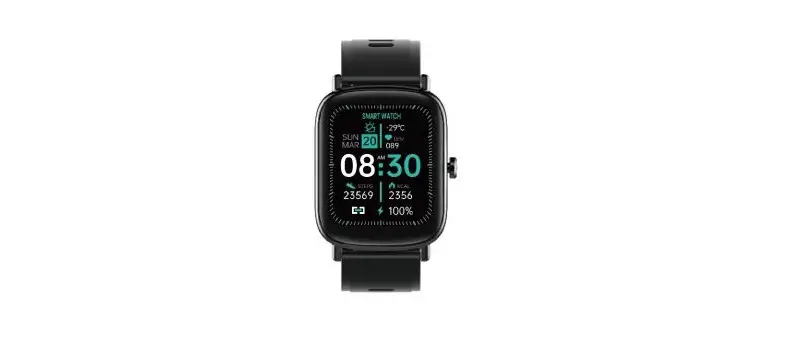
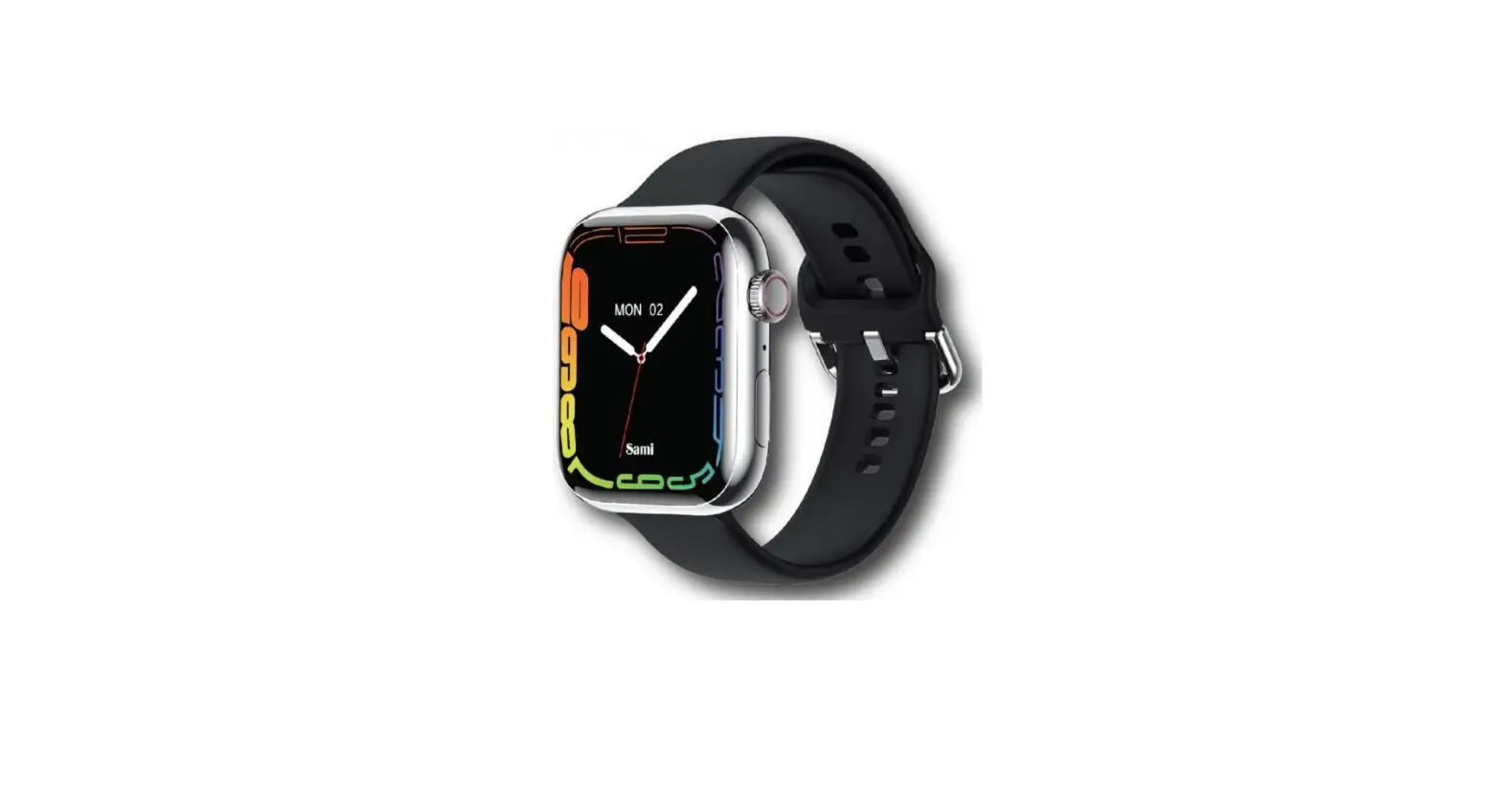
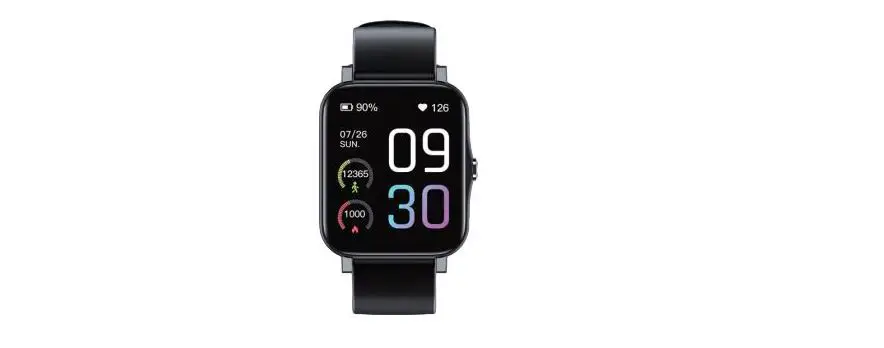
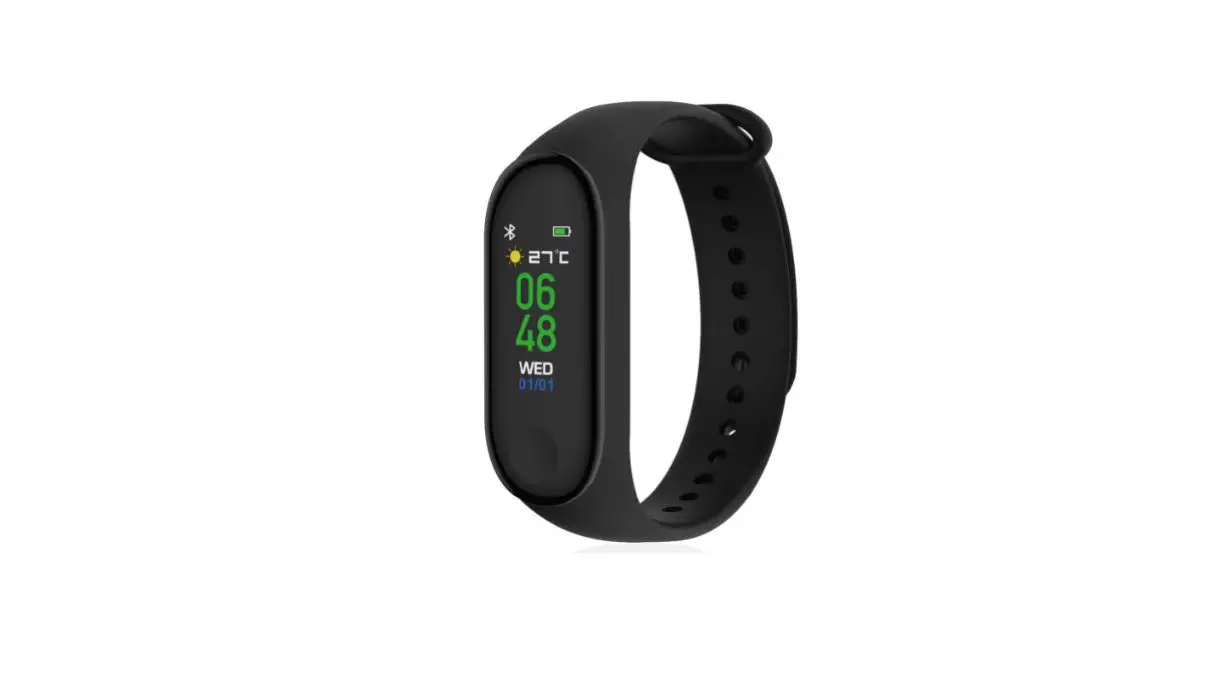
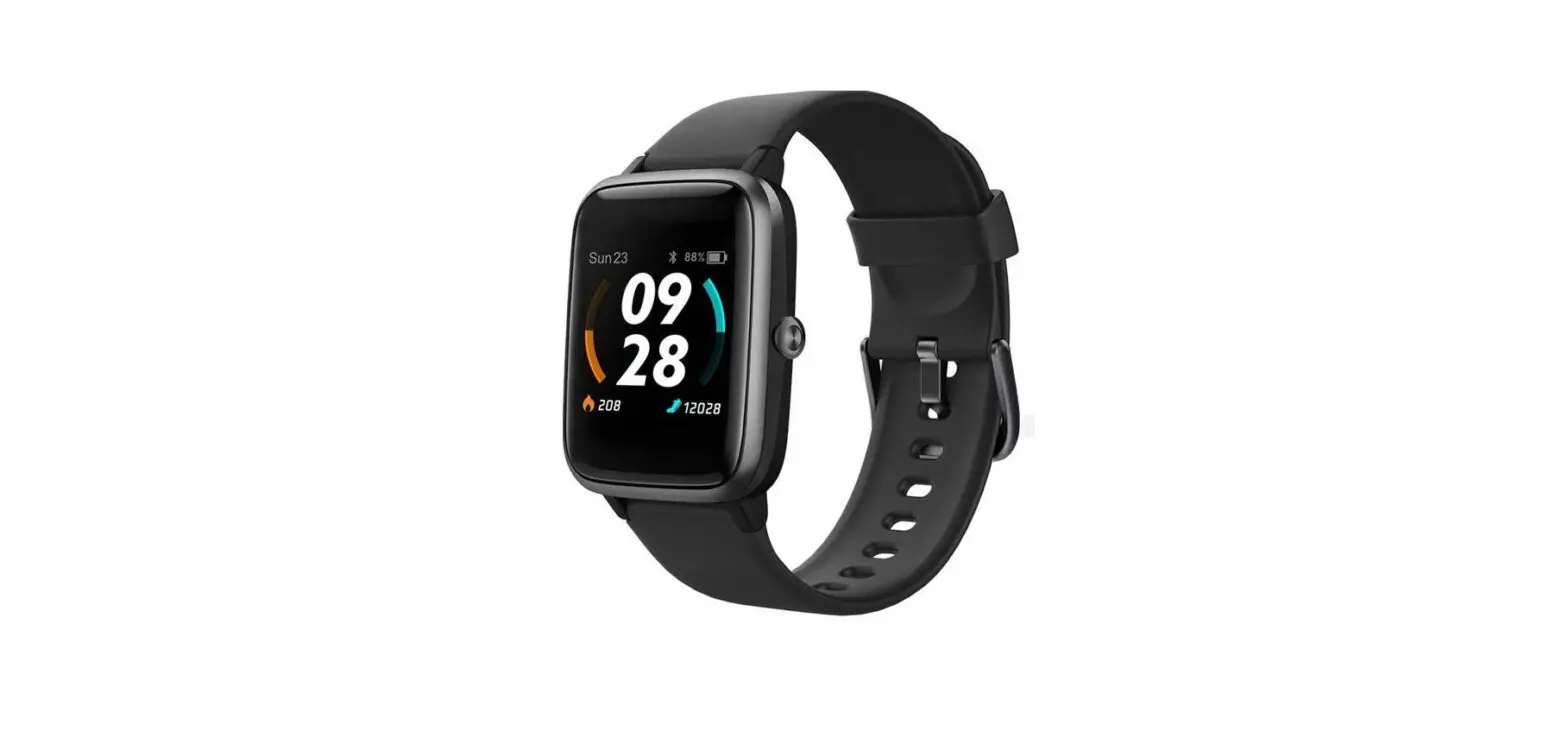
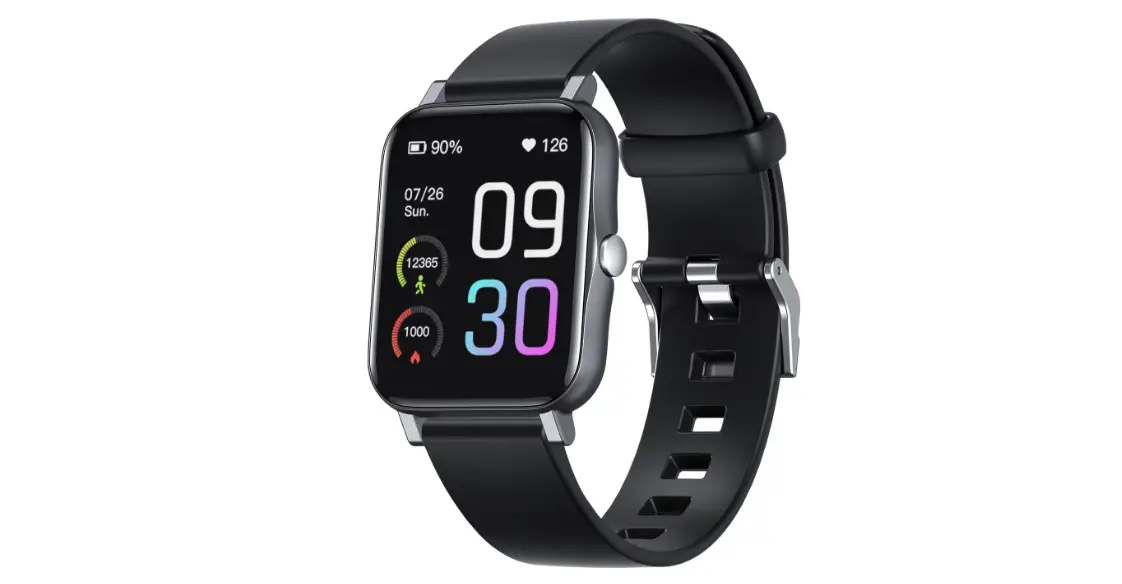
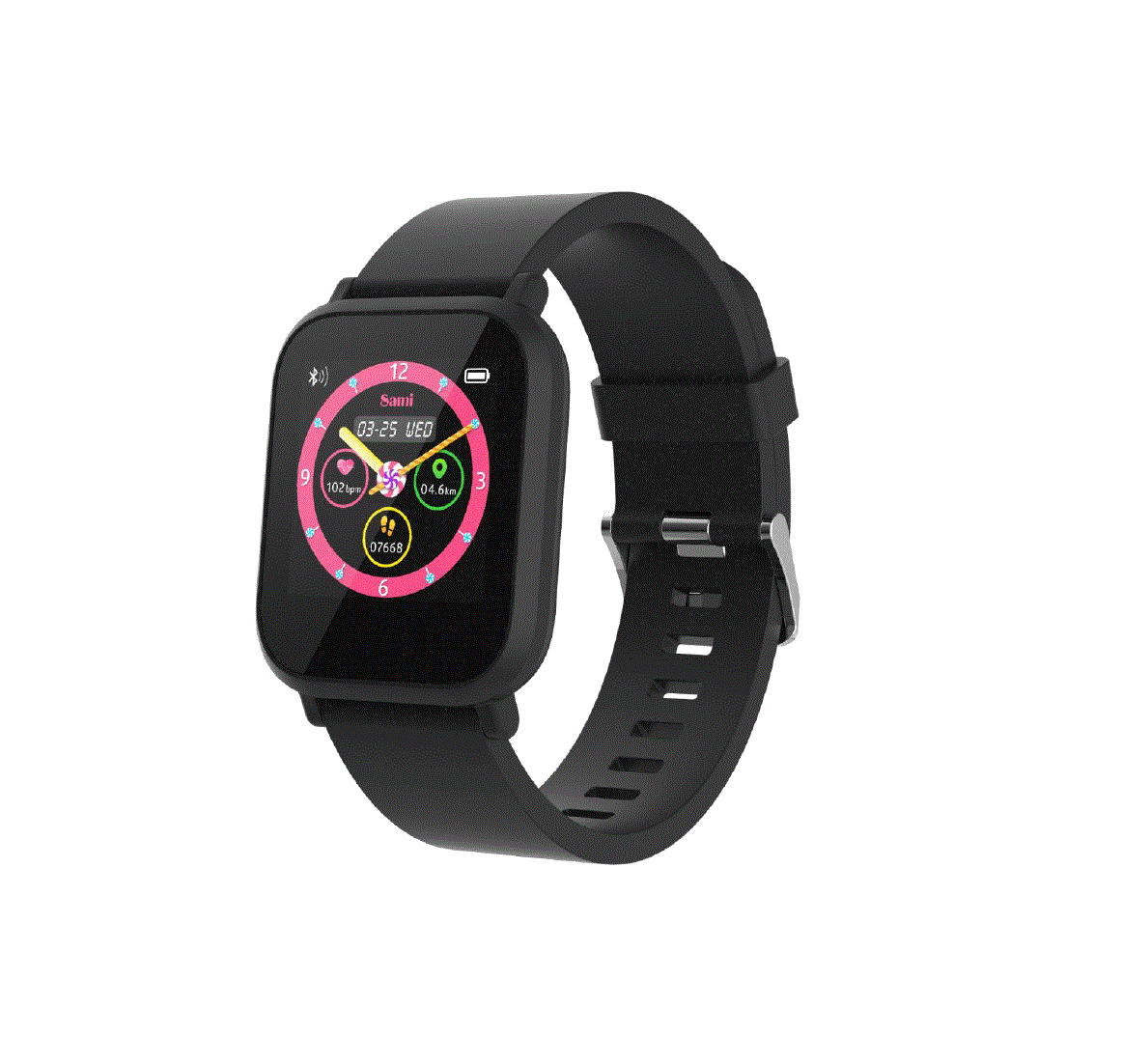
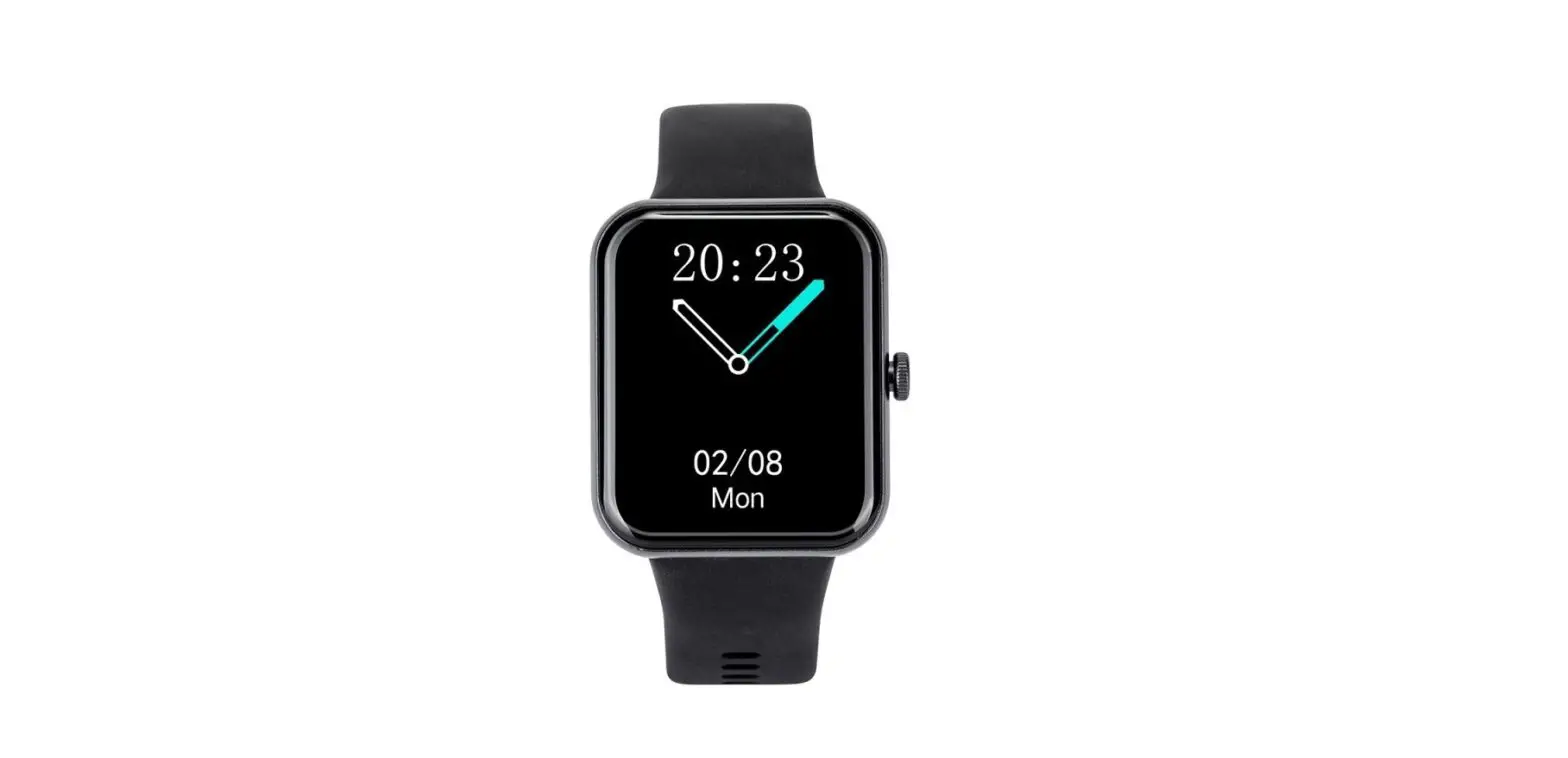
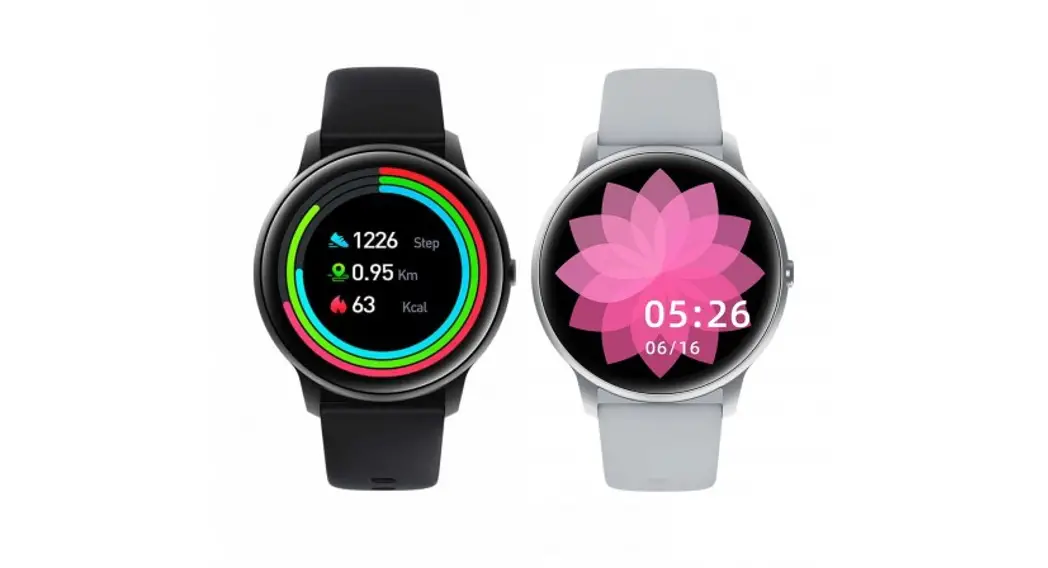
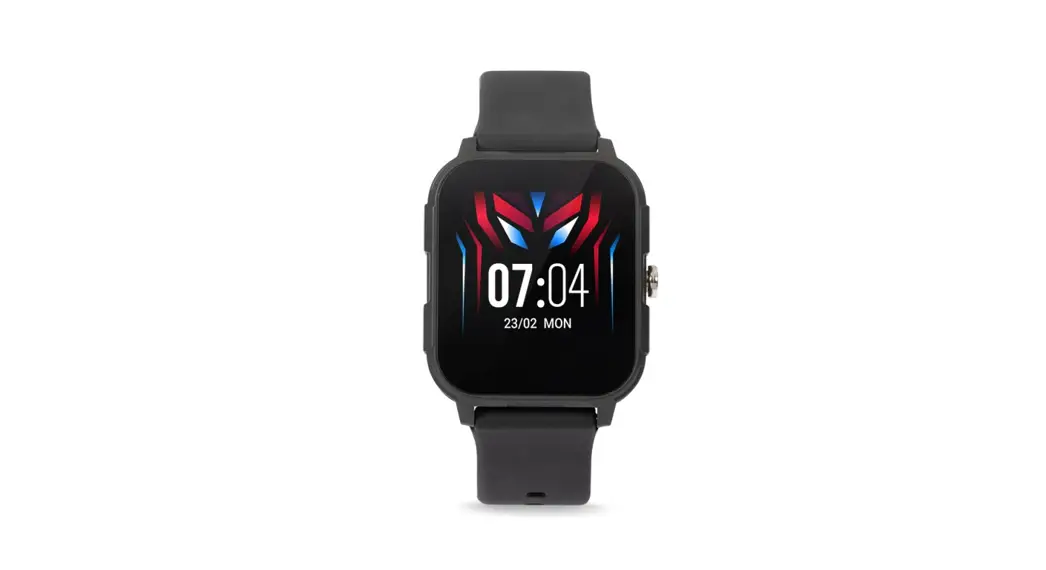
Product appearance
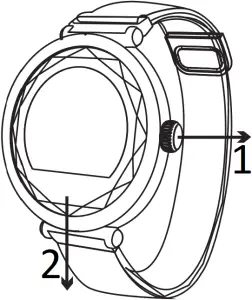
- Key
- Touch area
Operating system


Android 4.4+ IOS 8.2+
Quick start guide
1. Download WearHealth
The wristband requires application support to connect with mobile.
Before downloading the application, please refer to required conditions of hardware platform of mobile system.
Searching method: scan QR code to download



IOS App Google play Android App
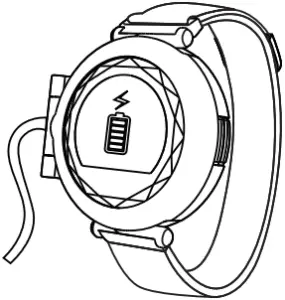
2. Activate and charge wristband
When using the wristband for the first time, charge it for activation.
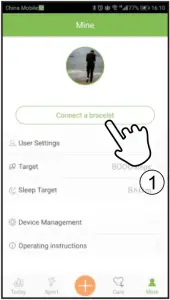
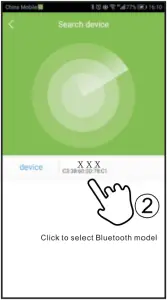
3. Bind device
Search Bluetooth model to connect as shown in figure.
Start to use
Key function
Single click: switch function
Long press: activate, switch model
After binding mobile successfully, your movement and sleep will berecorded and analyzed synchronously
Function using
When using the wristband for the first time, ensure sufficient power. If failing to start under low battery, please fully charge the wristband and it will start automatically after charging..
Under OFF state, long press touch key for 5 seconds to turn on and enter main interface.


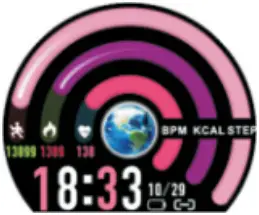
OFF state Long press Main interface 1
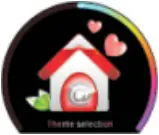
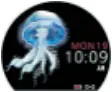
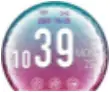
Long press Main interface 2 Main interface 3
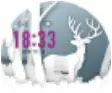
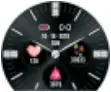
Main interface 4 Main interface 5
(You can change your favourite interface through theme selection interface)
Under ON state, you can see below interface
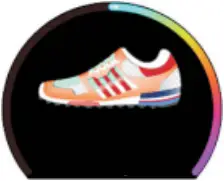
1. Interface of step number, display current step number
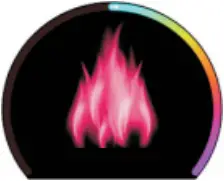
2. Interface of calorie, display current calorie value
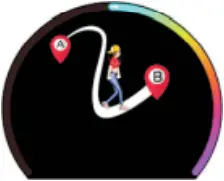
3. Interface of distance, display current distance value
4. Interface of heart rate and start measurement automatically, display current heart rate value after completion

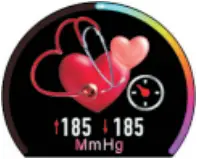
5. Interface of blood pressure and start measurement automatically, display current blood pressure value after completion
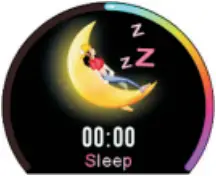
6. Interface of sleep, display sleeping time in yesterday evening
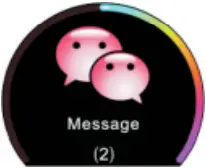
7. Interface of unread information, display name and content of current unread information, touch display content for page turning
8. Interface of sports, long press touch key to enter sub-interface of various sport modes
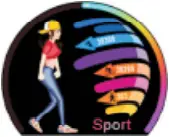
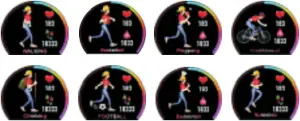
Long press
9. Interface of safe period


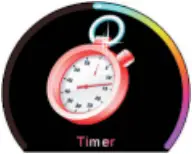
10. Interface of stopwatch, long press touch key to start stopwatch for timing, touch again to stop and long press to exit under stop state
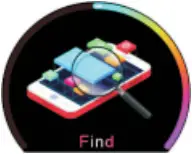
11. Interface of searching mobile, long press to search mobile (this function is valid when wristband connects with APP Bluetooth)
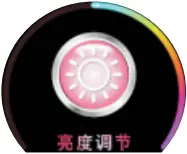
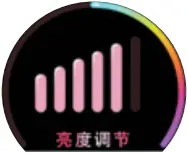
12. Interface of brilliance control, touch circularly to adjust brilliance
Touch
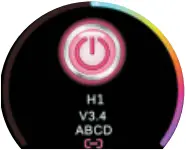
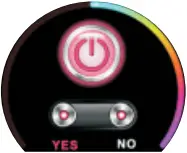
13.Interface of ON/OFF, long press touch key to switch to sub-interface of ON/OFF, touch circularly to YES key, long press touch key for 5 seconds to turn off
Long press
Remind function
1. Enter “device management” on APP, then enter “more reminds” to open various reminds, set starting time and ending time.
Various reminds are shown as below:
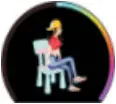


Remind of sedentariness Remind of drinking water
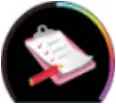
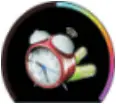
Remind of conference Remind of taking medicine
2. Call reminder
After APP connects with wristband Bluetooth, enter “device management” and open the option of “call reminder”. If any incoming call, the wristband will vibrate and display phone number long press for 3 seconds to reject
3. SMS reminder
After APP connects with wristband Bluetooth, enter “device management” and open the option of “SMS reminder”. If any SMS, the wristband will vibrate, display name and contents, touch display content for page turning
4. Remind of IM tool
After connecting with APP, open instant messaging tool on “more remind” such as WeChat, QQ, FACEBOOK and TWITTER, etc.
Other functions
- Set clock
After APP connects with wristband Bluetooth, enter “device management” on APP, open “set clock” and click “+” to set time and date of clock. Click OK and set successfully. - Shake to take photo
Enter “me” on APP and click “shake to take photo”, the mobile will enter photo mode and here will be photo icon on wristband. Shake wristband and the mobile will take photo automatically. - Lift wrist to brighten
Enter “device management” on APP, click “wrist lifting for brightening”. Under standby state, lift wrist to brighten the wrist band and enter main interface. - Monitor heart rate
Enter “device management” on APP, click “heart rate monitoring”, the wristband will monitor heart rate automatically and upload data of heart rate.
Precautions
- Low battery: in the case of low battery, please charge promptly to protect lifespan of battery.
- Charge: please do not operate wristband during charging process. If any improper operation, the wristband will reset and fail to turn on.
- Charging environment at above 50°C may lead to overheating, deformationnd smoking of device.
- Please do not swim or dive with device, or operate the device under water.
- The device uses built-in battery and prohibit disassembling. Please avoid falling, colliding, extruding, puncturing or cutting, etc.
- If the case of breakage and leakage of battery, please avoid contacting with eyes and skin. When the situation occurs, do not rub contacting parts, rinse with clean water immediately.
SERVICE INFOLINE
tel: +48 22 123 96 60 or e-mail: [email protected]
from Monday to Friday. 9.00-17.00
The manufacturer reserves the right to make changes to product specifications without notice.
Home: www.manta.com.pl
Manta S.A. hereby declares that the SWT04BP device complies with the RED Directive 2014/53/EU. The full text of the declaration of conformity is available at: www.manta.com.pl


Producent/Producer
Manta S.A.
ul. Matuszewska 14, Mace in P.R.C.
03-876 Warsaw, Poland FOR MANTA
www.manta.com.pl EUROPE