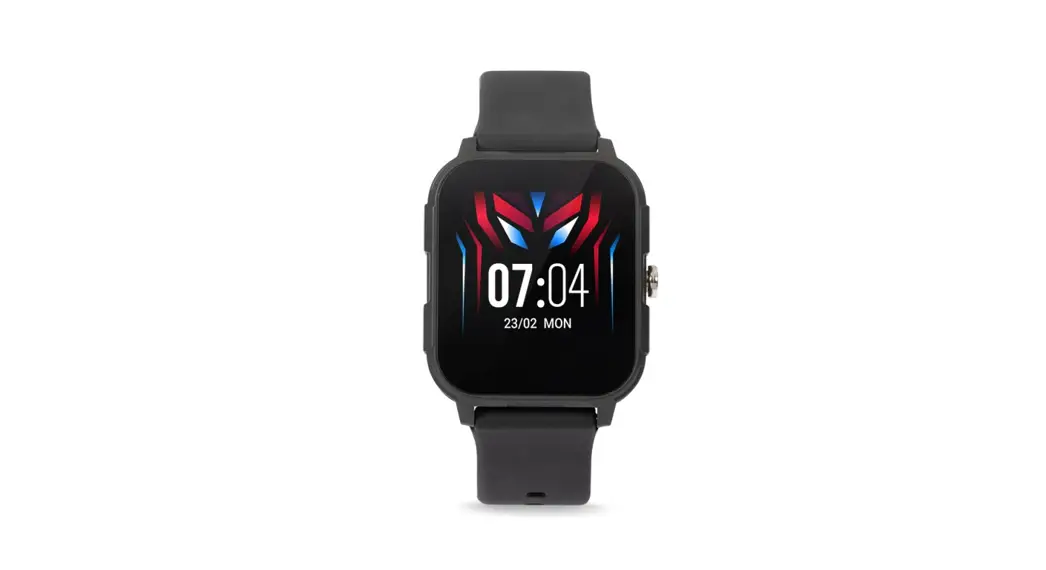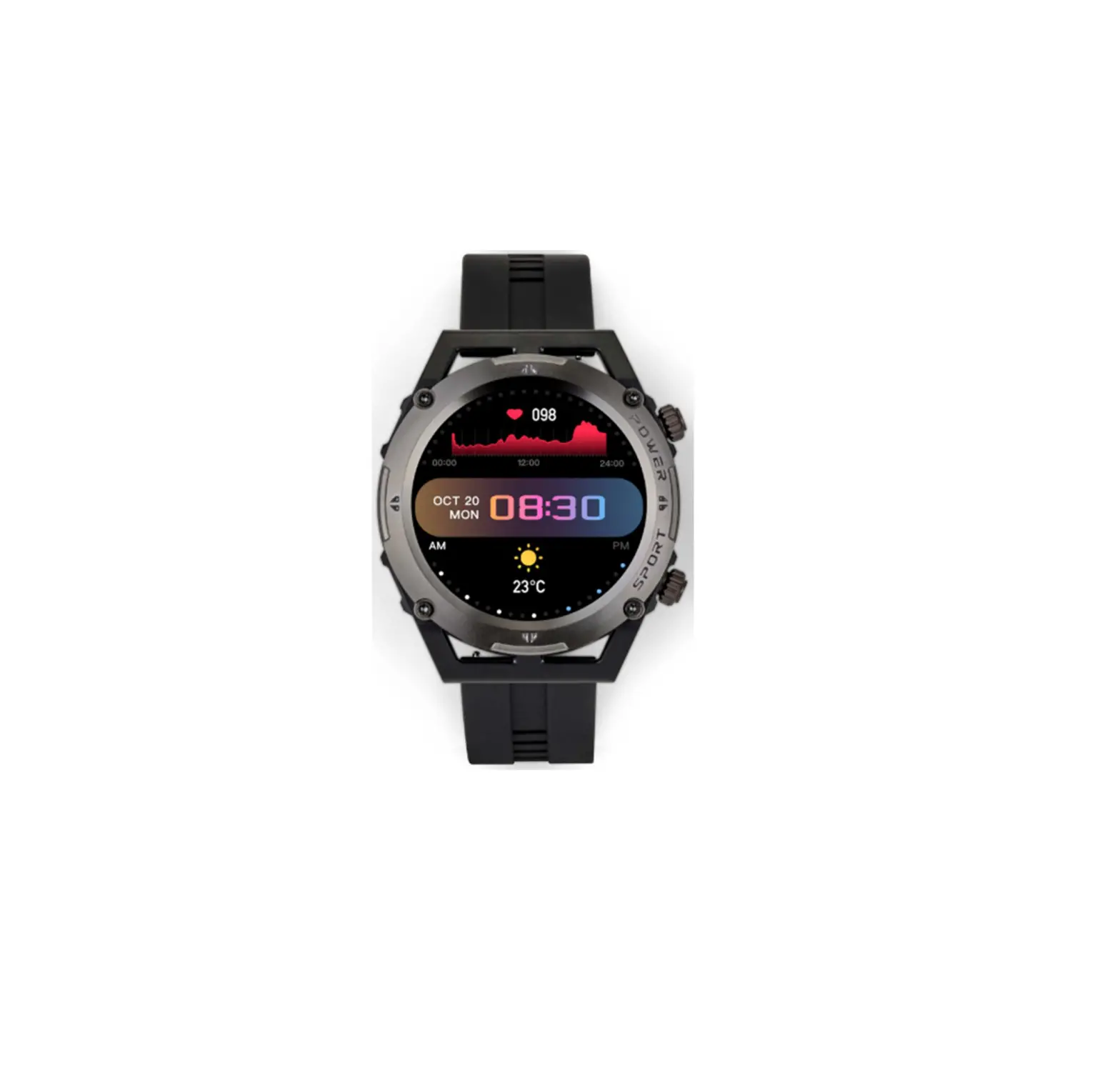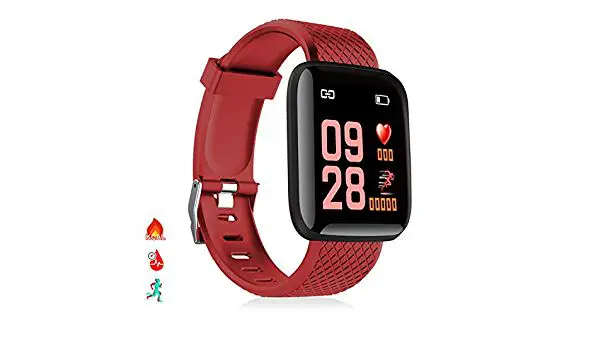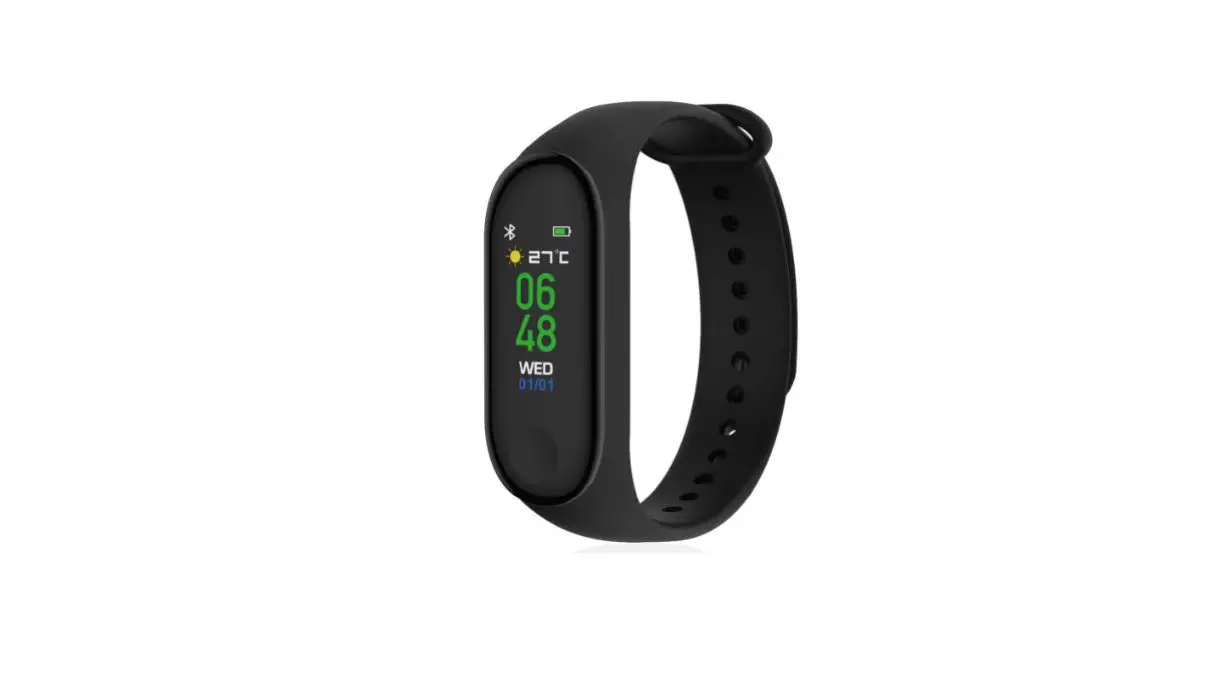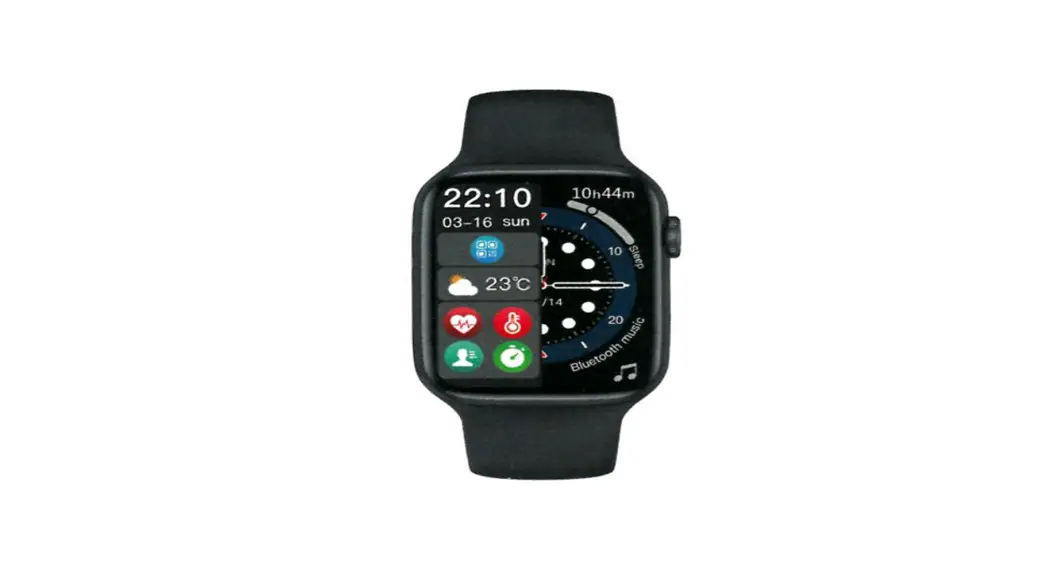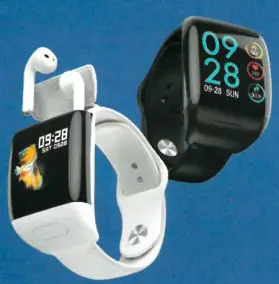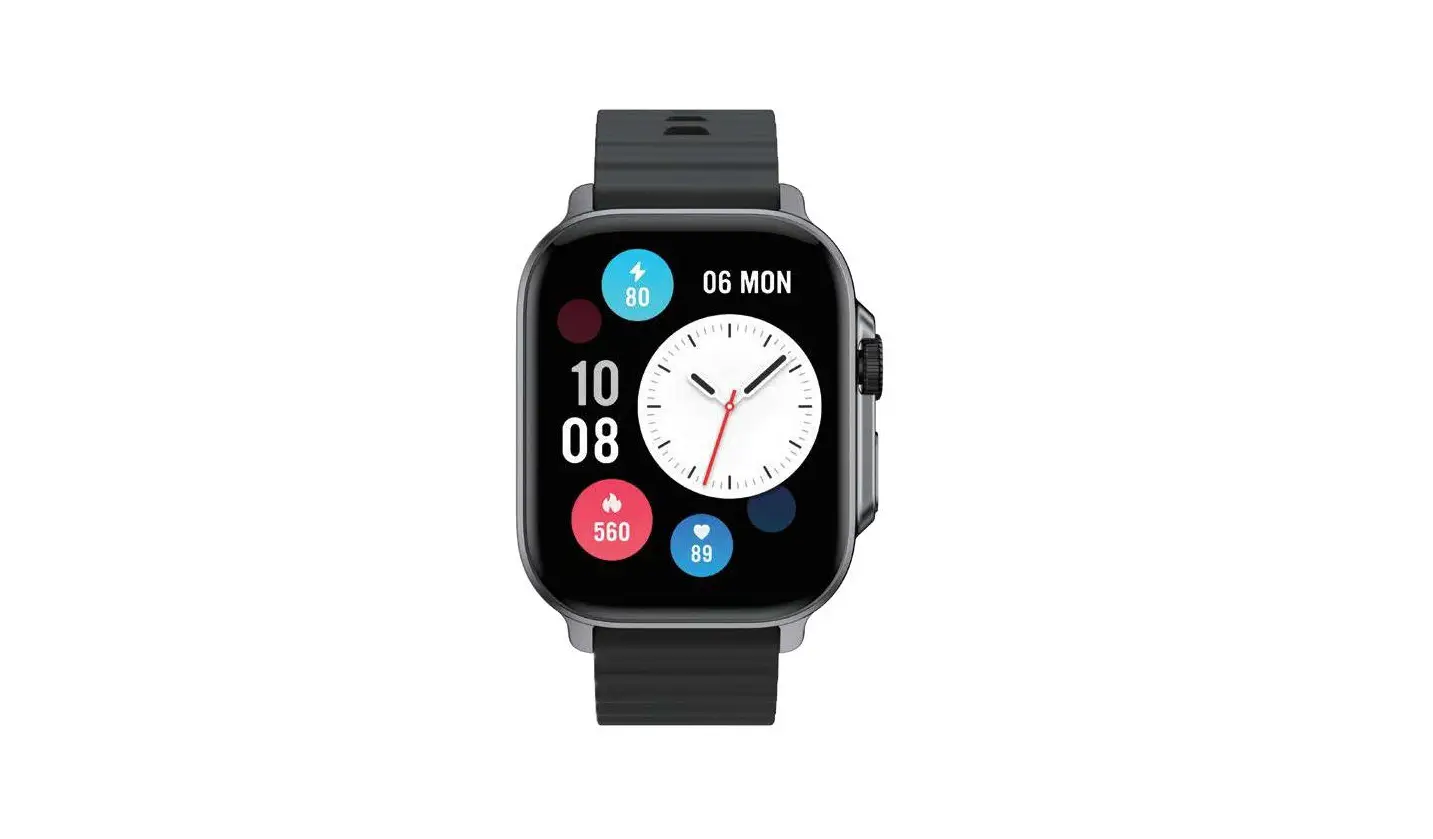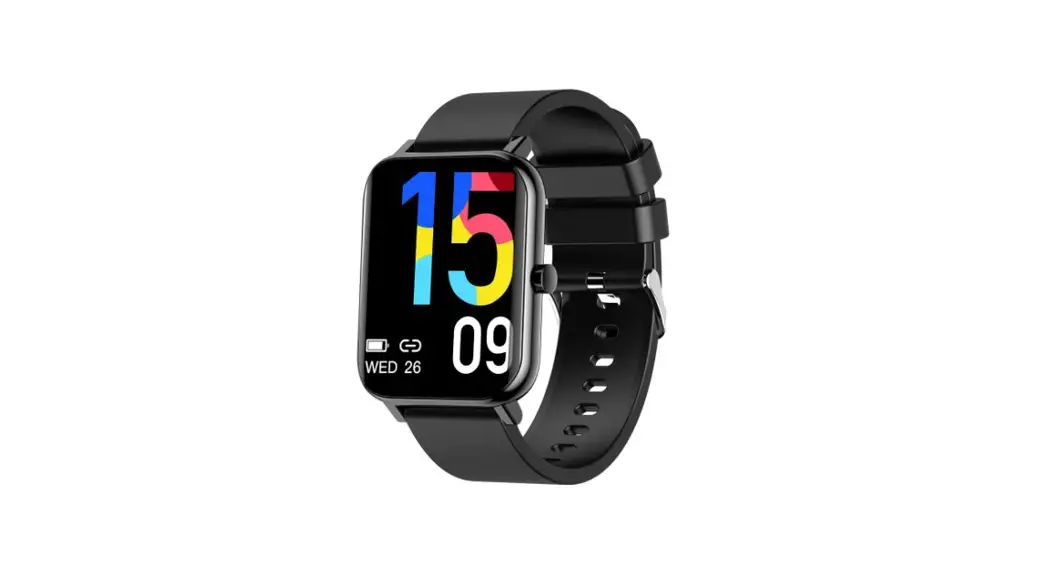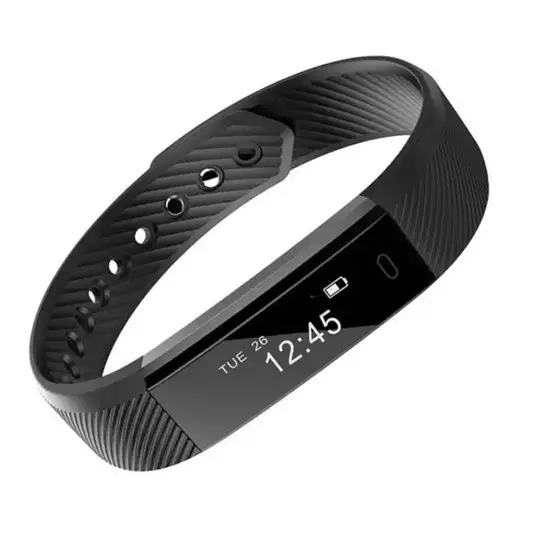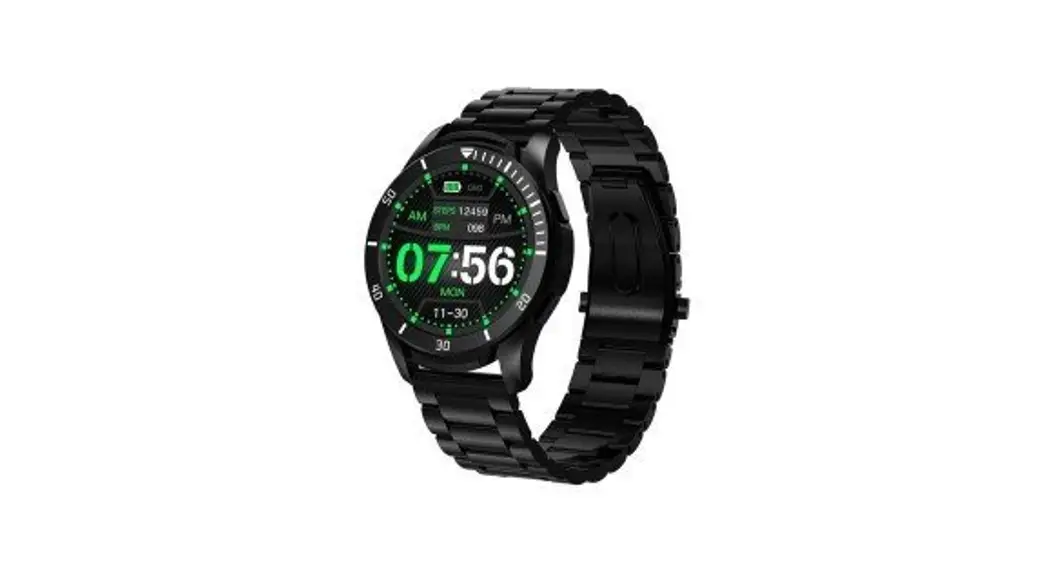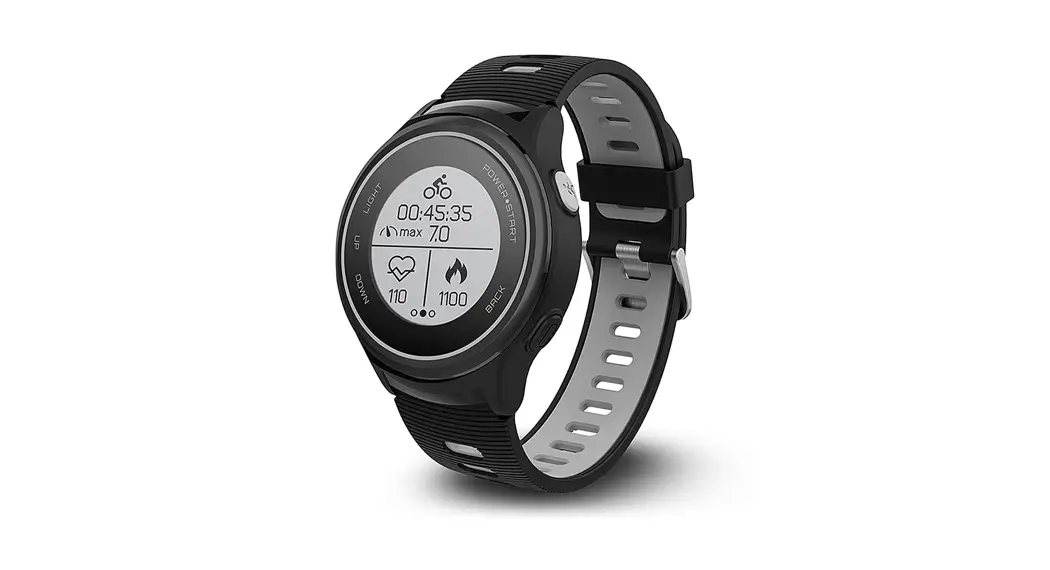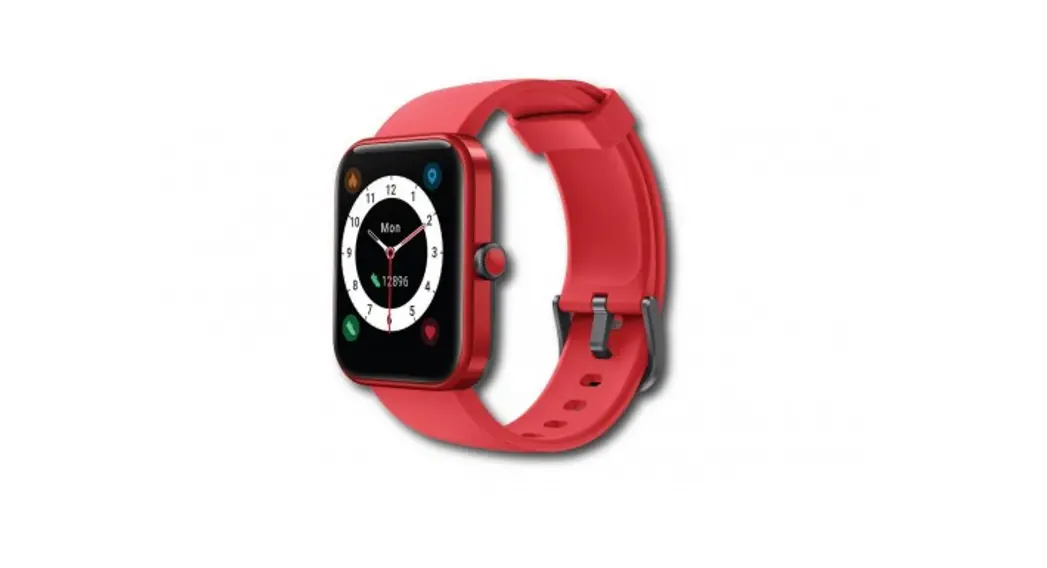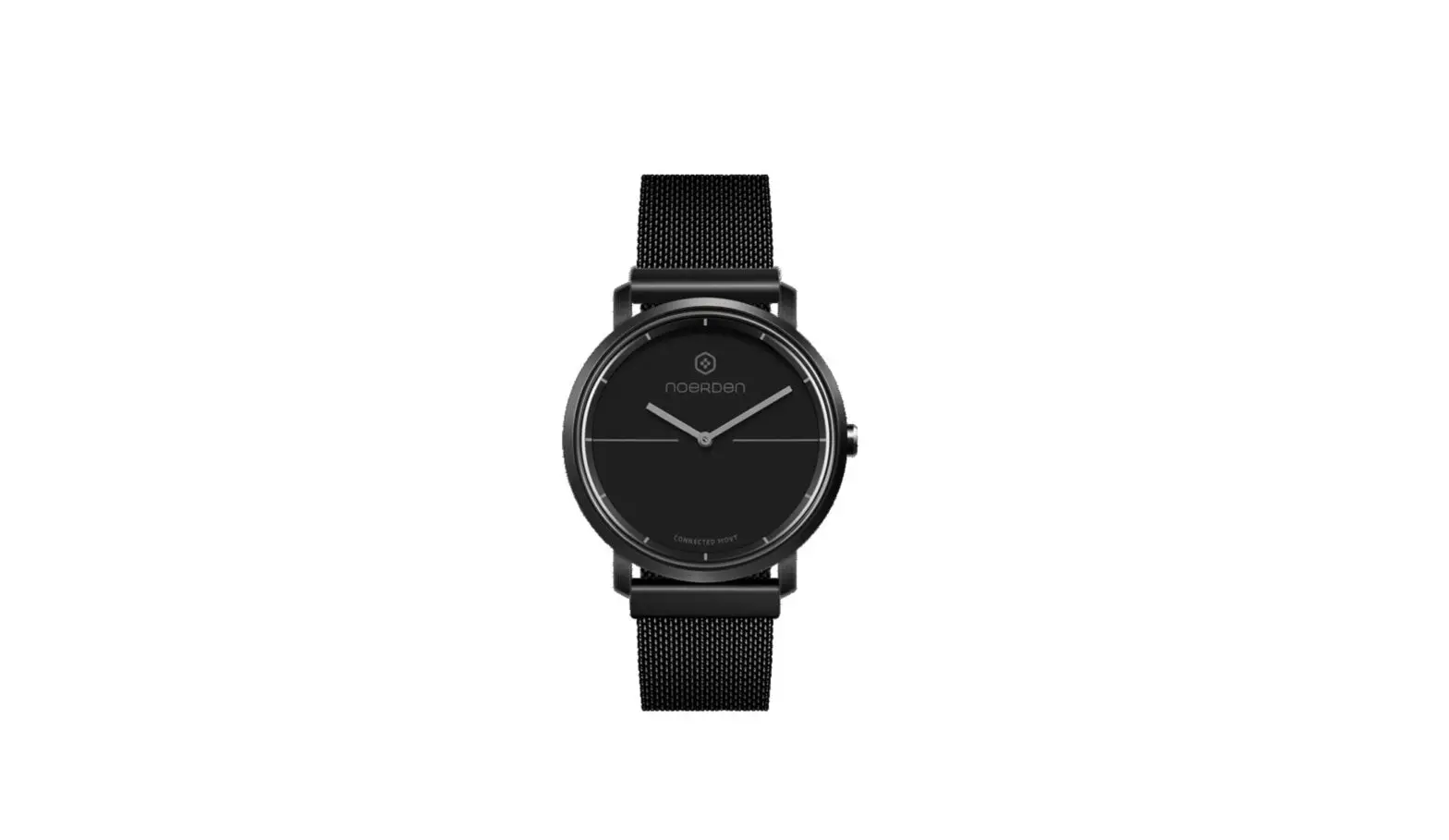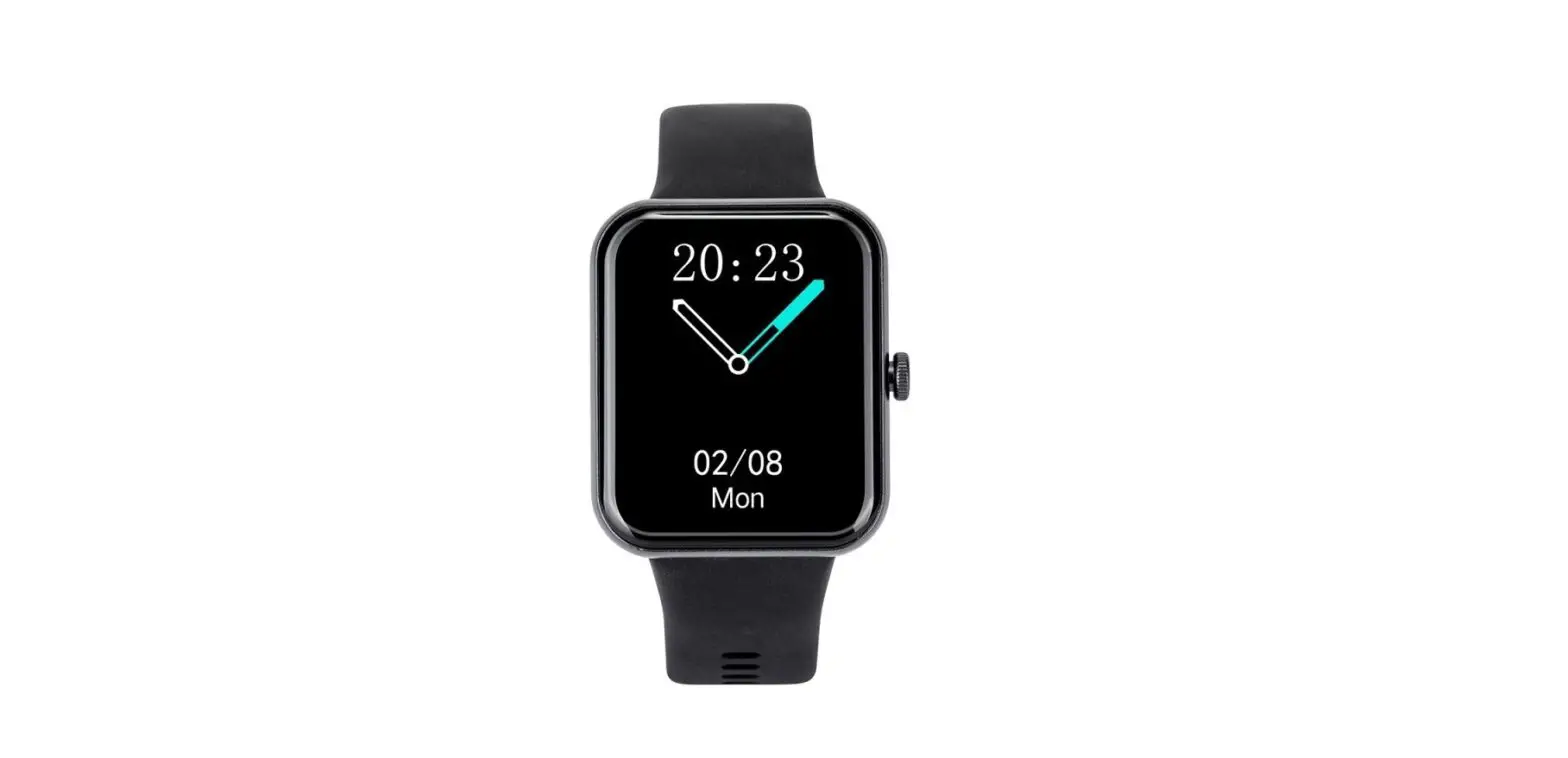
Livoo TEC619 Smartwatch User Manual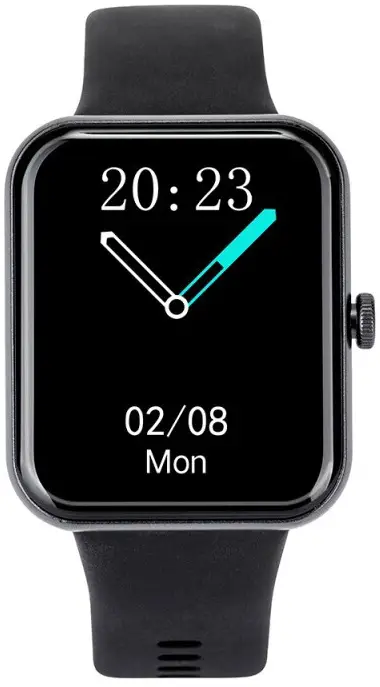
Thank you for choosing a Livoo product!
Your blender, your barbecue, and your headphones are not just objects, they are extensions of yourself, allowing you to get closer to your friends and family, to bring them together, to laugh and to share experiences. Livoo’s aim is to help you live your life to the fullest, whatever wishes you have throughout the year. Winter raclette, summer barbecue. Or the other way around. It’s up to you. Take advantage of this freedom for feel good moments every day.
That’s why we’re constantly innovating and creating clever products full of zest, but most of all, accessible.
Find our entire collection on our website www.livoo.en.
Livoo, your daily companion till social networks
@Livoo
@livoo_officiel
@Livoo
Safety Instructions
Please, take time to read well the instruction sheet before the first use and keep them for a future use.
A misuse of the appliance can damage it or hurt the user. Assure that you use the appliance for the use for which it is designed.
We refuse any responsibilities as for the damages by an incorrect use or a bad manipulation.
- Do not charge after the device was water damaged.
- This is an electronic monitoring product, data received from it cannot be used as medical basis.
- Blood pressure testing tip:
Keep your body relaxed and still while testing.
Keep the device at the same height as your heart, and don’t talk while you are testing. - A charging environment of more than 50 degrees may cause overheating and deformation of the equipment.
- This device uses built-in battery. It is forbidden to disassemble by itself. Please do not drop, collide, squeeze, puncture or cut.
- When the battery is broken or leaking, please avoid contact with eyes and skin. When the situation occurs, please do not touch the contact area and rinse immediately with water.
- Always disconnect the USB cable from the device immediately after use, unless it is charging.
- Use the provided USB cable only.
- Do not disassemble or reassemble the product.
- Keep this product out of the reach of children.
- Keep the device dry.
Technical Specifications
- Input: 100-240V 0.7A
- Battery: 3.7V 240 mAh
- Battery life 15 days on standby, up to 6 days on
- Android and iOS compatible
- IP67 waterproof (immersion 1 m during 30 minutes)
- Compatibility System: Android 8.0 or IOS 8.0 or above, Bluetooth 5.0 or above.
Warning: This product is not a medical device. Watches and their applications should not be used for diagnosis, treatment, or prevention of diseases or illnesses. To change your habits such as exercise and sleep, be sure to consult a qualified medical professional to avoid serious injury. We reserve the right to modify and improve any of the functions described in this manual without prior notice and continuously update the contents of the product. All contents are subject to the actual product. Please stop wearing the smart bracelet in case of skin allergy or any discomfort. Adjust the smart bracelet tightness to ensure air circulation.
Use of the device
Charging of the device (Figure 1).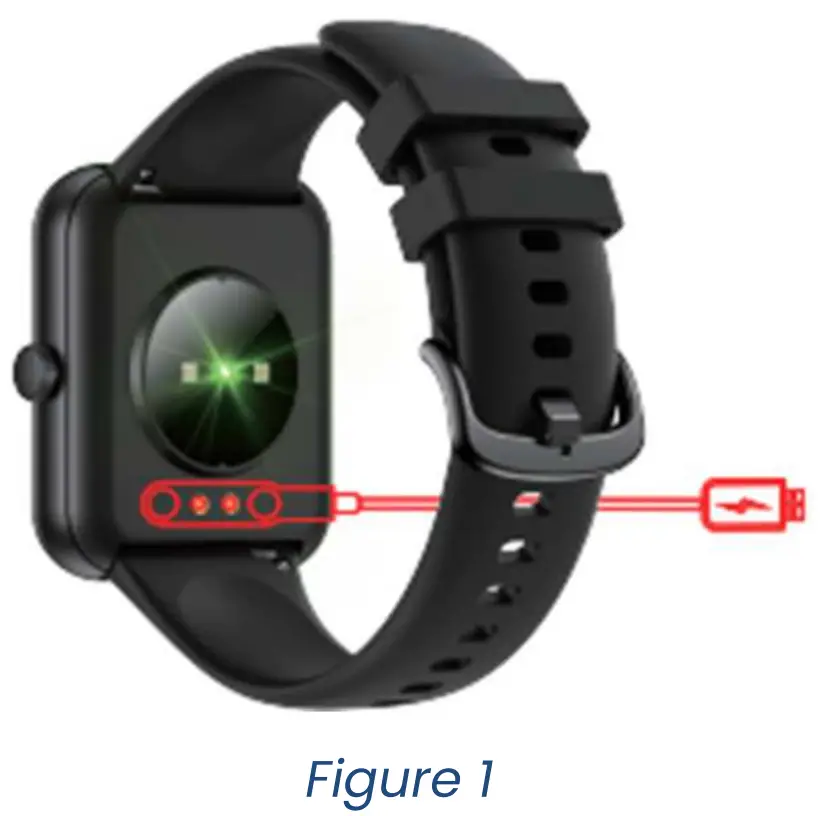
Fully charge the device before its first use. Plug in the magnetic line of the USB cable and connect the USB of the charging cable to another device capable of charging your device. When successfully connected, the screen will show that charging is in progress. You cannot use your device during charging process. Carefully observe the maximum charging voltage of the device (5V) to avoid damage to the device.
Downloading & paring (Figure 2)
To power on your Smartwatch long press the side button for 3 seconds
Download and install the application JYouPro, either thanks to the QR code in this document, nor by searching the application directly in AppStore or Google Play.
You can also get the QR code for the application directly in the watch in the menu Settings>Download App.
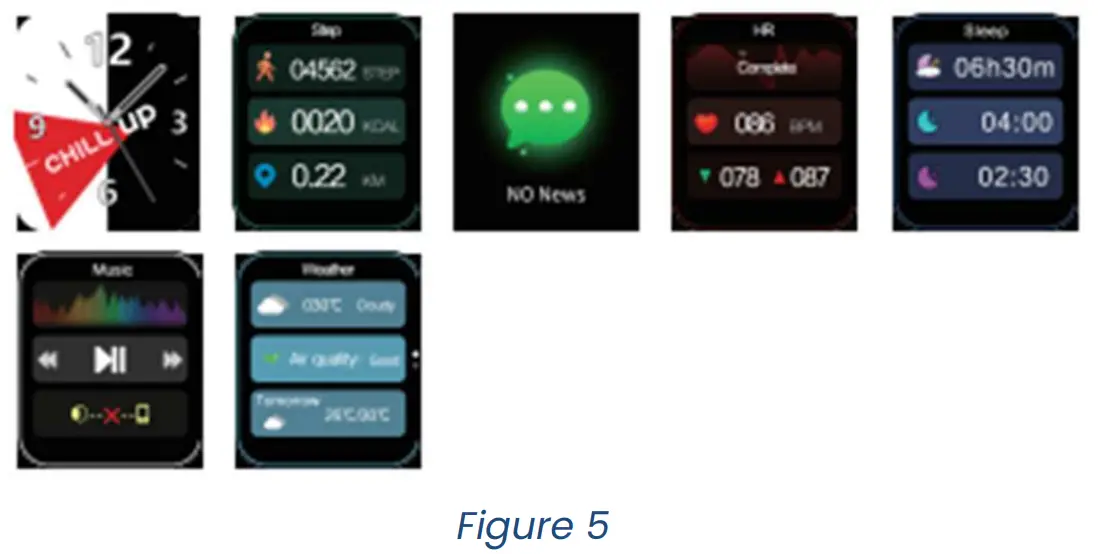
Paring (Figure 3-4-5)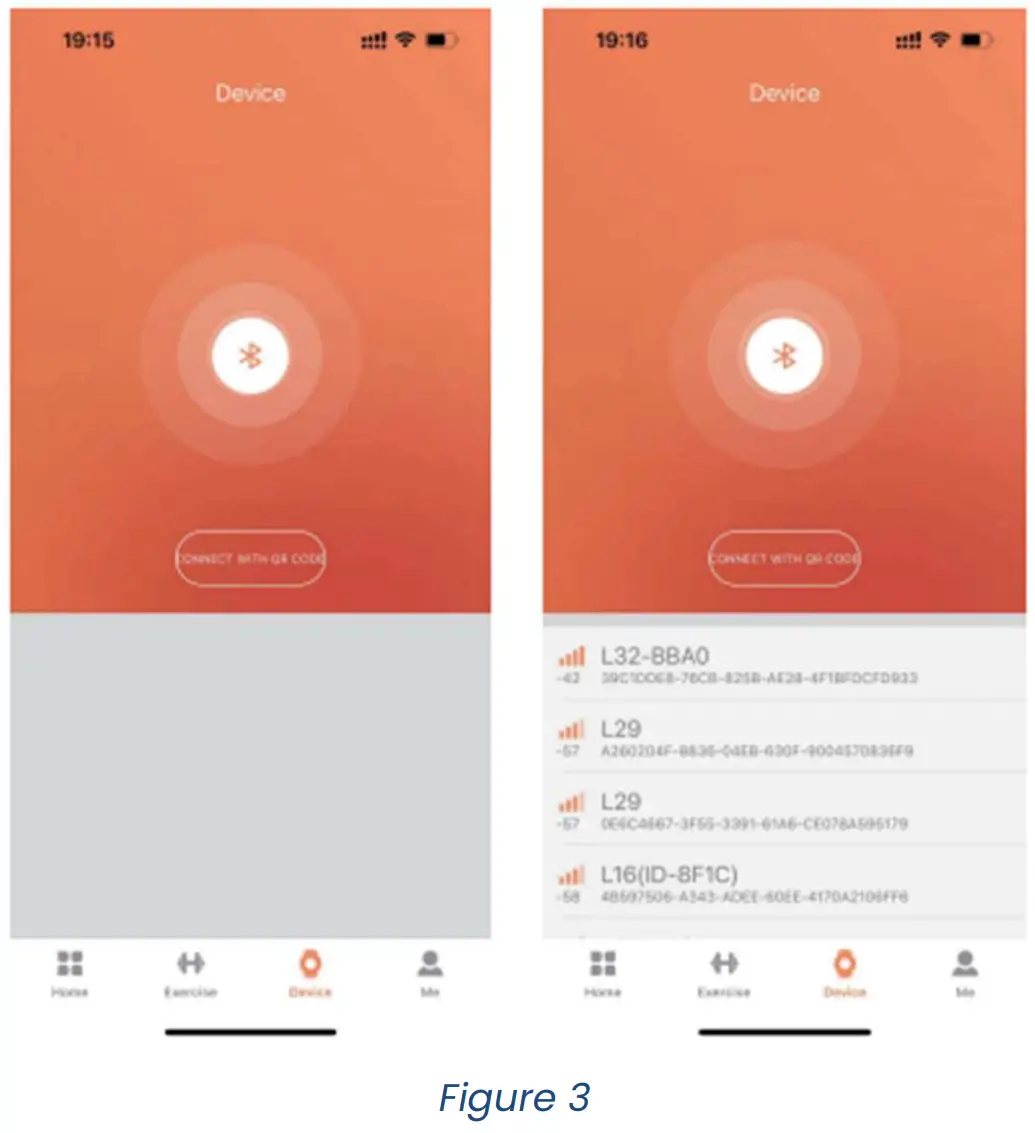
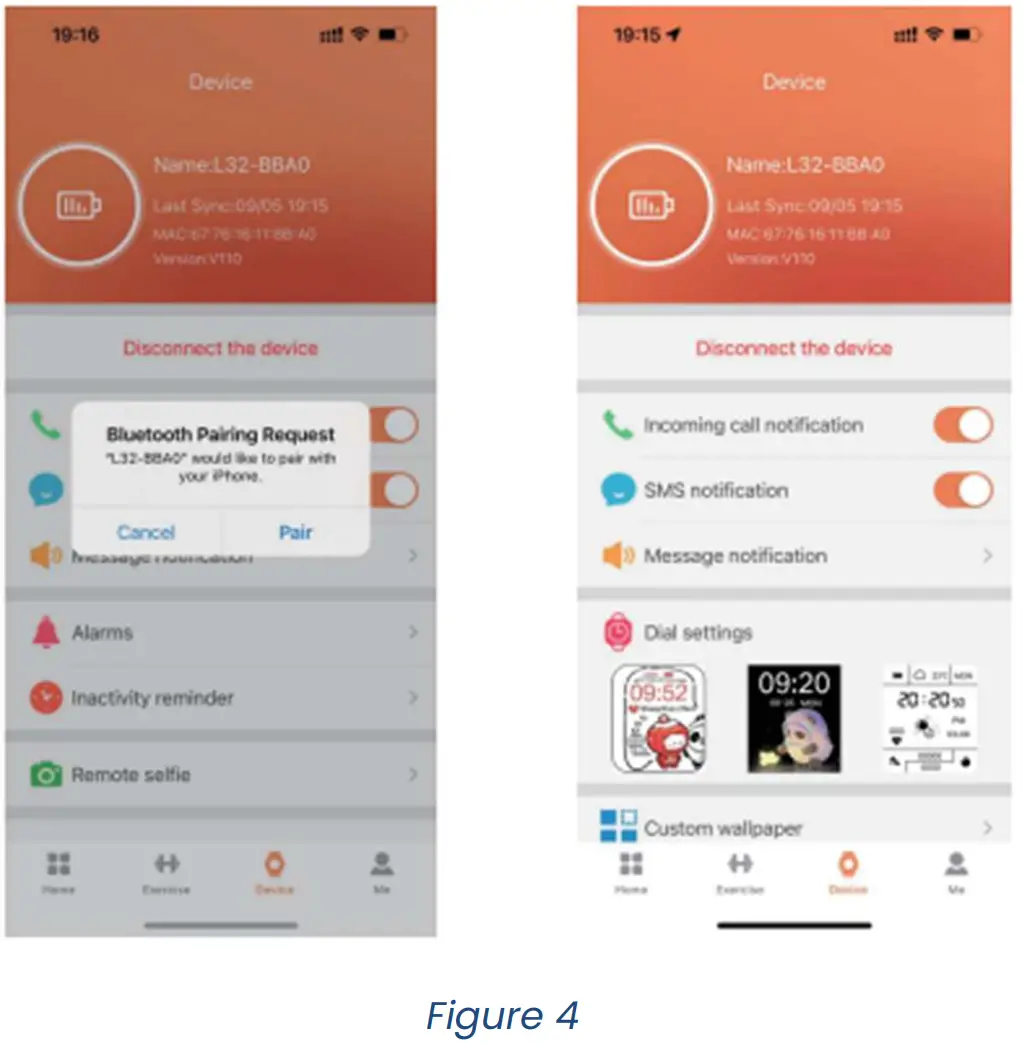
Once you’ve download and install the application on your mobile device, please follow the instruction of the application to setup it as you prefer and according to your personal information.
Activate the Bluetooth on your mobile device. In the application, click on “device” menu. In this menu, click on “connect with QR code”. All the accessible Bluetooth devices will appear. Click on the device
TEC619 in that list.
Note: Bluetooth devices can only be paired individually, so be sure to disconnect the previous Bluetooth device when connecting a new device.
Switch the menu interfaces of main screen (Figure 5-6).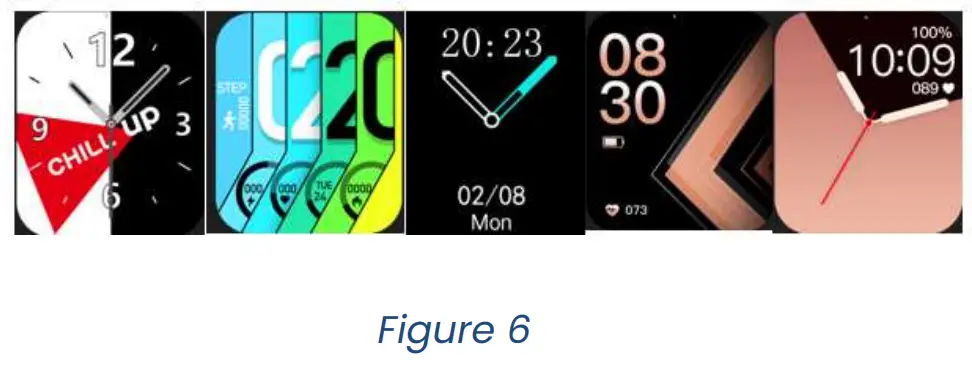
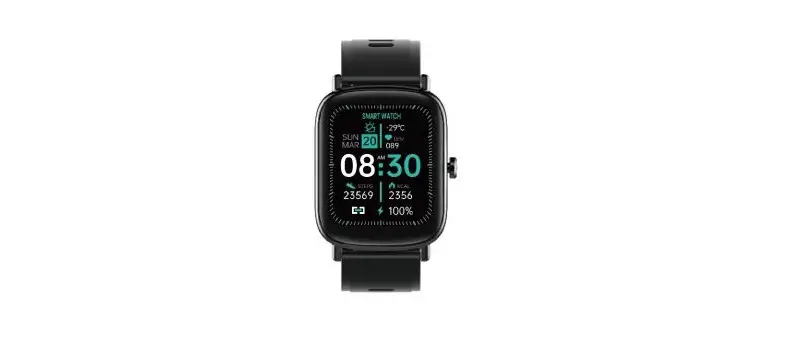
Once your paired the watch and you device, time and date from your mobile will be synchronized with the watch (Figure 6).
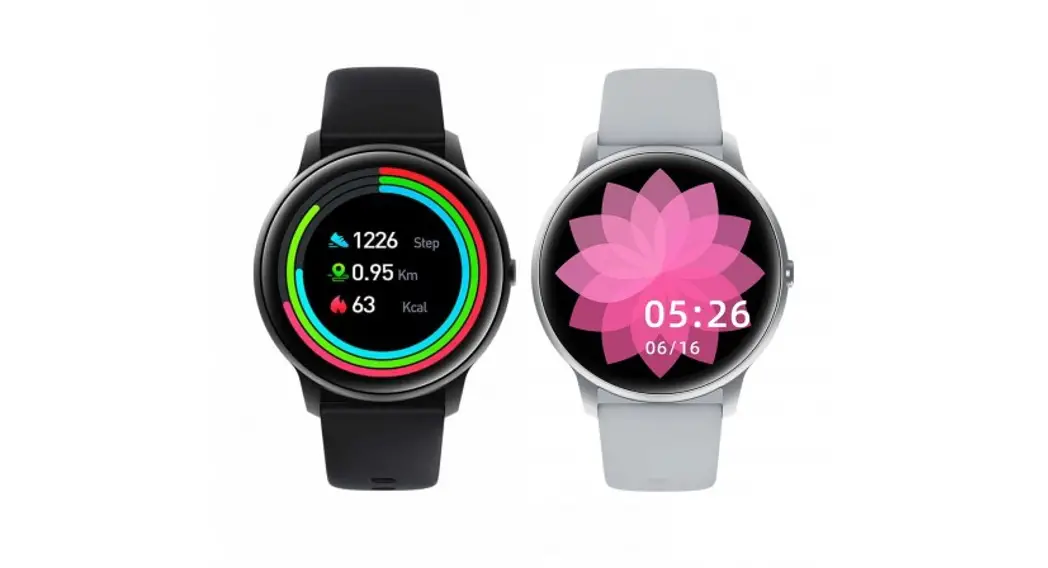
To change the wallpaper of your watch, hold your touch on the screen 4 seconds. Then, select by clicking on it the wallpaper you prefer between all the wallpaper proposed.
Note : through the application, you can also load on the watch new wallpapers using the menus ‘Customized wallpaper’ or ‘dial settings’.
Remove device (Figure 7)
At any time, you can disconnect the watch and your device through the application by clicking on disconnect the device.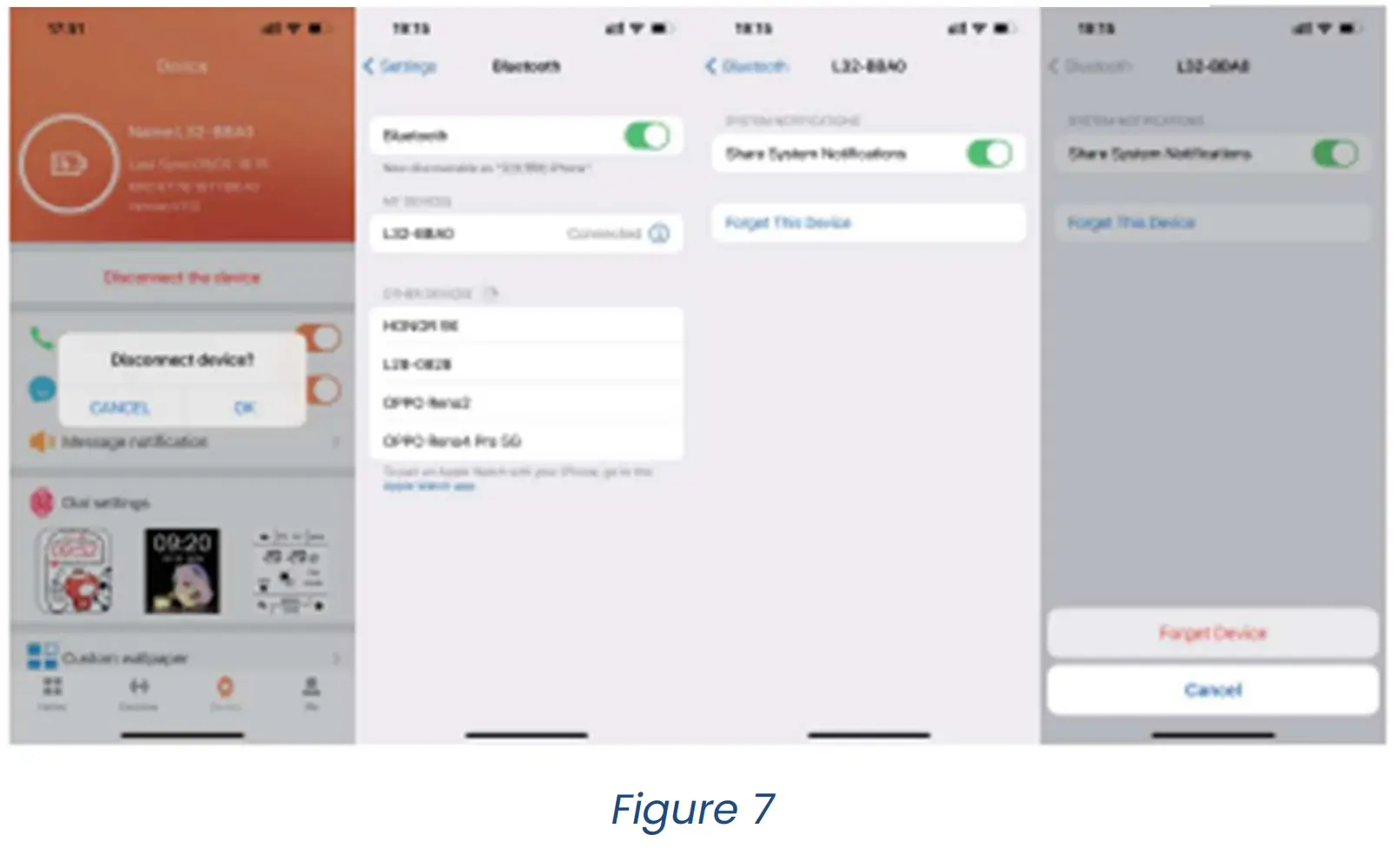
Navigate in the menu with your watch
After few seconds without use, the screen of your watch will turn off. You can turn it on by pushing the side button of the watch. Once the screen is on, swipe the screen to access to the different interfaces.
You can return to the previous screen by pushing the side button on the watch.
- swipe from right to left to access your steps counting menu.
- swipe from left to right to access the messages and calls notification menu.
- swipe from top to bottom to access the quick setting menu (ring mode, sleep mode, brightness, parameters, pocket torch and screen lock).
- swipe from bottom to top to access the interface showing all the menus available in your watch and partially detailed bellow.
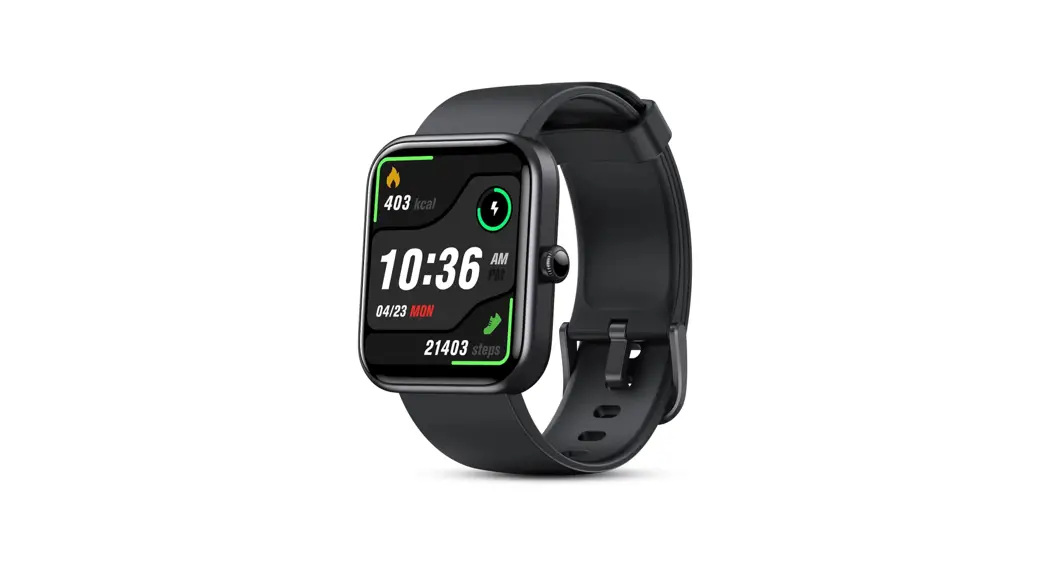
Step-counting. The step-counting interface shows steps. Wear the smart bracelet on wrist, and the smart bracelet can automatically count steps, distance and calories.
Message and calls. At most seven messages can be saved. The new messages will replace the oldest one by one. You can delete a message or a call notification touching it for several seconds.
Sleep. Wearing the smart bracelet at night will allow the watch to detect if you are asleep, to record deep sleep and light sleep respectively and to summarize the total sleep time to help you monitor your sleep quality.
The sensor will measure your sleep quality according to the range and frequency of wrist movements when you sleep.
Heart rate measurement. The heart rate measurement menu supports real- time dynamic heart rate. Be sure that there is no dirt at the bottom of the heart rate sensor when you run a measurement. Skin colour, hair density, tattoos and scars may affect the accuracy of the measuring results, in which cases please re-measure the heart rate.
Note: The heart rate sensor shall be closely attached to skin and well contacted with skin in measurement of heart rate. The sensor light exposure in case of wearing bracelet too loosely can result in inaccurate measured figures. Don’t look steadily at the green light of sensor which may cause eye irritation.
Blood pressure. The blood pressure shall be measured in a quiet environment and at proper temperature. Have a rest for at least 5 minutes before measurement. Avoid nervous, anxious and exciting feelings, measure three times repeatedly at an interval of 2 minutes. Record the average value of readings measured three times.
Blood oxygen. Blood oxygen saturation (Sp2) is the percentage of the amount of Oxy haemoglobin ( Hb2) which has been oxygenated in the blood and the total amount of haemoglobin (Hb, haemoglobin)which can be oxygenated. It means the concentration of oxygen in blood.
Note: The blood pressure and blood oxygen data are for reference only.
Weather. The weather page will display the current weather of today and tomorrow. Swipe the screen from the bottom to the top to display the weather forecast for the next 4 days. The weather information is linked to your mobile device. The setting position of your mobile device gives the information to the watch. If your watch and your mobile device are disconnected, the weather forecast won’t work.
Music. After connecting the watch with your mobile phone, the watch can control the music player of the mobile phone. When the mobile phone plays music, use the music menu to control the application on your mobile device.
More. Click Settings to enter the Settings page which displays functions such as language, APP download, product information, factory settings restoration, shutdown, and restart.
Power off. The menu power off in the settings allows you to power off the watch. After clicking ” √ “, the bracelet will start to shut down and go to sleep. To restart your watch, keep pushing on the side button for several second until the screen turn on.
Reset. In this menu, you can delete all information contained in your watch and restore it to the default factory settings.
Cleaning and maintenance
Clean the smart bracelet regularly, especially its inner side and keep it dry.
Excessive skincare product should not be used for the wrist wearing the smart bracelet.
Problems and solutions
| Problems | Solutions |
| Why does the smart bracelet automatically disconnect Bluetooth when the Android screen goes out? |
|
| Why cannot the smart bracelet receive message ? |
|
| Why is the Bluetooth connecting icon blinking all the time? | It mainly can prompt the users that the message is not received if APP is not connected with bracelet. Launch APP to connect to bracelet, and the Bluetooth icon can be displayed normally. |
Note: The Bluetooth word mark is owned by the Bluetooth SIG.
EU DECLARATION OF CONFORMITY
We,DELTA, BP61071, 67452 Mundolsheim – France declare under our sole responsibility, that the Bluetooth® earphones sleep mask TEC619 Fulfils the essential requirements of the following standards :
| DIRECTIVES | NORMES ou Exigences |
| (ROHS) 2011/65/EU | The object of the declaration described above is in conformity with Directive 2011/65/EU of the European Parliament and of the Council of 8 June 2011 on the restriction of the use of certain hazardous substances in electrical and electronic equipment. EU 2011/65/EU et EU 2015/863 |
| (RED) 2014/53/EU | EN 50663:2017 EN 62479:2010 EN IEC 62368-1:2020+A11:2020 ETSI EN 301 489-1 V2.2.3 (2019-11) ETSI EN 301 489-17 V3.2.4 (2020-09) ETSI EN 300 328 V2.2.2 (2019-07) |
Correct disposal of the unit (Electrical and Electronic Equipment).
(Applicable in the European Union and the rest of Europe that have adopted separate collection systems countries). The European Directive 2012/19/EU on Waste Electrical and Electronic Equipment (WEEE), requires that old household electrical appliances must not be disposed of in the normal household waste stream. Old appliances must be collected separately in order to optimize the recovery and recycling of the materials they contain and reduce the impact on human health and the environment. The symbol of the crossed out dustbin is marked on all products to remind the obligations of separate collection. Consumers should contact their local authority or retailer for information concerning the correct disposal of their product.
- Non contractual illustration
- Product information is subject to change without prior notice.
 Livoo, life in feel-good mode