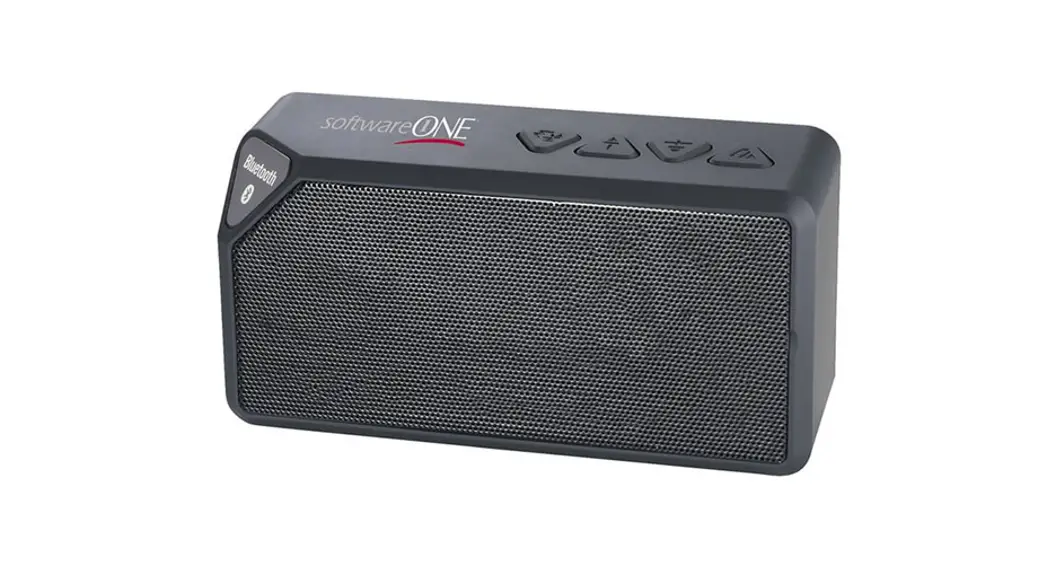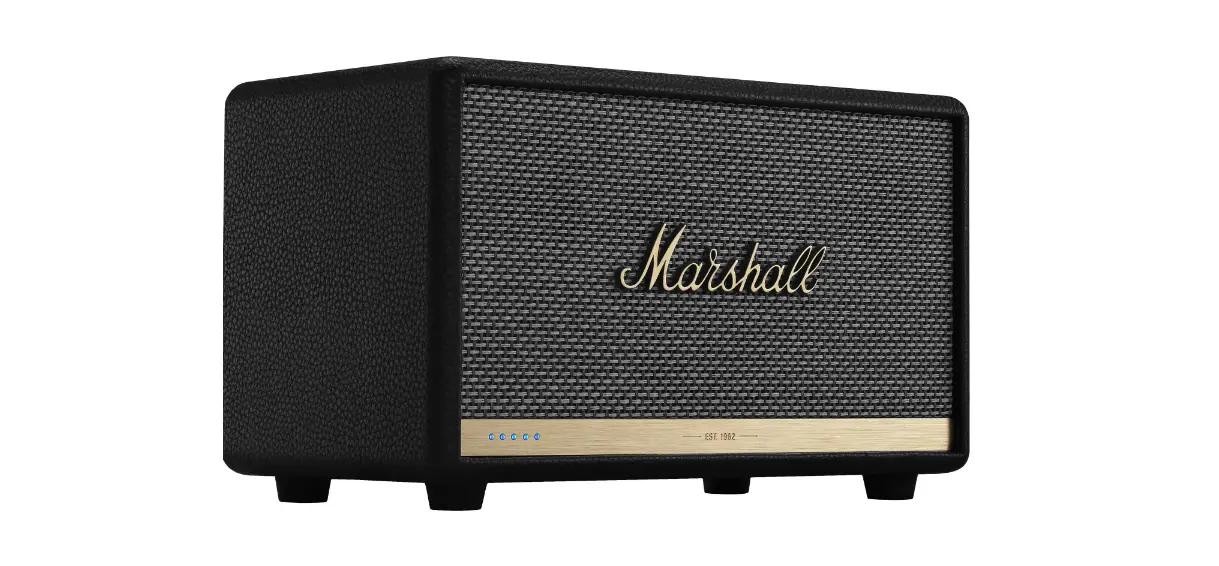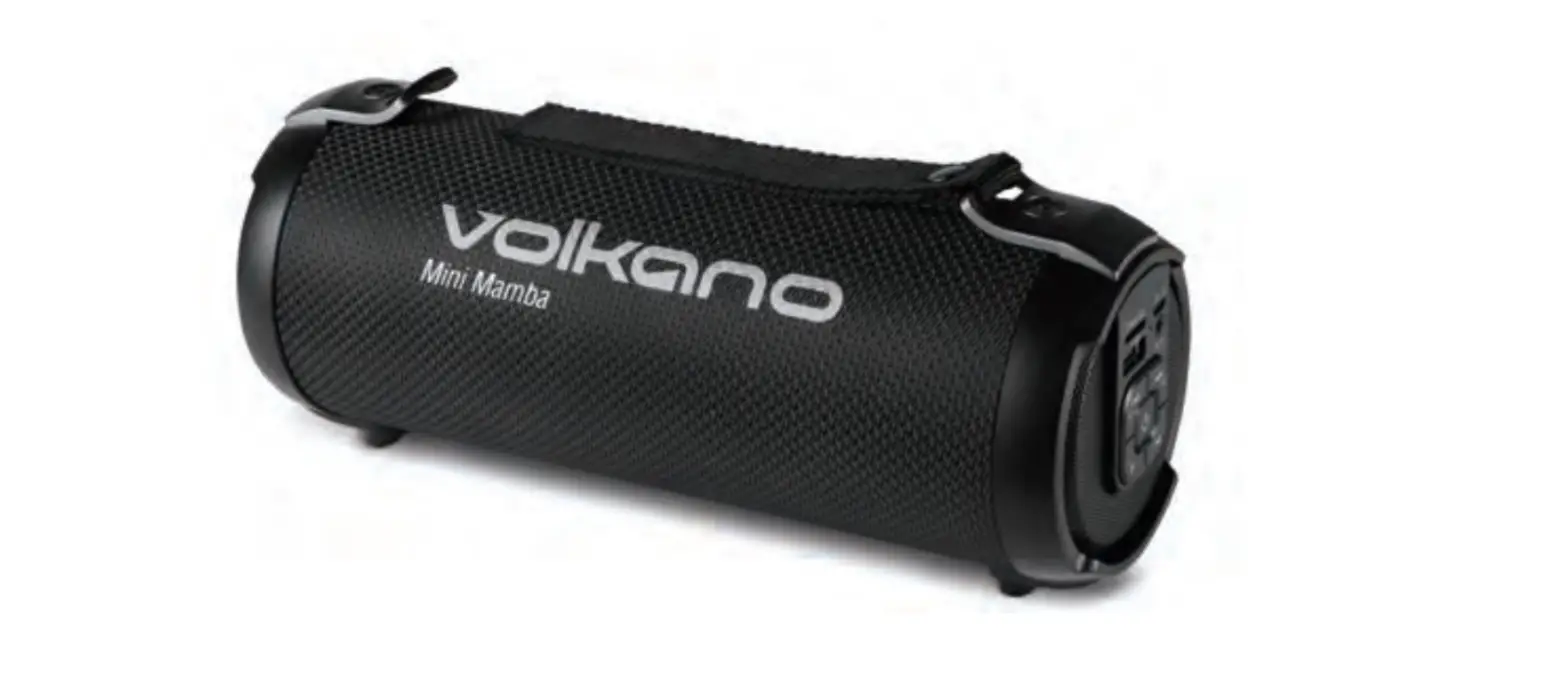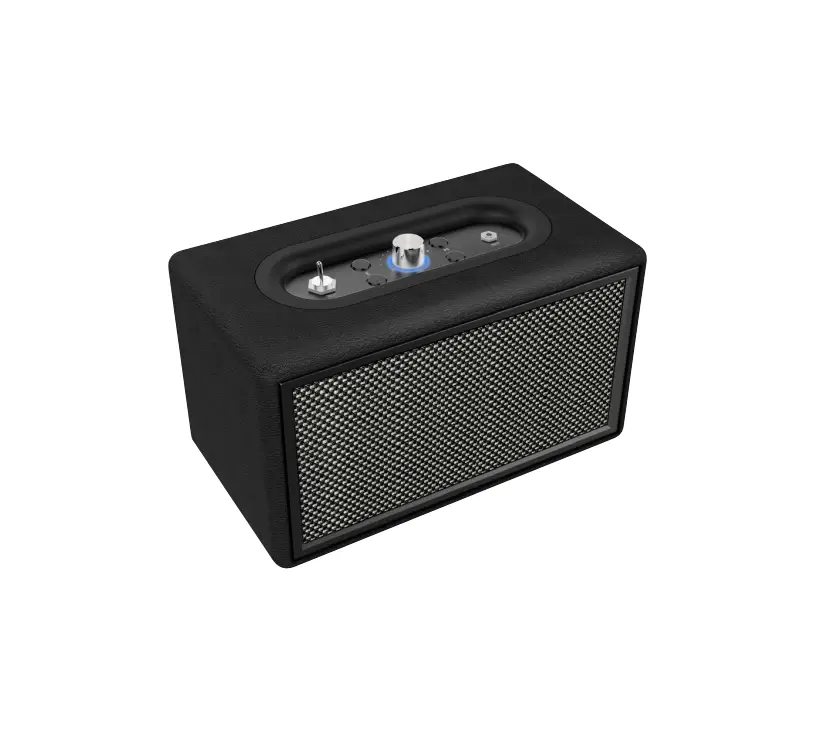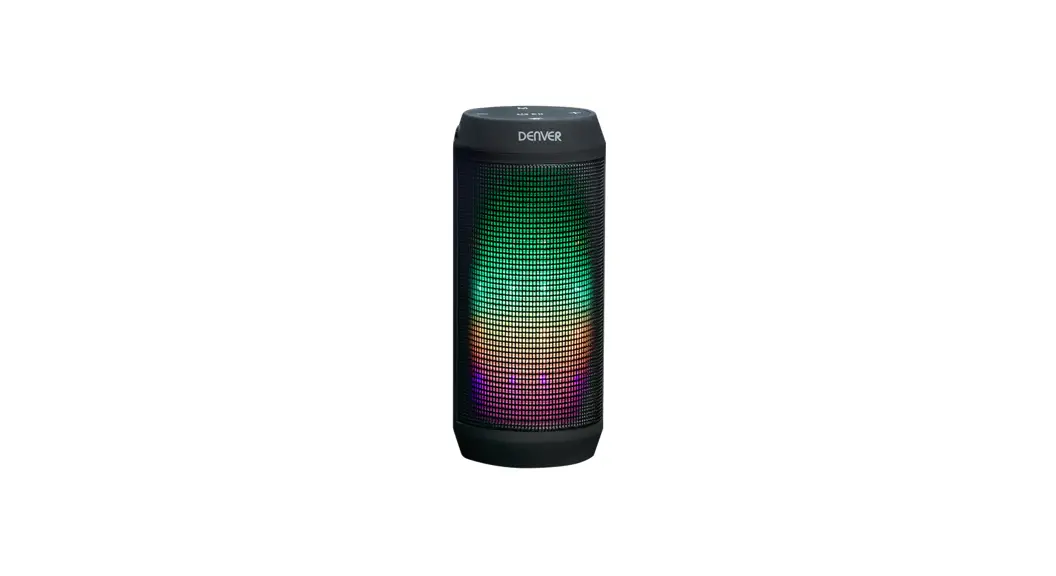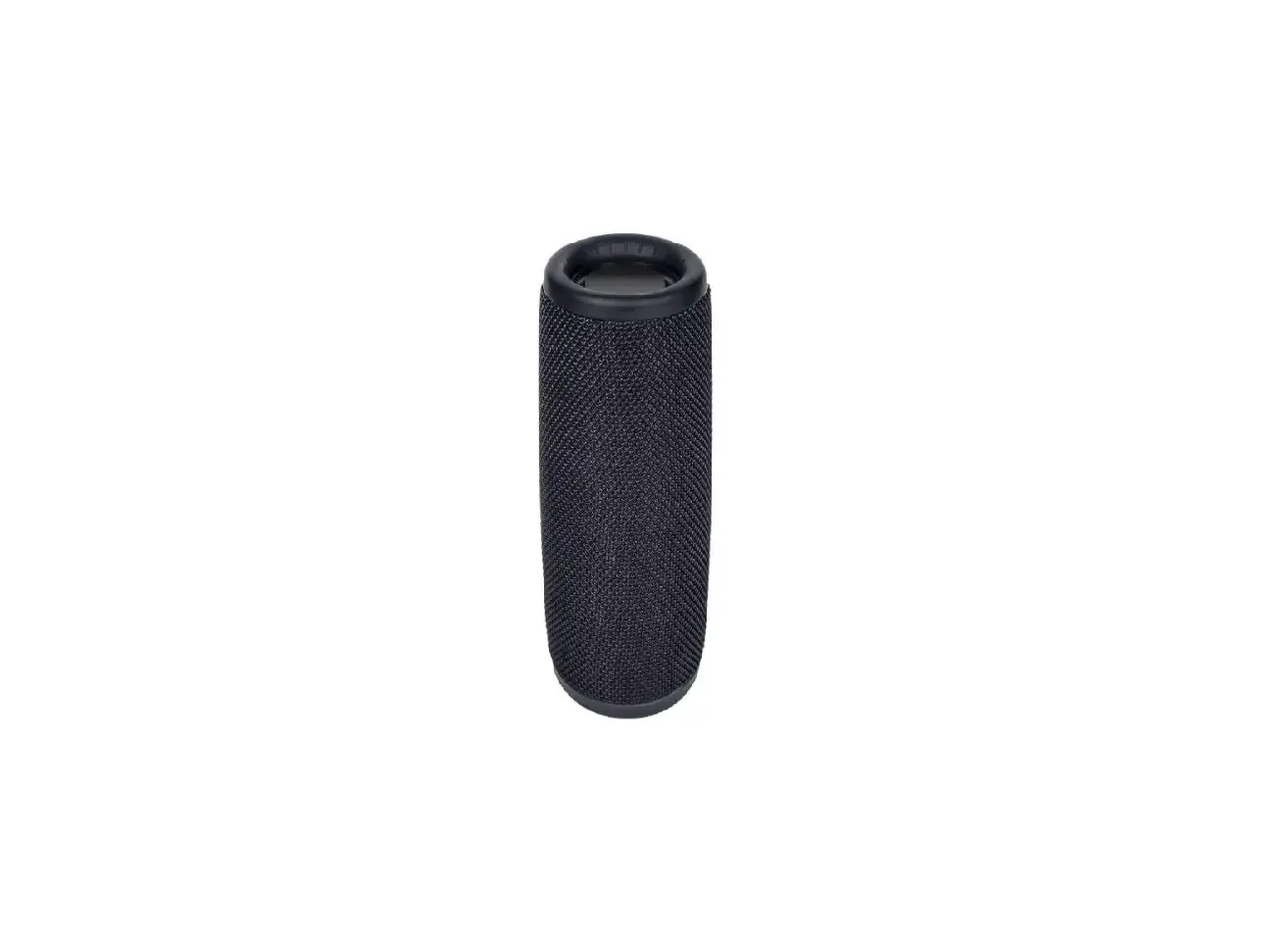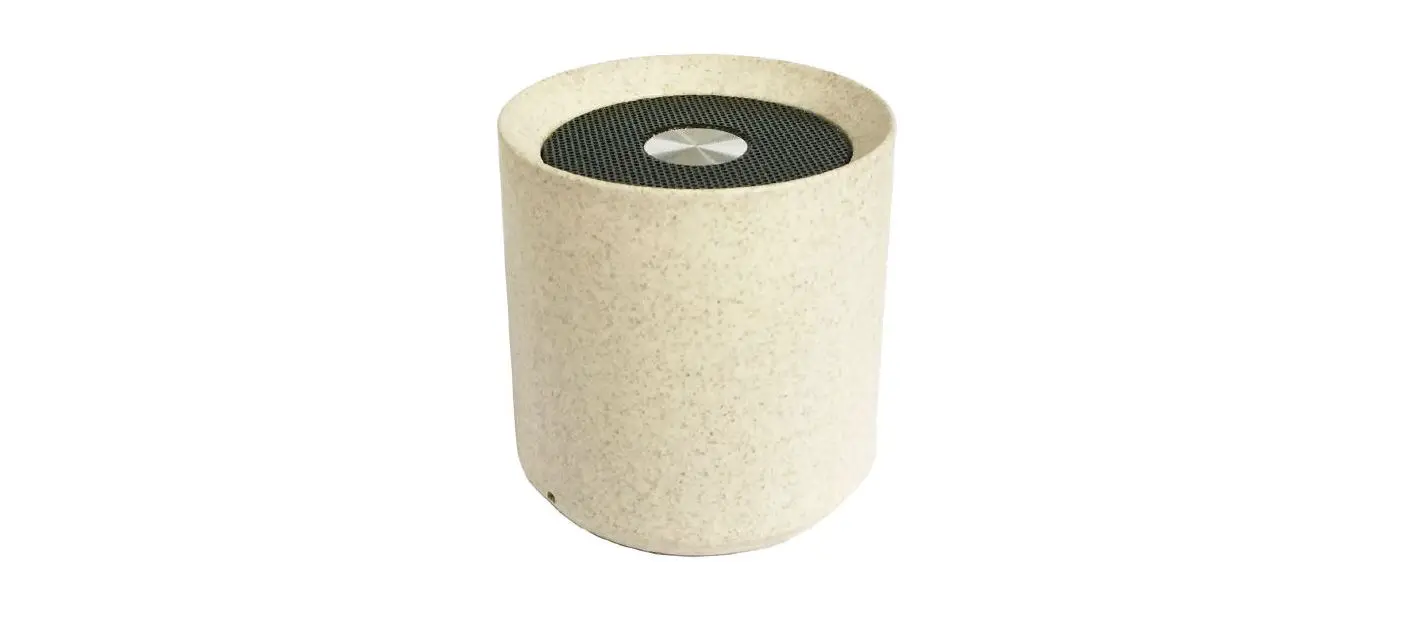

B25FV2 Bluetooth Speaker
Instructions
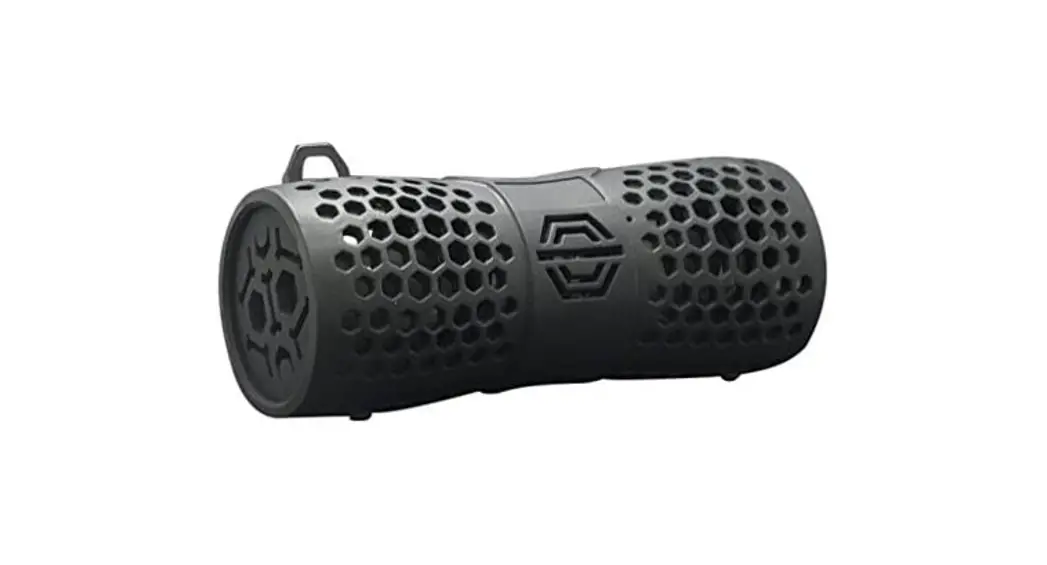
Controls and Indicators
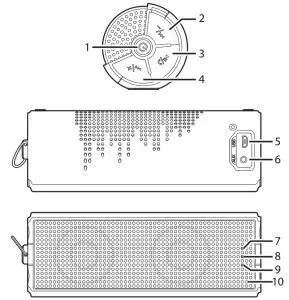
| 1. Power ON / OFF button | 6. AUX in socket |
| 2. Previous / Volume – | 7. Bluetooth® indicator (Blue) |
| 3. Play button / Phone button | 8. AUX indicator (Green) |
| 4. Next / Volume + | 9. Charge indicator (Red) |
| 5. Micro USB charge socket | 10. MIC |
Using this Speaker
 Turning on/off the power
Powering on:
- Press and Hold “Power ON/OFF button” 2 seconds to power ON, the Blue LED will start to flash.
Note
• If an AUX (3.5 mm) cable is connected to the unit, the Blue LED will turn off, and the Green LED will stay illuminated, notifying you the unit is in Aux-In mode.
Powering off:
Press and Hold Power ON/OFF button 2 seconds to power OFF.
Listening to Bluetooth® Music
In order to use the unit for music playback functions through Bluetooth®, the speaker must first be paired with the Bluetooth® device.
Pairing:
- Press and Hold “Power ON/OFF button” 2 seconds to power ON.
Bluetooth® function will go into pairing mode and the blue LED will keep flashing. - Following the instructions in your device’s user manual, activate Bluetooth® on your device and search for other devices.
Once you have found “TY-WSP70”, pair with the speaker.
Information:
- This speaker will pair with the last connected device when that device is in range.
- The speaker will be turned off if no device has been paired for more than 10 minutes.
Playing Bluetooth® Music:
Once your device and the speaker are paired, you can play music on this speaker through Bluetooth®.
- Press the Play button either on your device or this speaker to play or pause music.
- Adjust the volume level on your device or this speaker.
Notes
- Press and Hold Volume + button 2 seconds to play the next track.
- Press and Hold Volume – button 2 seconds to play the previous track.
Pairing for the second time or later
The speaker start pairing automatically with the last-paired device when the power is turn ON second time or later.
Disconnecting the Bluetooth® device currently connected and connecting another Bluetooth® device
Press and hold “Play” button for 2 sconds disconnects the currently connected Bluetooth® device. The speaker is in the pairing waiting mode at the time. A pairing sound is heard. Connect the speaker with another Bluetooth® device. To connect with another device, follow Step 2 of the “Pairing” procedure.
Playing AUX in Music
- Plug the 3.5mm plug into the AUX in socket using the provided 3.5mm plug cable.
- Plug the 3.5 mm plug into the earphone or line-out jack on your device.
- Turn on and play your device.
- Adjust the volume level on your device.
Making calls with a Bluetooth® Mobile Phone
Before the speakerphone feature of this speaker can be used, you will need to pair and connect your Bluetooth°-enabled phone with this speaker. Please refer to “Pairing”.
Answer a call:
- To answer a call, press the Phone button.
You can then use this speaker as a speaker phone. - Speak into the built-in microphone of the speaker and use the Volume +/Volume – buttons on this speaker to adjust the call volume.
- To end the call, press the Phone button.
Note
- To reject a call, press and hold Phone button for 2 seconds.
Dialing:
- Once this speaker is paired with a Bluetooth® mobile phone, you can use the keypad on your phone to dial a phone number.
Press the Phone button to cancel the call. - Use the Volume +/Volume – buttons on this speaker to adjust the volume level.
Note
• To press the button Phone button twice to redial the last dialed number.
• Changes to the volume settings for phone operation may affect the volume of other modes on your mobile phone. - To end a call, press the Phone button.
Specifications
Bluetooth® section
| Bluetooth® spec. | Version 5.0 |
| Wireless equipment Classification | Class 2 |
| Supported profile | A2DP, AVRCP, HFP, HSP, GAVDP |
| Frequency range | 2.402-2.480 GHz (2.4 GHz ISM Segment) |
| Service distance | Up to 10 m |
General
| Power output | 3W x 2 |
| Battery | Internal lithium polymer ion battery (600 mAh) |
| Operating time | Max rough 8 hrs ( 50% volume, bluetooth mode, with random music ) |
| Dimension | 65 x 63.5 x 183 mm (W x H x L) |
| Weight | Approx. 335 q |
| Speaker | 45 mm 4 ohm 3 W speaker driver |
| Accessories | USB charging cable x 1, 3.5 mm plug cable x 1, Operation manual x 1 |
This user manual may be changed without prior notice to improve product performance. The images included in this guide may differ from the actual image and may change without notice.
TOSHIBA LIFESTYLE ELECTRONICS TRADING CO., LTD.
1-1-8, Sotokanda, Chiyoda-ku Tokyo 101-0021, Japan