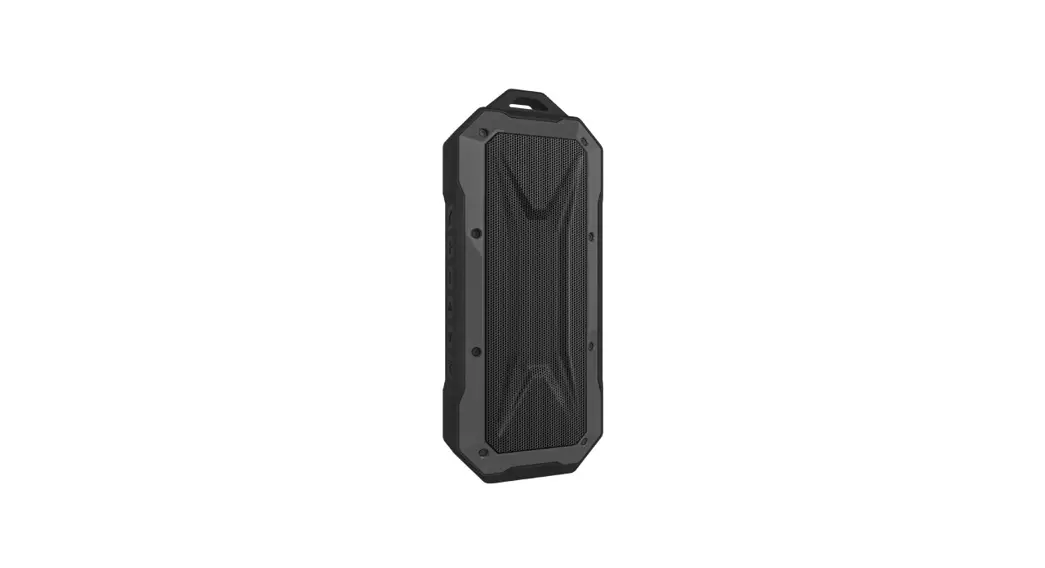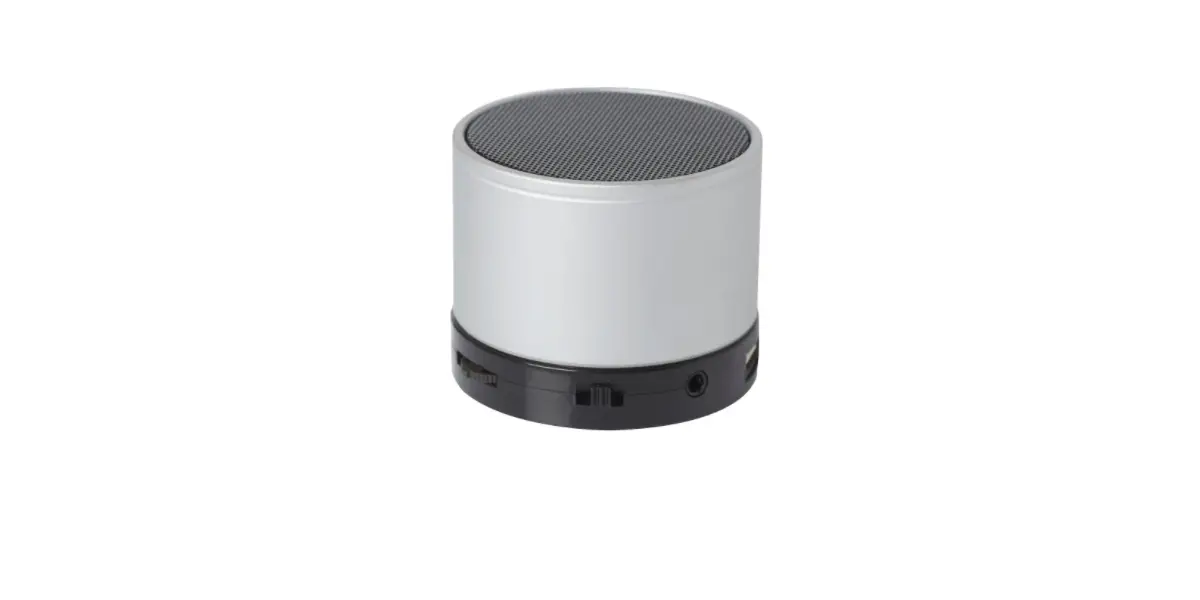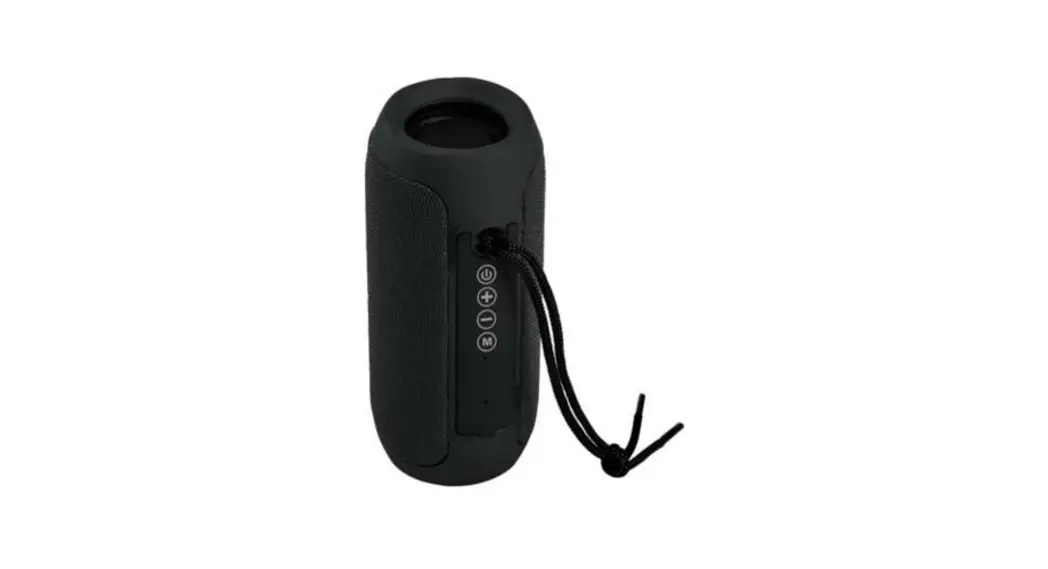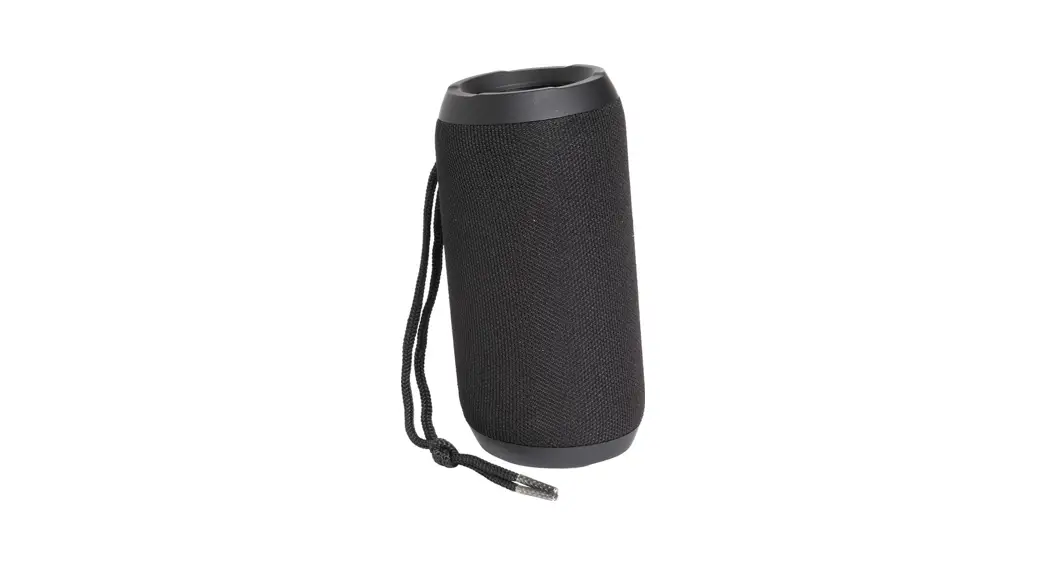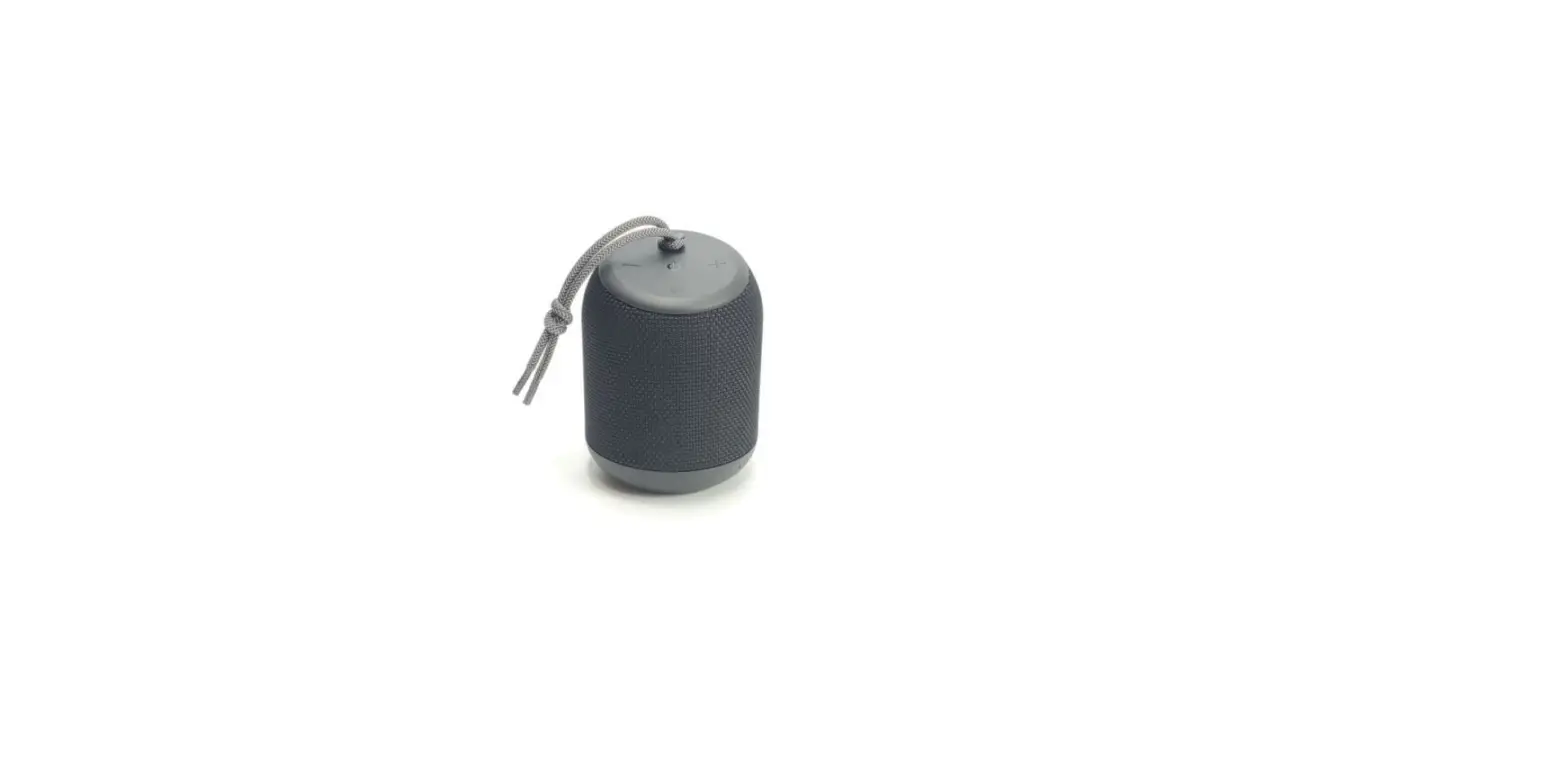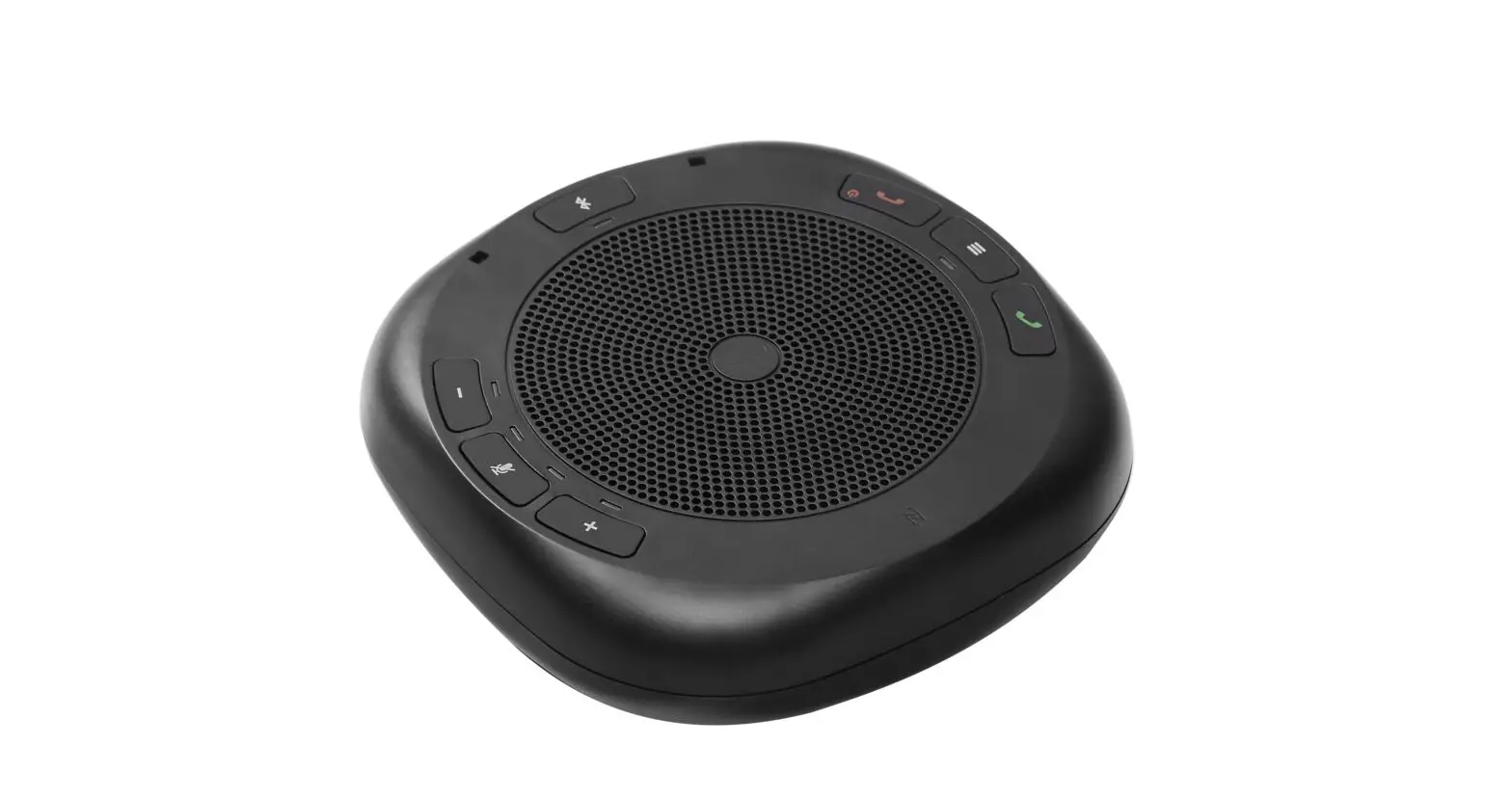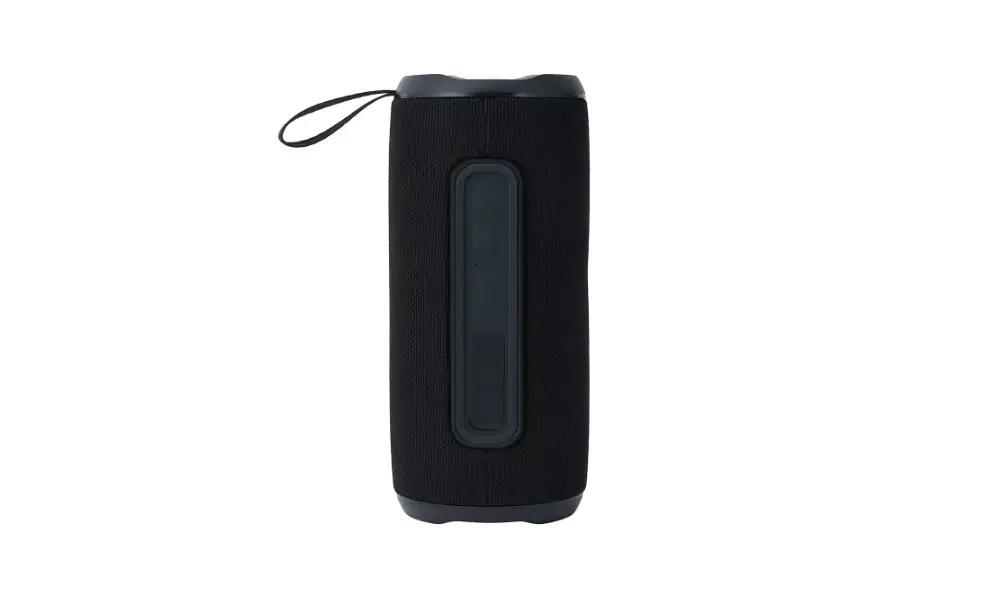

MARQUANT 003275 Bluetooth Speaker
OPERATING INSTRUCTIONS
Important! Read the user instructions carefully before use. Save them for future reference. (Translation of the original instructions).
Care for the environment!
- Recycle discarded product in accordance with local regulations.
- Jula reserves the right to make changes. For latest version of operating instructions, see wwwjula.com

SAFETY INSTRUCTIONS
- Protect the speaker and power cord from heat, sunlight, water and sharp edges.
- Never poke any metal objects into the speaker- risk of short circuiting.
- Do not use the speaker in extremely dry air – risk of static electricity.
- Do not expose the product to strong heat or naked flames.
- The product can become warm when charging.
- Do not modify the product – the manufacturer cannot accept liability for any damage caused by unauthorised modifications.
- The product and aerials must not be placed or used together with other aerials or transmitters.
- Do not attempt to repair the speaker. Any repairs must be carried out by an authorised service centre or other qualified personnel.
TECHNICAL DATA
- Connection: 3.5 mm, Bluetooth (v 4.2)
- Output: 50 W (25 W RMS)
- Range: 10 m
- Frequency range: 150-16000 Hz
- Battery capacity: 4400 mAh
- Battery life: 4 h
- Charging time: 2 h
- Dimensions: W260xH150xD148 mm
- Weight: 1.9 kg
DESCRIPTION
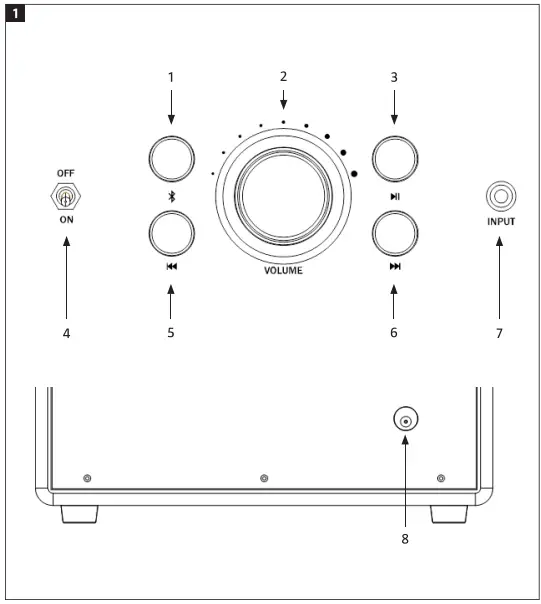
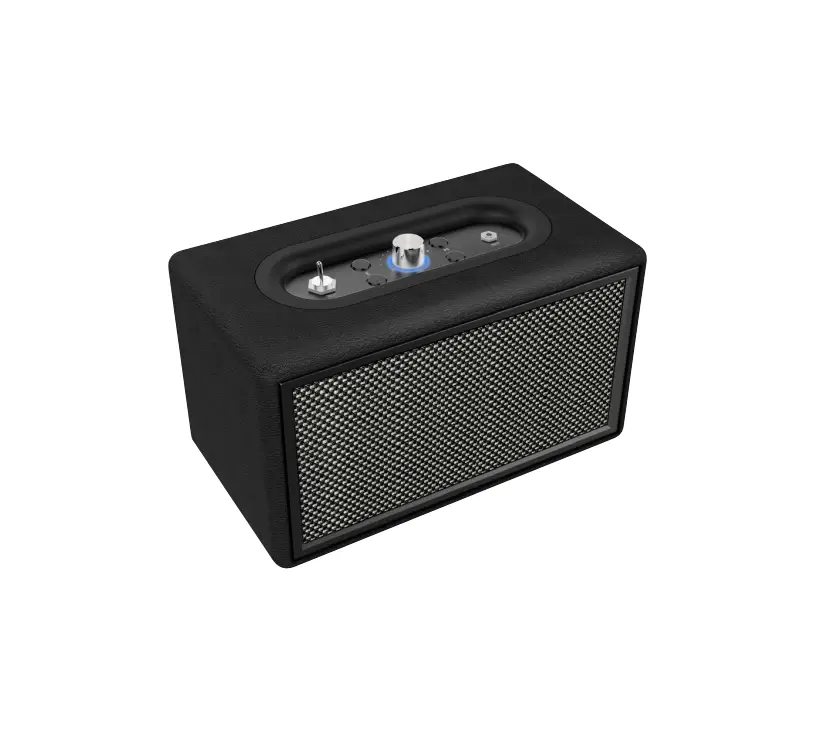
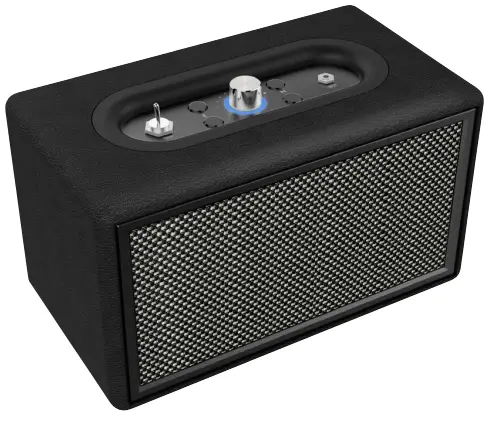
- Selector Bluetooth/AUX input
- Volume knob with LED indicator
- Play/Pause
- Power switch
- Previous track
- Next track
- AUX input
- Charging outlet (back)
USE
CHARGING THE SPEAKER
NOTE
Fully charge the product before using for the first time.
- Connect the adapter cable to the speaker’s charging port.
- The red status light comes on to show that the product is charging.
- The red status light goes off when product is fully charged.
PAIRING
- Place the speaker within 9 metres of the Bluetooth device.
- Put the switch in the ON position.
- The blue status light flashes slowly 3 times and then flashes rapidly to indicate pairing mode.
- Follow the instructions on the Bluetooth device to search for the speaker.
- The speaker designation during pairing is Ml. If asked for a PIN code, enter 0000.
- The blue status light flashes when pairing is complete.
START
- Set the switch in the ON position to start the speaker.
- An audio prompt is given and the blue status light flashes slowly.
- The blue status light goes on during playback.
STATUS LIGHTS
- Charging: Red light on
- Fully charged: Red light off
- Pairing mode: Blue light flashes quickly
- Connected: Blue light on
- Playback: Blue light flashes slowly