 Quick Start Guide
- See the owner’s manual for complete instructions and important safety information before using this product.
Step 1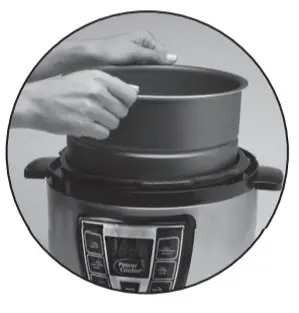 | Place Inner Pot into the unit. |
Step 2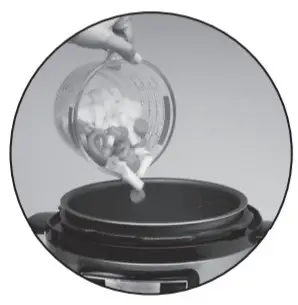 | Add Ingredients. |
Step 3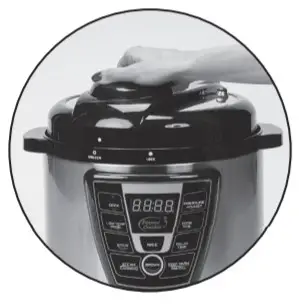 | Place Lid on Cooker with Handle and Recessed Valve pointed to the “1:00 o’clock” position. Rotate Lid counter-clockwise until you feel a click. |
Step 4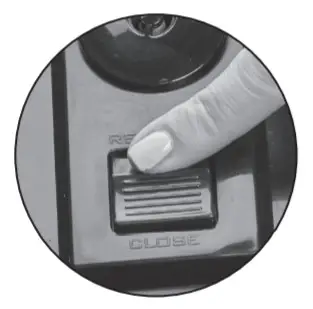 | Toggle Pressure Valve switch to the CLOSE position. |
Step 5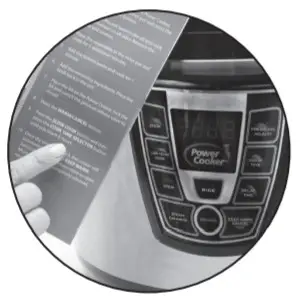 | Follow your recipe for the correct cook time. |
Step 6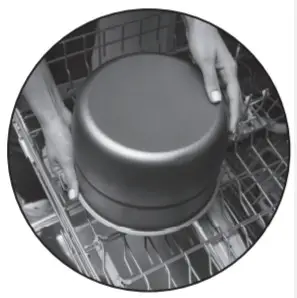 | For easiest cleanup, wash Power Cooker parts immediately after cooking. Place dishwasher-safe parts on the top rack only. |
NOTE: The Power Cooker will take 15 – 17 minutes to pressurize before it starts to cook.
Wash All Components Before First Use
PC_WAL2_6QT QUICK START_WM_ENG_V2_170103
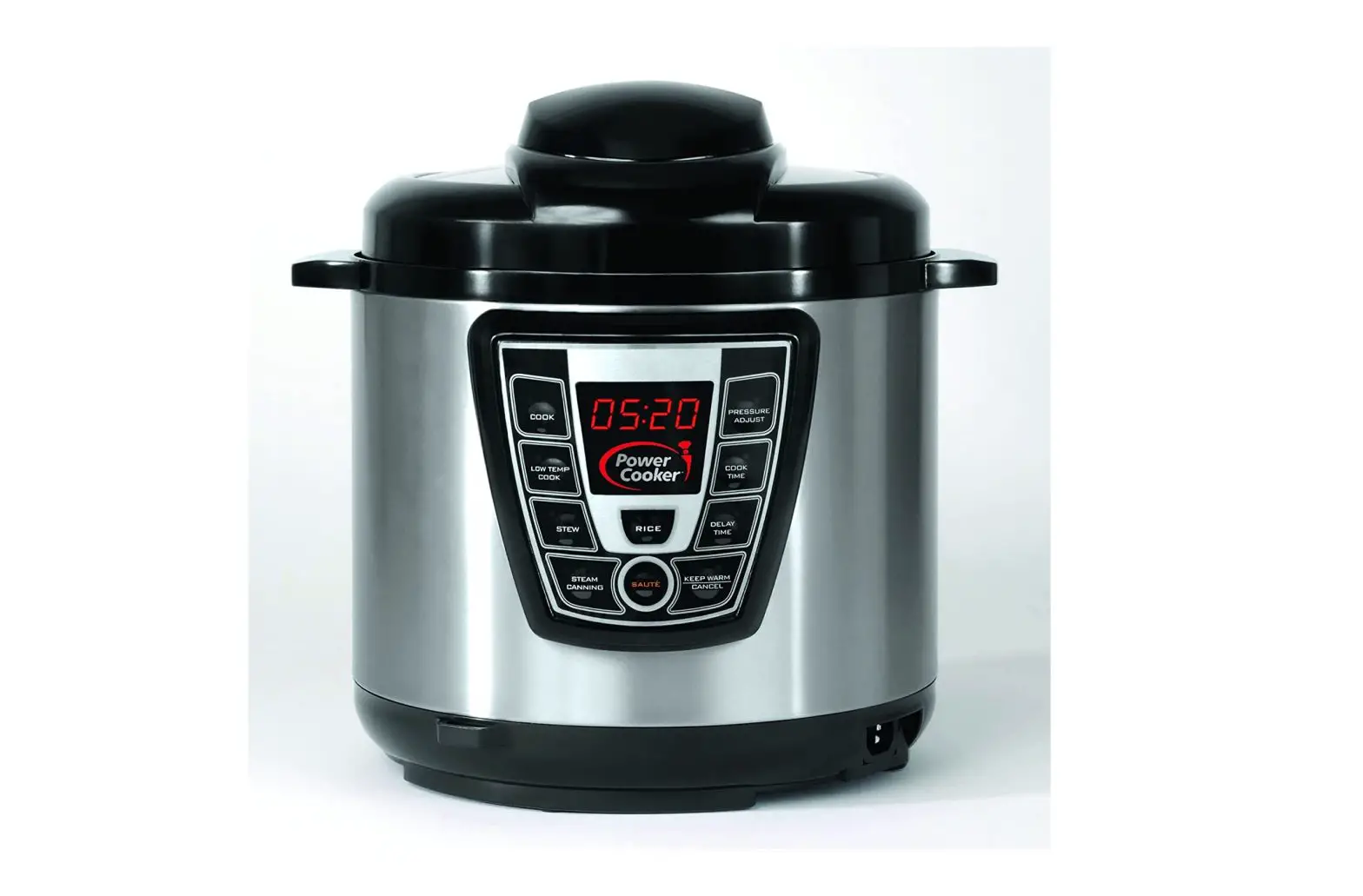
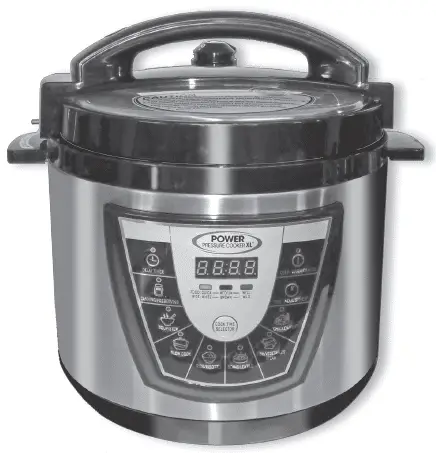
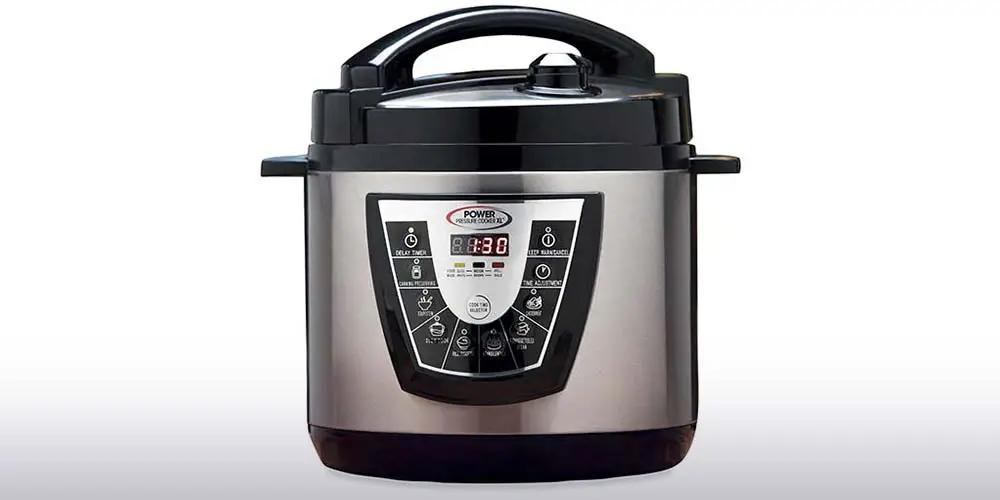
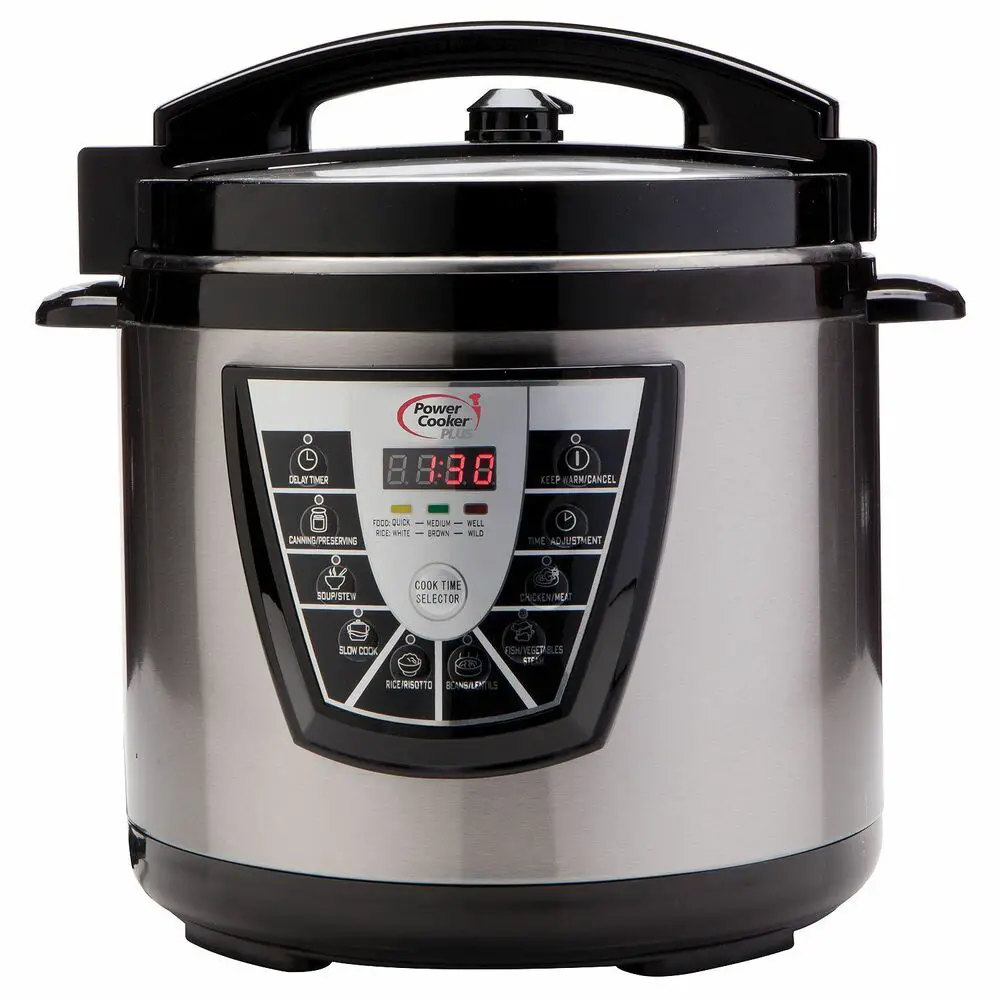
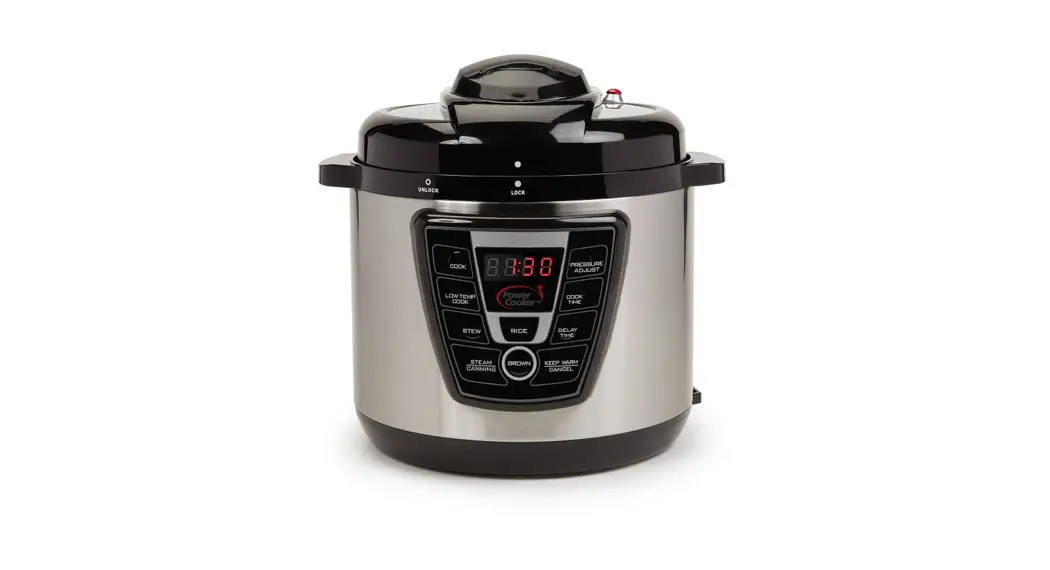
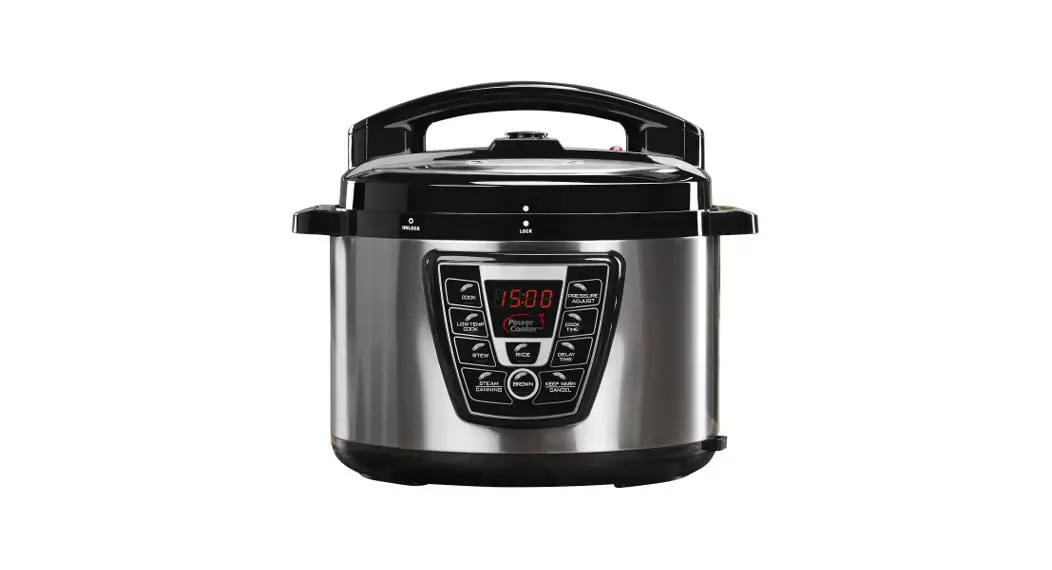
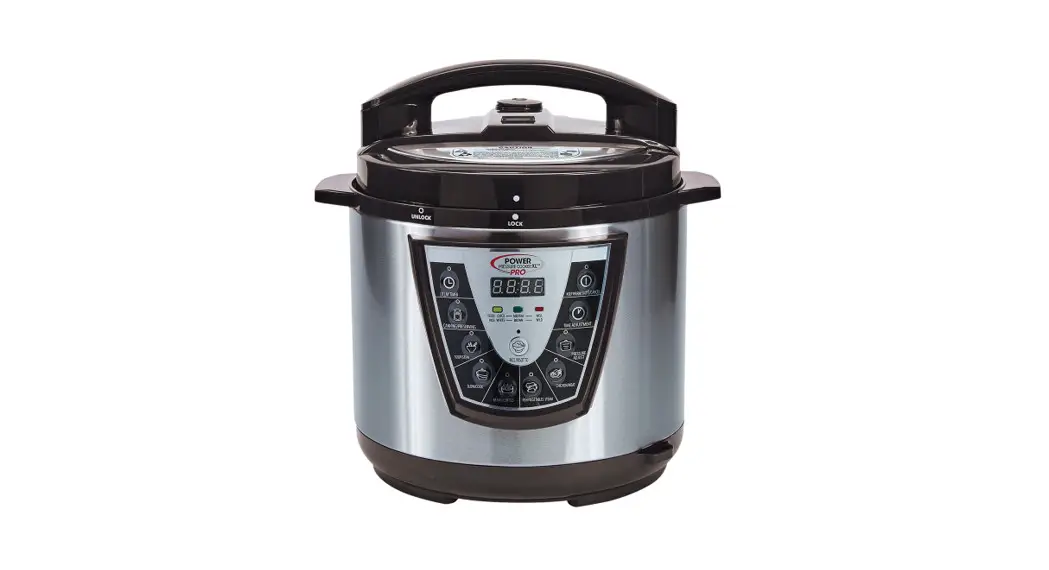
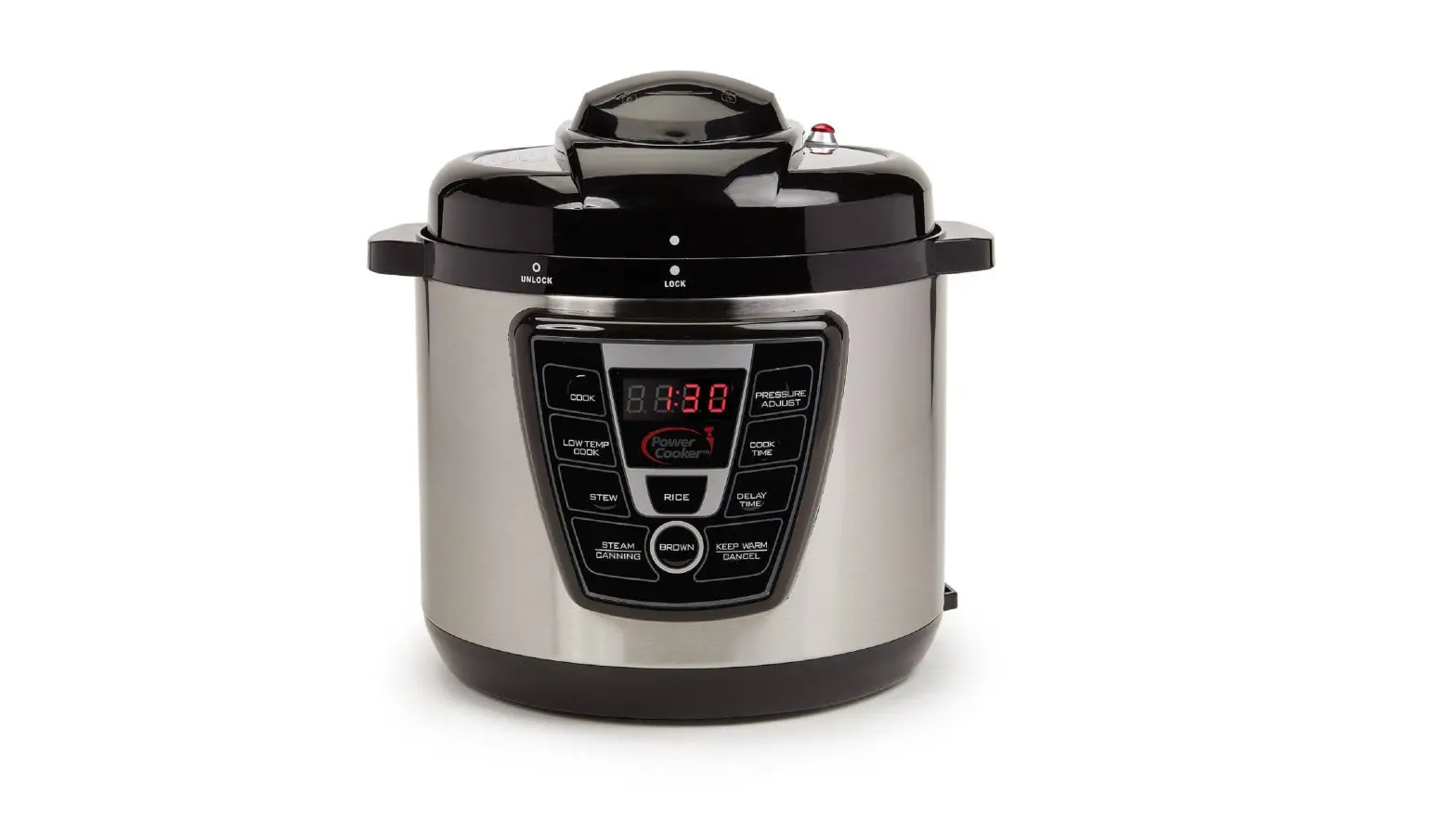
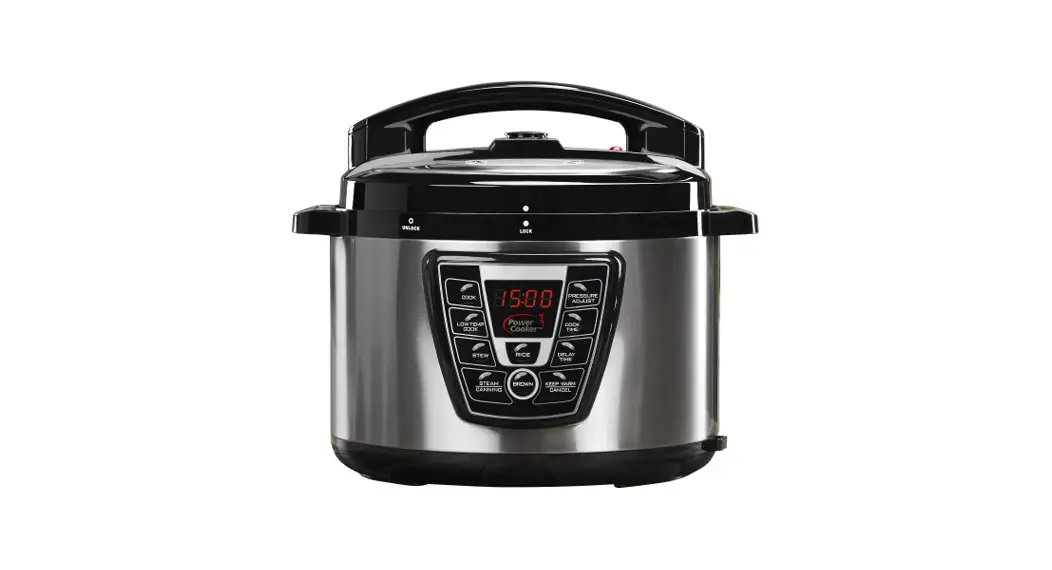
Digital Control Panel
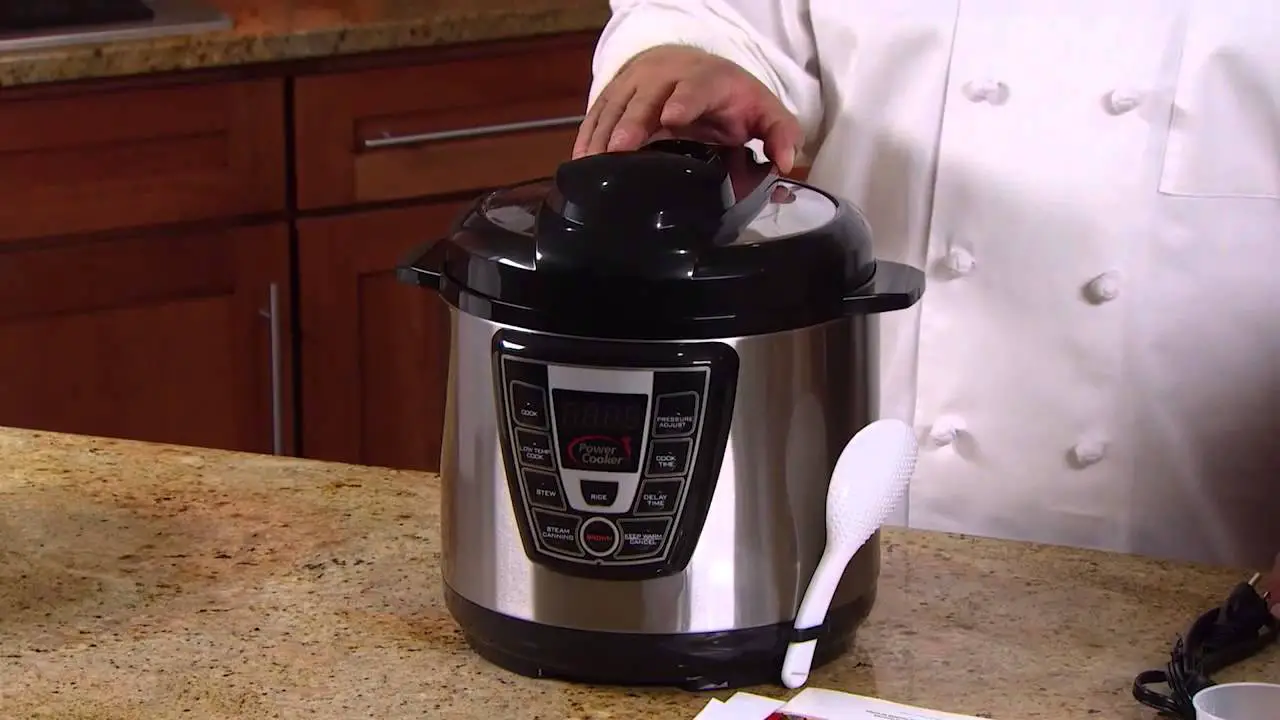
The Power Cooker has up to eight basic cooking modes that may be used alone or in combination to produce an infinite variety of results. The Quick Start Guide supplied with this unit provides Step-By-Step instructions.
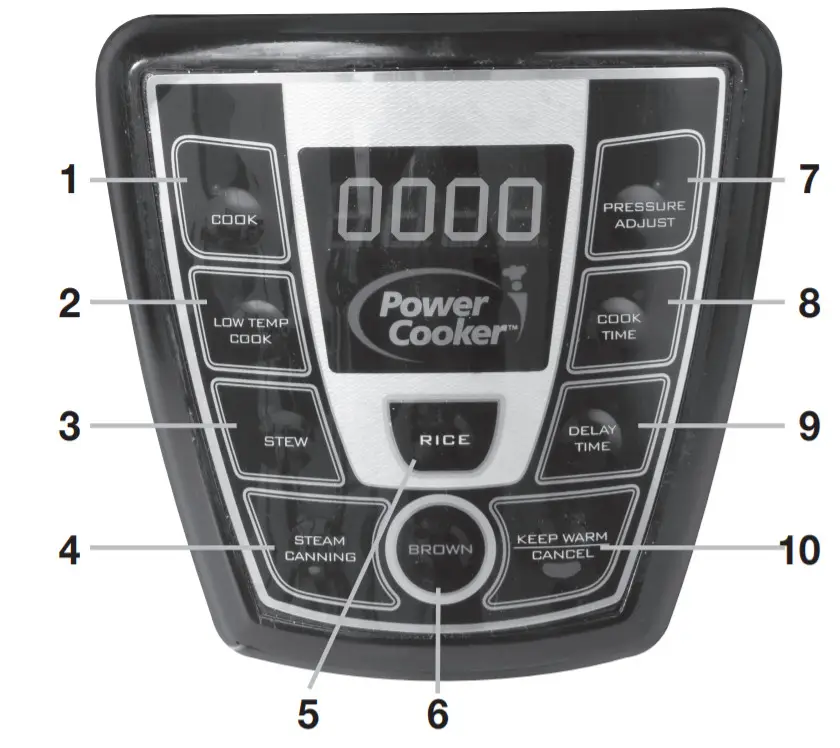
WHEN THE UNIT IS FIRST PLUGGED IN, 0000 will appear on the LED Display. When a cooking process is selected, such as COOK, the default time will blink 5 times. Then rotating double zeros may appear on the left side of the screen to signify it is building pressure. Once pressure is built, the zeros will stop rotating and begin counting down the time. It will beep, the LED Display will be blank, and enter KEEP WARM mode once the time has expired until canceled.
NOTE: go to page 10 of the manual for complete control information.\
Overview
| MODE | DEFAULT TIME | PRESSURE (kPa)¹ | COOK TIME RANGE² |
 | 15 minutes | 70 | 1 – 30 minutes |
 | 6 hours | — | 1 – 12 hours |
 | 30 minutes | 70 | 1 – 50 minutes |
 | 10 minutes | 80 | 1 – 120 minutes |
 | 10 minutes | 70 | 1 – 30 minutes |
 | 20 minutes | — | 1 – 20 minutes |
 | 10 minutes | 20 | 10 – 60 minutes 12 – 60 minutes 15 – 60 minutes 18 – 60 minutes 20 – 60 minutes 25 – 60 minutes 30 – 60 minutes |
 | COOK TIME Button — You can change the Default Time when pressing the button. | ||
 | DELAY TIME Button — Your meal will cook at a later time pressing the button from 30 minutes to 24 hours in 30-minute increments. | ||
 | KEEP WARM / CANCEL Button — While the unit is in a cooking cycle pressing the button will stop the cooking cycle. | ||