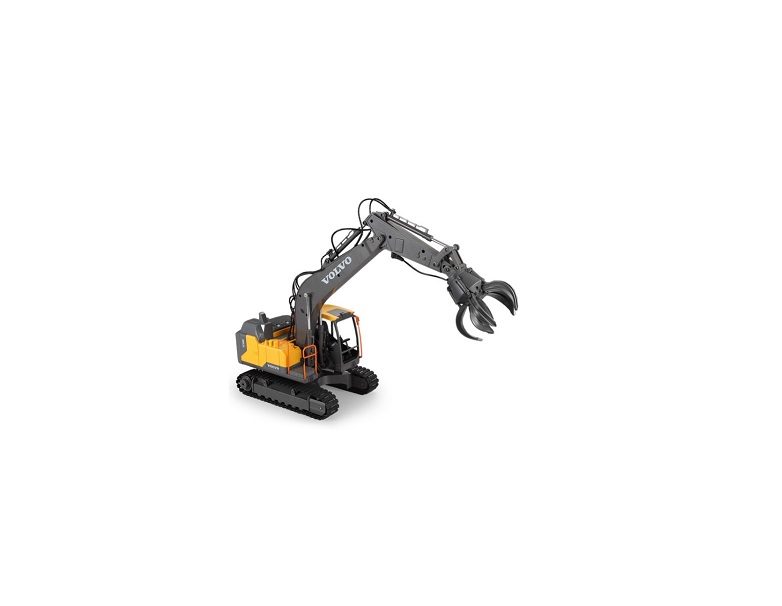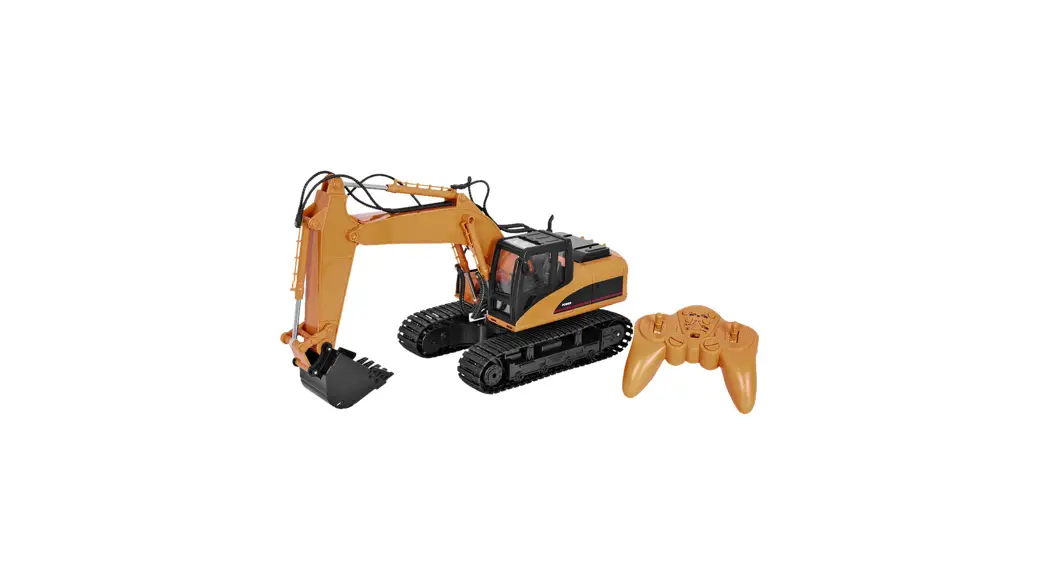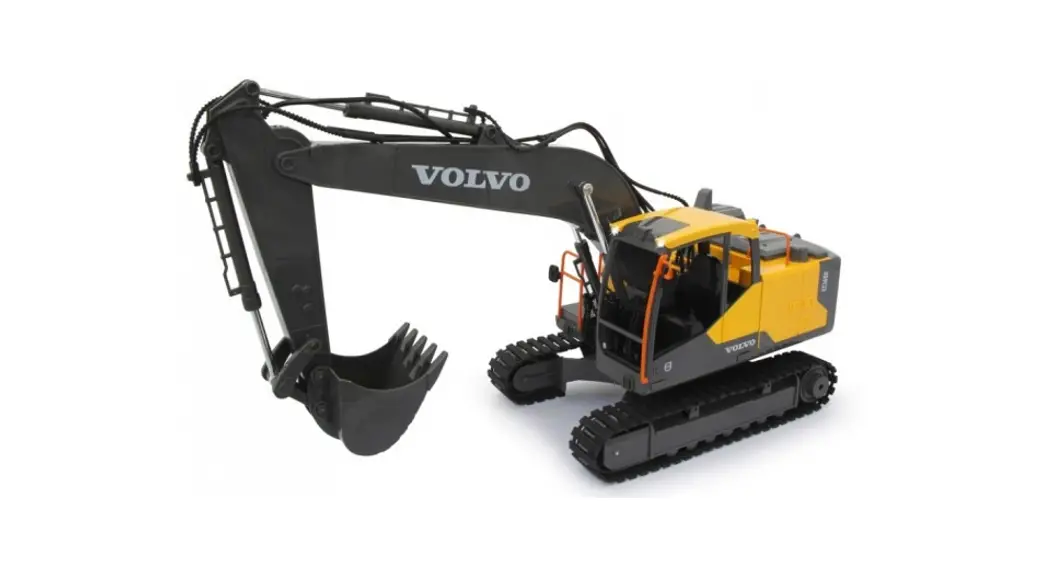

IMEIRII
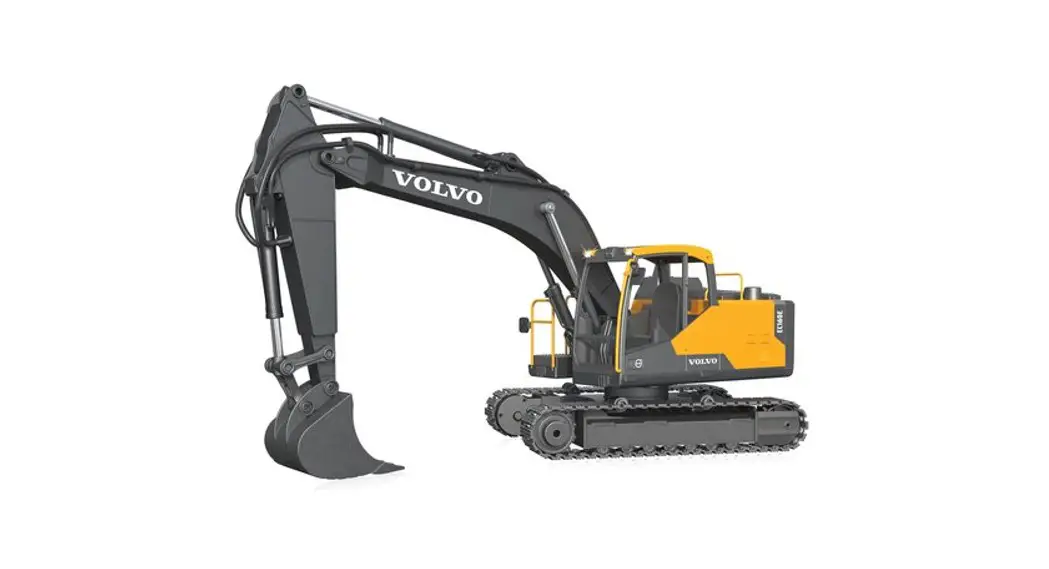
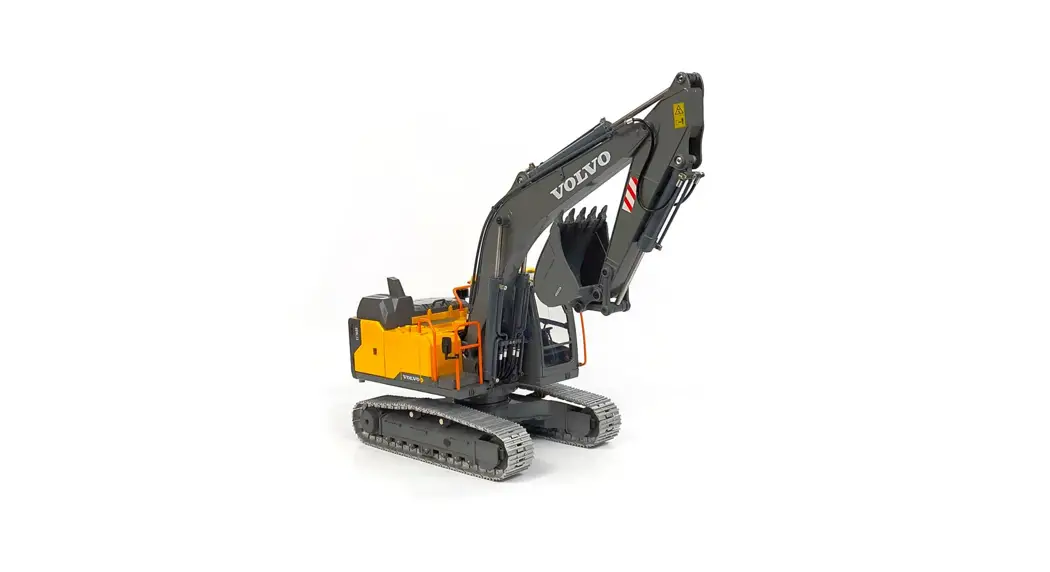
-VOLVO
EC160E
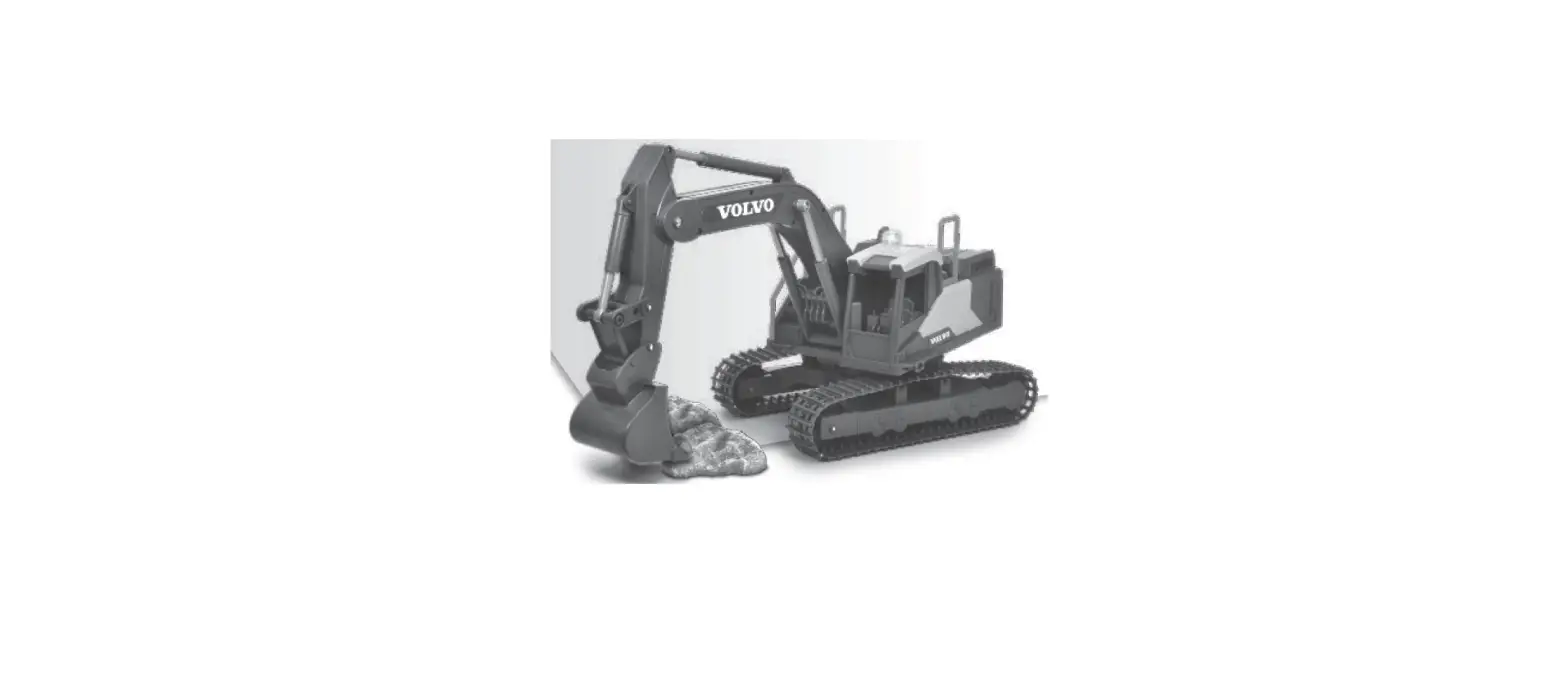
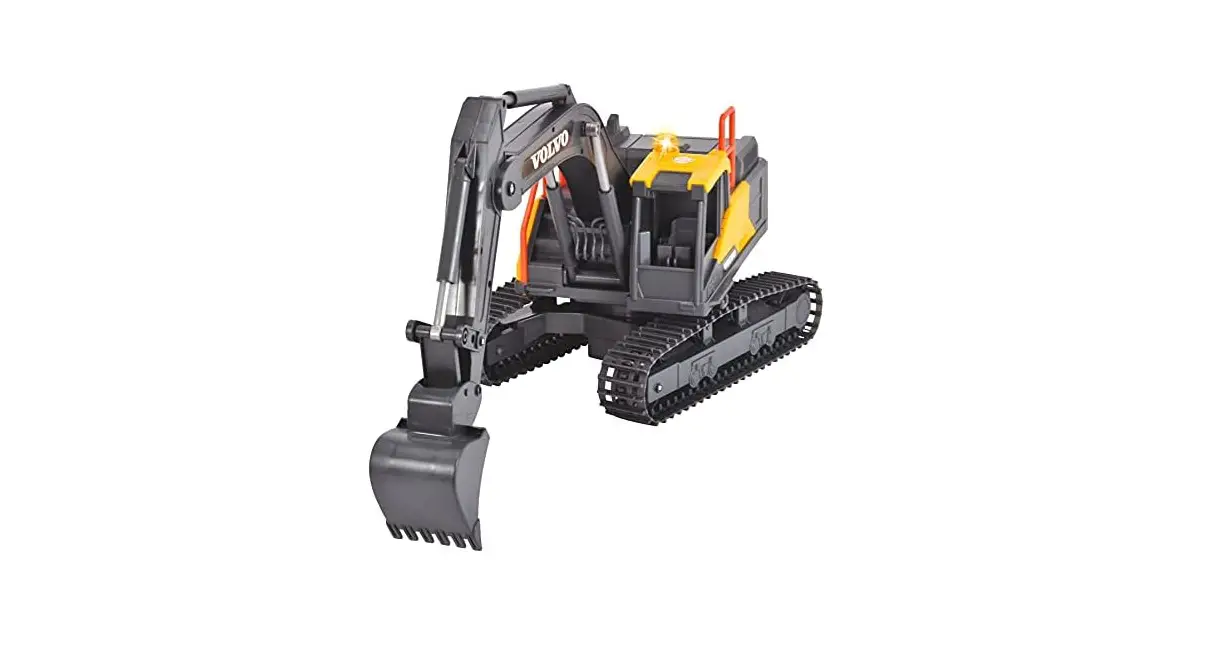
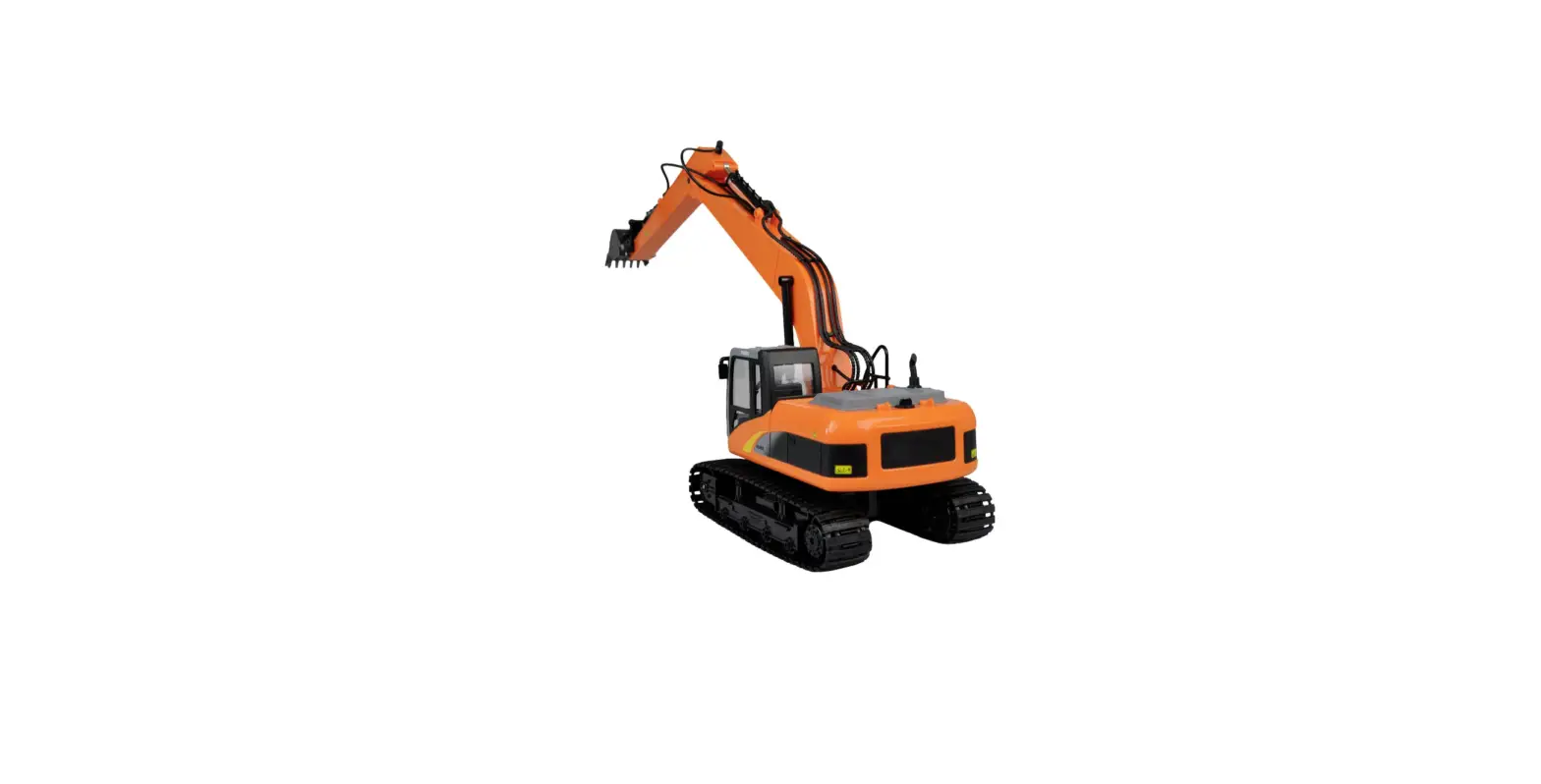
1:16 1 RC EXCAVATOR USER MANUAL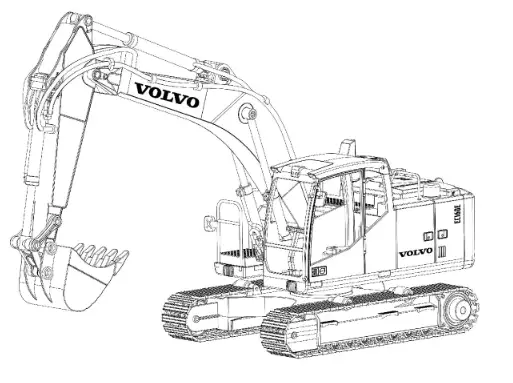 2.4GHZ FULL PROPORTIONAL CONTROL
Item No.: E598-003 Materials: plastic, metal and electronic components
Vehicle battery: 1 pc of the 7.4V rechargeable battery
Remote control battery: 3 pcs of 1.5V AA batteries (not included)
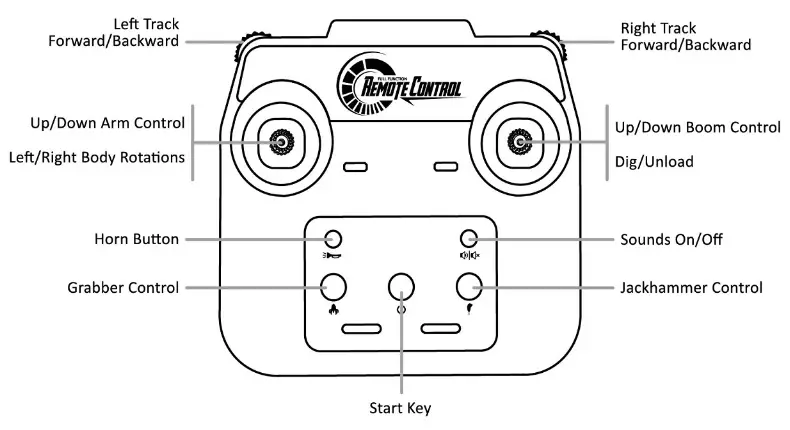
Remote Control Introduction
Installing Batteries
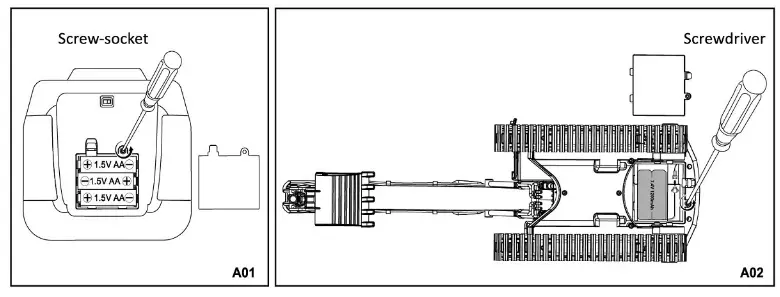
- Remove the battery compartment door at the back of the remote control (Picture2A). Install 3 pcs of 1.SV AA batteries in the correct polarity as indicated into the battery compartment. Reinstall the battery door and fix it with the screw (Picture A01).
- Remove the battery compartment door at the back of the vehicle. Install 1 pc of 7.4V rechargeable battery in the correct polarity as indicated into the battery compartment. Reinstall the battery door and fix it with the screw (Picture A02).
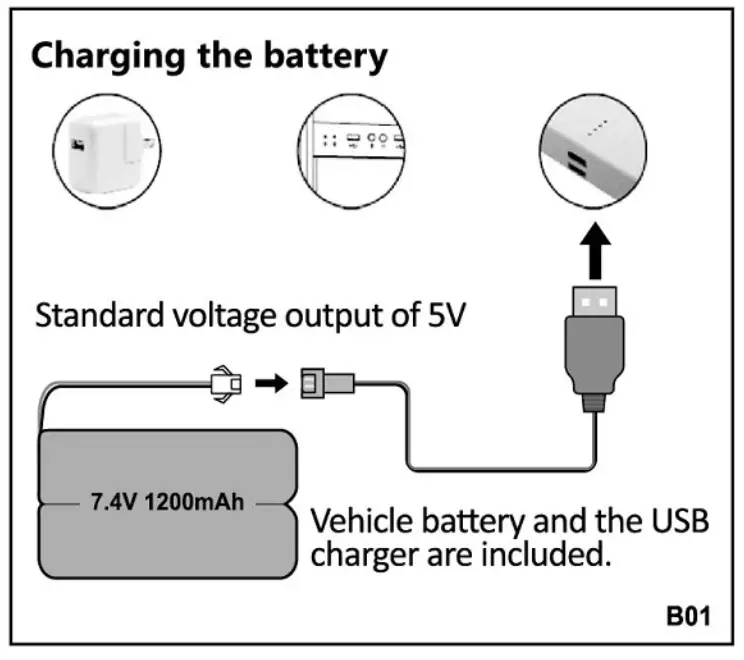
Battery Charging
Notice:
- Always turn off the set and remove the batteries when the vehicle is not in use and when it is being stored. The vehicle battery charging time is about 3 hours. Do not charge more than 8 hours.
- Take good care of the charging line and avoid using it with other batteries.
- When the USB charger is connected to the power output, the indicator light will glow.
- Connect the battery to the USB charger and the indicator light will start flashing indicating that the battery is being charged.
- Disconnect the battery from the charger once the indicator light is off (Picture 801).
Precautions For Battery Use
- Battery needs to be charged for the first time use.
- Rechargeable batteries are to be removed from the toy before being charged.
- The toy battery charging time is about 3 hours. Do not charge more than 8 hours.
- Batteries are to be inserted with the correct polarity.
- Non-rechargeable batteries are not to be recharged.
- Rechargeable batteries are only to be charged under adult supervision.
- Different types of batteries or new and used batteries are not to be mixed.
- Exhausted batteries are to be removed from the toy.
- The toy is not to be connected to more than recommended number of power supplies.
- The supply terminals are not to be short-circuited.
- Regularly inspect the battery, cord, plug, enclosure and other parts. Do not use if damaged.
2.4GHz Pairing Procedure
- Install the batteries Into the vehicle and the remote control. Turn on the remote control and the vehicle. The pairing procedure will start automatically. The remote control indicator light will turn off and the vehicle will emit a double beep indicating that the pairing procedure was successful. (Picture C01).
- The remote control can be paired only with one vehicle at once. Each set has an interference-free system.
- To re-pair, the set restarts the remote control and the vehicle.

Vehicle Start
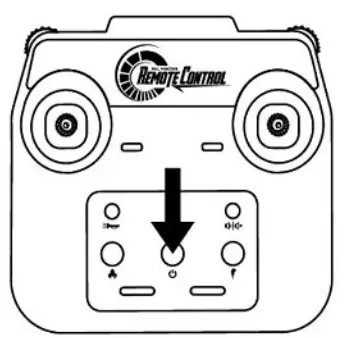 | Start Key To turn on the vehicle press the start key. The vehicle will emit a sound indicating that the idling mode has been activated. To turn off the vehicle press the start button one more time. |
Sounds Control
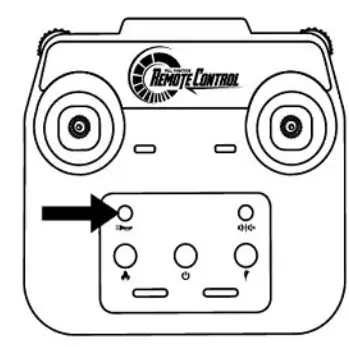 | Horn Button Horn feature works after the vehicle is turned on. Press the button to emit horn sound. |
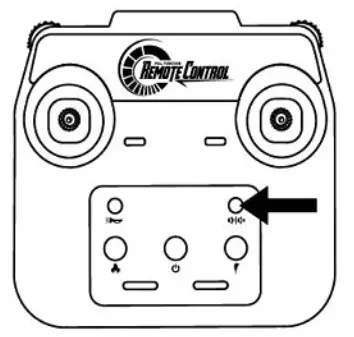 | Sounds On/Of The sounds feature works after the vehicle is turned on. Press the button to turn on/off sounds. |
Jackhammer Control I Grabber Control
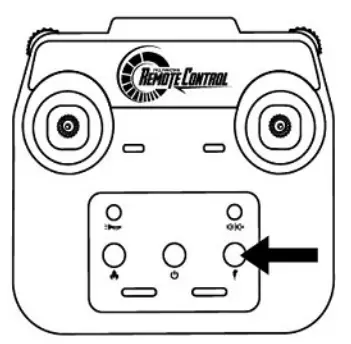 | Jackhammer Control Install the hammer and insert the plug as shown in the picture. Press the Hammer Button to operate. 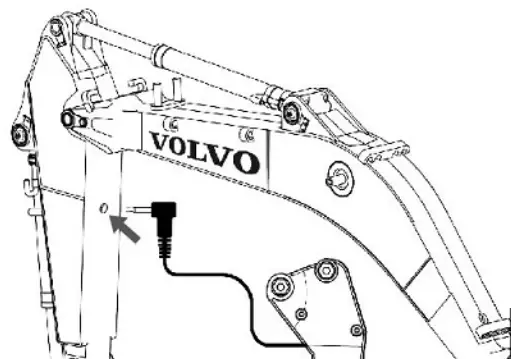 |
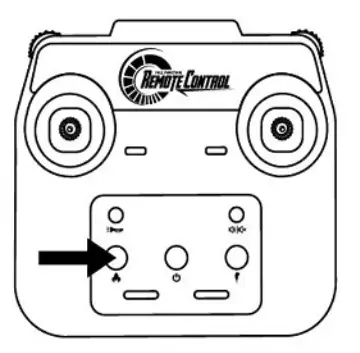 | Grabber control Install the grabber and insert the plug as shown in the picture. Press the Grabber Button to operate. 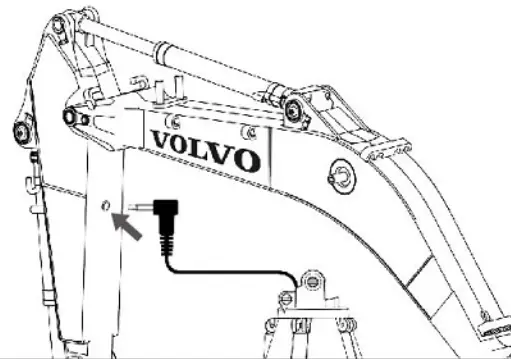 |
Full Proportional Operation Instructions
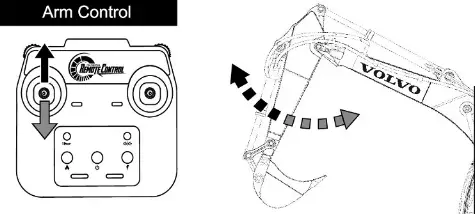 | Move the left stick up/down to control the arm movement. |
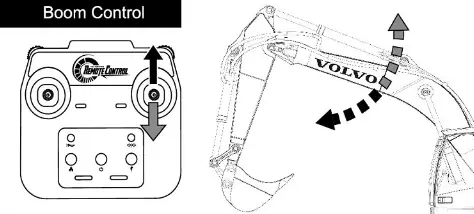 | Move the right stick up/down to control the boom. |
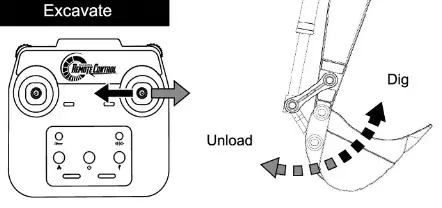 | Move the right stick left/right to control the bucket. |
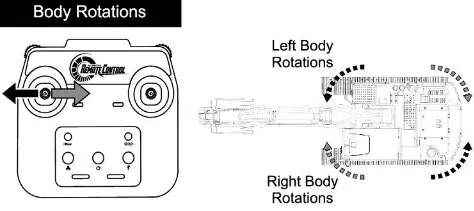 | Move the left stick to the left/right to rotate the upper body of the vehicle. |
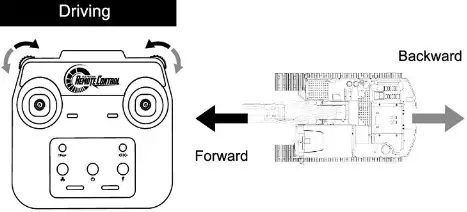 | Use both sliders for driving. |
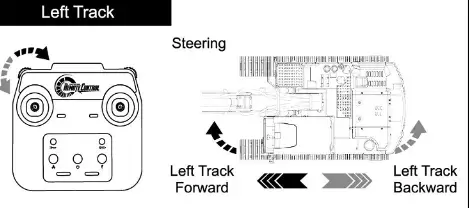 | Use each slider individually for steering. |
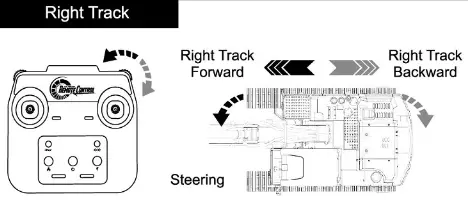 | Use each slider individually for steering. |
Troubleshooting
| Problem | Reason | Solution |
| The remote control light does not light up. | The battery voltage is low or the battery is connected with the wrong polarity. | Replace the batteries in the correct polarity. |
| The remote control light flashes for a long time. | Frequency mismatch. | Turn off the unit and turn it on again. |
| The vehicle does not respond. | The vehicle battery voltage is low. | Re-charge the battery. |
| Frequency mismatch. | Turn off the unit and turn it on again. | |
| The vehicle’s movement is too slow. | Low battery voltage. | Replace radio control batteries or re-charge the vehicle’s battery. |
| The vehicle joints emit noises. | Lack of lubricant in various joints. | Check the joints and apply more lubricant if needed. |
Notice
- Do not play this toy on roads or in crowded places to avoid danger.
- Do not play this product in stagnant water, as it may short-circuit the circuit and damage it.
- The surface of the product should be kept clean. If it is dirty, use a clean and soft cloth to wipe the stains on the surface of the toy;
- The vehicle speed slows down significantly during operation, and the battery may be insufficient. Please charge in time.
Contents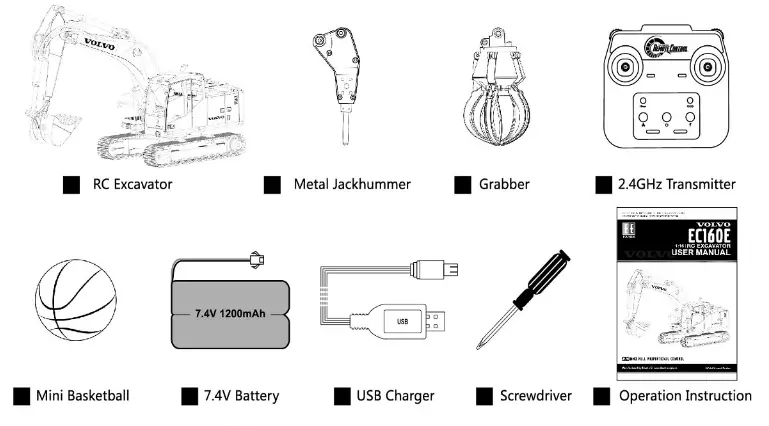
Please retain the packaging for future reference as it contains important information.
Frequency bands: 2402MHz to 2475MHz
Maximum output power: -2.49dBm (for EU compliance)
Manufacturer: Doubleeagk Industry(China)Limited. Address: Xingda Industrial Park , Chenghai District, Shantou City, Guangdong Province, China. Importer: ‘AMARA e.K. Address. Inh .Manu el Natterer Am Laucrbuhl5-DE-88317 Aichstcttcn Germany CHOKING HAZARD-small parts, not for children under 3 years.
This equipment has been tested and found to comply with the limits for a Class B digital device, pursuant to part 15 of the FCC Rules.
These limits are designed to provide reasonable protection against harmful interference in a residential installation.
This equipment generates, uses and can radiate radio frequency energy and, if not installed and used in accordance with the instructions, may cause harmful interference to radio communications. However, there is no guarantee that interference will not occur in a particular installation. If this equipment does cause harmful interference to radio or television reception, which can be determined by turning the equipment off and on, the user is encouraged to try to correct the interference by one or more of the following measures:
- Reorient or relocate the receiving antenna.
- Increase the separation between the equipment and receiver.
- Connect the equipment into an outlet on a circuit different from that to which the receiver is connected.
- Consult the dealer or an experienced radio/TV technician for help.
MODIFICATION: Any changes or modifications not expressly approved by the grantee of this device could void the user’s authority to operate the device.
This device complies with Part 15 of the FCC Rules. Operation is subject to the following two conditions:
- this device may not cause harmful interference, and
- this device must accept any interference received, including interference that may cause undesired operation.
Manufactured by Double
www.doubleeagle.cc
007 008 Manufactured by Double
www.doubleeagle.cc