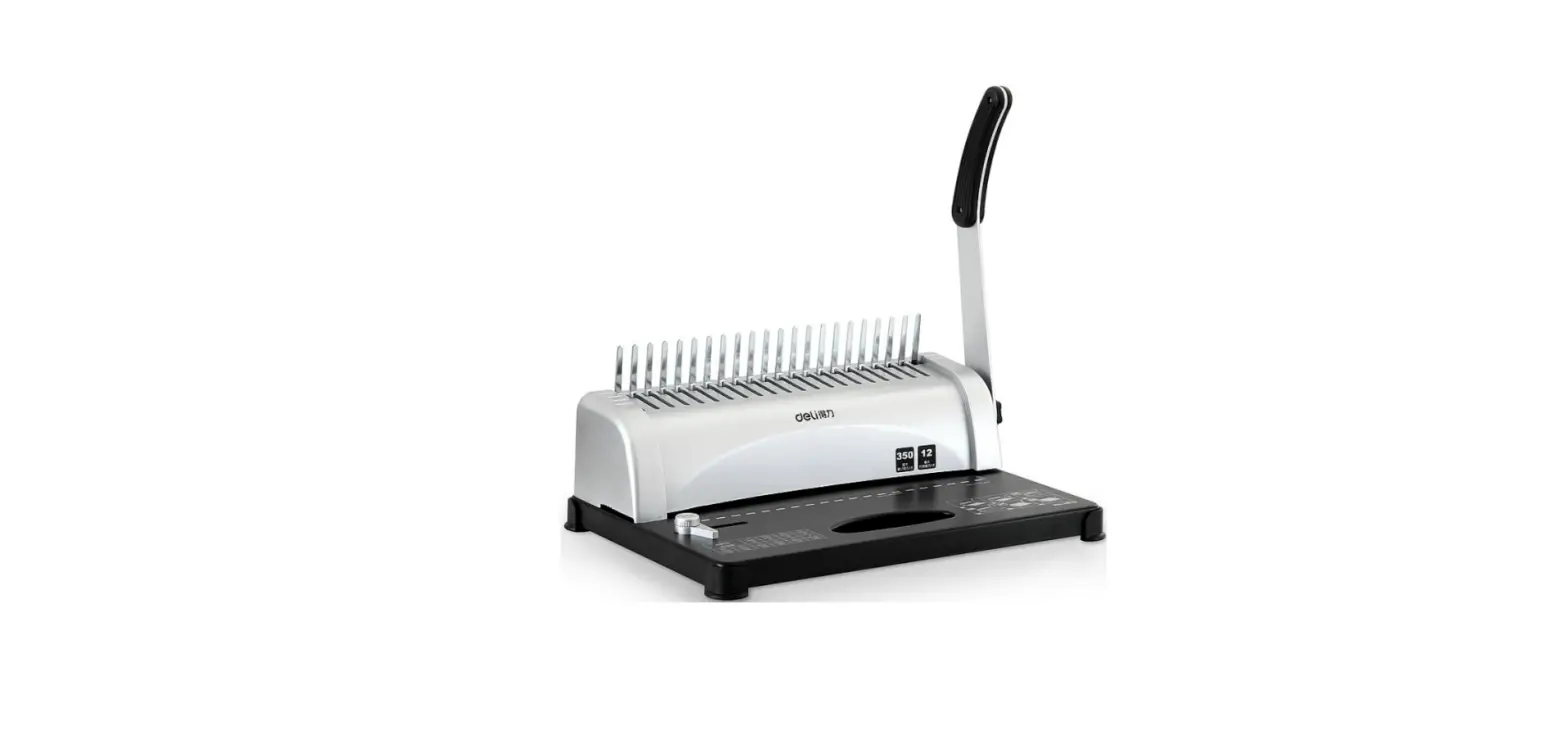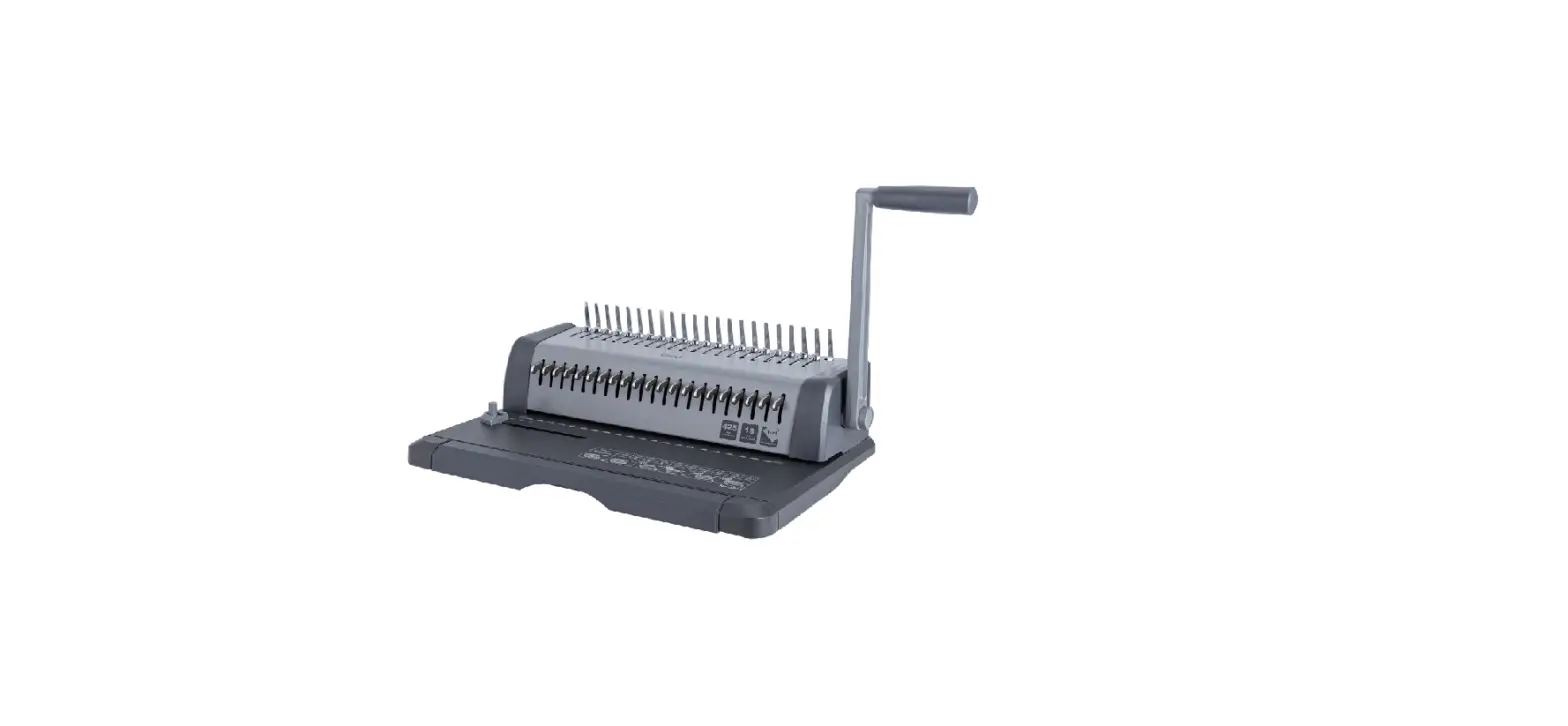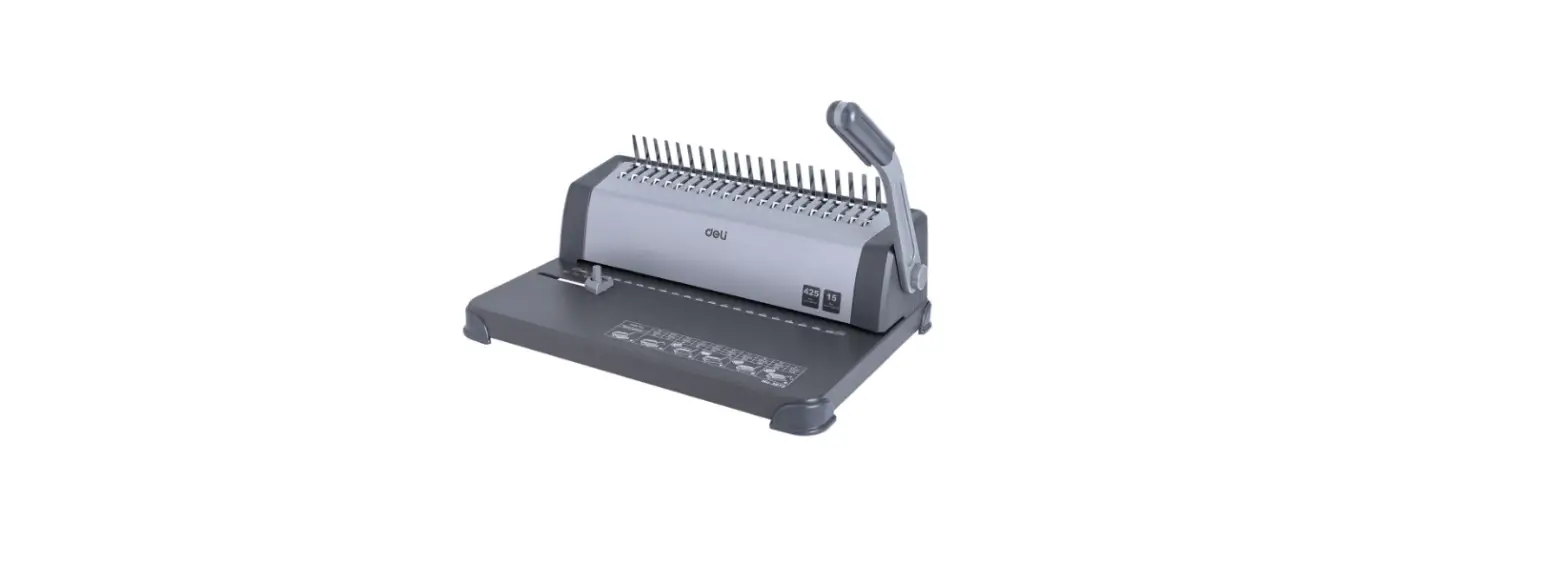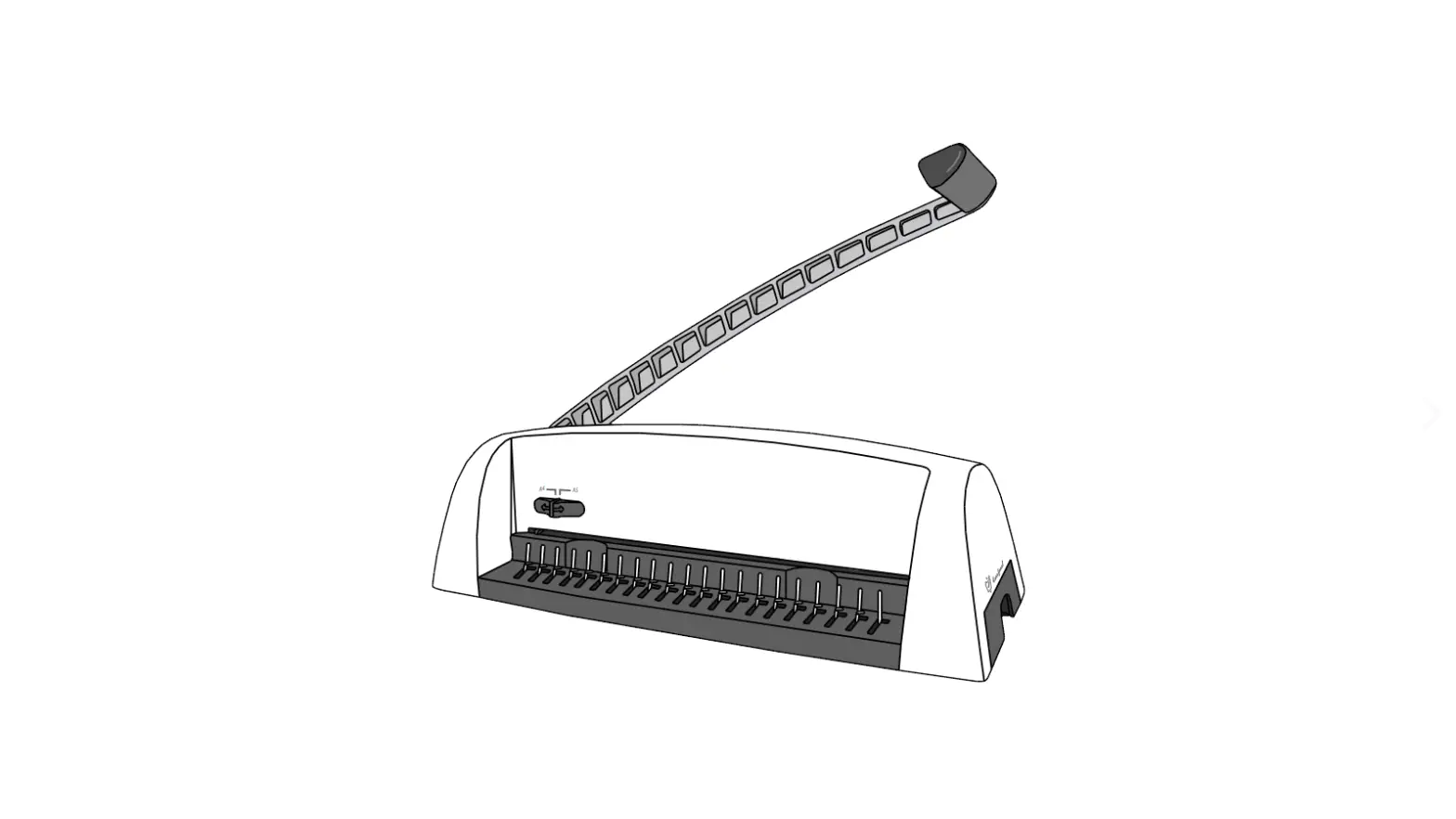

Fellows Starlet2 120 Personal Comb Binder
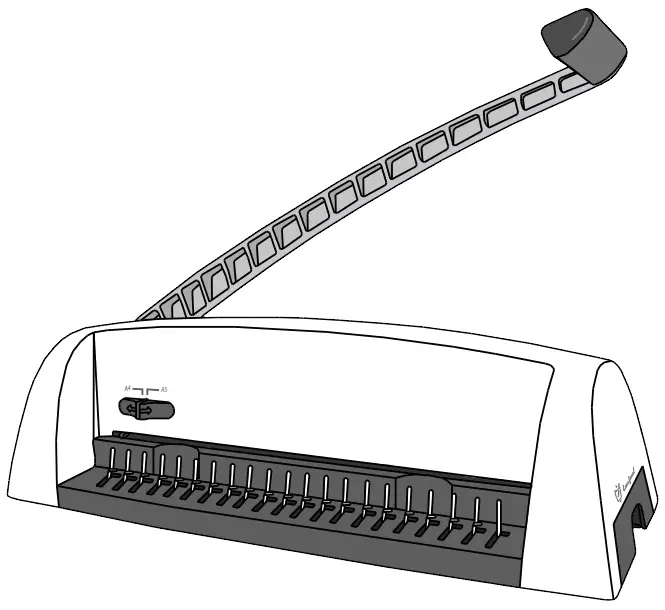
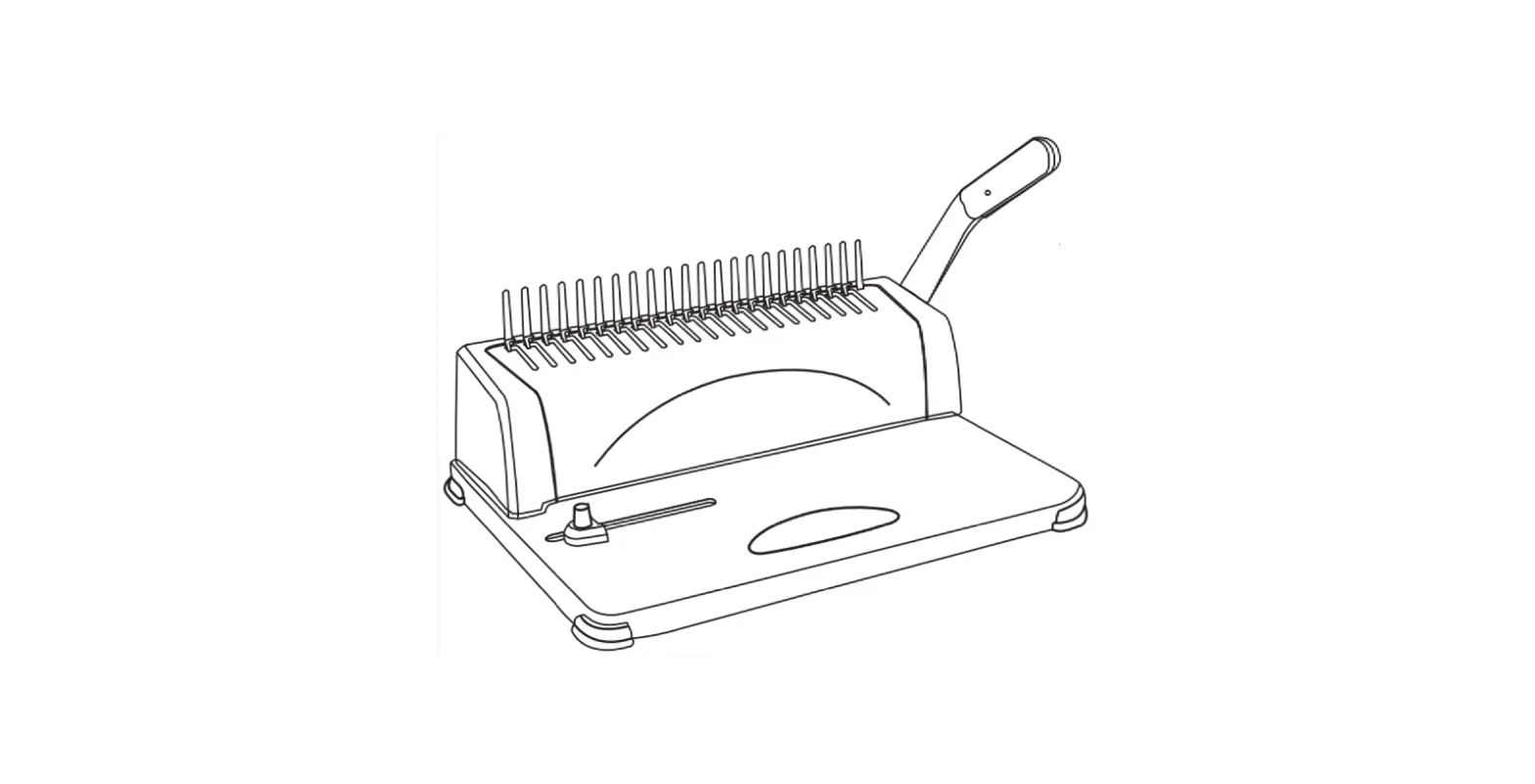
LOCATION OF CONTROLS
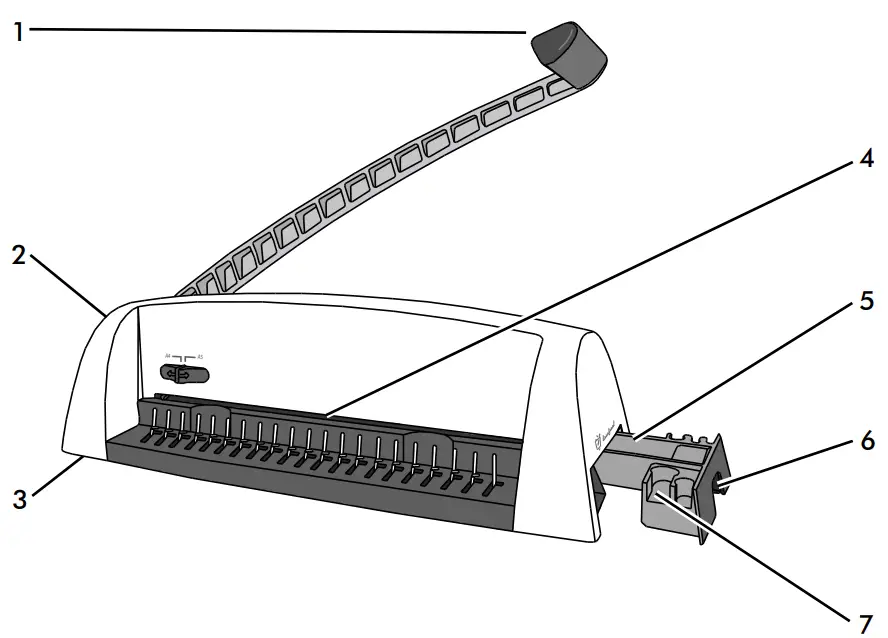
- Punch handle
- Edge guide selector
- Paper entry
- Edge guide
- Waste tray
- Carry handle
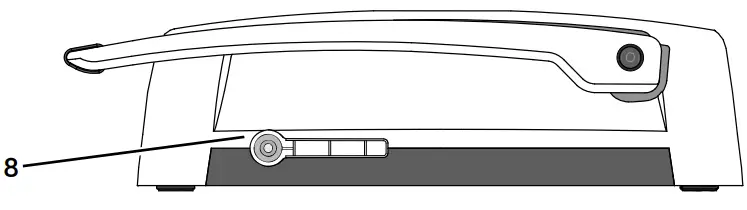
- Document measure
- Comb lever
CAPABILITIES
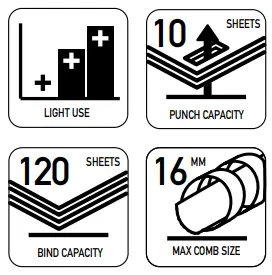
Punching Capacity
- Paper sheets
- 70-80g / 20lb 10 sheets
- Transparent covers
- 100-200 micron / 4-8 mil 2 sheets
- 200+ micron / 8+ mil 1 sheet
- Other standard covers
- 160-270g / 40-60 lb 2 sheets
- 270+g / 60+ lb 1 sheet
Binding Capacity
- Max comb size 16mm comb
- Max document (80g / 20lb) 120 sheets
Technical Data
- Paper dimensions: A4
- Punching slots 21: (A4)
- Slot pitch: 14.28mm / 9/16”
- Adjustable edge guide: A4 or A5
- Waste tray capacity: 1000 sheets
- Net weight: 3.3kg / 7.3lb
- Dimensions (HxWxD): 135(390) x 480 x 195mm 5.5”(15.5”) x 19” x 8”
IMPORTANT SAFETY INSTRUCTIONS
CAUTION – Please read before use and keep for future reference.
When punching;
- always ensure the machine is on a stable surface
- test punch scrap sheets and set the machine before punching final documents
- remove staples and other metal articles prior to punching
- never exceed the machines quoted performance
- punch front and back covers first
- punch sheets in small batches that do not overload the machine or the user
- lift punch handle to open waste tray, when punch handle is down the waste tray is locked

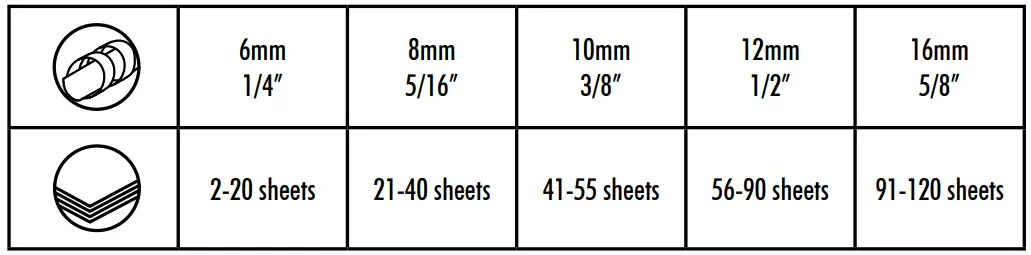
COMB DIAMETER & DOCUMENT SIZES
SET UP
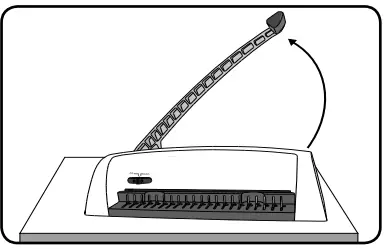
- Ensure the machine is on a stable surface. Lift the punch handle to its upright position.

- Lift the punch handle. Check the waste tray is empty and correctly fitted.

- Ensure the comb-opening mechanism is closed.

BEFORE YOU BIND
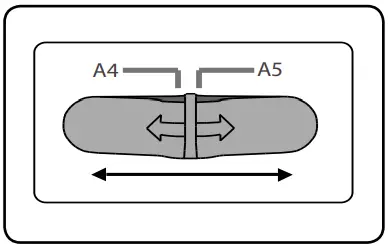
- Select either A4 or A5 paper size and test punch scrap sheets. Select the correct comb diameter to suit the document (see chart).

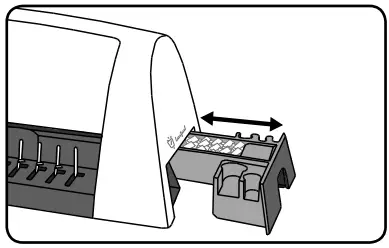
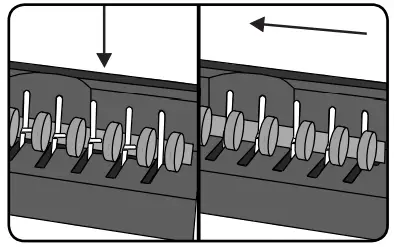
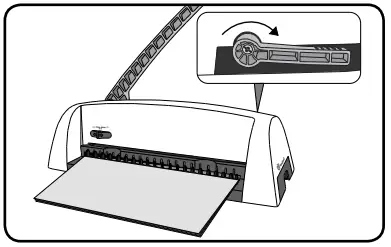
- Place the binding comb into the opening mechanism and fully engage the opening plate by sliding the comb to the left.

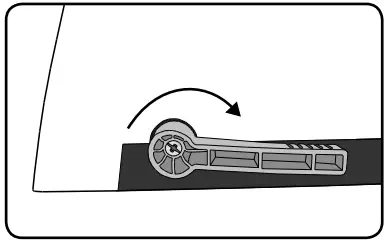
- Open the binding comb by turning the comb lever. Take care not to open the comb too far.

STEPS TO BIND
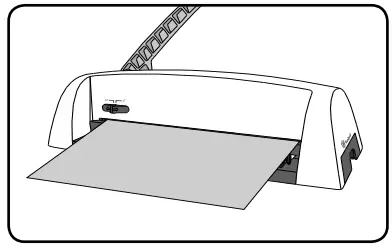
- Insert sheets fully into the punch slot. Align the sheets to the edge guide.

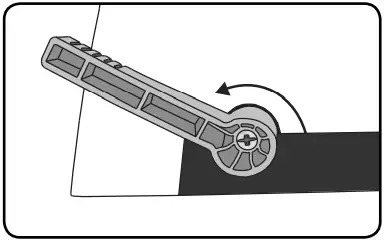
- When all punched sheets are loaded onto the comb, close the comb lever.

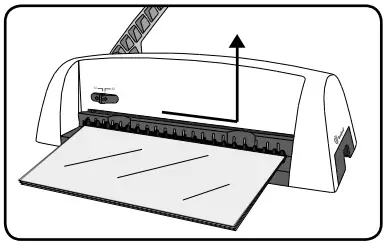
- To remove the document, slide the comb to the right and lift up the document.

TROUBLESHOOTING
| Problem | Possible cause | Solution |
| Punched holes are not central | Edge guide not set | Adjust edge guide until hole pattern is correct |
| Machine will not punch | Blockage | Check waste tray is empty. Check for blockage to paper entry |
| Punch holes are not parallel to edge | Debris is stuck below dies | Take stiff cardboard and slide into the paper entry. Move the cardboard sideways to release any stray clippings into the waste tray |
| Partial holes | Sheets not correctly aligned to punch pattern | Adjust edge guide and test punch scrap sheets until correct |
| Damaged hole edges | Possibly overloading the machine | Punch plastic covers with paper sheets. Reduce number of sheets being punched |
| Waste tray leaks | Waste tray is not correctly inserted or ‘burst feature’ has activated | Check waste tray is empty and ‘burst feature’ is closed |
| Cannot access document measure feature | Document measure is part of the waste tray | Check punch handle is fully raised then remove the waste tray & document measure |
PRODUCT REGISTRATION
Thank you for purchasing a Fellowes product. Please visit www.fellowes.com/register to register your product and benefit from product news, feedback and offers.
Product details can be found listed on the rating plate positioned on the rear side or underside of the machine. Fellowes warrants all parts of the laminator to be free of defects in material and workmanship for 2 years from the date of purchase by the original consumer. If any part is found to be defective during warranty period, your sole and exclusive remedy will be repair or replacement, at Fellowes’ option and expense, of the defective part. This warranty does not apply in cases of abuse, mishandling or unauthorised repair. Any implied warranty, including that of merchantability or fitness for particular purpose, is hereby limited in duration to the appropriate warranty period set forth above. In no event shall Fellowes be liable for any consequential damages attributable to this product. This warranty gives you specific legal rights. You may have other legal rights that vary from this warranty. The duration, terms and conditions of this warranty are valid worldwide, except where different limitations, restrictions or conditions may be required by local law. For more details or to obtain services under this warranty, please contact Fellowes or your dealer.
Help Line
- Australia + 1-800-33-11-77
- Canada + 1-800-665-4339
- Europe 00-800-1810-1810
- México + 1-800-234-1185
- United States + 1-800-955-0959
Fellowes
- Australia +61-3-8336-9700
- Benelux +31-(0)-76-523-2090
- Canada +1-905-475-6320
- Deutschland +49-(0)-5131-49770
- España / Portugal + 34 902 33 55 69
- France +33-(0)-1-78-64-91-00
- Italia +39-71-730041
- Japan +81-(0)-3-5496-2401
- Korea +82-(0)-2-3462-2844
- Malaysia +60-(0)-35122-1231
- Polska +48-(22)-771-47-40
- Russia +7-(495)-228-14-03
- Singapore +65-6221-3811
- United Kingdom +44-(0)-1302-836836
- United States +1-630-893-1600
 Product Registration - Fellowes®