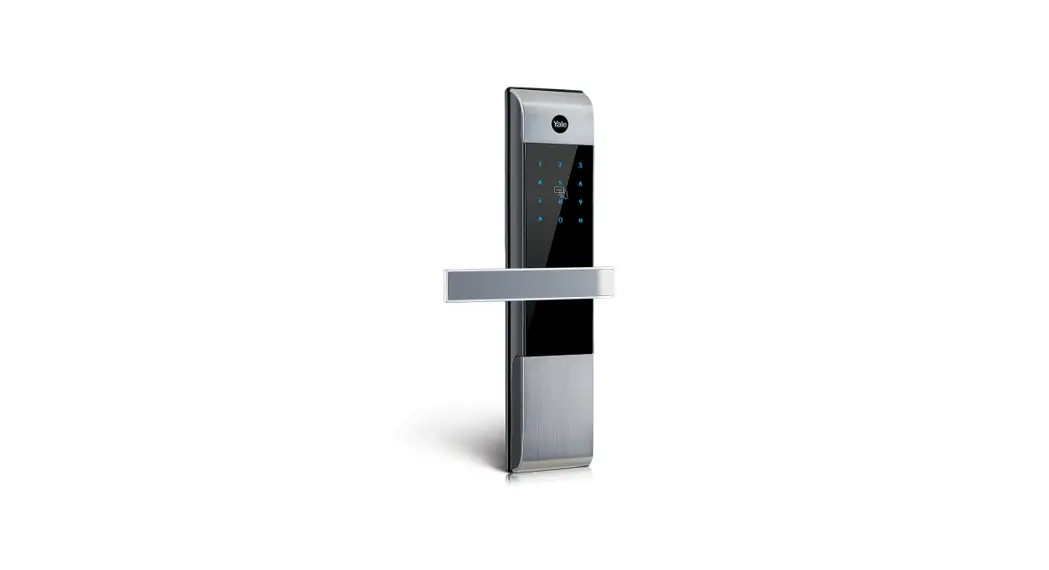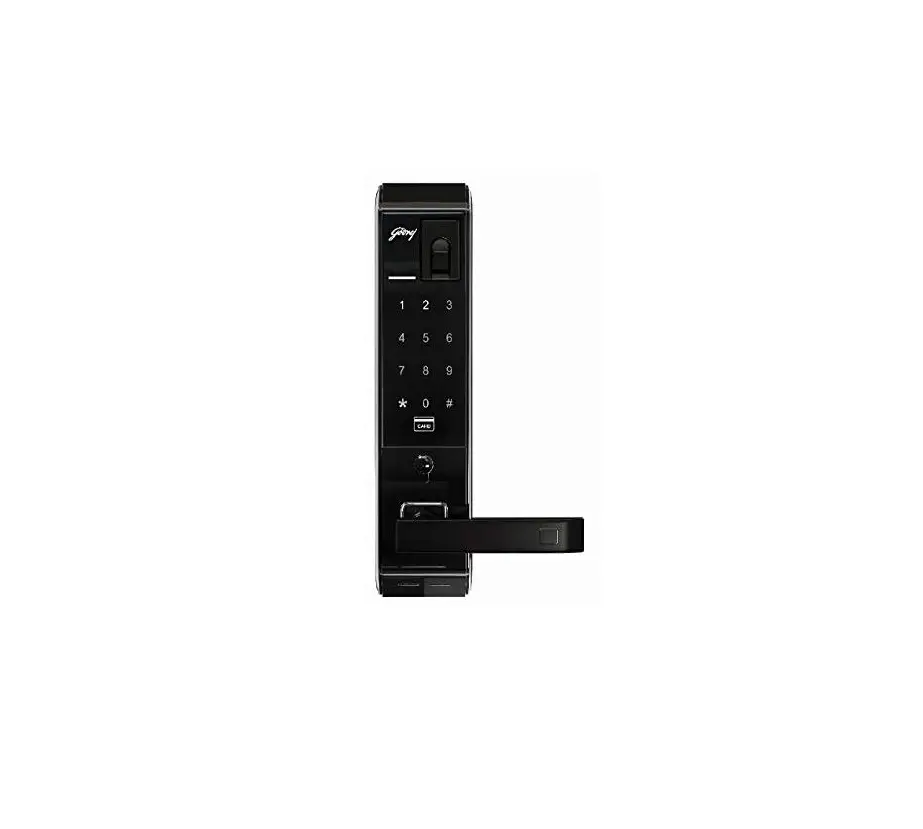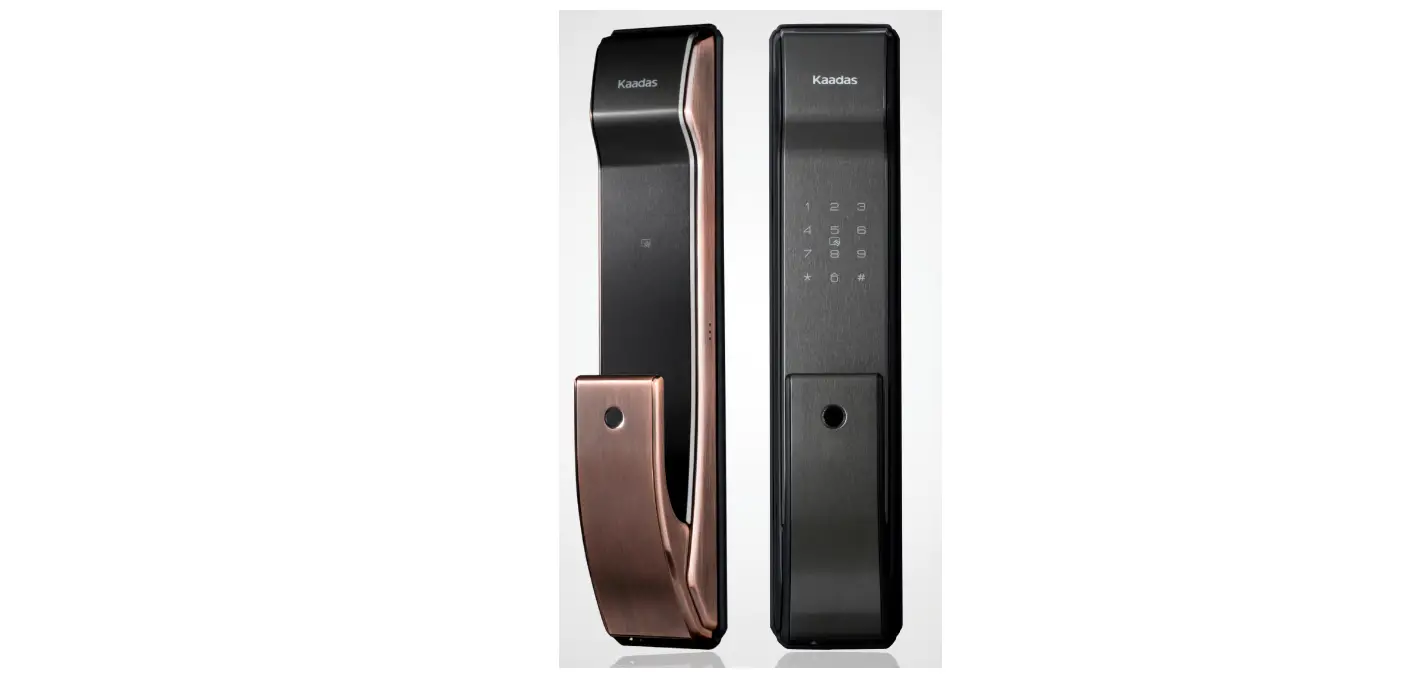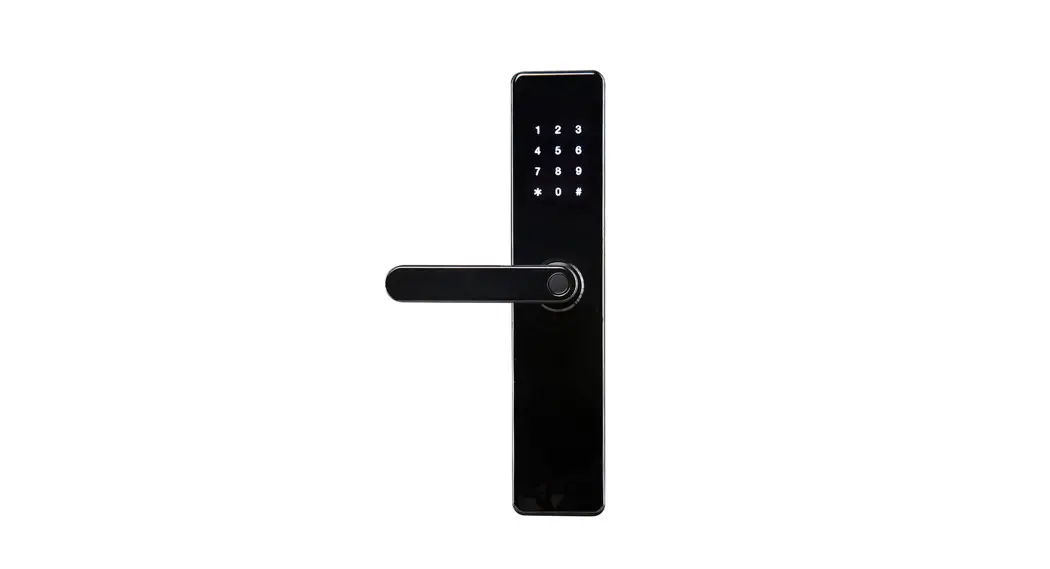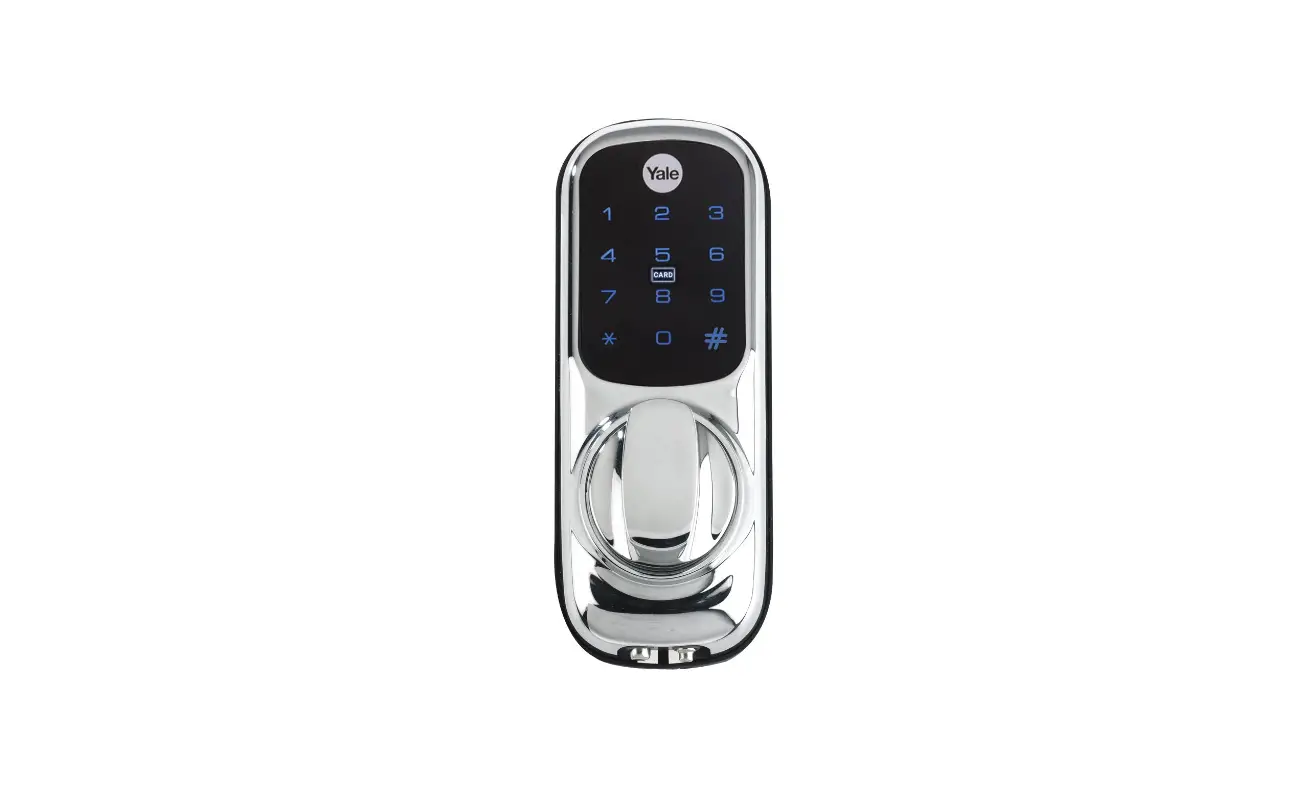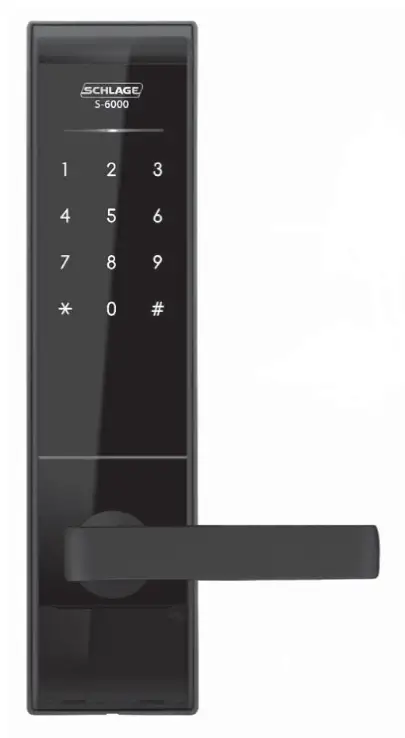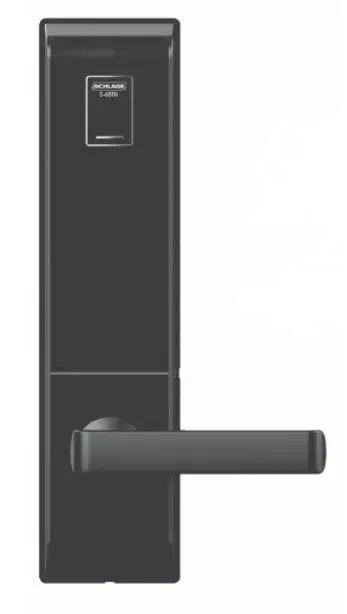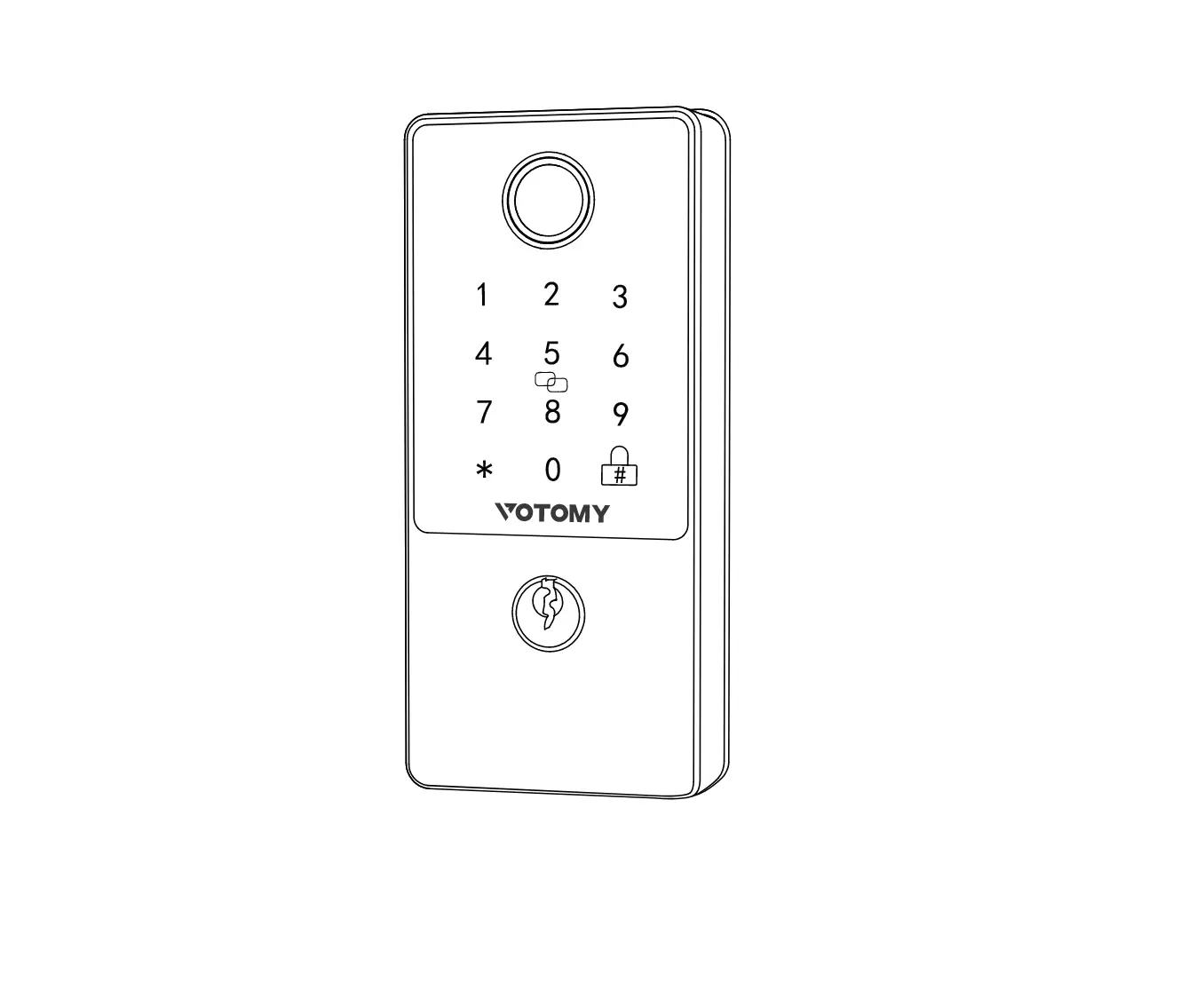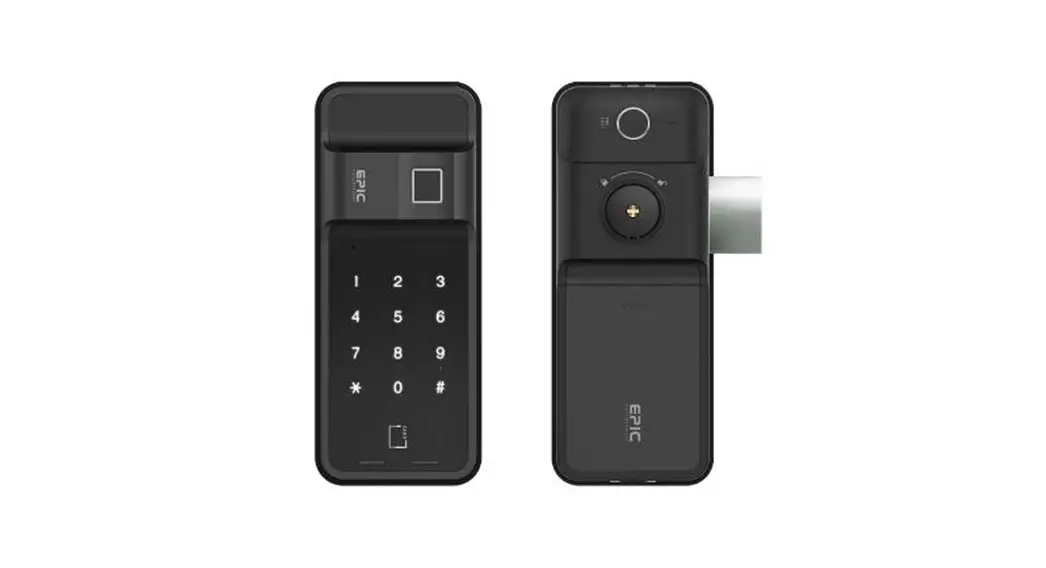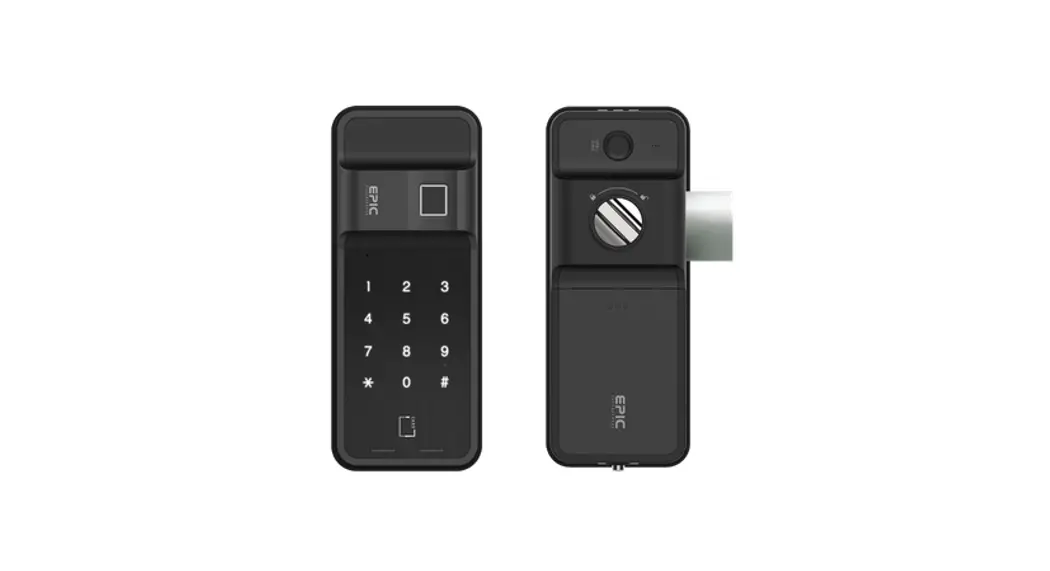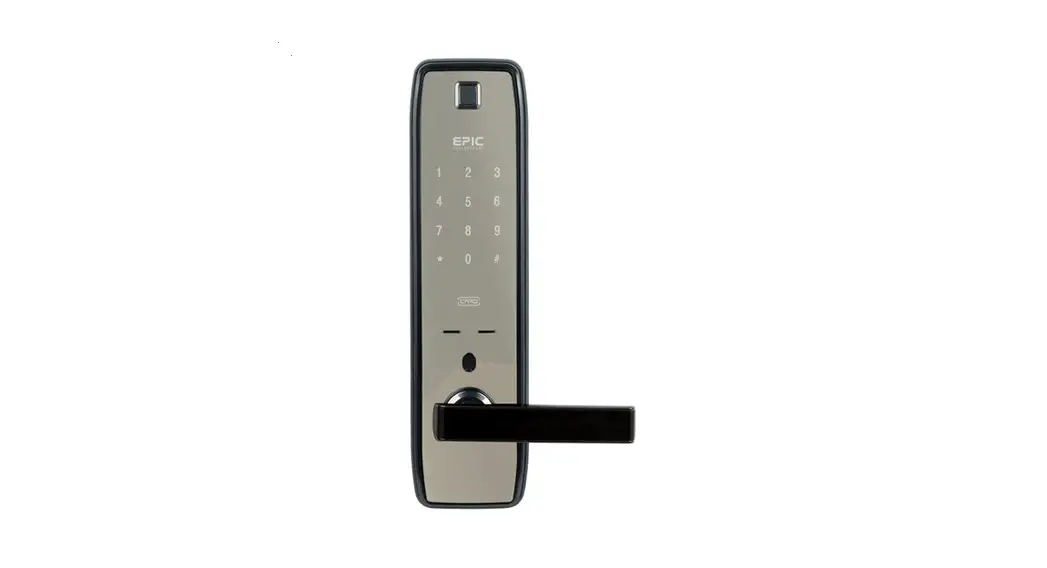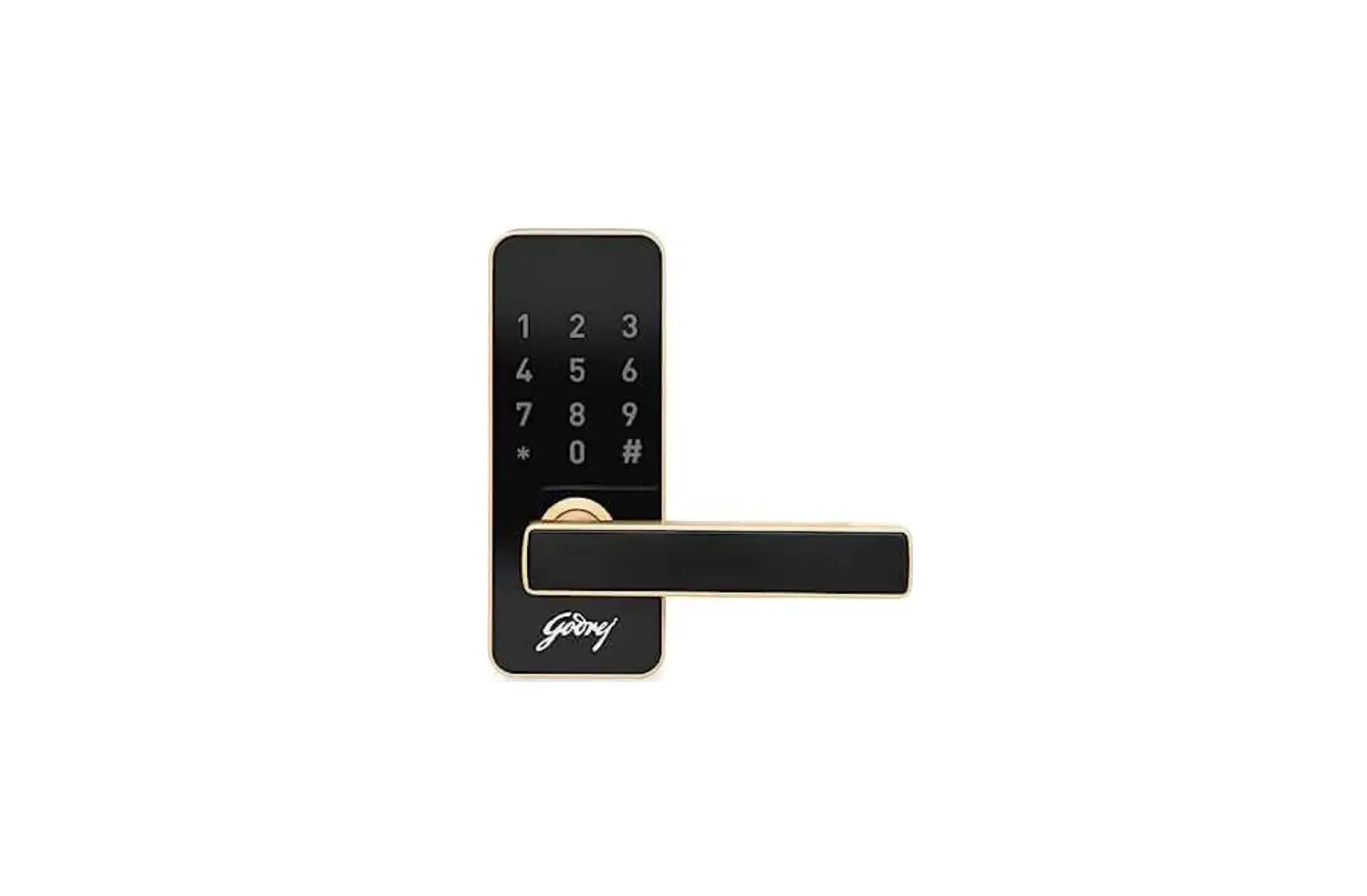
CATUS Touch Plus Digital Main Door Lock Owner’s Manual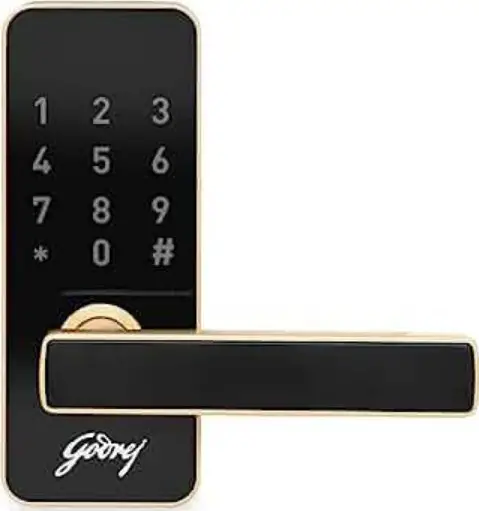
Low Battery Alarm
- 3 Beeps and 3 flashes of light
Anti-Prank Alarm
- When the password is wrong for 3 times, there will be light flashing with alarm sound. The keypad will be locked for 180 seconds.
Reset Lock
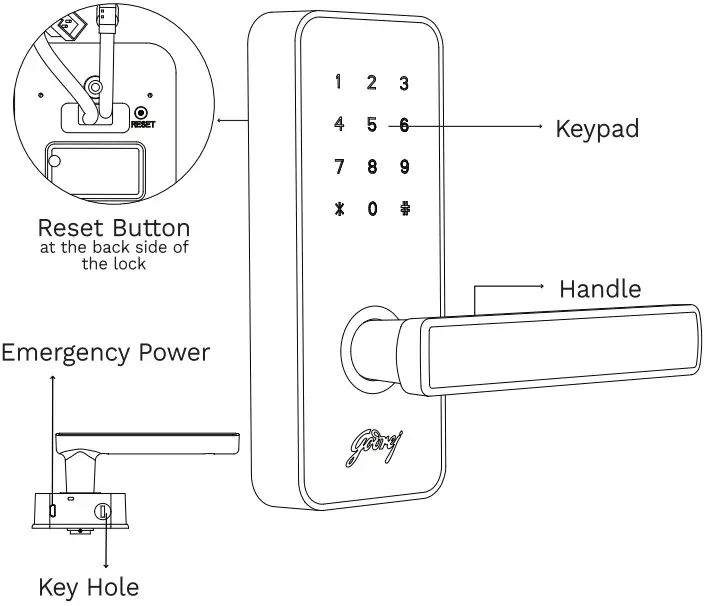
- To reset the lock, remove the lock from door and long press the reset button on back side of front body for 3 sec, 3 short beeps, the screen flashes 3 times.
(Recommended to operate Reset function with the guidance of service technician).
After Reset
- Lock is restored to factory state.
- Master password is set to 123456
- All user passwords are deleted.
Product Specification
| Item | Specification | |
| Condition of Installation | Door Thickness | 2™ ~ €5mm |
| Opening Method | password | 4-2 Digit- Upton 99 can be registered |
| Rated Voltage | DC 6V | LRE 16V AR size alkallne battery x 4EZ |
| Emergency Electric Power | Micro USB | Power bank with USB can be used in case of battery drain. |
| Material | Aluminium Alloy + Plastic | |
Sound and Light Prompt
| Event | Lock Response |
| Unlock / Correct Setting| | 1 long beep and screen flashes once |
| Lock | 2 short beeps and screen flashes once |
| Incorrect Entry/Error Operation | 1 short beep and screen flashes once |
| 3 Times Wrong Password Entry | 3 long beeps and the screen flashes 3 times |
| Low Voltage | 6 beeps and 6 flashes of Red LED |
| power ON | long beep followed by 3 short beeps and screen flashes once |
Safety Cautions
- Please read User manual thoroughly before operating the product.
- For security, the passwords should be changed on a regular basis.
- When the batteries are inserted in reverse positions, it may result in liquid leakage or rupture.
- When the batteries are flat, all the batteries should be replaced; do not use new batteries with used ones.
- Do not install, disassemble, or repair without the assistance of Technician.
- Use a soft and dry cloth to clean the product.
- Do not press or insert the buttons with pins.
- Do not use the product for any purpose other than a digital door lock.
- Do not let water get into the product. Do not subject the product to any severe impact.
Product Components
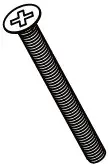
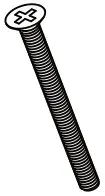
- Screw NoBX20 04 nos.

- Screw M4X40

- Screw Maxa5 02 Nos.

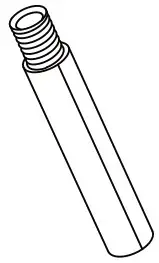
- stud M4X35

- Stud Maxas 02 No.s

- Key

- split Pin

- Shank 70mm

- Striker Plate

- Striker Plate Housing

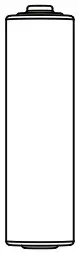
- AA Battery 04 Nos

- Outside Gasket

- Inside Gasket

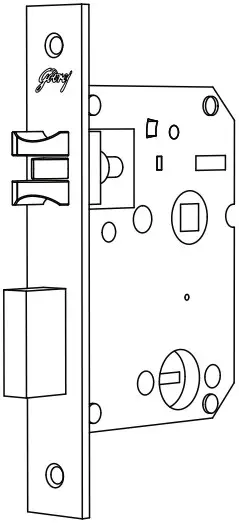
- Mortise Lock Body


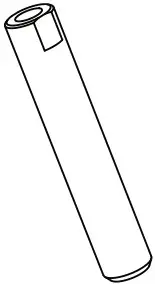
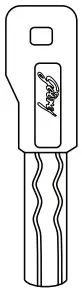
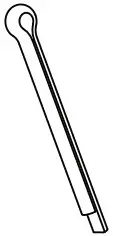


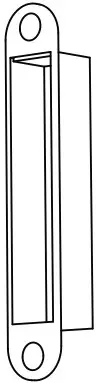
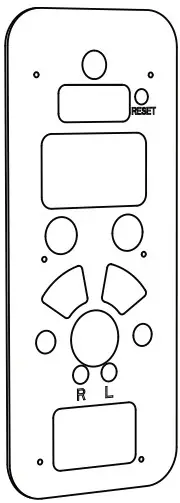
Names of Individual Parts (Outside Body)
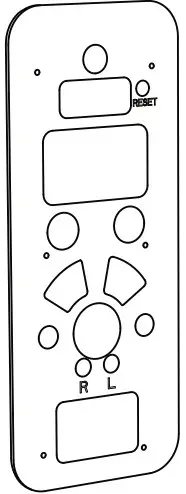
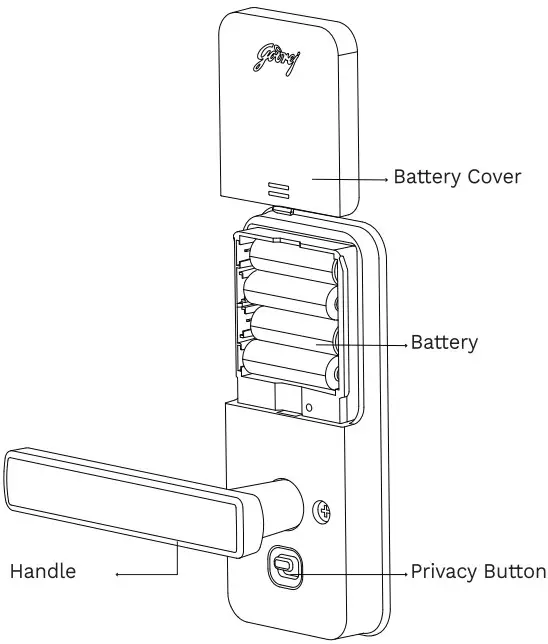
Names of Individual Parts (Inside Body)
Register Master Password and User Password
How to Change Master Password
- Enter Default Master Password (123456) #
4 # New Master Password (6 digits) #
New Master Password (6 digits) #
How to Register User Password
- Enter Master Password # 1#1# ID (02 to 99) #
User Password (4 to 9 digits) #
User Password #
Delete User Password
How to Delete User Password
- Enter Master Password # 2 # 1 # ID (02 to 99) # ID (02 to 99) #
Delete All User Passwords
How to Delete All User Password
- Enter Master Password # 3 # 1#
Master Password #
Set Auto-Lock Time
The self-locking function is to re-lock after specified time (3-30 seconds) after unlocking. (default time is 5 second)
- Enter Master Password # 5 # time (3-30) # Master Password #
Note: 3-9 seconds, you can directly input 3,4,5…., no need for 03, 04, 05.
Enable and Disable Privacy Mode
How to Enable Privacy Mode
- Switch on back cover plate need to set
How to Disable Privacy Mode
- Switch on back cover plate need to reset manually
or - Enter Master Password and rotate the handle to open the door


Enable and Disable Passage Mode
How to Enable Passage Mode
- Master Password # 5 # 00 #
How to Disable Passage Mode
- Set Auto-Lock Time
Turn Sound On/Off
To Mute
Enter Master Password # 6 # 1 #
To Turn Sound On
Enter Master Password # 6 # 2 #
Product Disposal
lease Note that product should not be disposed off with other household waste at the end of their working life. To prevent possible harm to environment or human health from uncontrolled waste disposal, please instruct the metal scrap dealer to dismantle the product and segregate different materials for recycling and reuse.

Godrej & Boyce Mfg. Co. Ltd.
Locking Solution and System Division, Plant 18, Pirojshanagar, Vikhroli, Mumbai-400076, India. Website: www.godrejlocks.com
Consumer Care Cell: Sr. Executive- Godrej & Boyce Mfg. co. Ltd. Plant 18, Pirojshanagar, vikhroli, Mumbai-400076, India,
Tel: (office) 022-67694890
E-mail: [email protected]