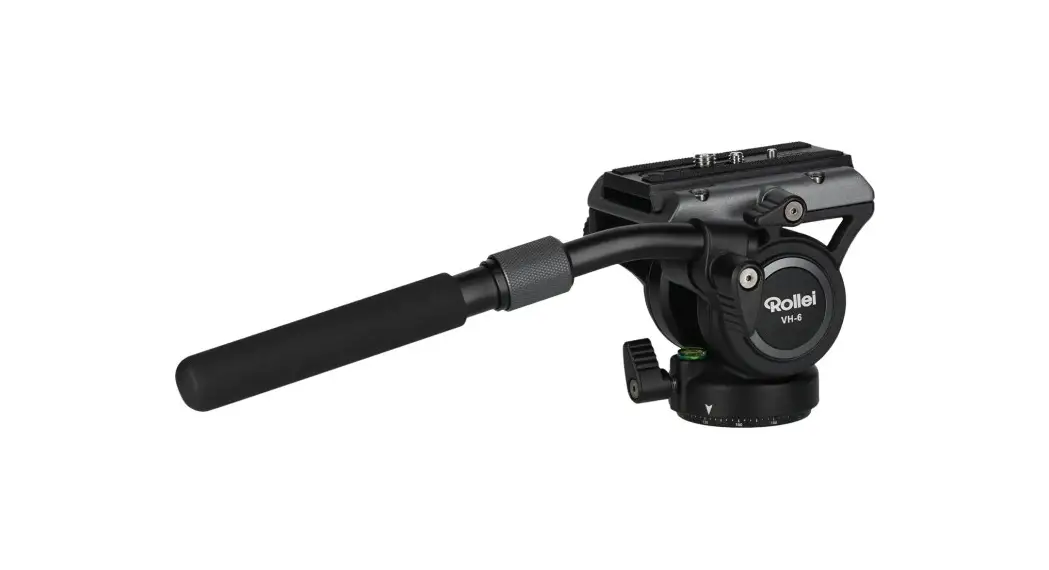
 VH-6 Video Head
Instruction Manual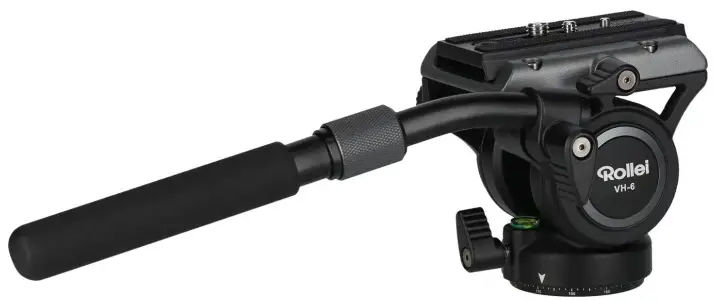
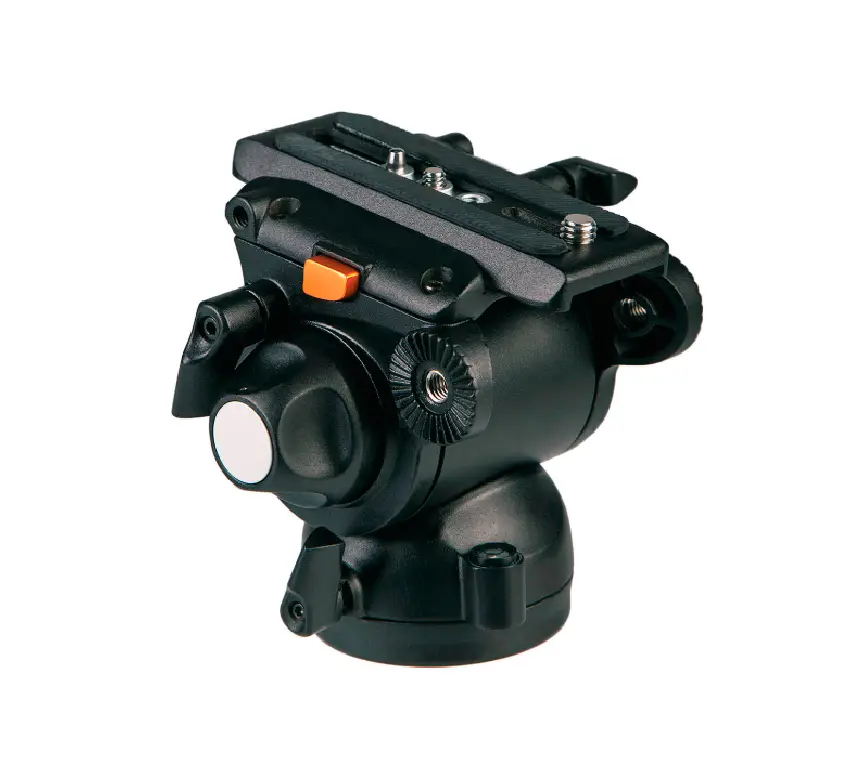
Product Overview
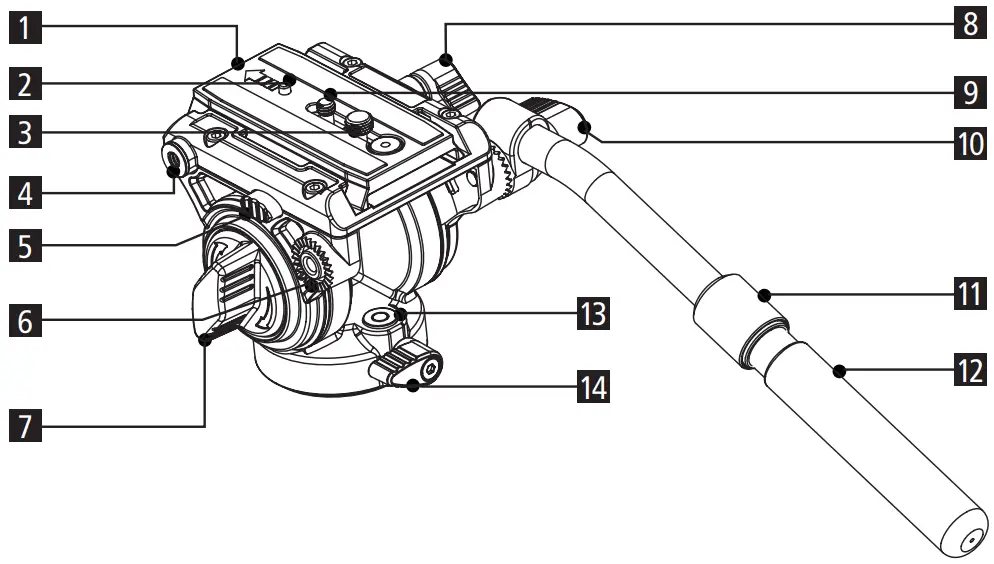
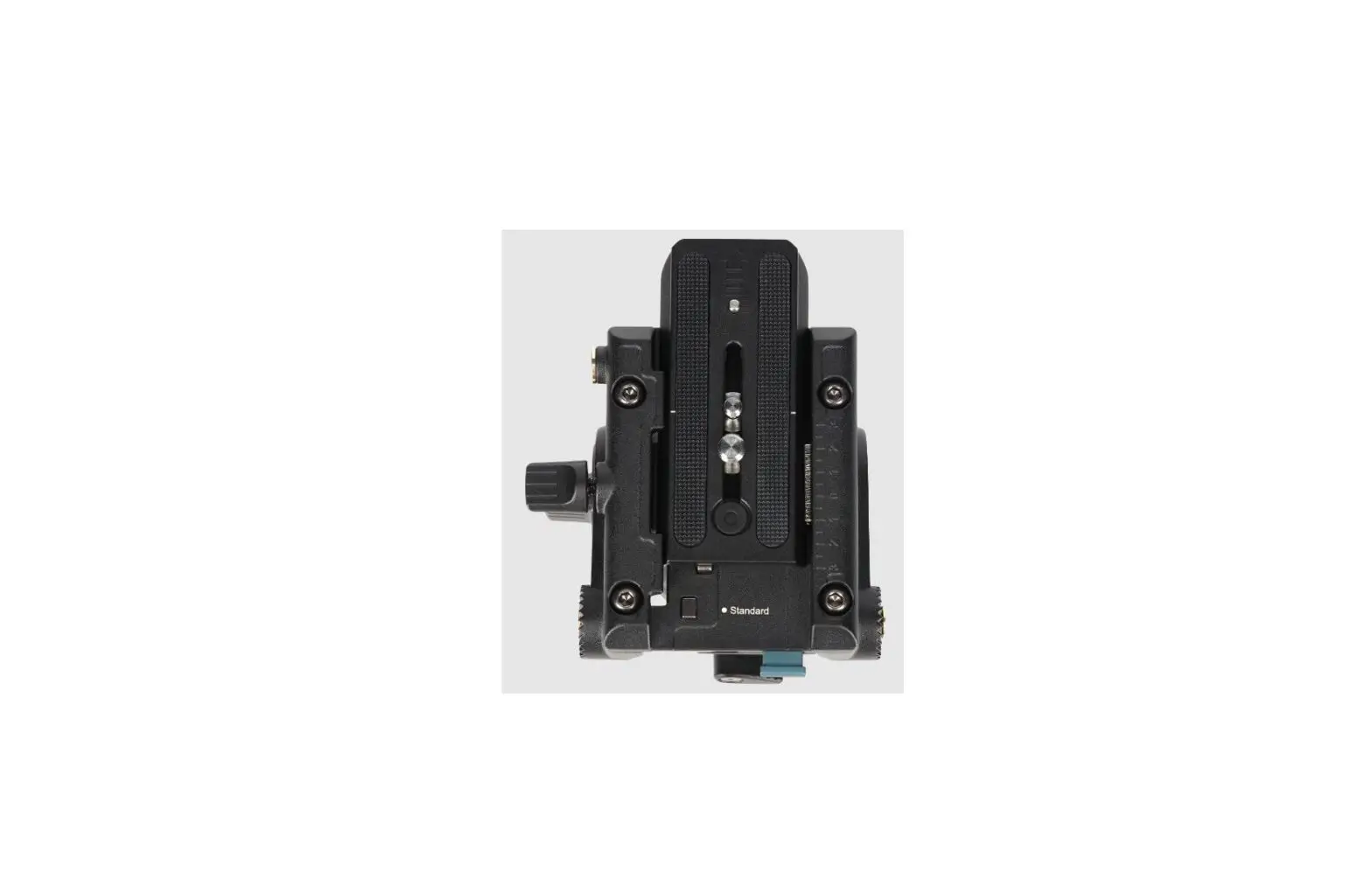
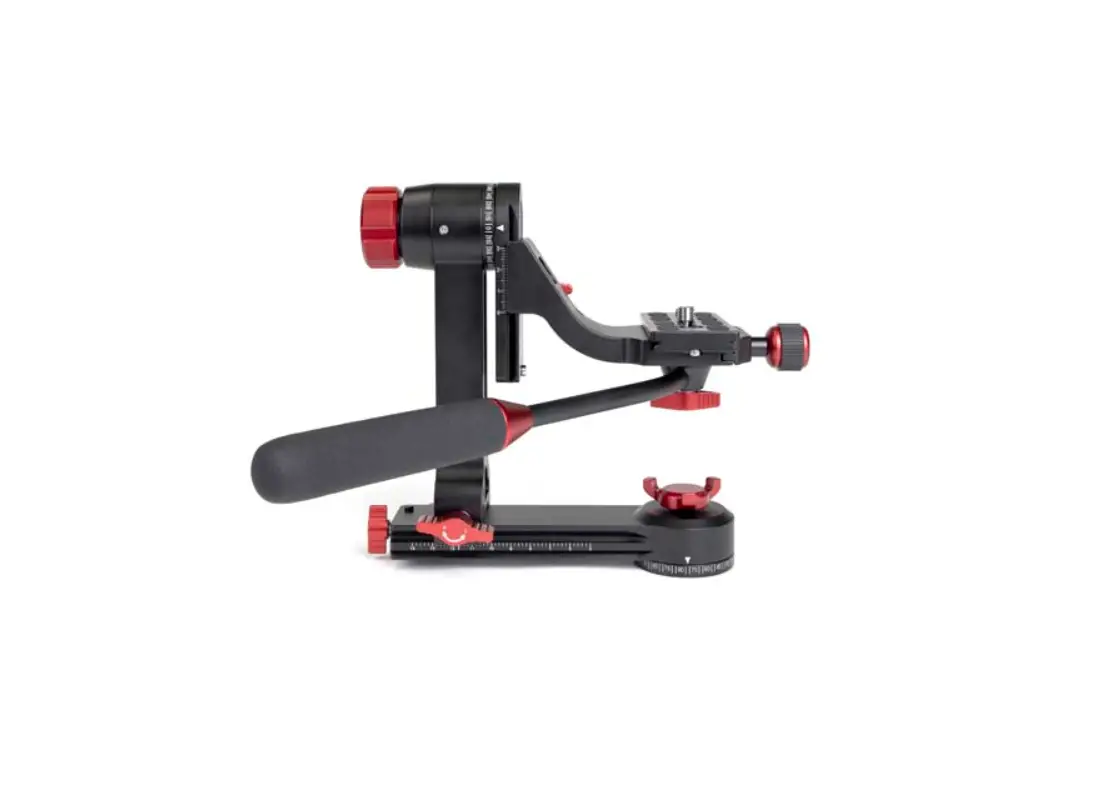
- Quick release plate
- Safety pin
- 3/8 inch screw
- 1/4 inch thread
- Safety knob
- Handle attachment (left and right)
- Main locking knob
- Interchangeable plate locking knob
- 1/4-inch screw
- Handle locking knob
- Handle extension lock
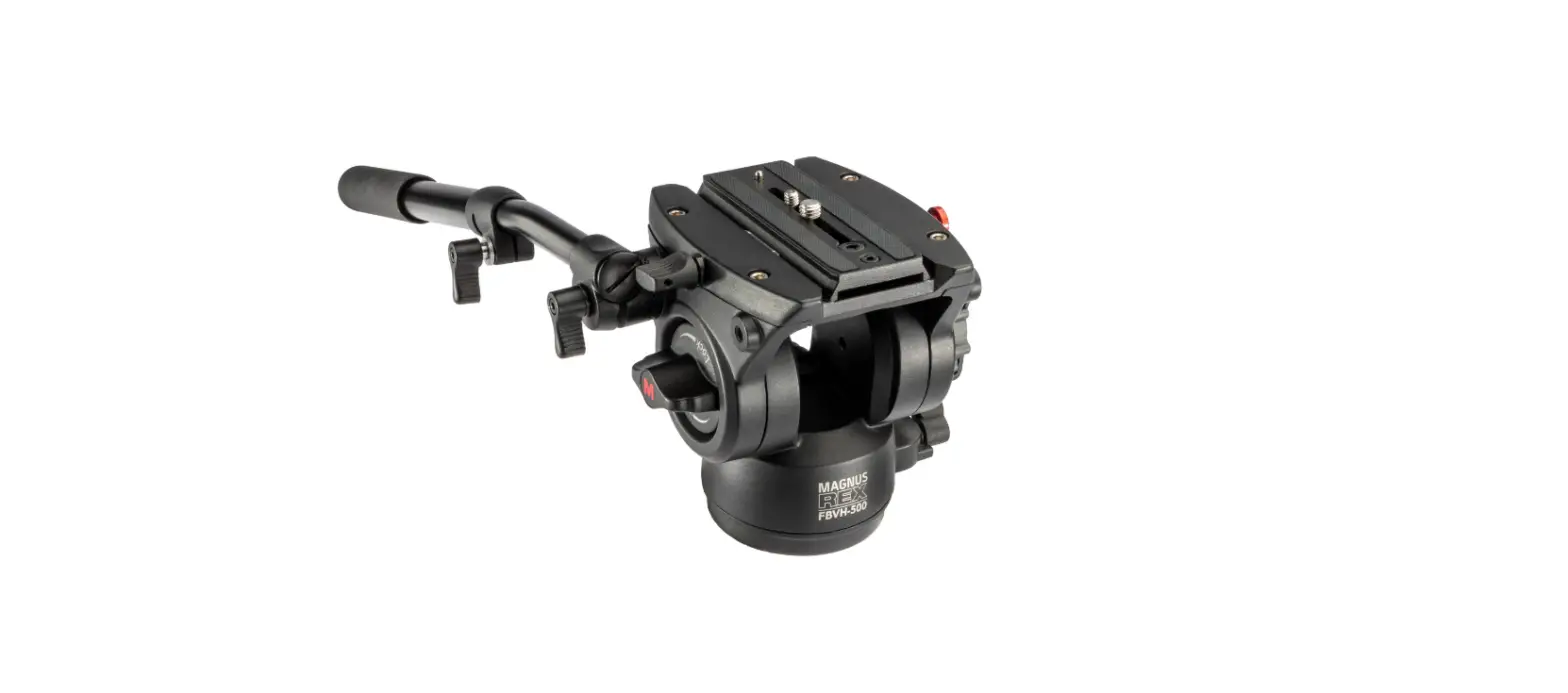
- Handle
- Level
- Base locking knob
Video Head Use
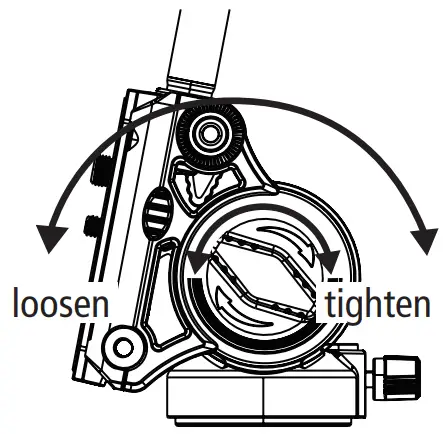
Adjusting the tilt
Loosen the main locking knob to the left, the platform can now be adjusted between -75°and 90°. Turn the main locking knob to the right to lock it in the desired position.
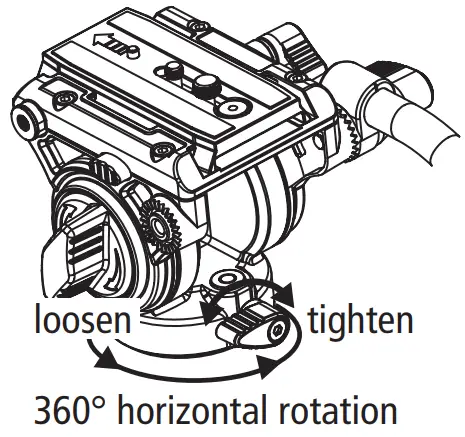
Base locking knob
Turn the base locking knob to the left to release it, the ball head can now be rotated by 360°.
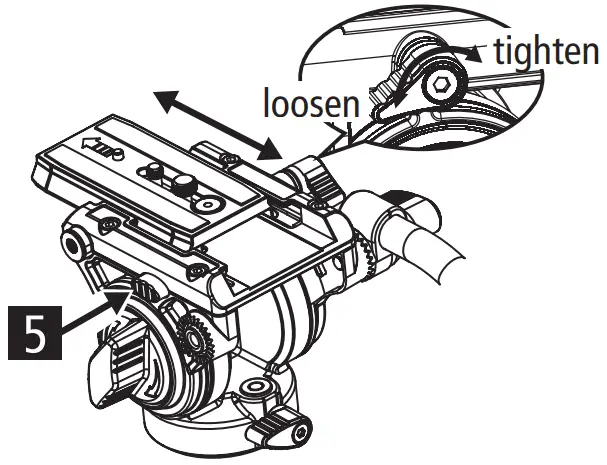
Platform locking knob and safety pin
Loosen the platform locking knob to adjust the position of the plate.
To remove the interchangeable plate, loosen the locking knob and then press and hold the safety knob to pull the plate out backwards.
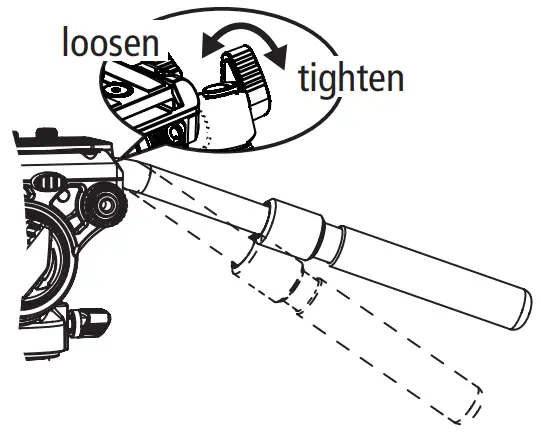
Handle lock knob
To adjust the angle of the handle, loosen the locking knob and set the handle to its desired position and lock it again with the knob.
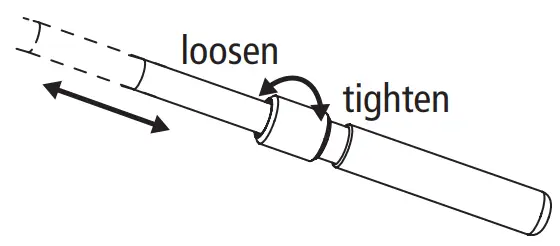
Adjusting the length of the handle
Loosen the handle lock knob, adjust the handle length to the desired length and reattach the handle.
Technical Data
| Tripod head | |
| Material | Aluminium |
| Base diameter | 6 cm |
| Counterbalance | 6 kg |
| Rotation | 360° |
| Inclination | -50° up to +90° |
| Center of Gravity | 48 mm |
| Maximum load | 10 kg |
| Connections | 3/8 inch thread |
| Length handle | 22 cm (folded); 35 cm (extended) |
| Dimensions (L x W x H) | 30.5 x 14 x 10.2 cm |
| Weight | 700 g |
| Quick release plate | |
| Dimensions | 9.2 x 5 x 1.1 cm |
| Weight | 80 g |
| Box content and packaging details | |
| Box content | VH-6 video head, allen key, quick release plate |
| Packaging dimensions | 15.9 x 13 x 25 cm |
| Packing weight | 850 g |
Design and technical data are subject to change without notice.
www.rollei.de
Rollei GmbH & Co. KG
In de Tarpen 42
22848 Norderstedt
Service Hotline:
+49 40 270750277 /rollei.foto.de
 @rollei_de
 cewe - best in print
 Rollei ? Online shop for camera, video and photo equipment
 Rollei: Der Online-Shop für Kamera- Video- und Foto-Equipment