 SHOULDER WRAP INSTRUCTIONS
User Guide
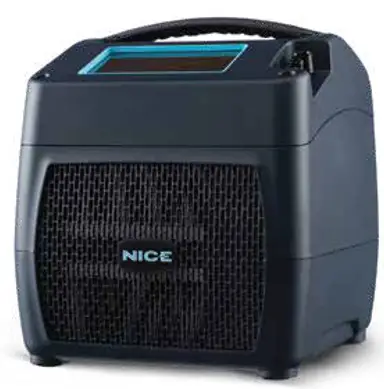
Recovery Shoulder Wrap
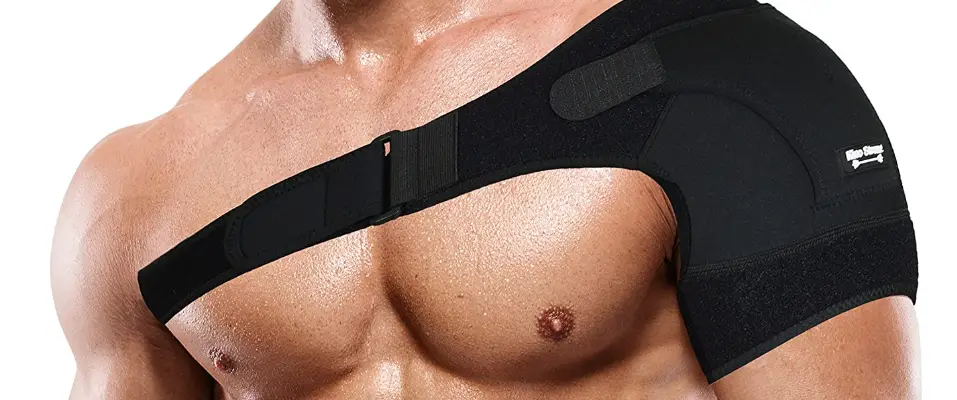
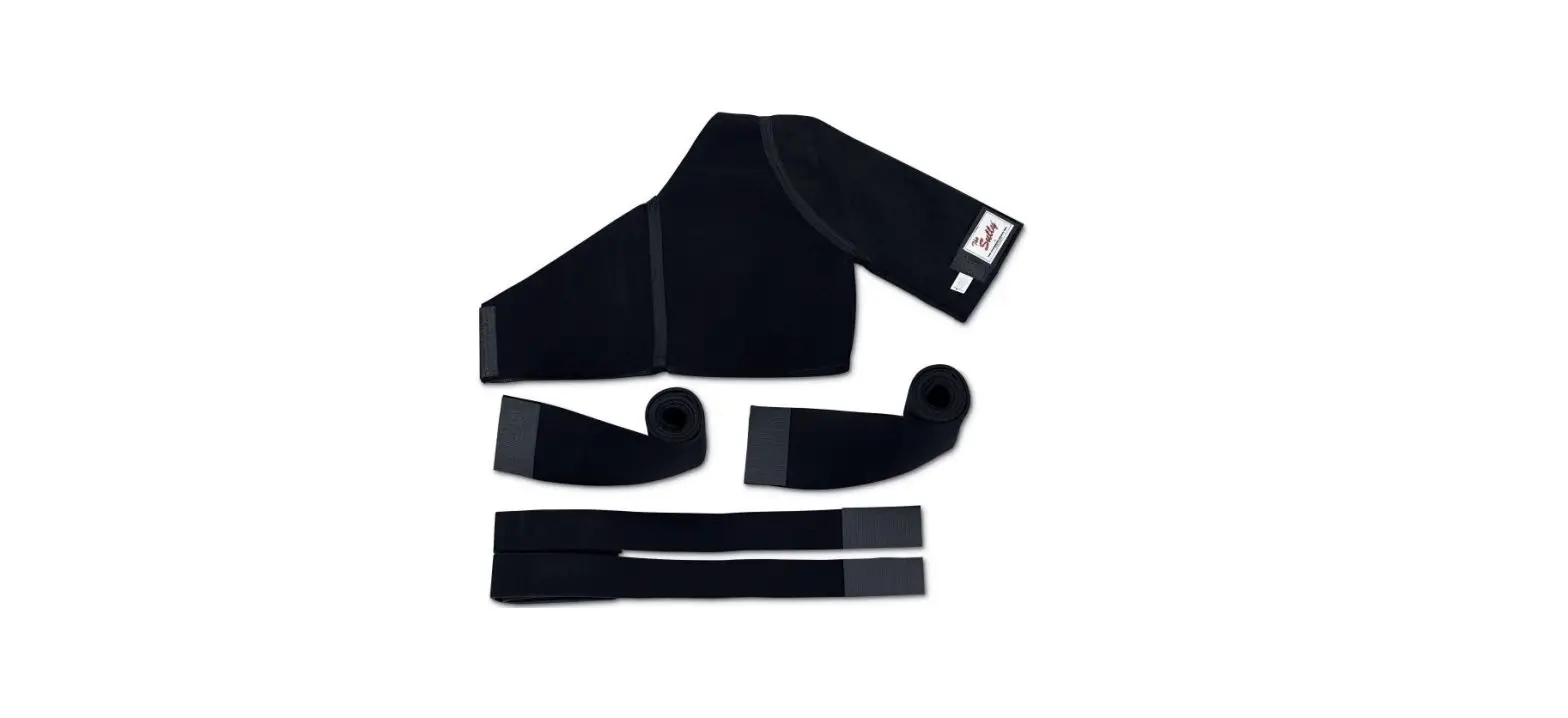
- SHOULDER WRAP

- PLACE
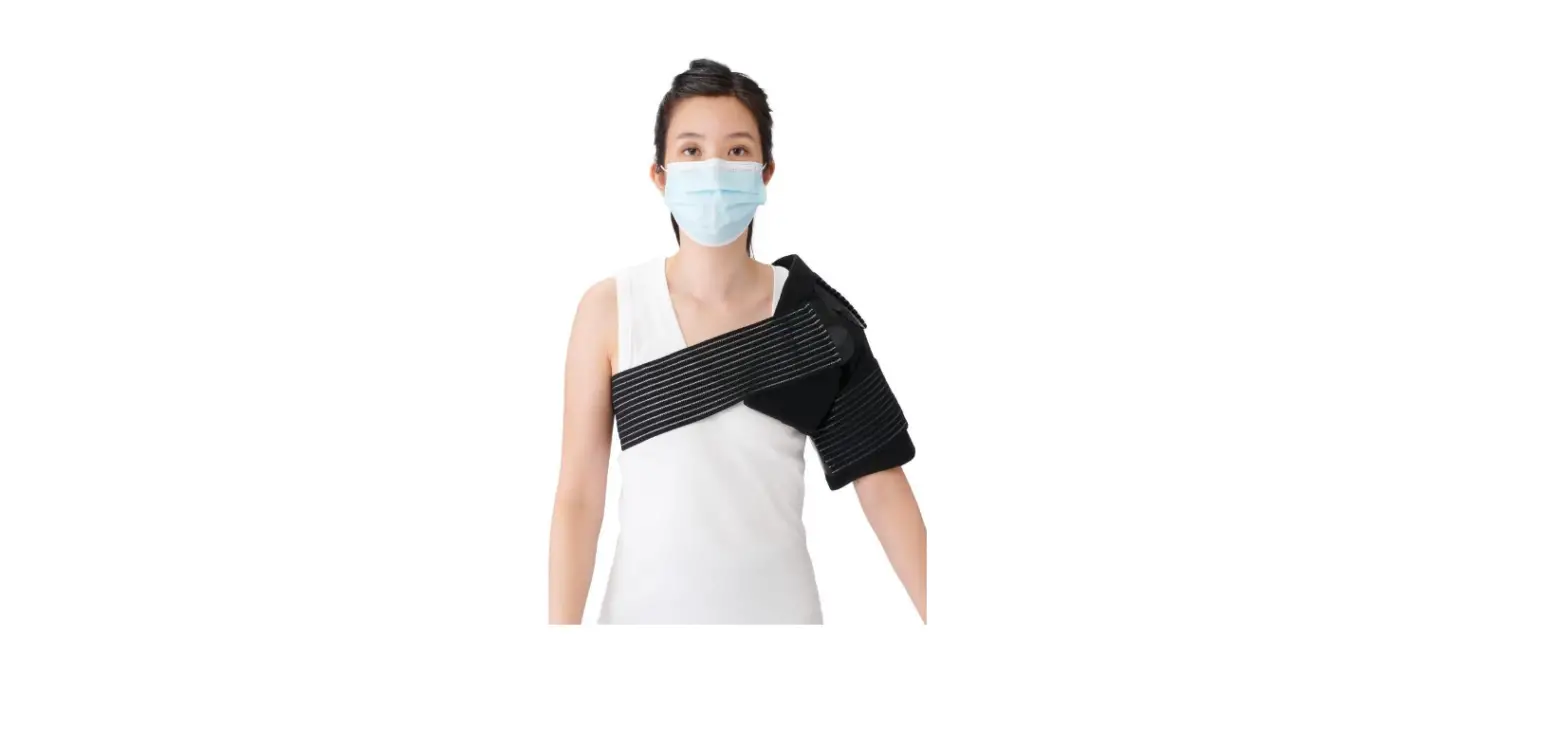
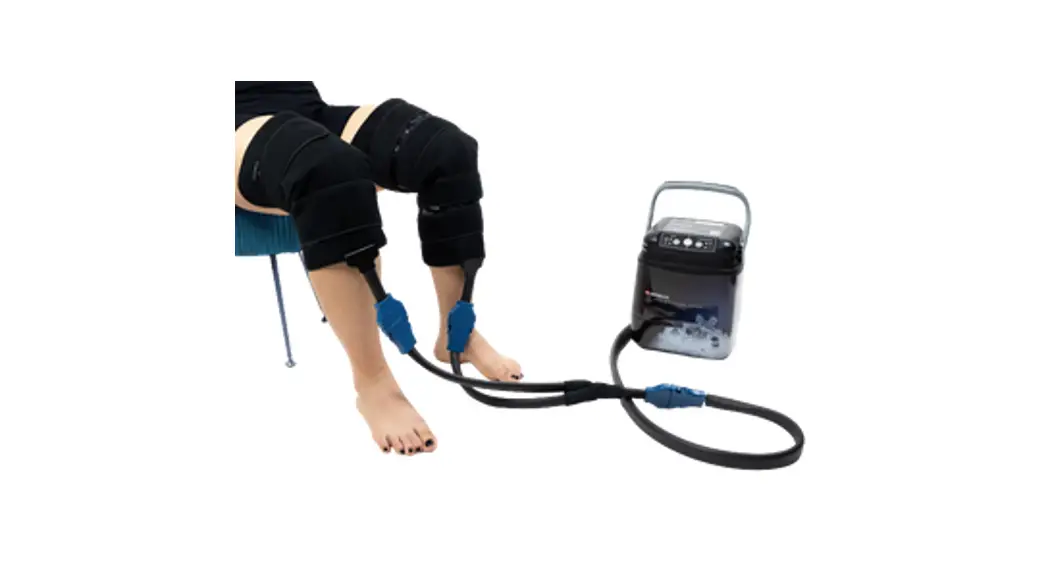
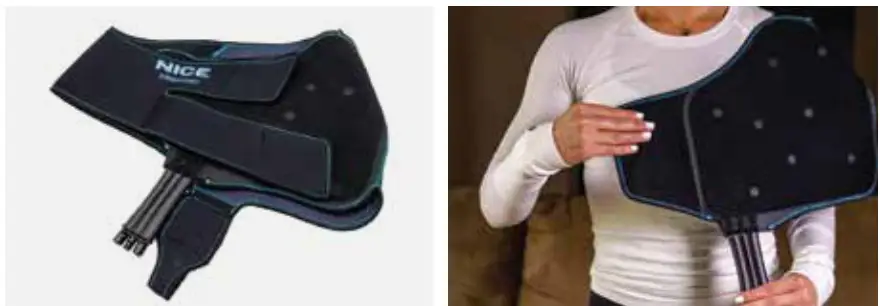
Orient the wrap as shown with blue side facing body, and connector pointed down towards the stomach
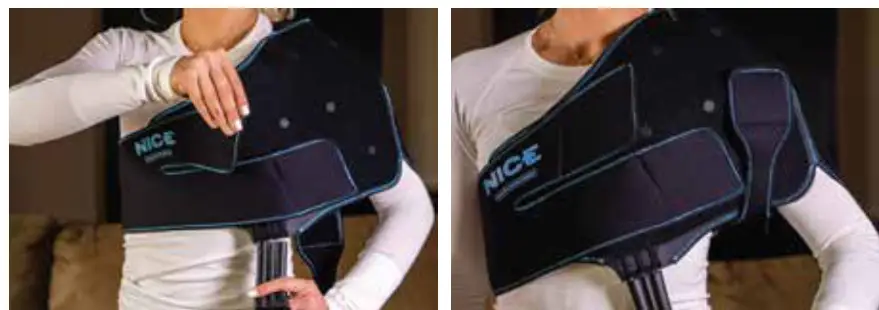
- SECURE
Secure the wrap with the straps as shown - COMFORT
Once fit, the wrap should be comfortably snug with no creases or folds
VIDEO INSTRUCTIONS
Please Visit nicerecovery.com/how-to-videos
WRAP GUIDE SIZING
Small/Medium
Fits average body types ~up to 5’10 170lbs.
Large/XL
Fits average and large body types above 5’10 170lbs.
WRAP CARE
To clean inside, use anti-bacterial isopropyl alcohol wipe, to wipe down blue material. For the outside, feel free to use a lint roller for removing any pet hair, dander, or debris. Do NOT machine wash or dry clean.
WARRANTY INFO
Please Visit nicerecovery.com/warranty
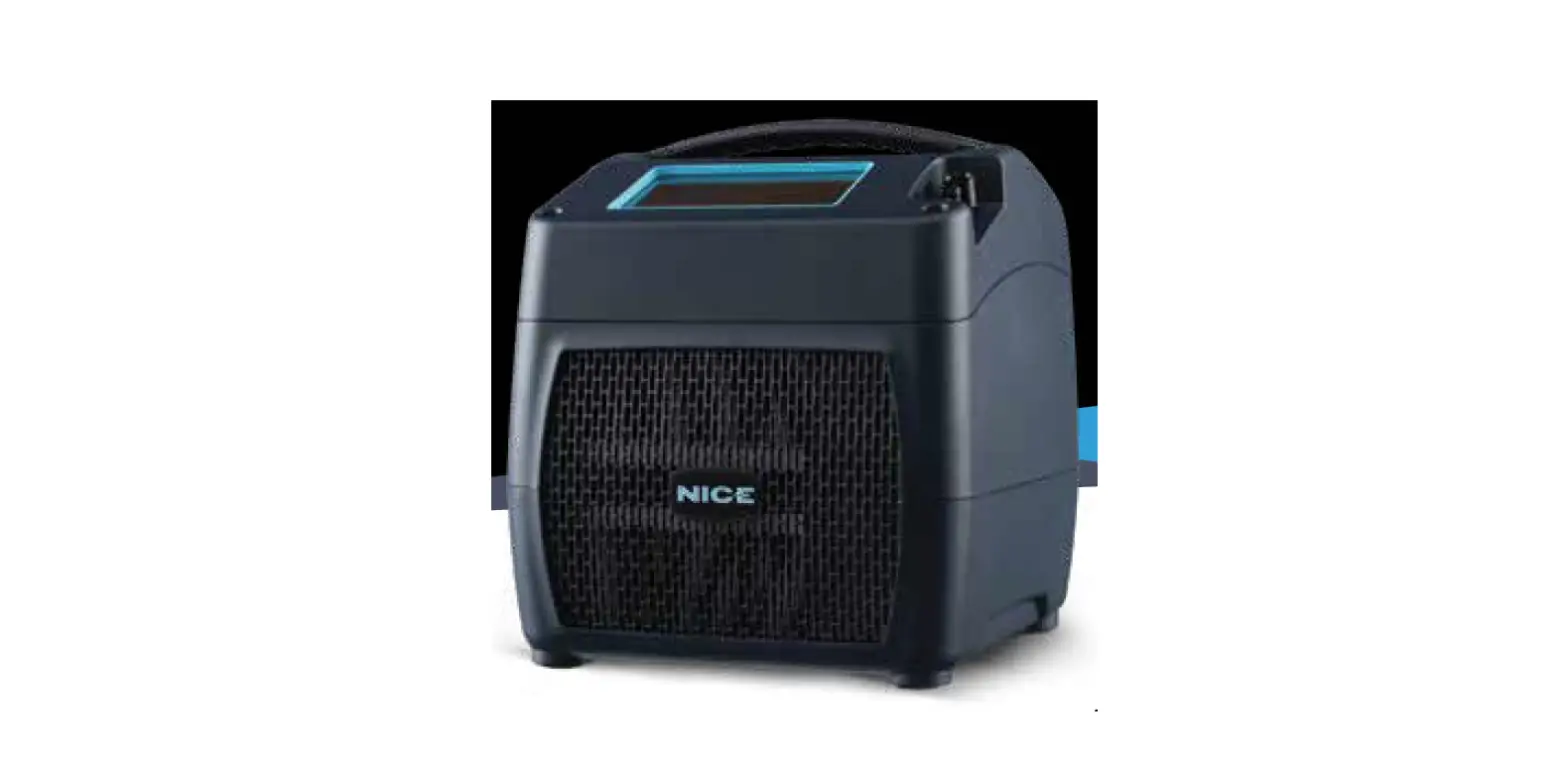
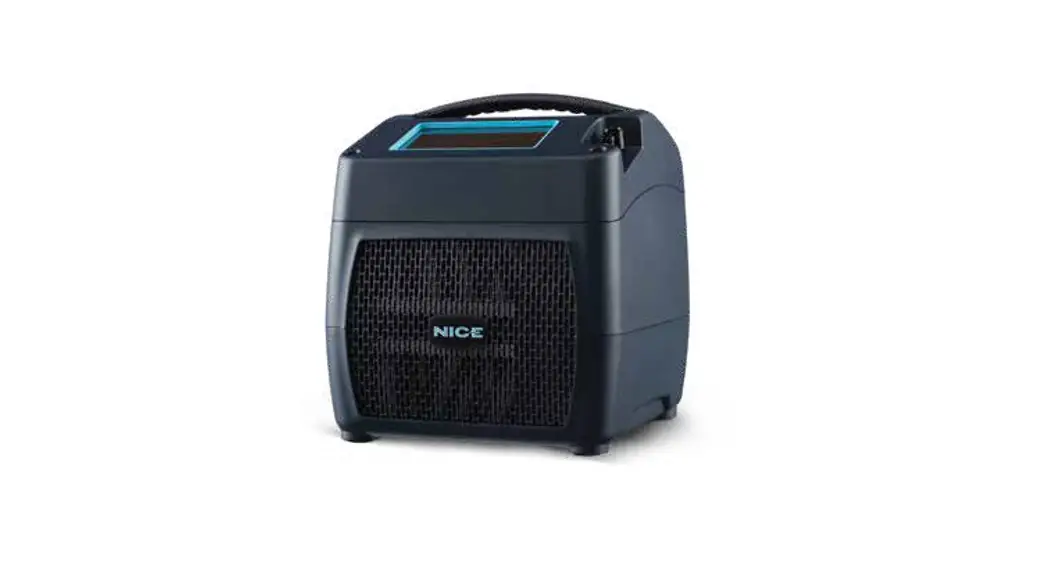
NICE1 COLD + COMPRESSION THERAPY SYSTEM
CONSULT A HEALTHCARE PROFESSIONAL BEFORE USING NICE1
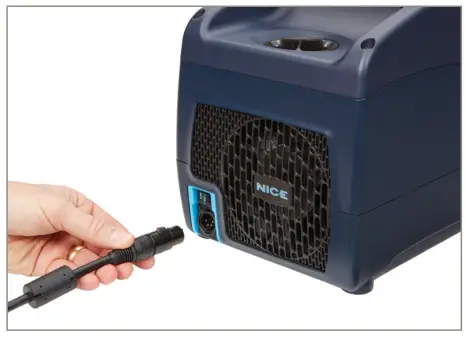
- Connect the power cord to the external power supply.
- Plug the circular connector into the back of the Cooling Unit. You will hear a click when properly connected.
- Plug the power cord into the wall outlet.
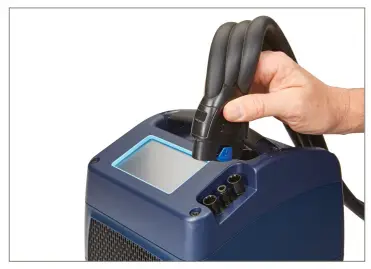
- Connect the hose to the control unit. You will hear a click when properly connected.
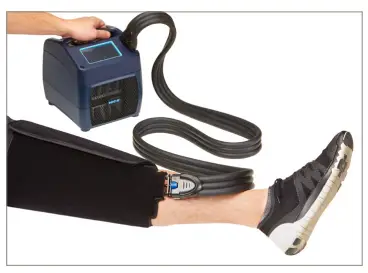
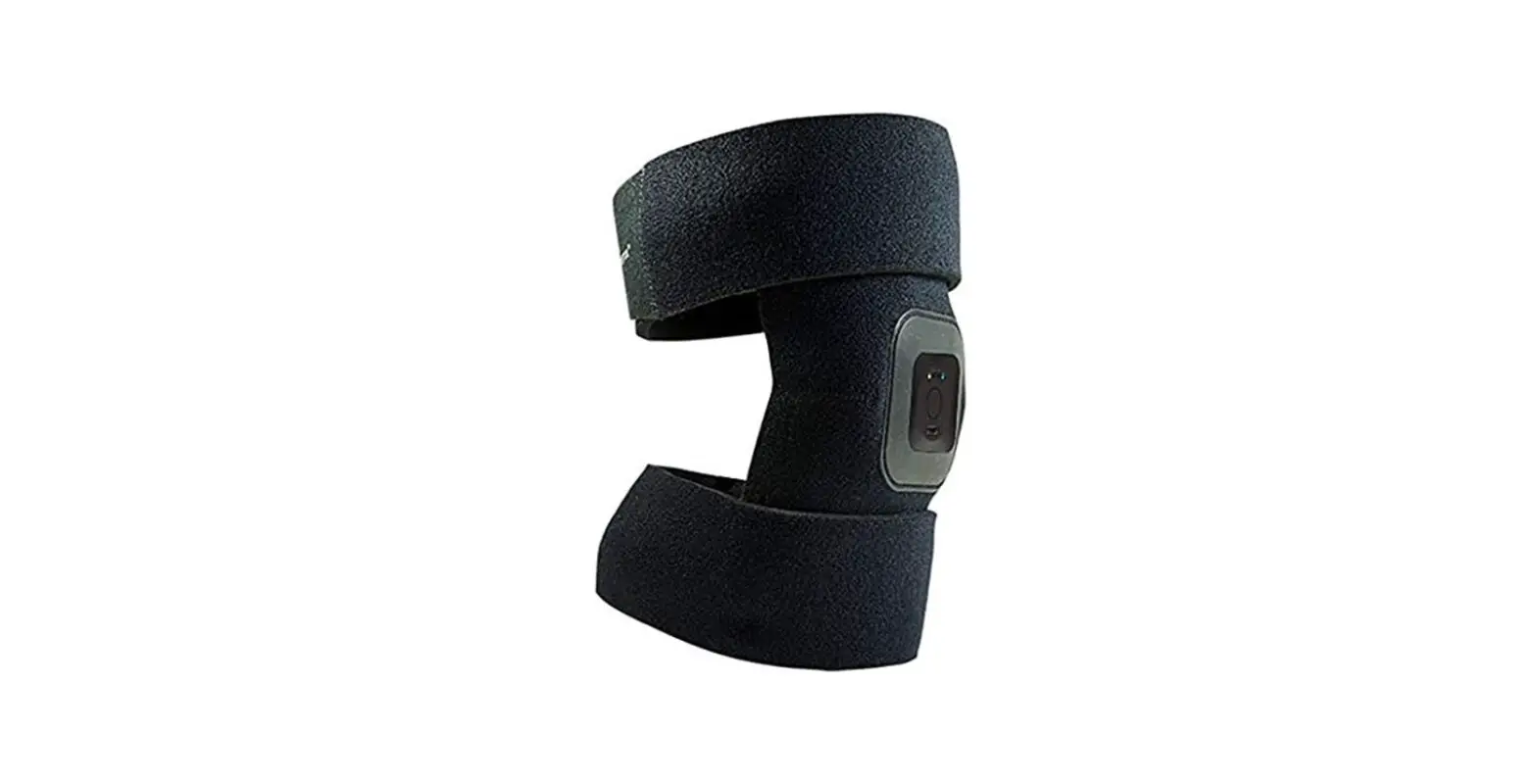
- Place the wrap on the appropriate body part. Secure with Velcro strips.
- Connect the hose to the wrap. You will hear a click when properly connected.
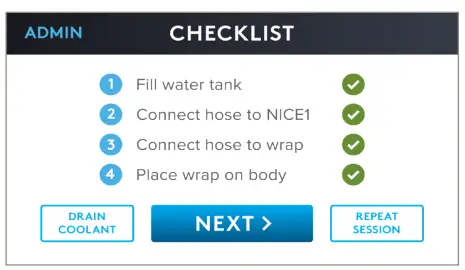
STEP 1
Turn on the power switch on the back of the device. The touch screen will illuminate and display the “Nice” logo. Press Start. Review the checklist on the touch screen. Confirm and press NEXT.
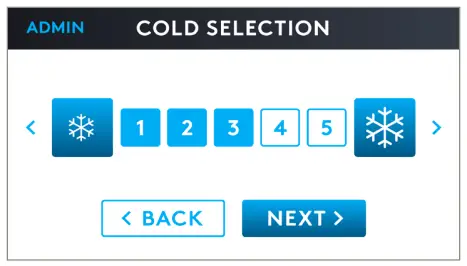
STEP 2
Select desired COLD LEVEL and press NEXT. (level 5 is the coldest setting).
Cold settings are as follows:
Level 1 = 58F (14.4C)
Level 2 = 54F (12.4C)
Level 3 = 50F (10C)
Level 4 = 46F (7.7C)
Level 5 = 42F (5.5C)
STEP 3
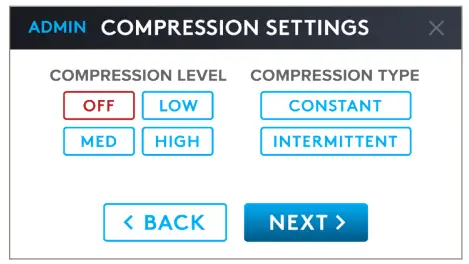
Select desired COMPRESSION LEVEL and COMPRESSION TYPE and press NEXT.
STEP 4
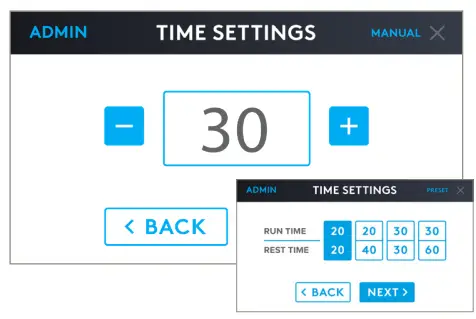
Choose a MANUAL time setting of 5 – 40 minutes for a single therapy session OR choose a PRESET PROGRAM for multiple sessions and press NEXT.
Note: Preset timing programs are on a 10-cycle memory.
STEP 5
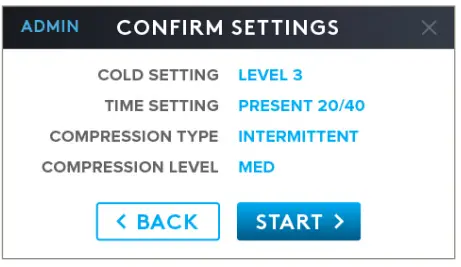
Review and confirm your settings by pressing START or press BACK to change the settings.
STEP 6
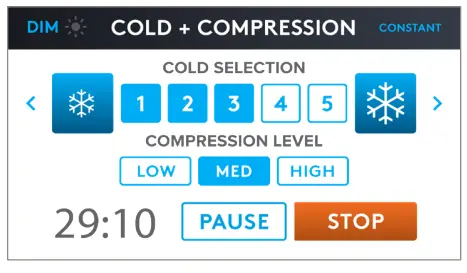
During your therapy session you can change the cold or compression settings simply by pressing 1 – 5 or HIGH, MED or LOW. To Dim, Press Dim switch, to brighten — touch screen.
 | Caution. Consult accompanying documents |
 | Refer to User Manual and Labels. Follow instructions for use. |
 | Lot or Batch Number |
 | Serial Number |
 | Caution: Federal law restricts this device to sale by or on the order of a physician |
 | Warning: It is Mandatory to fully read and understand the instructions for use before using the device. Failure to follow operating instructions could result in serious injury. |
 | Type BF applied parts |
 | Manufacturer |
 | Medical Device |
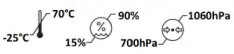 | -25 C to +5t, and +5°C to 35°C at RH up to 90% non- condensing, and >+35°C to 70’C at water vapor pressure 50hPa |
THIS IS NOCE
For more information: Call a customer representative
at (888) 815-9907 or email
[email protected]
Location:
Boulder, CO 80301 PROUDLY MADE
IN COLORADO
Visit: nicerecovery.com
http://www.nicerecovery.com
3-301006 REV. A
 Nice Recovery Systems