MA-2000 Relaxable Eye Massager with Heat Therapy
RelaxableTM Series Eye Massager
Product Information
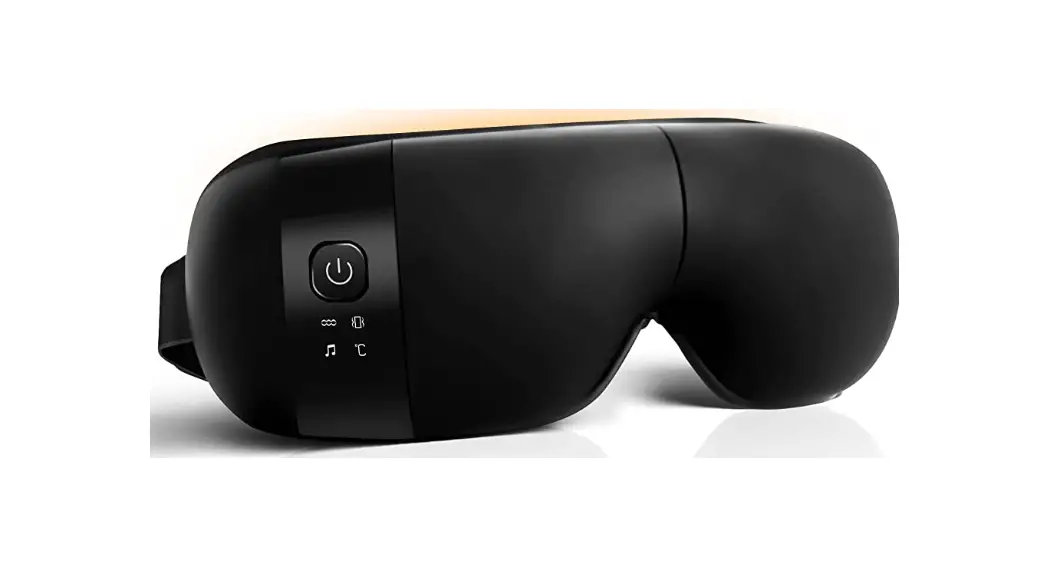
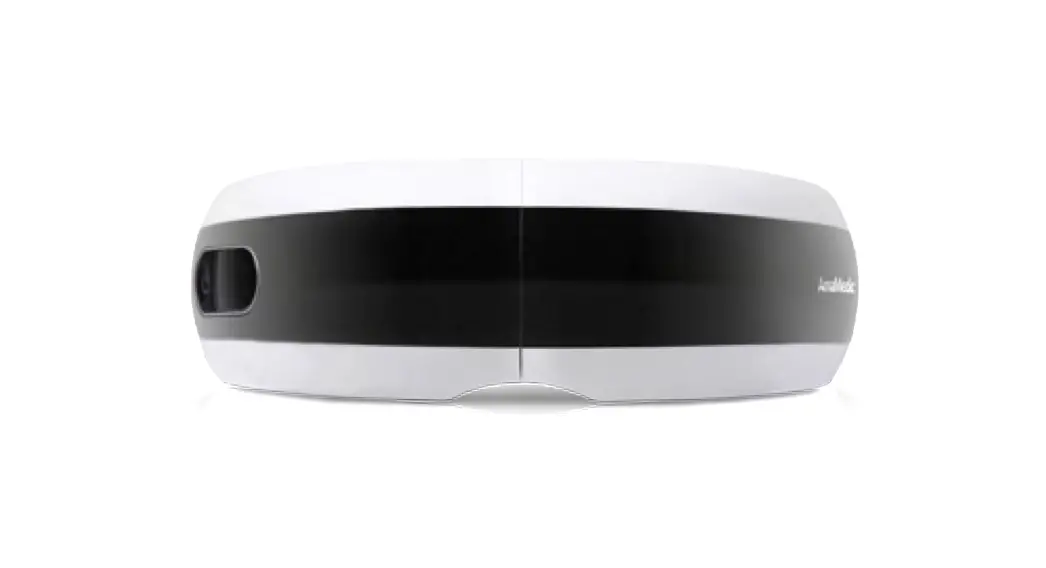
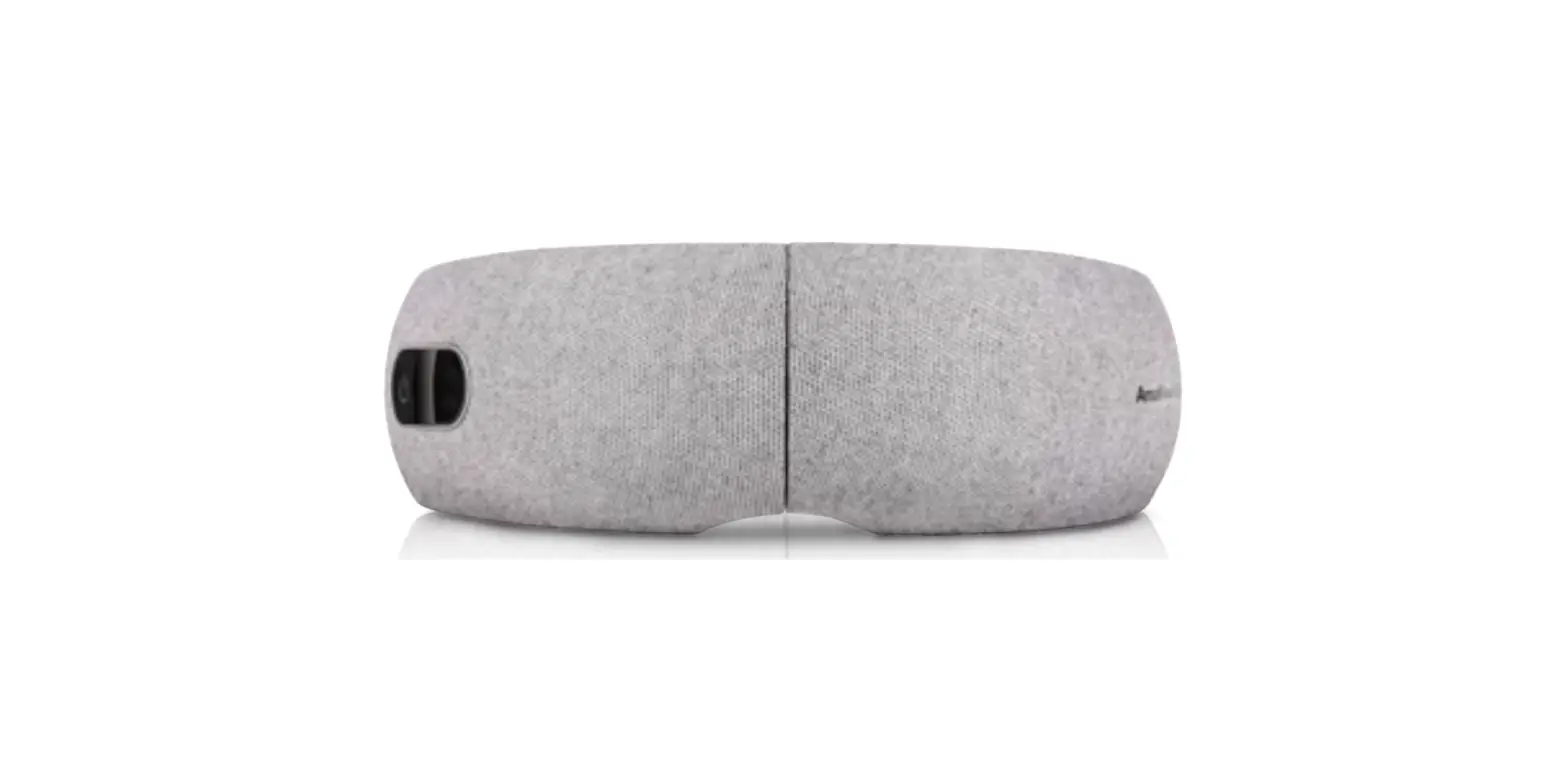
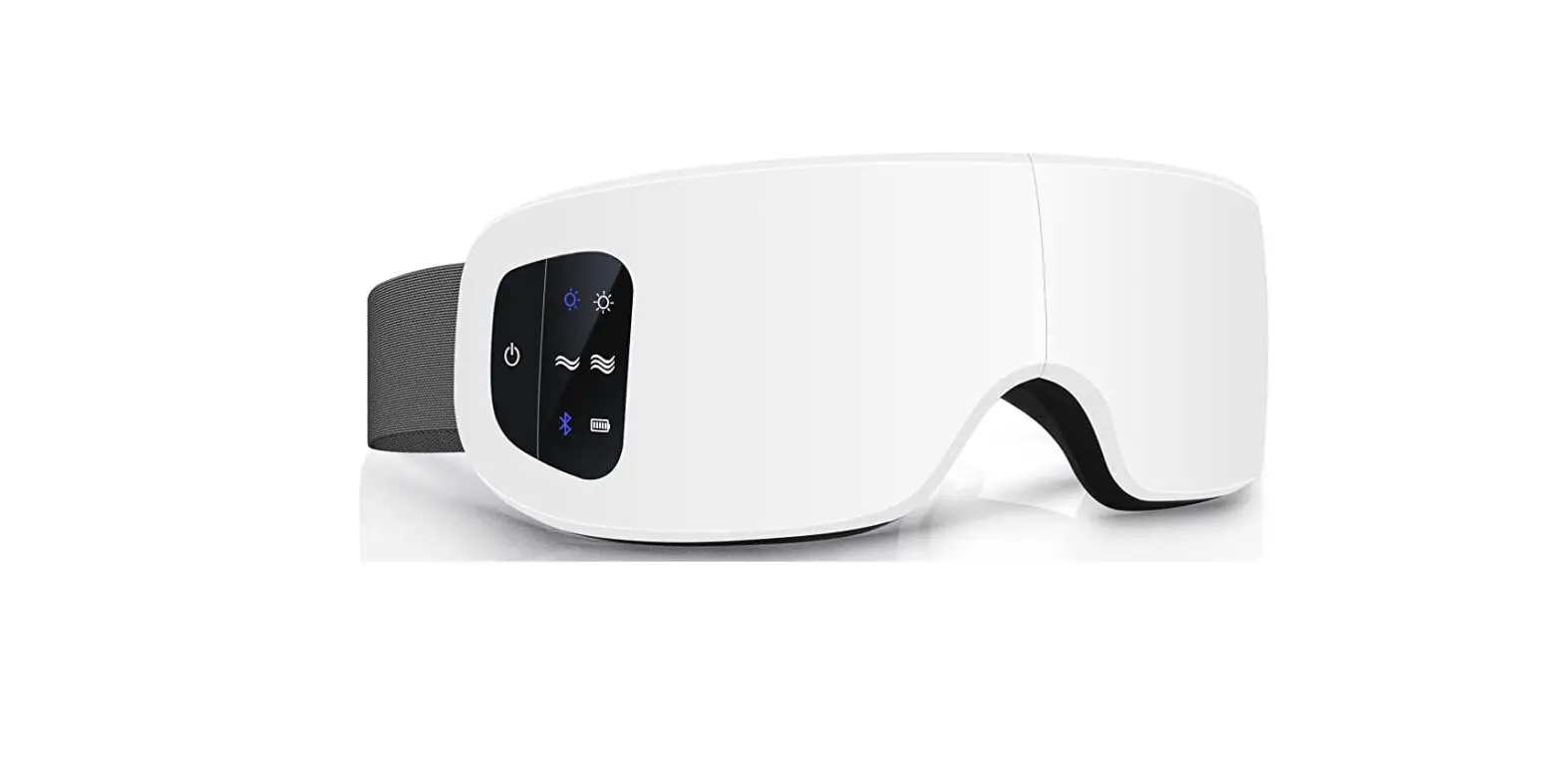
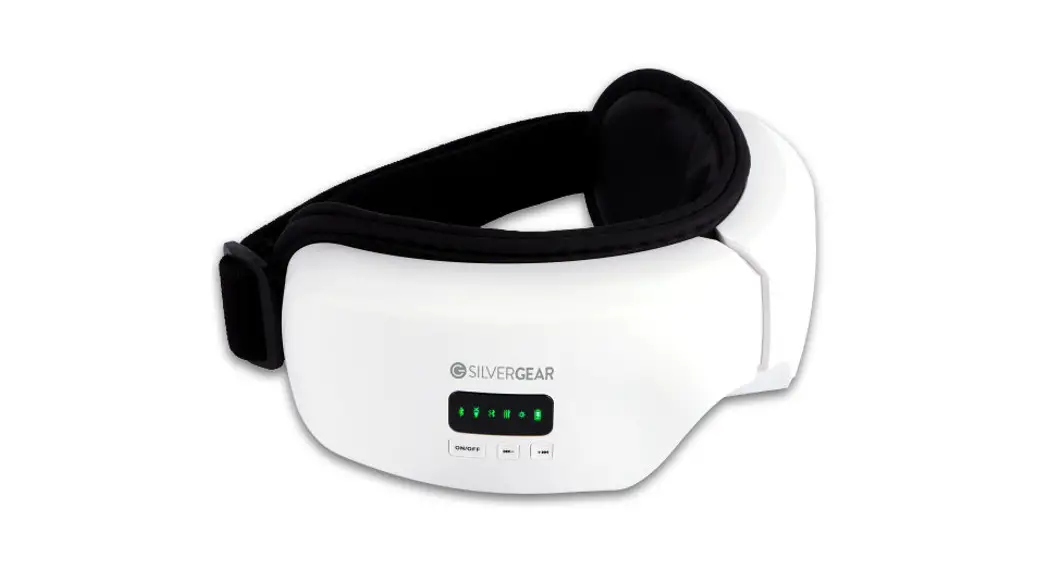
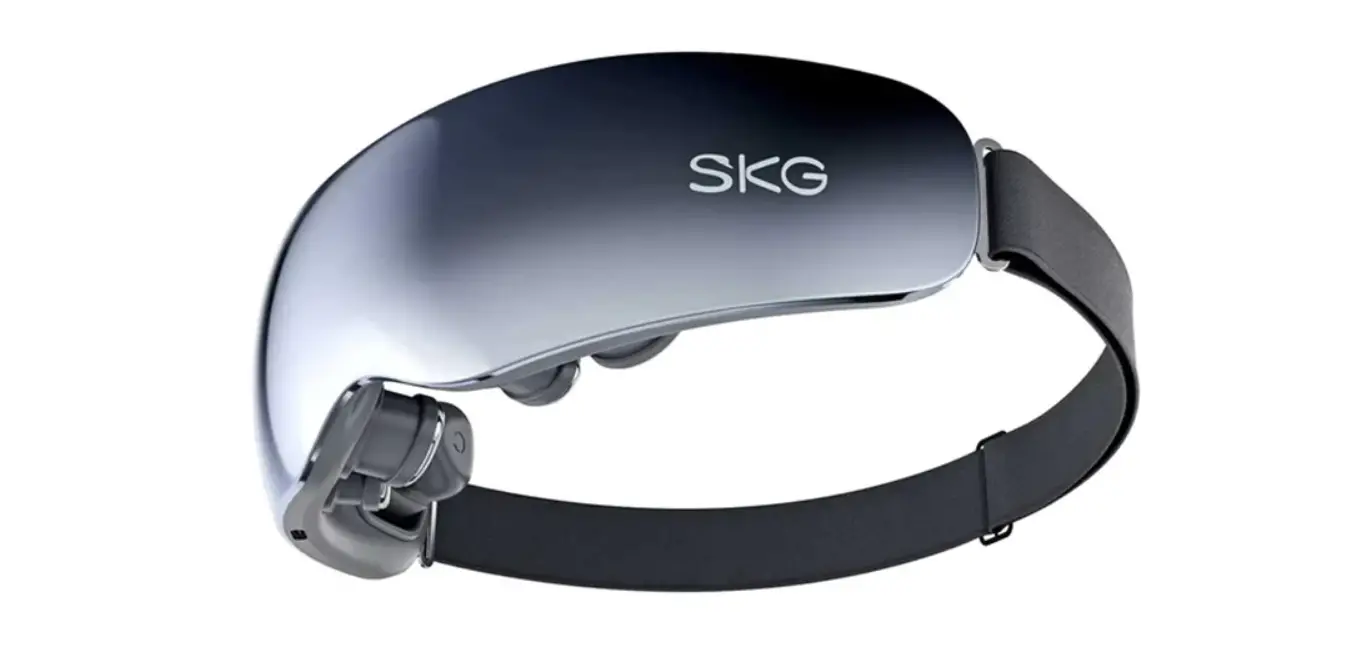
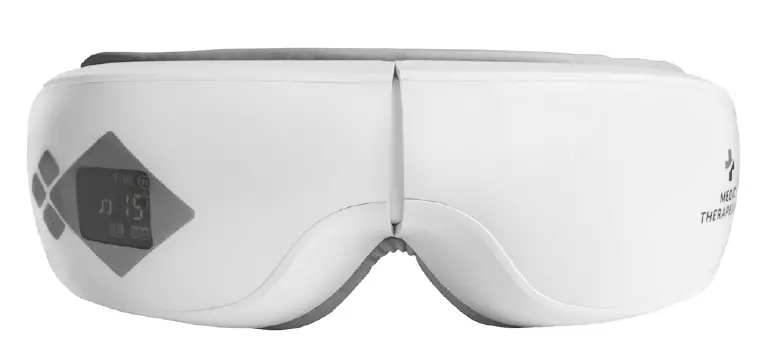
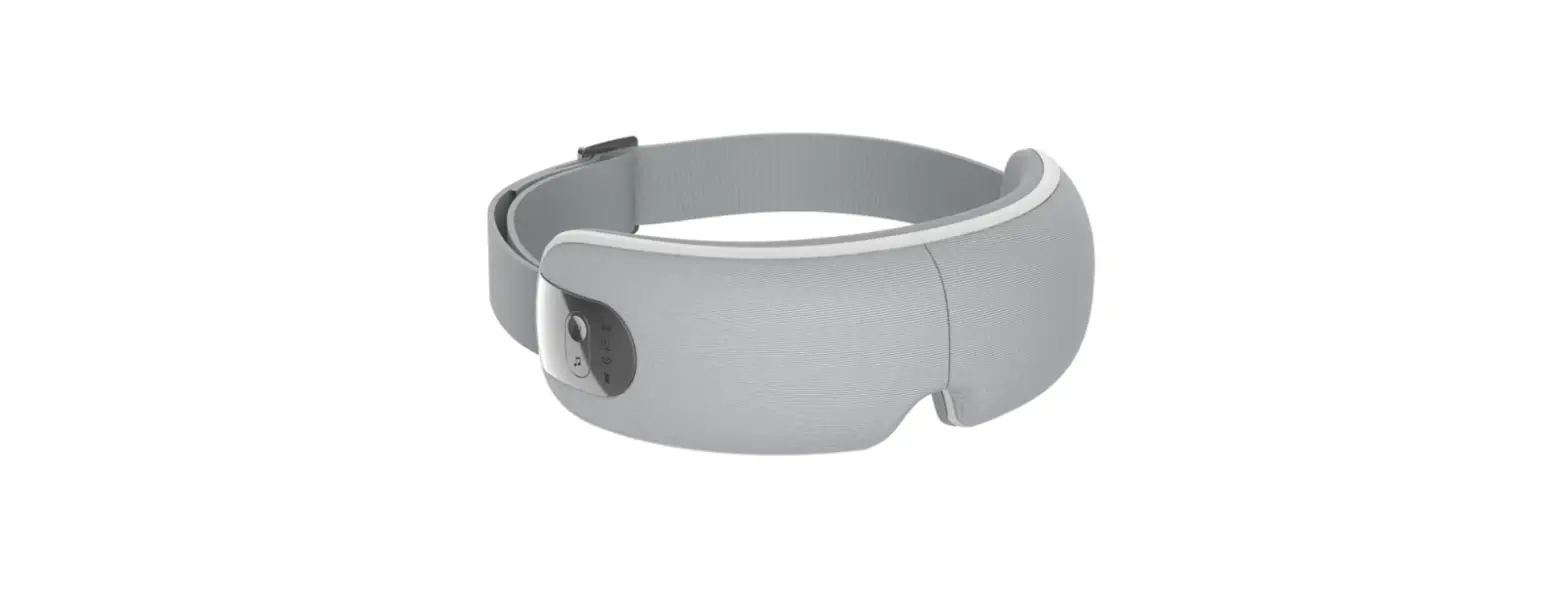
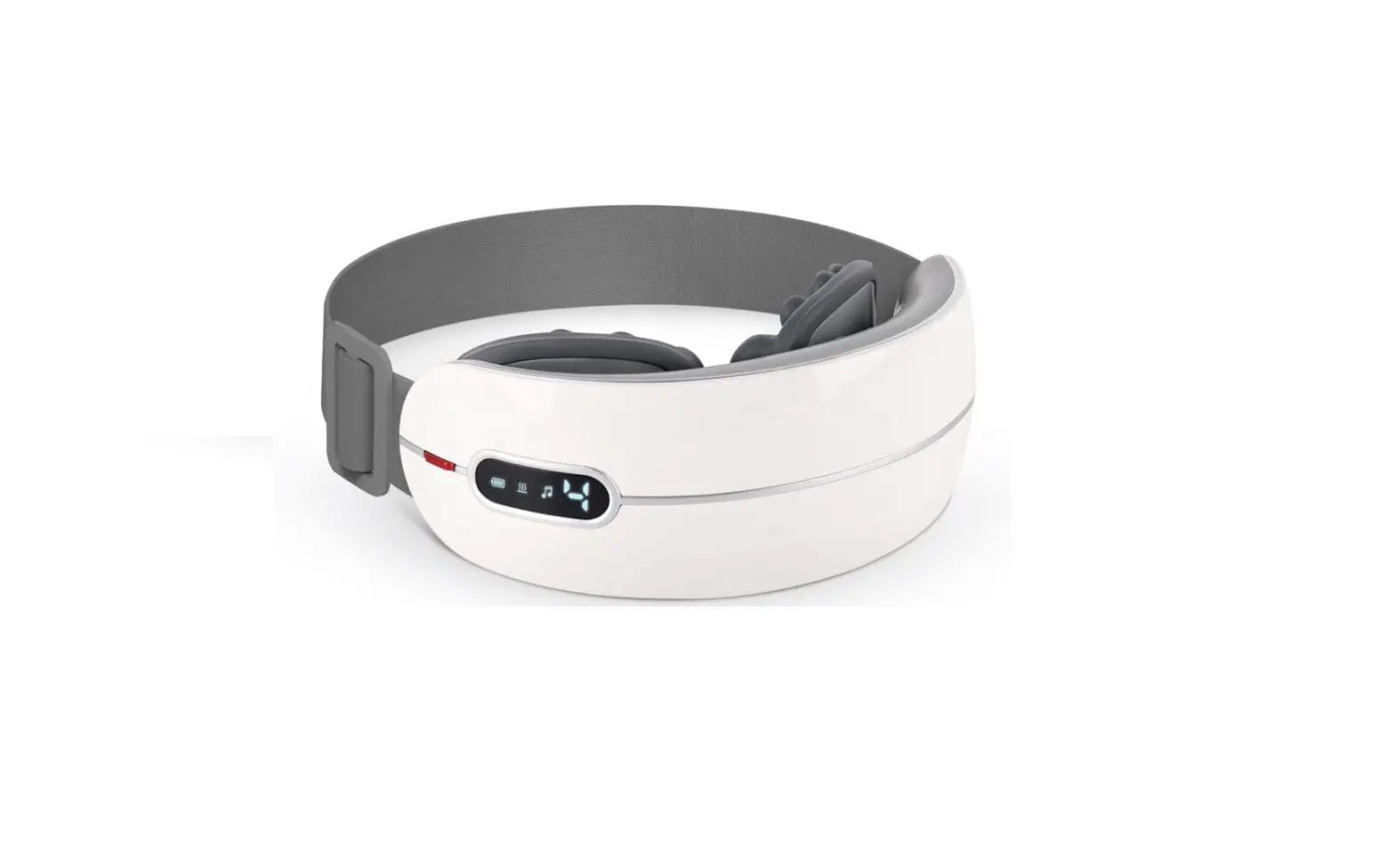
The RelaxableTM Eye Massager is a portable and easy-to-use
device that provides compression massage and heat therapy to the
eyes. The device has five modes of massage and heat therapy,
built-in speakers with Bluetooth connectivity, and an ergonomic
nose pad for added comfort. The device is made of soft, vegan
leather and folds for convenient storage and portability. It comes
with a USB-C rechargeable battery with a capacity of 1200mAh.
Product Specifications
- Product Name: RelaxableTM Eye Massager
- Model Number: MA-2000
- Input Voltage: DC SV 1A, AC110240V~550Hz
- Battery Capacity: 1200mAh
Product Usage Instructions
- Remove eyeglasses, hair pins, or other hair accessories before
using the Eye Massager. - Place the head strap over your head and adjust the
massager. - Press the power button to turn on the device.
- Press the mode button to switch between the five modes of
compression massage and heat therapy. - Use the plus and minus buttons to adjust the intensity of the
massage. - If desired, connect the device to your phone via Bluetooth to
listen to music or other audio while using the massager. - After use, wipe the device with a damp cloth or an alcohol pad
and store it in a cool, dry place. - Charge the device for 3-5 hours before first use and after
prolonged storage to ensure optimal battery life.
Cleaning & Storage
- Unplug the device before cleaning.
- Do not submerge the device in water.
- Do not use harsh cleaning agents on the device.
- Use a damp cloth or an alcohol pad to wipe the device after
each use. - Keep away from heat sources and direct sunlight.
- Fully charge the device before storing for prolonged
periods.
Troubleshooting
| Problem | Solution |
|---|---|
| Noise present during operation | Normal |
| Device stopped before the 15-minute timer expired | Charge the device 3-5 hours |
| Pressure seems lower than usual | Charge the device 3-5 hours |
| Device will not power on | Charge the device 3-5 hours |
| Indicator light is not on while charging | Ensure connections are secure |
RelaxableTM Series
Eye Massager
Model # MA-2000
Instruction Manual
Thank you for purchasing the iReliev® Eye Massager. Please read this manual carefully before using the device to ensure proper operation. Keep this manual in a safe place for future reference.
TABLE OF CONTENTS
Warnings………………………………………………………….2 Indications for Use……………………………………………2 What’s Included………………………………………………..3 Product Diagram ………………………………………………4 Product Specifications ……………………………………..4 Operation Guide ……………………………………………….5 Bluetooth Mode………………………………………………..6 Massage Modes ………………………………………………6 Charging the Battery …………………………………………7 Cleaning & Storage……………………………………………7 Troubleshooting Guide ……………………………………..8 Warranty ………………………………………………………….9
WARNINGS & SAFETY INSTRUCTIONS · Please read this manual before using the Eye Massager. · This device is intended for adult use only. · Do not use this device if you have had eye surgery, cataracts,
glaucoma, detached retina disease, or any other eye disease. · Stop using if you experience any discomfort. · Do not use this device if you have skin sensitivity or plastic
allergy. · Do not attempt to disassemble the device. · Keep this device out of the reach of children.
INDICATIONS FOR USE The iReliev® RelaxableTM Eye Massager is not intended for medical use. Consult your doctor prior to using this product if you are pregnant, have a pacemaker, or if you have any concerns regarding your health.
2
WHAT’S INCLUDED · Eye Massager · USB > Micro USB Cable · Power Adapter · Instruction Manual
3
PRODUCT DIAGRAM
1
2
3
4
5
6
7
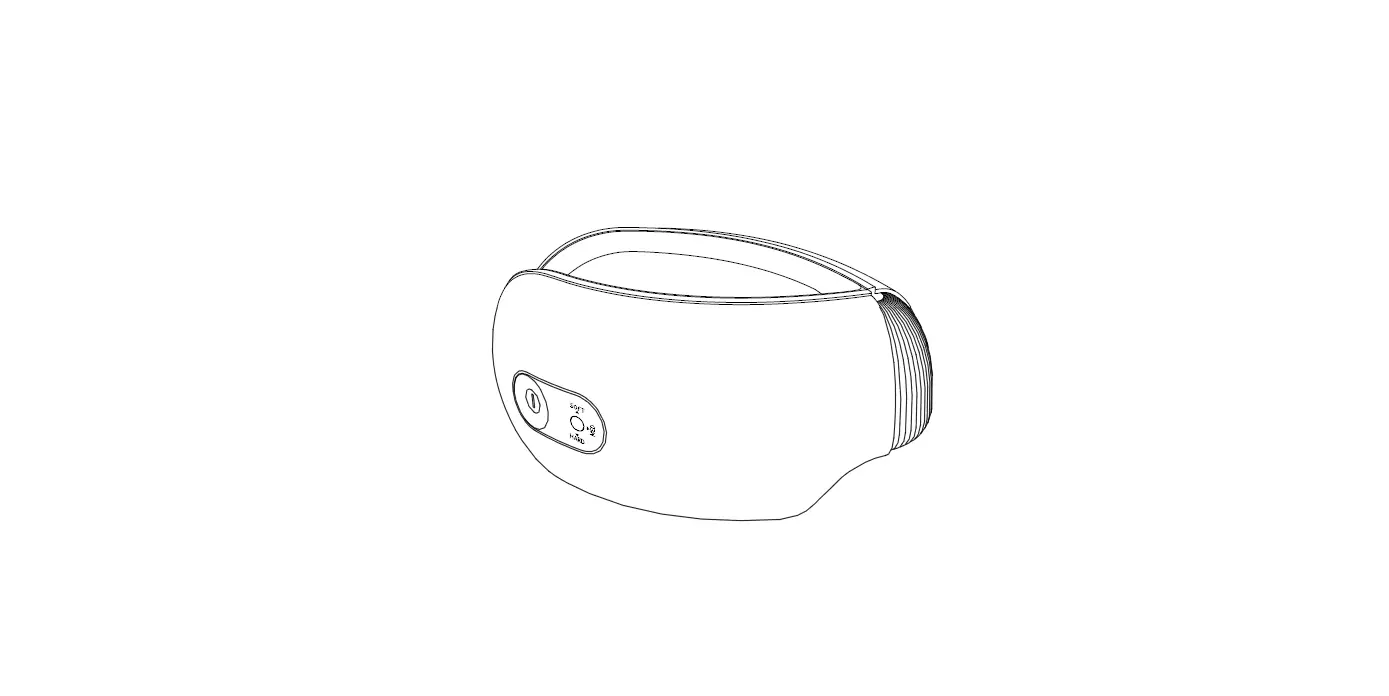
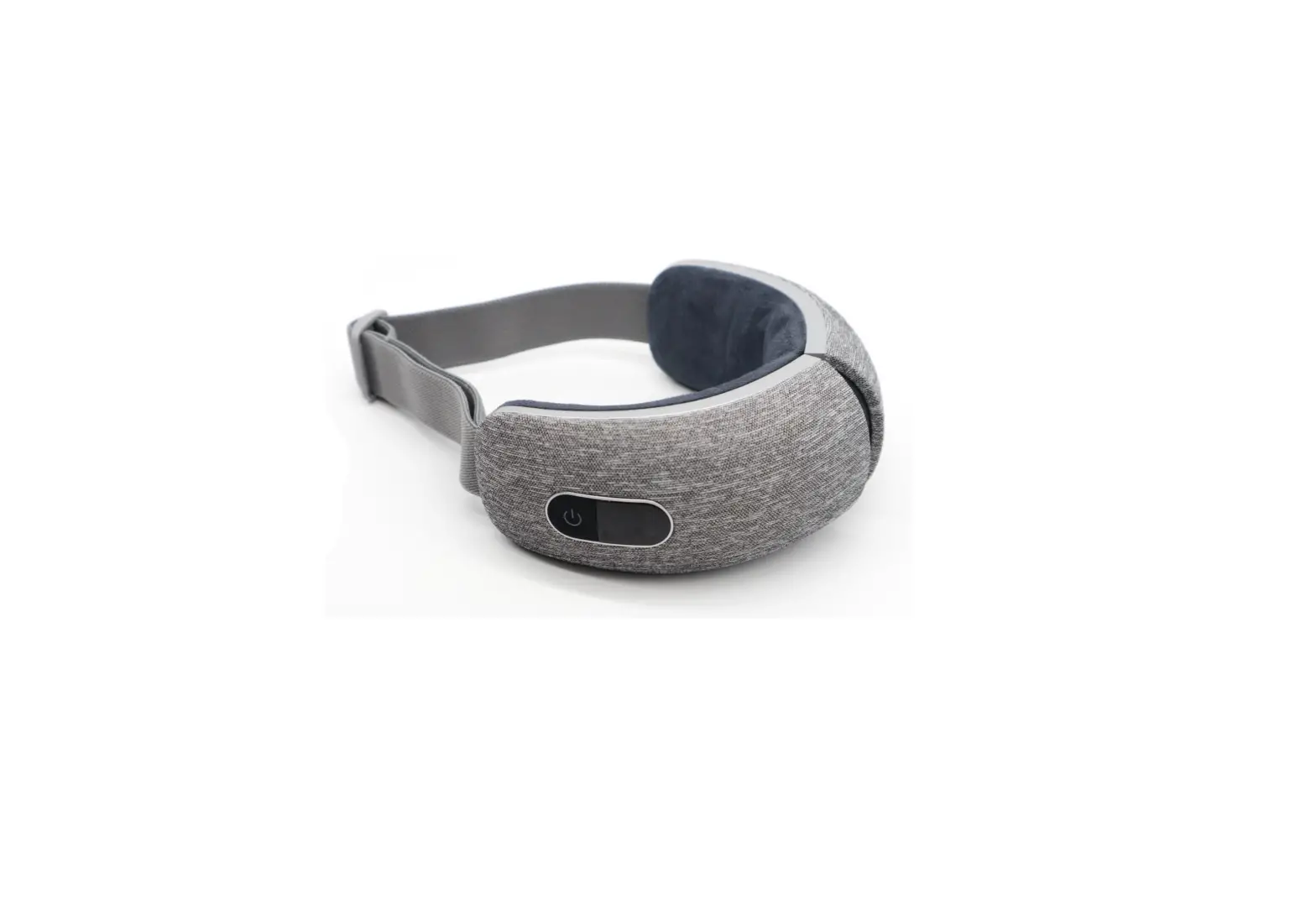
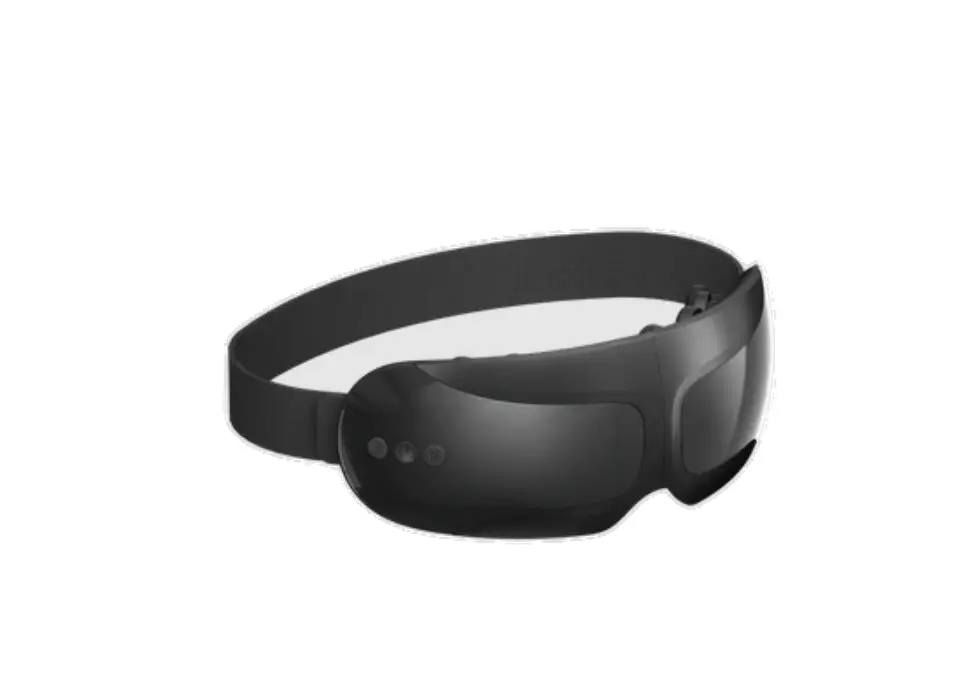
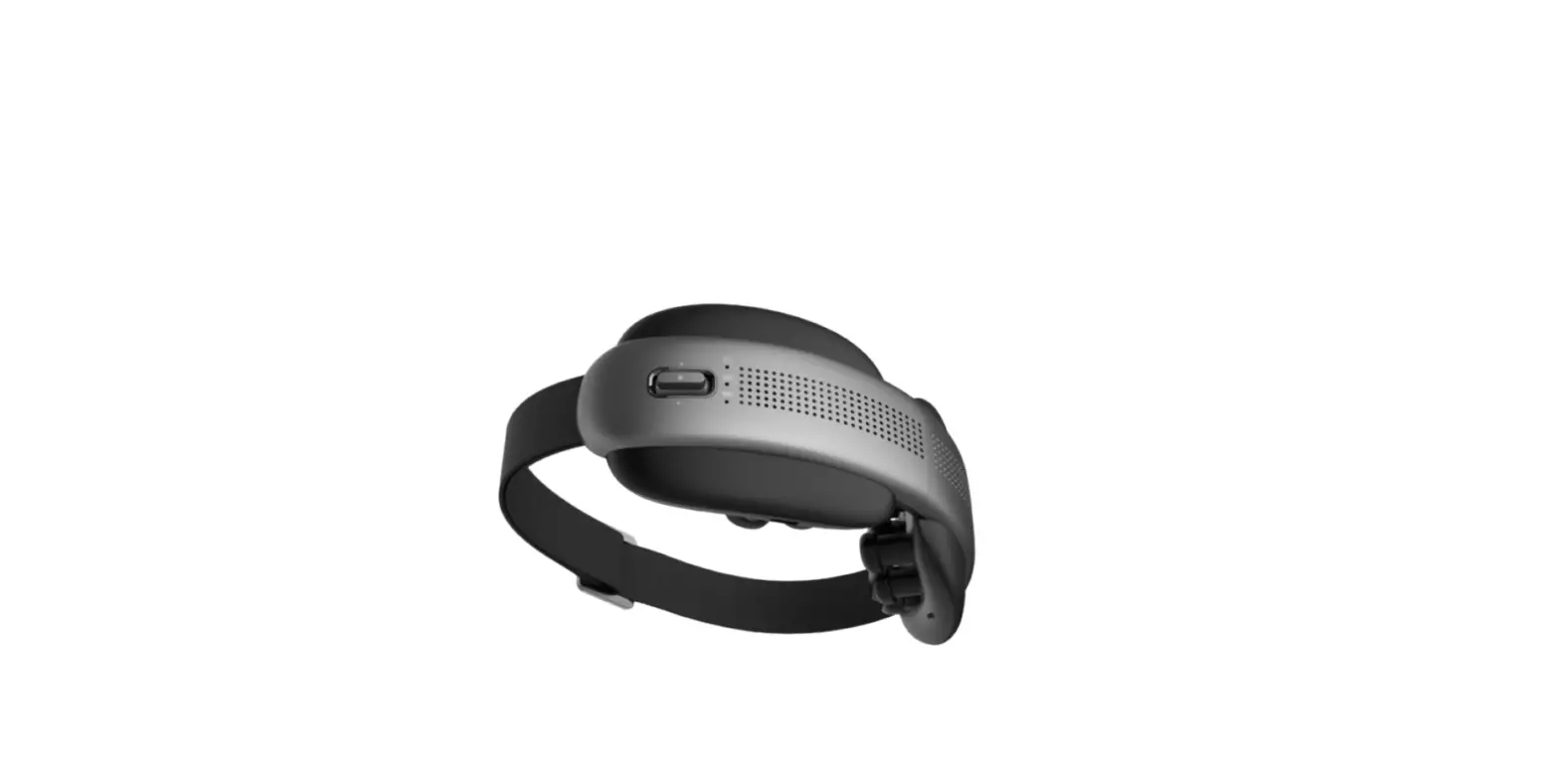
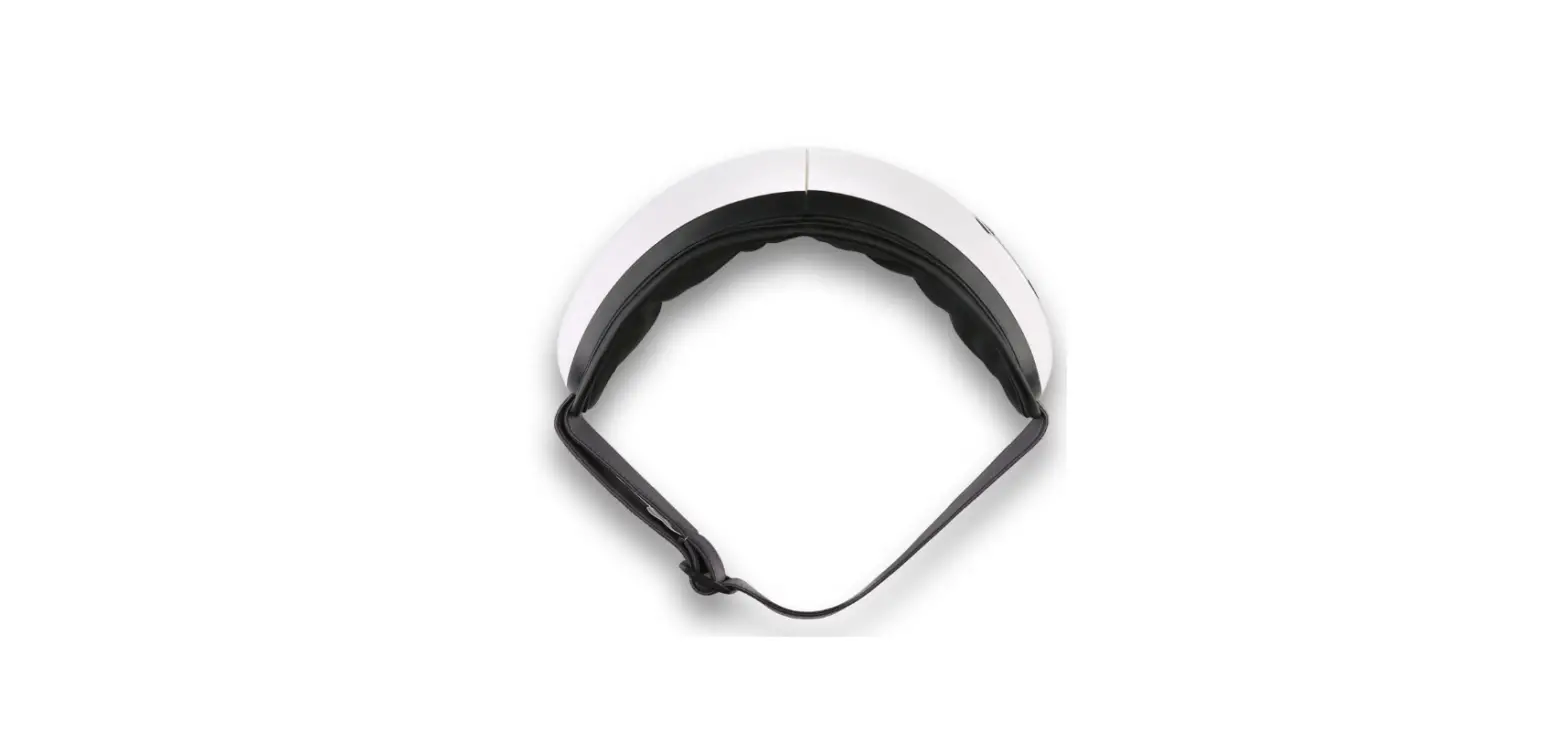
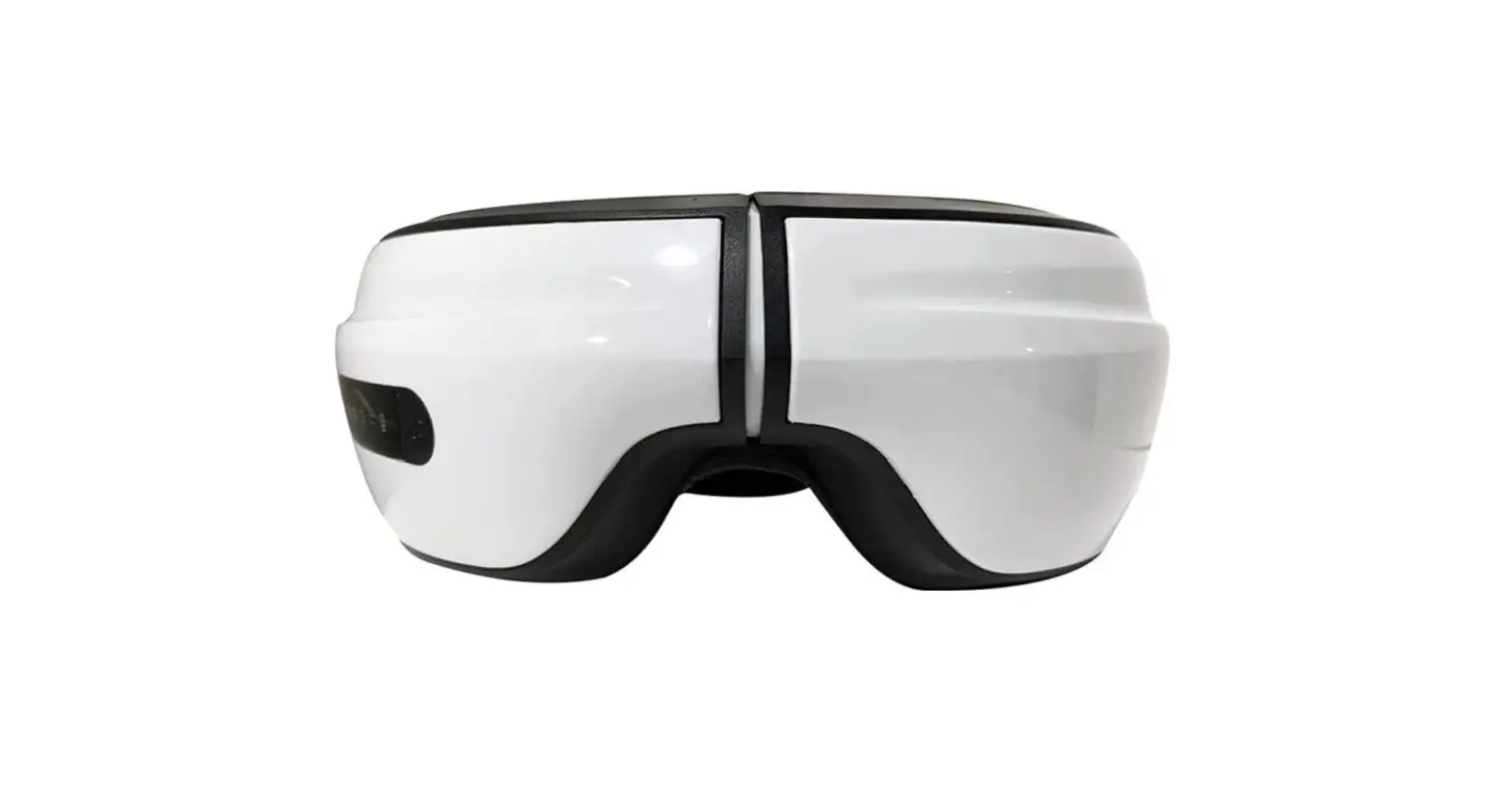
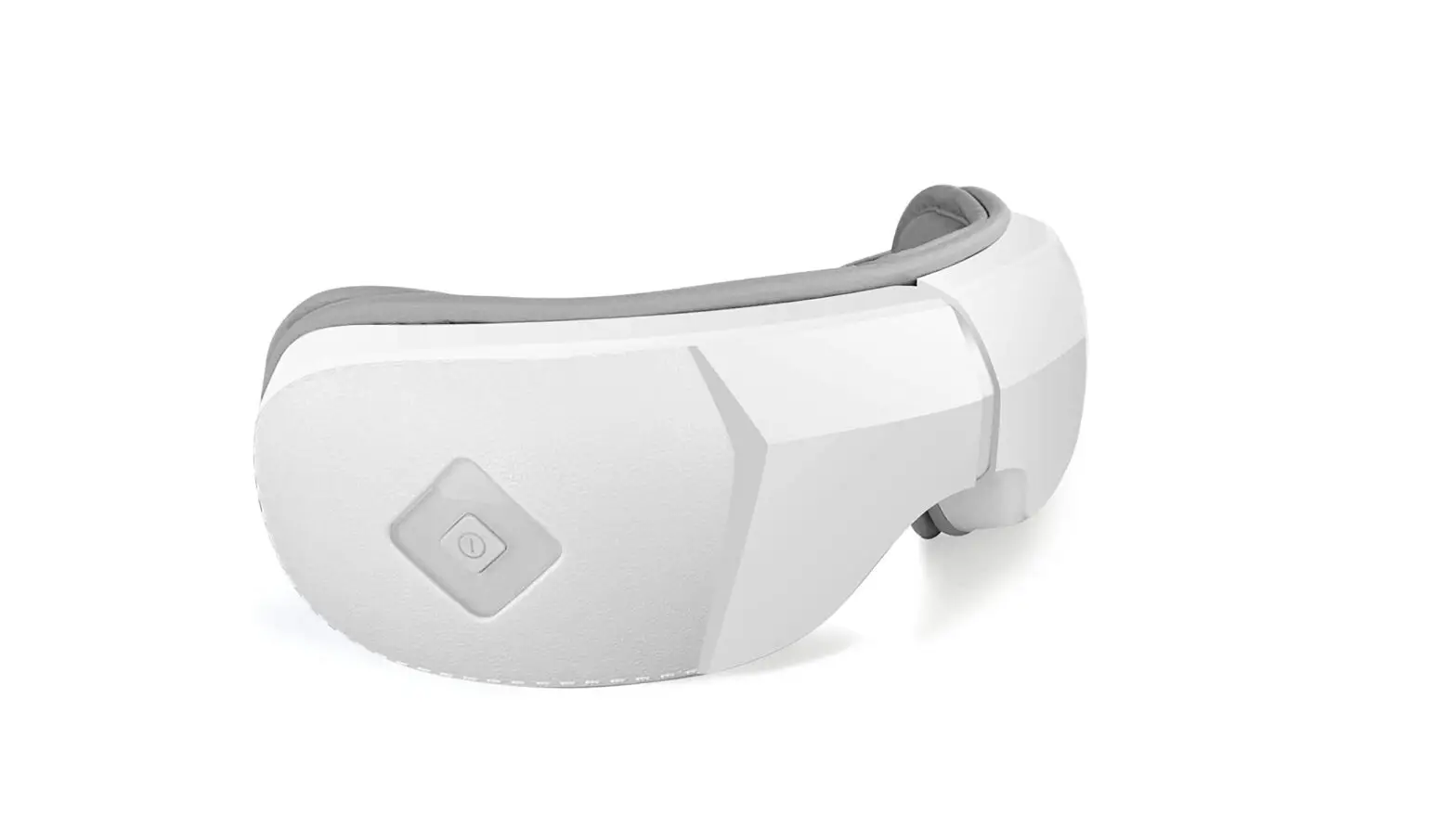
1 Simple one-button interface 2 5 Modes of compression massage & heat therapy 3 Folds for convenient storage & portability 4 Built-in speakers with Bluetooth connectivity 5 USB-C rechargeable battery 6 Ergonomic nose pad for added comfort 7 Easy to clean soft, vegan leather liner
PRODUCT SPECIFICATIONS
Rated Voltage
Product Name
RelaxableTM Eye Massager
Input Voltage
DC SV 1A
AC110240V~550Hz
Model Number MA-2000
Battery Capacity 1200mAh
4
OPERATION GUIDE 1. Remove eyeglasses, hair pins, or other hair accessories
before using the Eye Massager. 2. Place the head strap over your head and adjust the massager
to rest comfortably over your eyes before you start your treatment. 3. Press and hold the POWER button for 3 seconds to turn on the device. 4. Press and release the POWER button to change the therapy mode. Repeat to cycle through the various modes until you reach the desired setting. 5. The automatic timer will shut off the device after 15 minutes of use. 6. Keep your eyes closed during treatment. important: You may experience blurriness after use. This is normal and will subside after a few minutes.
5
BLUETOOTH MODE
· Bluetooth mode will automatically activate when the device is powered ON.
· Press the SCAN button to allow the device to discover your phone.
· Select “Eye Massager” when it appears on your phone screen to pair your devices.
· After pairing, you can play music through the platform of your choice.
· Press and release the POWER button twice to deactivate or reactivate Bluetooth Mode.
MASSAGE MODES
1 Automatic Blue Light Indicator Massage (changes every 60 seconds) + Music
2 Eye Protection Purple Light Indicator Intelligent Air Pressure + Hot Compress + Music
3 Vitality Green Light Indicator Intelligent Air Pressure + Vibration + Music
4 Comfort Red Light Indicator Hot Compress + Music
5 Sleep White Light Indicator Intelligent Air Pressure + Music
6
CHARGING THE BATTERY · Allow the device to charge for 3-5 hours before use. · The indicator light will flash while the device is charging. · The indicator light will remain illuminated, indicating the
device is fully charged. · Disconnect the device from the charger after charging to help
prolong battery life.
CLEANING & STORAGE 1. Unplug the device before cleaning. 2. Do not submerge the device in water. 3. Do not use harsh cleaning agents on the device. 4. Use a damp cloth or an alcohol pad to wipe the device after
each use. 5. Keep away from heat sources and direct sunlight. 6. Fully charge the device before storing for prolonged periods. 7. Store the device in a cool, dry place.
7
TROUBLESHOOTING
Problem
Noise present during operation
Device stopped before the 15-minute timer expired
Pressure seems lower than usual
Solution Normal Charge the device 3-5 hours Charge the device 3-5 hours
Device will not power on
Charge the device 3-5 hours
Indicator light is not on while charging
Ensure connections are secure
NOTE: Do not disassemble this device for any reason. iReliev® is not responsible for damage to product, property or persons caused by improper use or disassembly. Thank you for your cooperation.
8
WARRANTY The iReliev® Eye Massager comes with a 1-year warranty from the date of purchase. The warranty applies to the main device and necessary parts and labor. The warranty does not apply to damage resulting from failure to follow operating instructions, accidents, abuse, alterations, or disassembly by unauthorized persons. ExcelHealth Inc. reserves the right to replace or repair the unit at their discretion.
9