How to Pair Bluetooth with Hyundai Vehicles
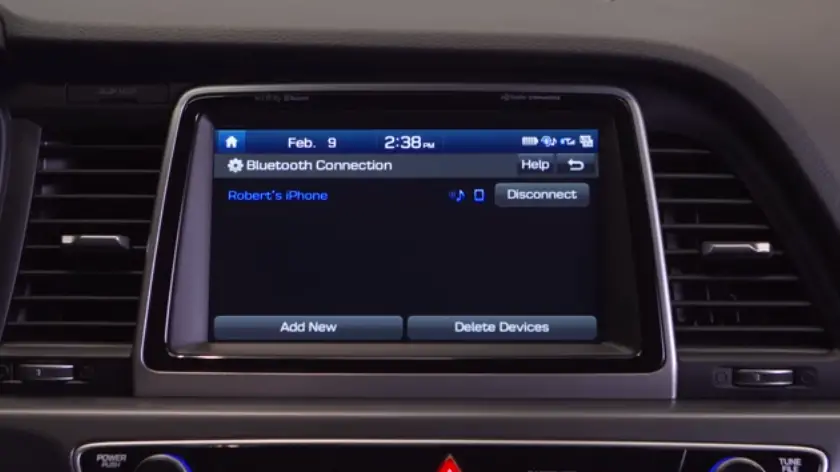
Bluetooth Basics:
If you are pairing your phone for the first time, please follow these steps:
- Make sure your vehicle is in park.
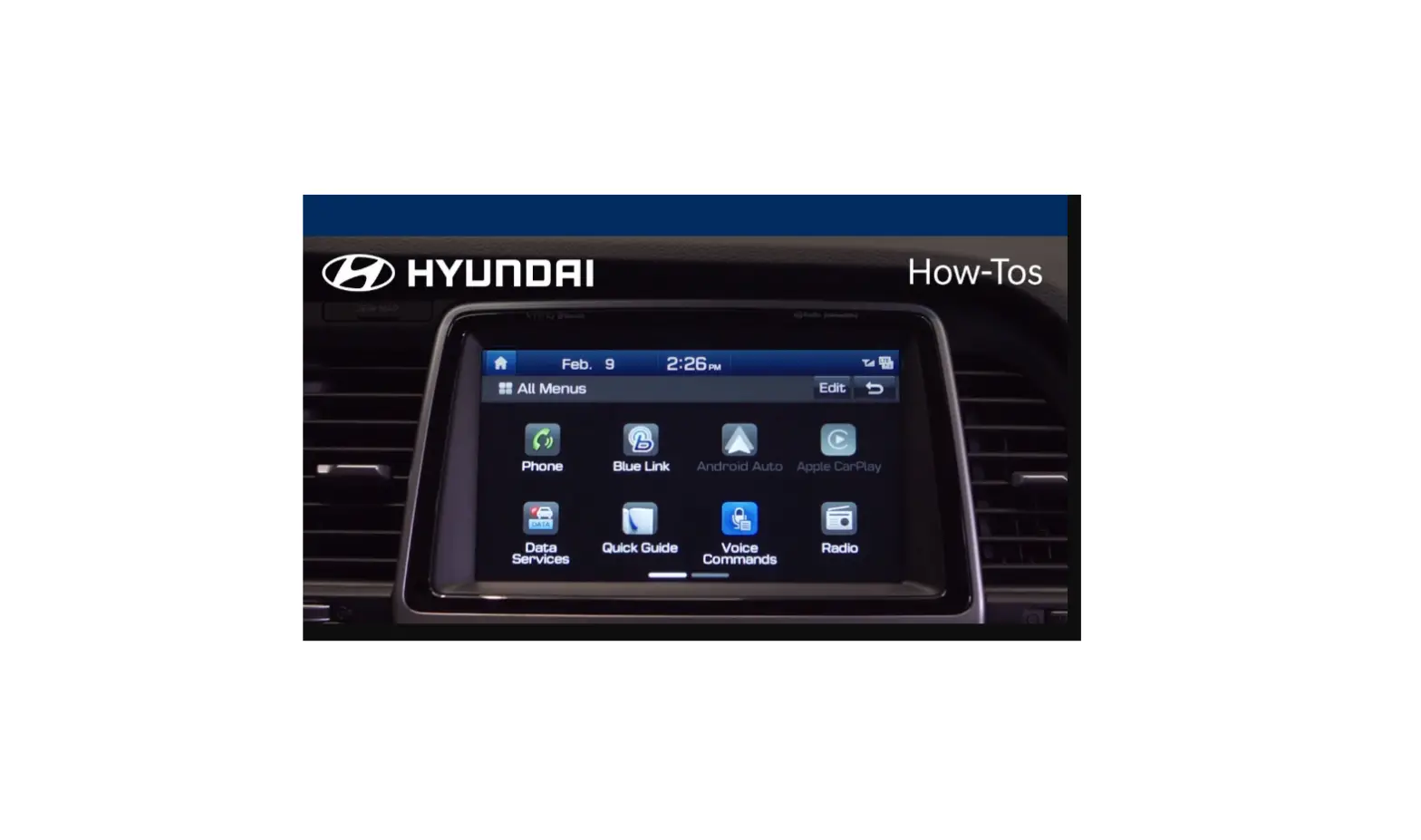
- Press the Setup button.
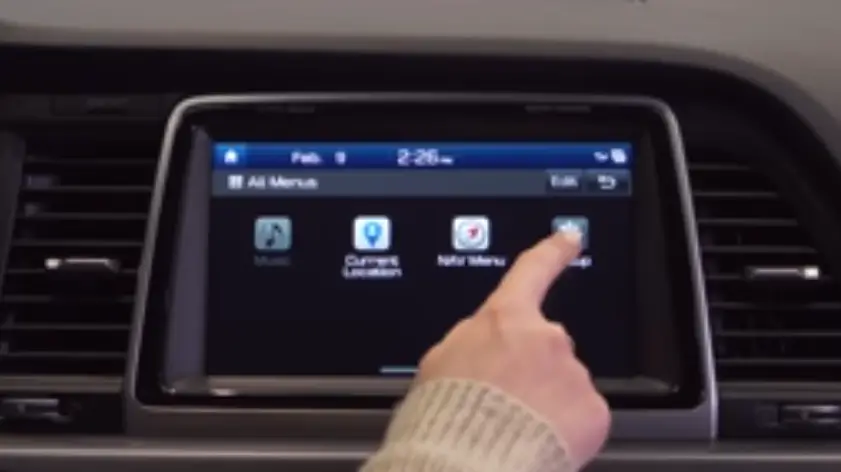
- Select the Bluetooth icon.
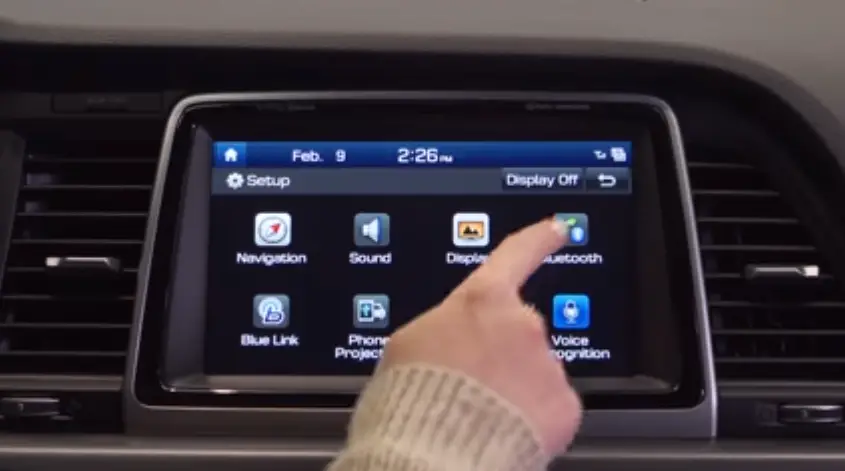
- Then Bluetooth Connections.
- Then Add New.
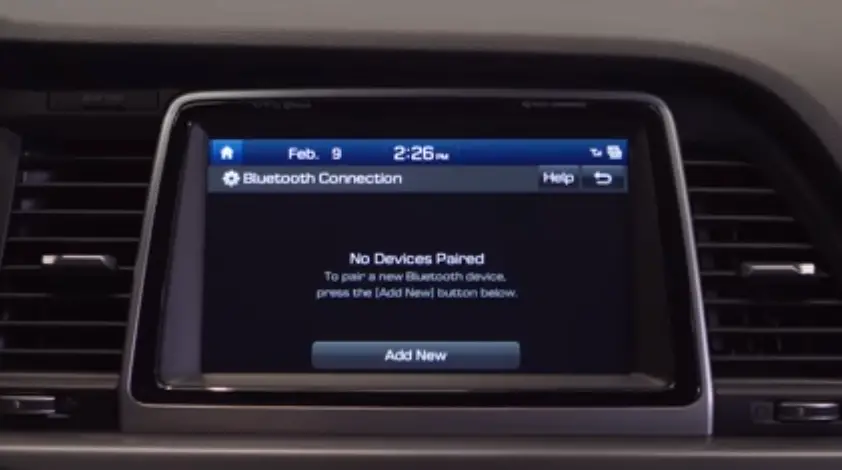
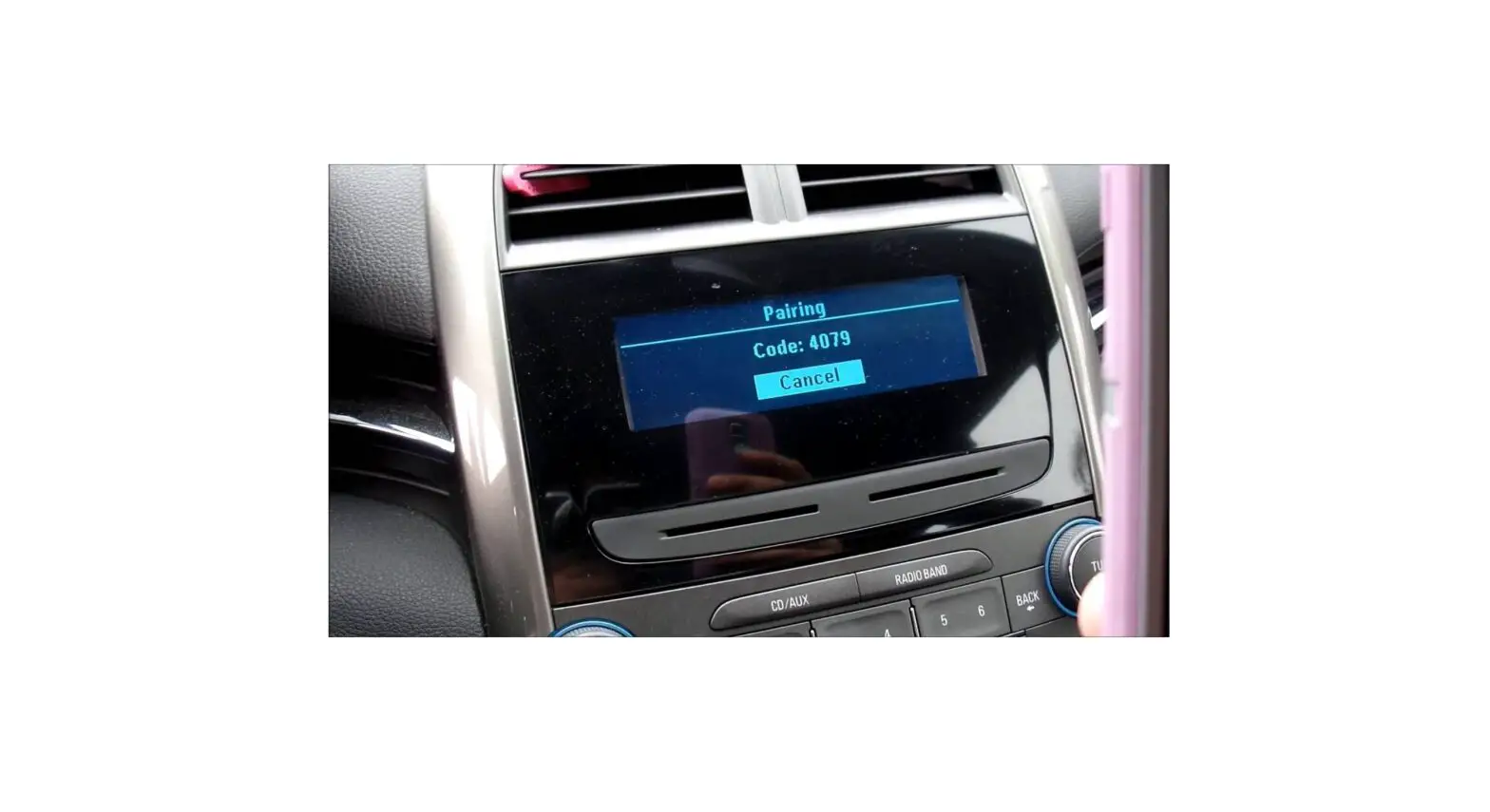
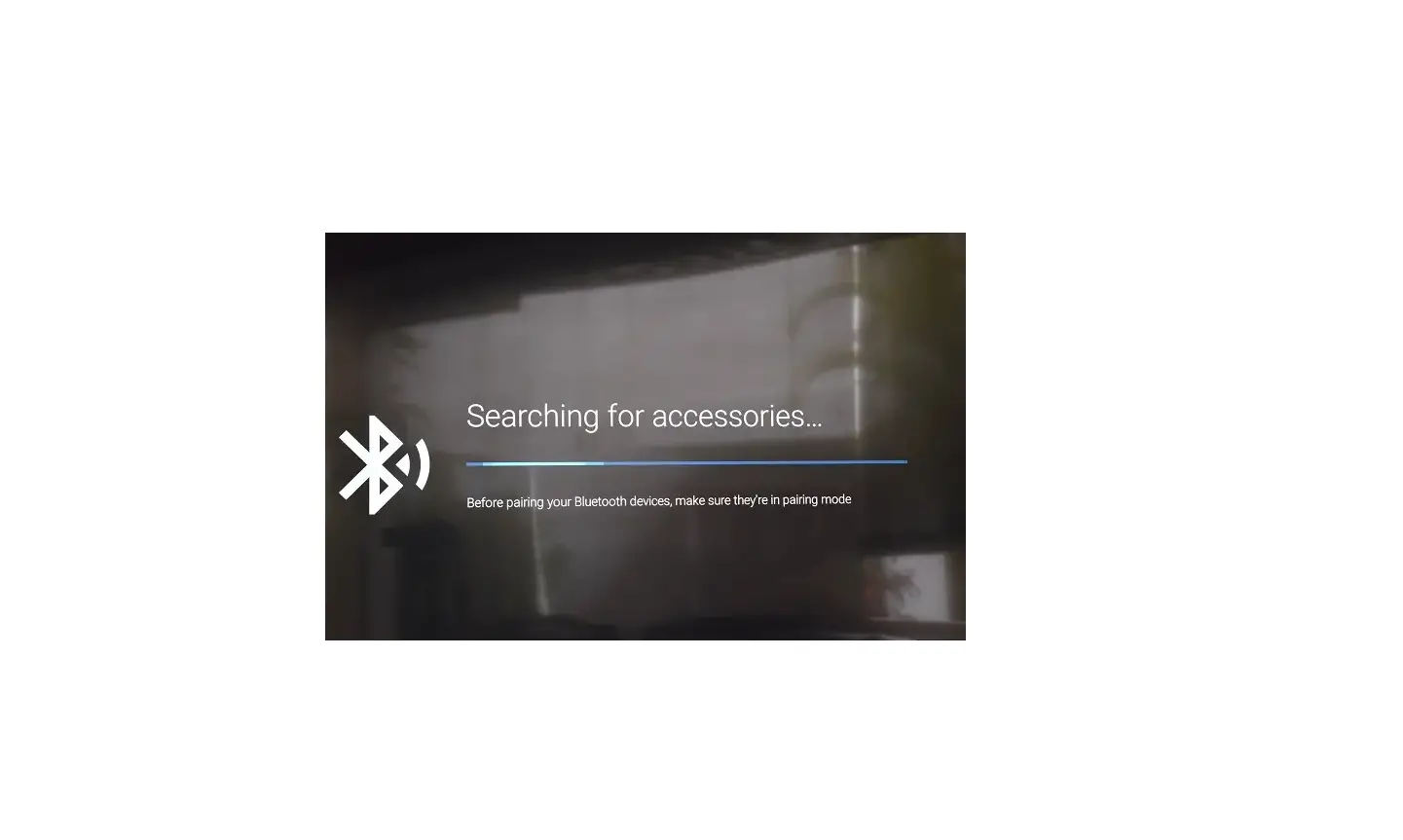
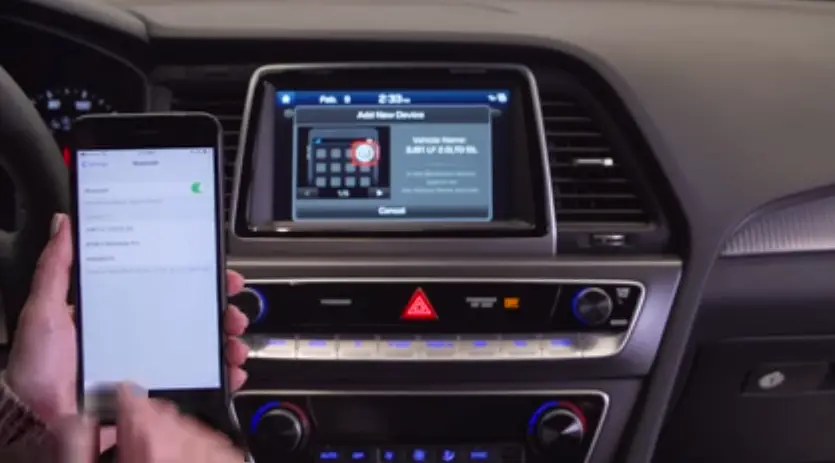
Make sure Bluetooth is turned on, on your mobile device and select the name that matches the vehicle name on the screen.
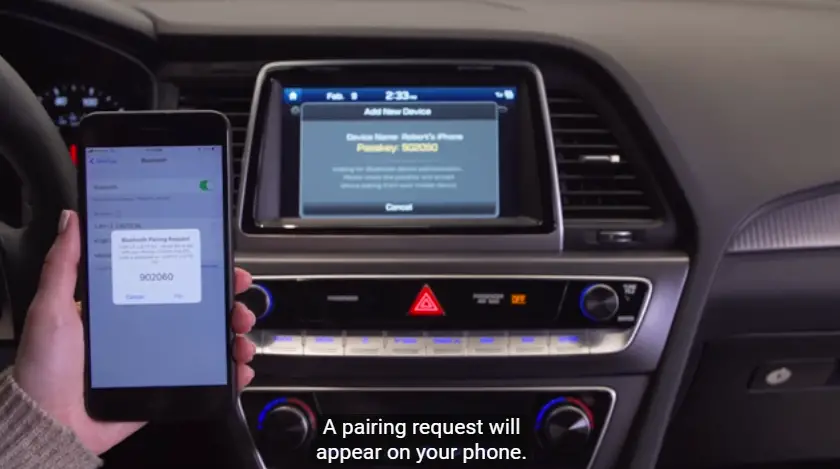
- A pairing request will appear on your phone.
- Select Pair to connect.
- Your phone is now connected.
- Click Allow to have your contacts sync with the vehicles Bluetooth.
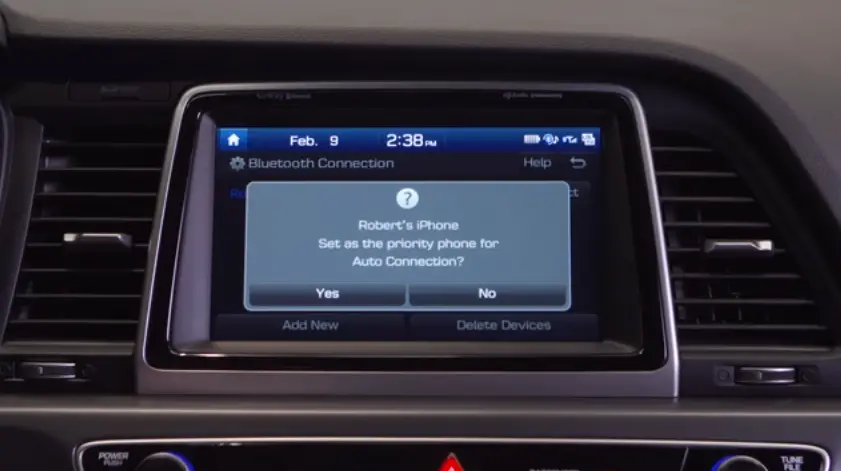
- Click Yes on the vehicle display screen to have your phone set as the priority.
Please note that, “Your vehicle must be parked to complete the pairing process.”