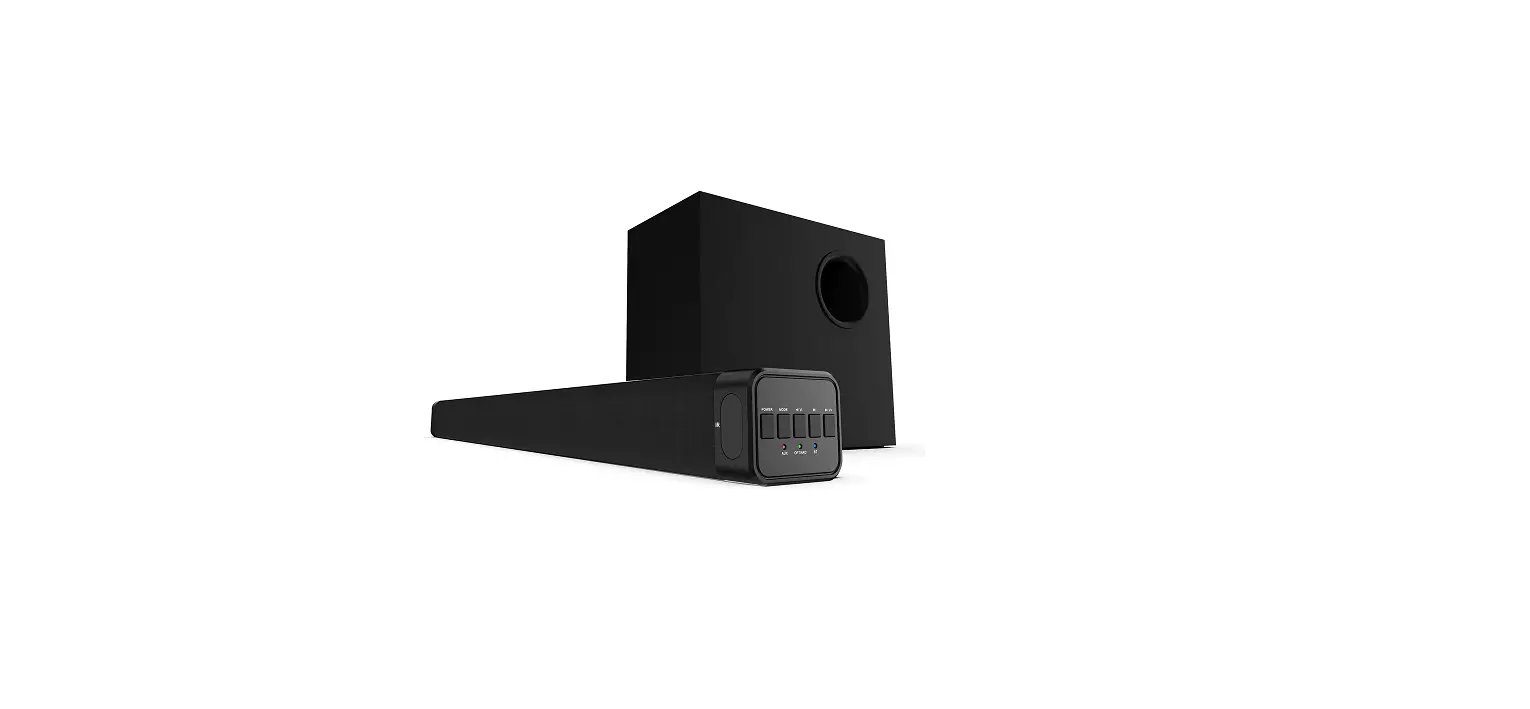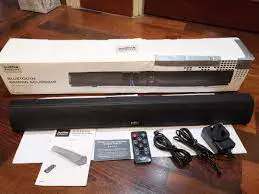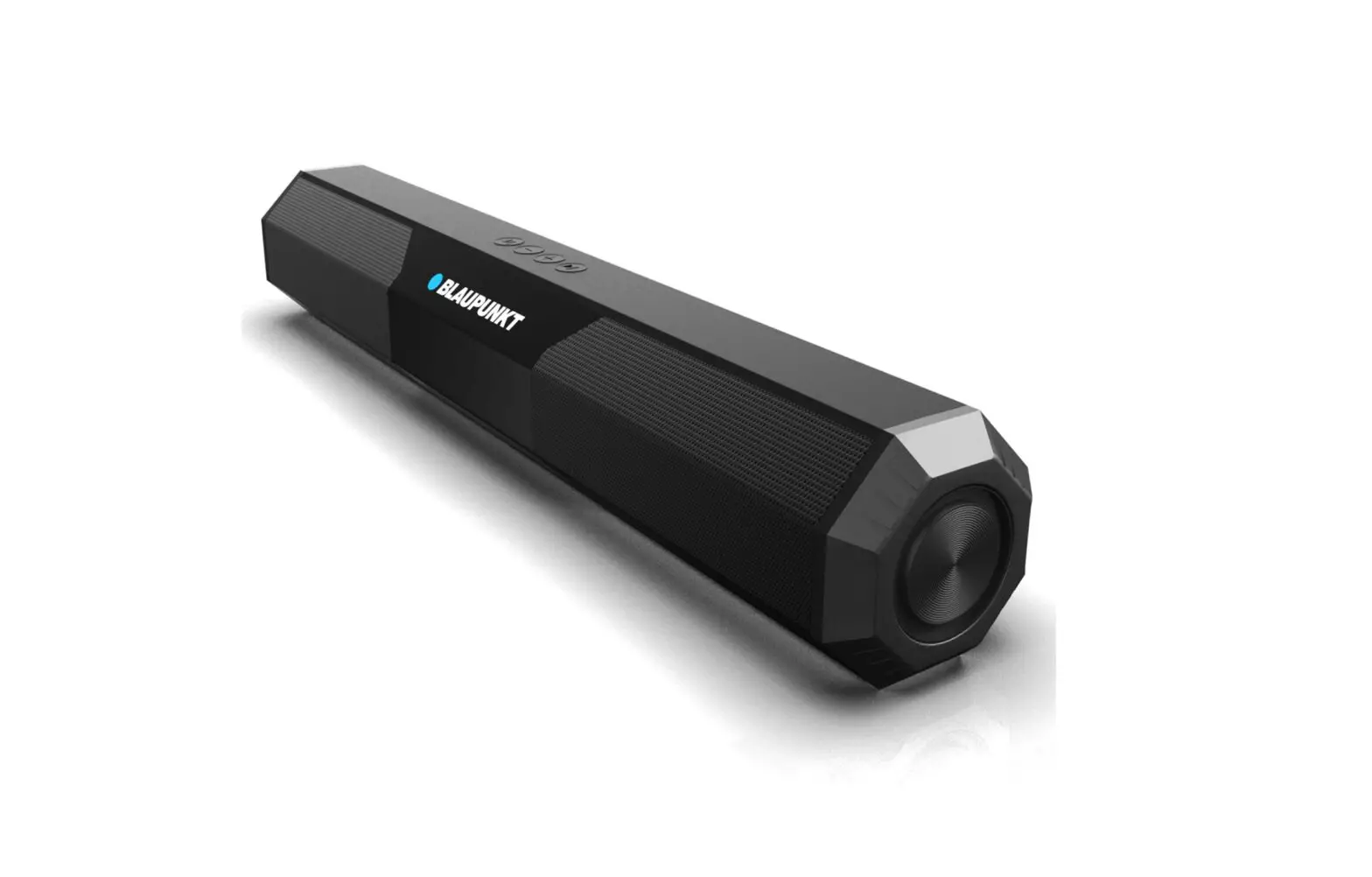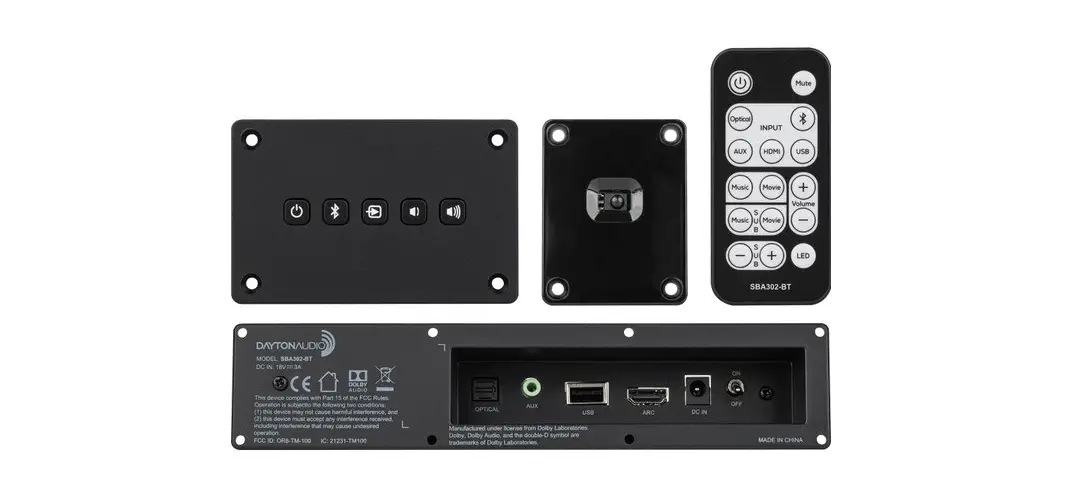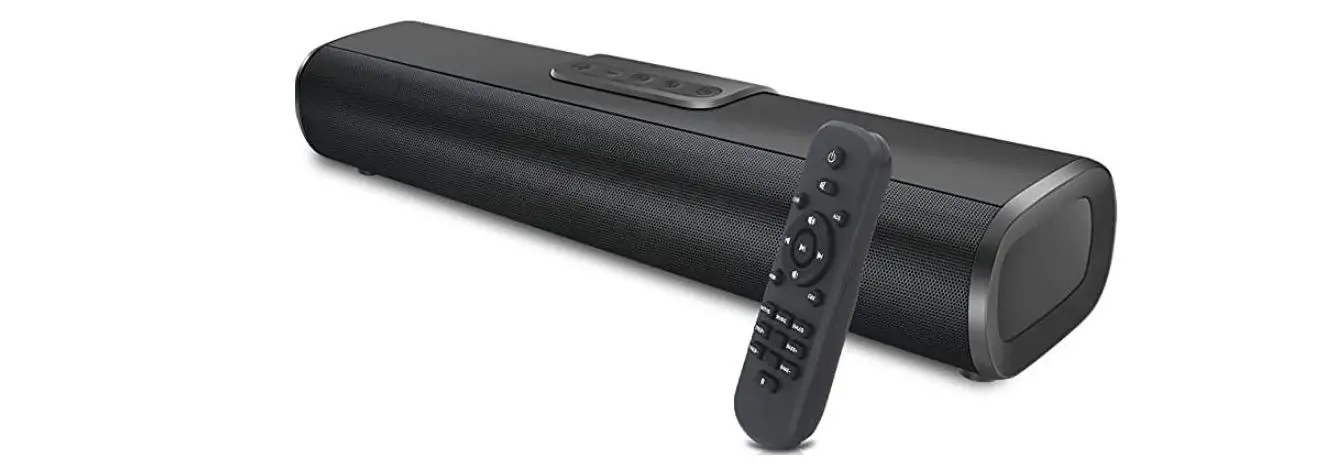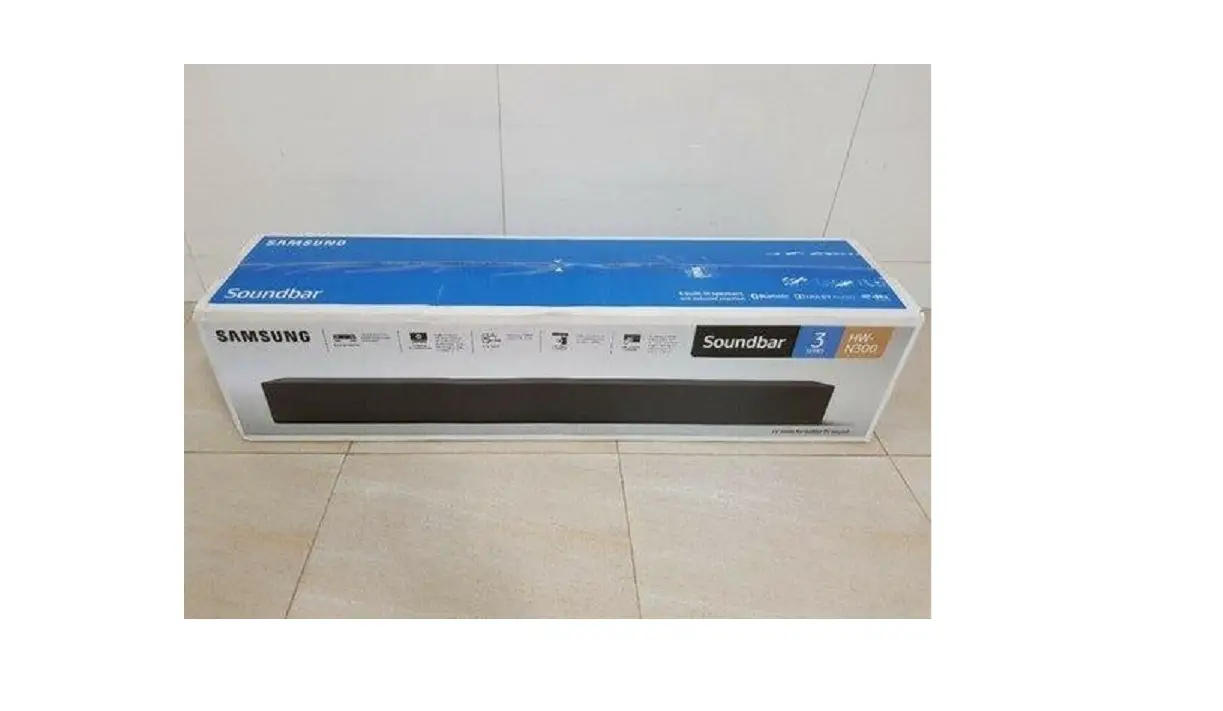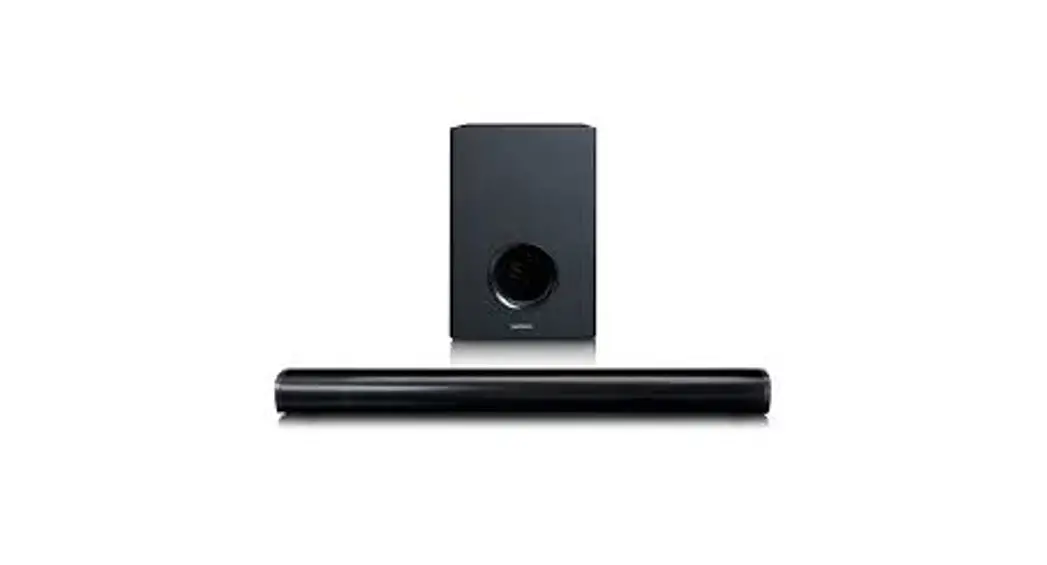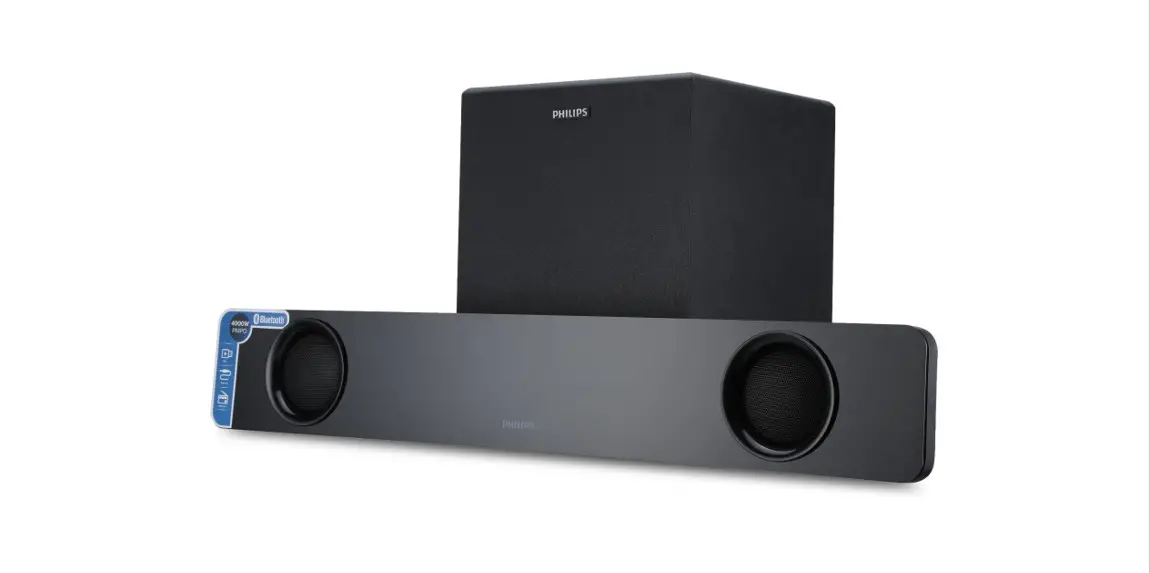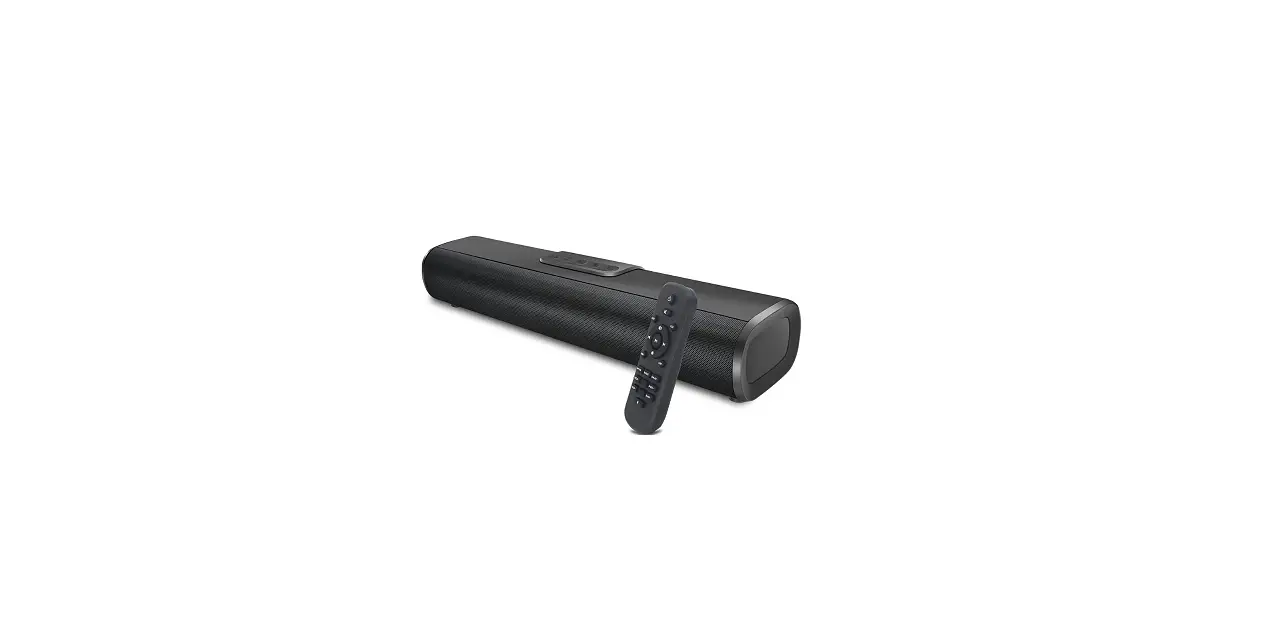
 LIPEILA Soundbar Bluetooth 50W Speakers Remote Control
 LIPEILA Soundbar Bluetooth 50W Speakers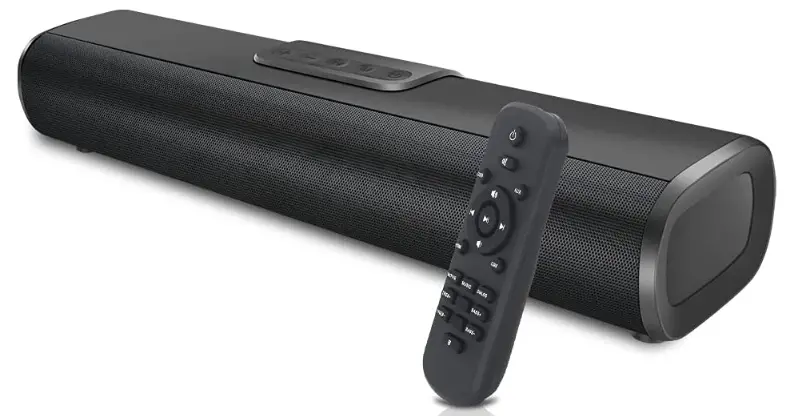
TV connection instructions
Warm prompt: If the TV does not have AUX and HDMI ARC/optical output ports, speakers can also be connected to your TV box or DVD.
AUX connecting method read the detailed user manual.
Step1: connected speakers and TV (OPT/HDMI ARC connections are selectable)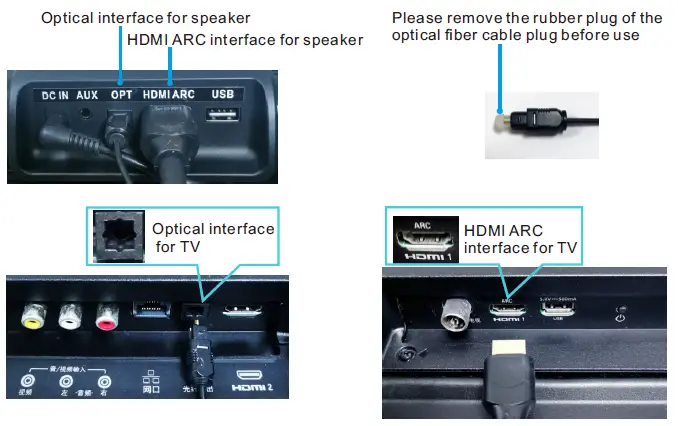
Step2: step the speaker to the OPT/HDMI ARC mode
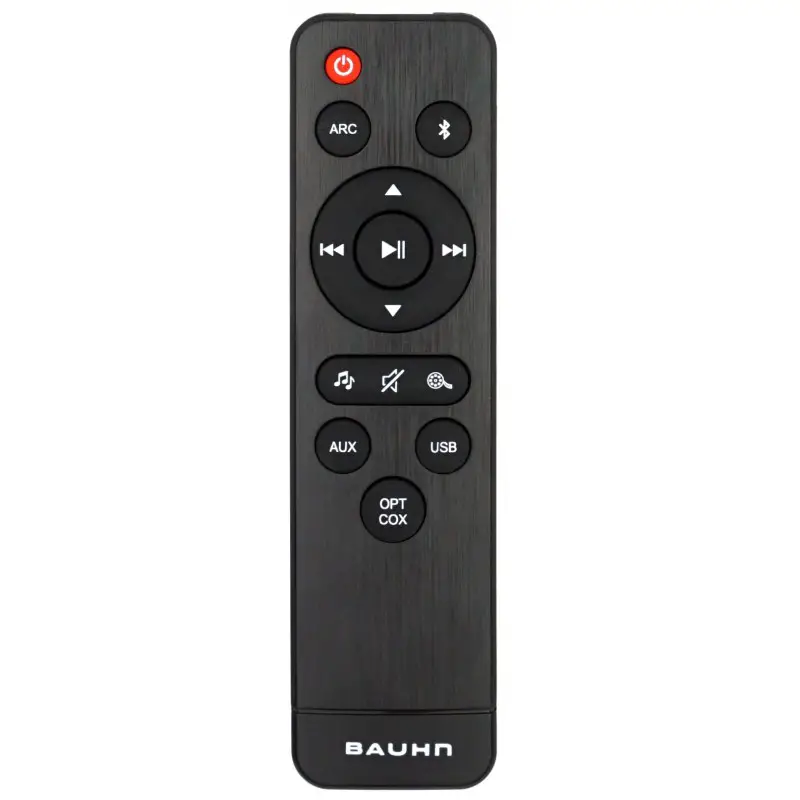
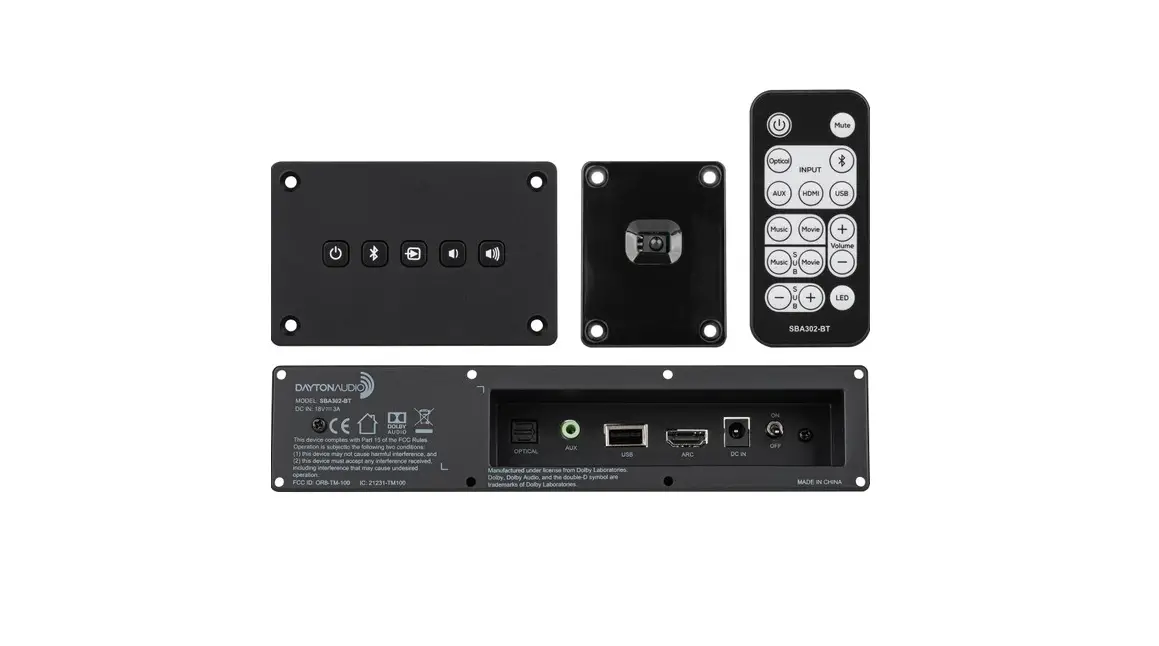
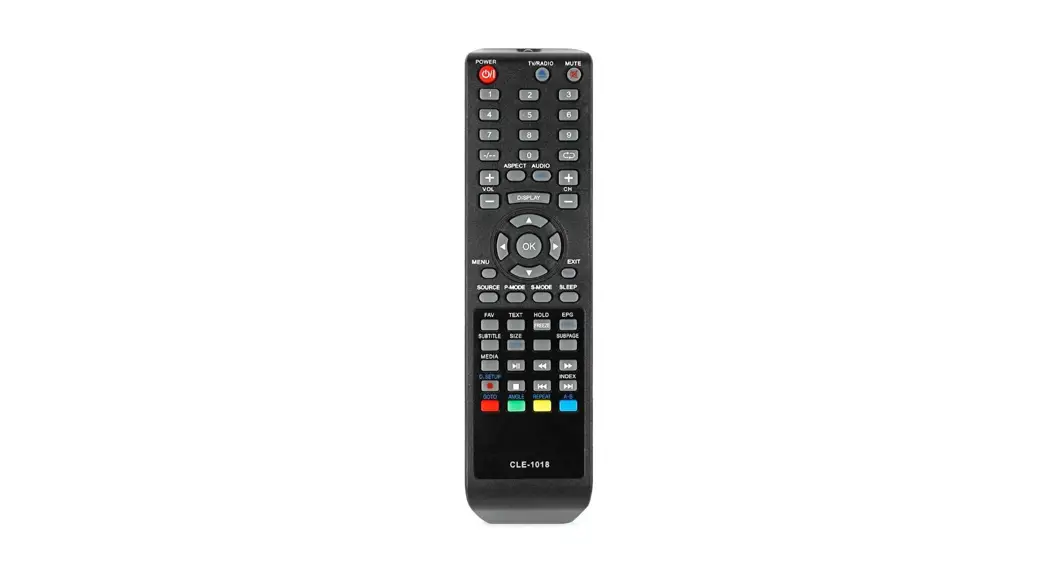
When the speaker is connected to the power supply, the speaker will automatically turn on, use the remote control or the button on speaker to switch to the optical mode or HDMI ARC mode, at the speaker changed successful you can hear the prompt voice.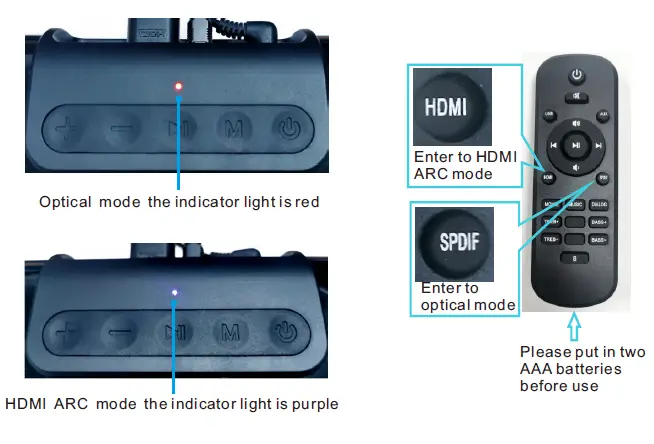
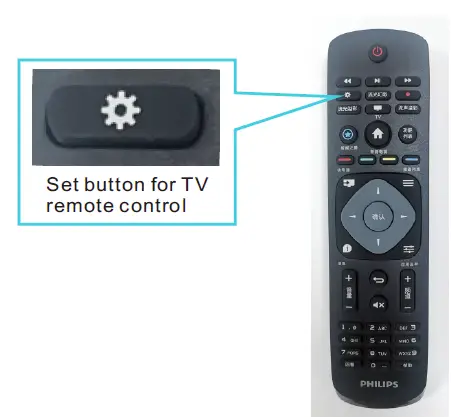
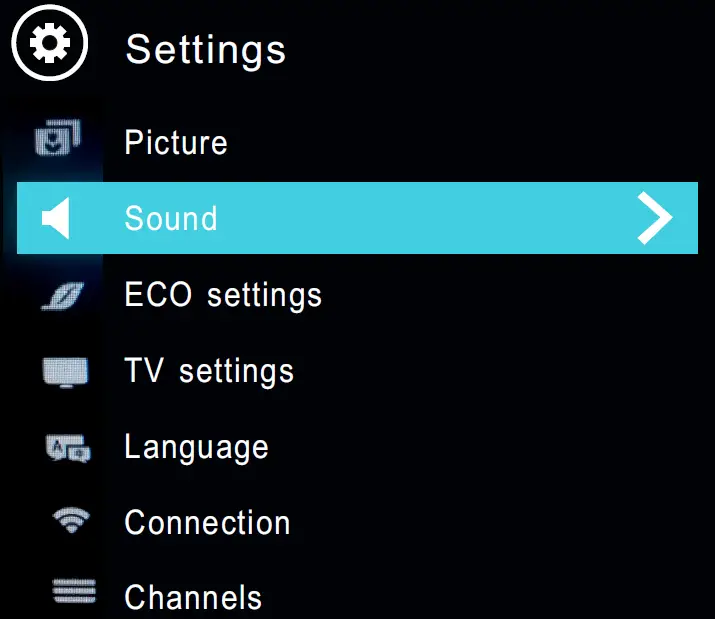
Step3: TV sound setting the sound output mode
We use the setting method produced by Philips TV, the setting method of other brand TVs may be different, but the principle is the same, just for reference, please note!
Settings


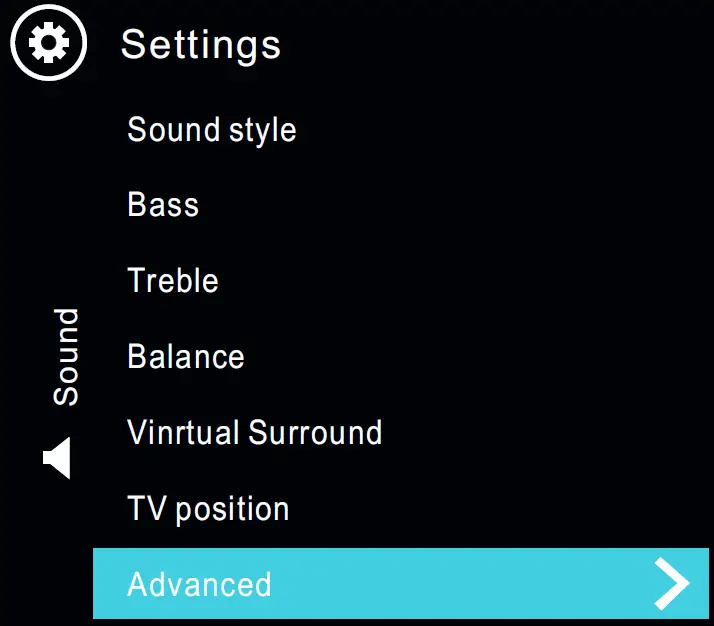
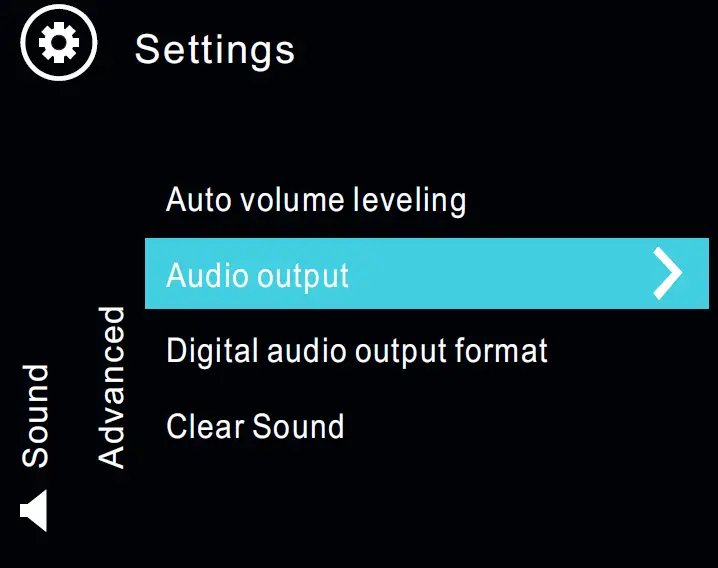
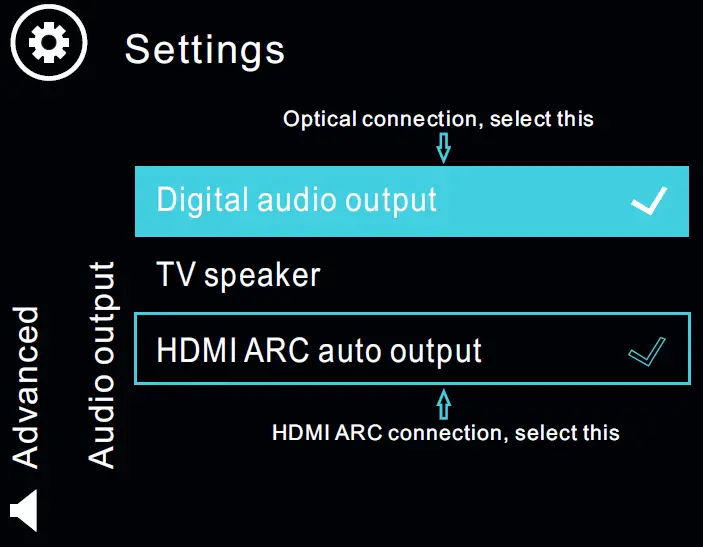
FAQs
How do LIPEILA Bluetooth soundbars work with TV?
Select Bluetooth Speaker List from the Home menu on your TV, followed by Settings, Sound, Sound Output, and Bluetooth Speaker List. From the list, choose your soundbar. The notification “Need Pairing or Paired” will show up in the TV’s Bluetooth device list when it detects a nearby soundbar.
How many channels should a LIPEILA soundbar have?
Most soundbars include a subwoofer and at least three front channels (left, centre, and right). That system is 3.1. The centre channel, in my opinion, is crucial because that is where dialogue is placed by TV and movie mixers.
What does Bluetooth do on a LIPEILA soundbar?
Bluetooth links your TV and soundbar together as a source and receiver, respectively. Bluetooth can be used for a variety of transmission functions, while it is typically utilised to transmit and broadcast audio. To transmit and receive text messages, for instance, it can be used as an alternative to SMS.
Can I connect to my LIPEILA Bluetooth speaker and soundbar?
Soundbars can only connect via Bluetooth to audio-playing devices like TVs, tablets, and phones. They are not compatible with soundbars, headphones, or other Bluetooth speakers.
Do all LIPEILA soundbars work with any TV?
Soundbars have the technology to work with any TV, whether it is a new model or one from a prior generation. Additionally, they provide a variety of connection options for TVs, such as optical cables, HDMI cables, Wi-Fi, and Bluetooth.
Which connection is best for LIPEILA soundbar?
An HDMI cable is the ideal connection method for your soundbar and TV. Due to the fact that HDMI sends audio digitally, it will be unprocessed and raw. The best soundbars, including those that feature surround sound, may be connected to computers using HDMI cables.
What is the purpose of a LIPEILA sound bar for TV?
A sound bar is an integrated speaker system that produces high-quality TV sound without taking up as much room as a home theatre receiver and surround sound speaker setup, and it is also less expensive. Two or more speakers are housed in the long, narrow cabinet of a sound bar, which can produce stereo or surround sound.
How do LIPEILA soundbars work?
A soundbar connects to your TV without a receiver and contains many speakers as well as the electronics that power them. Some feature back speakers to make a full surround-sound system, while others have a wireless independent subwoofer.
Do LIPEILA soundbars use Wi-Fi?
When using a wireless soundbar, radio waves are used to receive packets of data (Wi-Fi or Bluetooth). The soundbar then replies with a packet verifying reception and starting a request for the subsequent packet. Thousands of times every second, this back and forth takes place.
Can a LIPEILA soundbar wirelessly connect to TV?
Some soundbars can be wirelessly connected to TVs if they have WiFi and/or Bluetooth connectivity options. Despite the fact that cables are avoided, it is preferable to use an HDMI connection because there is no chance of lag or network issues. An optical cable may also be utilised.
Do LIPEILA soundbars attach to TV?
Soundbar mounts are made to fit with the VESA pattern of your TV (little holes on the back). They are essentially always going to work with TVs, stands, and wall mounts. The installation will go quite quickly if your TV is on its original stand and the VESA holes aren’t being used.
Can I connect 2 LIPEILA soundbars to my TV?
However, you can connect two soundbars if you want to further enhance sound quality while you are viewing a movie or TV show. Plug one end of the cable into the output connector of the first soundbar and the other end into the input jack of the second soundbar to link them together.
Where do you place a LIPEILA sound bar?
For optimal sound quality, place the front of the soundbar as near as possible to the front edge of the shelf or stand. Make sure nothing is blocking the soundbar’s speakers on top. Place the soundbar away from direct heat sources, metal cabinets, and other audio and video equipment.
What is inside a LIPEILA soundbar?
The inside of a soundbar really comprises many distinct speaker types, including tweeters, mid-range drivers, and woofers, to generate the complete range of frequencies that are generally produced by a full speaker system. The smallest kind of speaker is a tweeter, which normally only has a 1 to 2 inch diameter.
What are the benefits of a LIPEILA soundbar?
Improved audio quality. The speakers that come with your TV don’t have fantastic sound quality, but they get the job done. Streaming audio. If your soundbar has Bluetooth, you may stream directly from your smartphone to host a small party in your living room. Embrace the environment.