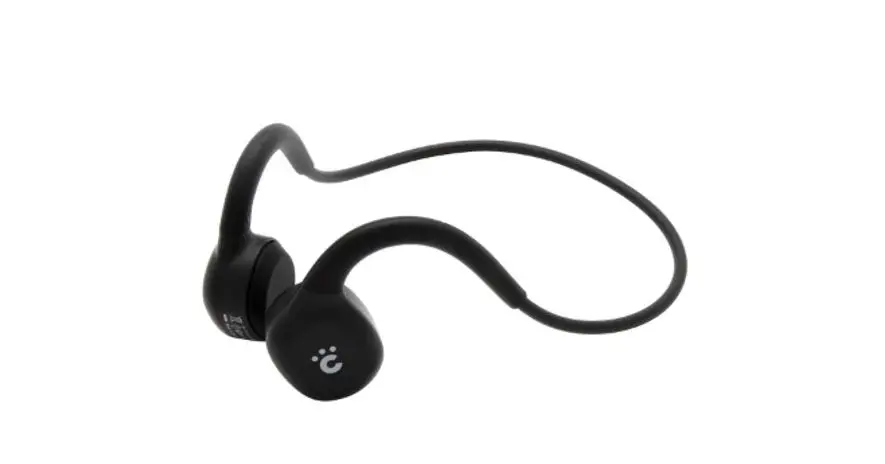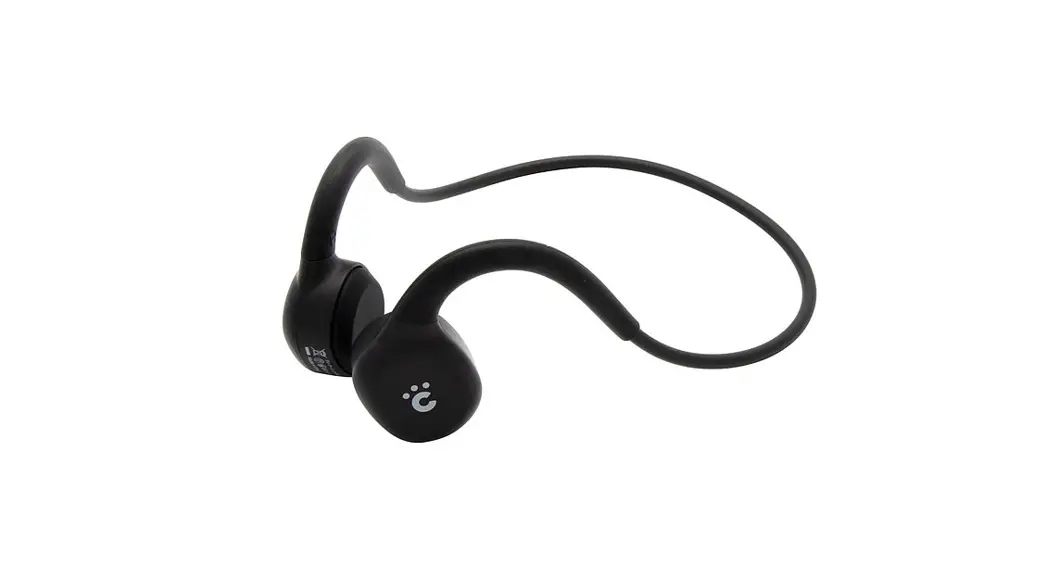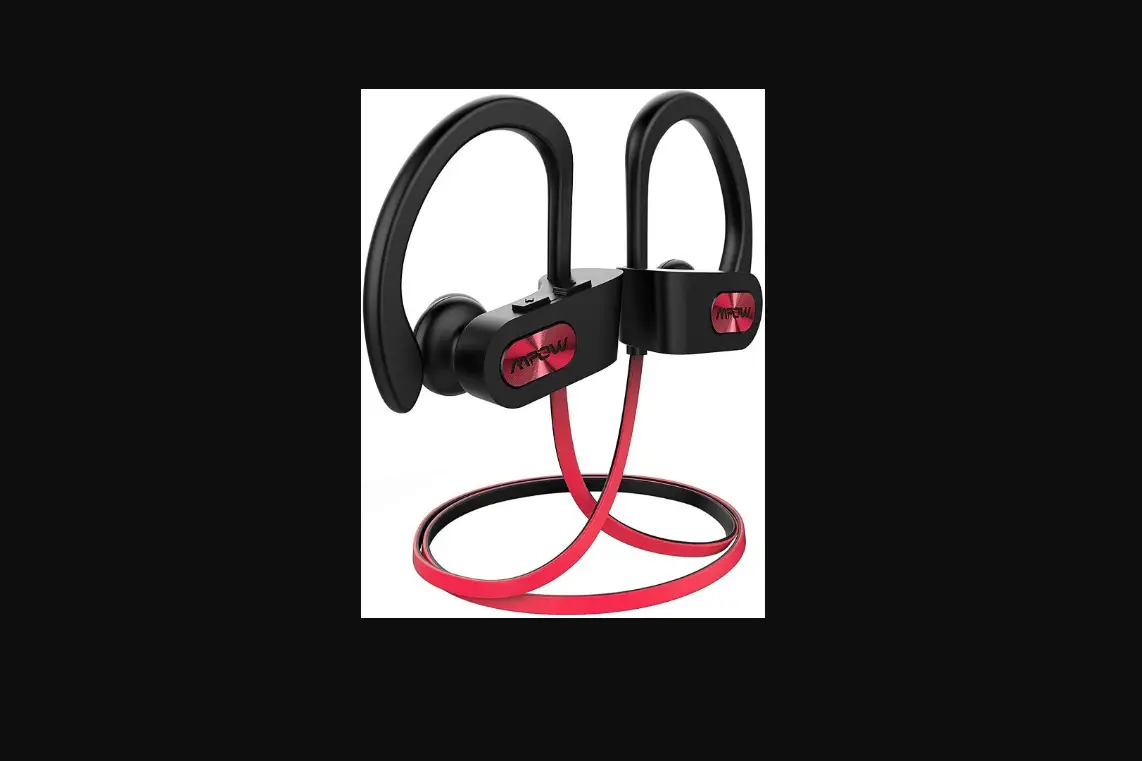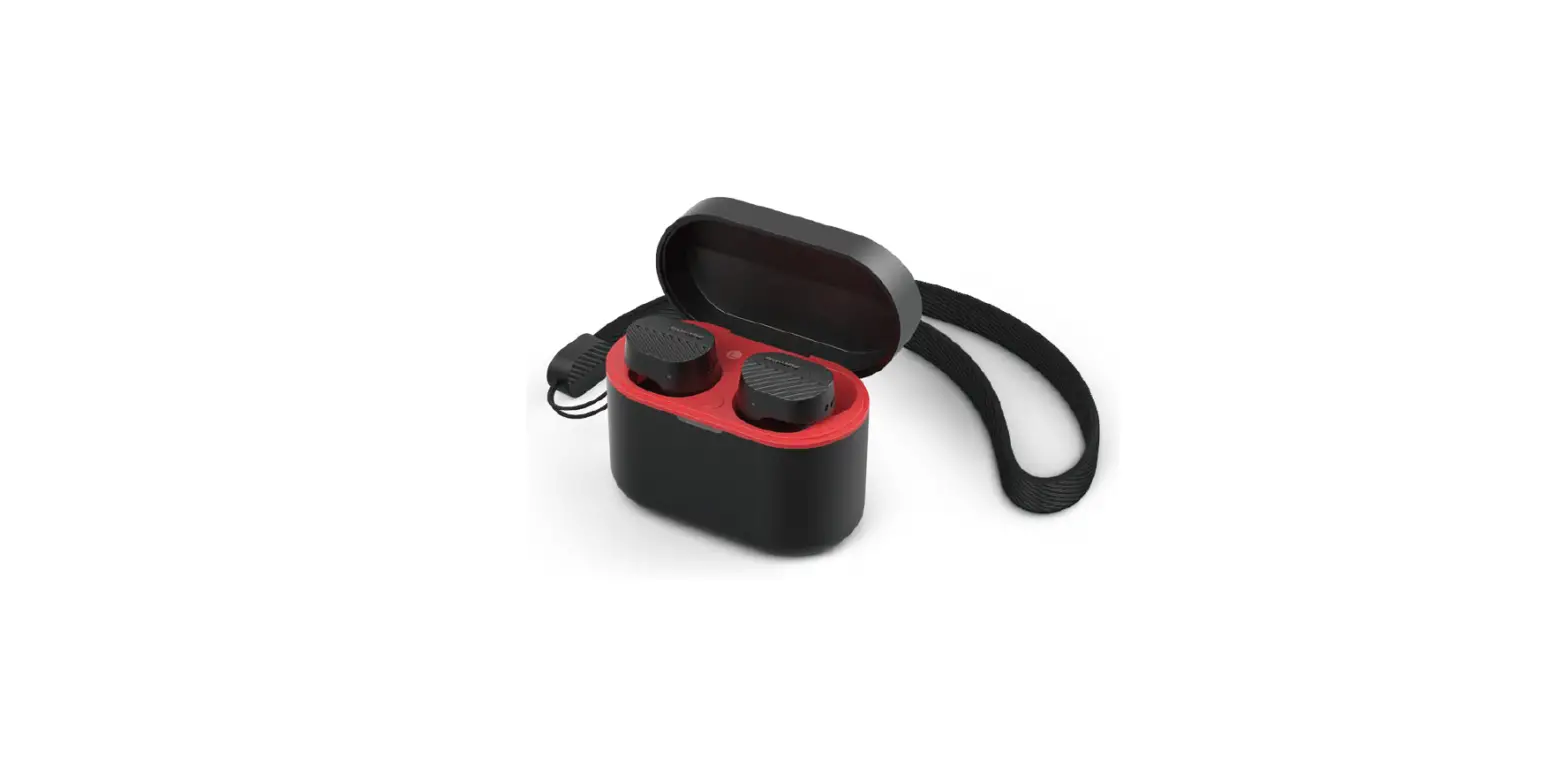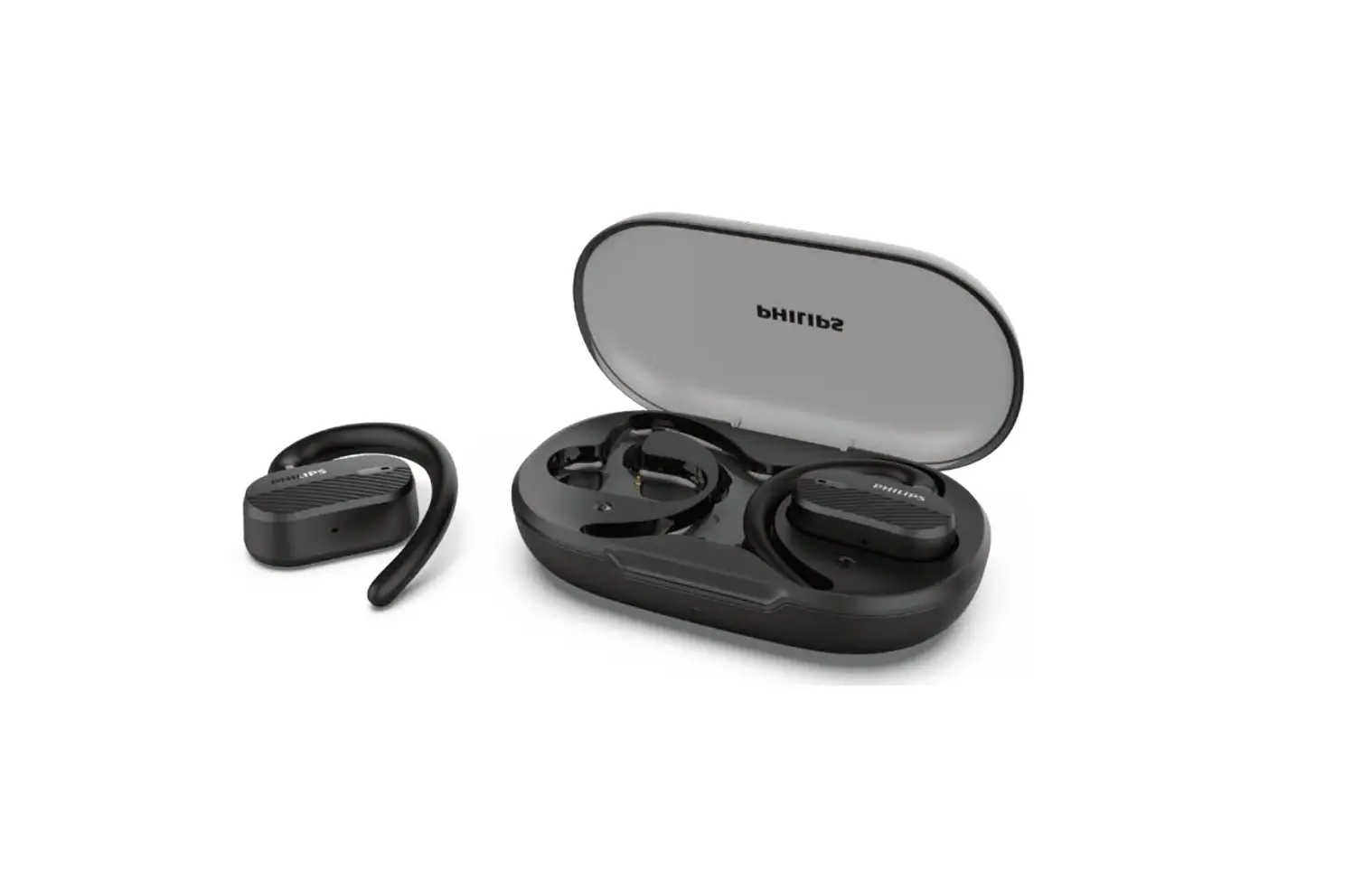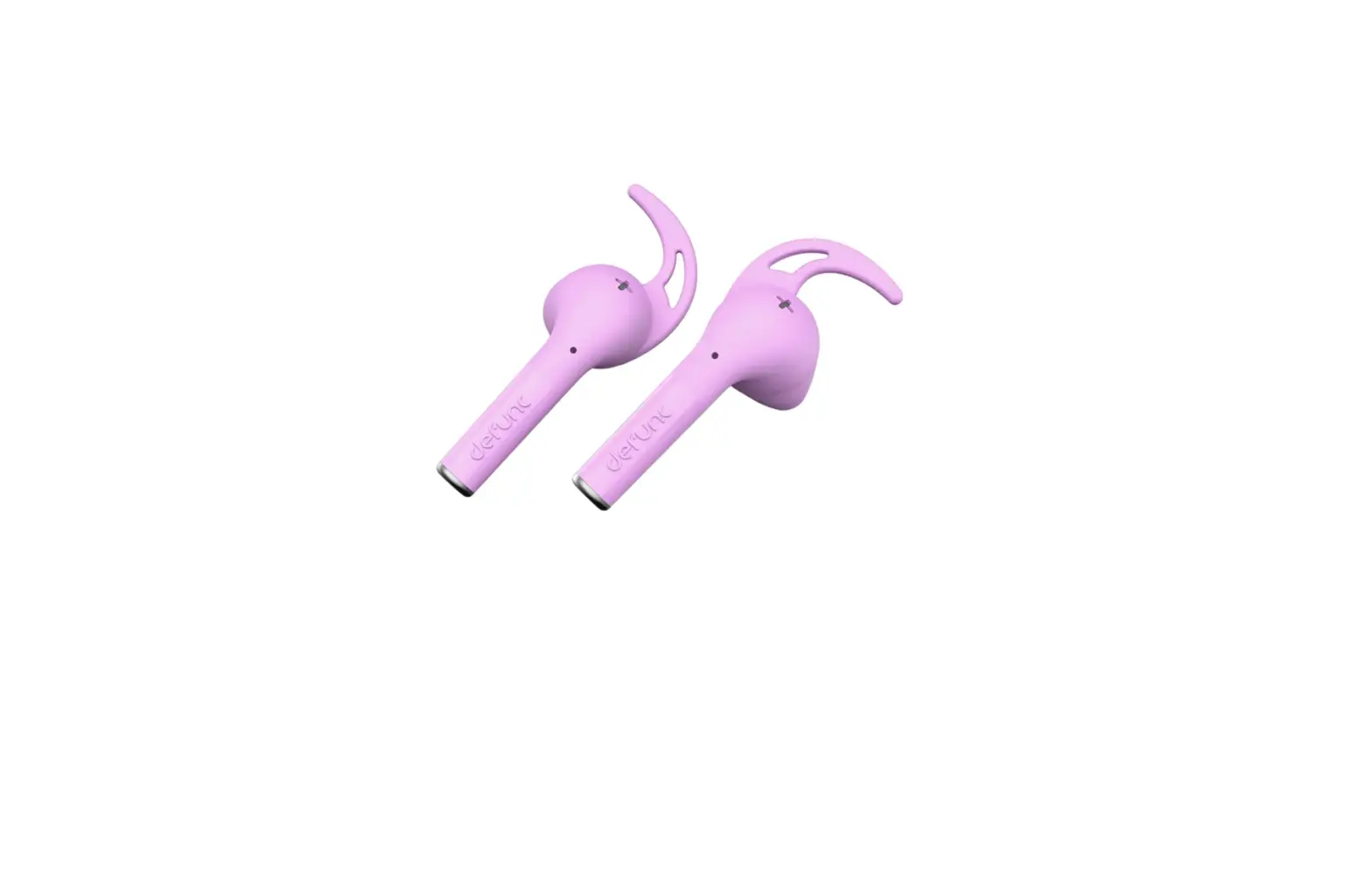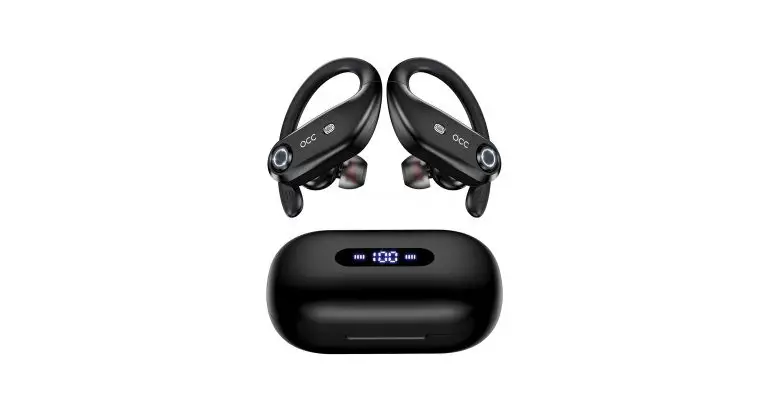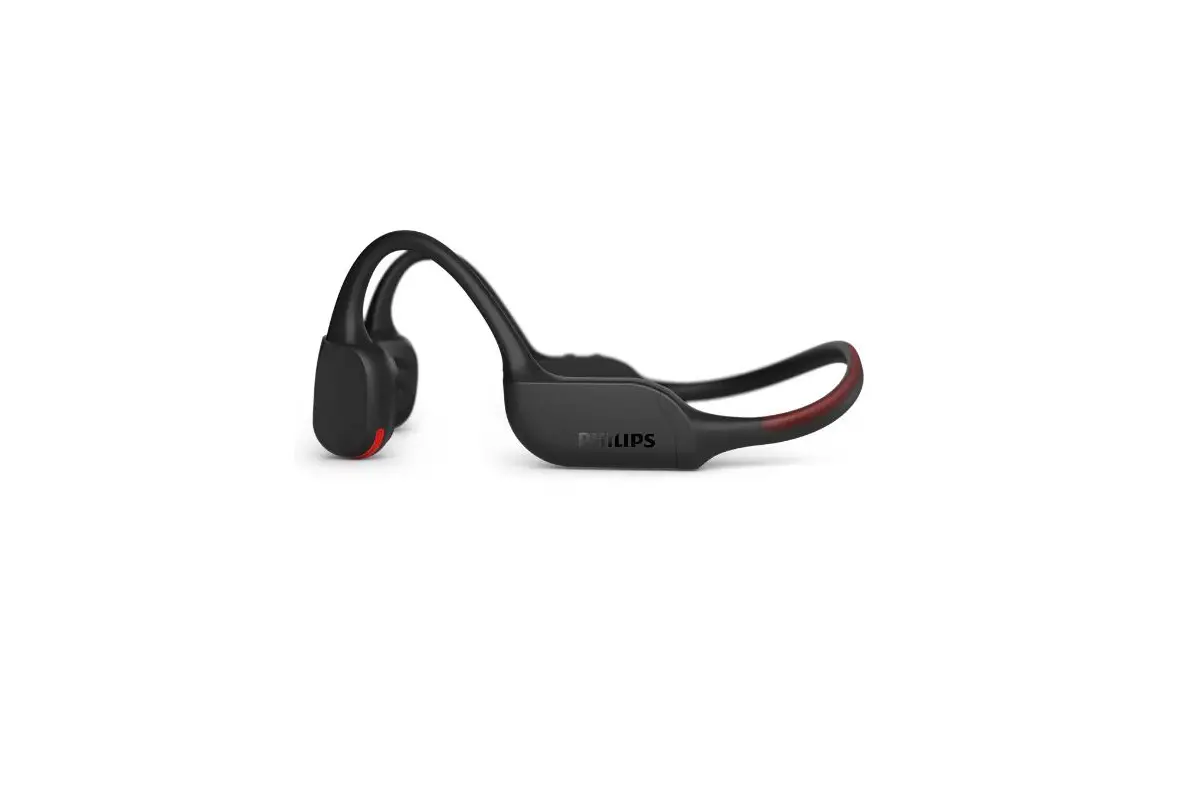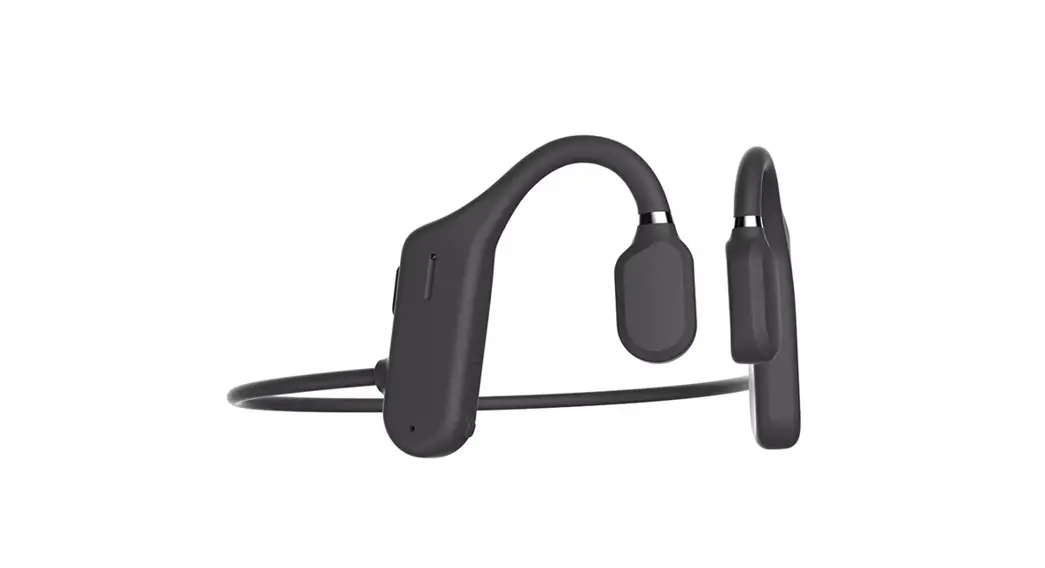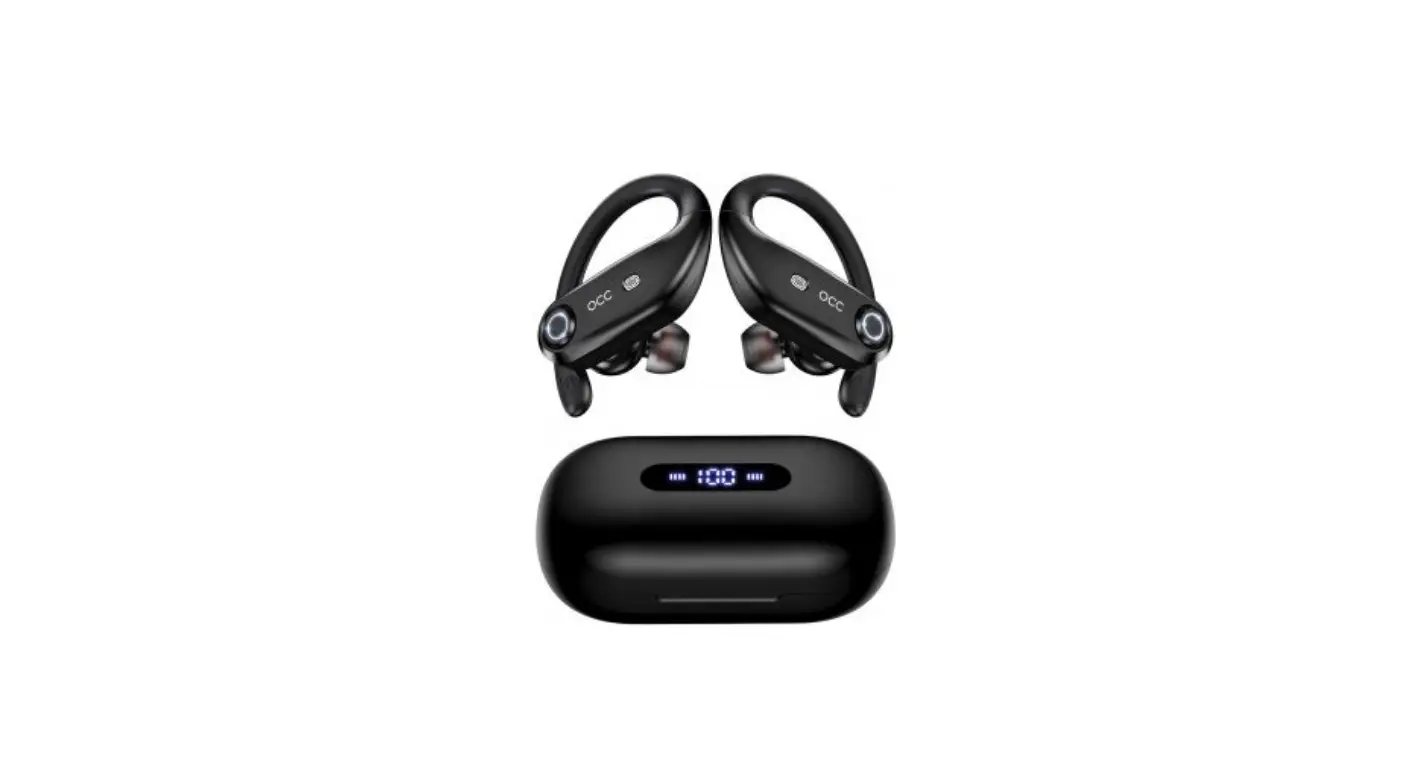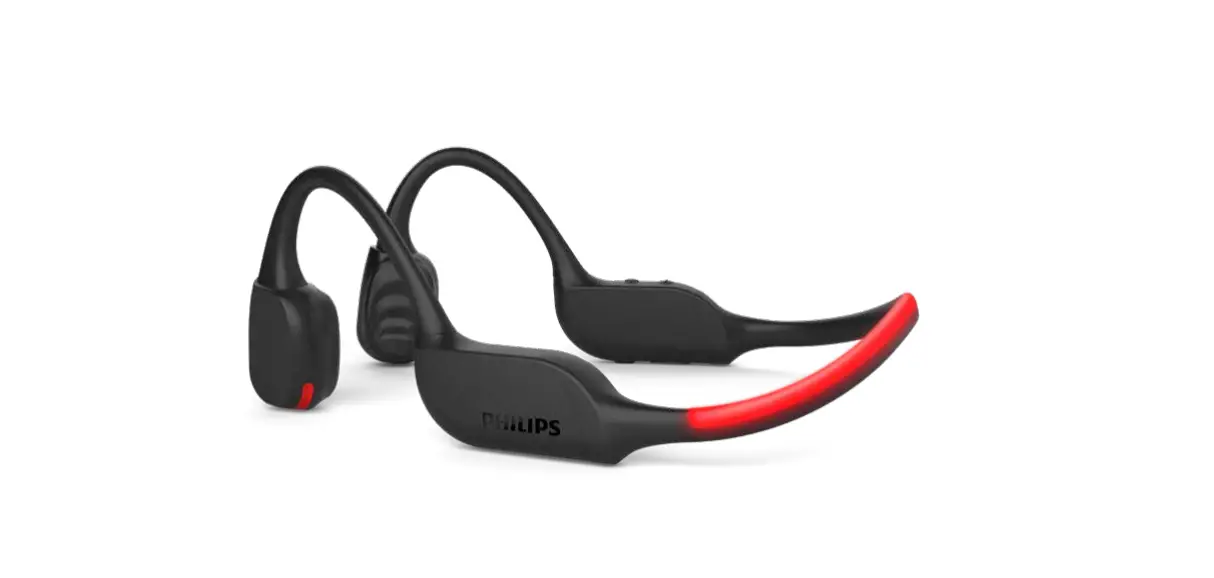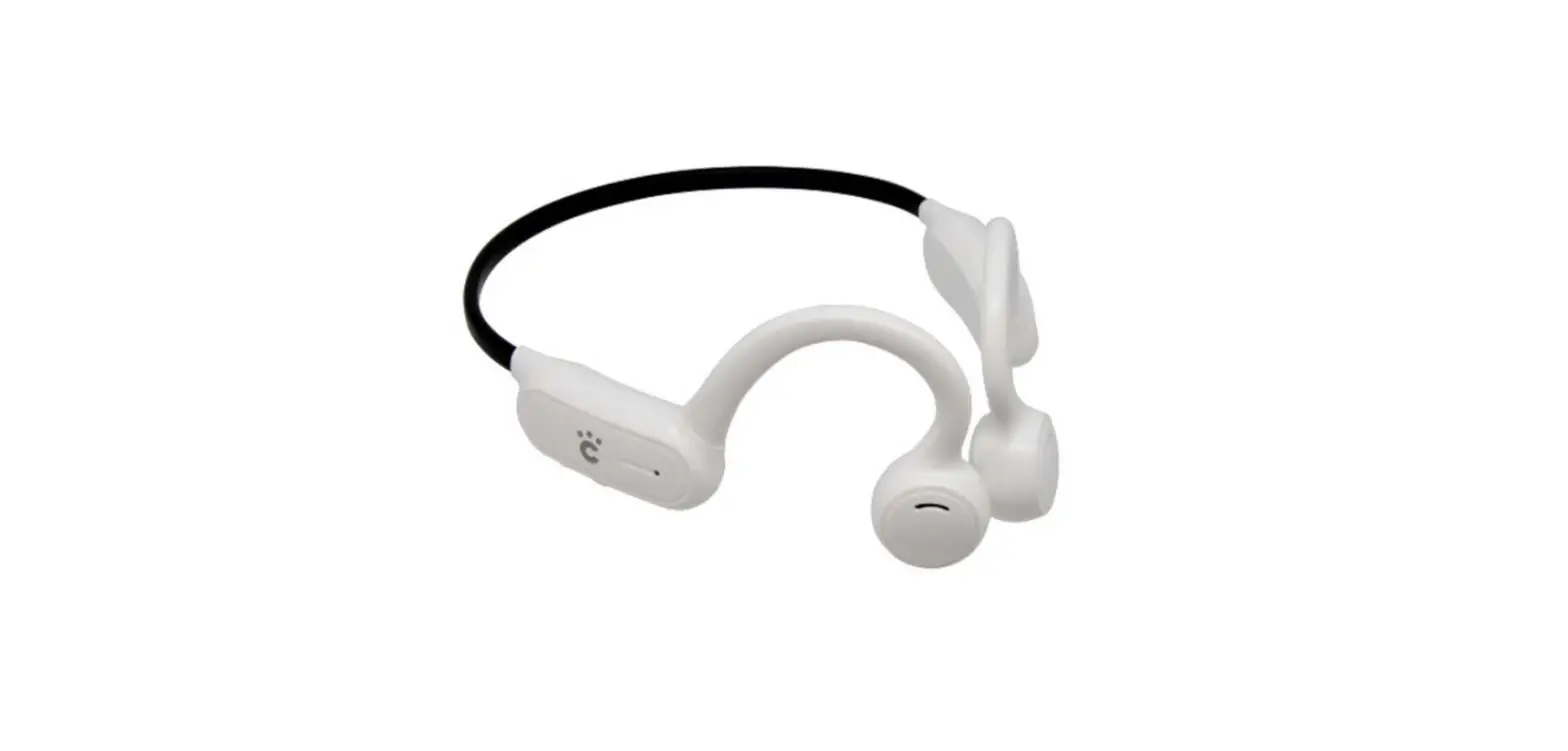
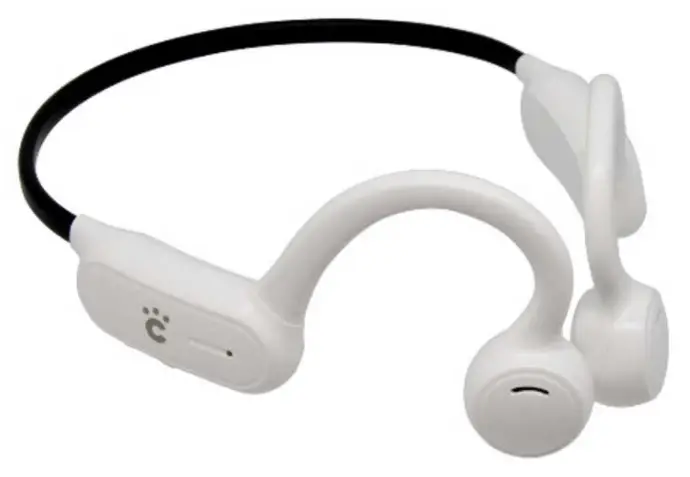
cheero CHE-630 Sport Headphones
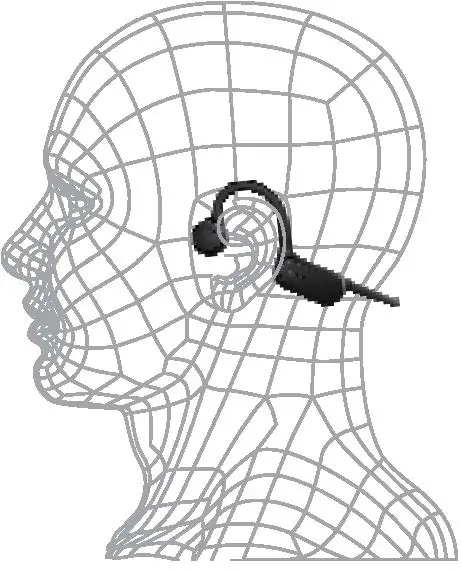
How to wear
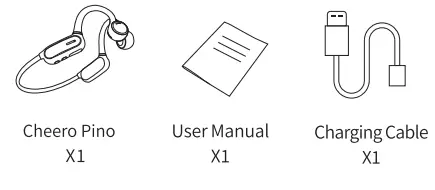
What’s in the box
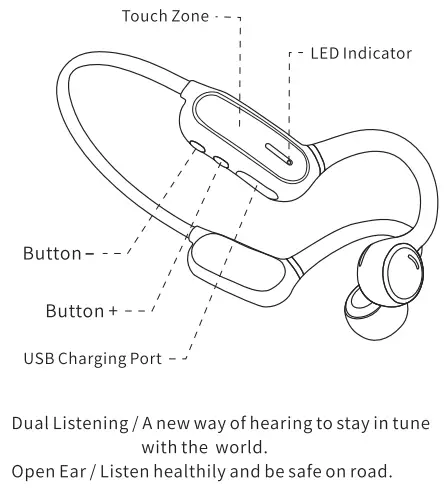
Button Control Instruction
Specification
- Model:CHE-630
- Type: Cheero Pino Sports Headphone
- BT Version: QCC3003 5.0 EDR
- mpedance: 22 0t15% (AT 800 HZ)
- Sensitivity: 84t3dB
- Frequency: 20-20KHZ
- Connection Distance: 10-15 M
- Microphone: Anti-interference Microphone, -38db
- Battery Capacity: 230mAh Polymer Battery
- Play Time: >6 Hours
- Standby Time: 360 Hours
- Charging Time: 1.5 Hours
Power On
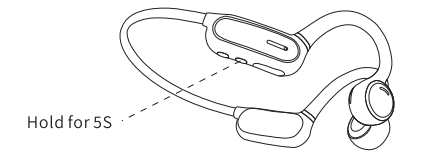
- Power On: Under power-off mode, press and hold
- button + for 5 sec until the LED indicator flashes
- green and white. Prompt: Power on pairing.

Connect
Open your device’s Bluetooth menu and select “Cheero Pino” Prompt: Paıred, your headset is connected.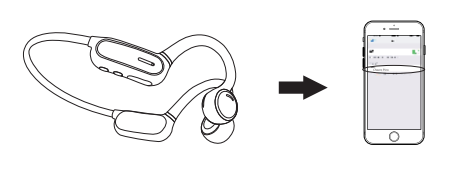
Power Off
Under power-on mode, hold button+ for 5 sec until the green LED indicator blinks.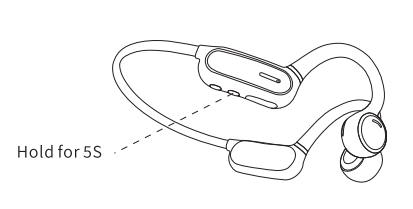
Answer Call
Clickonce onthe Iouch Zone-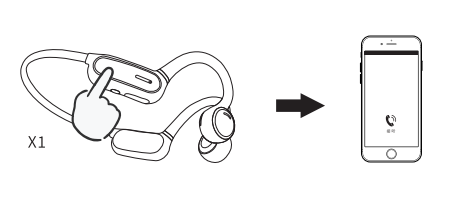
End Call
Click once on the Touch Zone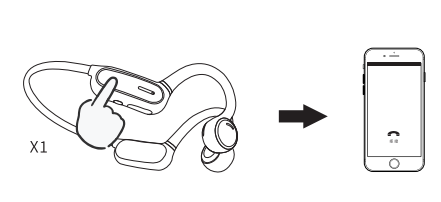
Reject A Call
Hold the Touch Zone for 3 sec.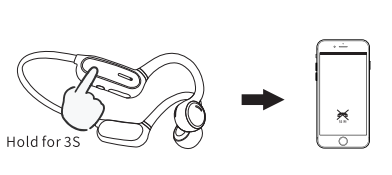
Previous Song
Double click the button- when playing music.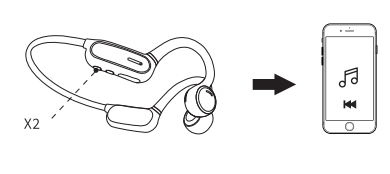
Next Song
Double click the button + when playing music.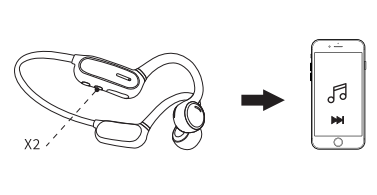
Play/Pause Music
Click once on the Touch Zone.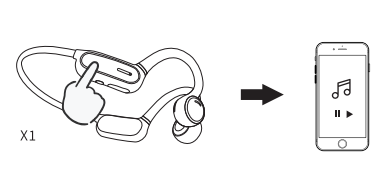
Volume Up
Click the button+ once.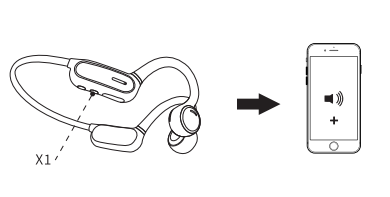
Volume Down
Click the button – once.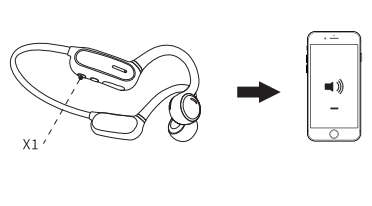
Activate the Device’s Voice Assistant
Press and hold on to the Touch Zone for 6 sec to activate or cancel the voice assistant.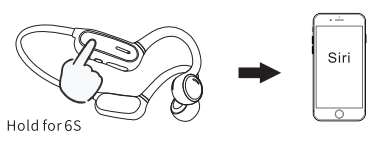
Reset
Under power-on mode, press and hold button+ and button – for 5 sec until the LED indicator flashes green and white.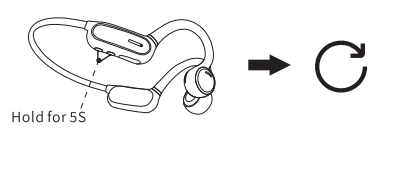
Low Battery
Under power-on mode, the headphones prompt DuDuDu Du every 60 sec when the battery power is less than 20%.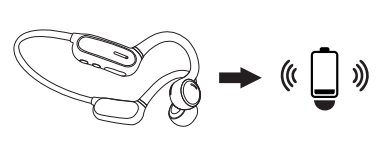
Charge
Charge the headphones with the included USB charging cable. The LED indicator will turn from green to white when charging is complete.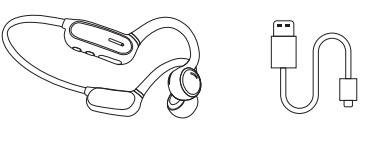
Attentions
- Listening to loud music for a long time may cause discomfort. please use medium volume if possible. Do not use high volume for long periods of time.
- Using headphones will affect your perception of the surrounding environment. Pay more attention when using headphones.
- Do not remove or modify the headphone,as this may cause damage or burnout.
- Do not throw, sit on headphones or immerse them in water.
- Keep it away from fire, hydration, and high-pressure equipment.
- Not suitable for children under 3-year-old containing small parts.
- Do not classify it as household waste. please send it to the local electrical equipment recycling station;
Note: The company does not assume any responsibility for the loss of personal property caused by the violation of the above warnings.
FCC Caution
This device complies with part 15 of the FCC Rules. Operation is subject to the following two conditions: (1) This device may not cause harmful interference, and (2) this device must accept any interference received, Including interference that may cause undesired operation. Any changes or modifications not expressly approved by the party responsible for compliance could void the user’s authority to operate the equipment. Note: This equipment has been tested and found to comply with the limits for a Class B digital device, pursuant to part 15 of the FCC Rules. These limits are designed to provide reasonable protection against harmful interference in a residential installation Ihis equipment generates uses and can radiate radio frequency energy and, if not installed and used in accordance with the instructions, may cause harmful interference to radio communications. However, there is no guarantee that interference will not occur in a particular installation. lf this equipment does cause harmful interference to radio or television reception, which can be determined by turning the equipment off and on, the user is encouraged to try toocorrect the interference by one or more of the following measures
- Reorient or relocate the receiving antenna.
- Increase the separation between the equipment and receiver.
- Connect the equipment into an outlet on a circuit different from that to which the receiver is connected.
- Consult the dealer or an experienced radio/TV technician f help.
The device has been evaluated to meet general RF exposure requirements. The device can be used in portable exposure conditions without restriction.