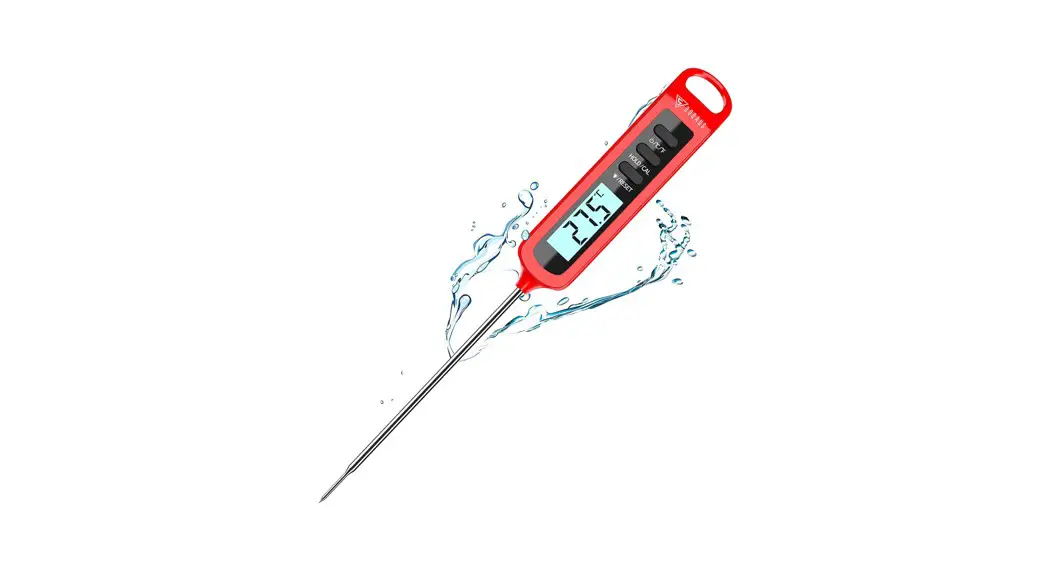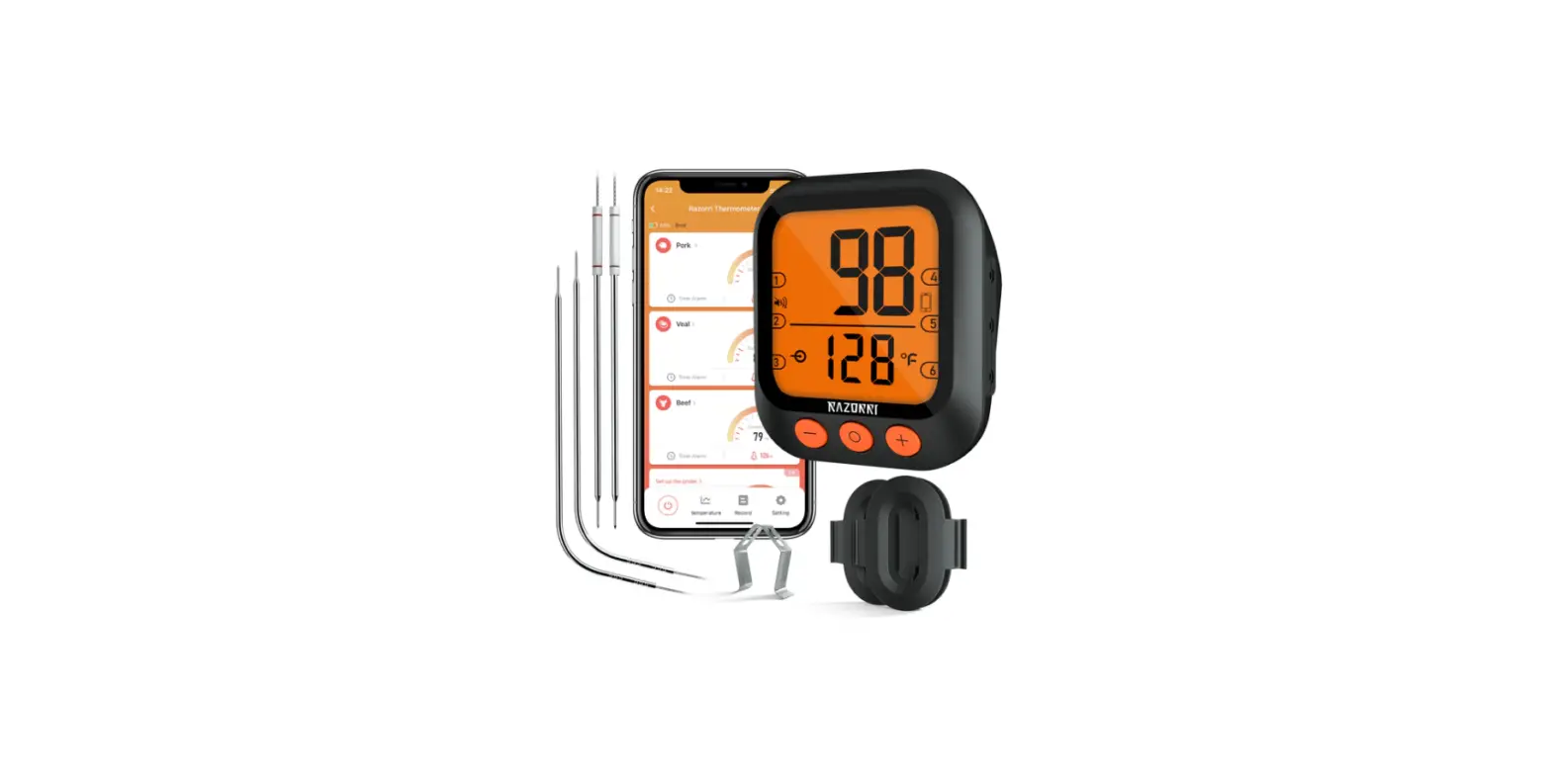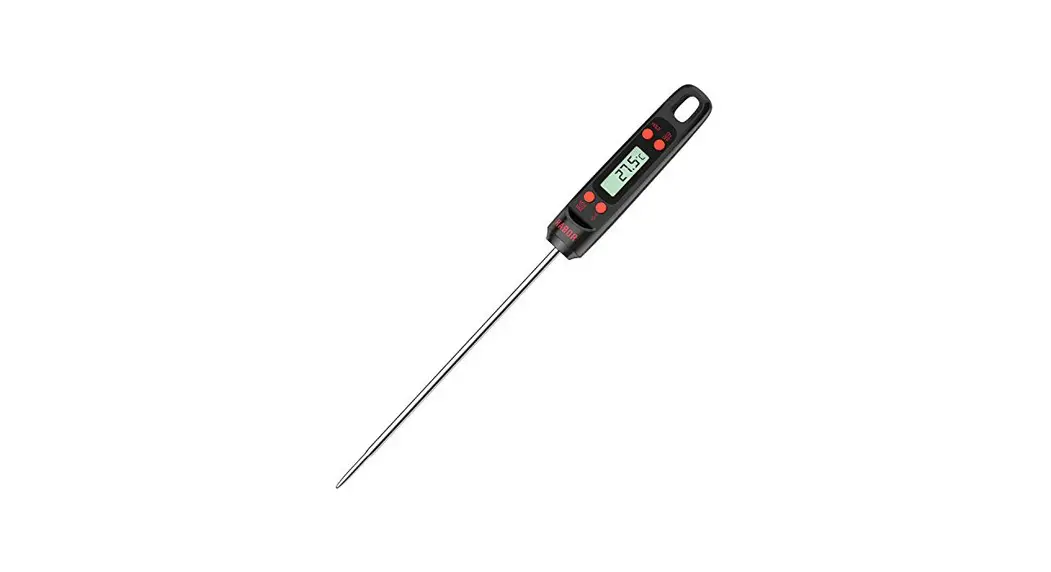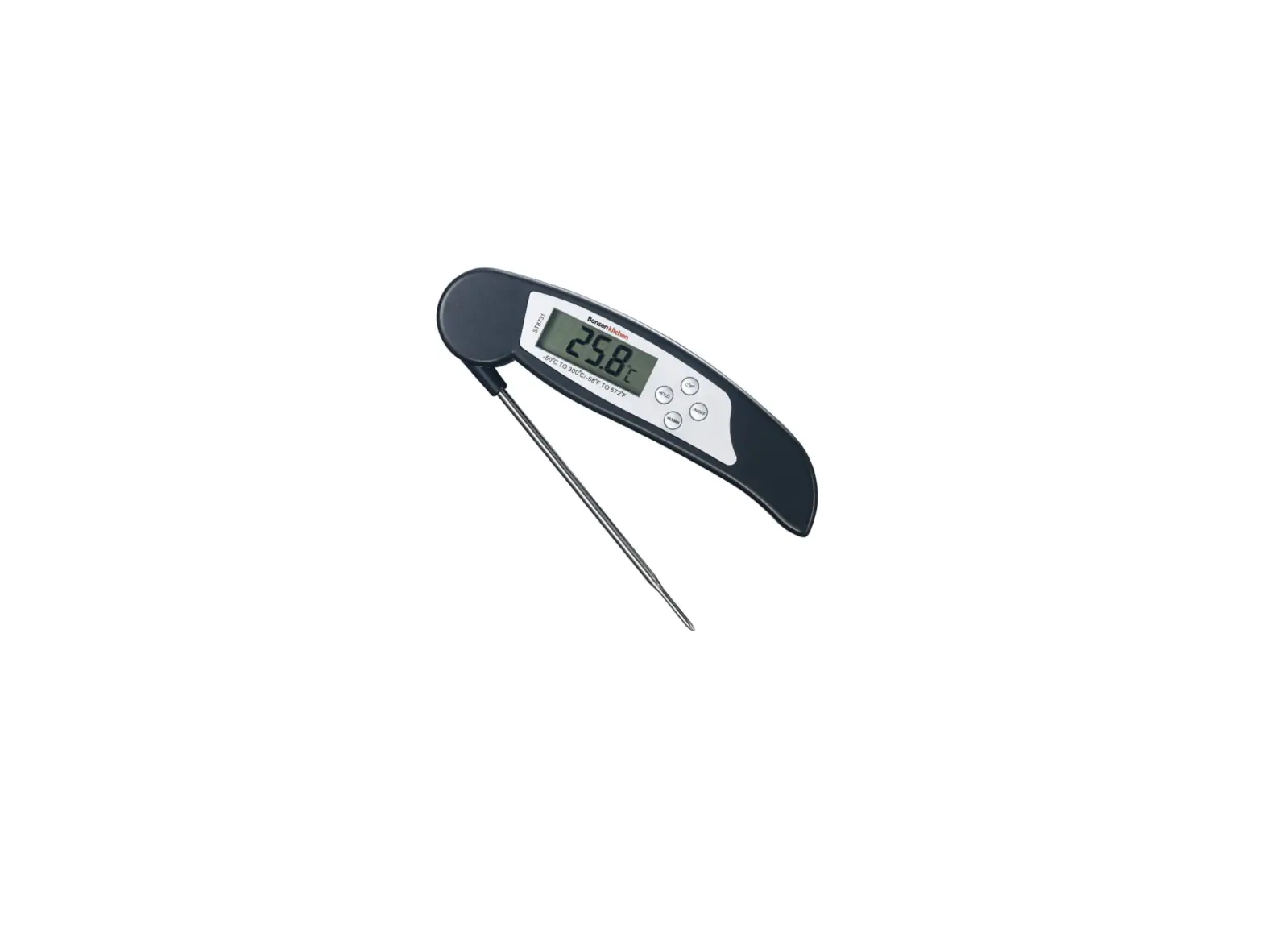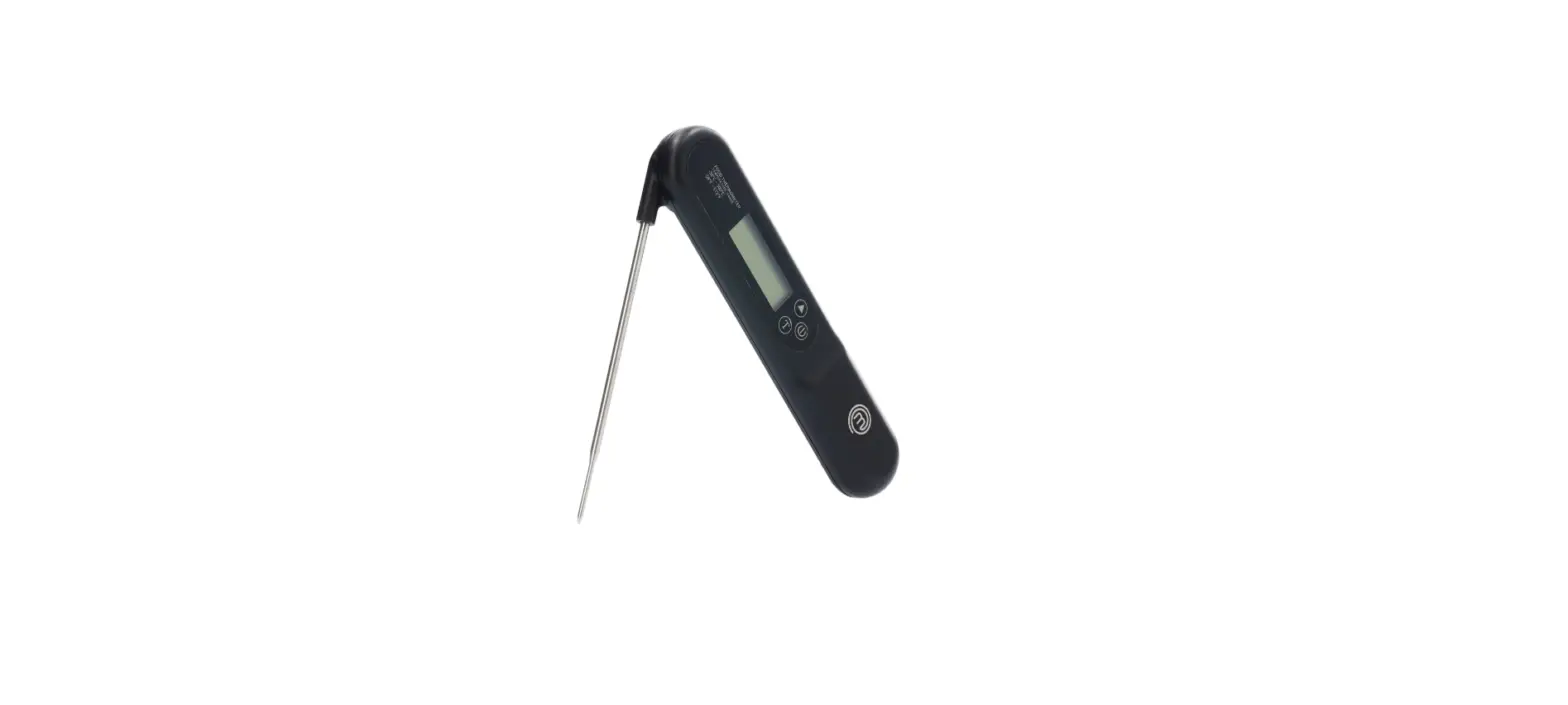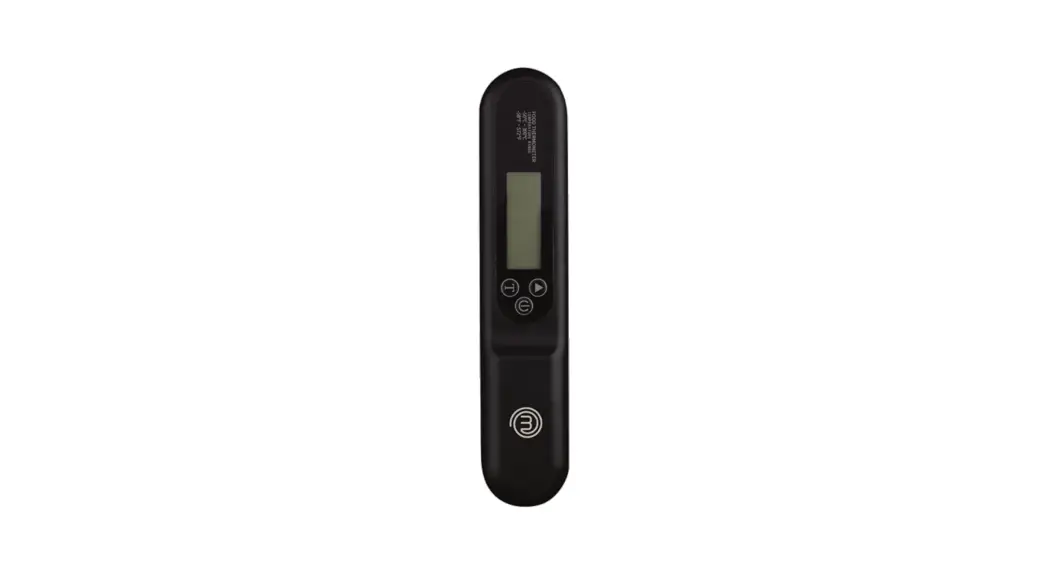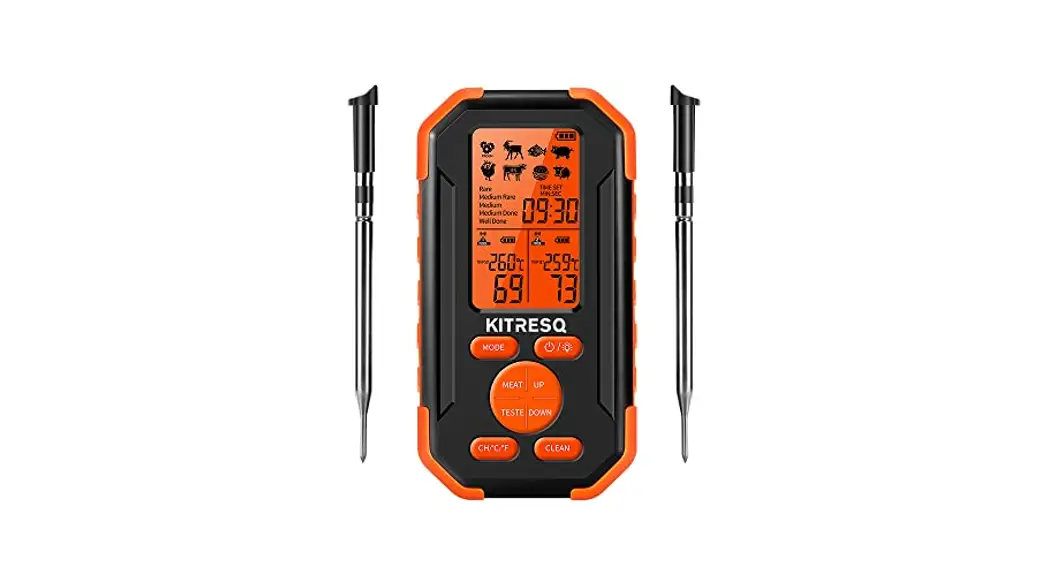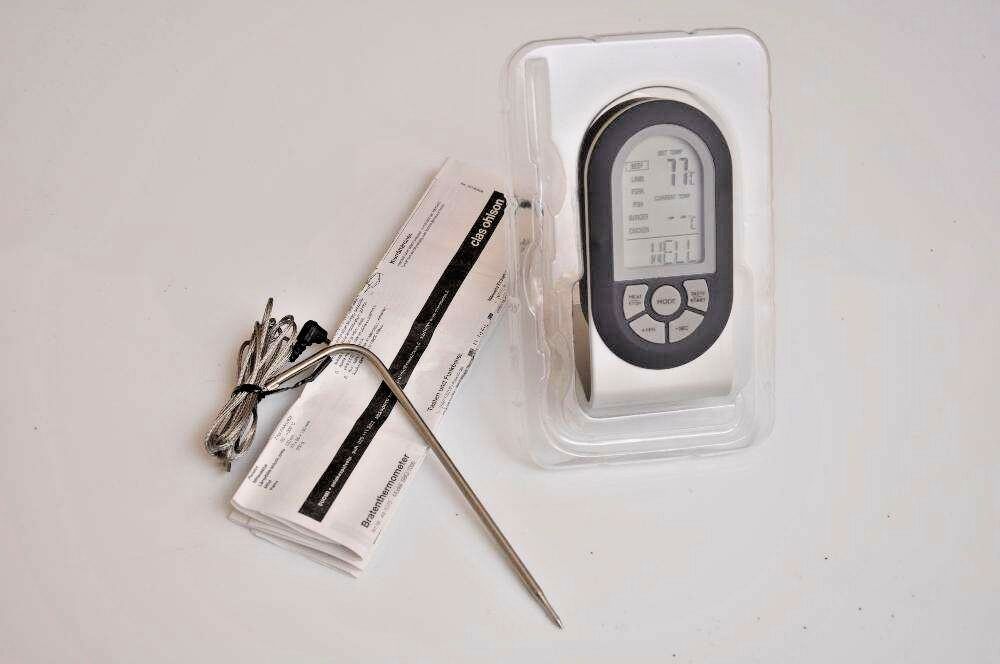

jumbuck 3171708 Digital Meat Thermometer
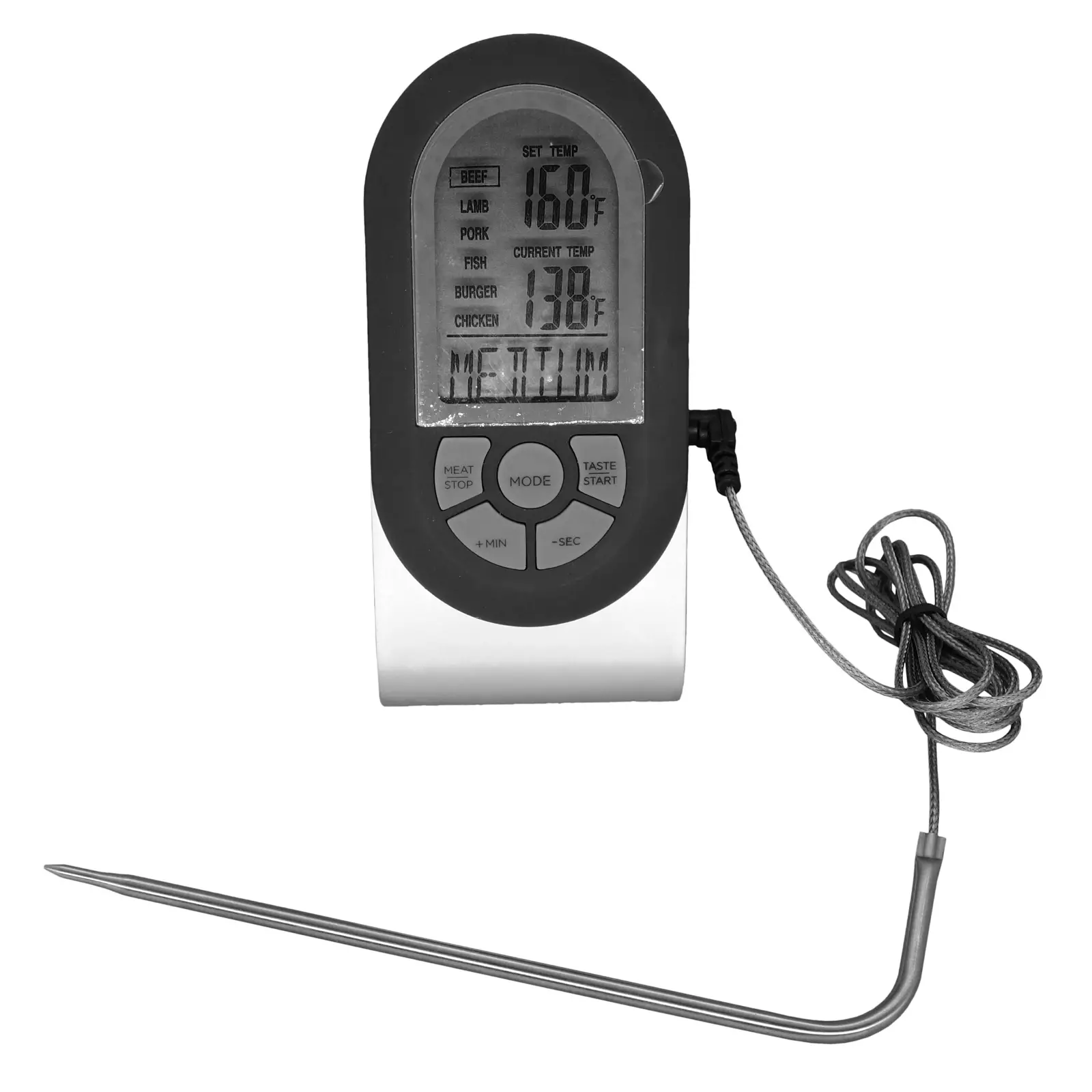
Digital Meat Thermometer
Stainless Steel Probe
- 2 Modes – Temperature & Timer display
- 6 Meat selections – Beef, Lamb, Pork, Fish, Burger, Chicken
- 5 Cooking settings -Rare, Medium Rare, Medium,
- Well, Medium Well
- 15cm stainless steel probe with 1.2m probe wire
- Celsius & Fahrenheit temperature display
- Temperature Measuring range: 0 to 148
- LCD screen with blue backlight display
- Beeps when food is cooked to your setting
- Requires 2 x AAA batteries (not included)
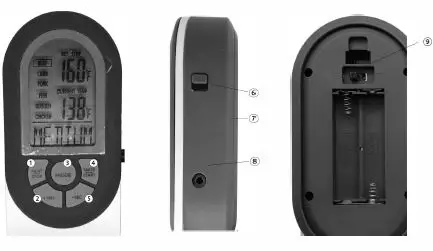
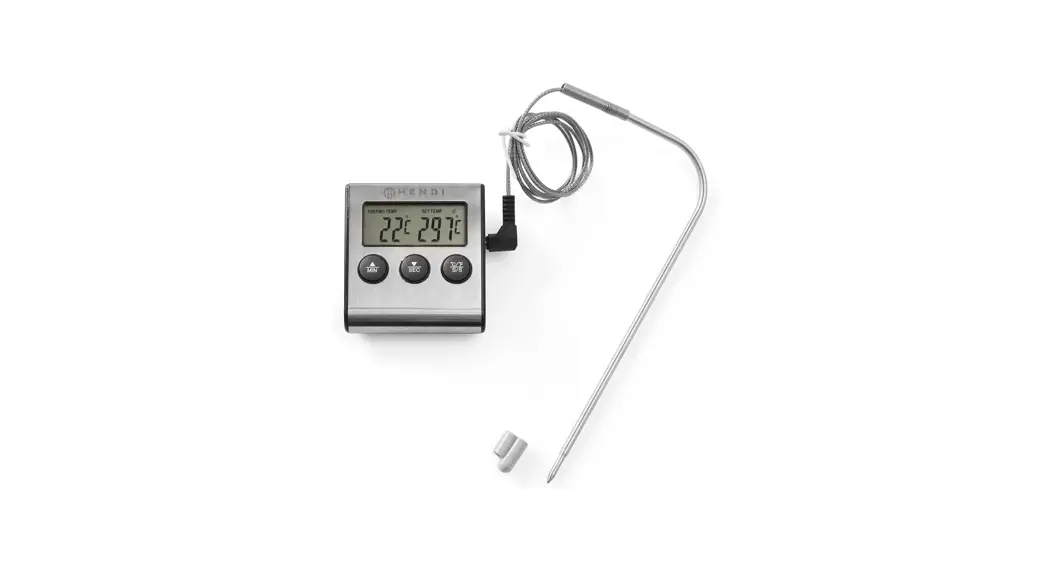
- {MEAT/ STOP) Selects the type of meat: BEEF, LAMB, PORK, FISH, BURGER, CHICKEN. Pauses the countdown timer and stopwatch.
- (+MIN) Sets the minutes or resets.
- (MODE) Selects the thermometer or timer mode, confirms.
- (TASTE/ START) Selects cooking type: RARE, WELL, MWELL {medium well), MEDIUM, MRARE (medium rare). Starts the countdown timer and stopwatch.
- {-SEC) Sets the seconds or resets.
- {ON/ OFF) On/ Off switch.
- Battery cover.
- Temperature probe socket.
- Celsius or Fahrenheit temperature switch
Operating instructions
Batteries and temperature scale selection
1. Remove the battery cover from the back of the thermometer and insert 2 x AAA batteries.
2. Select the temperature scale you need.
Measuring temperature
- Insert the probe into the meat. Make sure the tip is at the thickest part of meat.
- Switch the thermometer ON.
- Select the type of meat by pressing {MEAT /STOP} button.
- Select the cooking type by pressing (TASTE/START) button.
- Put the meat into the oven or BBQ with the probe still inside.
Run the probe wire out through the side of the oven door or BBQ. - Place the thermometer where there is no risk of falling down and where the wire is not in the way.
- The thermometer will emit an audible signal and the display will start to flash when the set cooking type has been reached.
Manual setting of the target temperature
- Press (MODE) for 3 seconds until the temperature starts flashing.
- Press {+MIN) or (-SEC} to set the desired temperature.
- Press {MODE) to save your settings.
- The thermometer will emit an audible signal and the display will start to flash when the set temperature has been reached.
Countdown timer I stopwatch
Countdown timer
- Press (MODE) to select the countdown timer mode.
- Press (+MIN) or (-SEC} to set the desired cooking time.
- Press (TASTE/ START) to start the timer.
- When the set time has elapsed, the thermometer will emit an audible signal and the display will flash.
- You can interrupt the timer countdown at any time by pressing the (MEAT/ STOP} button.
- Press (+MIN) and (-SEC) simultaneously to reset the timer to zero.
Stopwatch
- Press (MODE} to select the stopwatch mode.
- Press (TASTE/ START) to start the stopwatch.
- You can interrupt the time taking at any time by pressing the (MEAT/ STOP} button.
- Press (+MIN) and (-SEC} simultaneously to reset the stopwatch to zero.
Troubleshooting guide
- The thermometer won’t turn on.
- Check the batteries. Replace weak batteries.
- The thermometer displays incorrect or no temperature reading.
- Check if the temperature probe is properly plugged into the thermometer.
- Check if the temperature probe is stuck in the centre of the meat.
- Check and replace the batteries if necessary.
- The thermometer displays unusual or unclear characters.
- Remove the batteries and insert them again.
- Replace the batteries if the display is still unclear.
Care and maintenance
- Always wash the temperature probe and wire after use. Use only mild cleaning detergent, never use solvents or corrosive chemicals. Dry completely.
- Wipe with a damp cloth to clean the exterior of the thermometer.
- Remove the batteries and store the thermometer in a dry and clean place when not in use.
Safety
- Keep out of reach of children and babies.
- The thermometer should only be used as described in this manual.
- The thermometer probe on the thermometer is only designed for measuring the internal temperature of foodstuffs. Never attempt to use the thermometer for other types of temperature measurement.
Note: The probe and cable will become very hot during use.Do not touch it until it has completely cooled, to avoid burns.