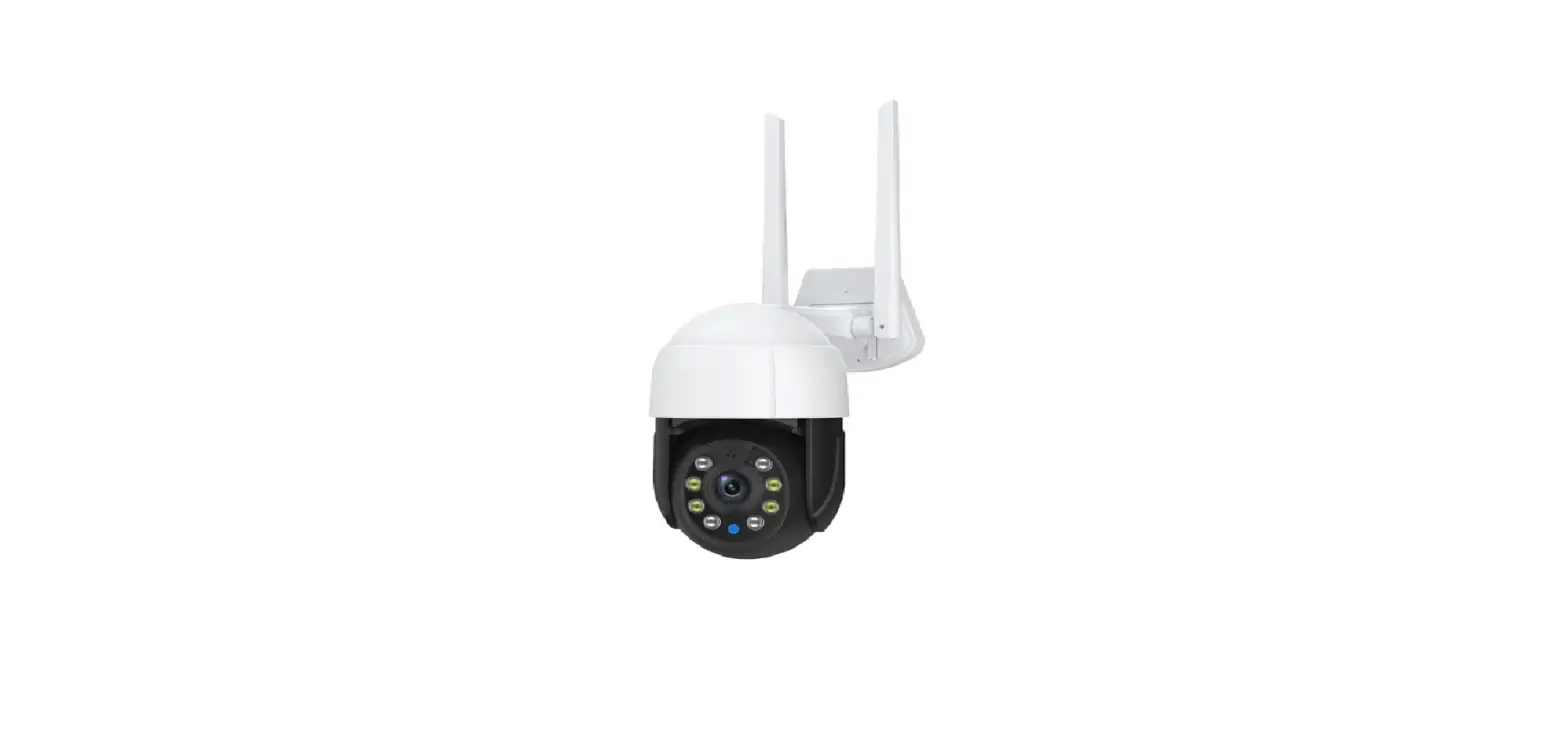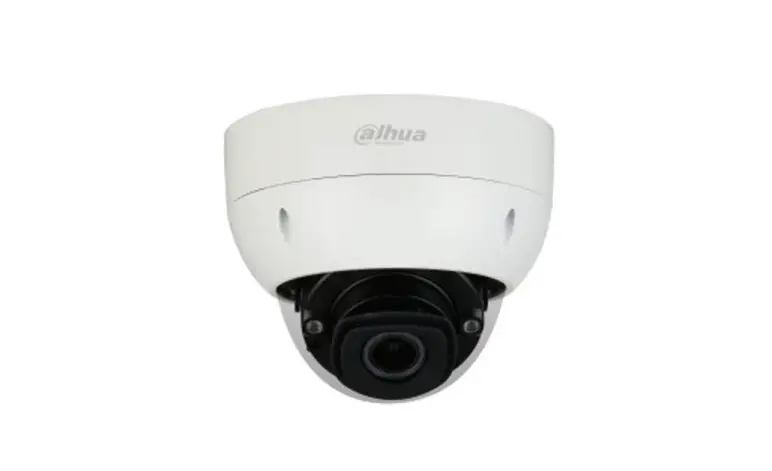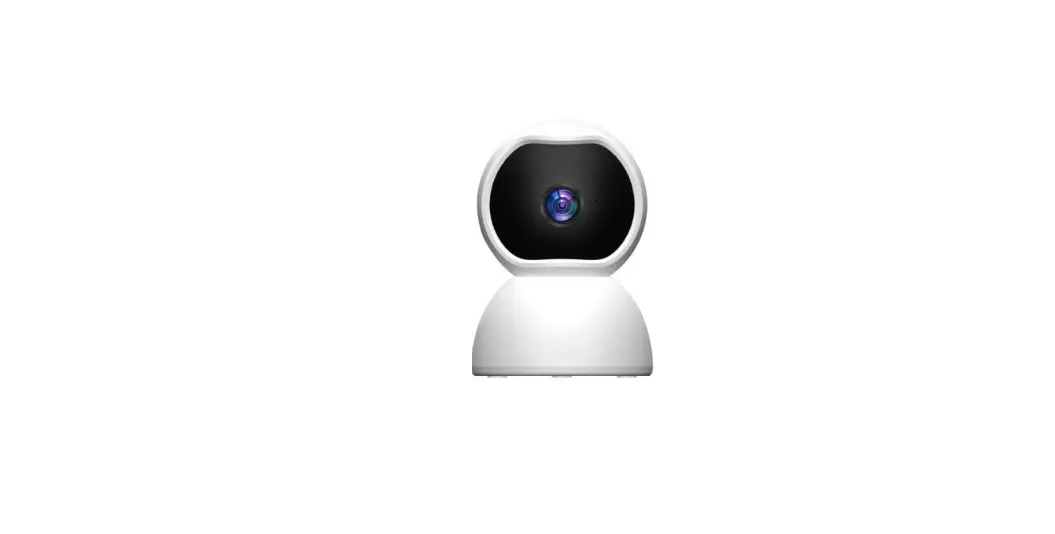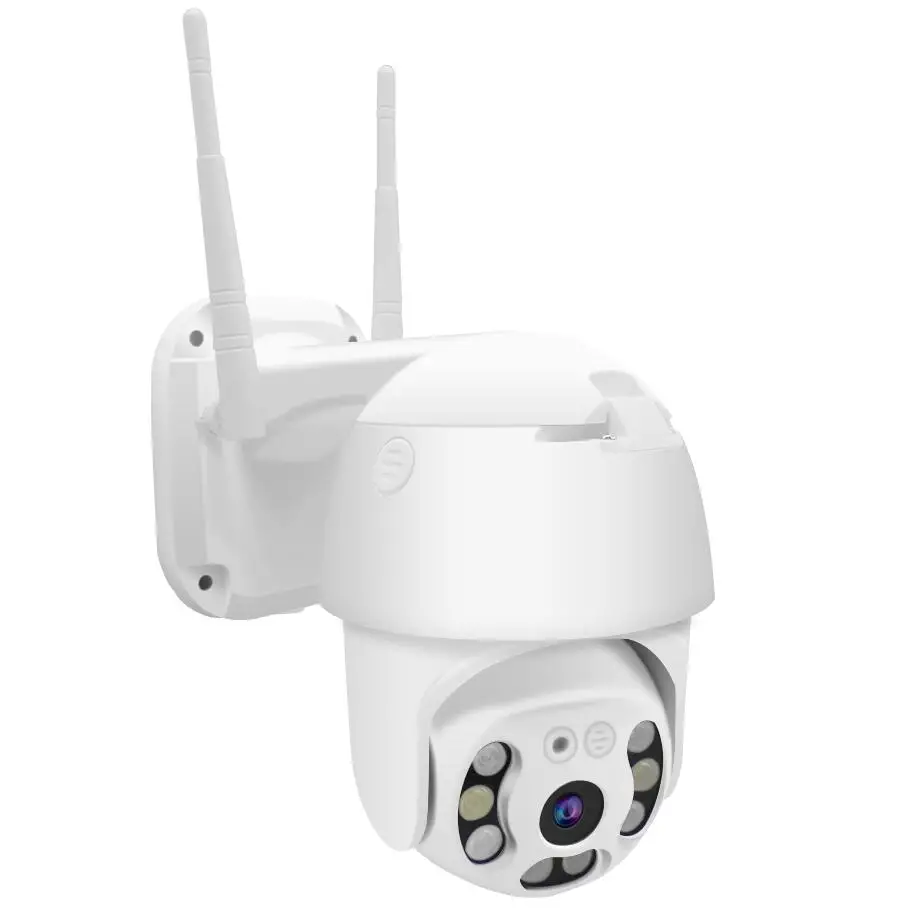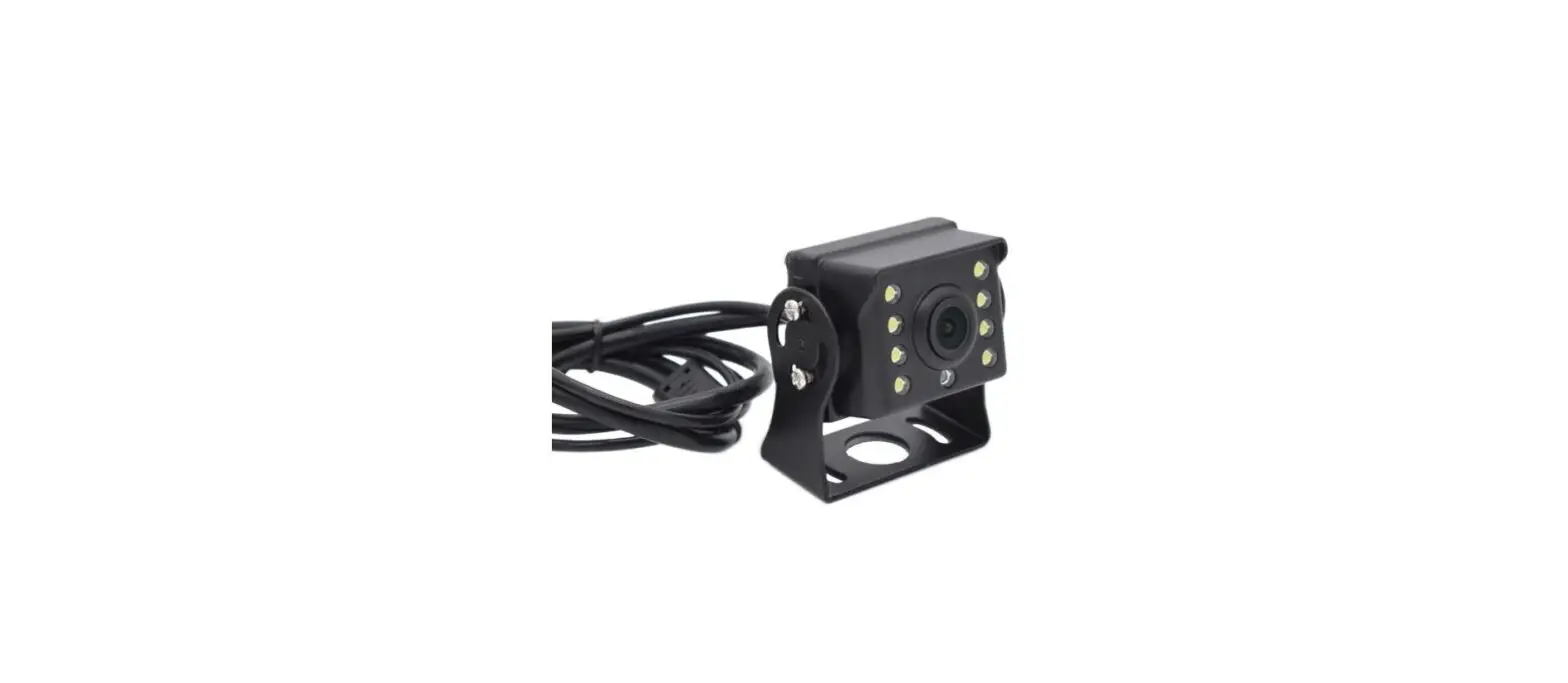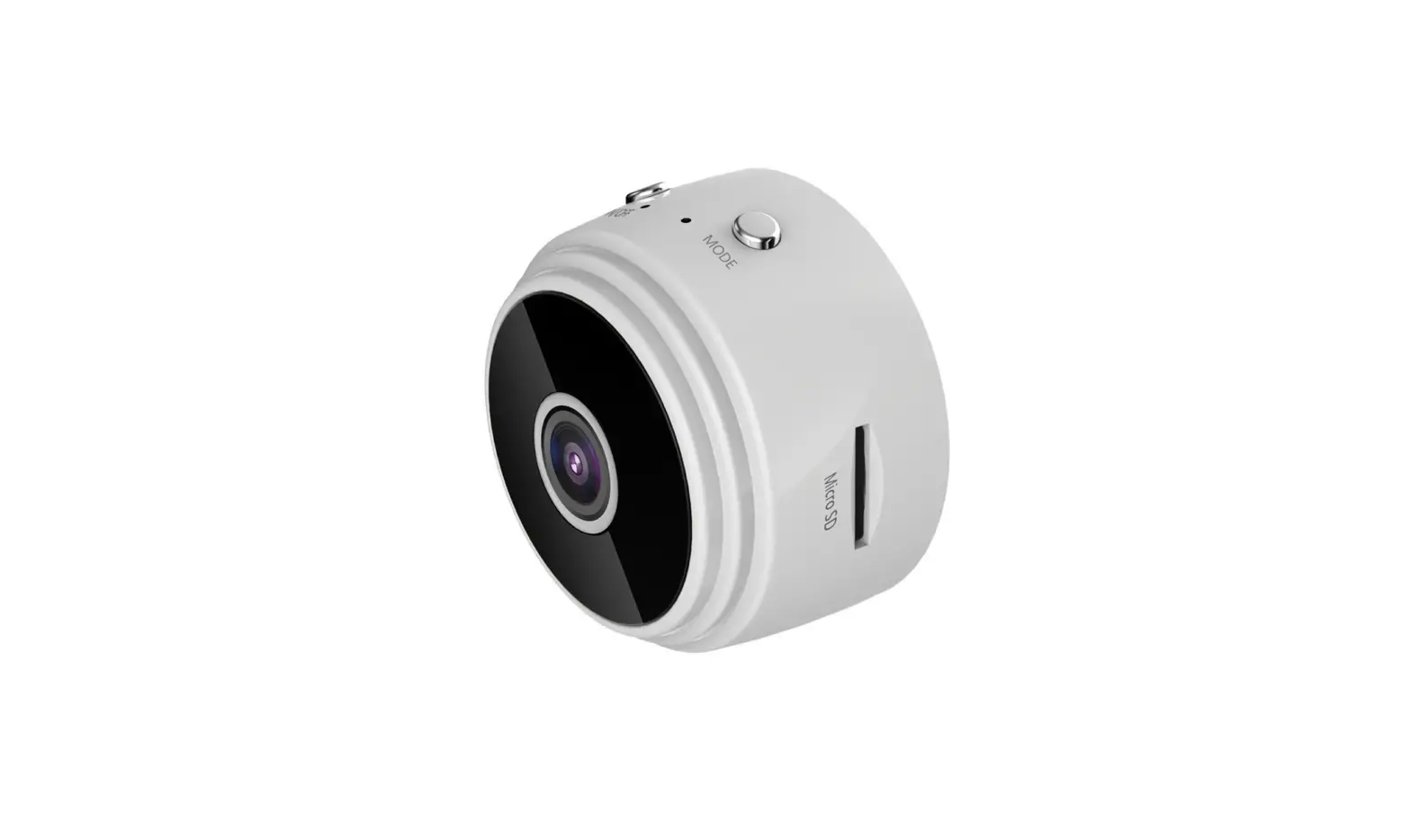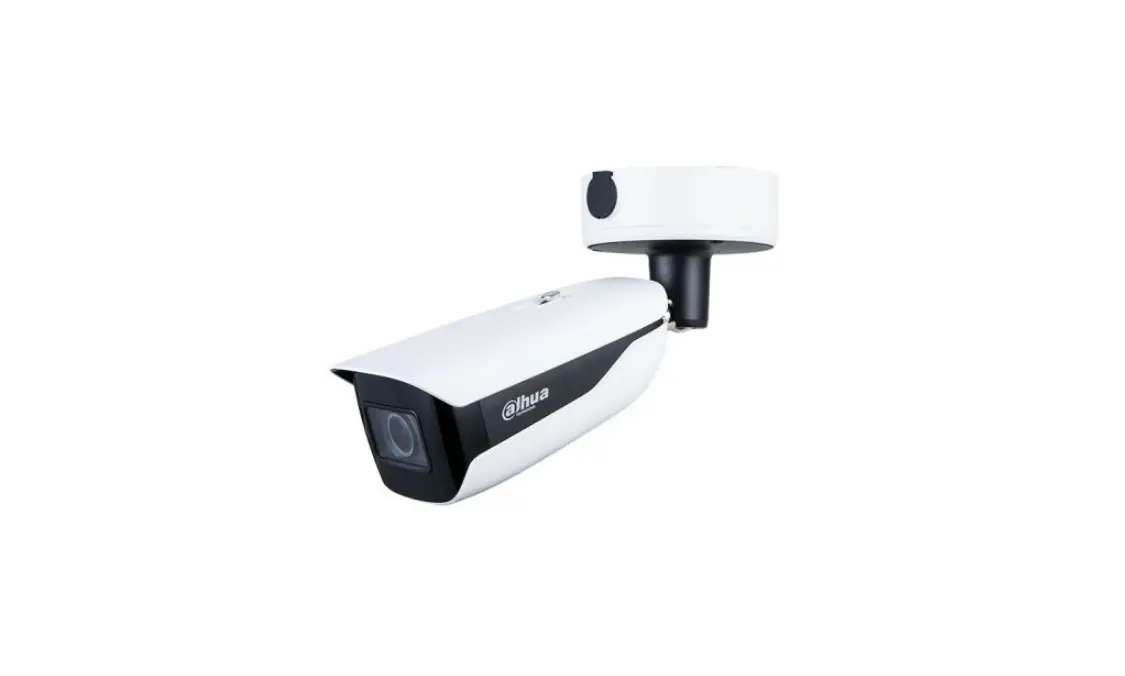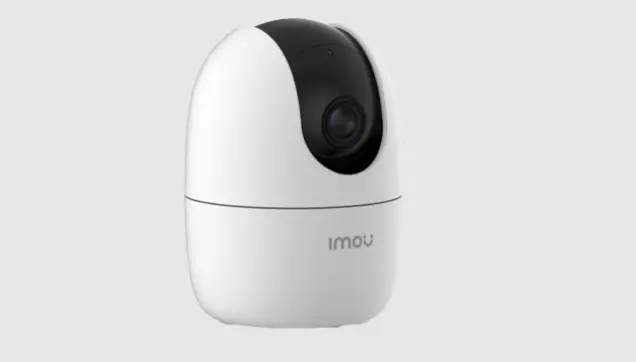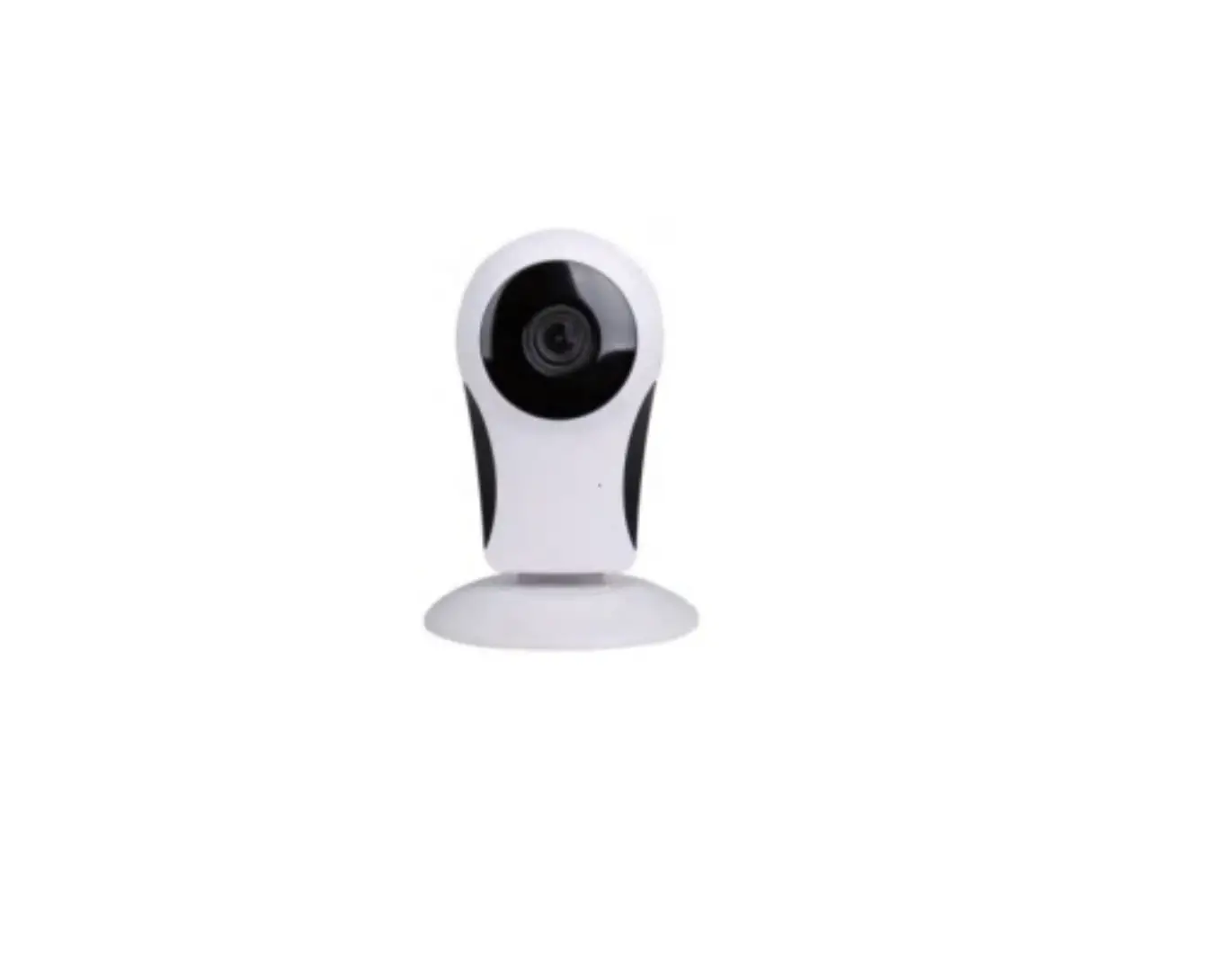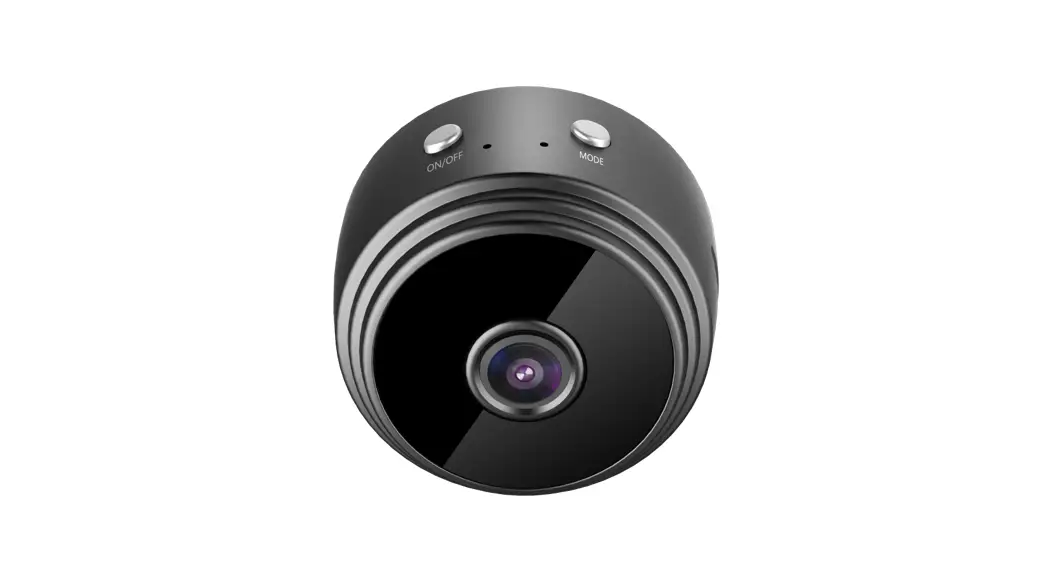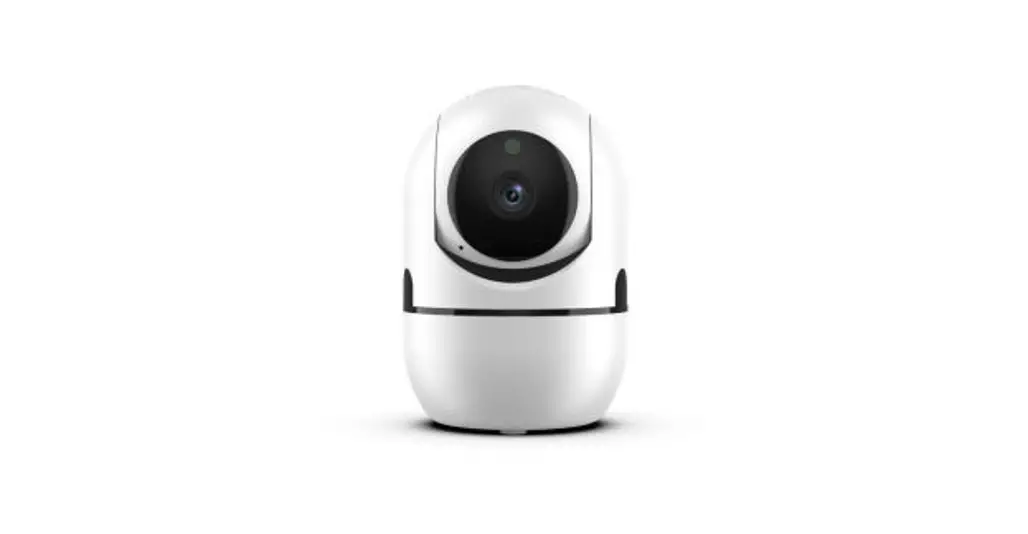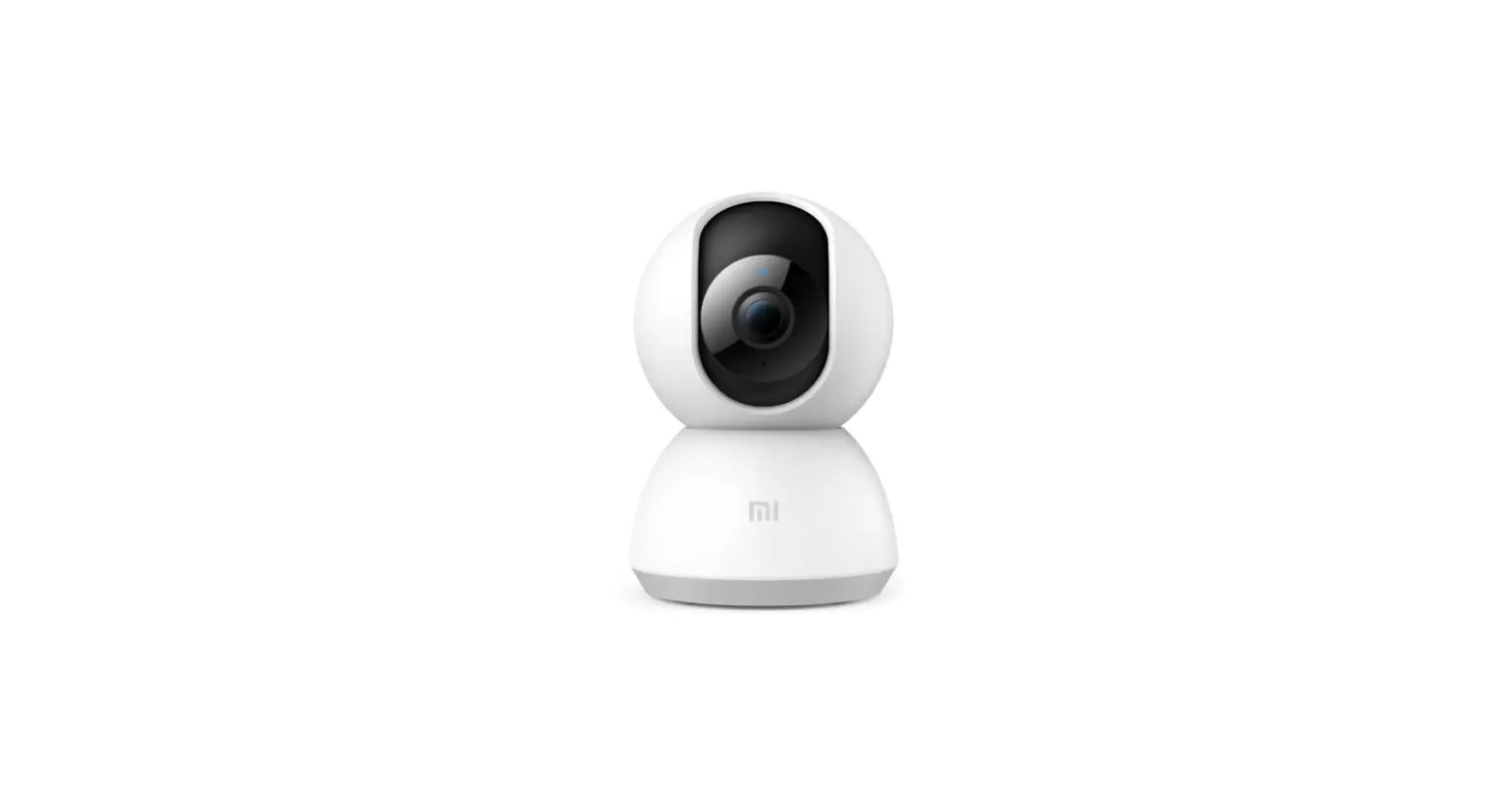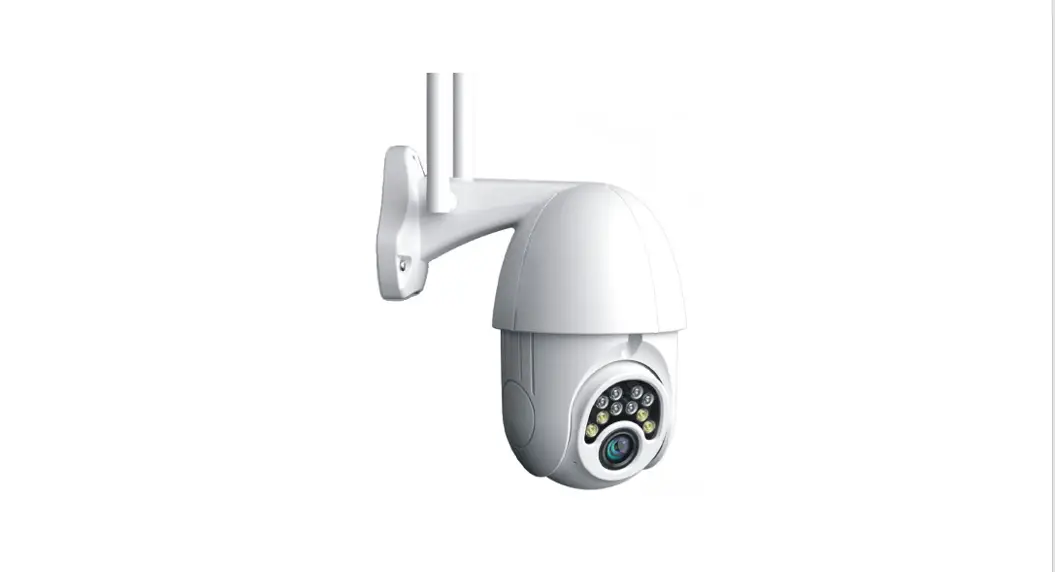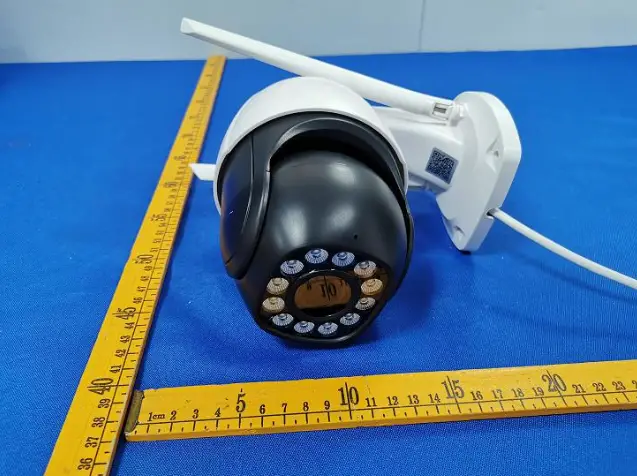
Shenzhen Dingsheng Intelligent Security DSB899 Intelligent HD Ball Camera User Manual

Before using the product please read this quick operation guide carefully
Download APP
Use your mobile phone to scan the QR code below to download the latest AView APP directly.
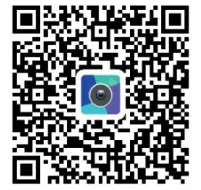
You can also search for the keyword “AView” in App Store, Android Market, Google Play, and Apple Store to download the latest APP.

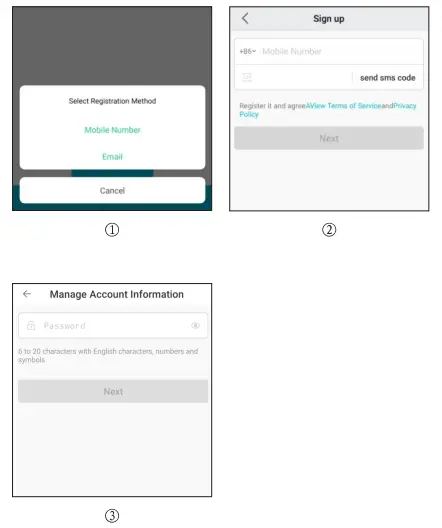
Create Account
Add Device
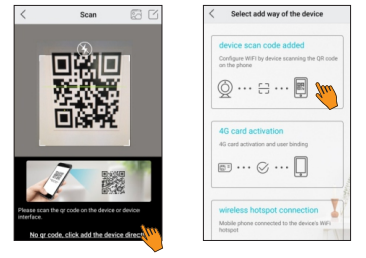
1. Click Add, scan the QR code of the device
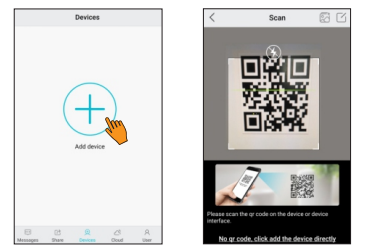
If the QR code on the device cannot be scanned, please click “If the QR code is not found, add the device directly”, and then select “Scan the device to add”
2. Scan code to add connected devices
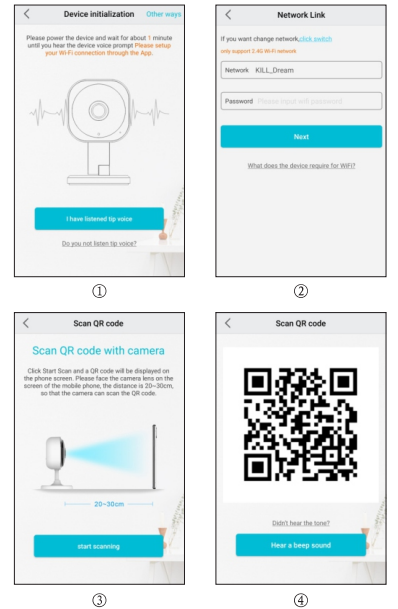
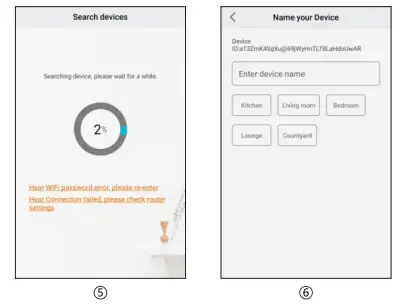
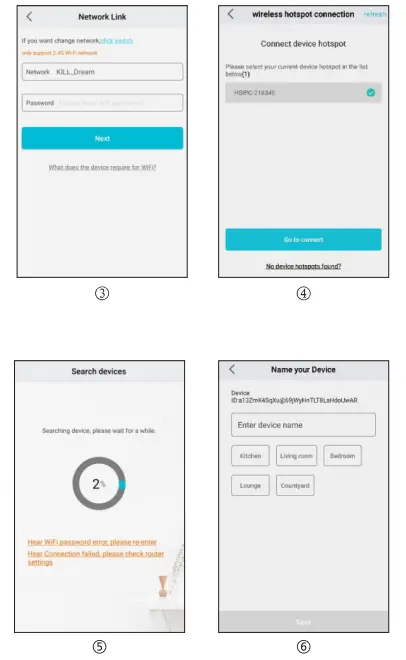
3.1. Wireless hotspot connection device (Android phone)
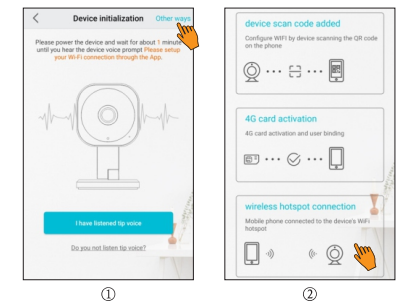
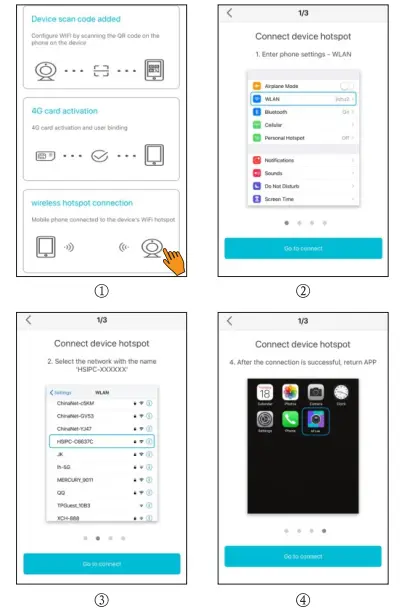
3.2. Wireless hotspot connection device (iPhone)
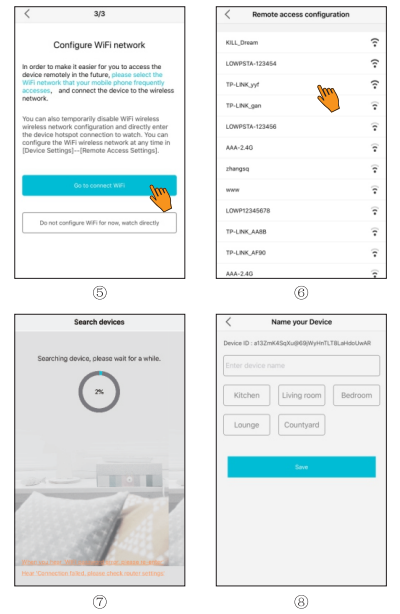
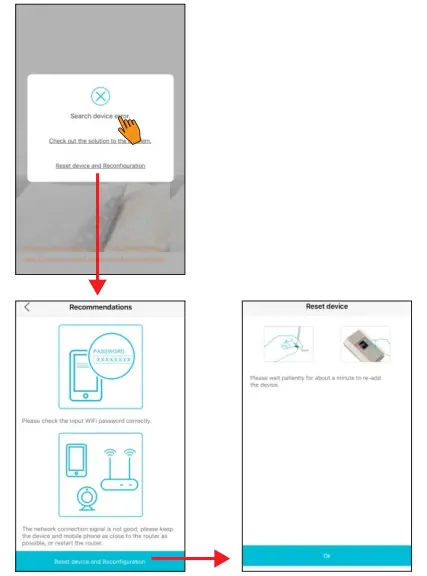
4. If adding a device fails, please follow the suggested solution prompts, double check, reset the device and add it again.
Hotspot Viewing Device
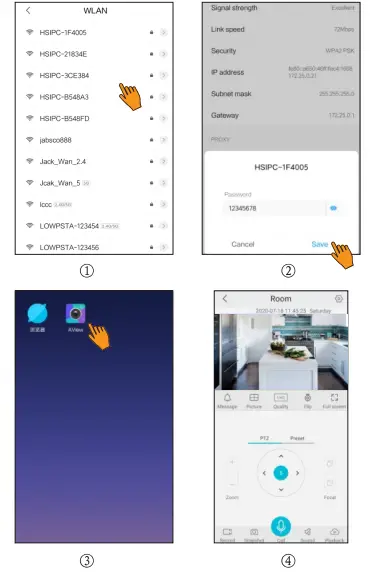
Select the device hotspot “HSIPC-XXXXXX” enter the hotspot password “12345678” to connect the phone to the device’s hotspot, and open the APP to watch directly.
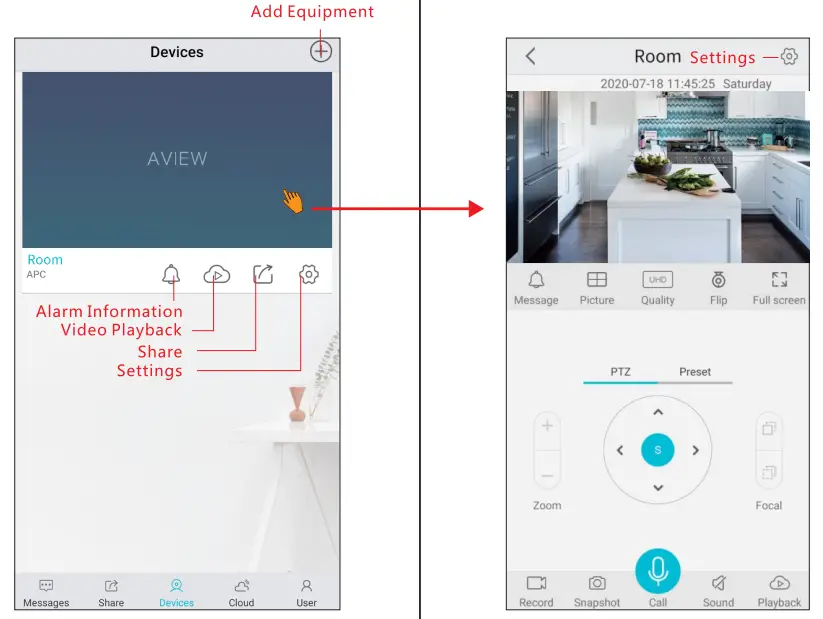
Equipment Function
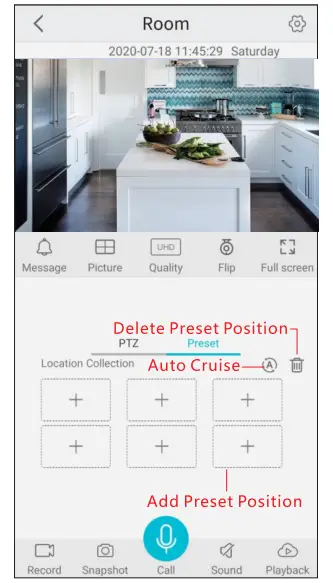
Preset Location Collection
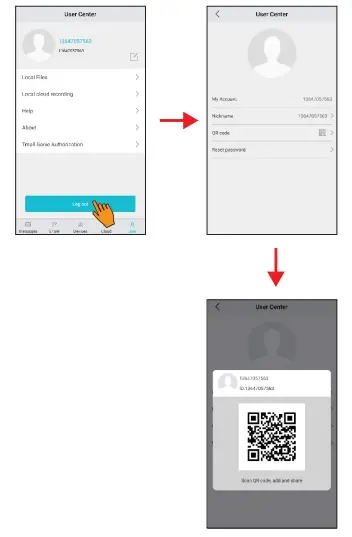
Device sharing method
1. Manually enter the account of the shared person, and share the device with the other party.
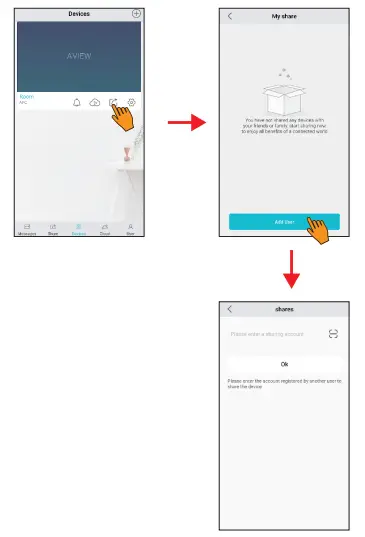
2. Scan the QR code of the shared person’s account and share the device with the other party.
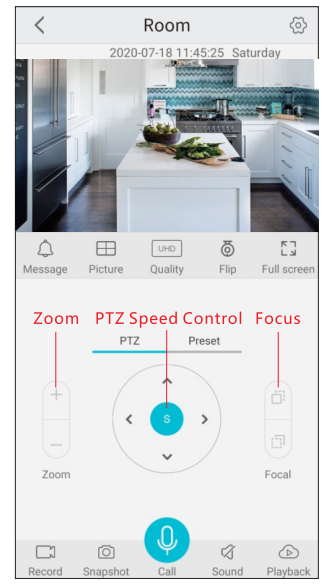
PTZ Control
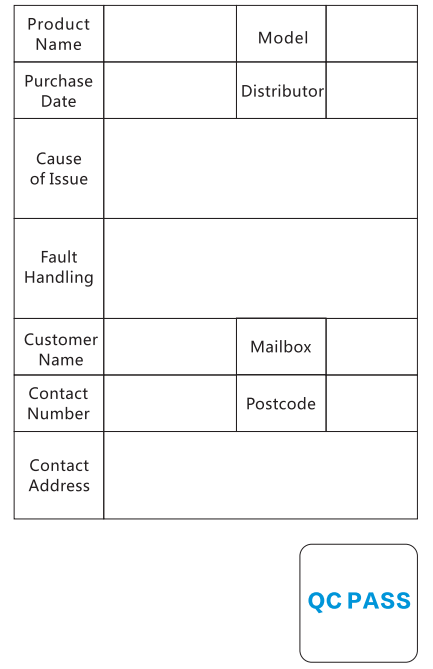
Warranty Card
FCC Statement
Changes or modifications not expressly approved by the party responsible for compliance could void the user’s authority to operate the equipment.
This equipment has been tested and found to comply with the limits for a Class B digital device, pursuant to Part 15 of the FCC Rules. These limits are designed to provide reasonable protection against harmful interference in a residential installation. This equipment generates uses and can radiate radio frequency energy and, if not installed and used in accordance with the instructions, may cause harmful interference to radio communications. However, there is no guarantee that interference will not occur in a particular installation.
If this equipment does cause harmful interference to radio or television reception, which can be determined by turning the equipment off and on, the user is encouraged to try to correct the interference by one or more of the following measures:
- Reorient or relocate the receiving antenna.
- Increase the separation between the equipment and receiver.
- Connect the equipment into an outlet on a circuit different from that to which the receiver is connected.
- Consult the dealer or an experienced radio/TV technician for help
This device complies with part 15 of the FCC rules.
Operation is subject to the following two conditions (1)this device may not cause harmful interference, and (2) this device must accept any interference received, including interference that may cause undesired operation.
RF Exposure statement:
This equipment complies with the FCC RF radiation exposure limits set forth for an uncontrolled environment.
This equipment should be installed and operated with a minimum distance of 20 centimeters between the radiator and your body.