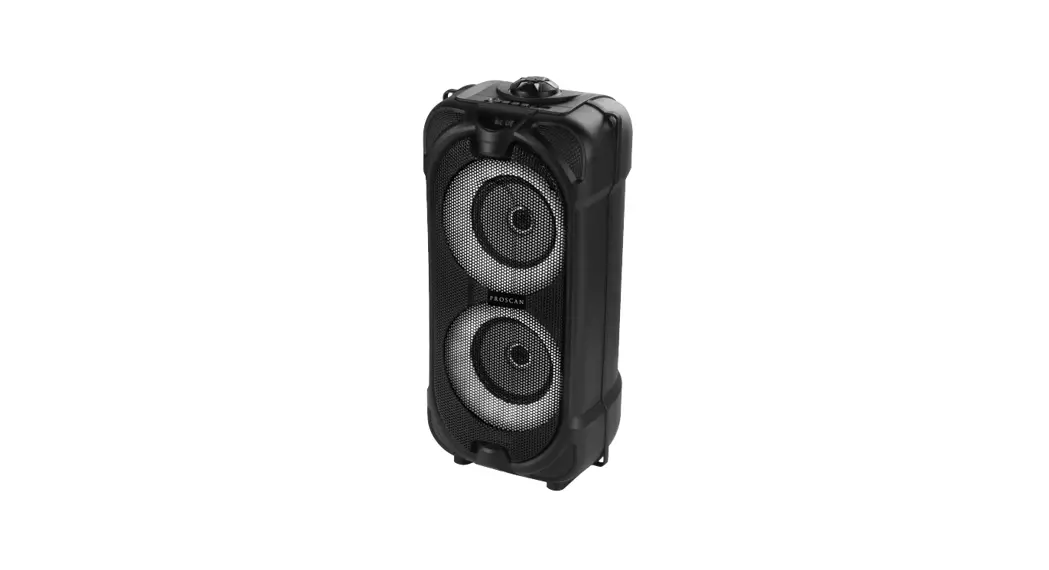
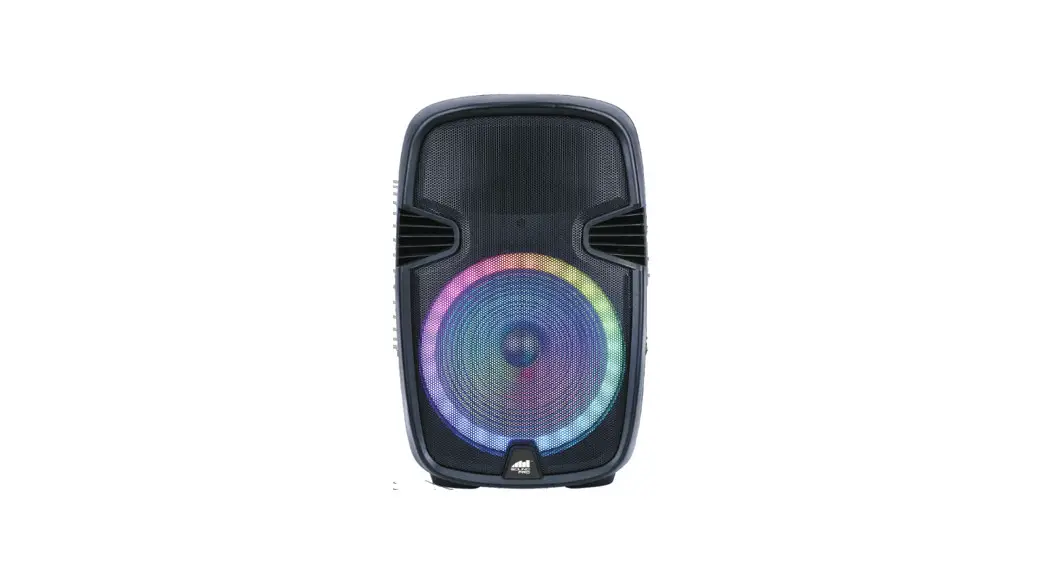
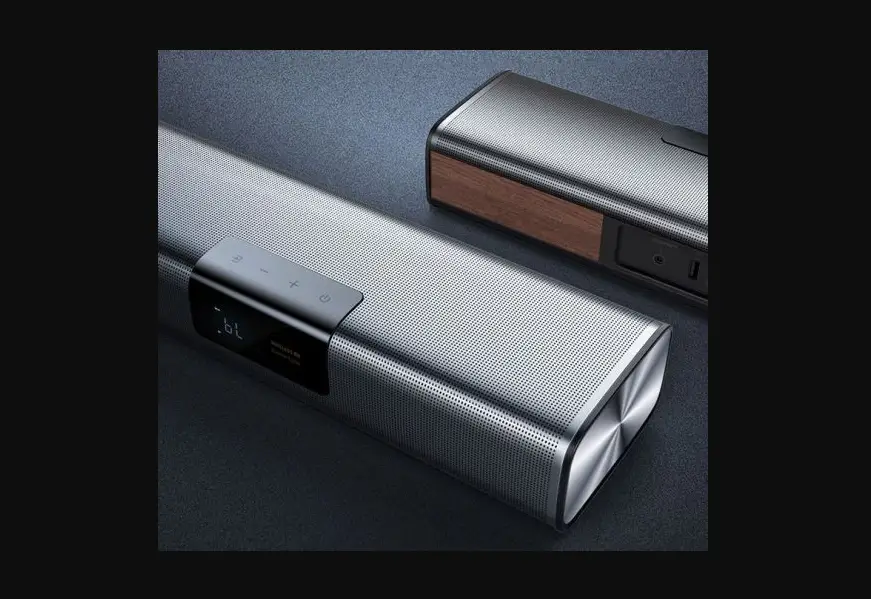
PSP1740 Bluetooth Multimedia Soundbar and Speaker
BLUETOOTH MULTIMEDIA SOUNDBAR / SPEAKER
MODEL NO.: PSP1740 INSTRUCTION MANUAL
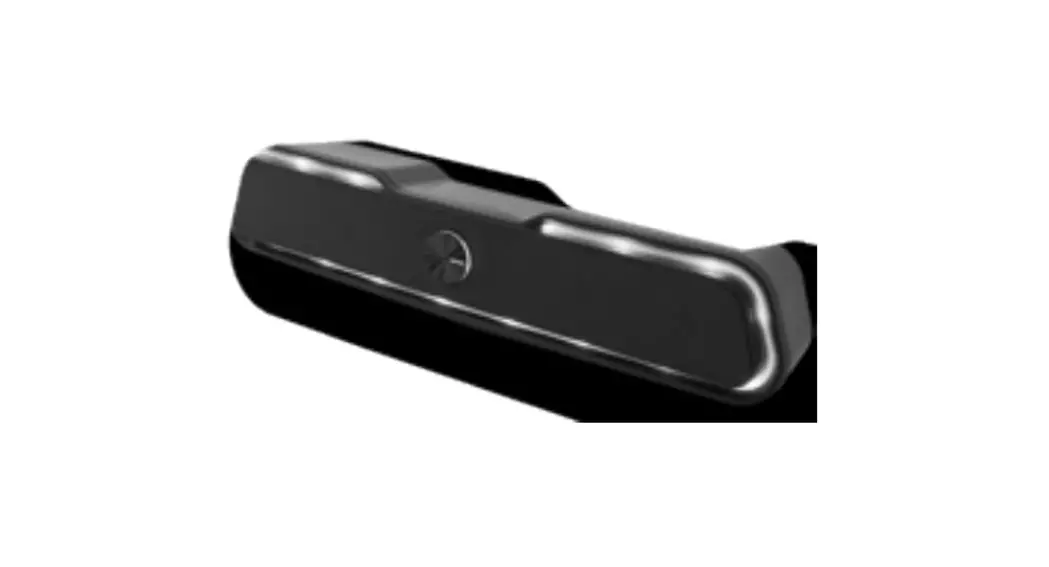
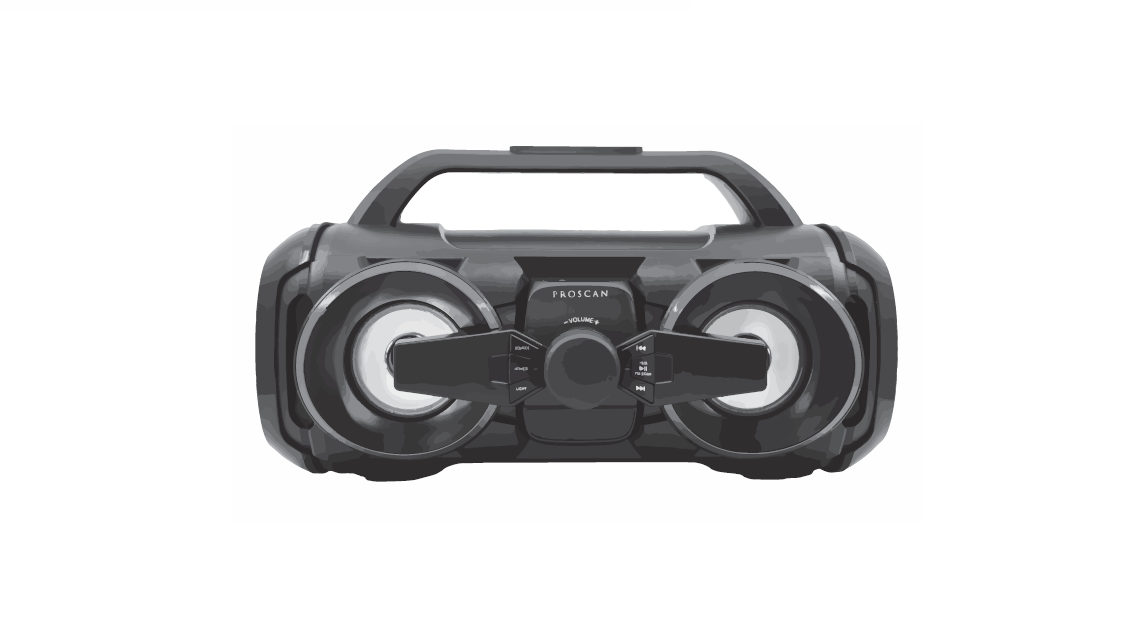
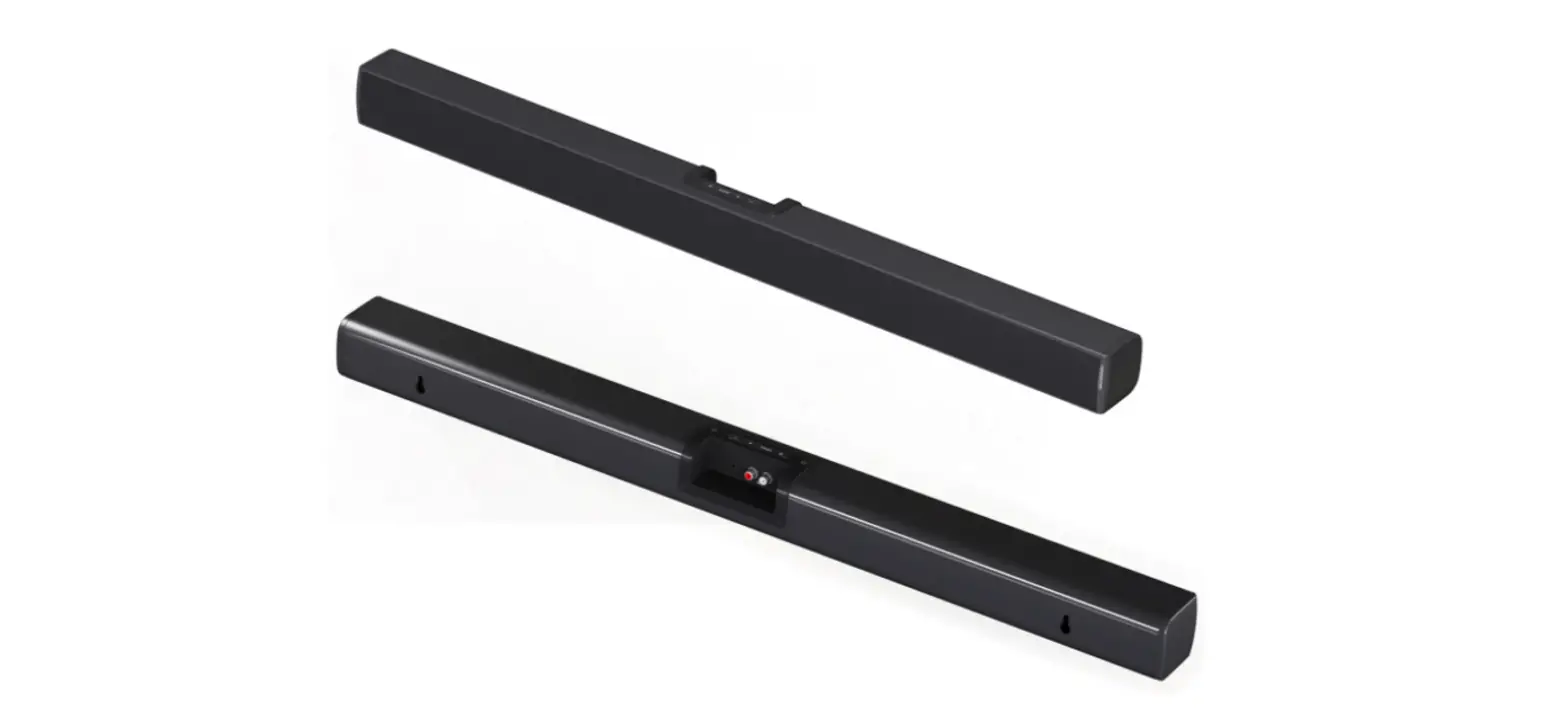
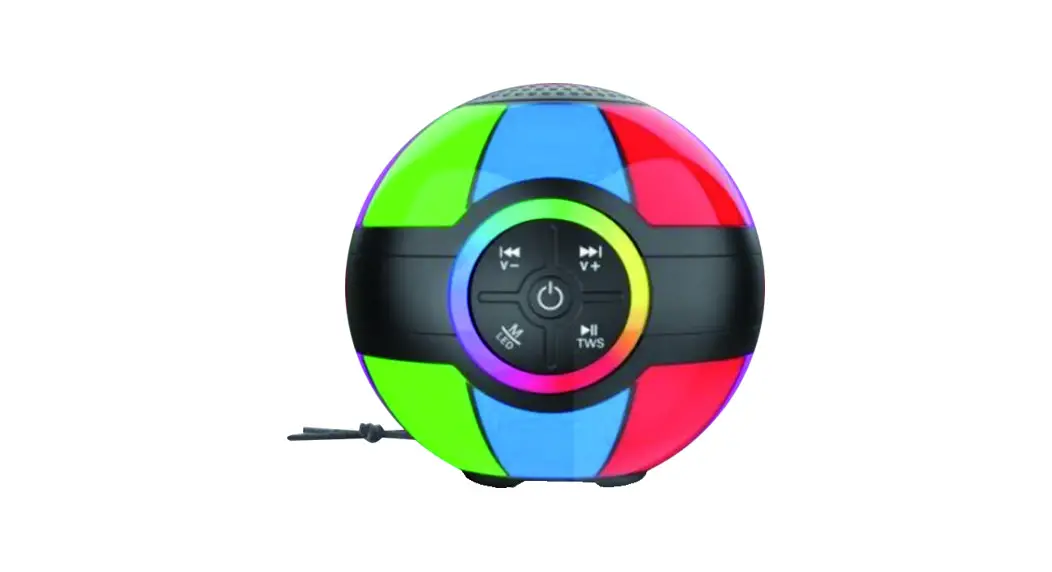
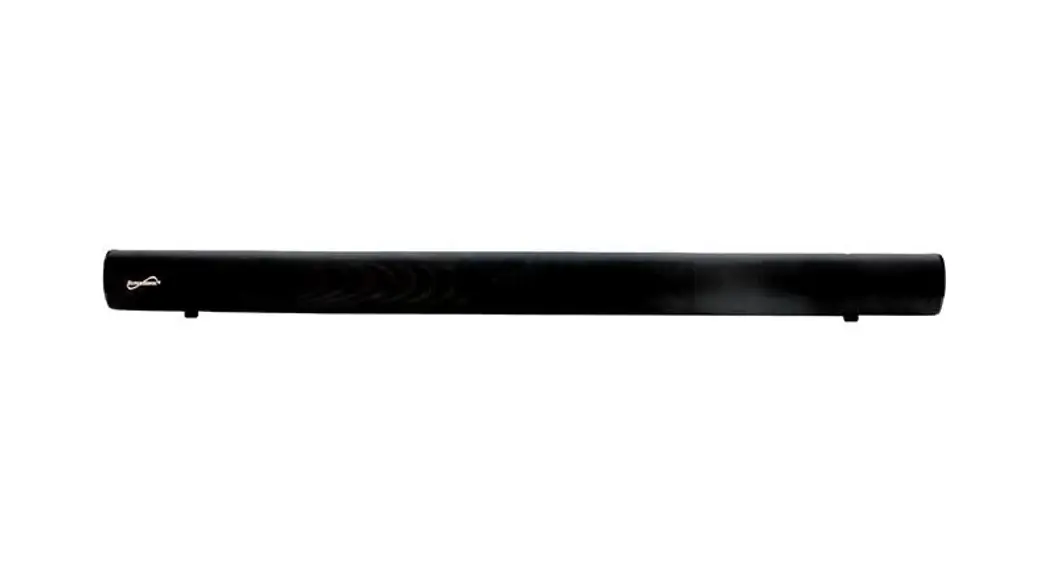
The Proscan PSP1740 is a Bluetooth-enabled multimedia
soundbar/speaker that enables simple wireless pairing with your
Bluetooth-enabled devices. It features Bluetooth v5.0, 16 RGB LED
light effects, FM radio, a micro-USB port for battery recharge, and
a 3.5mm standard auxiliary input that provides a simple wired
connection to a wide variety of devices. The speaker also has a
built-in rechargeable battery.
Controls and Indicators
- Power/Light Button: Switches the speaker on/off and turns on
the color-changing LED light effects. - Volume Control: Adjusts the volume of the speaker.
- Mode Button: Switches between Bluetooth mode and FM radio
mode. - Operational Mode Indicator: Changes to blue and green light
when in FM radio mode. - Battery Charging Indicator: Indicates when the battery is
charging. - Micro USB Cable: Used to charge the speaker’s battery.
Usage Instructions
- Switch the Power/Light Button to ON position to power on the
speaker. A voice message “Power On” will be announced, and the
speaker will be ready to pair. - Switch the Power/Light Button to LIGHTS position to turn on the
color-changing LED light effects. - Use the controls on your connected Bluetooth device to select
and begin playing audio. Turn the volume control of the unit to
adjust the music volume up or down. - To switch to FM radio mode, press the Mode Button. The
operational mode indicator changes to blue and green light. Long
press the Mode Button to auto search to the next station. Press
twice to scan all stations and save them. Press the Mode Button
again to switch the speaker back to Bluetooth mode. - To switch to auxiliary mode, plug in the 3.5mm cable (not
included) into the unit. The other end is connected to your device.
The speaker will automatically switch to Aux Mode. The green LED
will be flashing when in Aux mode. Please note music and volume can
be controlled by your device. - Switch the Power/Light Button to OFF position to power off the
speaker.
If you encounter any issues with your Proscan PSP1740, please
email [email protected] or call 1-800-968-9853. The speaker
comes with a 90-day warranty, and for faster service, locate the
model, type, and serial numbers on your appliance at the time of
purchase.
..
BLUETOOTH MULTIMEDIA SOUNDBAR / SPEAKER
MODEL NO.: PSP1740 INSTRUCTION MANUAL
PROSCAN, and the PROSCAN logo are trademarks used under license by CURTIS INTERNATIONAL LTD. www.proscan-brand.com.
PROSCAN PSP1740 Volume Control
Operational Mode Indicator
Power/Light DC AUX Bluetooth/Radio
Button
IN IN Mode Button
Battery Charging Indicator
3. Micro USB Cable
1
Bluetooth enables simple wireless pairing with your bluetooth-enabled devices
Bluetooth v5.0 16 RGB LED light effects FM Radio Micro-USB port for battery recharge 3.5mm standard auxiliary input provides a simple wired connection to wide
variety of devices.
Built-in rechargeable battery
Switch the Power Button to ON position to power on the speaker. A voice message “Power On” will be announced and ready to pair. Further switch to LIGHTS position to turn on the color changing LED light effects.
Switch the Power Button to OFF position to power off the speaker.
The unit will go into “Pairing Mode” when the power is on. The blue light is flashing on the operational mode indicator and ready for pairing. Go into your Bluetooth device settings menu and look for “Pro PSP1740” for pairing. After the unit has paired and blue light become solid, it will re-connect automatically when the unit is powered on and the device is in range. Note: Bluetooth Timeout: 10 minutes. You can press and hold MODE button to unpair your current device and search for new devices in Bluetooth mode.
Use the controls on the connected Bluetooth device to select and begin playing audio. Turn the volume control of the unit to control music volume up or down.
When the unit is ON, press the MODE button will turn on FM Radio mode. The operational mode indicator changes to blue & green light. Long press the mode buttom will auto search to next station. Press twice to scan all stations and save it. Press the MODE button again to switch the speaker back to Bluetooth mode.
Plug in the 3.5mm cable (not include) into the unit. The other end is connected to your device. The speaker will automatically switch to Aux Mode. The green LED will be flashing when in “Aux” mode.
Please note music and volume can be controlled by your device.
2
3
Blue & Green LED
FM mode
Red LED flashing
Low battery
4
To make a warranty claim, please email [email protected] or call 1-800-968-9853.
90 day Warranty
This product is warranted to be free from defects in material and workmanship for a period of ninety (90) days from the date of original purchase. During this period, your exclusive remedy is repair or replacement of this product or component found to be defective, at our option; however, you are responsible for all costs associated with returning the product to us. If the product or component is no longer available, we will replace with a similar one of equal or greater value. Prior to a replacement being sent, the product must be rendered inoperable or returned to us.
This warranty does not cover glass, filters, wear from normal use, use not in conformity with the printed directions., or damage to the product resulting from accident, alteration, abuse, or misuse. This warranty extends only to the original consumer purchaser or gift recipient. Keep the original sales receipt, as proof of purchase is required to make a warranty claim. This warranty is void if the product is used for other than single-family household use or subjected to any voltage and waveform other than as on the specified rating on the label (e.g., 120V~60Hz).
We exclude all claims for special, incidental, and consequential damages caused by breach of express or implied warranty. All liability is limited to the amount of the purchase price. Every implied warranty, including any statutory warranty or condition of merchantability or fitness for a particular purpose, is disclaimed except to the extent prohibited by law, in which case such warranty or condition is limited to the duration of this written warranty. This warranty gives you specific legal rights. You may have other legal rights that vary depending on where you live. Some states or provinces do not allow limitations on implied warranties or special, incidental, or consequential damages, so the foregoing limitations may not apply to you.
For faster service, locate the model, type, and serial numbers on your appliance.
ATTACH YOUR PROOF OF PURCHASE HERE, PROOF OF PURCHASE IS REQUIRED TO OBTAIN WARRANTY SERVICE. Please have the following information available when you contact the Support Team: · Name, address and telephone number. · Model number and serial number. · A clear, detailed description of the problem. · Proof of purchase including dealer or retailer name, address and date of
purchase.
5
 proscan-brand.com