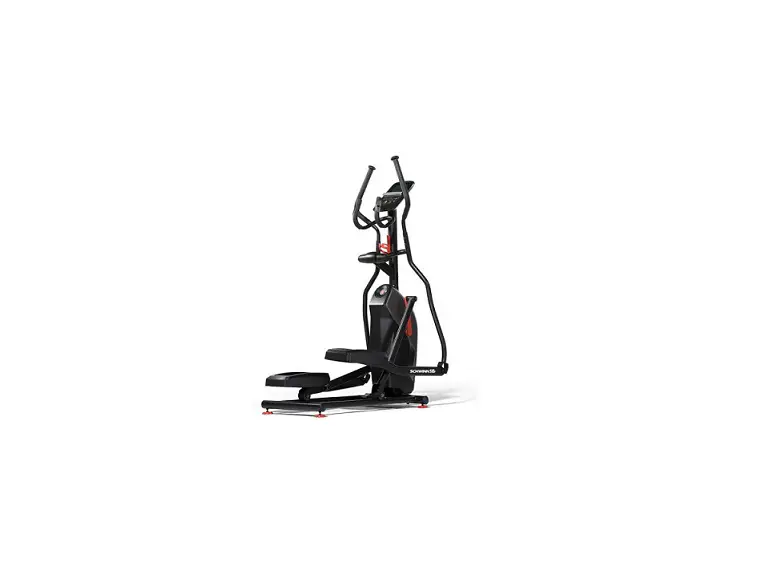
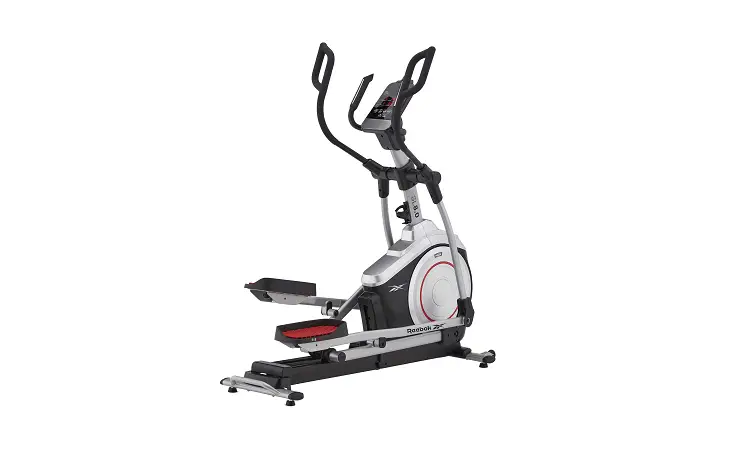
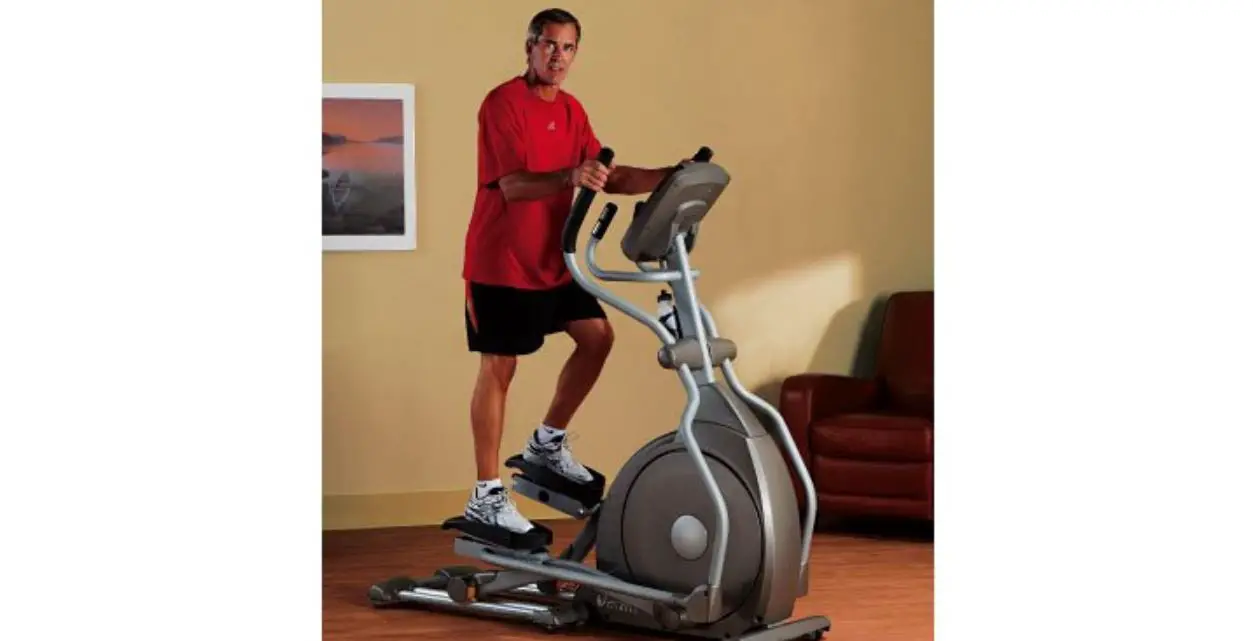
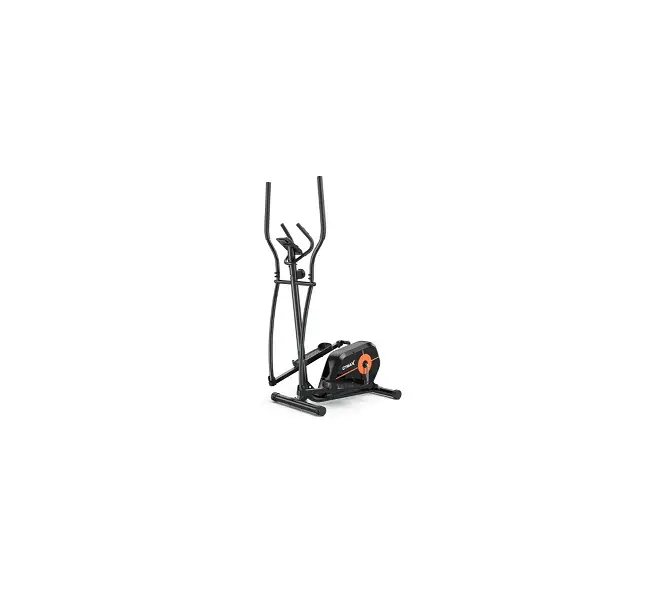
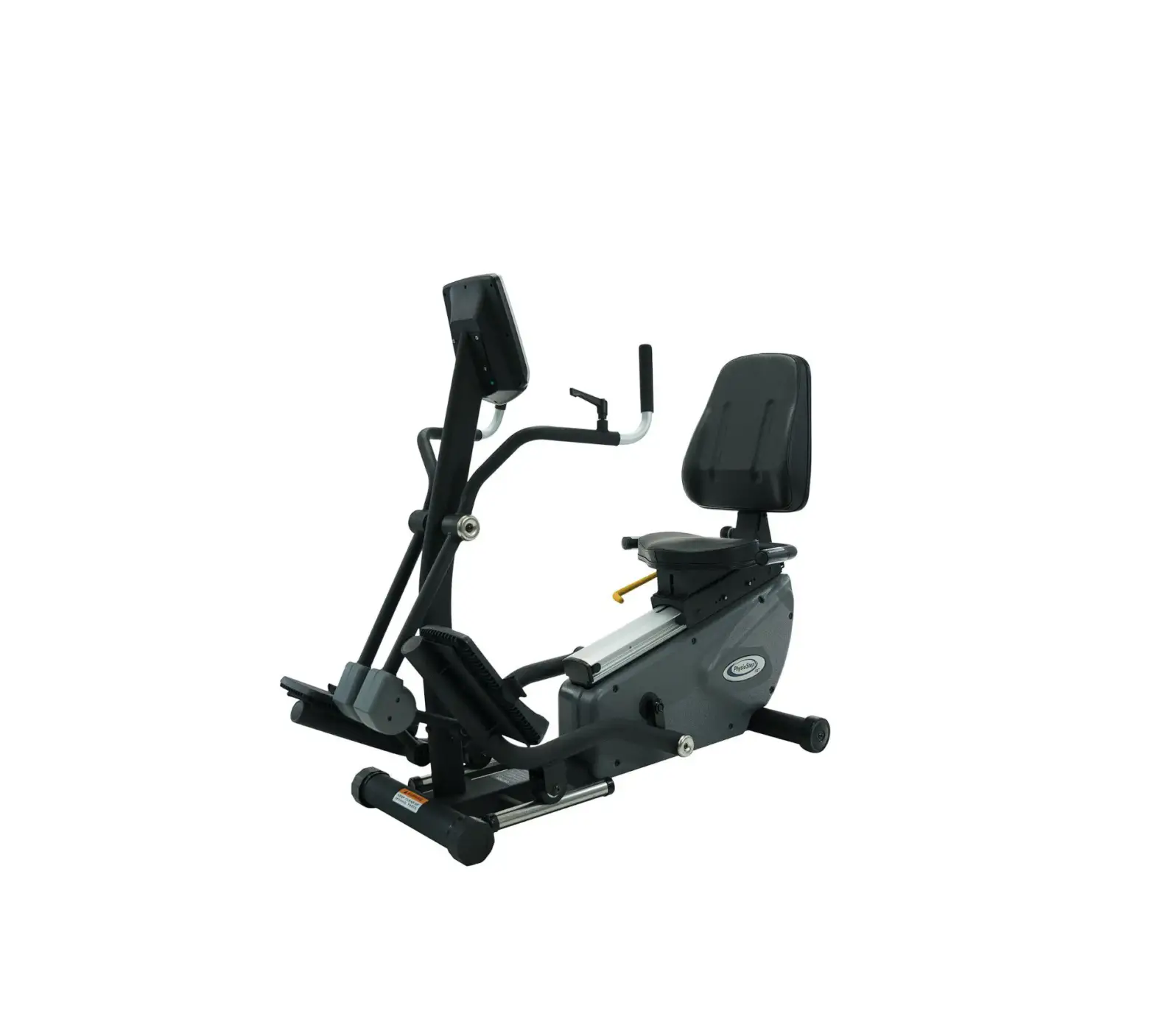
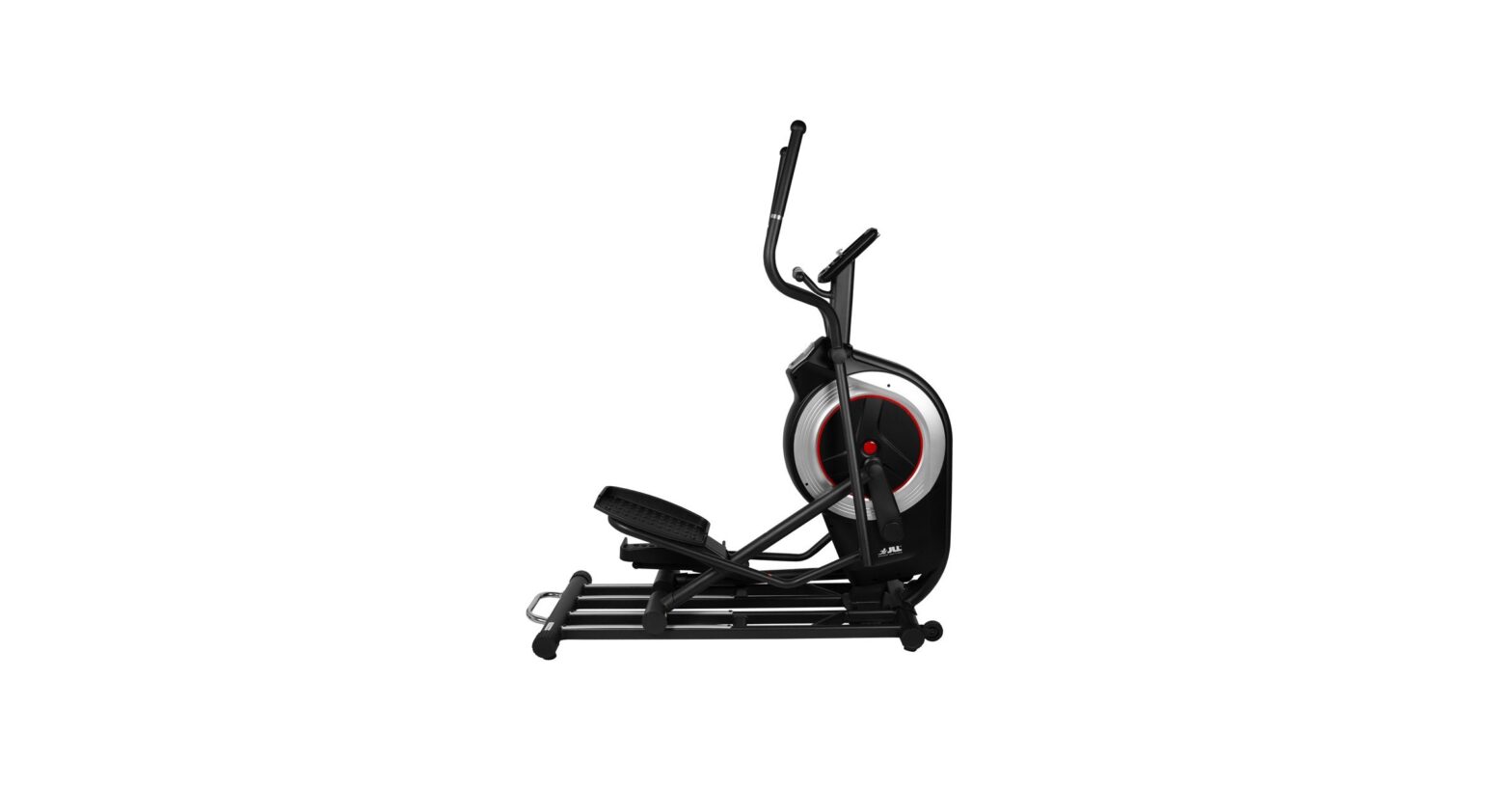
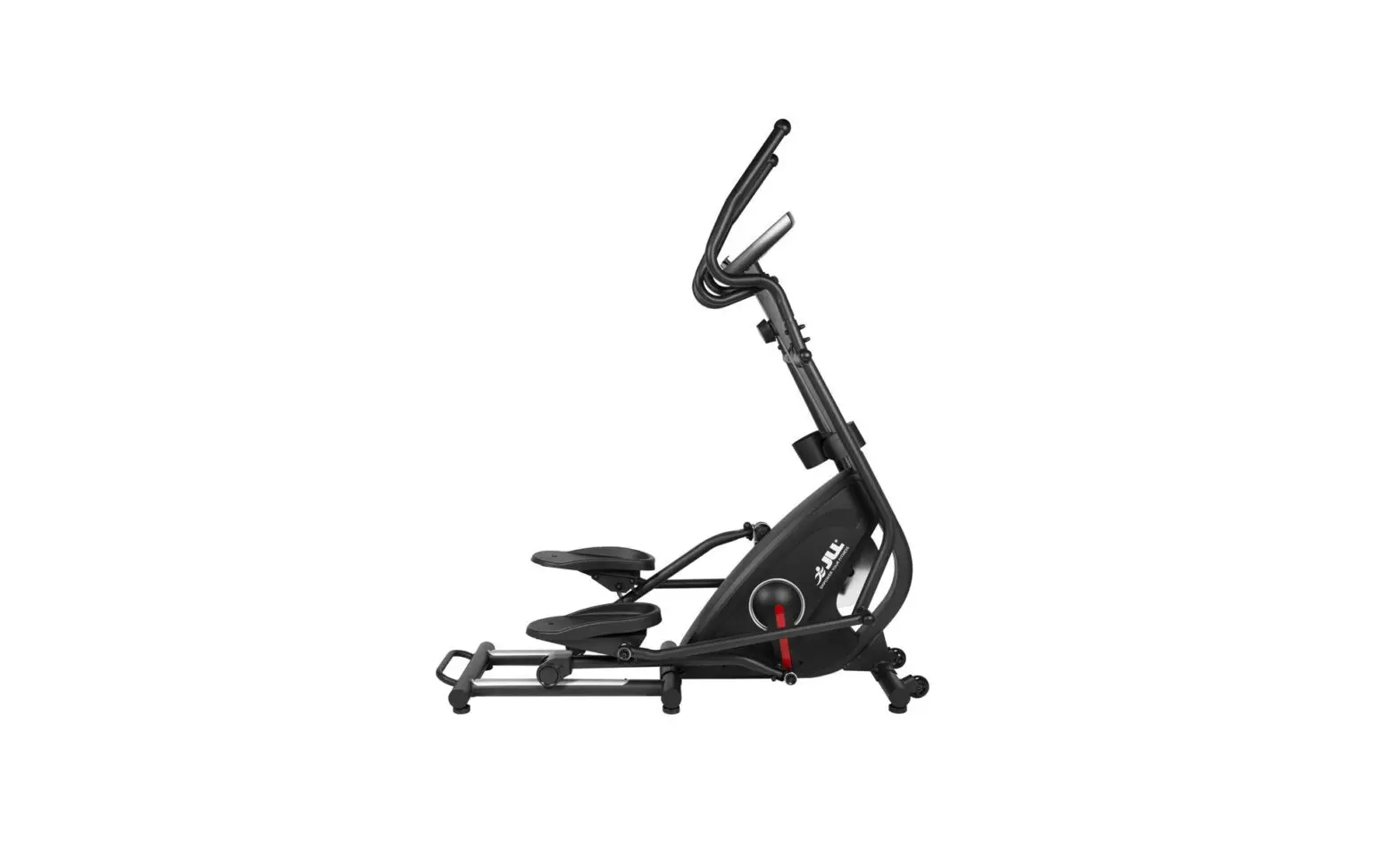
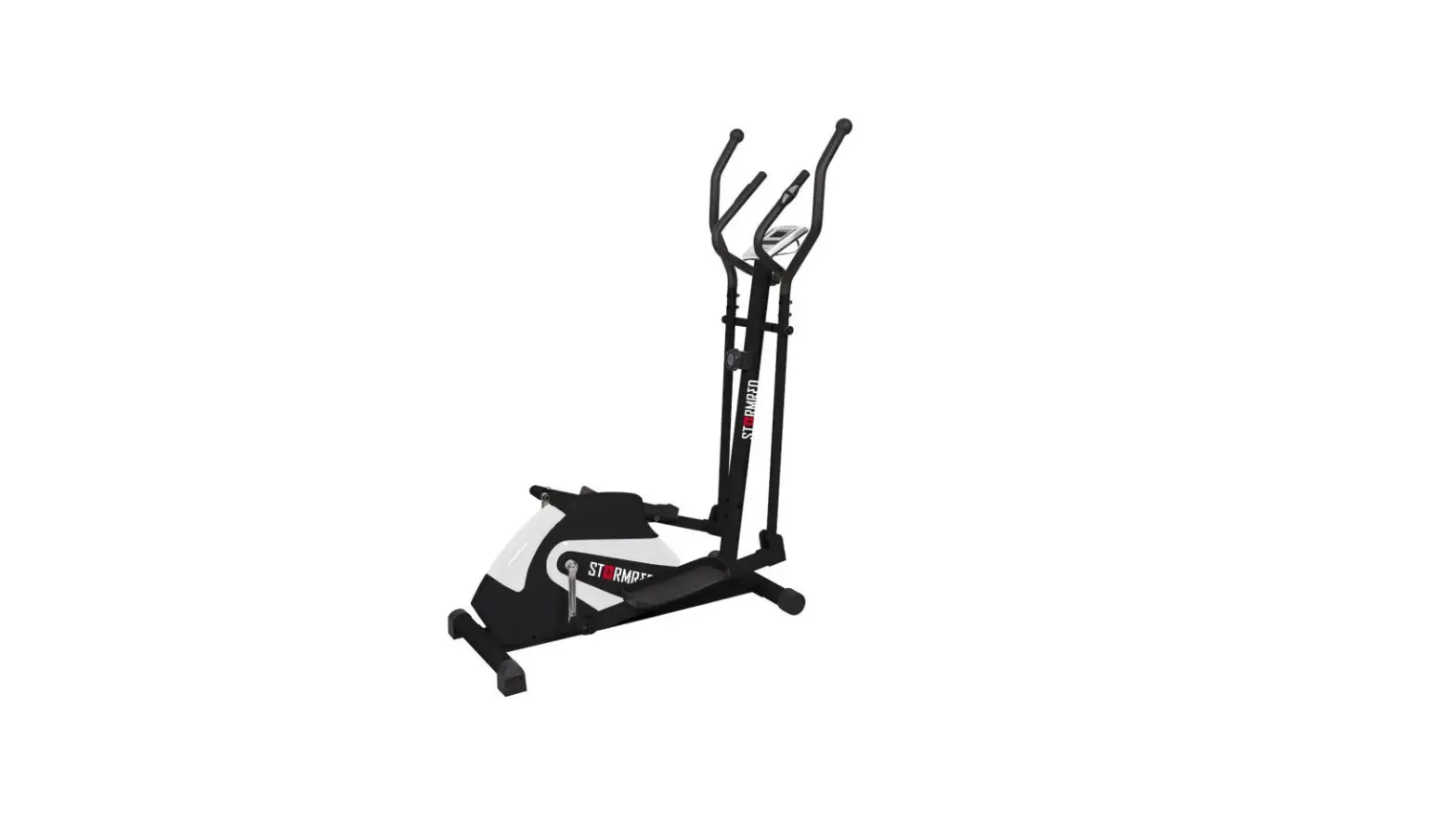
S7100HRT Suspension Elliptical Trainer
Product Information: S7100HRT Suspension Elliptical
Trainer
The S7100HRT Suspension Elliptical Trainer is an exercise
machine designed to provide a low-impact, full-body workout. It
features a console mast frame bracket and backside console with two
serial numbers for identification purposes. The product comes with
a user manual, power cord, and color-coded hardware bags containing
bolts, nuts, washers, and other assembly components. The machine
has several components, including the console mast data cable,
incline arm, elevation bracket, suspension arm, crank arm, pedal
assembly, and dual-action arm.
Product Usage Instructions
Before assembling the S7100HRT Suspension Elliptical Trainer,
locate the two serial numbers on the console mast frame bracket and
backside of the console and record them for future reference.
Follow the assembly steps in the correct order to avoid damaging
the machine.
Apply grease to the threads of each bolt and screw during
assembly to prevent loosening and noise. Ensure that all bolts and
screws are partially threaded in before completely tightening any
one bolt or screw.
STEP 1: Attach the Console Mast Data Cable, Incline Arm,
Elevation Bracket, Console Mast Boot, and Elevation Motor Tube. A
second person may be helpful in completing this step.
STEP 2: Attach the Incline Frame Pivot Shaft, Incline Pivot
Tube, and Top Tube. Do not fully tighten the four bolts at the
bottom of the incline arm until instructed to do so in step 4.
STEP 3: Attach the Elevation Bracket and Incline Arm. A second
person may be helpful in completing this step.
STEP 4: Tighten the Suspension Arm, Crank Arm, Console Mast
Frame Bracket, Pedal Assembly, and Incline Arm Bracket.
STEP 5: Attach the Dual-Action Arm using the Pink Bag
hardware.
STEP 6: Attach the Dual-Action Arm Housing Shaft using the Green
Bag hardware.
STEP 7: Attach the Incline Frame Cover, Elevation Bracket Cover,
and Link Arm to complete the assembly.
Refer to the user manual for additional instructions and safety
information before using the S7100HRT Suspension Elliptical
Trainer. If any parts, hardware, or tools are missing, contact your
authorized Vision Fitness retailer for assistance.
ASSEMBLY GUIDE
S7100HRT
Suspension Elliptical Trainer
S7100HRT Suspension Elliptical Trainer
To avoid possible damage to this Suspension EllipticalTM Trainer, please follow assembly steps in the correct order. Before proceeding though, find your new Suspension EllipticalTM Trainer’s two serial numbers located on the console mast frame bracket, and on the back side of the console, and enter here:
Console Mast Frame Bracket Serial Number: ____________________________________
Console Serial Number: ________________________________________
Refer to this number when calling for service, and enter this serial number on your Warranty Card and in your own records. Be sure to read your Owner’s Guide before using your new Suspension Elliptical Trainer. If any parts, hardware or tools are missing, please contact your authorized Vision Fitness retailer.
NOTE: It is recommended that you apply grease to the threads of each bolt and screw as you assemble your Suspension EllipticalTM Trainer to prevent loosening and noise. Also, during each assembly step, ensure that ALL bolts and screws are in place and partially threaded in before completely tightening any ONE bolt or screw.
HARDWARE INCLUDED
BLUE BAG
ORANGE BAG
M8x20L Socket Head Bolt Quantity: 4
10.2x15x1.5T Washer Quantity: 1
8.2x16x1.5T Washer Quantity: 4
3/8x52L Socket Head Bolt Quantity: 1
LIGHT BLUE BAG
M5x15L Silver Bolt Quantity: 10
M8x70L Socket Head Bolt Quantity: 4
8.2x25x1.5T Washer Quantity: 4
S7100HRT ASSEMBLY GUIDE
6mm L-Shaped Wrench x 2
5mm L-Shaped Wrench
visionfitness.com ©2022 Vision Fitness. All Rights Reserved.
Rev 1.4 2022.07.13
PURPLE BAG
M8x30L Socket Head Bolt Quantity: 4
M8 Nut Quantity: 4
PINK BAG
M8 Flat Washer Quantity: 4
GREEN BAG
8.2x16x2T Washer Quantity: 4
M8 Nut Quantity: 2
M8x50L Bolt Quantity: 2
Spacer Bushings Quantity: 4
BLACK BAG
M8 Nut Quantity: 2
8.2x25x2.5T Washer Quantity: 2
M8x15L Button Head Bolt Quantity: 2
M8x90L Bolt Quantity: 2
10.5x45x5T Washer Quantity: 2
M10x25L Button Head Bolt Quantity: 2
Screwdriver
15mm Wrench Qty: 2
PARTS BOX
Assembly Guide Power Cord
Incline Arm Covers (x2) Crank Arm Bearing End Caps (x2)
Elevation Bracket Cover Color-coded Hardware Bags
13mm Wrench
STEP 1
BLUE BAG
NOTE: A second person will be helpful to complete this step.
· Slide the console mast boot onto the console mast.
· Using the two bolts inserted in the front of the console mast as guides, set the console mast into the console mast frame bracket ensuring cables are not pinched between the console mast and console mast bracket. Secure the front of the mast to the frame bracket with the other two socket head bolts (M8x20L) and (8.2x16x1.5T) washers using a 6mm L-shaped wrench. Secure each side of the console mast to the console mast bracket with one socket head bolt (M8x20L) and one washer (8.2x16x1.5T) using a 6mm L-shaped wrench. Do NOT tighten the bolts yet.
· Release the console mast elevation bracket and slide it down the console mast to its lowest position. Slide the console mast elevation bracket (shaft bracket) over the elevation motor tube so the holes in the console mast elevation bracket line up with the top holes in the elevation motor tube. Insert the bolt (3/8x52L) and washer (10.2x15x1.5T) and tighten just to snug using a 6mm L-shaped wrench. Do not allow the bolt to draw tight and deform the tube.
· Tighten the six (M8x20L) bolts on the mast completely tight using a 6mm L-shaped wrench.
· Connect the data cables coming from the bottom of the console mast to the data cables coming up from the frame.
· Slide the console mast boot down over the frame.
Please follow the order and intent of these instructions as much as you can. The order of assembly and order of tightening the bolts will affect the performance of your new exercise machine.
STEP 1
Console Mast Data Cable
Incline Arm
Elevation Bracket
Console Mast Boot Elevation Motor Tube
STEP 2
STEP 2 BLACK BAG
NOTE: Do not fully tighten the four bolts at the bottom of the incline arm until instructed to do so in step 4.
· Slide the incline frame pivot shaft into the incline pivot tube at the rear of the unit.
· Slide the bottom of the left incline arm over the incline pivot shaft and let it rotate forward resting it on the ground. Repeat on the right side. NOTE: The incline frame pivot shaft should be centered in the incline pivot tube. Insert a button head bolt ( M10x25L) and washer (10.5x45x5T) into each side of the incline frame pivot shaft. Tighten the two button head bolts using two 6mm L-shaped wrenches to pull the incline arms in snug against the incline pivot tube.
· Do NOT tighten the four bolts at the bottom of the incline arm.
Incline Frame Pivot Shaft
Incline Pivot Tube
Top Tube
STEP 3
Elevation Bracket
Incline Arm
STEP 3 LIGHT BLUE BAG
NOTE: A second person will be helpful to complete this step.
· Lift the left incline arm and place a top tube (they are interchangeable) over the left incline arm bracket and connect with two socket head cap bolts (M8x70L), and two washers (8.2x25x1.5T). Turn bolts finger tight with the 6mm L-shaped wrench.
· Insert the pin on the elevation bracket into the hole on the front flange of the connection arm.
· Repeat these steps on the right side.
STEP 4 PURPLE BAG
· When both top tubes are onto elevation bracket alignment pin, lift the entire assembly slightly to line up the bolt holes. Insert the four socket head cap bolts (M8x30L) through these holes. Secure each bolt with a nylon nut (M8). Do NOT tighten these bolts yet.
· Tighten the left and right top tube/incline arm bolts using a 6mm L-shaped wrench.
· Tighten the four elevation bracket bolts (M8x30L) with the 6mm L-shaped wrench and 13mm wrench.
· Tighten the four bolts at the bottom lowerrear pivot of the incline arms using a 6mm L-shaped wrench.
Top Tube
Elevation Bracket
Incline Arm
STEP 4
Tighten
Tighten
Suspension Arm
Crank Arm
Console Mast Frame
Bracket
Pedal Assembly
Incline Arm Bracket
STEP 5
Dual-Action Arm
STEP 5
PINK BAG
· Take the left pedal assembly lay it on the ground in position on the left side of the machine and insert the bearing end of the suspension arm into the bracket of the incline arm. From the outside, insert a hex head bolt (M8x90L) with flat washer (M8) through the bracket and suspension arm. Secure with a flat washer (M8), and hex nut (M8). Fully tighten with two 13mm wrenches. This joint must be torqued to 64.5 Nm / 47.6 lb-ft.
· Repeat this step on right side.
· Take the front end of the left pedal arm and insert it into the end of the crank arm (You will have to slightly pry the pedal arm out in order to place it into the bearing). Rotate the crank arm/pedal arm connection up to the 11 o’clock position (1 o’clock right side) and insert the button head bolt (M8x15L) with flat washer (8.2x25x2.5T). Tighten with the 5mm L-shaped wrench.
· Press inner crank arm bearing end cap in place.
· Repeat this step on the right side.
STEP 6 GREEN BAG
Dual-Action Arm Housing Shaft
STEP 6
· Remove button head cap bolt and flat washer from the left hand dual-action arm housing shaft. Then slide the left dual-action arm on the left housing and secure in place with a button head cap bolt (M8x20L) and flat washer. Tighten with the 5mm L-shaped wrench.
· Insert a spacer bushing onto each side of the left hand link arm bearing. Slide the link arm between the flanges of the dual-action arm bracket. Insert a button head screw (M8x50L) and flat washer (8.2x16x2T); through the hole to connect the brackets. Secure with a washer (8.2x16x2T) and nylon nut (M8). Tighten with the 5mm L-shaped wrench and 13mm wrench.
· Repeat these steps on the right side.
STEP 7
Incline Frame Cover
Elevation Bracket Cover
Link Arm
Consoles
Heart Rate Wires
STEP 7 ORANGE BAG
· With the screwdriver, remove the four console mounting screws from the backside of the console. Connect the heart rate wires coming from the mast to the heart rate wires coming from the bottom of the console. Plug the data cables into the board. Tuck any extra wires into the console. Take care to ensure cables coming from the frame sit in the groove in the back of the console and do not get pinched. Secure console to the bracket using the four console mounting screws removed earlier. Tighten with the screwdriver.
· Position the cover over the elevation bracket and secure with two bolts (M5x15L).
· Position the covers over the rear of the incline frame and secure each cover in place with four bolts (M5x15L) each. Tighten the bolts just until the covers are snug.
· Plug the power cord into the power socket in the front of the unit. Plug the other end of the cord into the wall outlet. Make sure the power switches at the bottom of the unit and on the back of the console are in the on position.
Data Cables