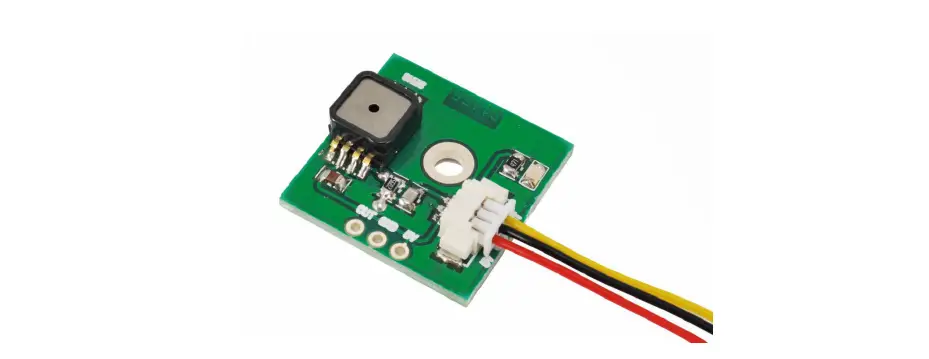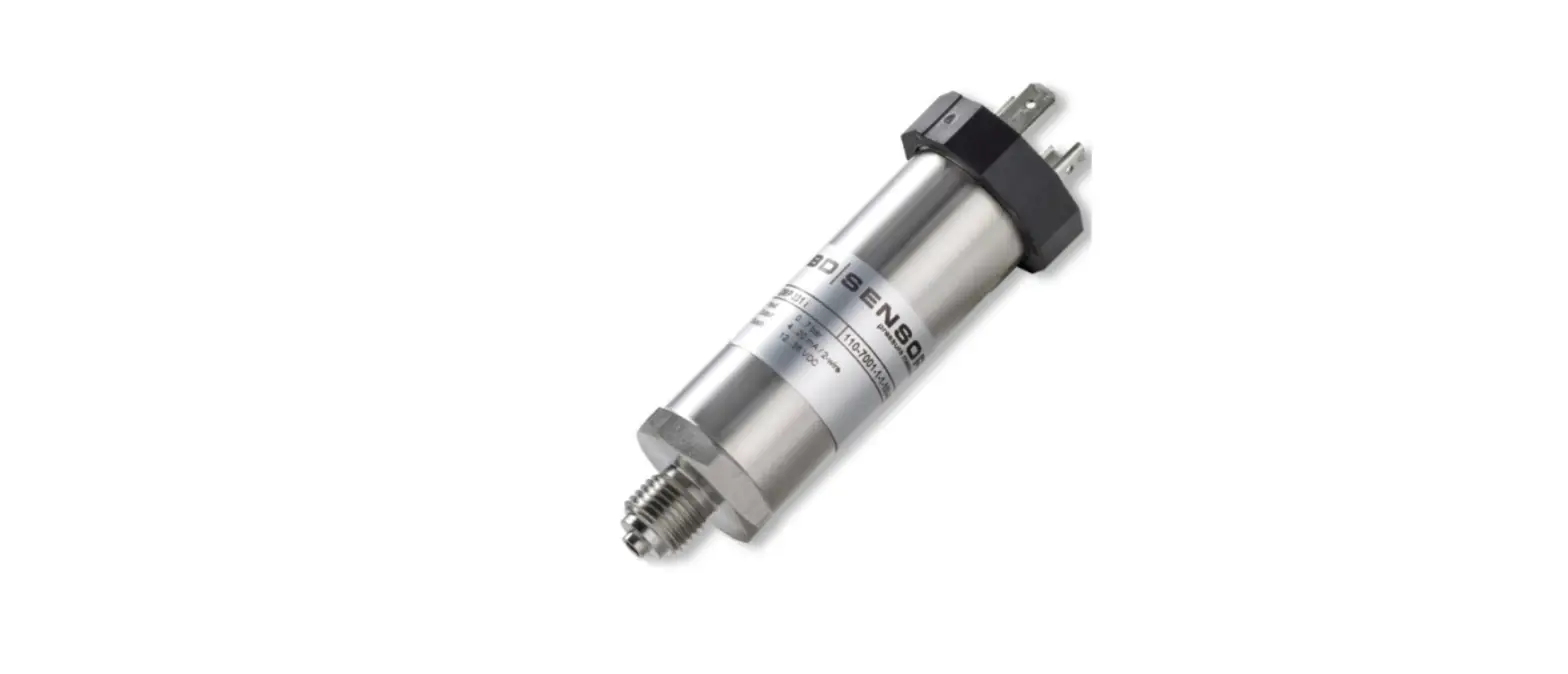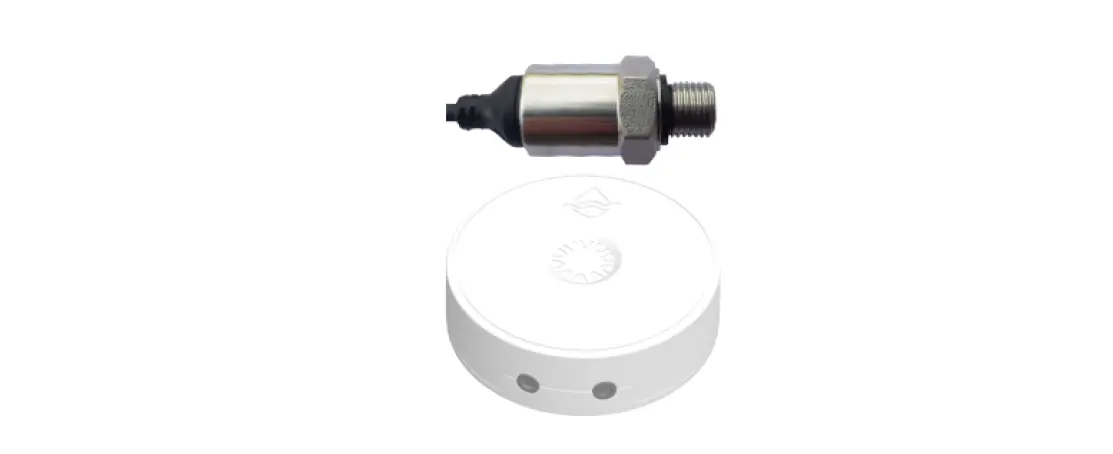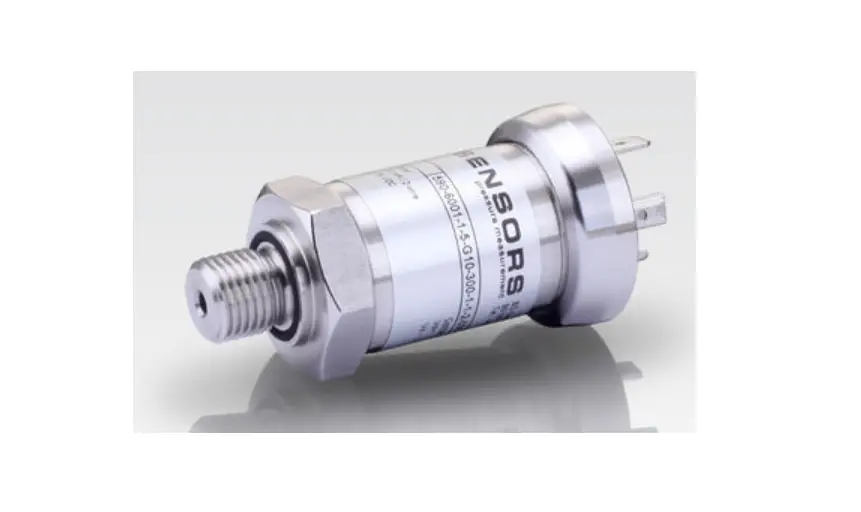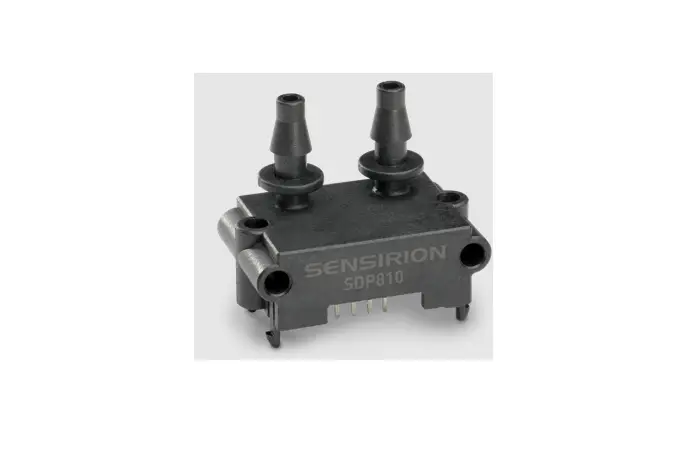

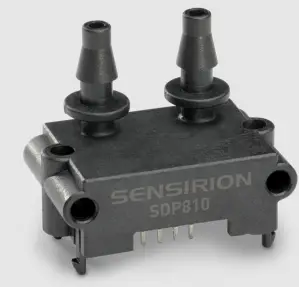
SENSIRION SDP8xx Digital and Analog Pressure Sensor
Set-up
- Install the last version of the Sensirion ControlCenter Software from the website.
- Connect the sensor to a PC via the SEK-SensorBridge. The cable to connect the sensor with the SEK-SensorBridge is included in the evaluation kit.
Getting started with the Sensirion ControlCenter Software
- Start the ControlCenter Software.
- The sensor will be identified by the software automatically.
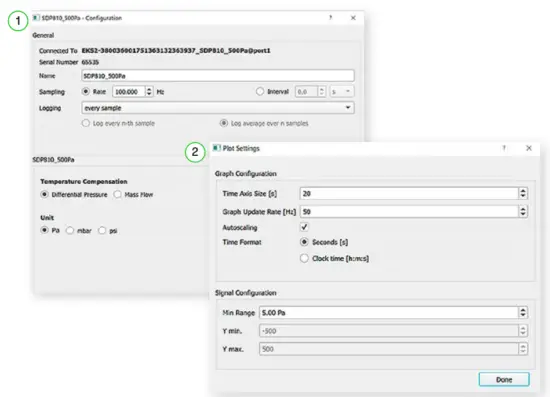
- 1 Select Config to adjust sampling rates, temperature compensation mode and displayed units.
- 2 Select Plot Settings to adjust the graph configurations.
- Press Start to run a measurement.
Please find all information about our differential pressure evaluation kits,including the required software, on our website: www.sensirion.com/ekdp
Thank you for your interest in our differential pressure sensors.
Sensirion AG
Laubisrütistrasse 50 · 8712 Stäfa · Switzerland · phone +41 44 306 40 00 · [email protected]
www.sensirion.com
 Home
Home