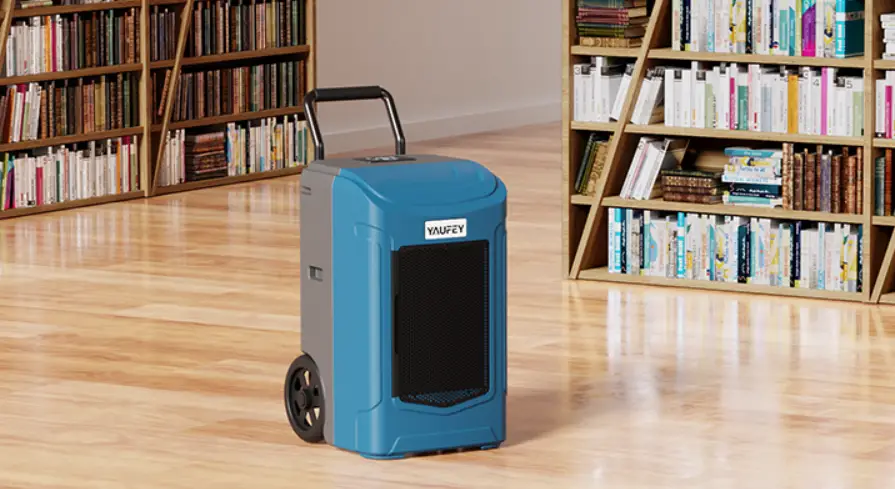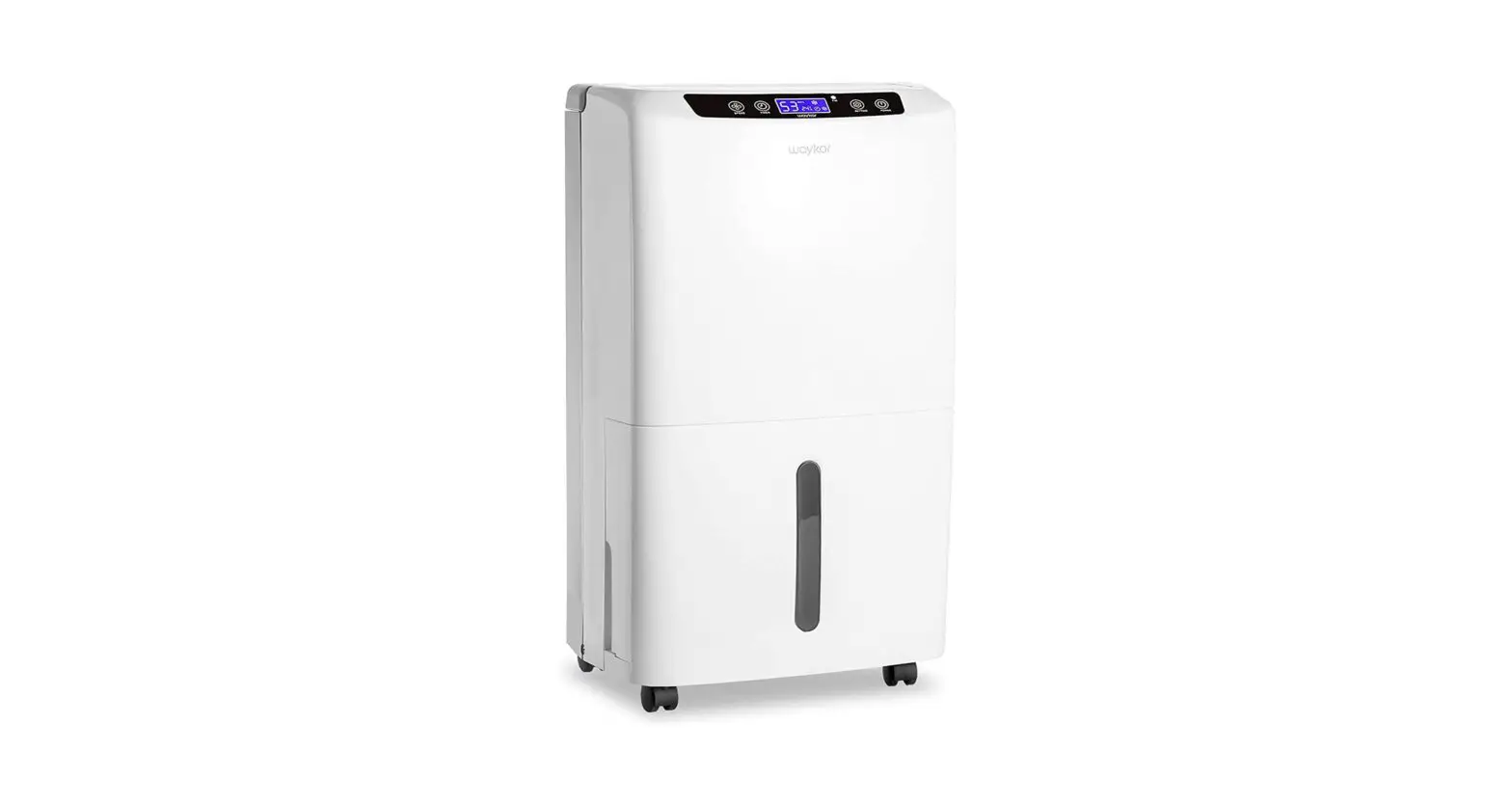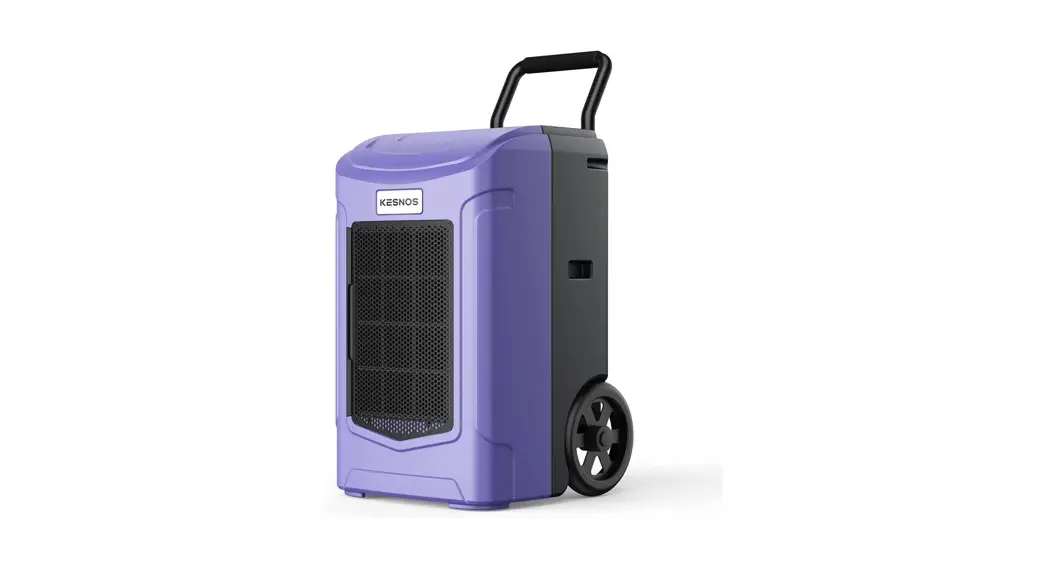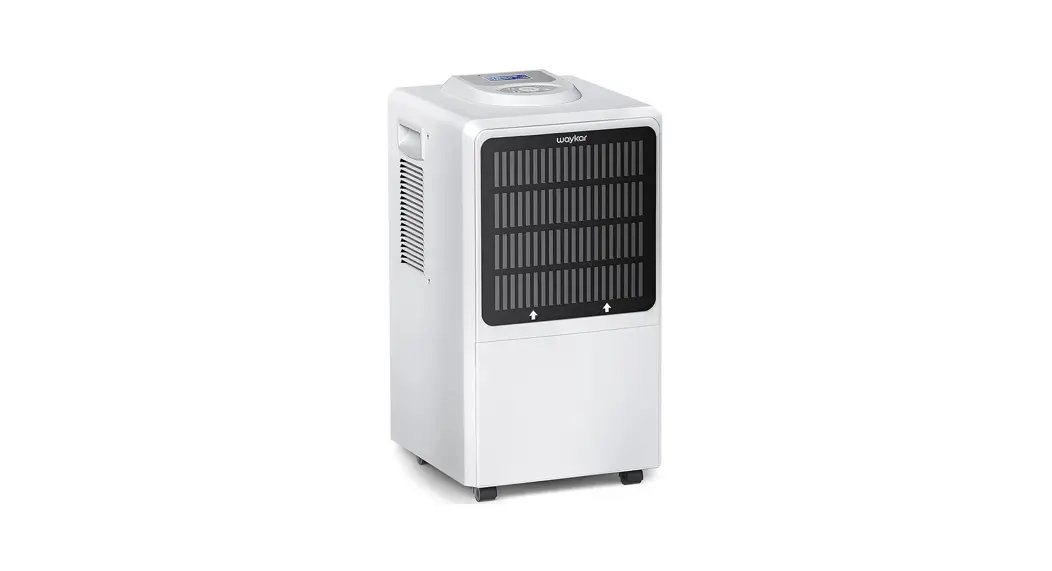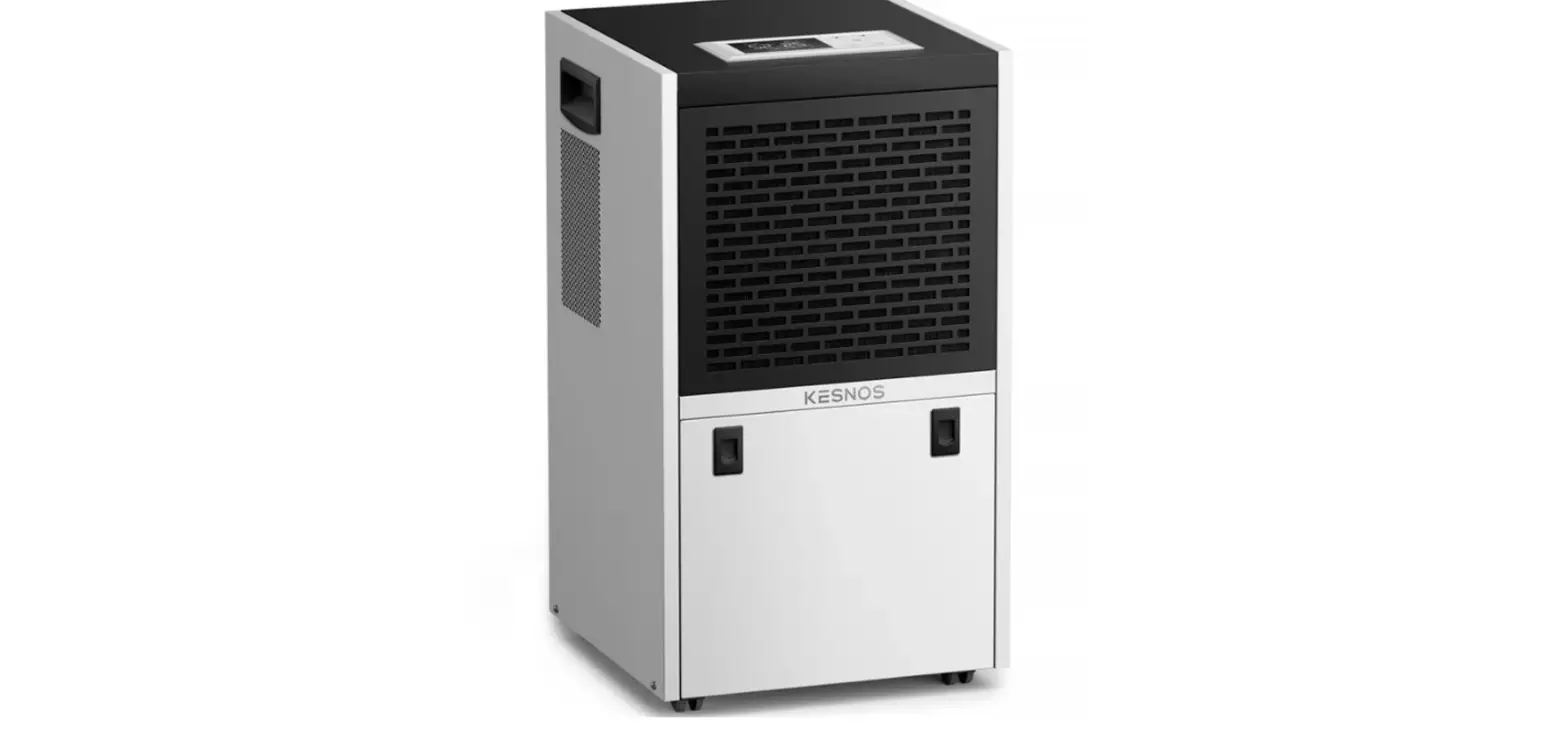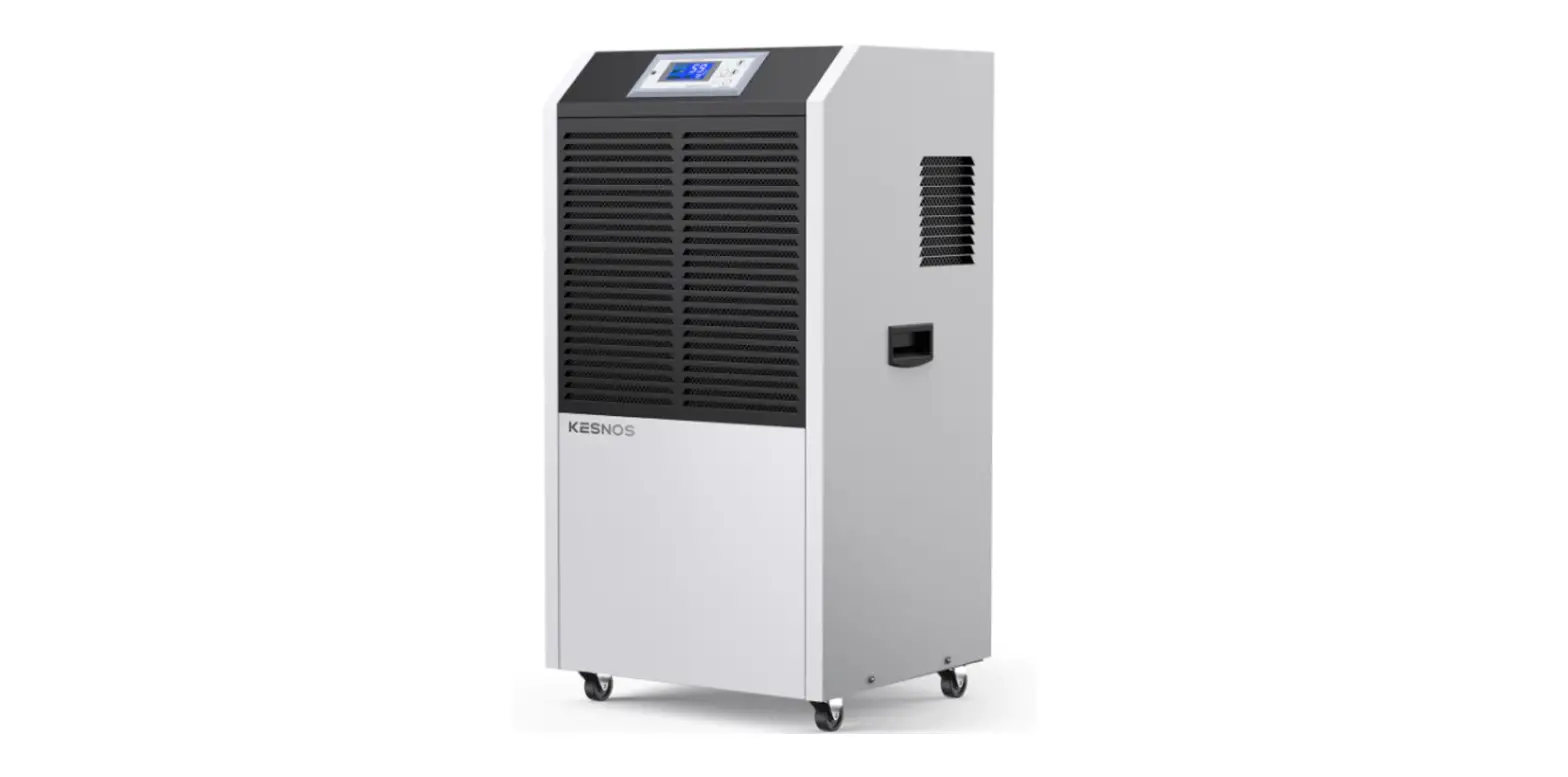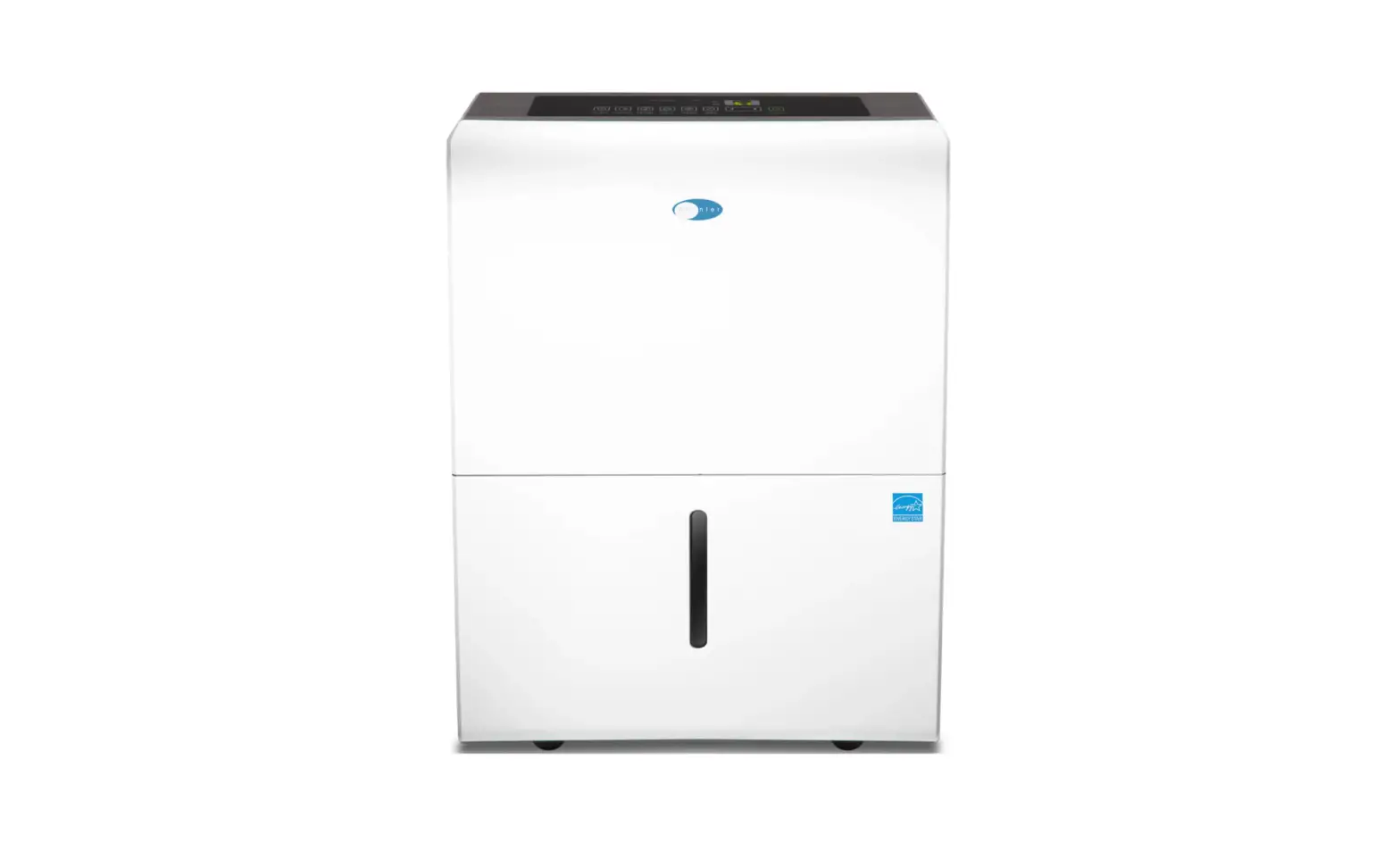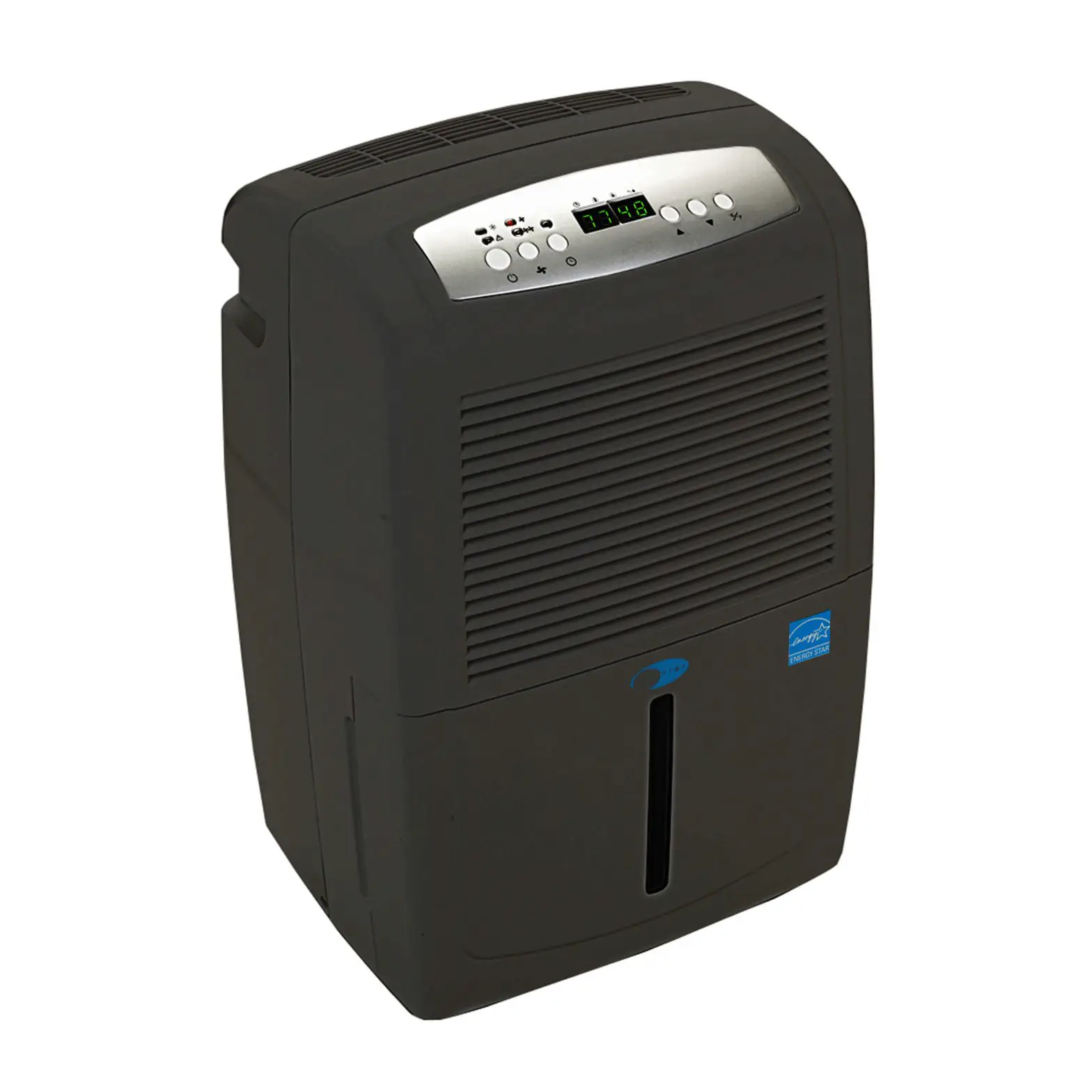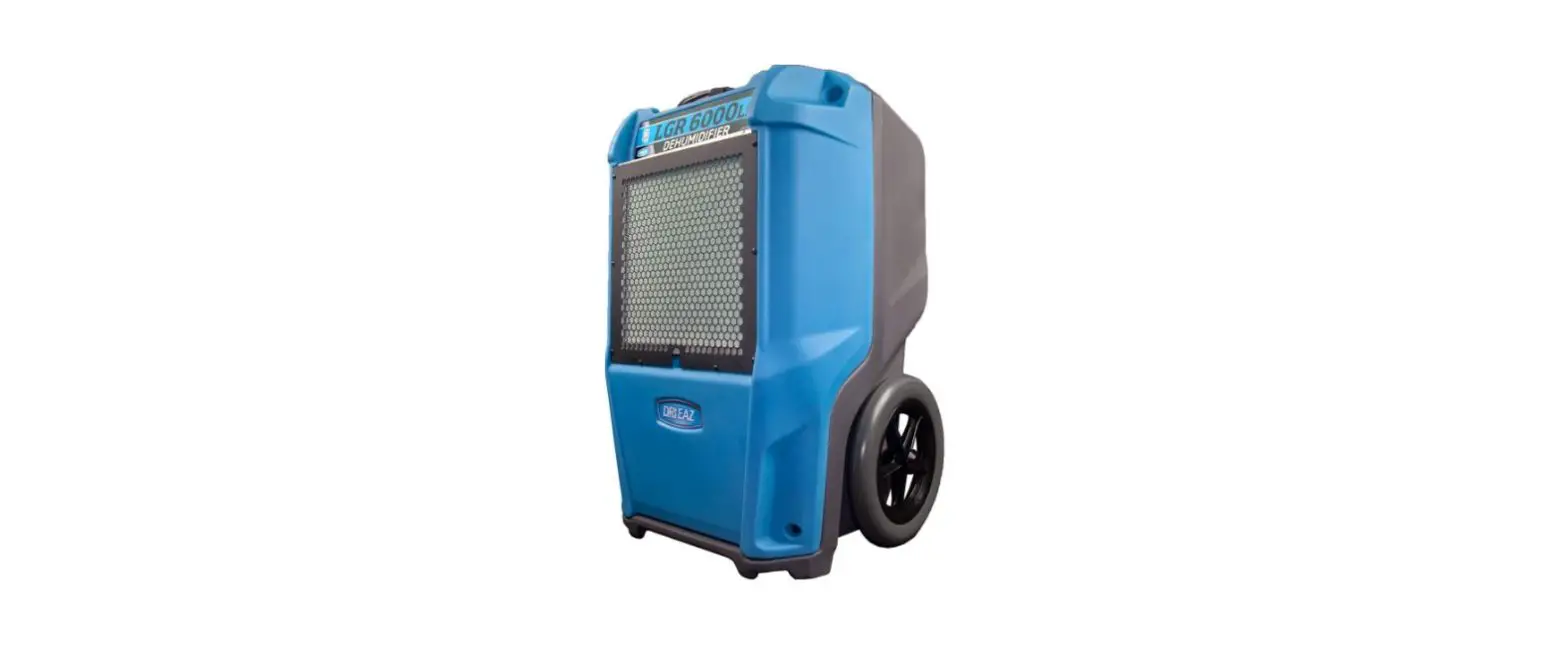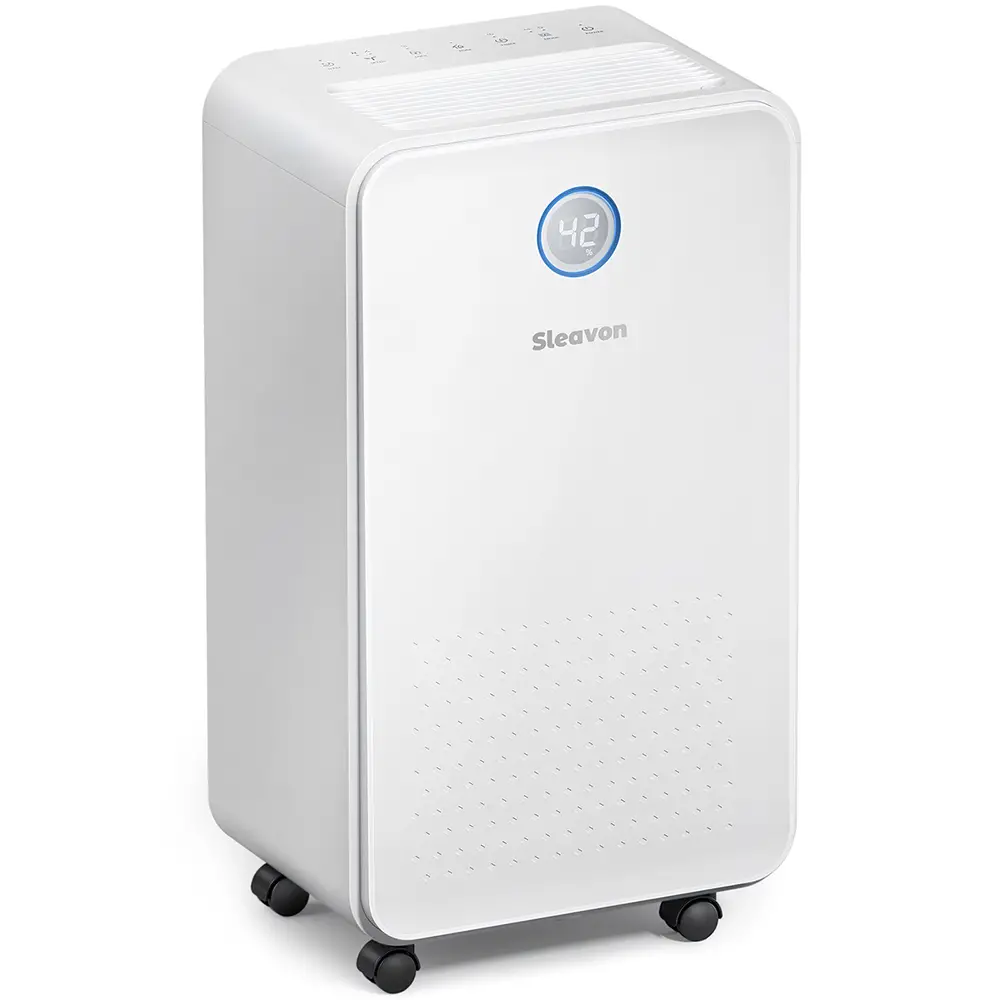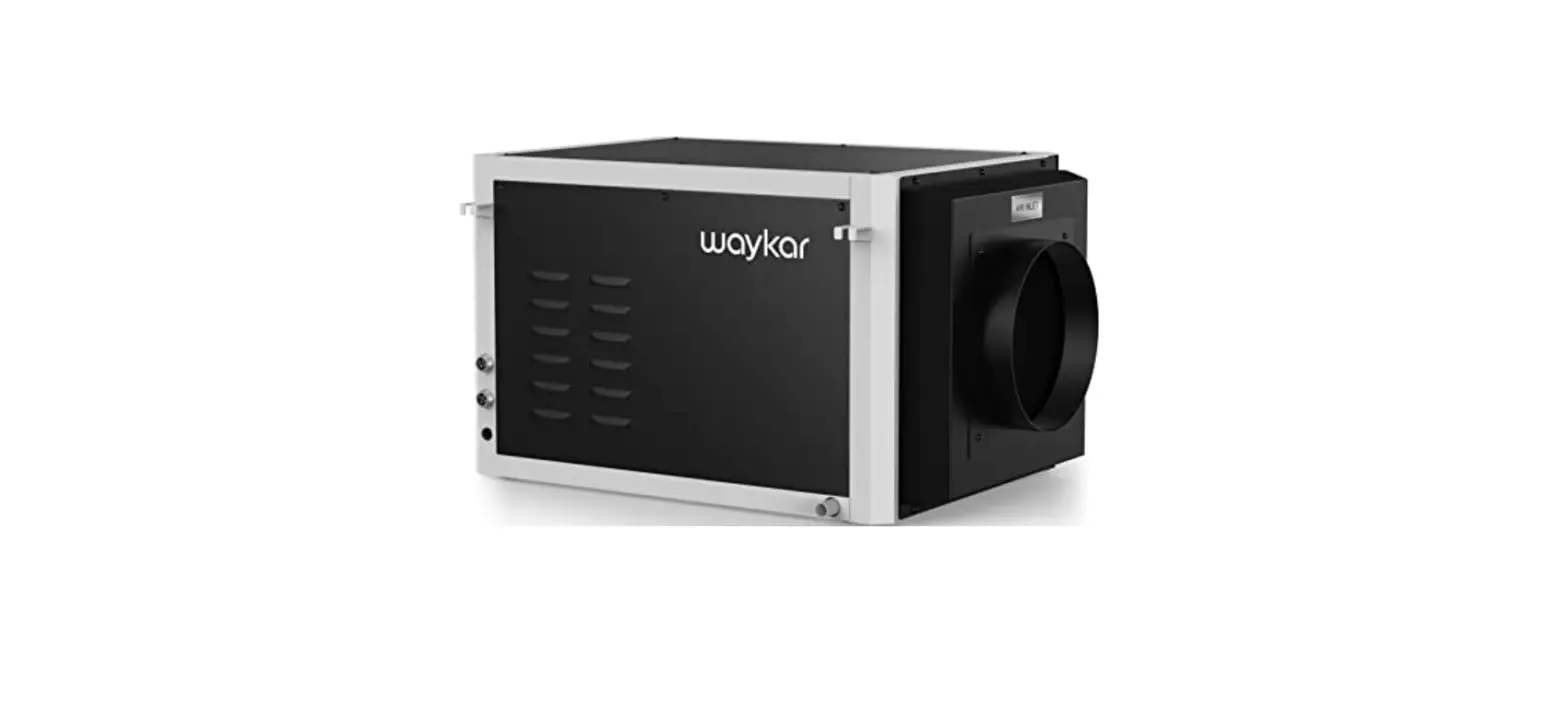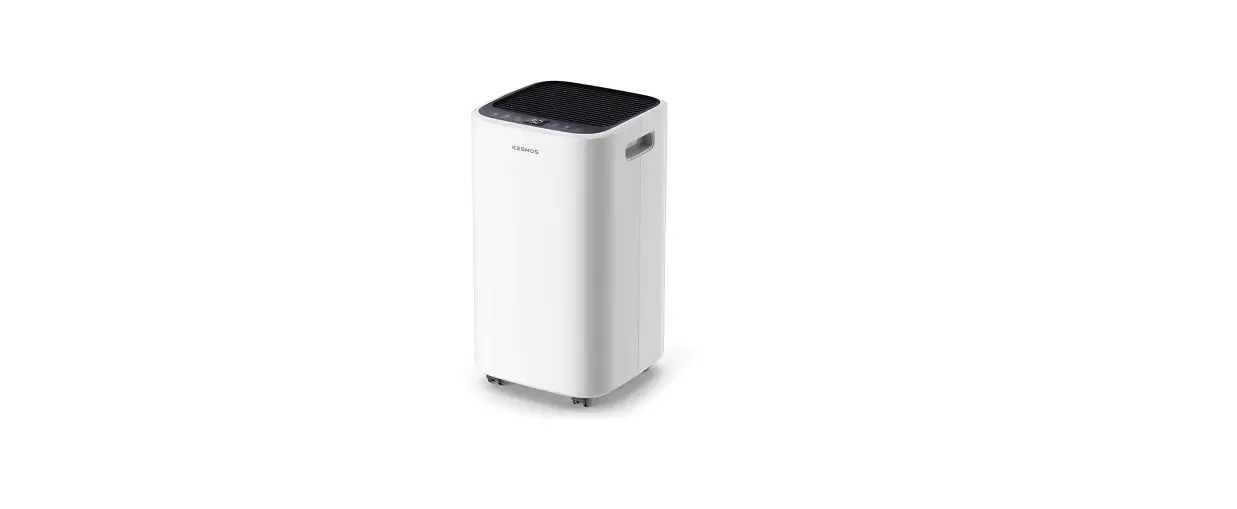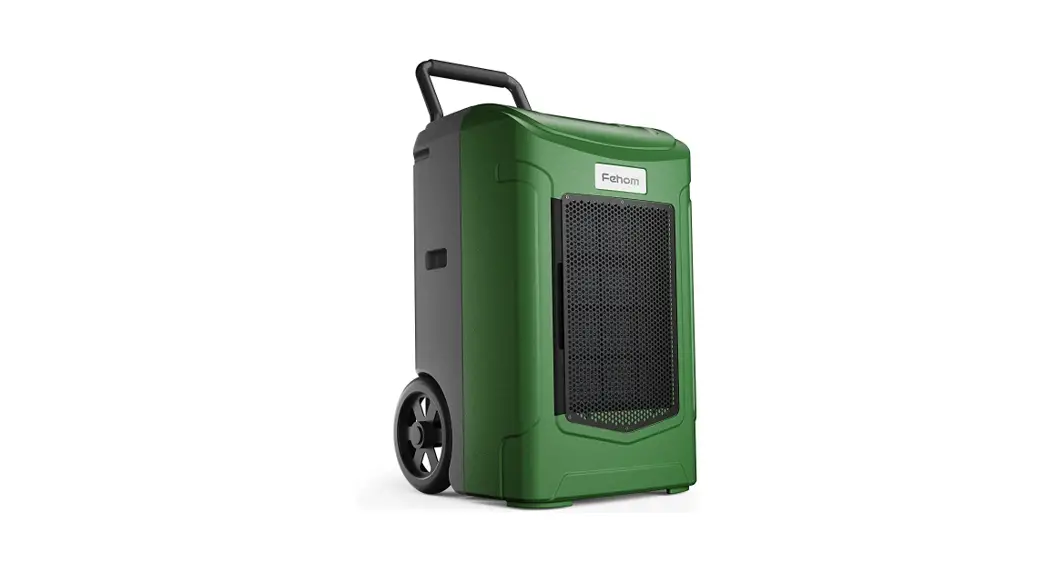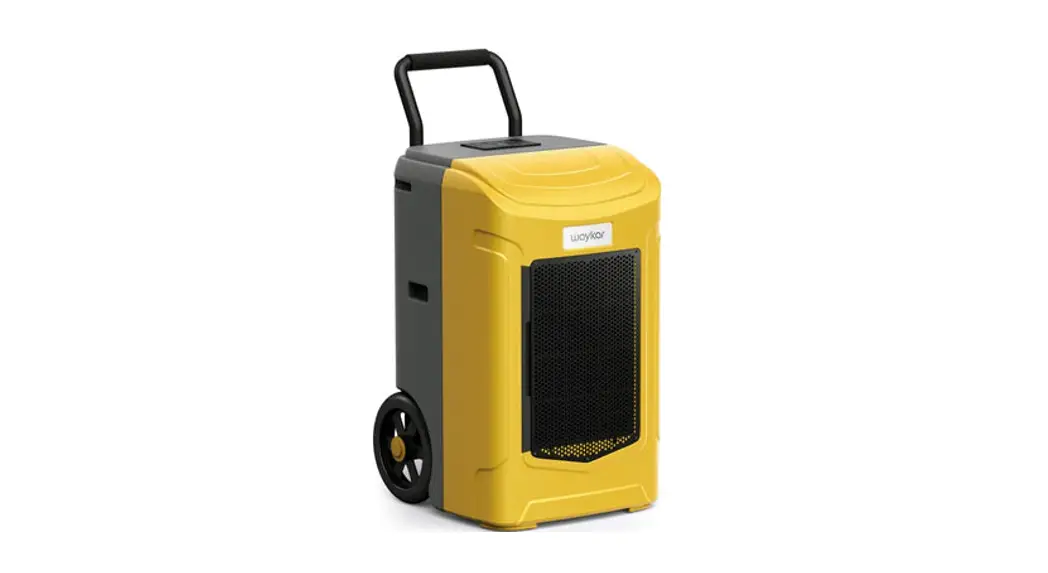

Commercial Dehumidifier
Please read the manual carefully
before using the unit
USER MANUAL
BEFORE FIRST USE:
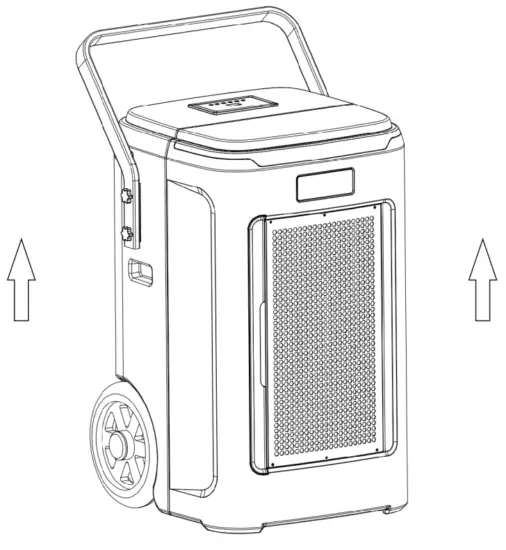
To prevent any internal damage, it is very important to keep refrigeration units (like this one) upright throughout their journey. Please leave it standing upright and outside the box for 24 HOURS before plugging it in.
FOR CUSTOMERS
Thank you for purchasing our dehumidifier.
Waykar wishes our products and services can bring convenience to your work and life.
We highly recommend you keep the manual for reference, in case you encounter unexpected issues using this unit.
Please read the manual carefully to ensure proper use of the dehumidifier.
Our dehumidifiers are widely used in family bedrooms, bathrooms, basements, offices and storage rooms, etc.
It can be operated quickly and efficiently to reduce the room’s humidity and bring you a healthy and comfortable life.
To Access Customer Support Faster
If there are any problems with the product, please contact Kesnos Customer Service at [email protected] with your Purchase Order ID, we will dedicate our efforts to helping you address the problems.
Statement
The graphics and functions provided in this manual may not be the same as the actual product. Please always refer to the actual product.
The model of the machine on the manual is for reference only. Please operate the machine based on the actual product.
The right to interpret the relevant terms belongs to the company.
PRECAUTIONS FOR USE
Safety Notes:
For your safety, please read the manual carefully and keep the manual before you use the product for reference. Please use this product according to the installation and operation instructions in this manual.
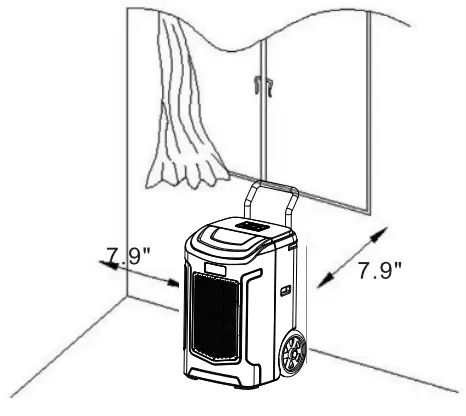
- Install the dehumidifier on a flat surface to minimize vibration and/or noise.
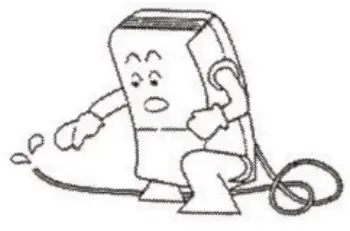
- Inspect the power cord before use. Never operate the dehumidifier when the power cord or plug is damaged.
- Insert the three-prong plug on the power cord into a matching electrically grounded outlet (120V/60Hz, 15A at least). Do not use an adapter. Never cut off the third prong. Do not use an extension cord.
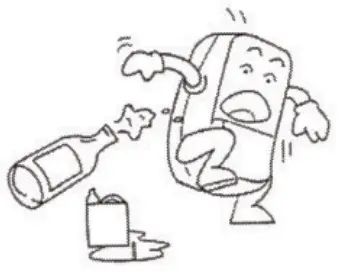
- Do not operate the dehumidifier in standing water. Keep motor and wiring dry.
- Never immerse the dehumidifier into water or other liquids.
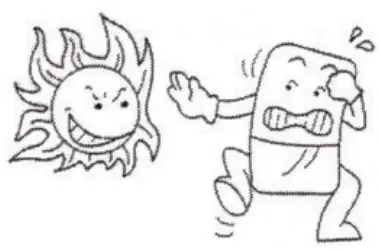
- Do not put the dehumidifier close to heat-generating devices, including flammable or dangerous materials.
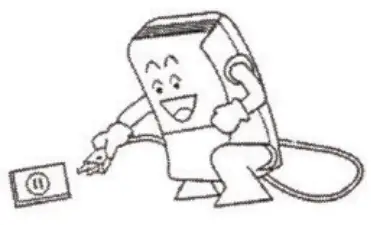
- Unplug the power supply before cleaning or storing the dehumidifier. Always grasp the plug (not the cord) to unplug.
- Do not put fingers or other items into the air inlet or air outlet.
- Never insert any other objects into the dehumidifier body.
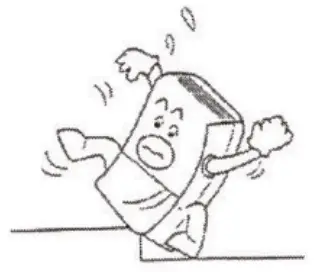
- Do not sit, stand or put heavy objects on the dehumidifier.
- This dehumidifier should only be used by adults who have read the manual and understand the operating procedure of the dehumidifier.
- The dehumidifier is not to be used by persons (including children) with reduced physical, sensory or mental capabilities, or lack of experience and knowledge unless they have been given supervision or instruction by an adult.
- Never repair or remove the plug and or power cord. Any repairs should be completed by a qualified electrician or distributor.
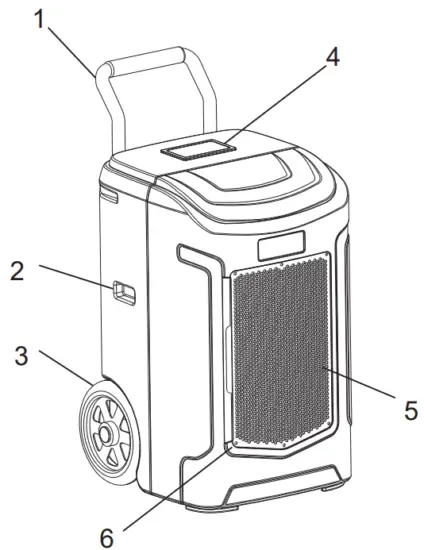
PRODUCT STRUCTURE
 Handle Bar
- Handle
- Wheels
- Control Panel
- Air Inlet
- Air Filter
 Handle Bar
 Air Outlet
- Pump Drain Outlet
- Cord Winder
- Power Cord Port
- Pump Reservoir
- Emergency Drain Outlet
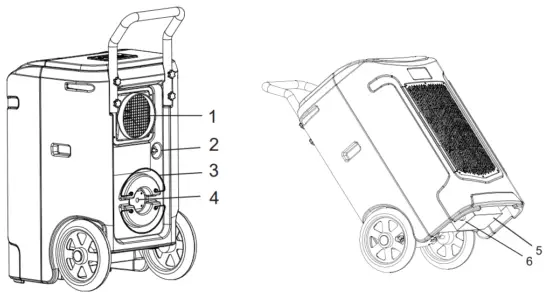 Air Outlet
CONTROL INTERFACE
- Understand the Control panel
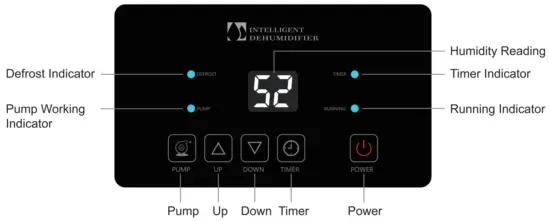
Button Instruction
 | Up Button Setting the humidity up. |
 | TIMER Button Press to enable the timer function or confirm the timer settings. |
| POWER Button Press to turn ON or OFF. |
 | DOWN Button Press to decrease the set-point of humidity level or timer. |
 | PUMP Button Press and hold the PUMP button for 3-5 seconds to empty water from the pump reservoir manually. |

OPERATION INSTRUCTION
2. Setting Setting Humidity
- The humidity level can be set within a range of 10%RH to 98%RH in 1% increments.
- When it starts work, it will first automatically detect and show the room’s humidity. Press the “UP” button to change the humidity selection in 1% increments. Press “DOWN” to make it decrease by 1%RH. “52” Flash and show the set humidity.
• When the humidity level is set at 30%RH, the dehumidifier will work in continuous dehumidifying mode. - Press the “function” button once or no button operation for a few seconds will automatically exit the humidity setting state.
Timer Setting
In the power on or standby state, press the “Timer” button once to enter the timer setting state: The timing indicator light up and the digital number “52” flashes to show the time.
In the timing setting state, press the “Up” or “Down” button to set the desired time (setting range: 01-24h, can be cycled).
Press the button once again or if no button operates for a few seconds, the timing setting state will automatically be exited.
If the time is set to be 00, the time setting is invalid.
Pump Function
- When the water tank is full, the PUMP will automatically start pumping water, and the indicator light will flash.
- When the water level in the water tank is too low, the PUMP will automatically stop pumping water, and the indicator light goes out.
- In the power-on state, long-press the “PUMP” button for 3 seconds, the PUMP function is forced to open, and the indicator PUMP will flash.
Auto Defrost
When the frost builds up on the evaporator coils, the compressor will cycle off and the fan will continue to run until the frost disappears.
Auto-Restart
If the dehumidifier shuts off unexpectedly due to power being cut, the dehumidifier will restart with the previous function setting automatically when the power resumes.
Auto Drain
Thanks to the built-in pump, the dehumidifier will drain the condensation water automatically.
Wait 3 Minutes before Resuming Operation
To avoid any damage to the dehumidifier, the dehumidifier will not start operation following a complete cycle until after 3 minutes. The operation will automatically start after 3 minutes.
Note: If the dehumidifier has been turned off before the power outage, the dehumidifier will not auto restart after the power resumes.
3. Display Status Description
- When the machine is defrosting, the defrost indicator
 will be flashing, defrosting end the light goes out.
 - When the pump is draining,
 Indicator PUMP will be flashing.
 - When setting or checking the timer, the timer indicator
 will be flashing.
 - When the timer is set up properly the indicator will light up, and the light goes out when the timer function is not activated.
- When the fan delays starting, the running indicator
 will be flashing; it will light up when the fan is running.
 - 1. digital numbers will be flashing when the target humidity is setting or the room humidity is lower than the set humidity.
2. When the setting value is read out to be lower than the room humidity, the digital number will remain illuminated.
 will be flashing, defrosting end the light goes out.
 Indicator PUMP will be flashing.
 will be flashing.
 will be flashing; it will light up when the fan is running.
4.Error & Protection Code
Number | Error Code | Name of The Fau | Note |
| 1 | El | Humidity Sensor Failure | The compressor and the fan keep running. Unplug the dehumidifier and then re-plug it, the dehumidifier may restart again. |
| 2 | E2 | Defrost Temperature Sensor Failure | |
| 3 | E4 | Temperature Sensor failure | |
| 4 | EP | Water pump failure | 1. Turn off the dehumidifier and unplug it; 2. Find the gravity drain outlet at the bottom of the dehumidifier and connect the emergency hose to the drain; |
| 5 | EC | Control Panel Failure | The dehumidifier will not be ready for operation. |
Attention
When the machine signals the alarm, it will flash or display the alarm, in case there are multiple errors on the unit, it will display the errors in turn.
When one of the above malfunctions occurs, the buzzer will alarm for a few seconds, press any key during the alarm to release the alarm sound.
If the malfunction is still present, please don’t hesitate to contact Kesnos Customer Service email: [email protected] for help.
Note: Before starting the machine, please ensure that the air outlet has been opened, otherwise the machine will overheat. Do not pull out the power cord directly to stop the machine.
5. Installing the Handle
- Take out 4 screws and a handle from the accessories, and put the handle into the groove at the back of the humidifier, making the screws correspond to the screw holes.
- Tighten all the four screws on the hands respectively, the installation is finished.
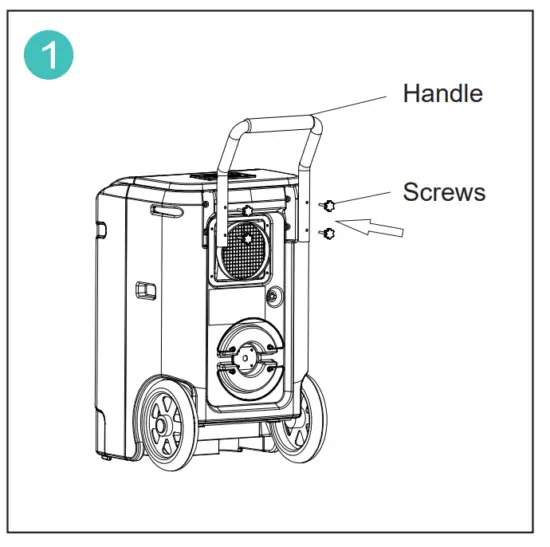 | 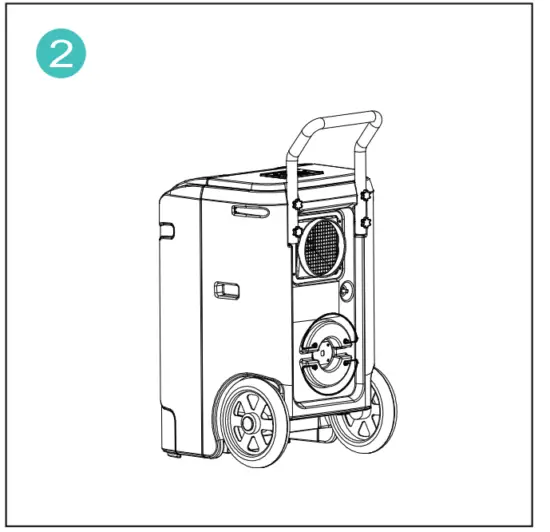 |
| Put the handle into the groove at the back of the dehumidifier, making the 4 screws correspond to the screw hole. | Tighten all the four-hand screws, and complete the installation. |
6. Continuous Drainage
This dehumidifier has an internal pump that will automatically drain the condensate out via the long drain hose. Before turning on the dehumidifier, make sure the hose has been connected to the drain outlet properly.
- Uncoil the entire hose;
- Attach the hose to the drain outlet;
- Place the unattached end of the hose in a sink, drain bucket, or outdoors:
Anywhere that the water can drain out safely (Please ensure that no kinks or other obstructions will stop the water to flow).
NOTE:
- Ensure that water that runs outdoors does NOT create a slip hazard.
- If you use a bucket or other container for water collection, check it regularly to prevent overflows.
- The drain hose for the water pump can drain up to 15ft vertically. More than 15ft may cause water back up to the pump resulting in leakage.
- When turning off the dehumidifier, please take the hose out from the water collection container to avoid the water back-flow and causing water leakage.
7. Manual Drainage
In power-disconnected status, tilt the dehumidifier as the figure shows, pull out the rubber plug, and put the dehumidifier straight to drain the sewage in the water tank.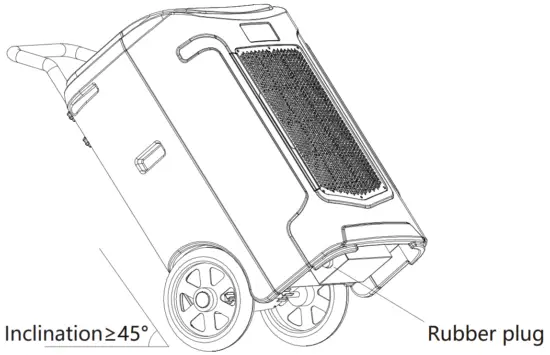
CLEANING AND MAINTENANCE
 WARNING: Turn the dehumidifier off and remove the plug from the wall outlet before cleaning-ing
A-Cleaning the Dehumidifier
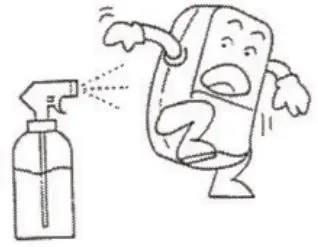
Clean the dehumidifier housing with a soft damp cloth. Do not submerge or place water on the dehumidifier or control panel. Water may damage the electronic components of the dehumidifier. Do not use chemical solvents such as benzene, alcohol, gasoline, or other heavy-duty cleaners. The surface may become damaged or deformed.
B-Cleaning the Air Filter,
The working performance of the dehumidifier will be greatly reduced if the filters become blocked. Please check and clean the filter regularly. To Clean the Filter
1) Slide the filter out.
2)Vacuum any dirt from the filter using the vacuum cleaner and air gun attachment.
3) Immerse the filter into lukewarm water (about 104°F) with a mild detergent, and then wash it and allow it to dry.
4) Once dry, re-install the filter into the dehumidifier.
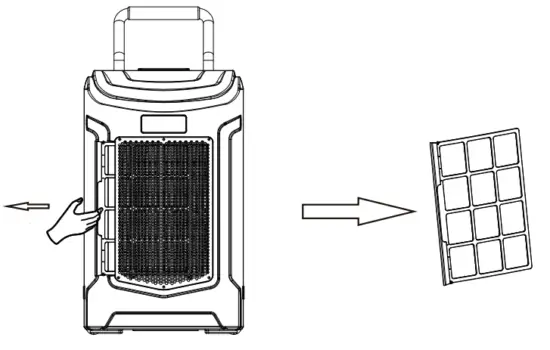
C-Dehumidifier Storage & Transportation
When you want to store the dehumidifier because you don’t use it for a long time. Please pay attention to the following steps: 1)Press and hold the PUMP button for 3-5 seconds to empty the water in the pump reservoir before transportation or storage. 2)Transport and store the dehumidifier upright.
COMMON FAULTS AND SOLUTIONS
Check the information below for troubleshooting steps that will save you time to resolve issues that may happen with the unit.
The list includes most issues but not the results of a defective unit, crafts, or materials in the unit. If all the troubleshooting steps have been exhausted and the issue is still occurring, feel free to get in touch with Ken’s Customer Service to get further assistance.
| Problem | Reason | Method |
| The dehumidifier does not operate | Lack of electrical power | Check the power supply |
| Not turned on | Turn it on | |
| Unit has ever been turned off in 3 minutes | Wait for about 3 minutes till the unit autostart | |
| Target humidity setting is then the room humidity | Set as a lower target humidity higher value | |
| A dehumidifier removes little water | Insufficient working time | Allow more working time |
| Filter is blocked | Clean filter | |
| Low room temperature | Heat up the room | |
| Airflow has been blocked | Make sure the air inlet and outlet are away from objects | |
| Dehumidifier operating but room not dry | Doors and windows are open | Seals the room from external areas |
| Leaking | The dehumidifier is titled. | Place the dehumidifier on a flat surface. |
| The drain hose connection is not tight | Make sure the drain hose connection is tight | |
| The drain hose is blocked | Check the hose for restrictions | |
| Noise | The dehumidifier is titled | Install the dehumidifier on a flat surface to minimize vibration and noise |
| The filter is blocked | Clean the filter | |
| The pump does not drain | The pump reservoir is not in place | Place the pump reservoir in the correct position |
| The pump is defective | Replace the pump | |
| The pump reservoir gets dirty | Clean the pump reservoir |
Warning:
If the dehumidifier is still not working properly as expected and the troubleshooting steps or solutions above may not resolve the issues, please unplug the power and shut down the dehumidifier, then contact Kesnos customer service via [email protected]
SAFETY NOTE
- When using, make sure doors and windows are closed to get the best humidity removal effect.

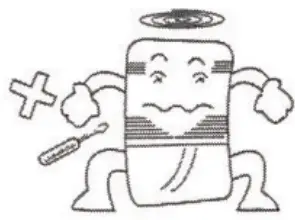
- Do not insert thin rods and hard objects into the fuselage to avoid malfunction and danger.

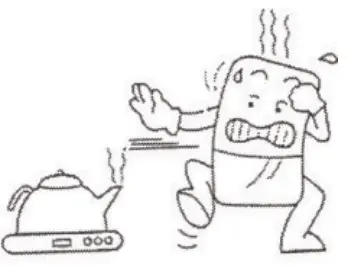
- When using, please keep the machine away from the heating furnace, electric kettle, and other heat sources.

- When cleaning the dehumidifier fuselage, please use a wet cloth or textile to wipe the unit’s surface gently, do not splash water on the unit directly.

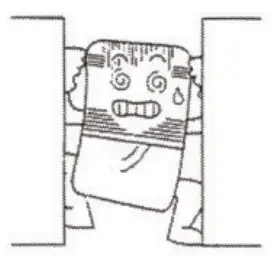
- Please do not put objects around the body. If the ventilation is blocked, the dehumidification effect will be affected.

- If do not use the product for a long time, please unplug the power cord.

- When on continuous drainage, make sure the drainage pipe is placed horizontally on the ground Avoid the pipe to be on an uneven surface or in an arch position.

- Please do not put any objects on the dehumidifier.

- Please clean the filter every two weeks (do not use hot water above 104°F, gasoline, or toluene).

- When continuous drainage, the drainage pipe must be placed horizontally, cannot be an uneven and winding situation.

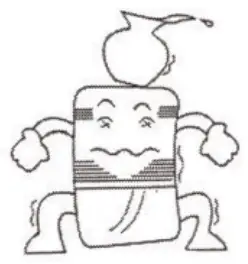
- After cleaning the filter, do not dry the unit under direct sunlight to avoid filter deformation.

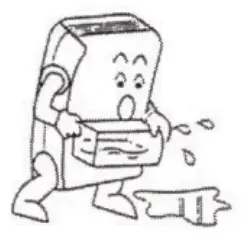
- Before moving and carrying the machine, please first pour out the water in the tank.


TECHNICAL PARAMETERS
| MODEL NO. | PDDT701 BC |
| POWER SOURCE | 120V-60Hz |
| RATED POWER(95°F,90%RH) | 1150W |
| RATED CURRENT(95°F,90%RH) | 10.3A |
| MOISTURE REMOVAL(65°F,60%RH) | 50 Pints/Day |
| MOISTURE REMOVAL(80T,60%RH) | 90 Pints/Day |
| MOISTURE REMOVAL(867,80%RH) | 150 Pints/Day |
| MOISTURE REMOVAL(95°F,90%RH) | 180 Pints/Day |
| INPUT POWER(65°F,60%RH) | 610W |
| INPUT CURRENT(65°F,60%RH) | 5.5A |
| REFRIGERANT | R410a(20.11oz.) (570g) |
| MAXIMUM ALLOWABLE PRESSURE | 6.2MPa |
| HIGH PRESSURE | 4.0MPa |
| LOW PRESSURE | 1.7MPa |
 WARNING: This product can expose you to chemicals including Styrene and its compounds, which are known to the State of California to cause cancer and birth defects or other reproductive harm.
For more information, please visit: www.P65Warnings.ca.gov
WARRANTY AND CONTACT US
Warranty
Ken’s offers a 12-month warranty to all of our products together with the original proof of purchase when a defect occurred, including those newly purchased and unused, from Kesnos or through an authorized reseller, wholly or substantially, or as a result of faulty manufacturing parts, or workmanship during the Warranty Period.
The warranty does not apply if the damage is caused by other factors, including but without limitation:
(a) Normal wear and tear;
(b) Abuse, mishandling, accident, or failure to follow operating instructions;
(c) Exposure to liquid or infiltration of foreign particles;
(d) Servicing or modification of the product other than by Kesnos.
These are our general terms for the warranty service, but we always suggest our customers reach out to us with any issue, regardless of warranty terms. If you experience an issue with a Kesnos product, please contact us at [email protected] we will dedicate our efforts to resolving it for you.
Extend Your Warranty by 1 Year
Register your product at [email protected] to extend your 1-year warranty by an additional year. *Please fill out all required fields and include your Order ID, and Date of Purchased if applicable.
Customer Support
If you have any questions or concerns about your product, please feel free to contact our expert support team. Ken’s customer service is here to help.
Ken’s Office
13211, Spring Street Baldwin Park, CA, US Email: [email protected] Live Chat: www.waykar.com
Support Hours
24 Hours available
*Please have your order number before contacting customer support.
 | @Kesnos |
 | @Kesnos |
 | @Kesnos |
 | @Kesnos |
 https://
(Scan the QR Code for Live Chat)
We are expecting to see our products fulfill your life and hear your voice.
Your satisfaction means a lot to us.
Please tag us if you share a snap on your social media.
www.waykar.com
 For FAQs and more information please visit:
www.waykar.com
 P65Warnings.ca.gov
 Shop Waykar Home & Commercial Dehumidifiers Online Free Shipping