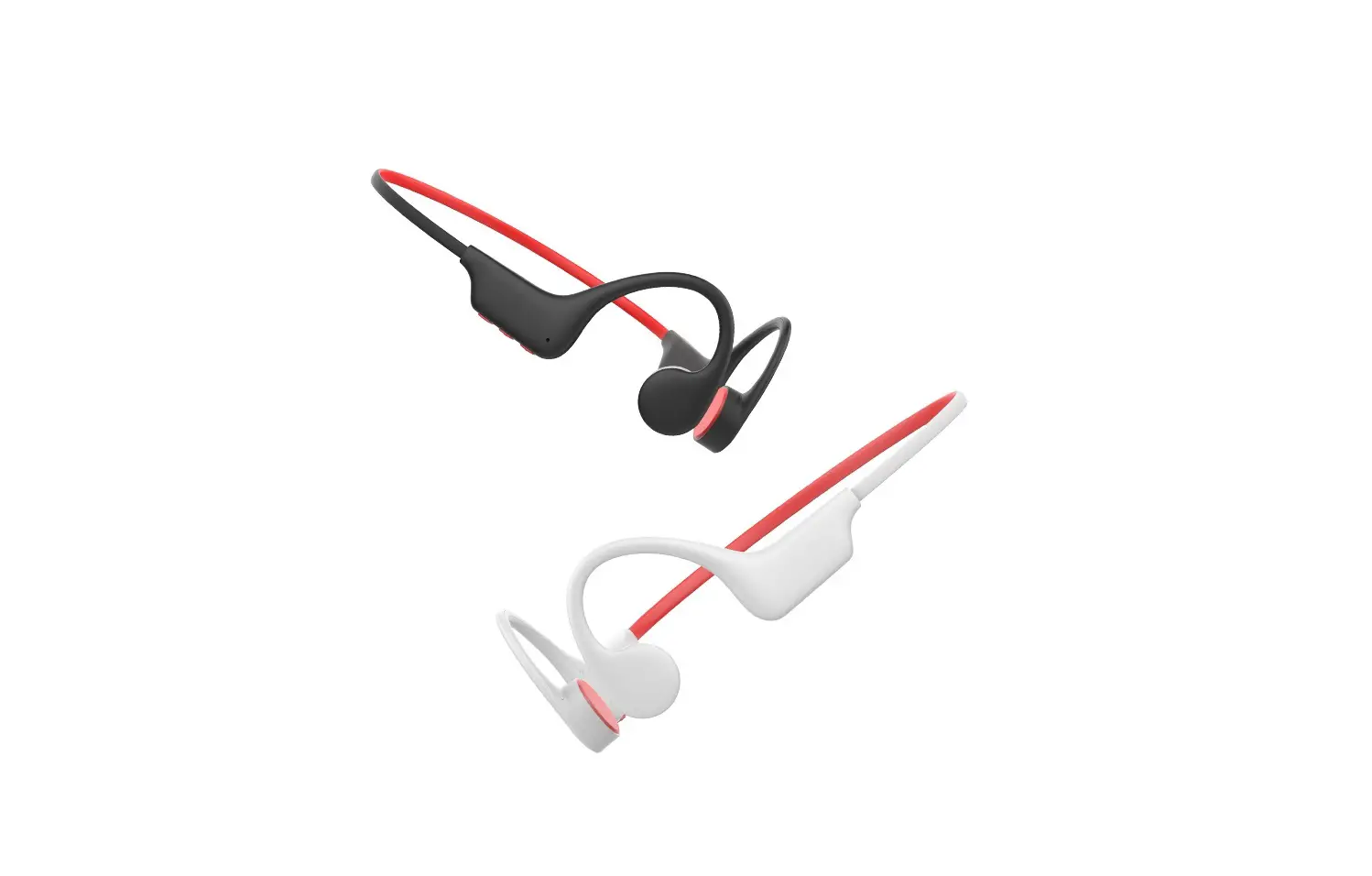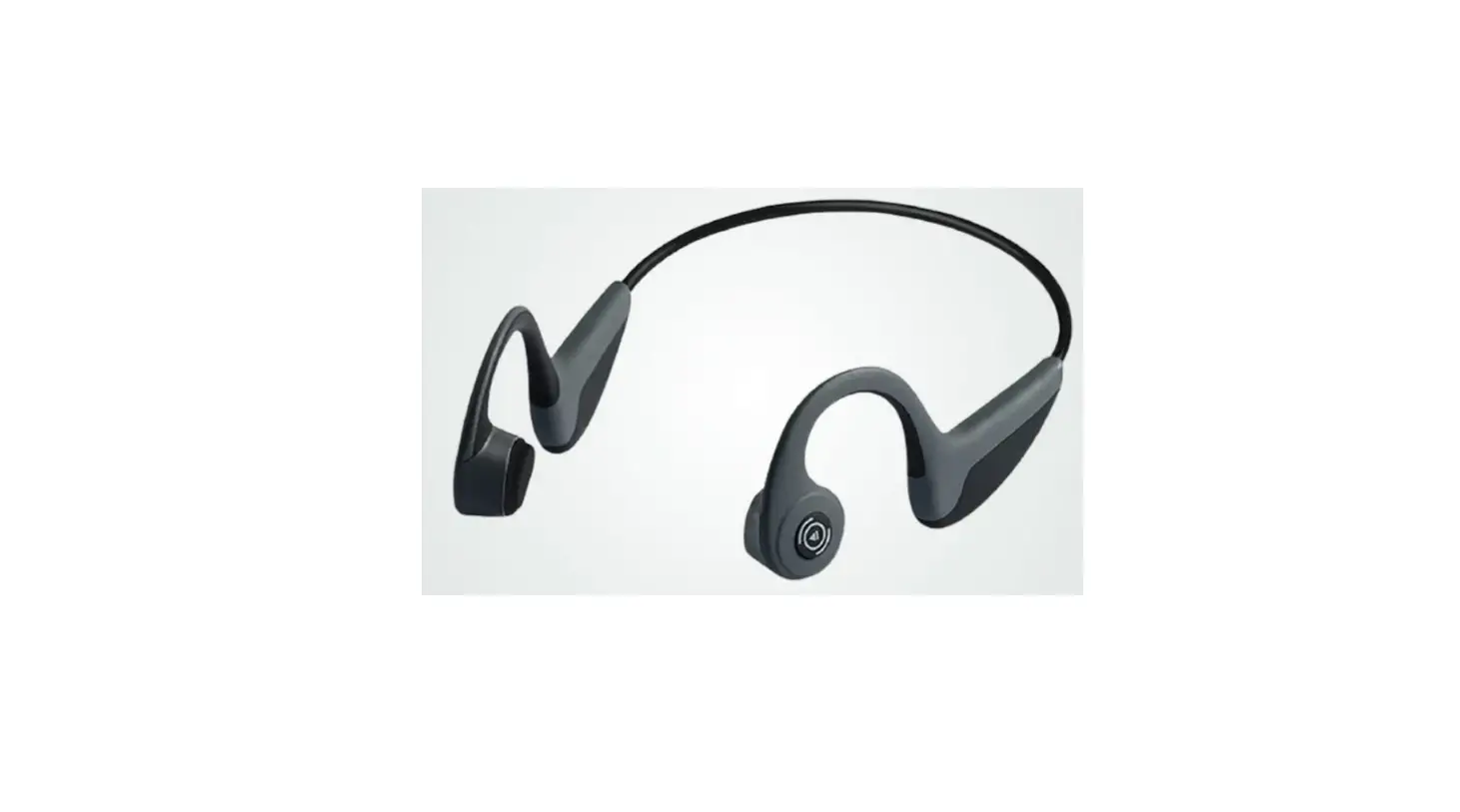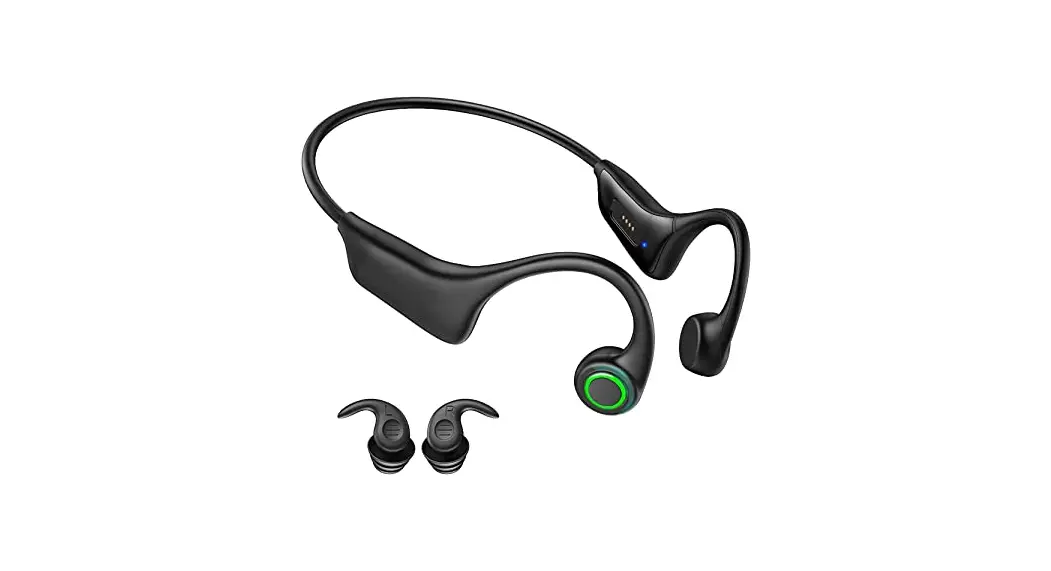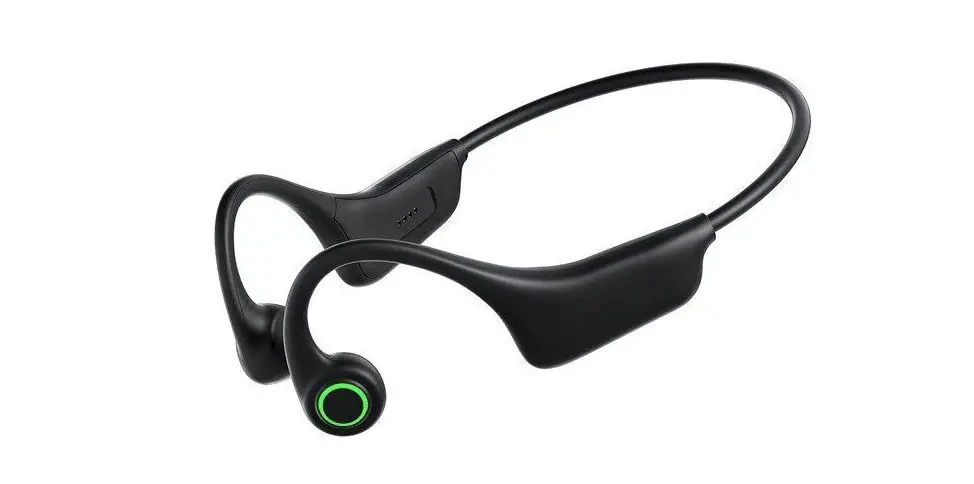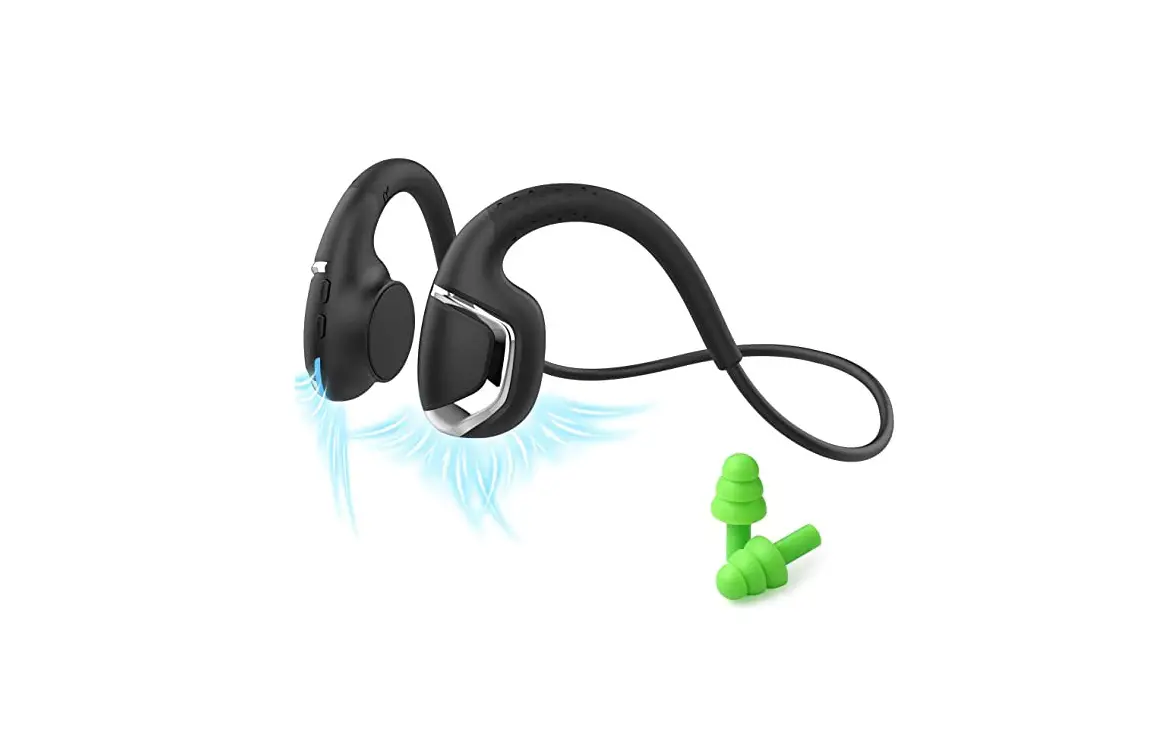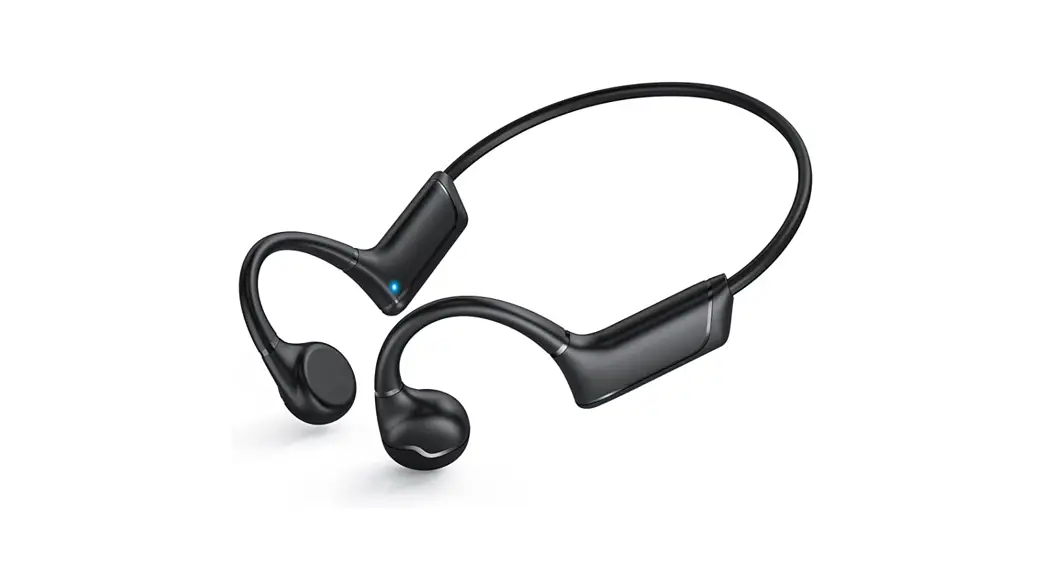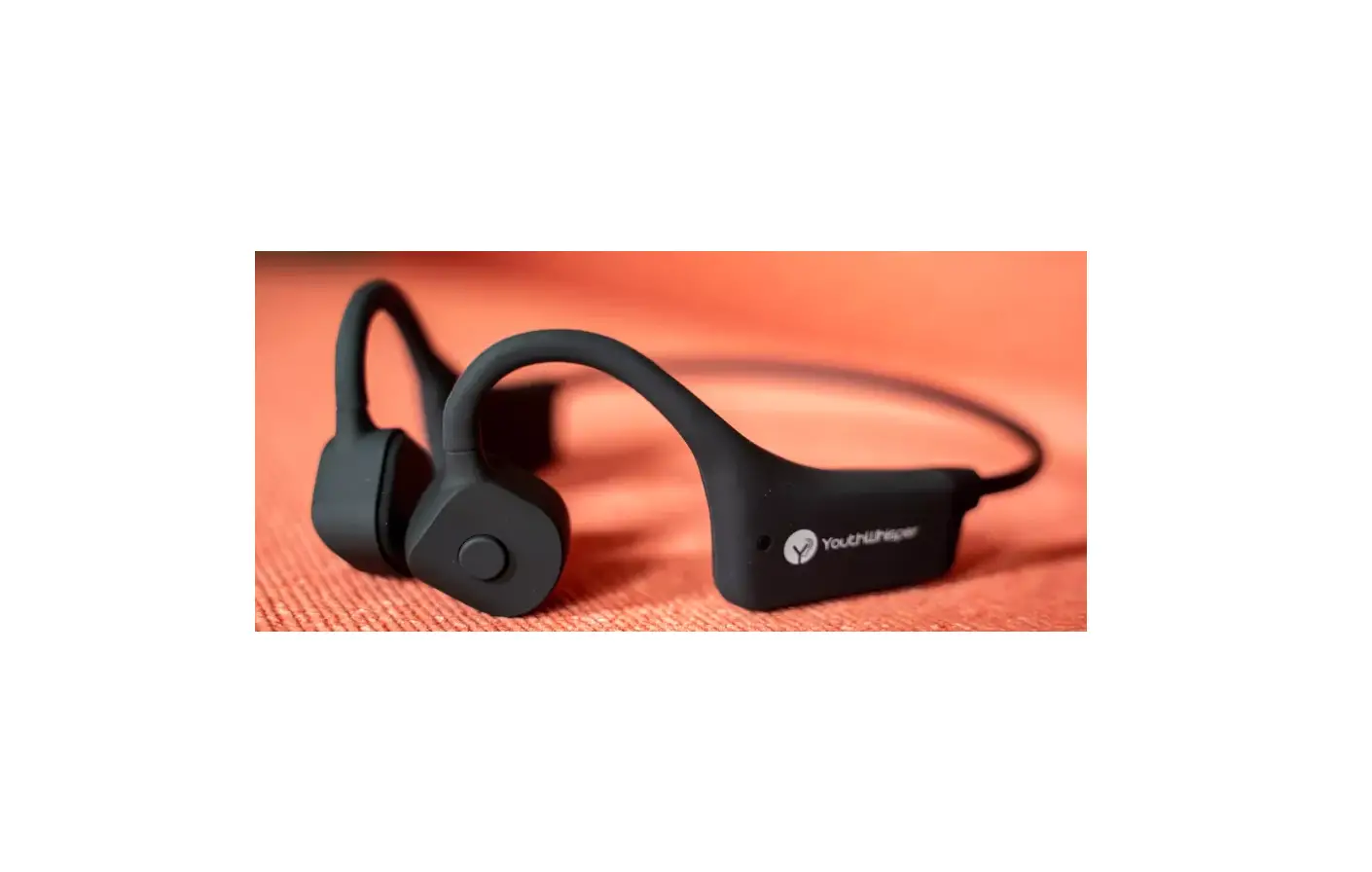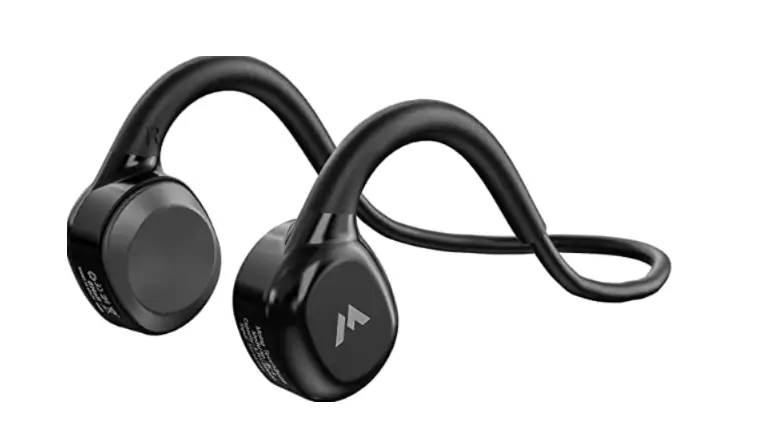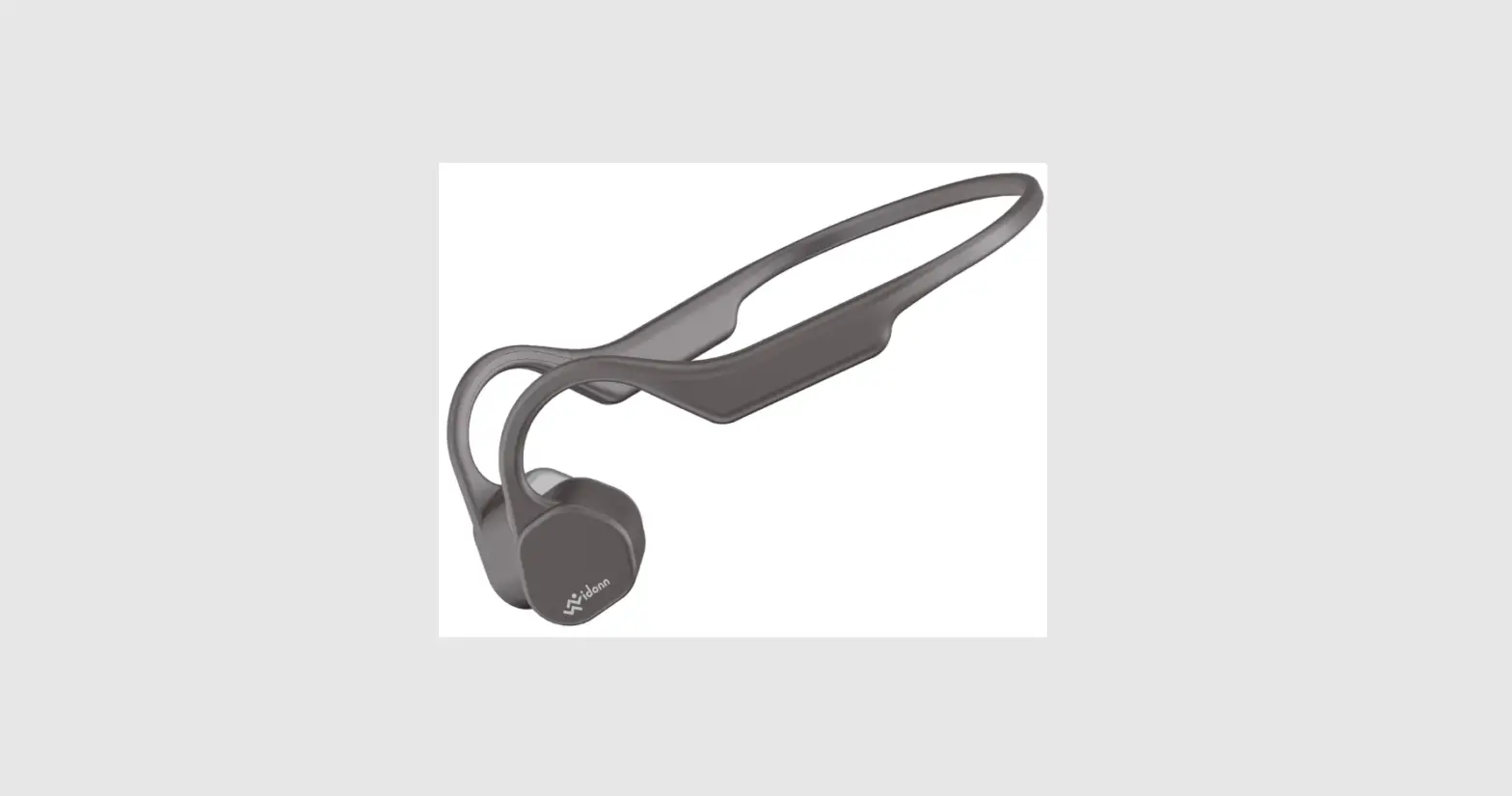

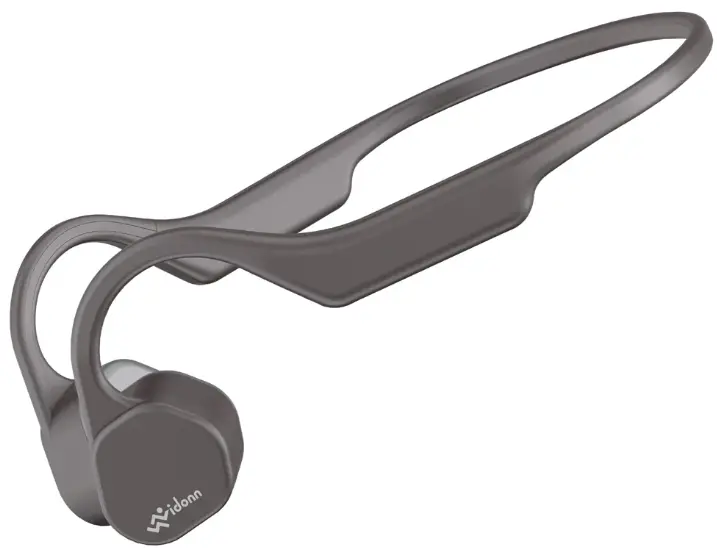
Vidonn F3 Wireless Bone Conduction Sport Headphones
OVERVIEW
CHARGE
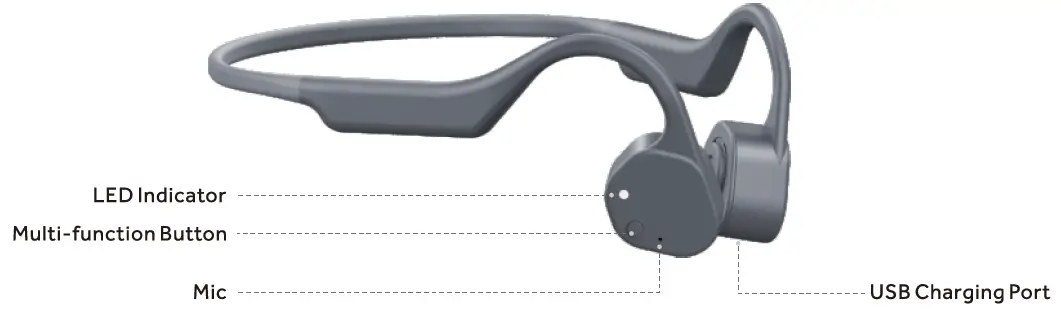
Charge through the Micro-USB charging cable, it displays a red light while charging and a blue light when charging is completed. It takes about 1.5 hours to fully charge.
POWER ON / OFF
Press and hold the multifunction button for 3 seconds, it will be turned on with the prompt voice”Poweron”; Press and hold the multifunction button for 5 seconds in the power-on state, it will be turned off with the prompt voice “Power off”.
PAIR
In the power-off state, long press the multifunction button for more than 3 seconds, it directly goes into the pairing mode(red and blue lights flash alternately), accompanied by a “power on” prompt voice. In the pairing mode (the red and blue lights flash alternately), open the settings-Bluetooth on the devices such as mobile phones, find “Vidonn F3″ in the Bluetooth list, click and connect. Connection will be completed accompanied by a prompt voice” Connected”.
Automatic Power Off
- When it”s not connected to devices such as mobile phones, the headphone will automatically power off after 10 minutes.
- In the pairing mode, if there are no devices connected to the headphone, it will automatically power off after 10 minutes of red and blue light alternate flashing.
Automatic Connection
- The headphone will automatically connect to the last connected phone or devices when it”s turned on.
- The headphone and the connected device can be automatically connected back within 10 minutes of inactive disconnection.
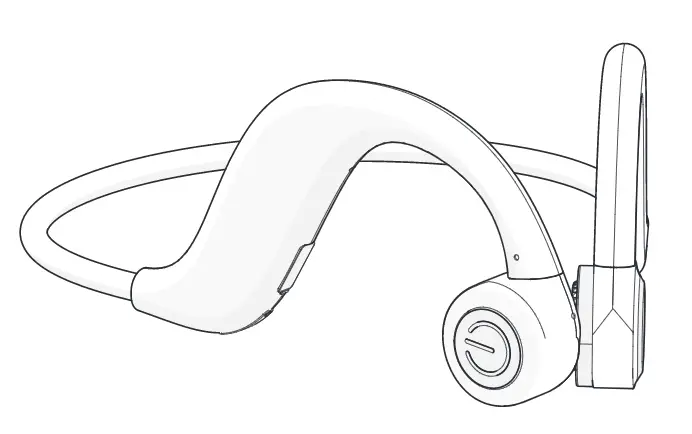
Proper wearing as follow
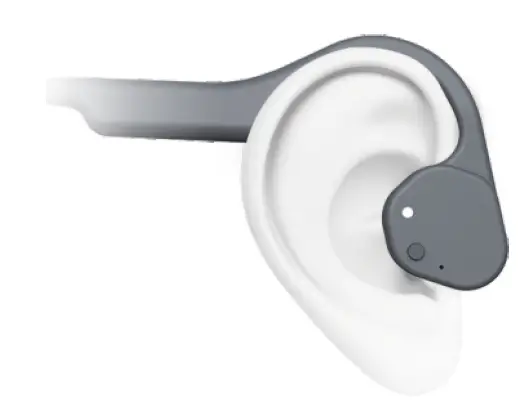
The closer the earpiece is to the ear, the louder the volume will be. Adjust the earpiece position according to individual needs.
| Function | Prompt Voice | Operation |
| Power On | Power on | Long press 3 seconds under the power-off state |
| Power Off | Power off | Long press 5 seconds under the power-on state |
| Pairing Mode | l.Goes into pairing mode directly after powered on 2.Goes into paring mode automatically after active disconnection | |
| Pairing Successful | Connected | |
| Pause/Play | Click one time in the state of music playback |
| Answer/Hang up | di du/du | Click one time in the state of incoming calls or talking |
| Reject Calls | didu | Press and hold for 3 seconds in the state of incoming calls |
| Next Track | Double click in the state of music playback | |
| Last Track | Click three times continuously in the state of music playback | |
| Wakeup voice assistant | Voice dial | Press and hold for 3 seconds in the connected state, let go after hearing the “di” |
| Clear the paring list | Click 3 times ln the paring mode |
LED Indicator State
| Function | State |
| Pairing mode | red and blue lights flash alternately |
| Not connected after powered on | Red light flashes every 5 seconds |
| Connected | Blue light flashes every 5 seconds |
| Music Playback | Blue light flashes every 5 seconds |
| Incoming Calls | Blue light fiashes quickly |
| Answering Calls | Blue light constantly flashes |
| Low Battery | All the states become red light flashing |
| Charging | Red light constantly flashes |
| Fully Charged | Blue light constantly flashes |
| Clearing the paring list | Red and blue lights flash 3 times simultaneously |
Storage and Maintenance
- Due to the character of BT, your body may resist the BT signal, then the voice or music may disconnect, the headphone’s antenna is at the right side, in order to reduce this signal disconnection, we advise to put the smartphone on the right side or front of body.
- Storage the headphones in cool and dry place, the working temperature should be 0-45 °C(32-113° F). Working in cold/hot environment or highly humid area may reduce the life of battery.
- After storage for a long time period, please charge the headphones before using again.
- The headphones are water resistant, but are NOT waterproof, please DO NOT submerse the headphone in water.
- Listening with headphones at high volume may affect your hearing and the audio will be distorted.
- Clean the headphone with a soft and dry cloth.
- Do not charge right after exercising, in case there is sweat inside the charging port, which could lead to circuit burning while charging, keep the charging port dry before connecting to charger will reduce the risk.
- The company has the final interpretation of the product.
PARAMETERS
| Category | Item | Description |
|
Bluetooth | Bluetooth /IC | QCC3003 |
| Execution standard | Bluetooth VS.0 Class2 3 | |
| Frequency Range | 2.402GHz-2.480GHz | |
| Communication range | 10 meters in a straight line without resistance | |
| Protocol | A2DP,AVRCP,HFP protocol, etc. | |
| Audio transmission | SBC,AAC | |
|
Audio | Speaker Unit | <1>15.3mm an |
| Rated Power | 0.SW®lKHz | |
| Frequency Response | lS0Hz zoKHz | |
| Playback Time | More than 6 hours | |
| Battery | Headphone Battery | 3.7V 80mAH*2 Lithium polymer battery |
| Charging Port | MICRO USB Input | SV/lS0mA |
| Charging Time | About 1.5 hours |
FCC Caution
This device complies with part 15 of the FCC Rules. Operation is subject to the following two conditions: (1) This device may not cause harmful interference, and (2) this device must accept any interference received, including interference that may cause undesired operation. Any Changes or modifications not expressly approved by the party responsible for compliance could void the user’s authority to operate the equipment.
Note: This equipment has been tested and found to comply with the limits for a Class B digital device, pursuant to part 15 of the FCC Rules. These limits are designed to provide reasonable protection against harmful interference in a residential installation. This equipment generates uses and can radiate radio frequency energy and, if not installed and used in accordance with the instructions, may cause harmful interference to radio communications. However, there is no guarantee that interference will not occur in a particular installation. If this equipment does cause harmful interference to radio or television reception, which can be determined by turning the equipment off and on, the user is encouraged to try to correct the interference by one or more of the following measures:
- Reorient or relocate the receiving antenna.
- Increase the separation between the equipment and receiver.
- Connect the equipment into an outlet on a circuit different from that to which the receiver is connected.
- Consult the dealer or an experienced radio/TV technician for help.
The device has been evaluated to meet general RF exposure requirements. The device can be used in portable exposure conditions without restriction.