 Metal Wiegand Reader (IK10)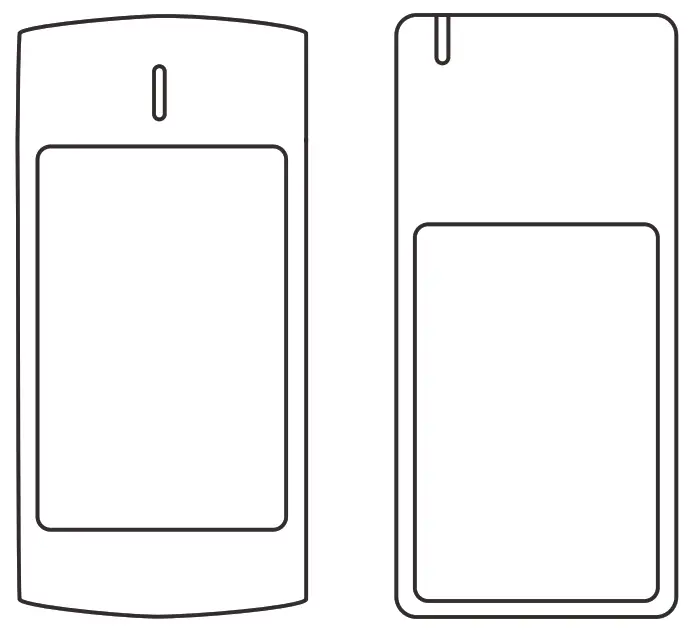
User Manual
Introduction
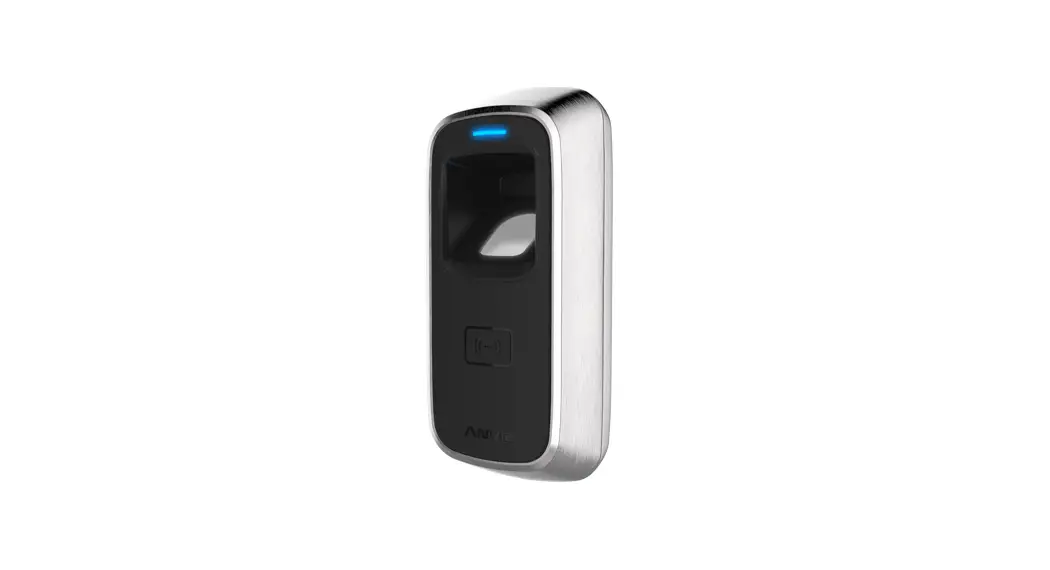
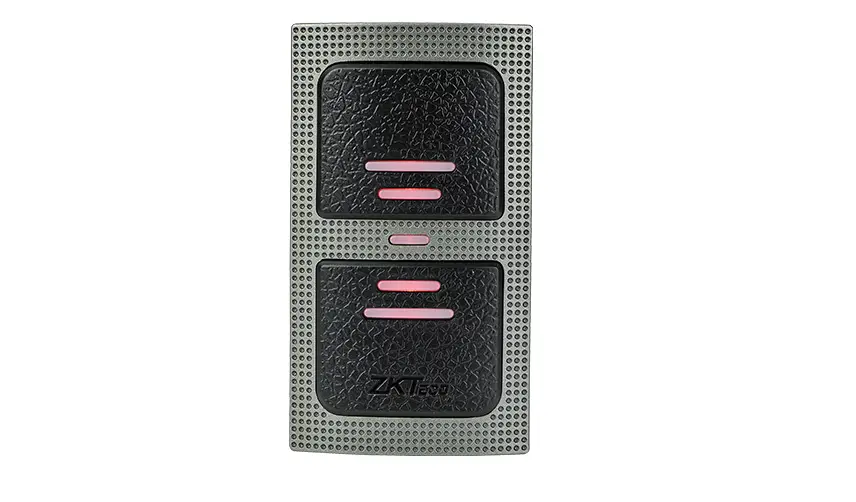
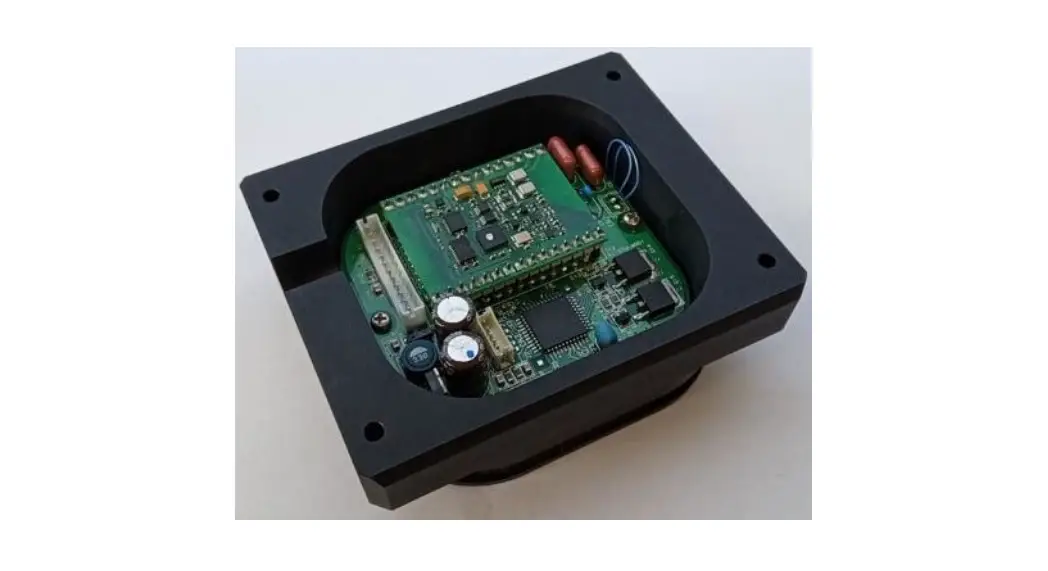
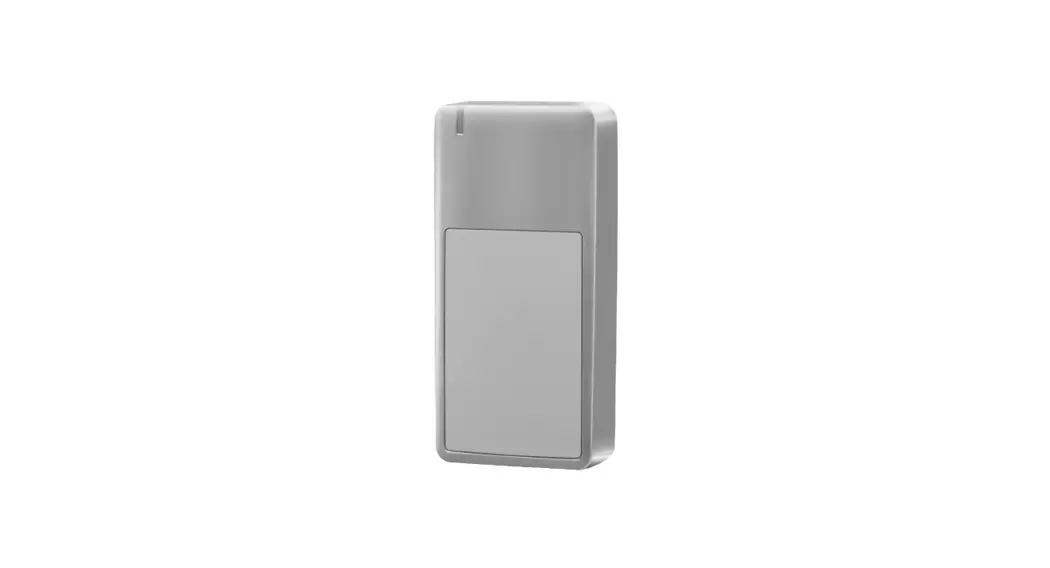
The devices are advanced access control readers with 125KHz &13.56MHz RFID technology. It’s an ideal choice for high-security applications. They are attractively designed with IK10 certification which brings better protection.
The readers are very powerful, can read many types of cards as below:
| Frequency | Card Type |
| 125KHz | HID & EM cards |
| 13.56MHz | NXP Mifare, Mifare Plus, DesFire, Mifare Pro, Mifare UltraLight, Mifare Class 4K and NFC cards |
Specifications
| Operation Voltage | 9-24V DC |
| Standby Current | 550mA |
| Frequency | 125KHz & 13.56MHz |
| Card Type | EM & HID & MIFARE |
| Read Range | 2-6 cm |
| Output Format | Wiegand 26-58 Bits |
| Operating Temperature | -40°C – +60°C (-40°F – 140°F) |
| Operating Humidity | 0% – 98% RH |
| Color | Silver |
| Index of Protection | IK10 and IP66 |
| Dimension | L105 x W49 x H21 (mm) |
| Net Weight | 240g |
| Shipping Weight | 270g |
Installation
 Drill 2 holes (A,C) on the wall for the screws and one hole for the cable
- Knock the rubber bungs to the holes (A,C)
- Fix the back cover on the wall with 2 screws
- Thread the cable though the cable hole (B)
- Attach the unit to the back cover
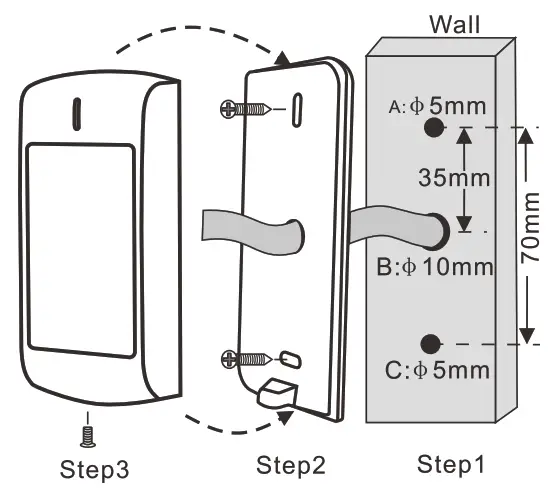 Drill 2 holes (A,C) on the wall for the screws and one hole for the cable
Wiring
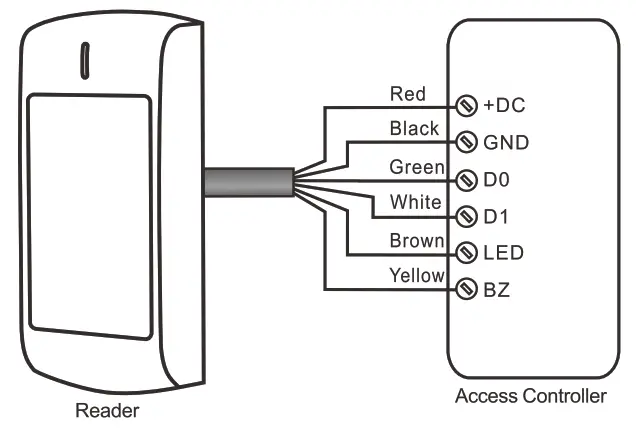
| Color | Function | Notes |
| Red | Power | 9-24V DC |
| Black | GND | Ground |
| Green | DO | Data 0 |
| White | D1 | Data 1 |
| Brown | LED | Green LED Light Control |
| Yellow | Buzzer | Buzzer Control |
Connection

Programming
The readers are equipped with an IR remote control, users can use it to program the Wiegand output format if needed.
6.1 Enter and Exit Program Mode
| Programming Step | Keystroke Combination |
| 1.Enter Program Mode | *(Master Code)# (Factory default is 123456) |
| 2.Exit Program Mode | * |
Note: Master Code can not be changed
6.2 Set Wiegand Format for EM Cards
| Programming Step | Keystroke Combination |
| 1. Enter Program Mode | *(Master Code)# |
| 2. Set Wiegand Format | 1 (26-44) # (Factory default is 26bits) |
| 3. Exit Program Mode | * |
6.3 Set Wiegand Format for HID Cards
| Programming Step | Keystroke Combination |
| 1. Enter Program Mode | *(Master Code)# |
| 2. Set Wiegand Format OR 2. Recognize Card ForrnatAutomatically | 2 (26-37) # 2 0 # (Factory default) |
| 3. Exit Program Mode * |
6.4 Set Wiegand Format for MIFARE Cards
| Programming Step | Keystroke Combination |
| 1. Enter Program Mode | *(Master Code)# |
| 2. Set Wiegand Format OR 2. Recognize Card Format Automatically (4byte card output WG34, 7 byte card output WG58) | 3 (26-44, 56, 58) # (Factory default is Wiegand 34 bits) 3 0 # (Apply for WG34 and WG58 only) |
| 3. Exit Program Mode | * |
Note: WG56 is without parity bits, WG58 is with parity bits.
6.5 Reset to Factory Default
| Programming Step | Keystroke Combination |
| 1.Enter Program Mode | *(Master Code)# |
| 2.Reset to Factory Default | 50 # |
| 3.Exit Program Mode | * |
Function Table Sheet
| Read Card | The LED light will turn into Green, and the buzzer sounds a beep, at the meantime, the reader outputs the Wiegand signal |
| External LED Control | When the input voltage for LED is low, the LED will turn into Green |
| External Buzzer Control | When the input voltage for Buzzer is low, the buzzer will sound |
| Wiegand Data Output | The Wiegand output is 26-58 bits |
Packing List
| Name | Quantity |
| Reader | 1 |
| Manual | 1 |
| IR Remote Control | 1 |
| Screw Driver | 1 |
| Wall Fixing Plugs | 2 |
| Self Tapping Screws | 2 |