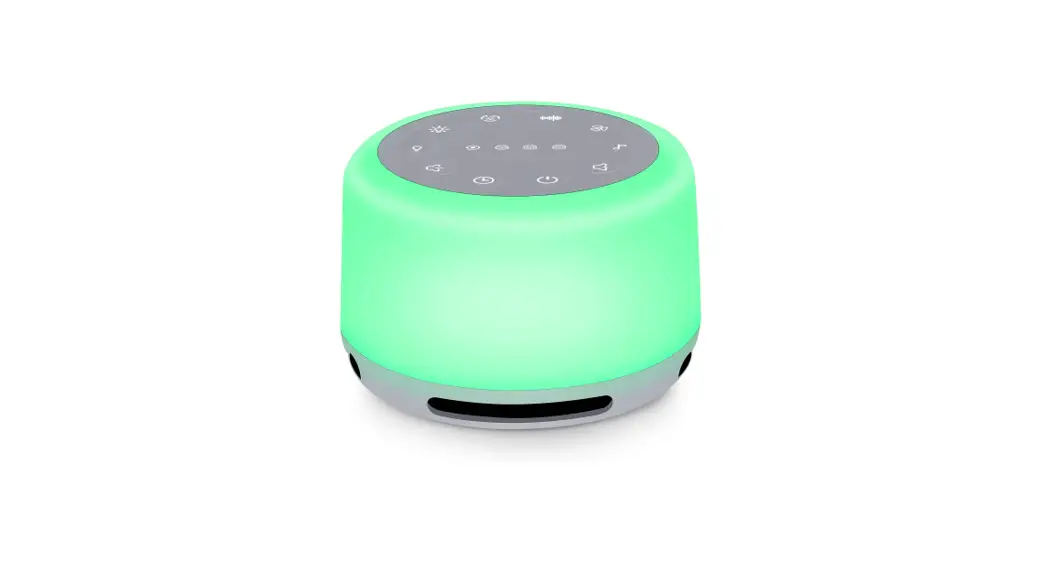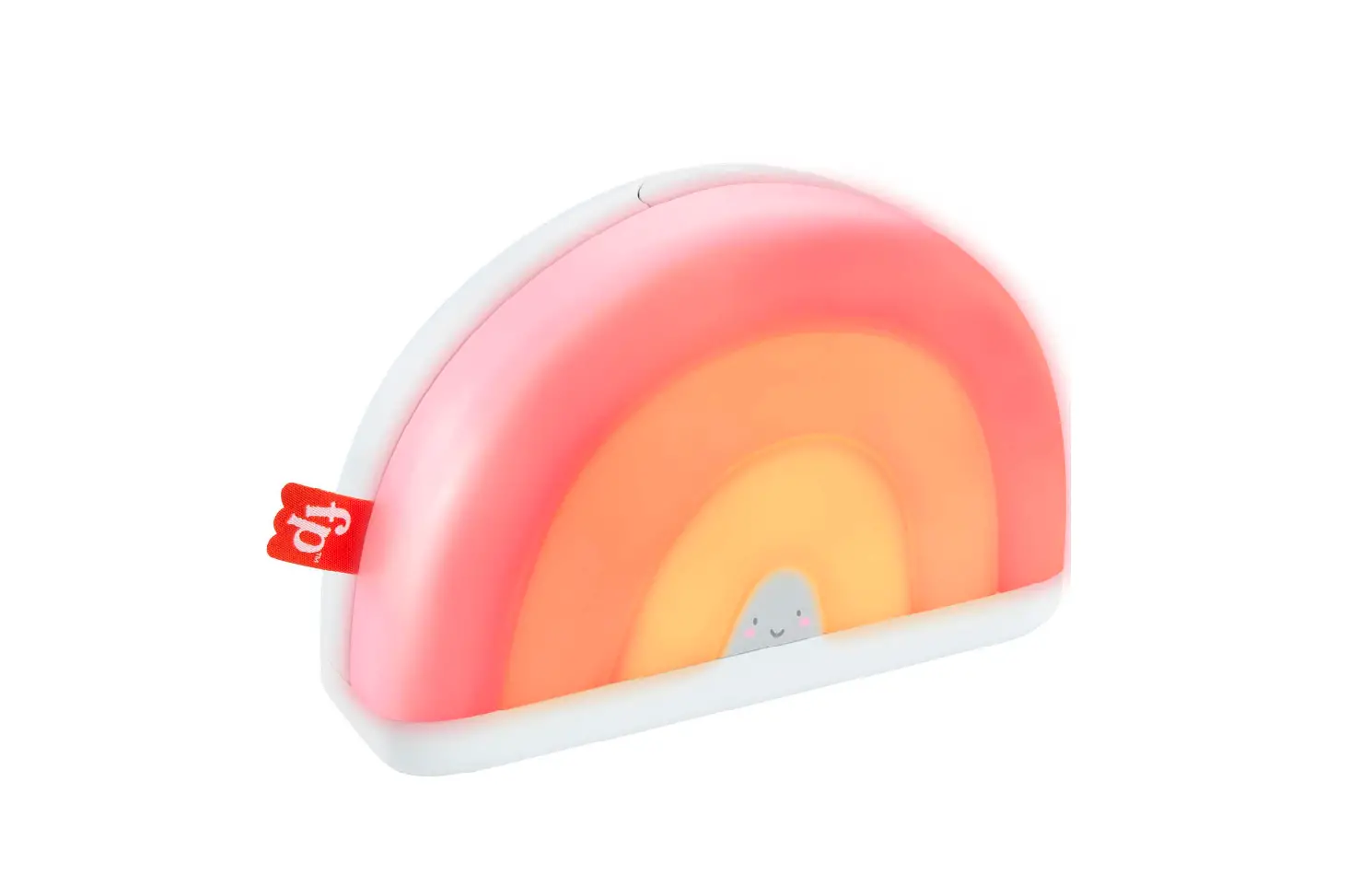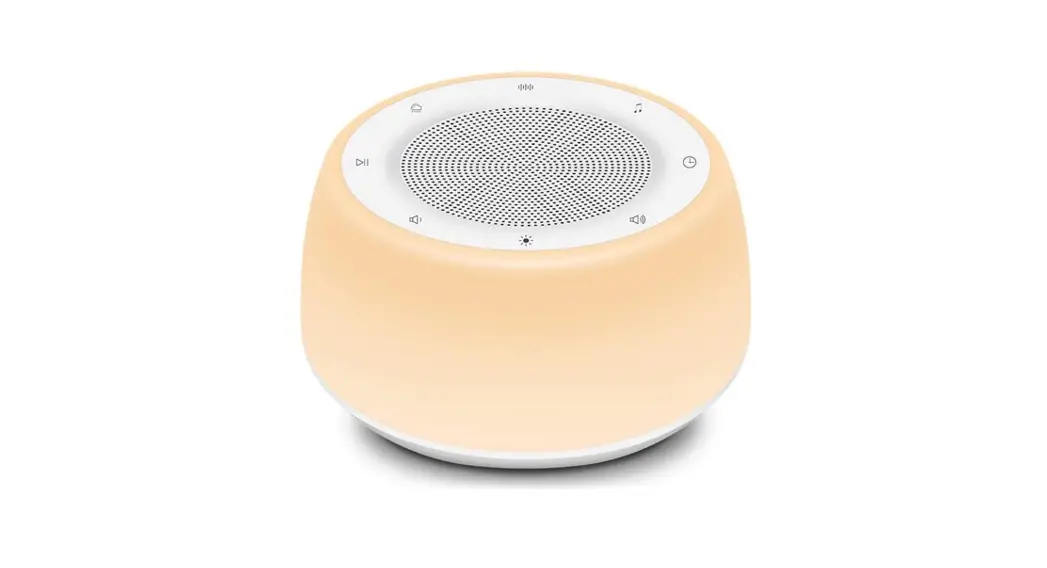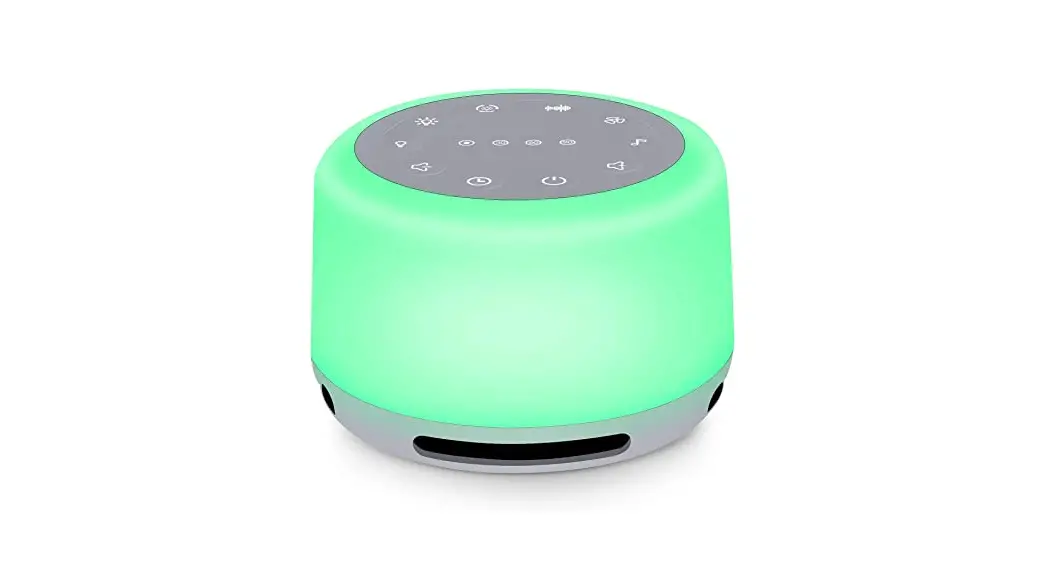

K809 Colour Changing Soothing Sounds
Machine Instructions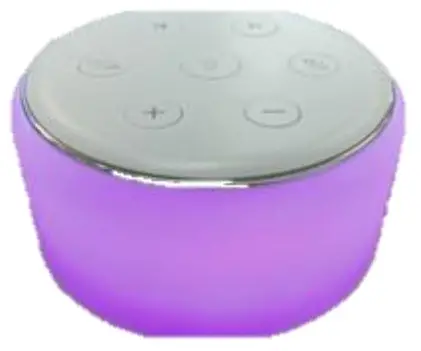
Technical details
Operating Voltage:3.7V Dynamic
Current: Light off <200mA Light
on<400mA
Quiescent Current: 20uA
Speaker: ΦA=40mm 4 Ω 3 W
Power supply: Input DC 5V/1A
Accessories: 1x USB Charging cable
Dimensions
(H) 5.3 x (W) 9 x (L) 9cm
- SOOTHING SOUNDS MACHINE WITH 34 soothing sounds and 9 COLOUR CHANGING NIGHT LIGHT OPTIONS
- FEATURES:
- USB OPERATED
- BRIGHTNESS AND COLOUR CAN BE ADJUSTED in 3 levels
- 32 volume levels
- 5 LEVELS OF TIMING FUNCTION WHICH CAN BE SET FROM 15, 30, 60, 90, 120 MINUTES – max 10-hour continuous use
- POWER OFF
- MEMORY FUNCTION
Parts
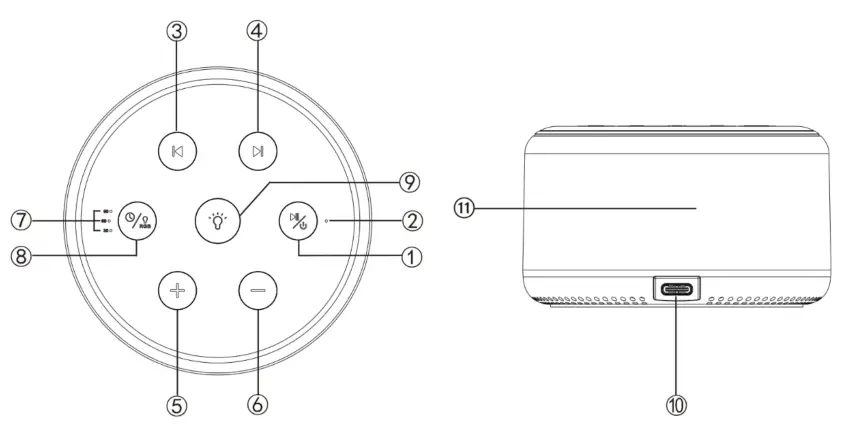
| ①On/off button ②Power Indicator Light ③Previous sound ④Next Sound ⑤Volume Up ⑥Volume Down | ⑦Timer Indicator Light ⑧RGB Light / Timer Button ⑨Night Light /Brightness Switch ⑩Type-C Power Port ⑪Light |
Instruction manual:
Packed with 34 soothing sounds
| 1. Wind | 18. Coffee Shop |
| 2. Rashed | 19. Handbell |
| 3. Light Rain | 20. Wind Chime |
| 4. Moderate Rain | 21. Steamship |
| 5. Thunderstorm | 22. Aircraft |
| 6. Wave | 23. Train |
| 7. Stream | 24. White Noise |
| 8. Bird | 25. Pink noise |
| 9. Cricket | 26. Brown Noise |
| 10. Frog | 27. Clock |
| 11. Fireplace | 28. Buddha |
| 12. Campfire | 29. Lullaby |
| 13. Foetal Monitoring | 30. Music Box |
| 14. Shush | 31. Trinkle Star |
| 15. Wall fan | 32. Moring |
| 16. Fan | 33. Fantasy |
| 17. Floor Fan | 34. Cheerful |
- Power on: Long press
 3-5 seconds.
 - Play and switch on sound: In the default power-on and sound play state and the Power light② is on,long-pressto pause, and press
 to choose previous or next sounds. When the sound is on pause,
 press any button to start playing.
 - Volume: There are 32 volume levels, press
 to increase or decrease the volume when the sound is playing, Long-press to rapidly increase or decrease the volume.
 - Lighting function:
To turn on/off light: short-press ,
,
Light brightness control: Long-press2-4 seconds to adjust the brightness of the light
Light colour control: Short-press to switch on the light colour, the sequence of the light is:
1. Night light, 2. Red, 3. Green, 4. Blue, 5. Yellow, 6. Light blue, 7. Purple, 8. Changing Mode1(colourful), 9. Changing Mode 2(colourful) - Timer function: When there is no timing by default, the lights are displayed in an infinite loop playing.
Long-pressbutton, three timer functions can be set. The corresponding light⑦ is on according to the set time, the machine will turn off automatically when the times are up.
As shown below:
LED 130° on, the countdown to 30mins,
LED 260° the countdown to 60mins
LED 3 90°, the countdown to 90 mins - Turn off: when the machine is on, long press3-5 seconds to turn it off.
- Battery charge: Use the Type-C cable provided to connect the power adapter(not included), and plug in the charging port ⑩ to charge the lithium battery.
- Power indicator status:
Single blue light: Normal startup state (non-charging)
Single blue light flashing: Low battery (non-charging)
Single red light: battery charging (Not on, charging)
Single green light: on standby/full battery( (Not on, charging)
Blue/red light simultaneously on: Normal on and charging status (Charging)
Blue/green light simultaneously on: Normal standby status and full charged (charging) - memory Function: Recording Last Use Status (Volume level, sound Sounds type, light colour and Turnoff time)
The last memory setting will be played by default.
 3-5 seconds.
 to choose previous or next sounds. When the sound is on pause,
 press any button to start playing.
 to increase or decrease the volume when the
 ,
, to switch on the light colour, the sequence of the light is:
FAQs:
– Please check if the battery is too low (Whether the power light ② blue light flashes or lights up) and connect power to try again.
– Please connect the power supply, check whether the indicator light is working, and refer to the indicator light ② status:
– Troubleshooting plan: Check if the power light ② is on blue.
- If there is no blue light on, please press and hold the power switch button for 3 seconds to restart the machine.
When the battery power is lower than 3.3V, the blue light of the machine status light will flash, the sound will be played and the light will be on at the same time. The light will flash when the battery is low, which is a normal phenomenon. Plug in the charger and charge time can prevent reoccurrence.
Precautions:
- No user-serviceable parts.
- Keep dry.
- Keep away from heat.
Cleaning and Maintenance
- Wipe the surface with a soft wet towel. Do not wipe or clean the product with corrosive detergents.
Power connection:
Insert the USB receiver into the energizing port and plug the other end into the power port.
This product is suitable for general USB interface lines, which can be connected to mobile power supplies, computers, ordinary and vehicle-mounted power supplies, etc.
 DISPOSAL
 DISPOSAL
- Coopers of Stortford use recyclable or recycled packaging where possible.
- Please dispose of all packaging, paper, cartons, and packaging in accordance with your local recycling regulations.
- Plastics, polybags – Contain the following recyclable plastic.
Code & Symbol 

Type of Plastic Polypropylene Please Specify (includes ABS, Nylon) Commonly
used forMicrowaveable food containers, yoghurt pots,
butter tubs, disposable plates and cupsCDs, crisp packets, various flexible packaging, baby
bottles, sunglass lensesNotes Commonly recycled and collected from
household recycling bins (packaging tape itself
not recyclable but does not interfere with
cardboard)Not often or widely recycled - At the end of the product’s lifespan please check with your local council-authorised household waste recycling centre for disposal.



The Enterprise Department
UK Head Office, 11 Bridge Street, Bishop’s Stortford, CM23 2JU
Tel: 0844 4824400*, Fax: 01279 756595
www.coopersofstortford.co.uk
EU address: D.S.B. LD, 160 Bd. de Fourmies, 59100 Roubaix, France
Tel: (+44) 1279 701269
*UK Calls cost around 7 pence per minute plus your telephone company’s network access.
Please check with your telephone supplier.
 Coopers of Stortford | Home, Garden and Lifestyle | UK Delivery