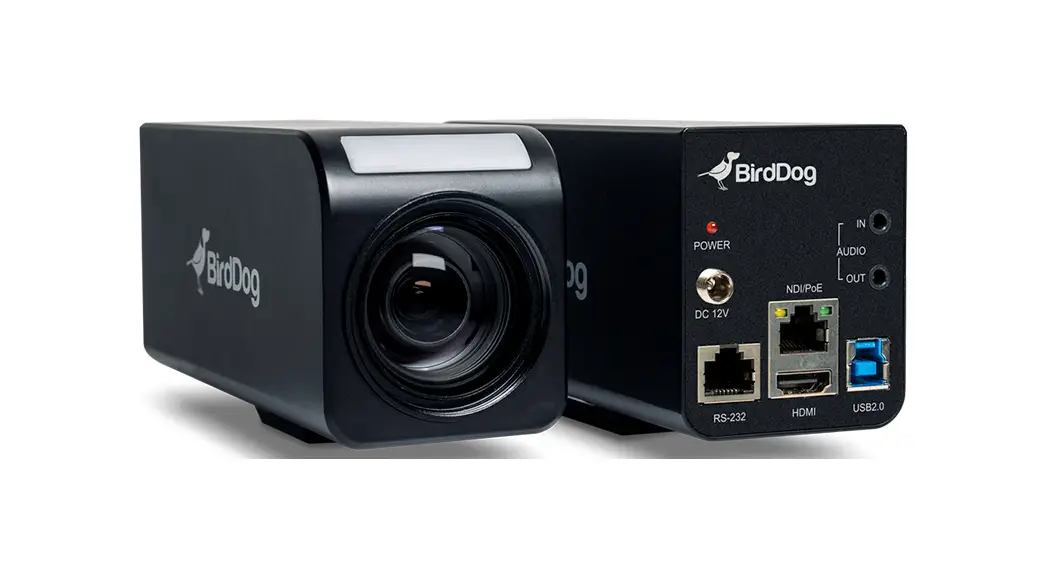
Multiview Welcome To Birddog Multiview User Guide

Multiview Welcome To Birddog Multiview User Guide

MULTIVIEW Welcome to BirdDog Multiview User Guide
MULTIVIEW Welcome to BirdDog Multivew User Guide

Welcome to BirdDog Multivew.
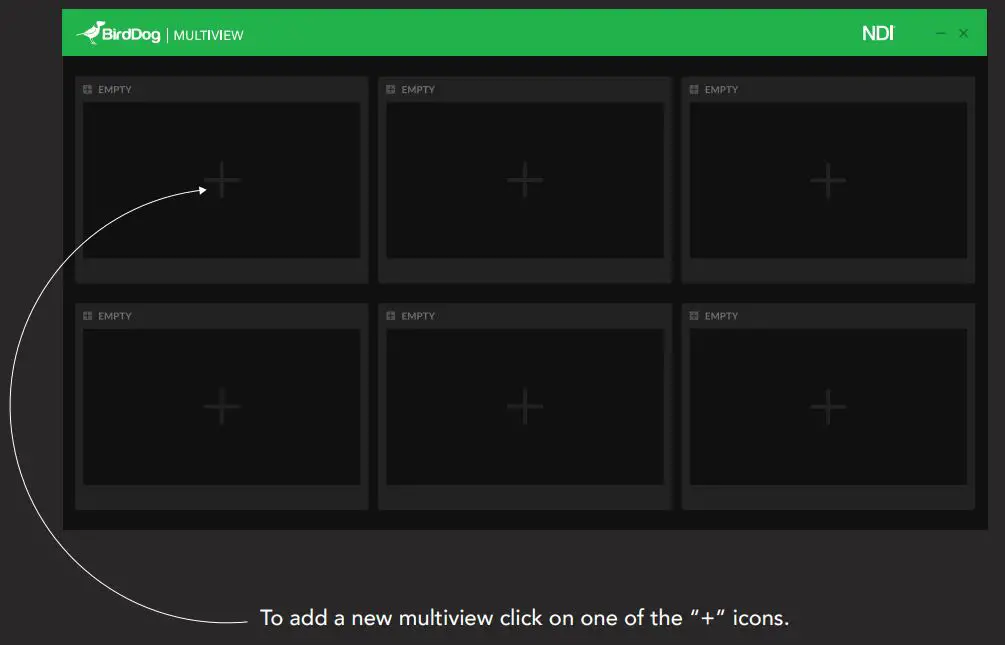
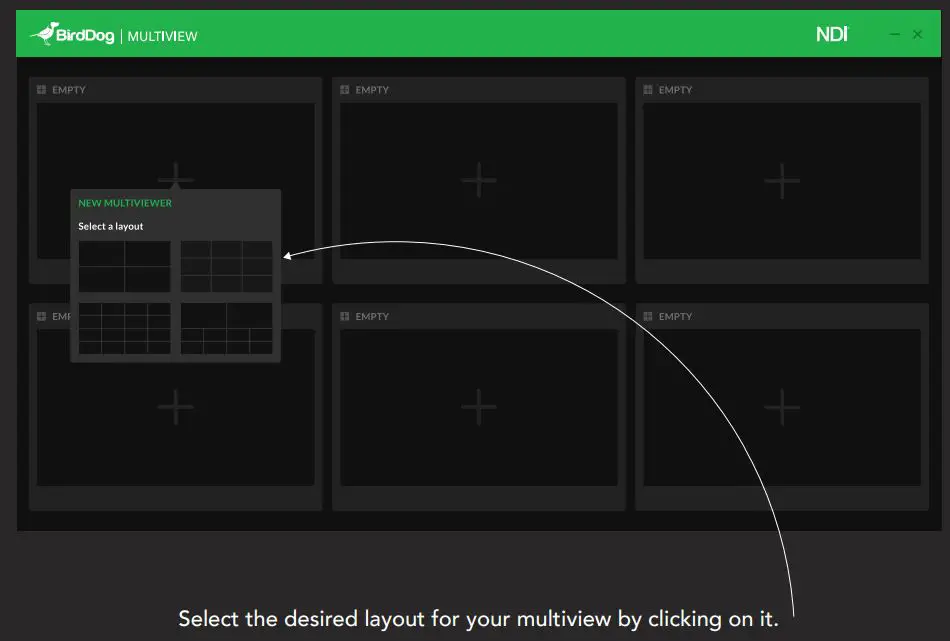
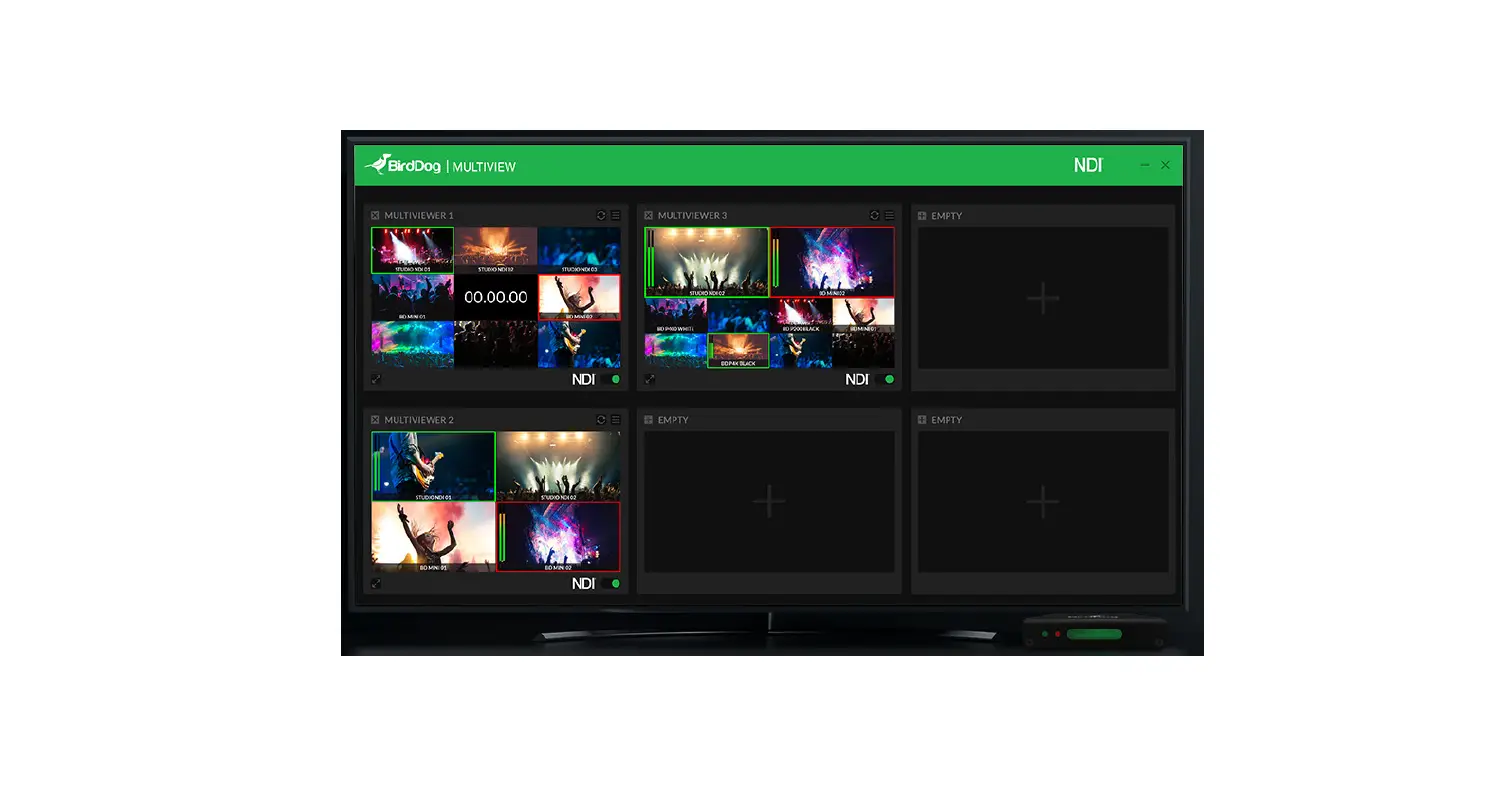
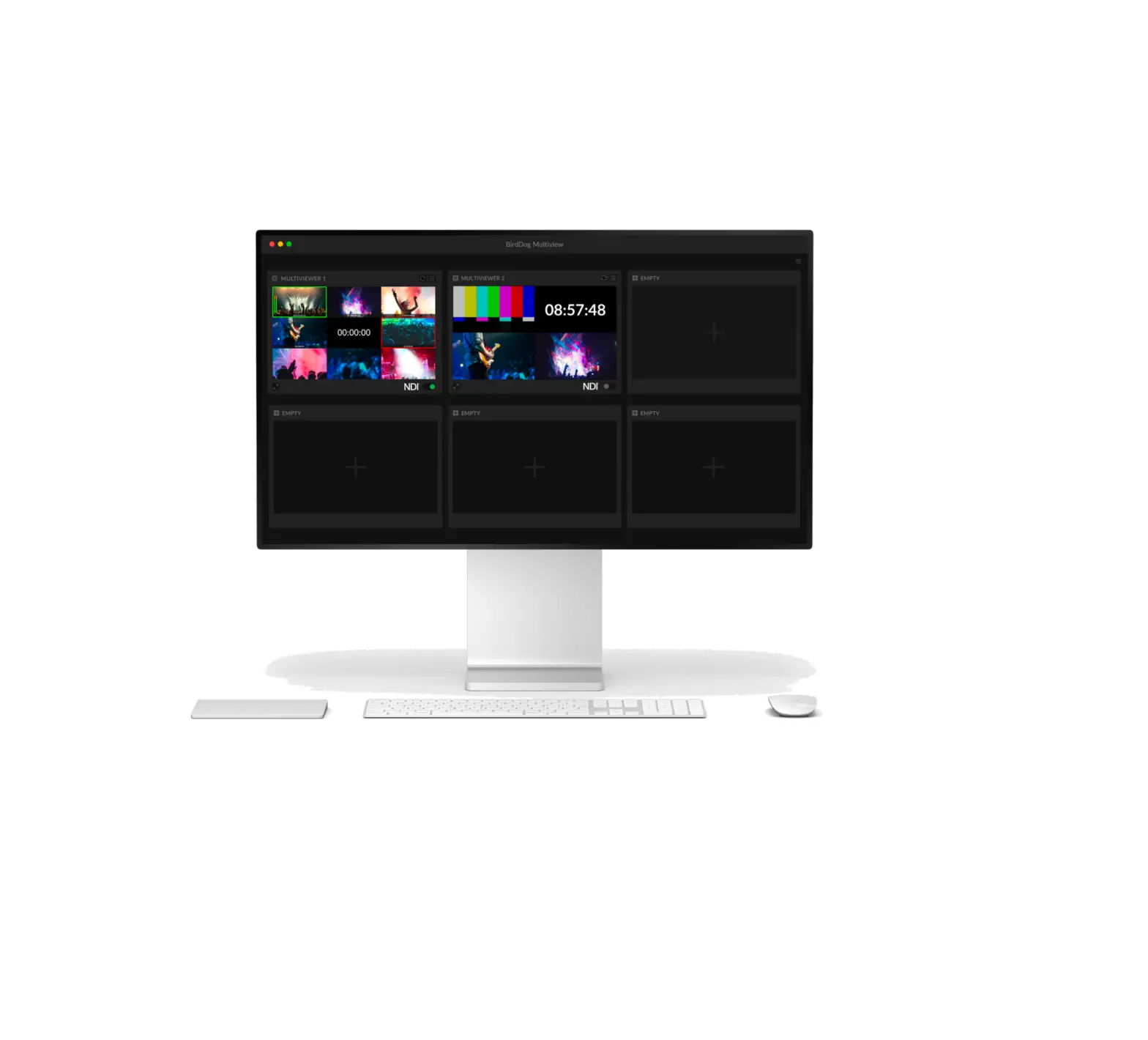
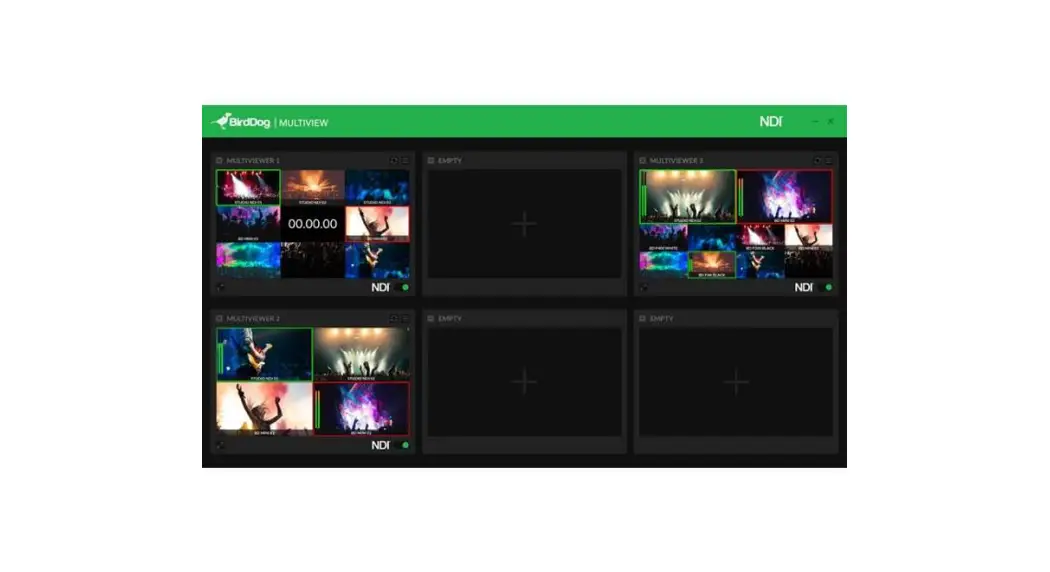
MULTIVIEW Welcome to BirdDog Multivew - To add a new multiview click on one of the

MULTIVIEW Welcome to BirdDog Multivew - Select the desired layout for your multiview by clicking on it

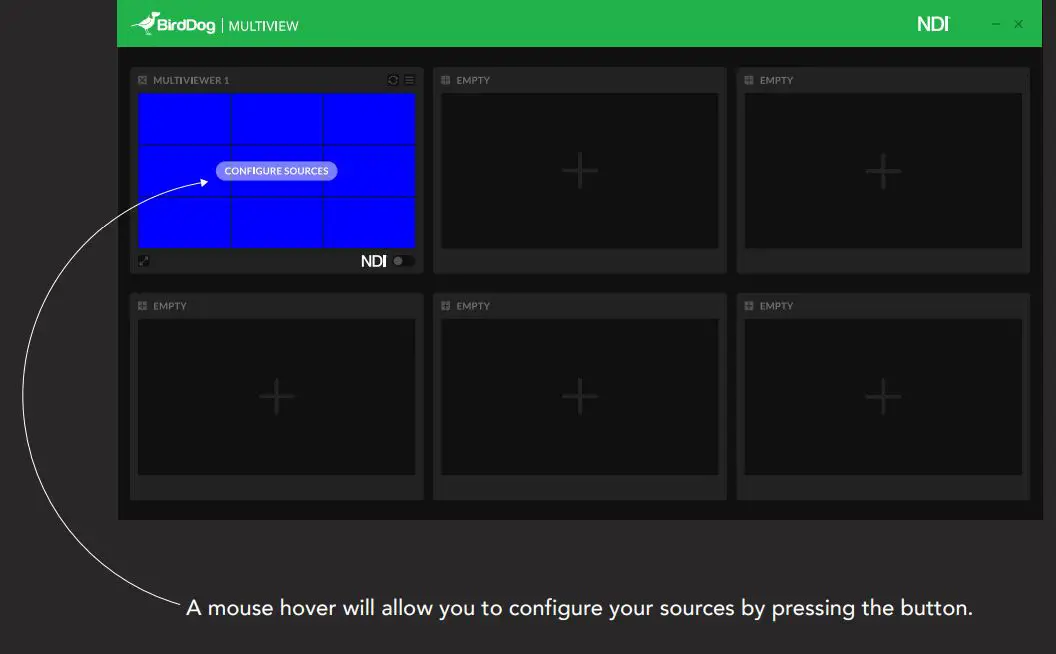
MULTIVIEW Welcome to BirdDog Multivew - A mouse hover will allow you to configure your sources by pressing the button.

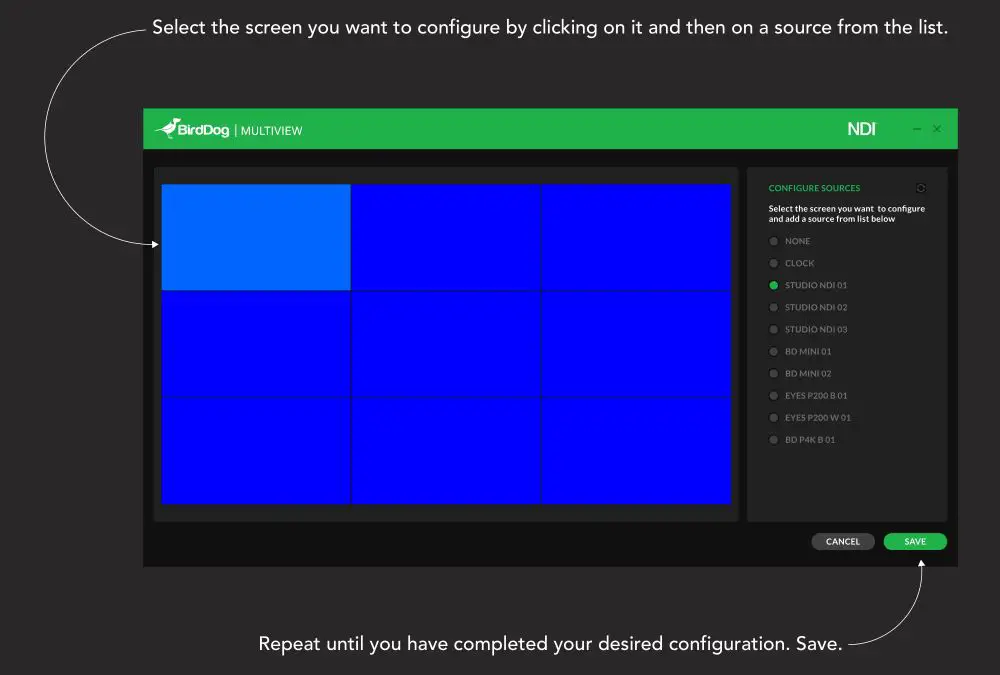
MULTIVIEW Welcome to BirdDog Multivew - Select the screen you want to configure

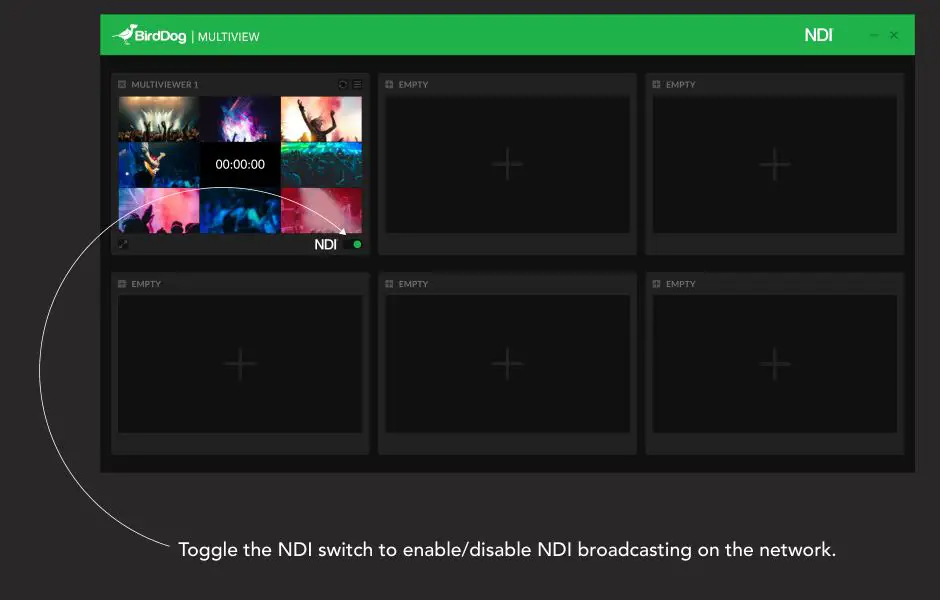
MULTIVIEW Welcome to BirdDog Multivew - Toggle the NDI switch to enable,disable ND broadcasting on the network

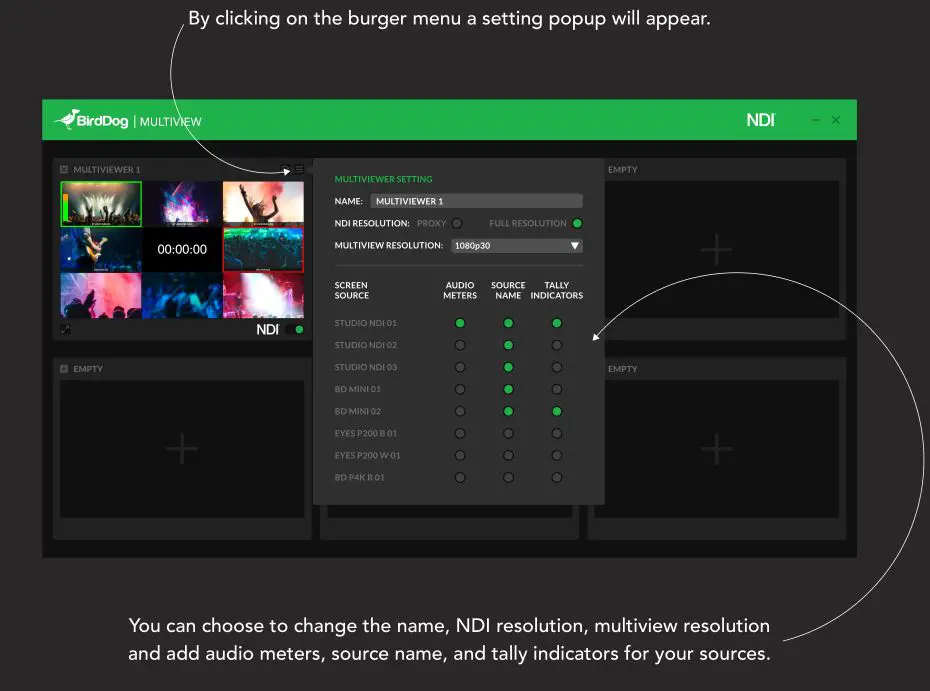
MULTIVIEW Welcome to BirdDog Multivew - By clicking on the burger menu a setting popup will appear

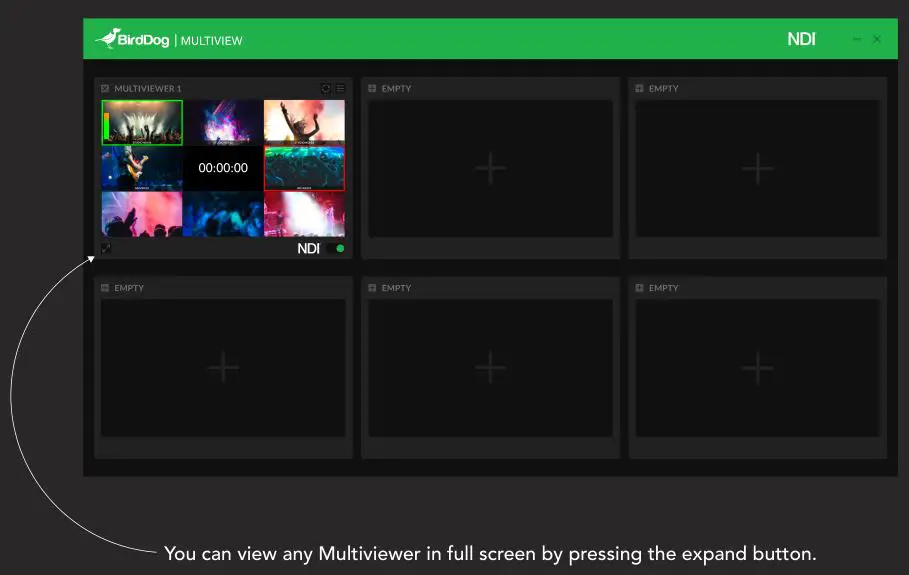
MULTIVIEW Welcome to BirdDog Multivew - You can view any Multiviewer in full screen by pressing the expand button

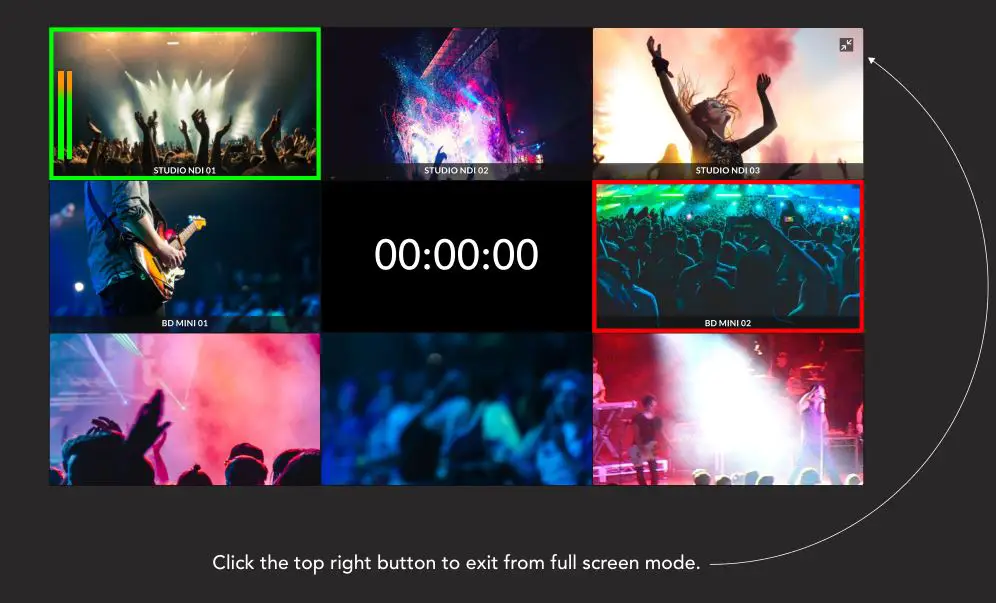
MULTIVIEW Welcome to BirdDog Multivew - Click the top right button to exit from full screen mode

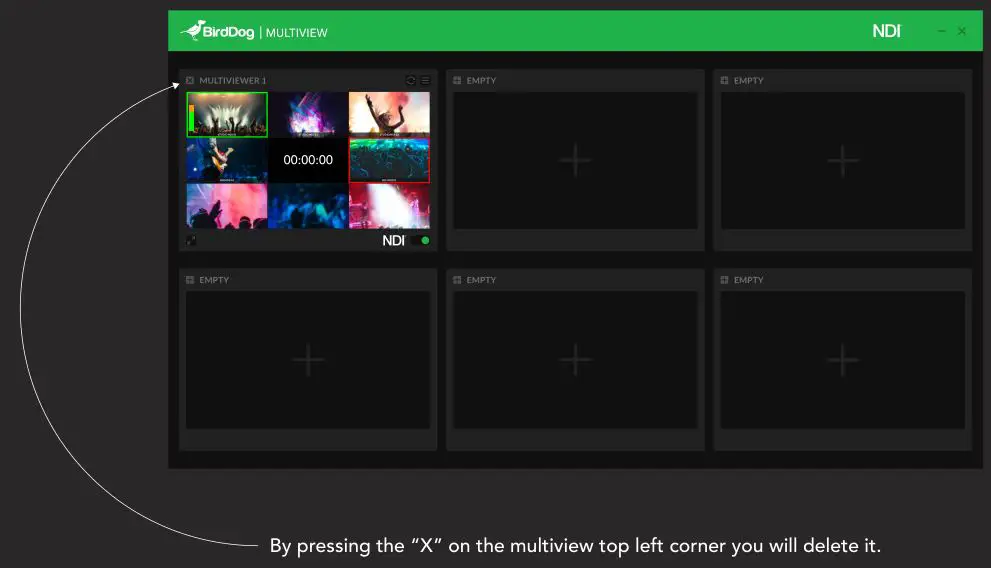
MULTIVIEW Welcome to BirdDog Multivew - By pressing the “X” on the multiview top left corner you will delete it

Documents / Resouces

Download manual
Here you can download full pdf version of manual, it may contain additional safety instructions, warranty information, FCC rules, etc.
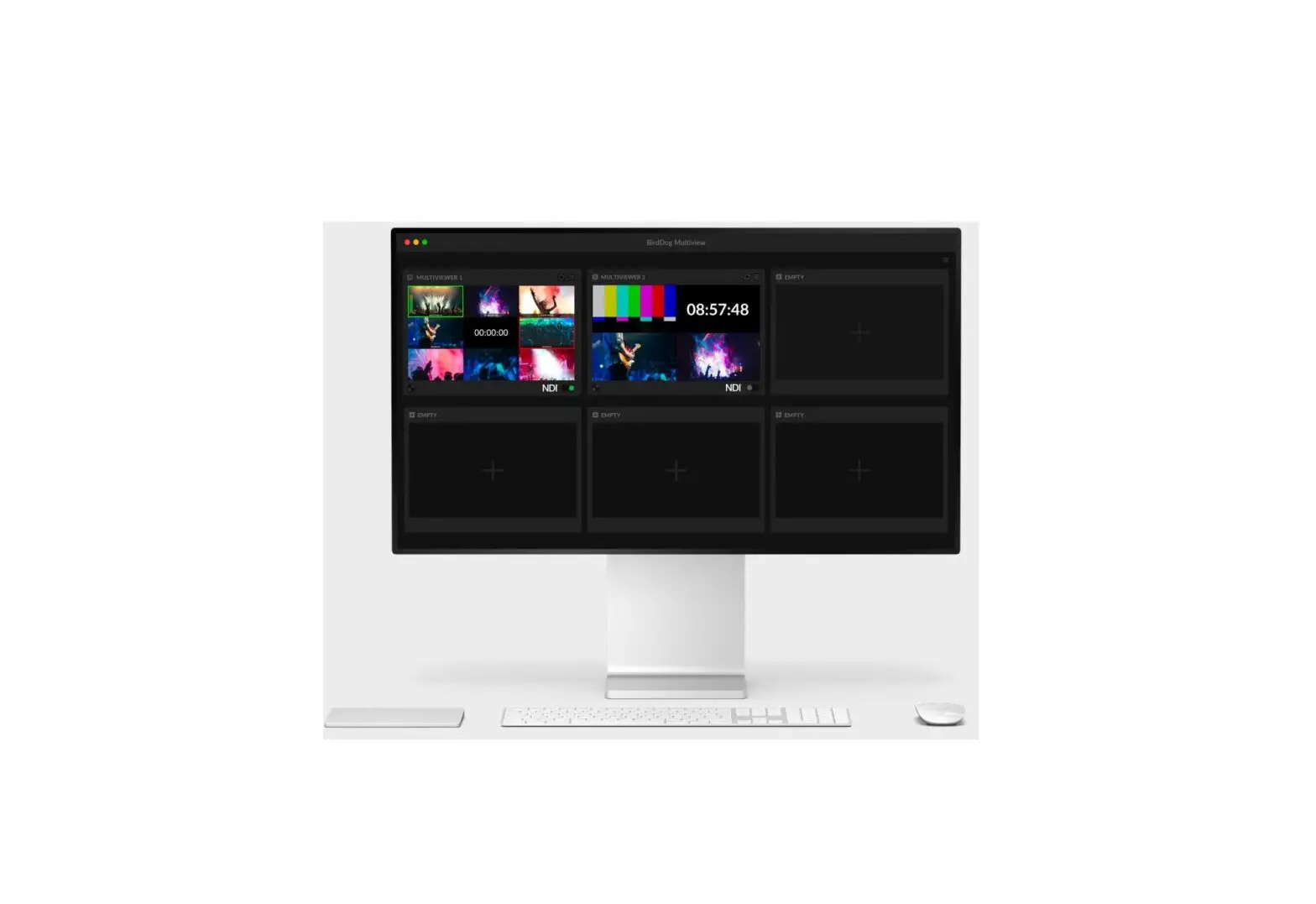
Related Manuals