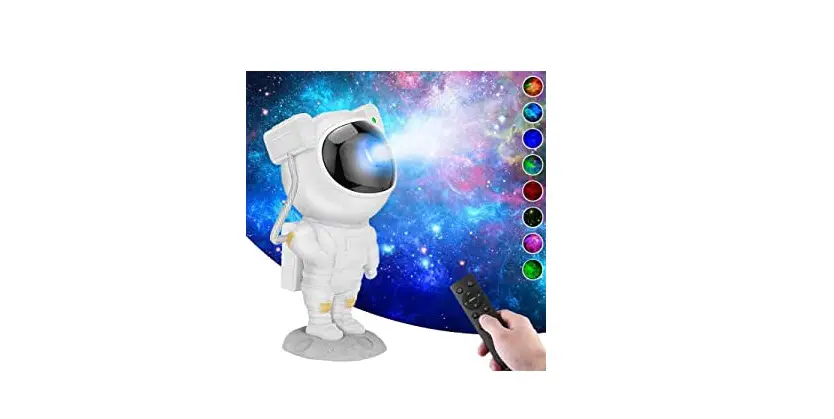
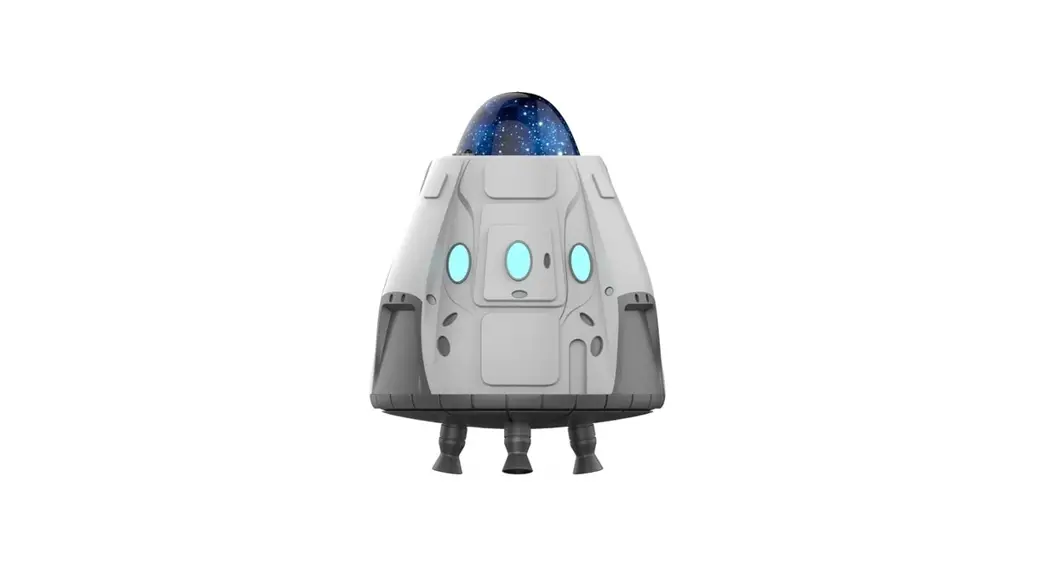
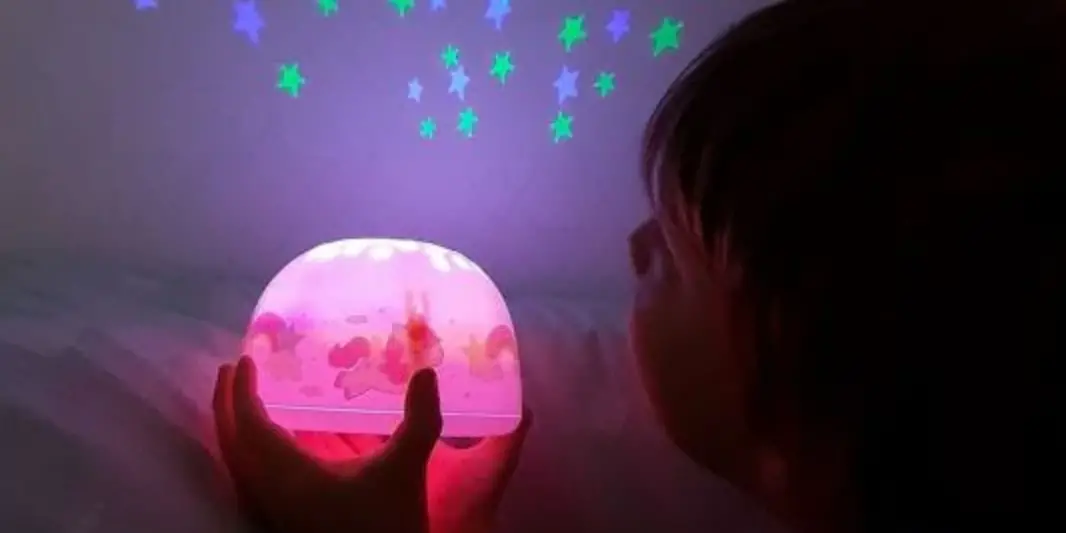
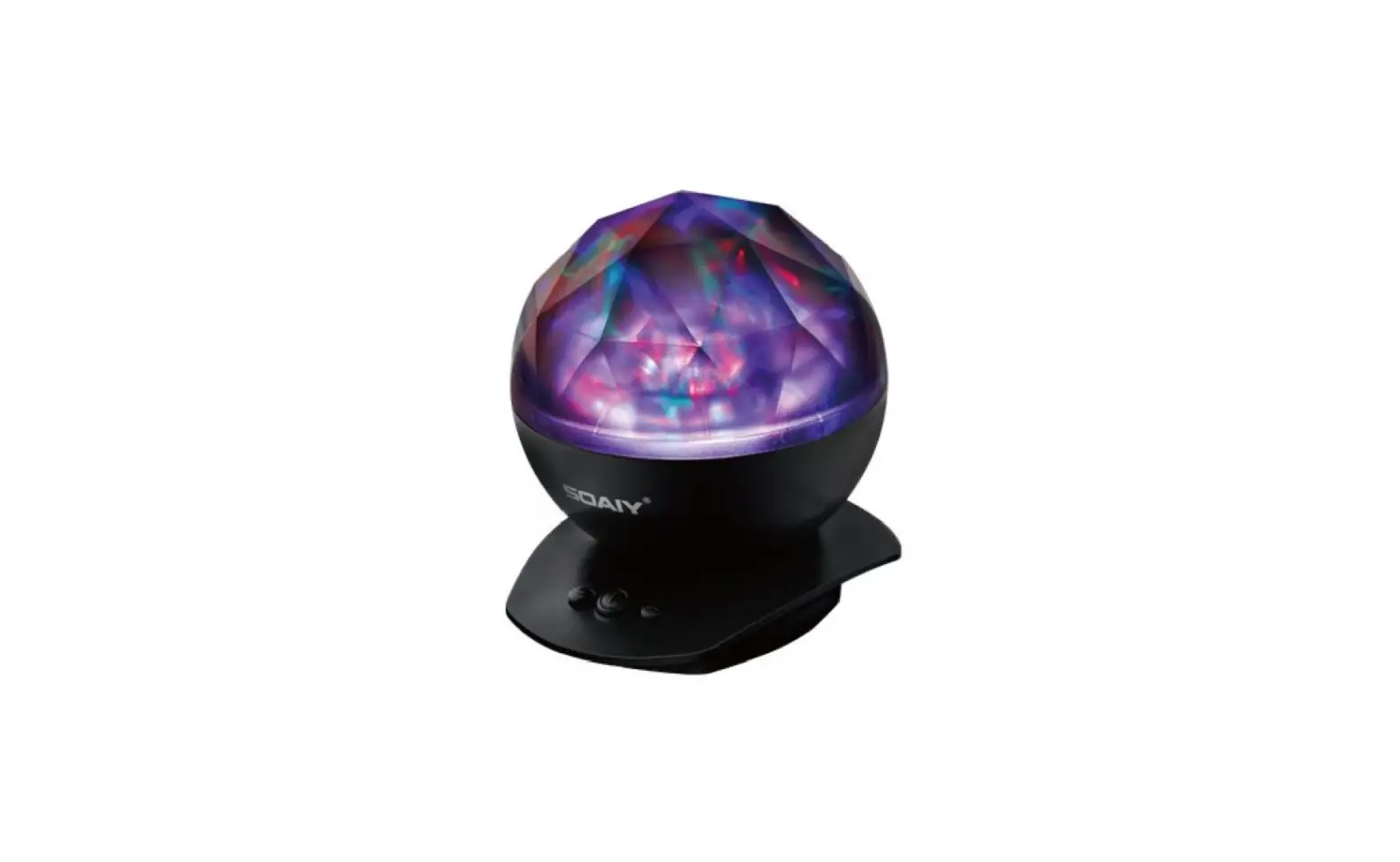
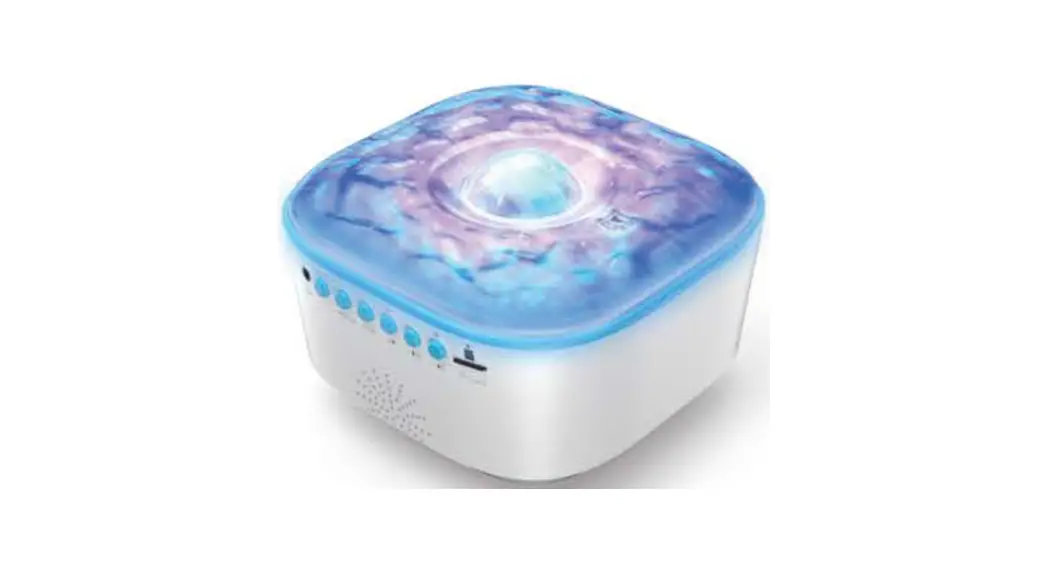
FCTYD Spaceship Projector Lamp
Product Information
Product Name: Spaceship Projector Lamp
Product Material: ABS+PC
Lampshade Material: PS
Light Source: LED x 3
Work Input: 5V 2A
Work Power: 10W
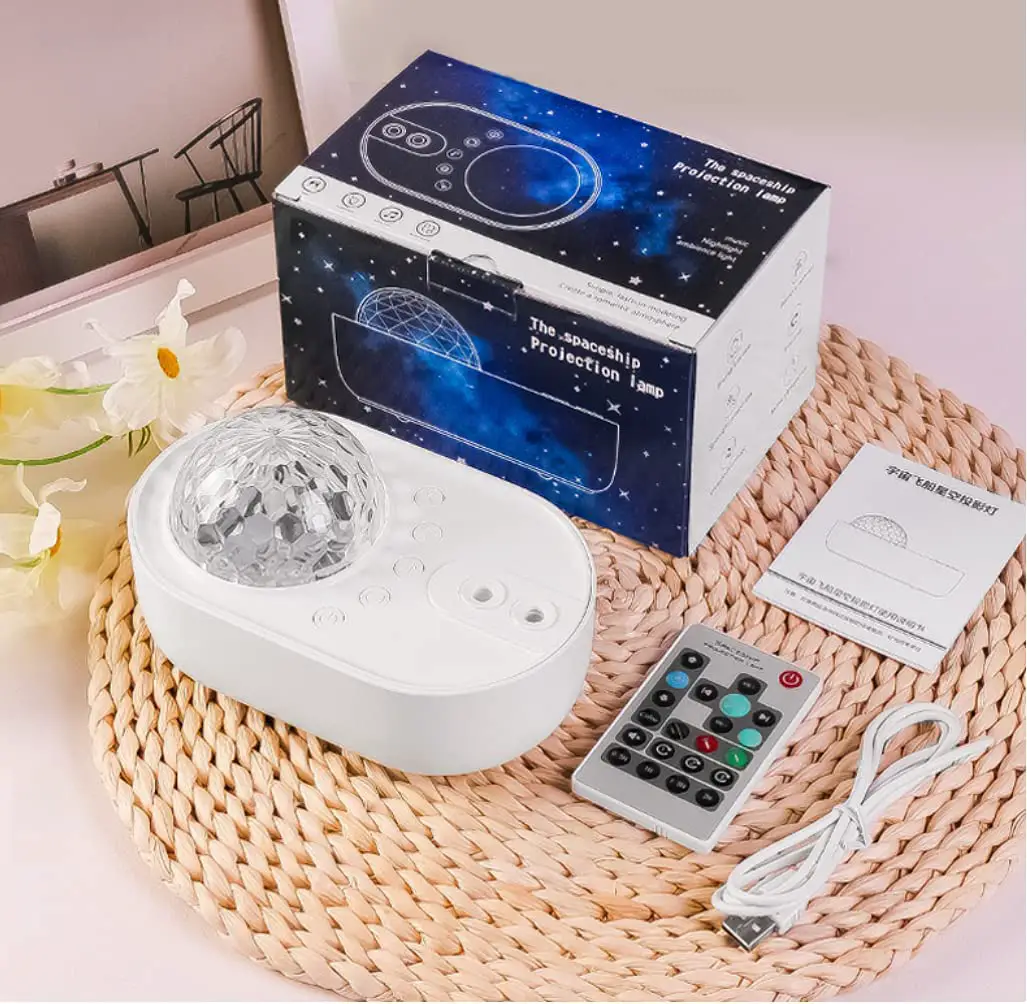
Control Method: Remote Control & Button
Laser Wavelength: 532nm
Laser Power: 0.3mw
Product Usage Instructions
Attention: The light source of the spaceship
lamp projector is strong. Please do not stare at the light source
for a long time when the spaceship projection lamp is in projection
mode.
Power On/Off: Use the Type-C power supply
interface (5V 2A) to turn on or off the projector lamp.
Projector Lamp Mode: Press the Projector on/off
button to switch to the projector lamp mode.
Laser On/Off: Press and hold the Laser on/off
button to turn the laser on or off.
15 Colors Mode: Press the Laser on/off button
to switch between different colors.
Volume Control: Press and hold the previous
track button to turn up the volume, and press and hold the next
track button to turn down the volume.
Remote Control Introductions:
- Closed for 1 hour: Shut down after one hour. The light flashes
once to indicate the setting is successful. - Closed for 2 hours: Shut down after two hours. The light
flashes once to indicate the setting is successful. - Closed for 4 hours: Shut down after four hours. The light
flashes once to indicate the setting is successful. - Dimming: Press the Dimming + or Dimming – button to adjust the
brightness. - Volume Control: Long press the PREV button to increase the
volume, and long press the NEXT button to decrease the volume. - Rhythm On/Off: Press the Rhythm on/off button to turn on or off
the rhythm mode. - LED On/Off: Press the LED on/off button to turn on or off the
LED lights. - SMOOTH Mode: Press the SMOOTH mode button to activate the
smooth lighting effect. - Timing 1H: Set the lamp to shut down after one hour.
- Timing 2H: Set the lamp to shut down after two hours.
- Timing 4H: Set the lamp to shut down after four hours.
- FADE Mode: Press the FADE mode button to activate the fading
lighting effect. - FLASH Mode: Press the FLASH mode button to activate the
flashing lighting effect. - 1-11 LED Color Modes: Use the number buttons to select
different LED color modes.
Notice: Please be careful not to let the cable
plug press the button next to it.
Safety Caution:
- FCC Caution: This equipment complies with FCC radiation
exposure limits set forth for an uncontrolled environment. - RF Warning for Mobile Device: This equipment should be
installed and operated with a minimum distance of 20cm between the
radiator and your body.
Servers: 24 Hours online, just for your
satisfaction!
God Created Light, Show the Beauty of
Light.
Spaceship Projector Lamp
Atention
The light source of the spaceship lamp project is strong,please do not stare at the light source for a long time when spaceship projection lamp is in projection mode.
press to switch to previous trackpress and hold to turn up the volume
Laser on/off 15 Colors Mode
press to switch to next track press and hold to turn down the volume
Power switch Type-C power supply interface(5V 2A)
Projector Lamp Mode
Remote Control Introductions
Closed for 1 hours: Shut down after one hour, the light flashes once means the setting is successful.
Closed for 2 hours: Shut down after two hours, the light flashes once means the setting is successful.
Power on/off
Rotate on/off Red
PREV Long press: Volume + Rhythm on/off Blue Laser on/off LED on/off SMOOTH mode Timing 1H Timing 2H
Dimming +
Greet
NEXT Long press:
Volume –
Dimming White
Projector on/off
FADE mode Timing 4H
FLASH mode
1-11 LED Color modes
Closed for 4 hours: Shut down after four hours, the light flashes once means the setting is successful.
Product Information
Product material: LED Lampshade material: Light Source: Work Input: Work Power: Control Method: Laser wavelength: Laser Power:
ABS+PC PS LED x 3 5V 2A 10W Remote control&Button 532nm 0.3mw
Spaceship Projector Lamp
Package List: 1×Spaceship Projector Lamp 1×Wooden Mount 1×USB Type-C Charging Cable (5 ft) 1×Remote Control(2*AAA batterys, included) 1×User Manual
Notice:
Please be careful not to let the cable plug press the button next to it
Servers: 24 Hours online, just for your satisfaction!
God Created Light, Show the Beauty of Light.
FCC Caution.
(1)§ 15.19 Labelling requirements. This device complies with part 15 of the FCC Rules. Operation is subject to the following two conditions: (1) This device may not cause harmful interference, and (2) this device must accept any interference received, including interference that may cause undesired operation. § 15.21 Changes or modification warning Any Changes or modifications not expressly approved by the party responsible for compliance could void the user’s authority to operate the equipment. § 15.105 Information to the user. Note: This equipment has been tested and found to comply with the limits for a Class B digital device, pursuant to part 15 of the FCC Rules. These limits are designed to provide reasonable protection against harmful interference in a residential installation. This equipment generates uses and can radiate radio frequency energy and, if not installed and used in accordance with the instructions, may cause harmful interference to radio communications. However, there is no guarantee that interference will not occur in a particular installation. If this equipment does cause harmful interference to radio or television reception, which can be determined by turning the equipment off and on, the user is encouraged to try to correct the interference by one or more of the following measures: -Reorient or relocate the receiving antenna. -Increase the separation between the equipment and receiver. -Connect the equipment into an outlet on a circuit different from that to which the receiver is connected. -Consult the dealer or an experienced radio/TV technician for help.
RF warning for Mobile device: This equipment complies with FCC radiation exposure limits set forth for an uncontrolled environment. This equipment should be installed and operated with minimum distance 20cm between the radiator & your body.